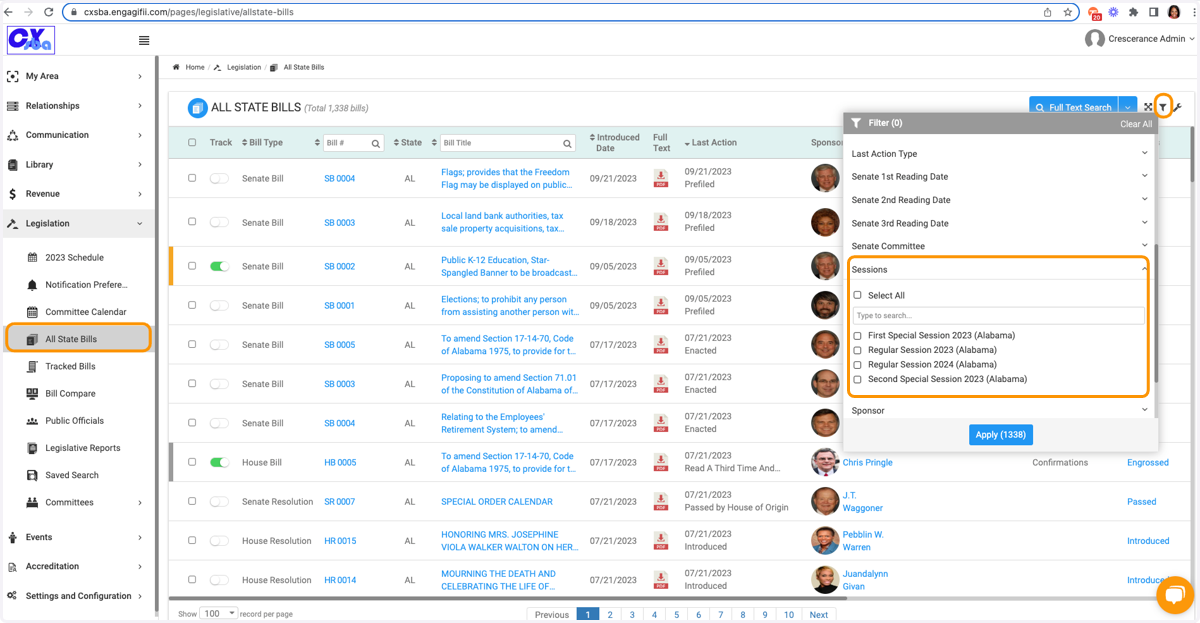
Managing Legislative Sessions on your workspace
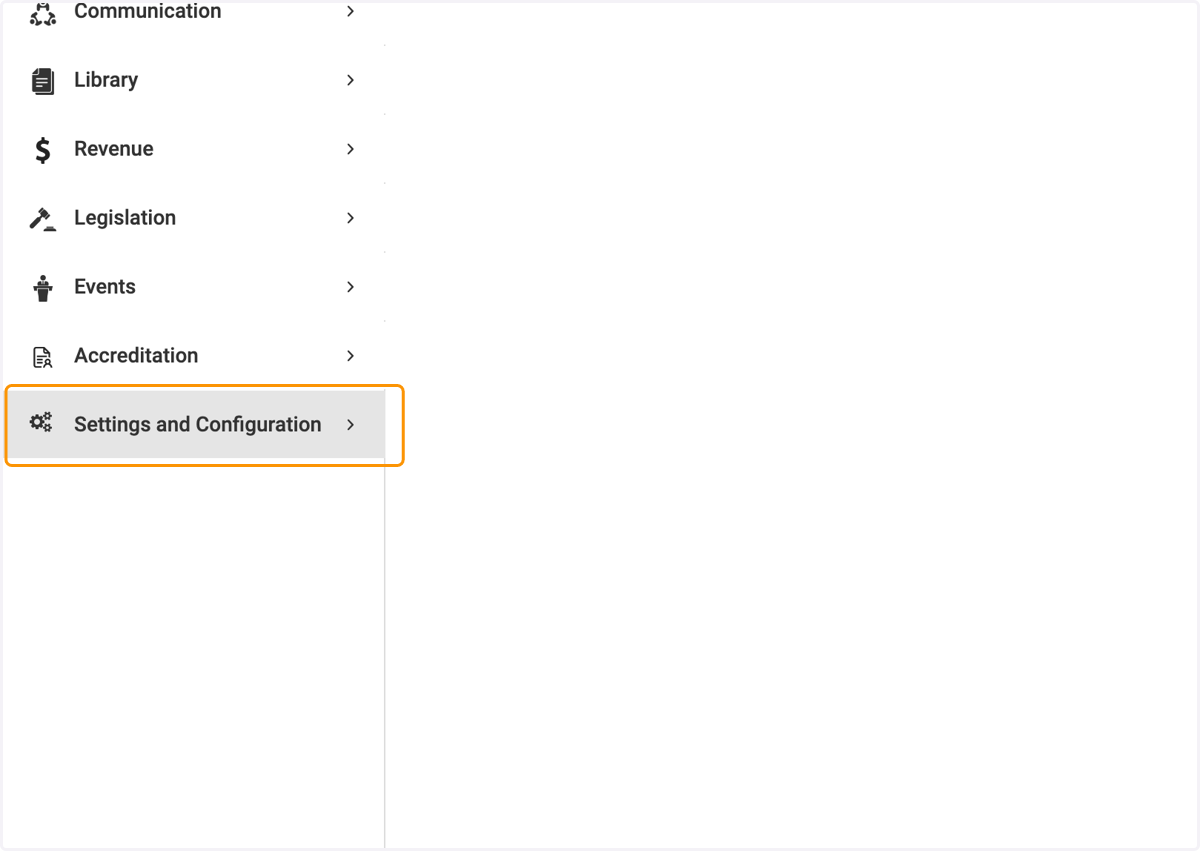
1. Click on Settings and Configuration
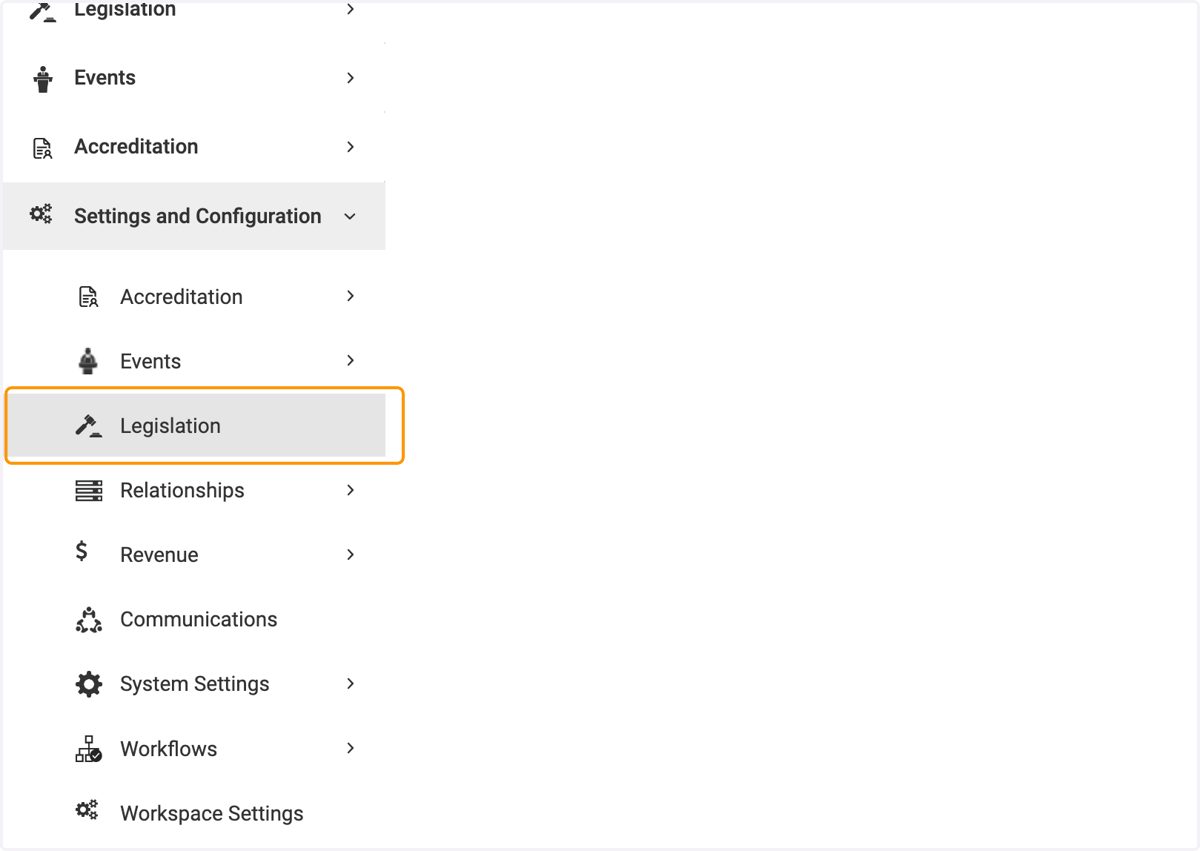
2. Click on Legislation
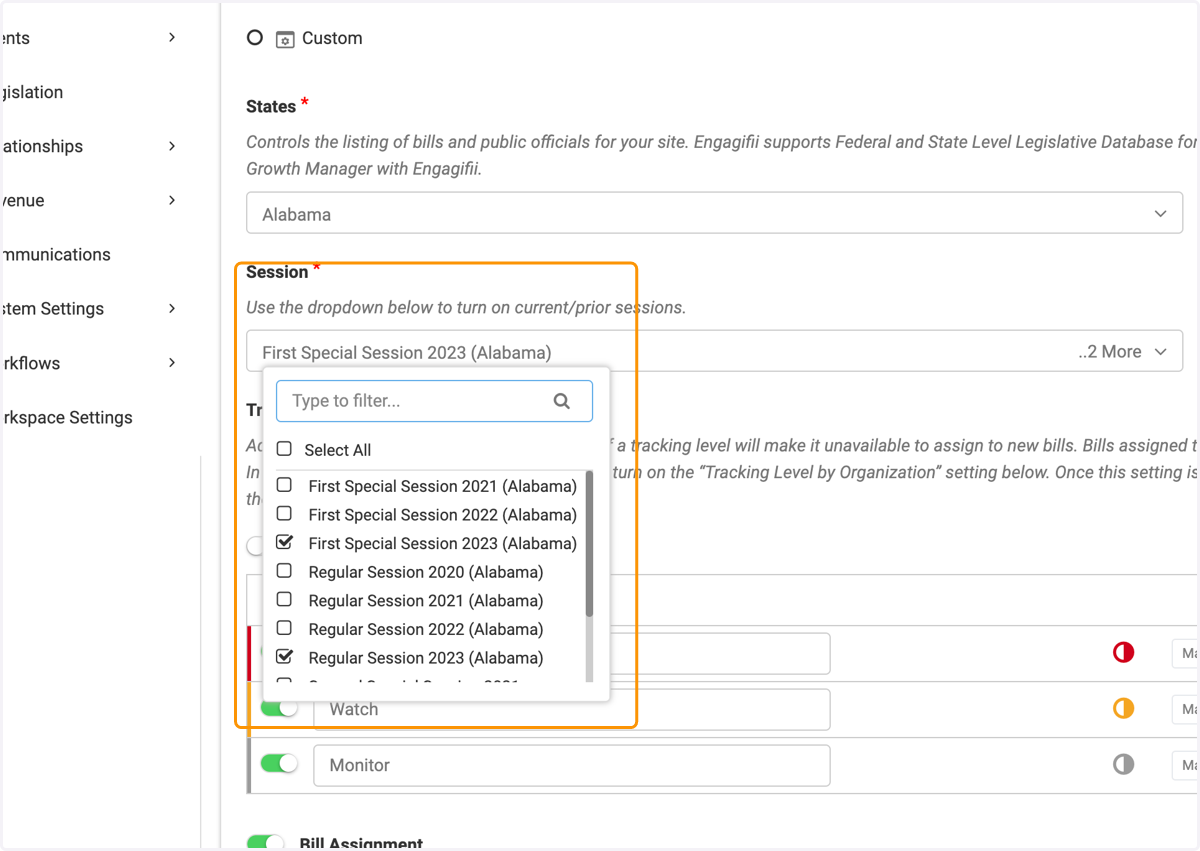
3. Scroll down to the Session Field
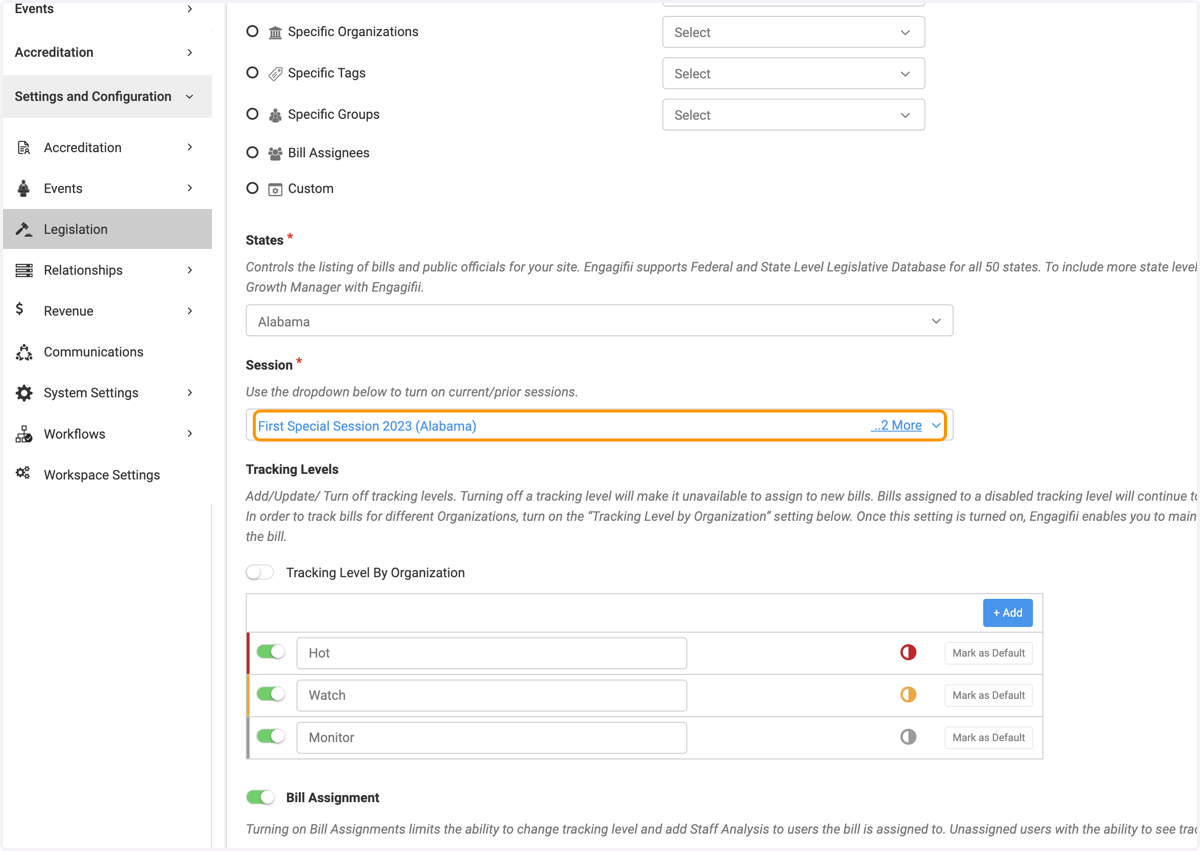
4. Click on the specific sessions you wish to add or remove
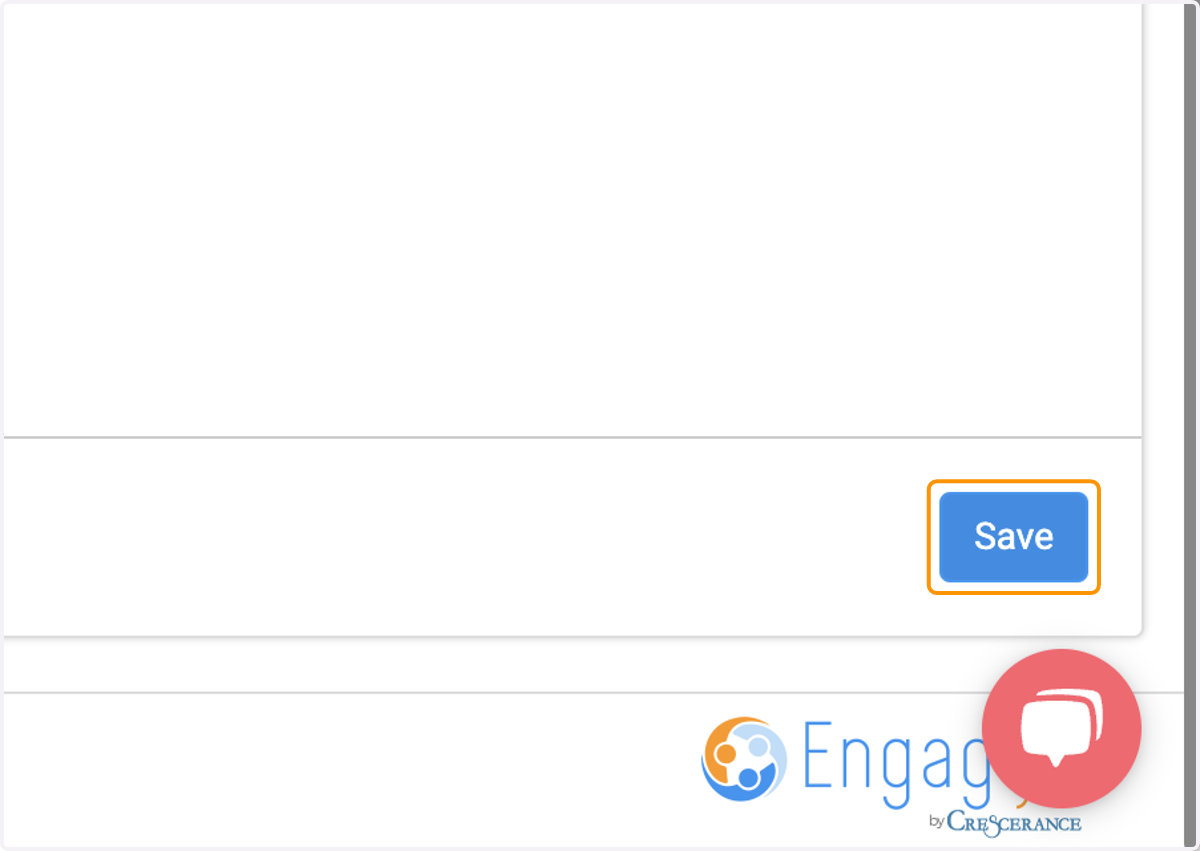
5. Click on Save
6. From the All Bills page, you can then filter by session to see only those bills from the session(s) you have turned on.