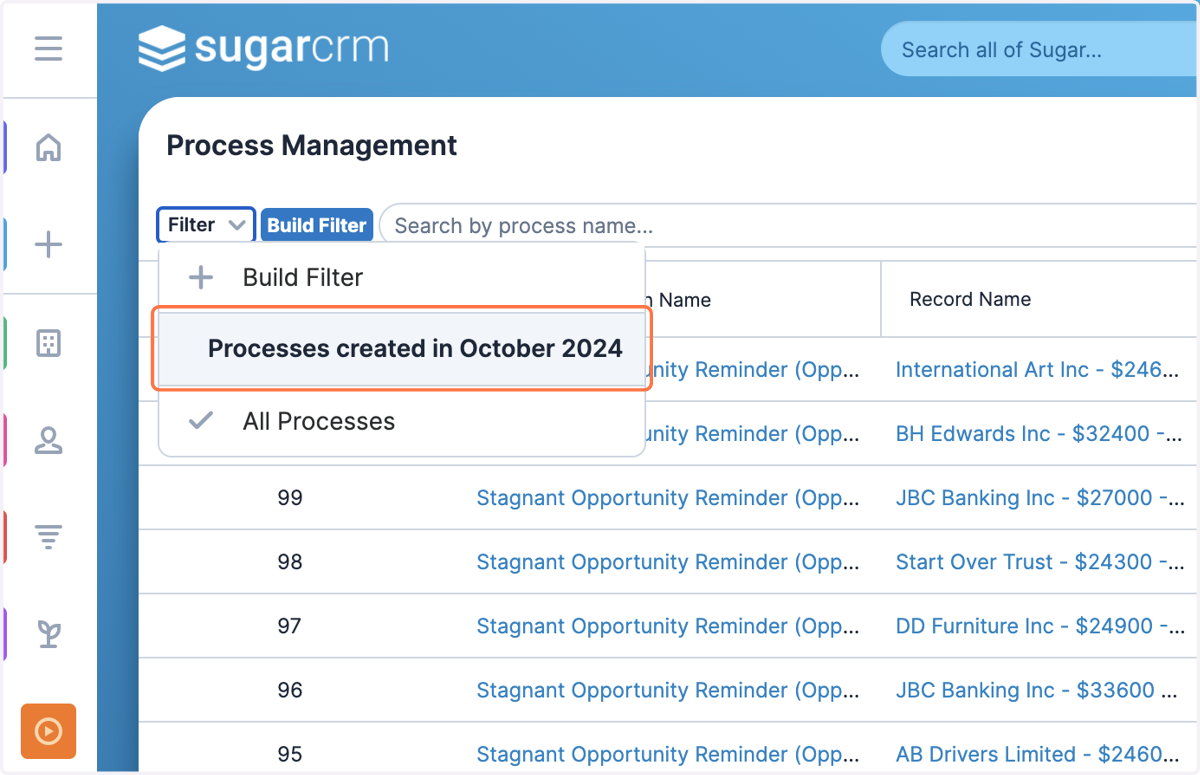
Saving a Process Management Filter
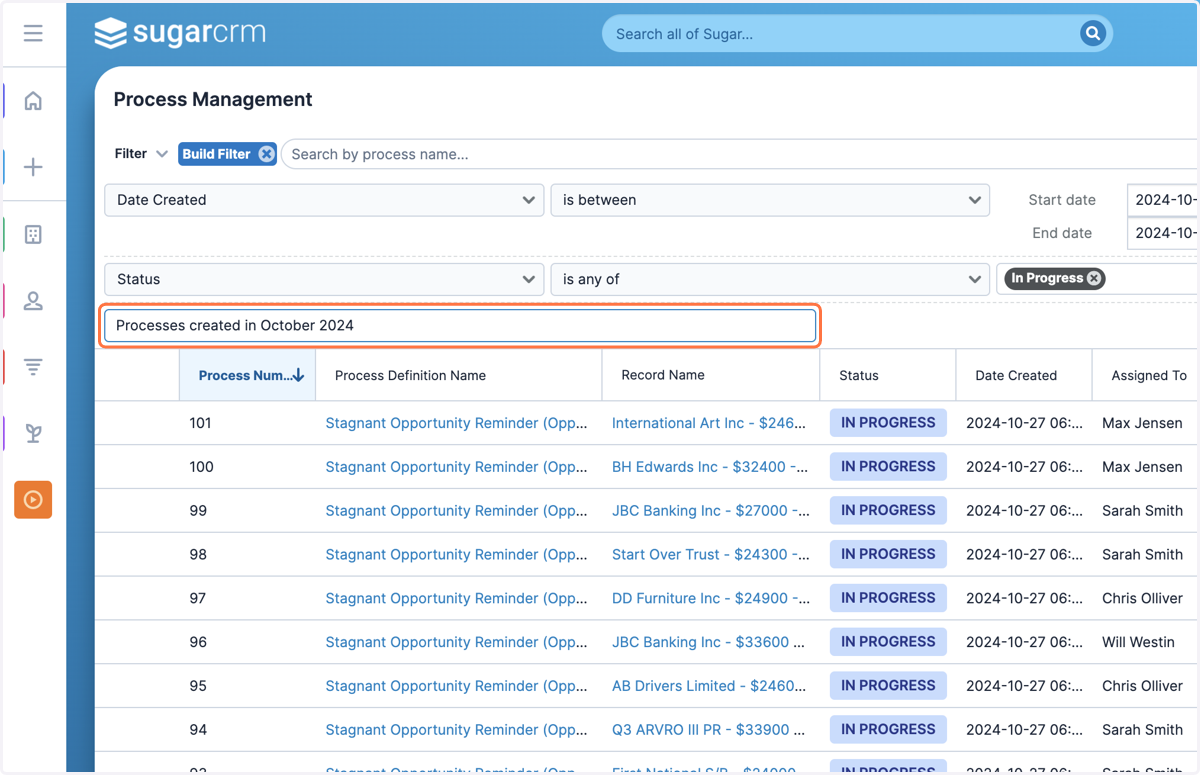
1. Use the 'Enter new filter name...' field and give your filter a name
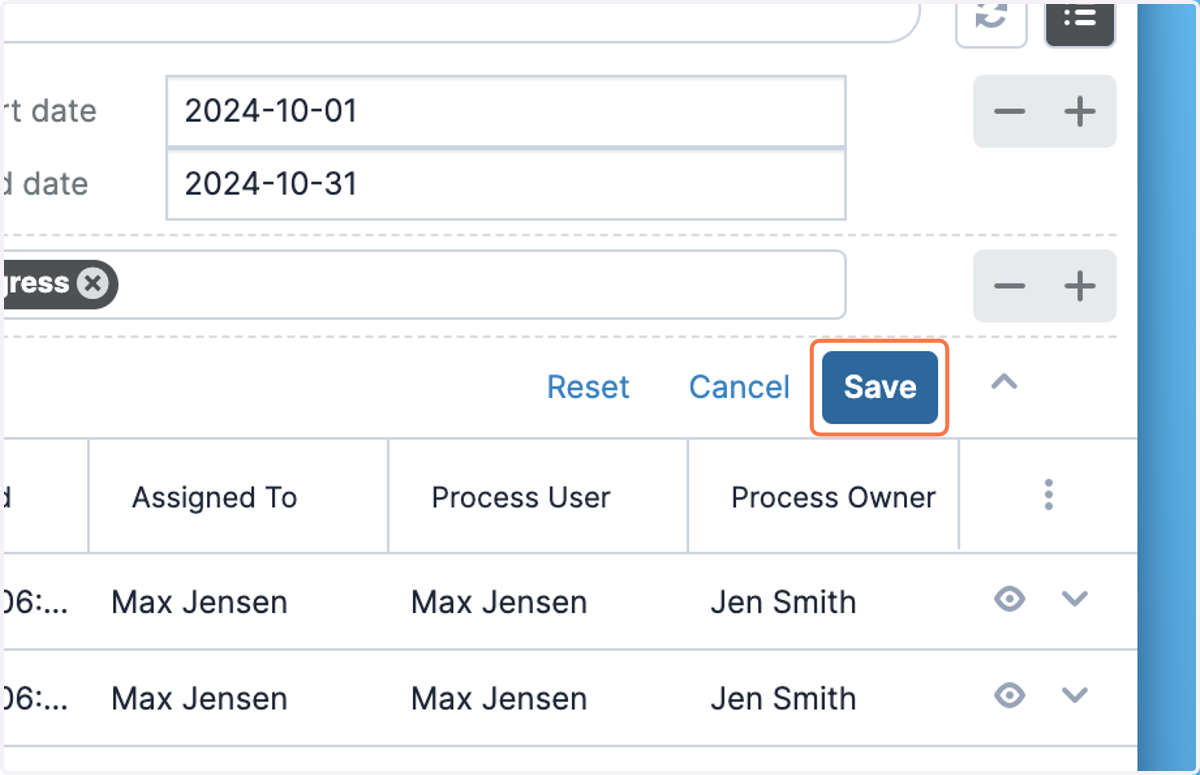
2. Click on Save
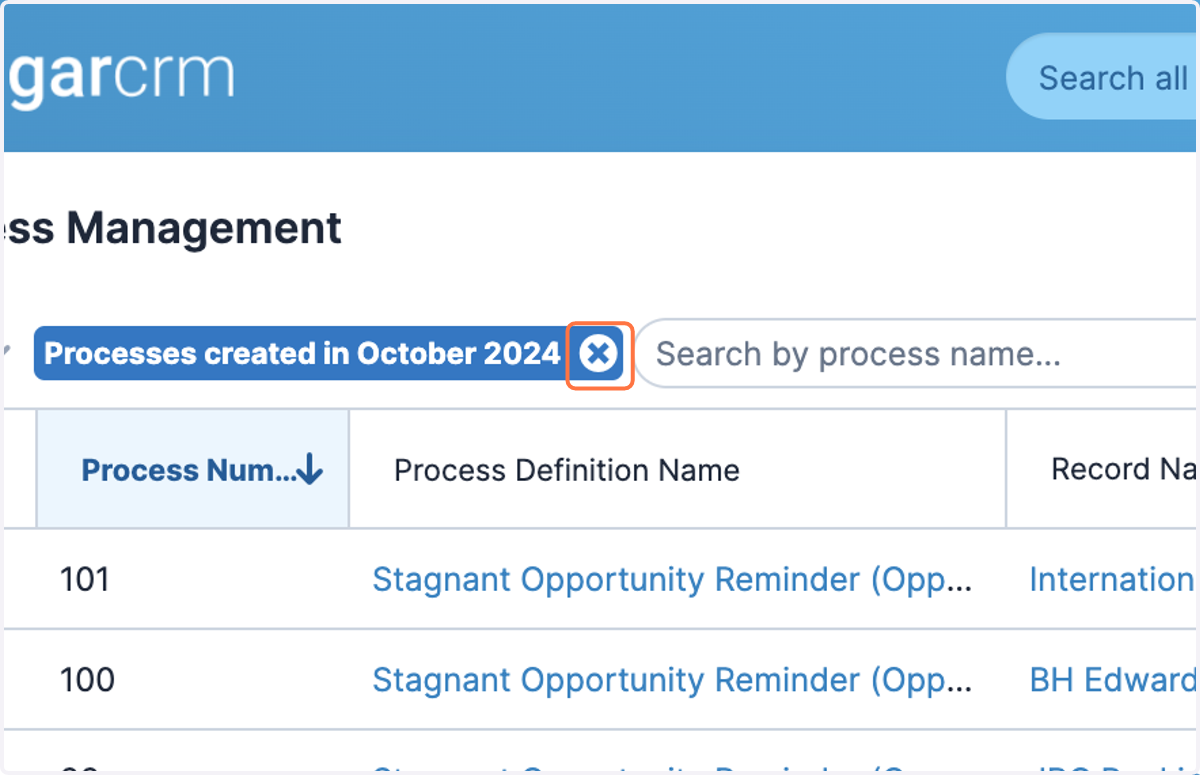
3. Click on close filter to remove the filter from your List View result set again
4. To find your saved filters, click on Filter
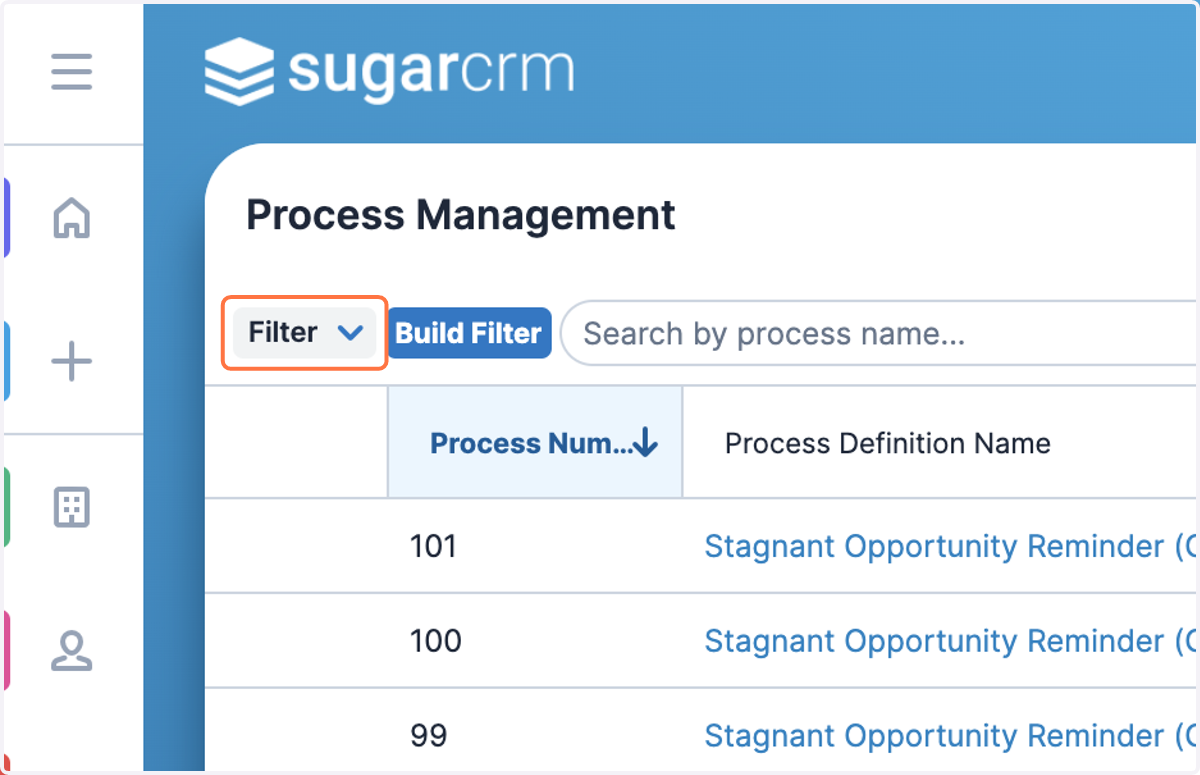
5. Click on your saved filter name to re-apply