Generate Schoolnet Data Validation Report in Infinite Campus
1. Click on Reporting
This report can be generated for every school in the LEA at once, or you can select an individual school to generate this report for.
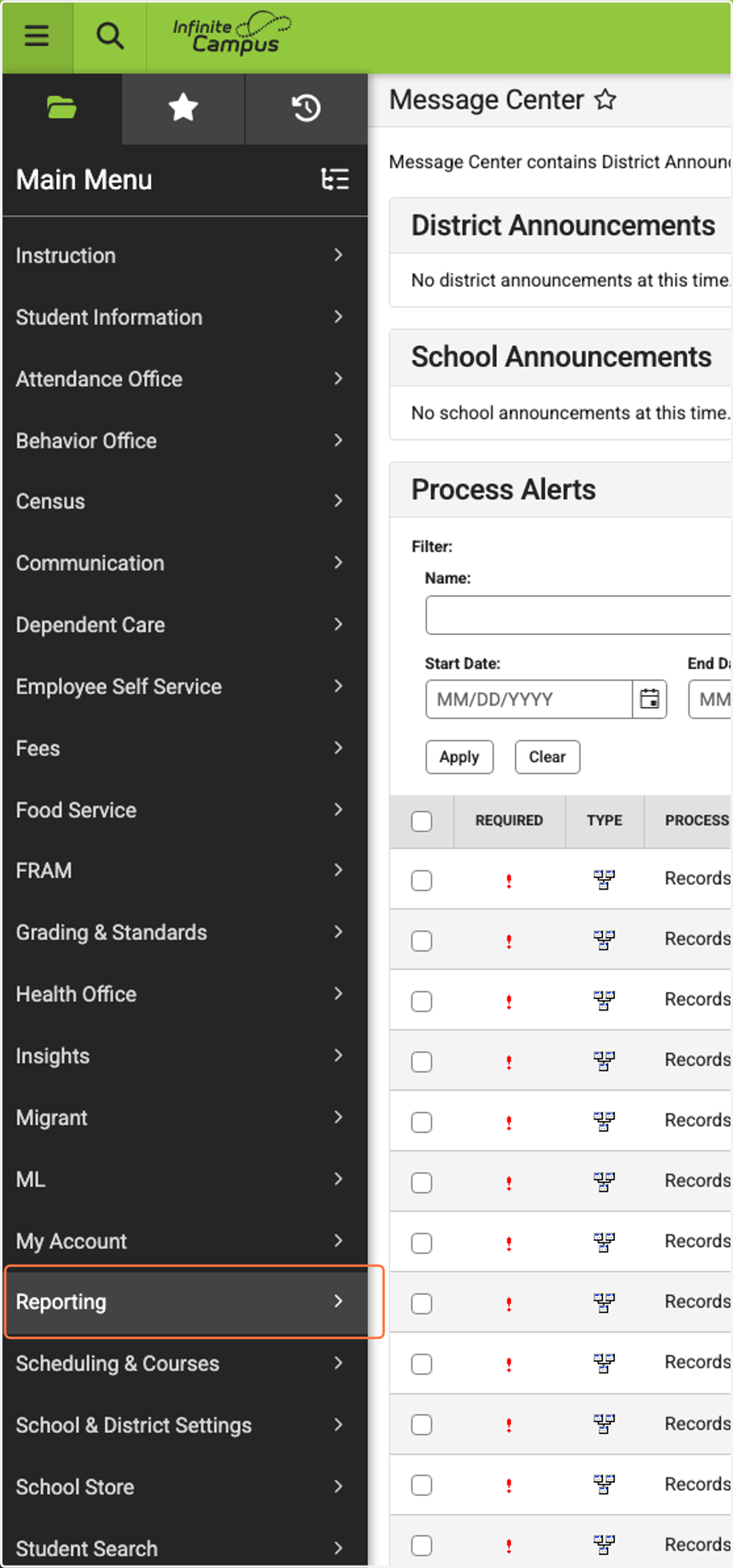
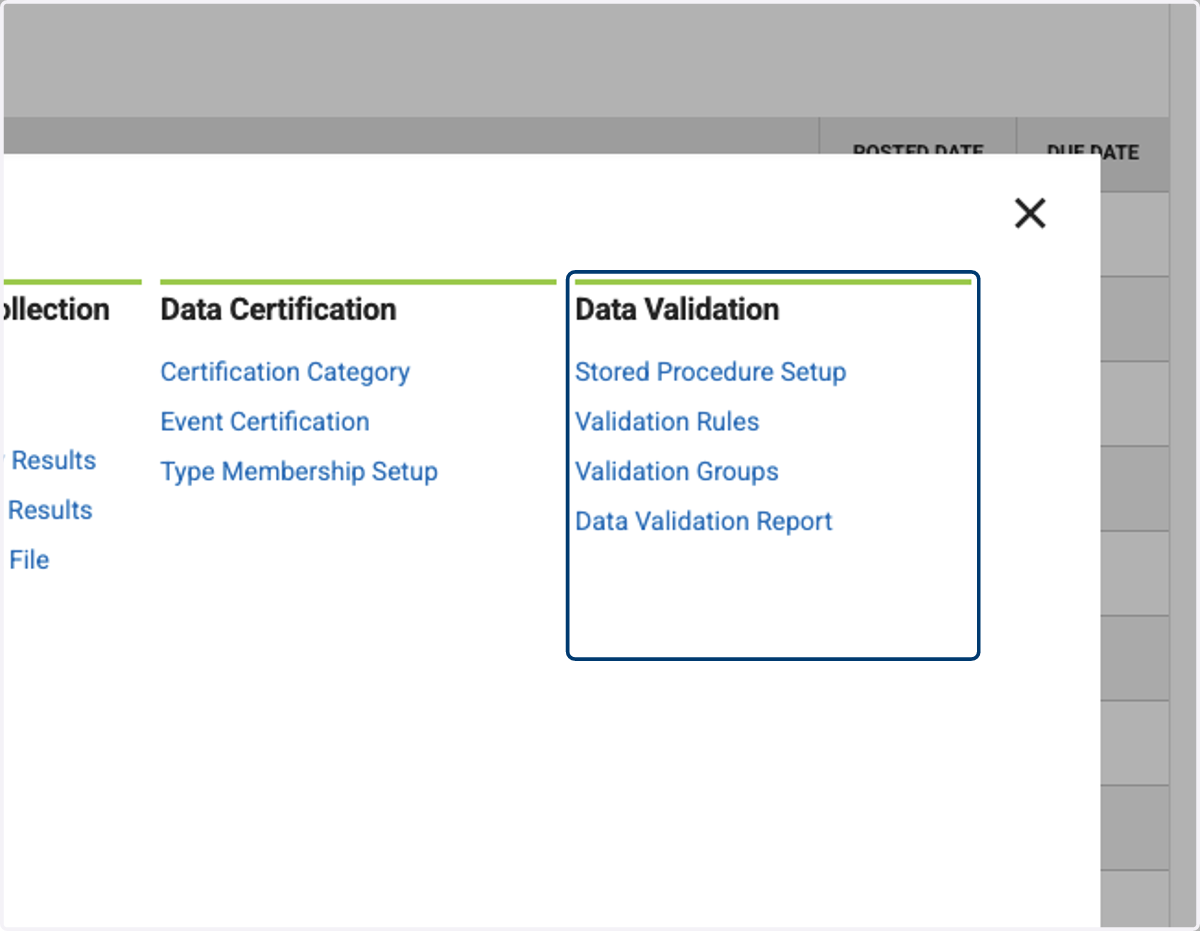
2. Click on Data Validation…
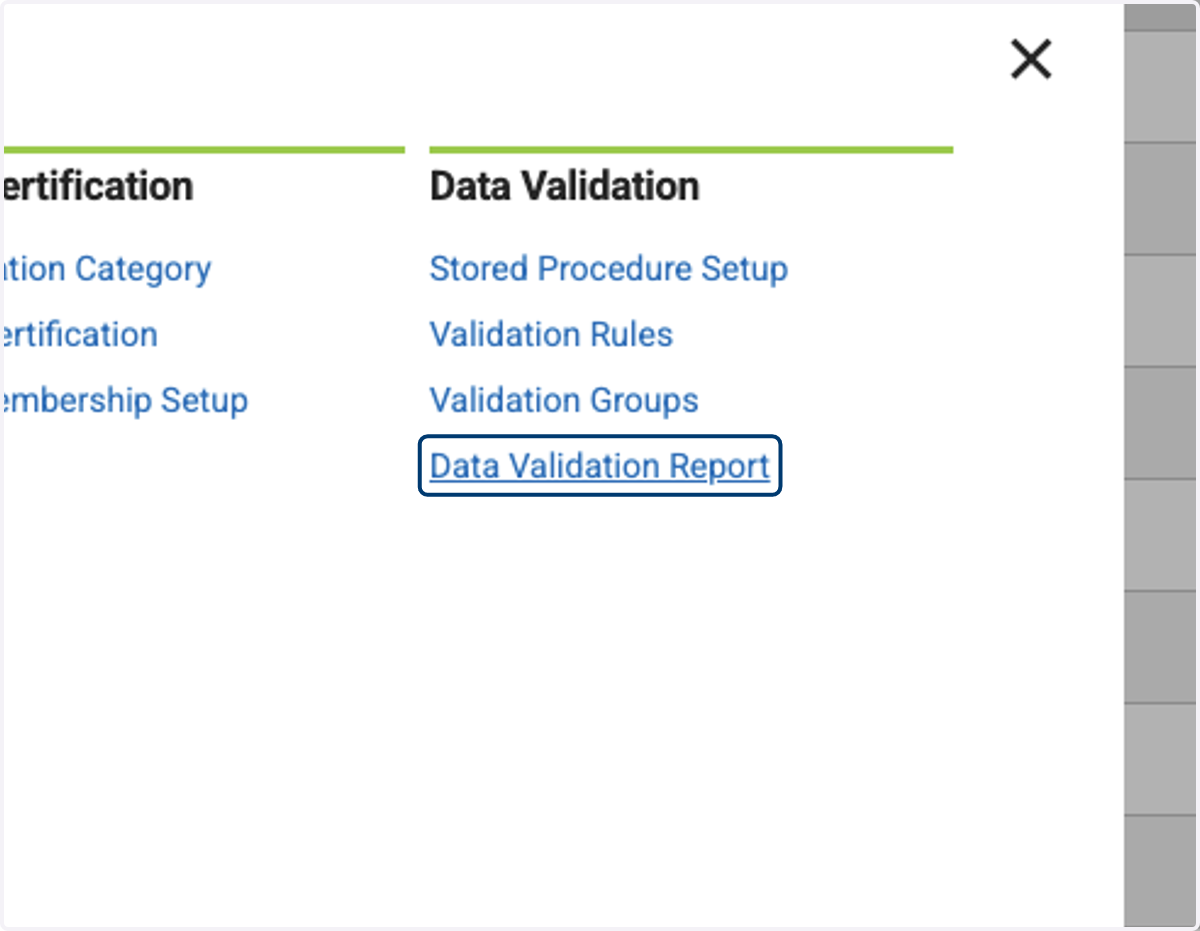
3. Click on Data Validation Report
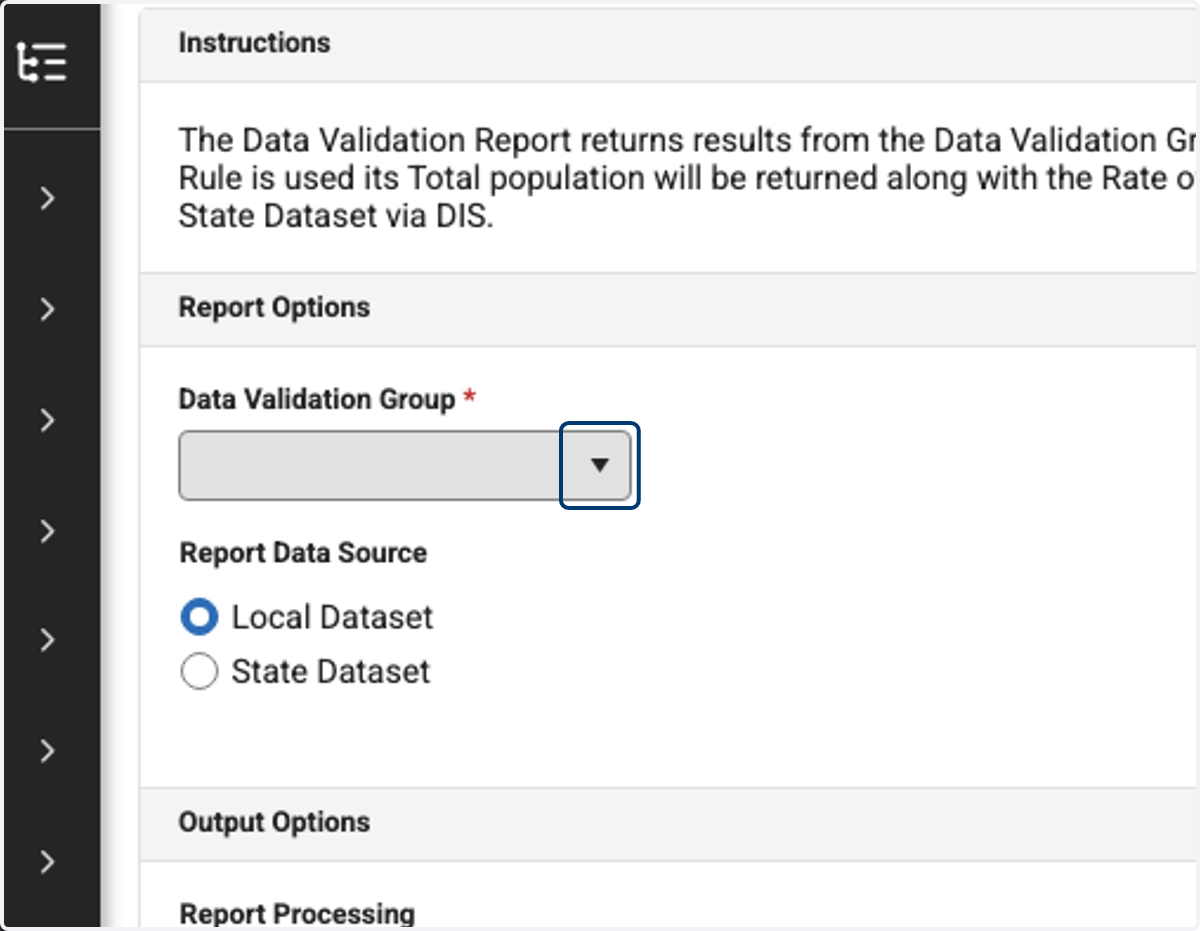
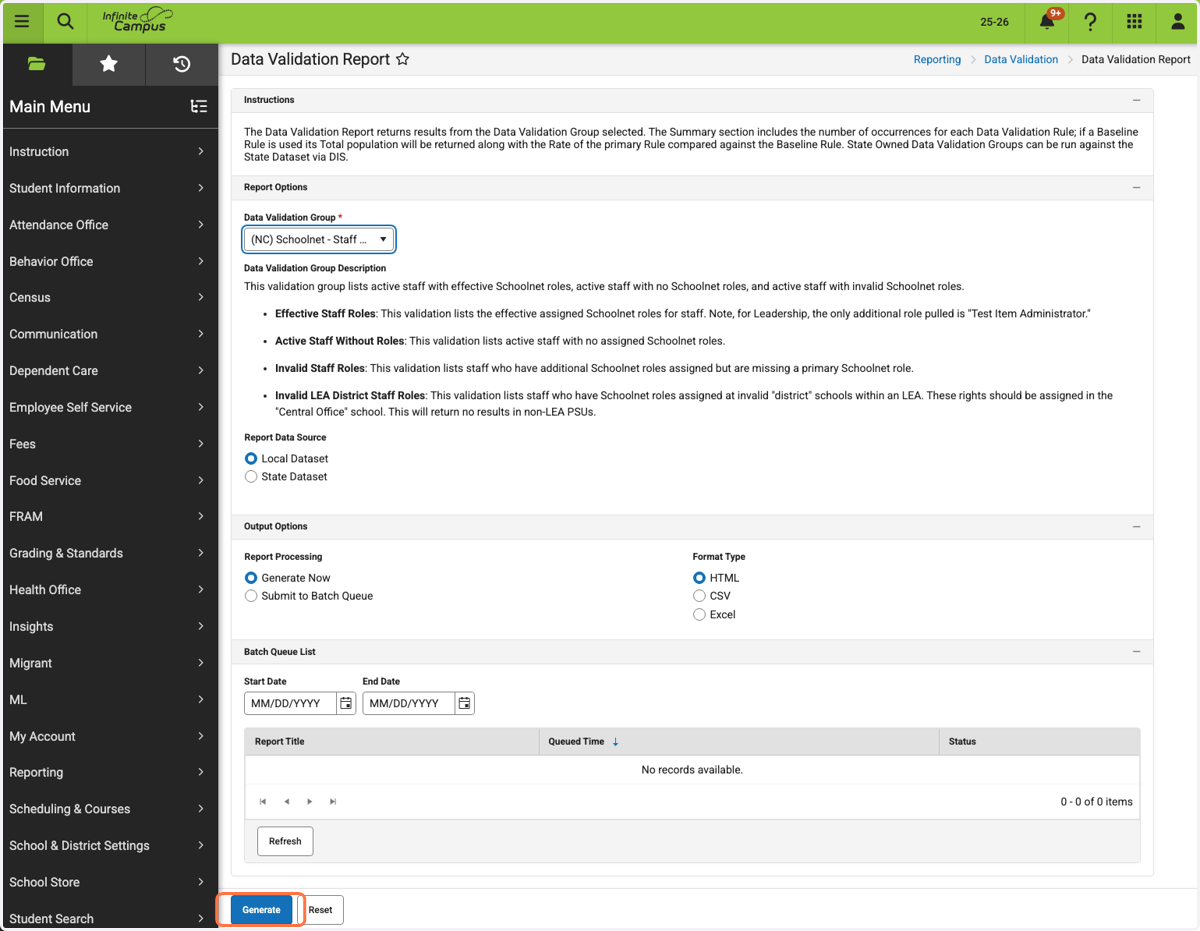
4. Click on Data Validation Group
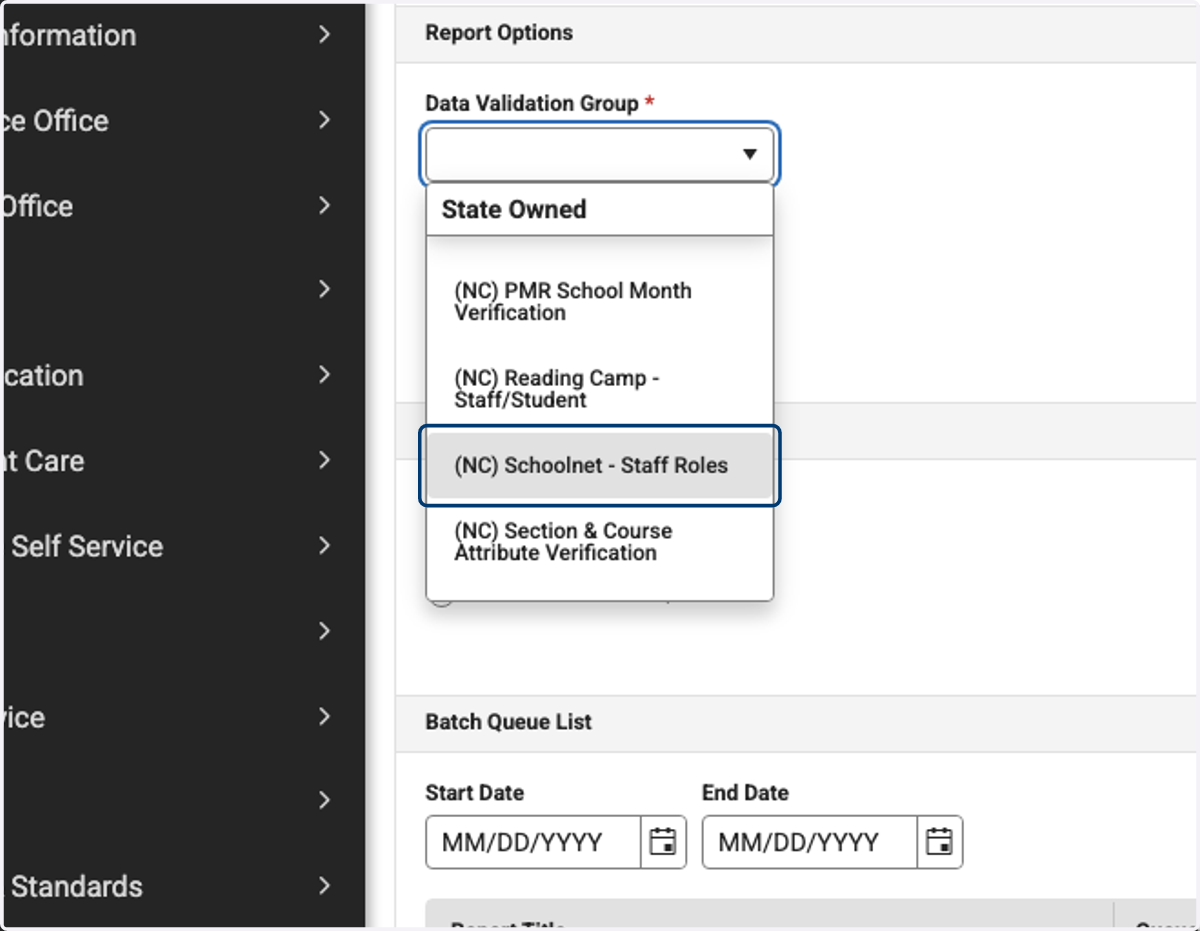
5. Click on (NC) Schoolnet - Staff Roles
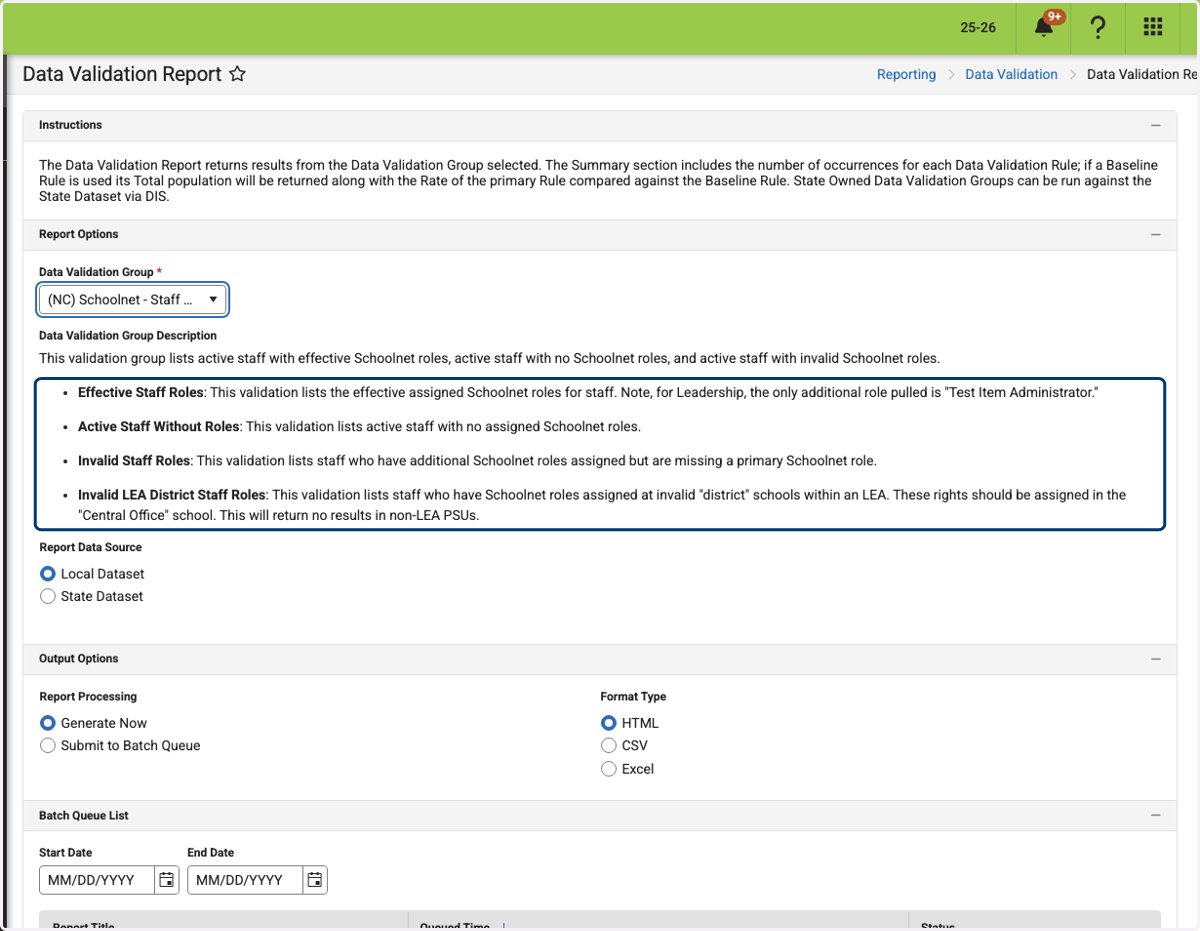
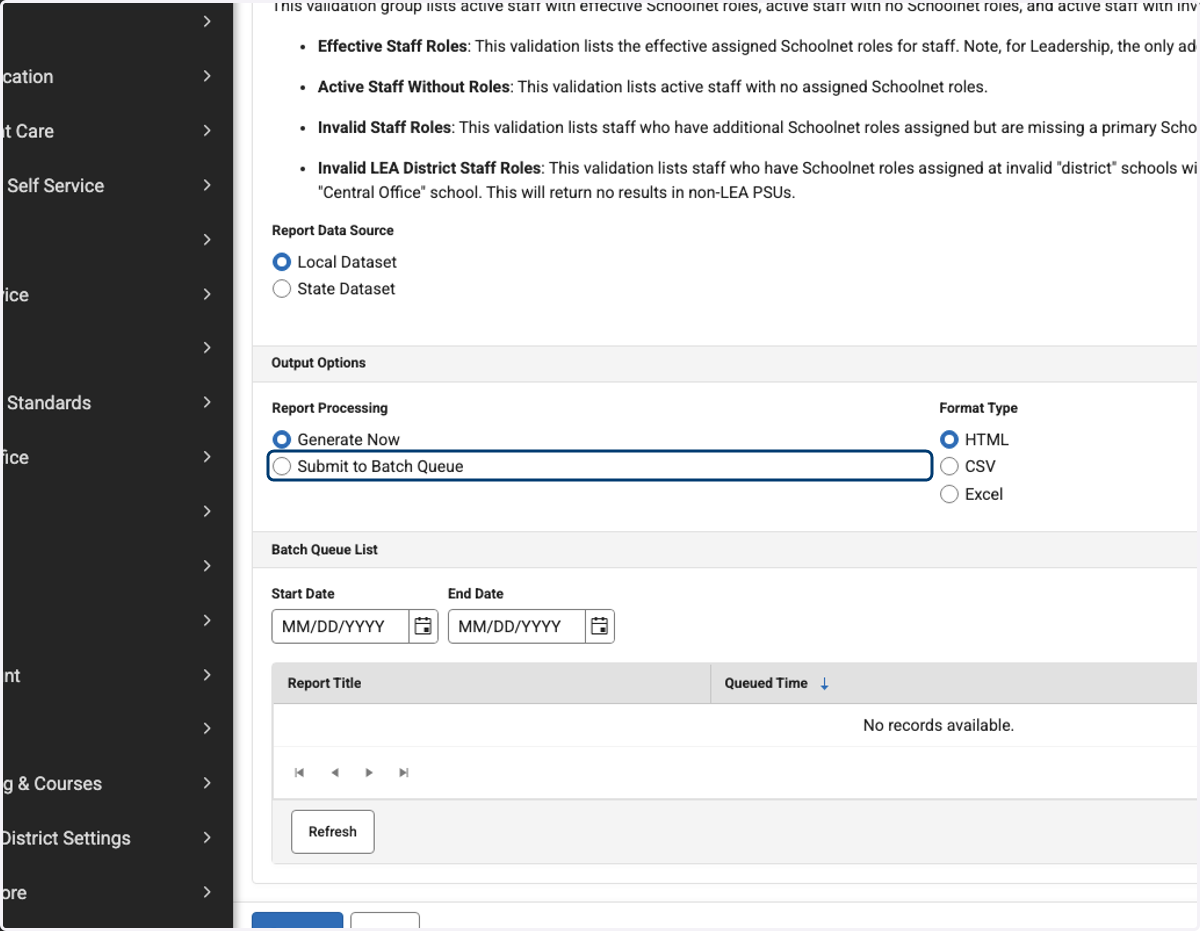
6. Read descriptions of what each category will display
7. Click on Local Dataset
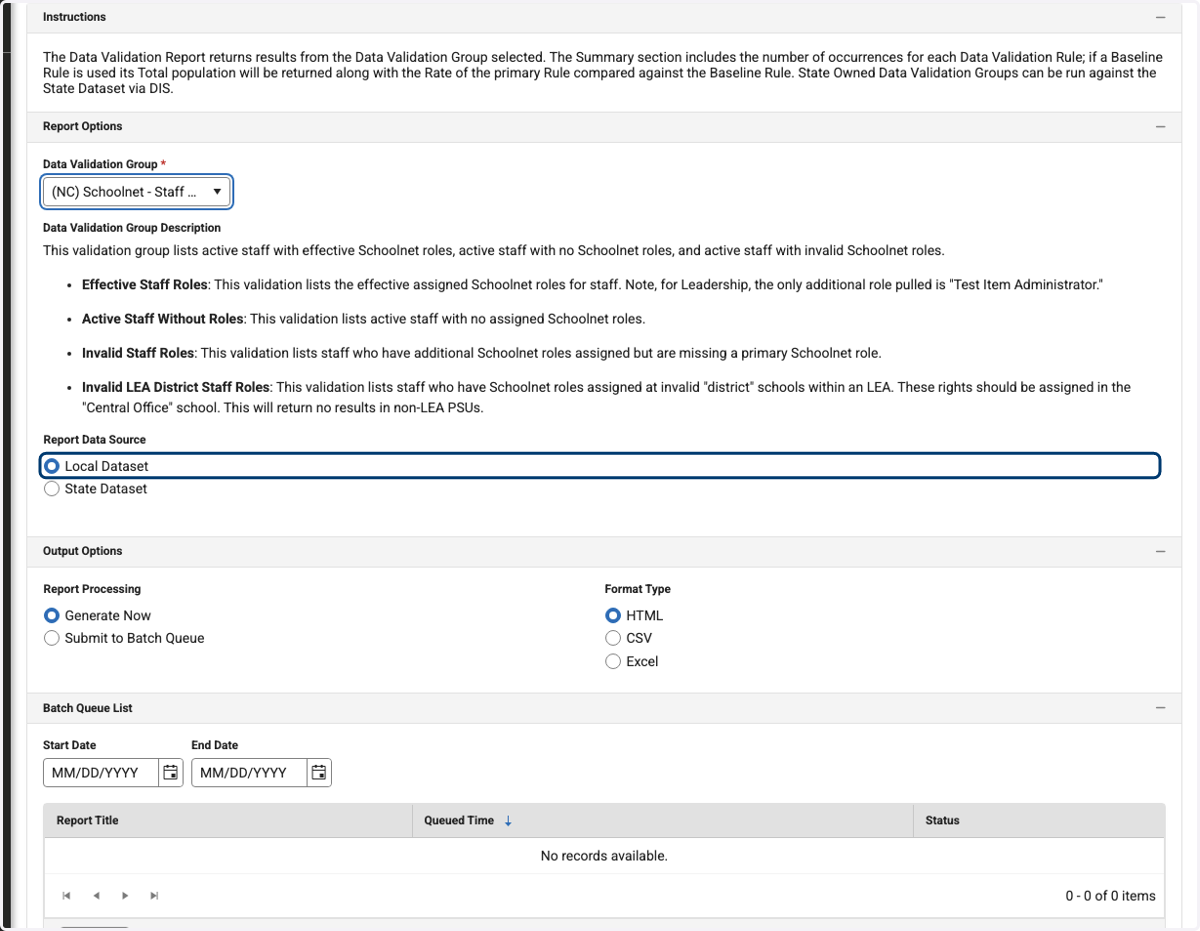
8. Click on Submit to Batch Queue
9. Click on Generate
10. Report will run, open the report.
Four categories will appear in the summary. You can click each one to skip to that section, or scroll down the page to find each category.
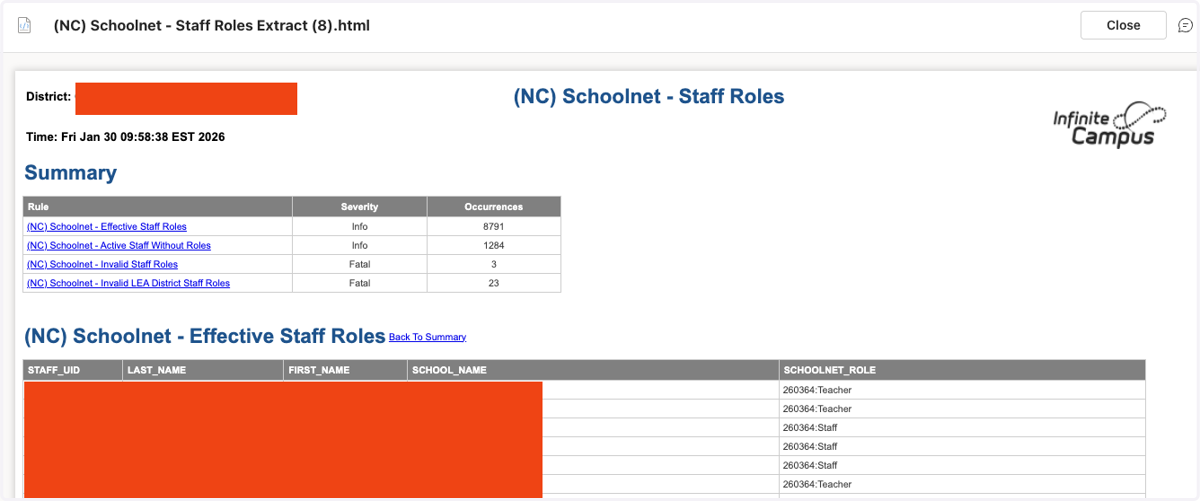
11. Report 1: Effective Staff Roles
Will show Staff UID, Last Name, First Name, School Name, and their current assigned Schoolnet role.
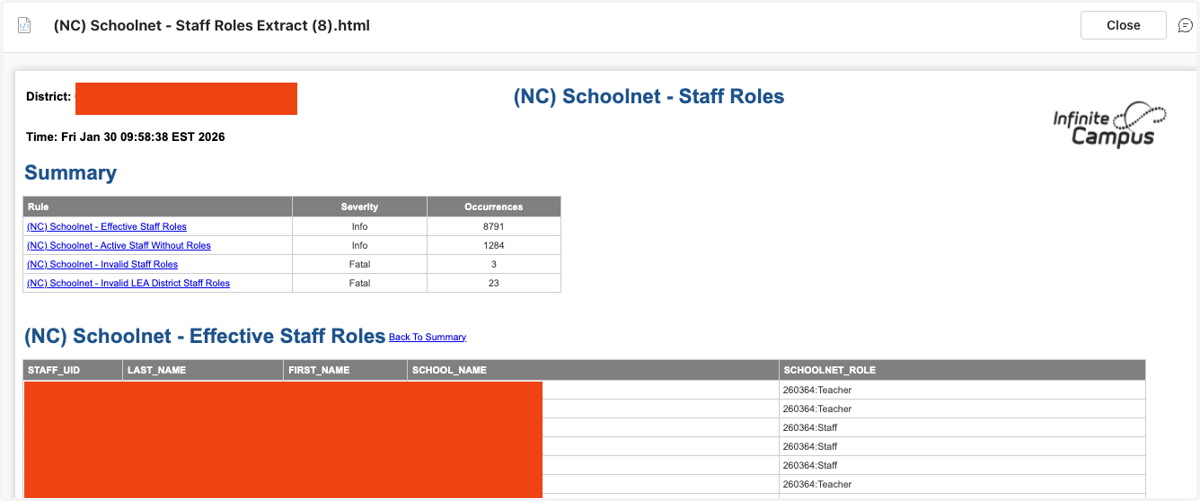
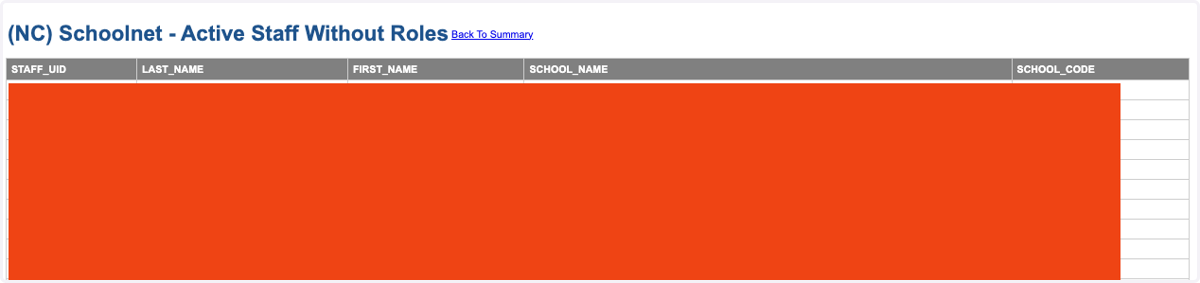
12. Report 2: Active Staff Without Roles
Will show Staff UID, Last Name, First Name, School Name, and School Code. This report will show you all active staff within the PSU that does not have a Schoolnet role assigned in Infinite Campus.
13. Report 3: Invalid Staff Roles
Will show Staff UID, Last Name, First Name, School Name, School Code, Schoolnet Role, and Additional Schoolnet Roles. This report will show you all active staff within the PSU who do not have a primary Schoolnet role (Teacher, Leadership, or Staff) but do have additional roles listed. These users would not be able to access Schoolnet without the primary role.

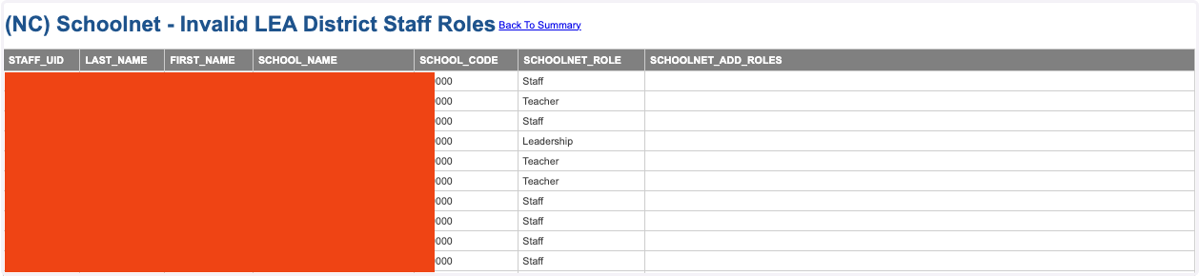
14. Report 4: Invalid LEA District Staff Roles
Will show Staff UID, Last Name, First Name, School Name, School Code, Schoolnet Role, and Additional Schoolnet Roles. This report will show you all active staff within the PSU who have Schoolnet roles listed at an invalid "district" school. These rights should be assigned in the "Central Office" school. This will return no results in non-LEA PSUs.