Adding Questions to the Booking Module
Go to the startpage
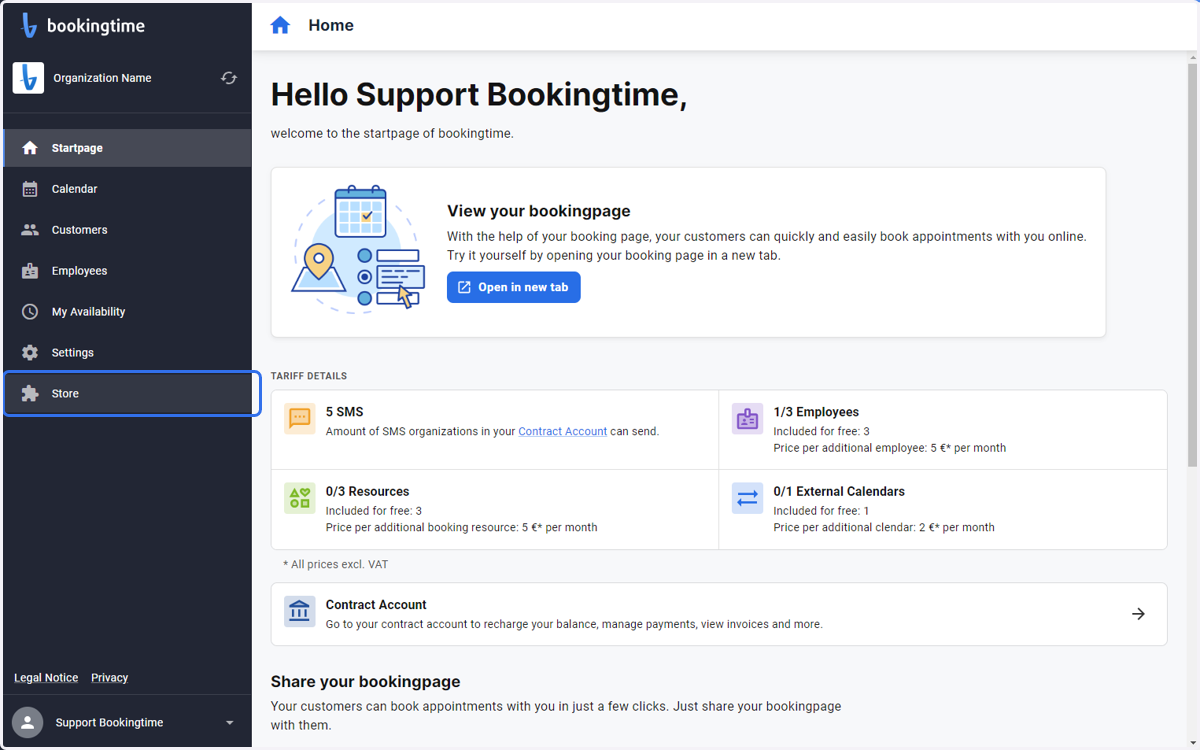
1. Open the Store from the side menu
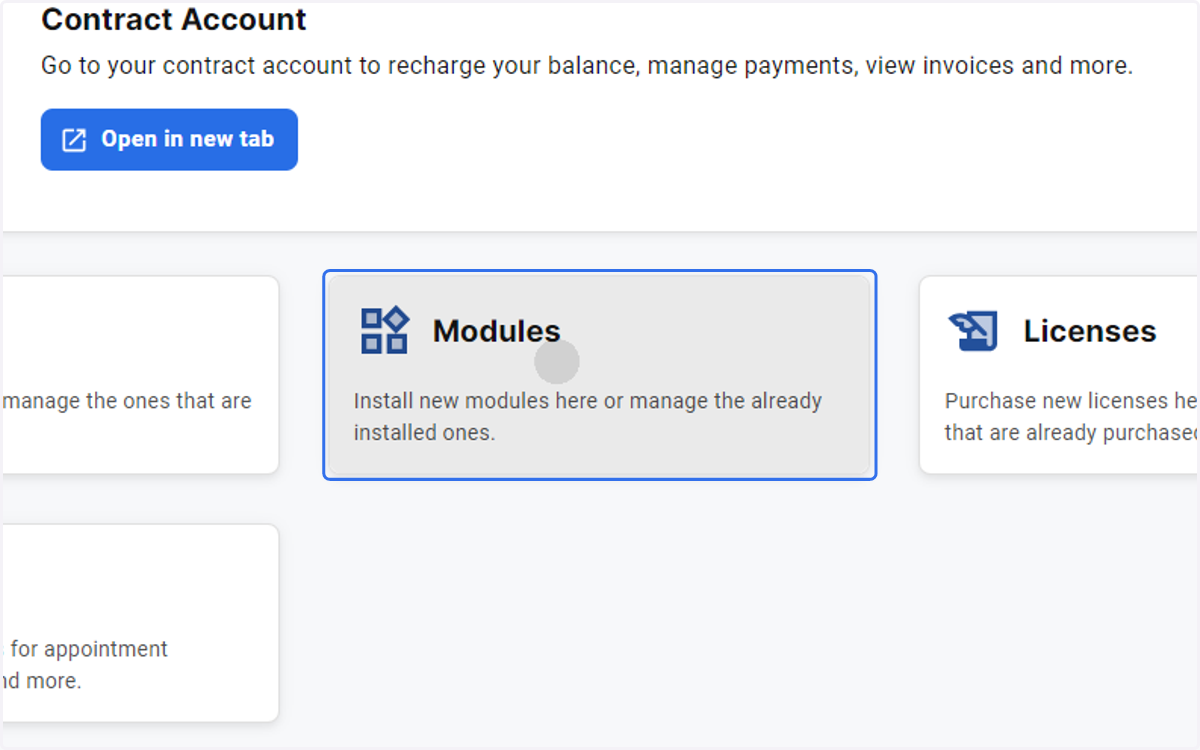
2. Select Modules
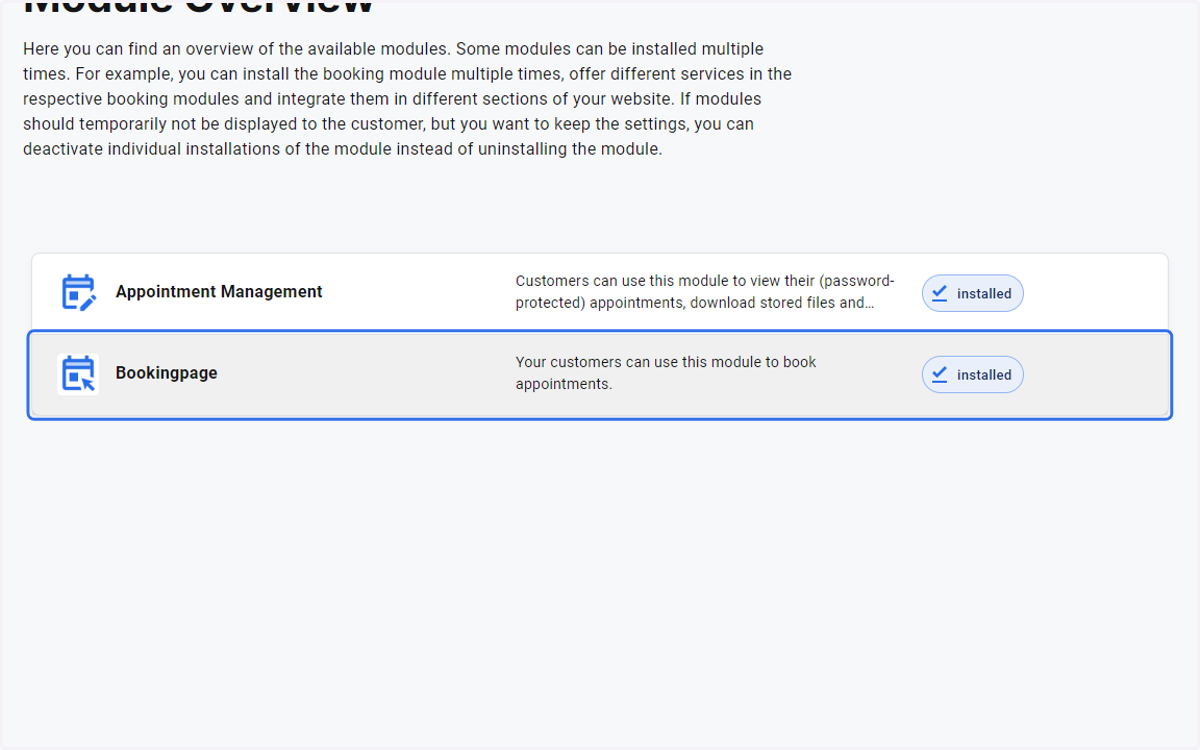
3. Click on Bookingpage
4. Under Installations, click on Bookingpage
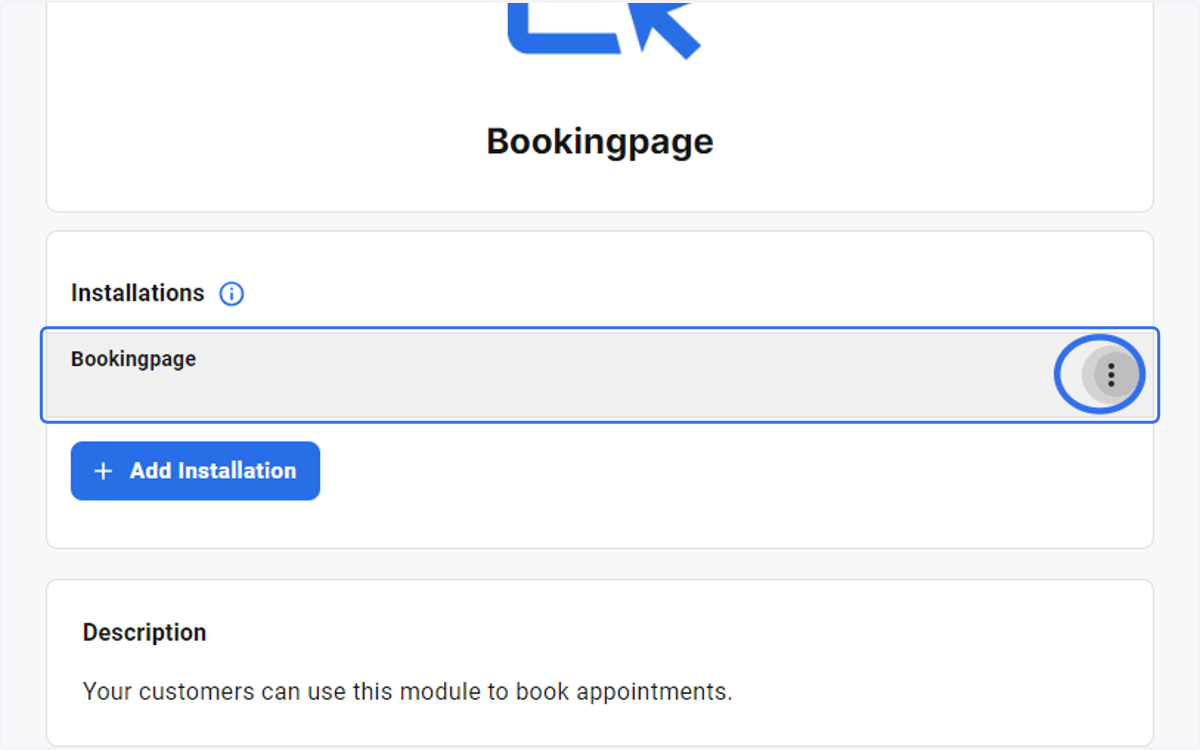
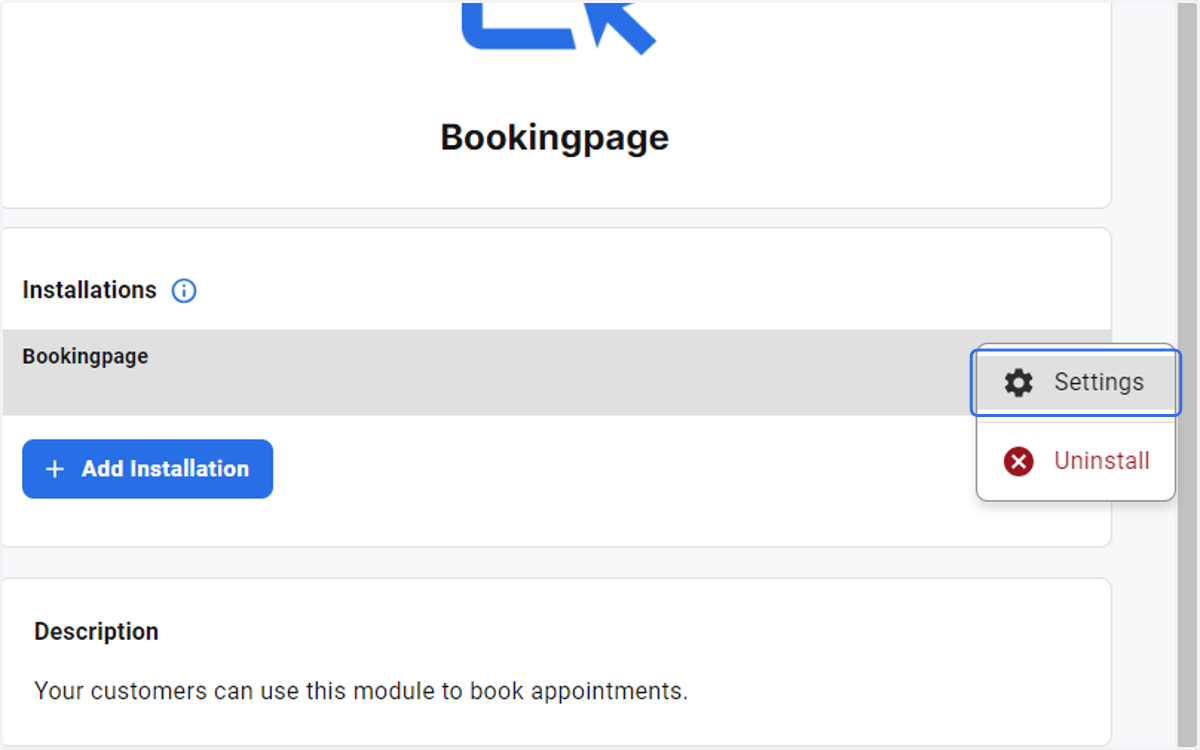
5. Click on Settings
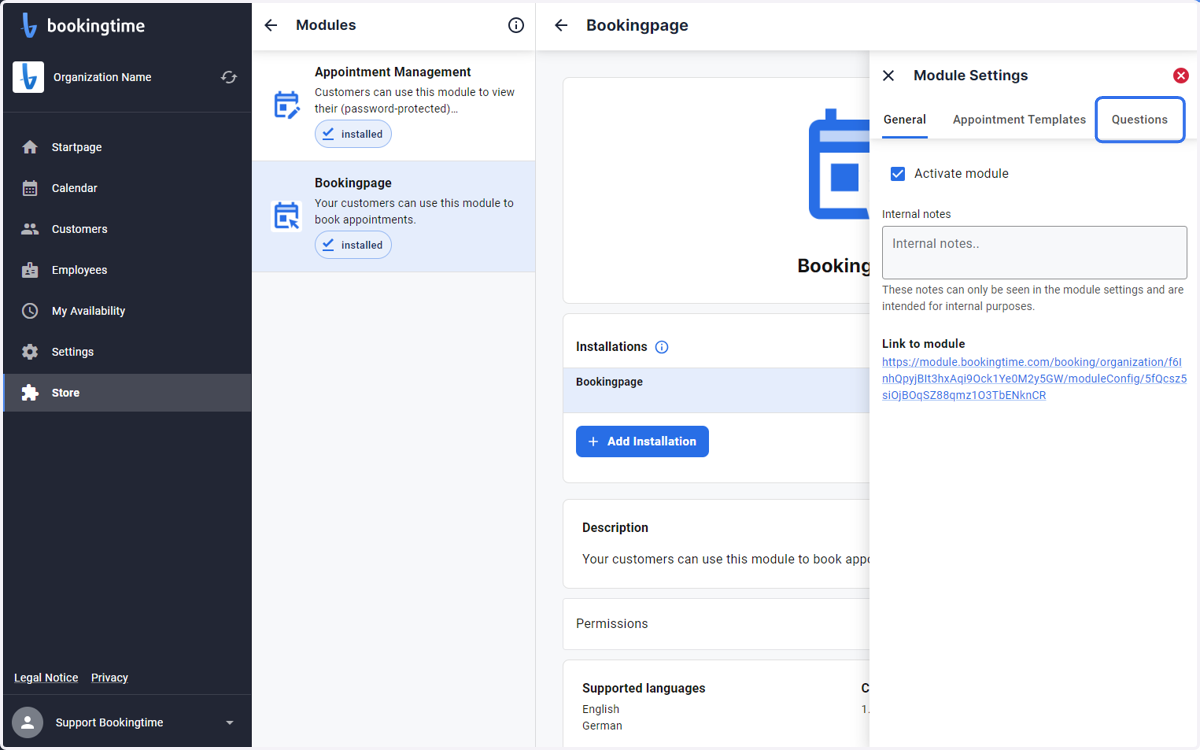
6. Select the Questions tab under Module Settings
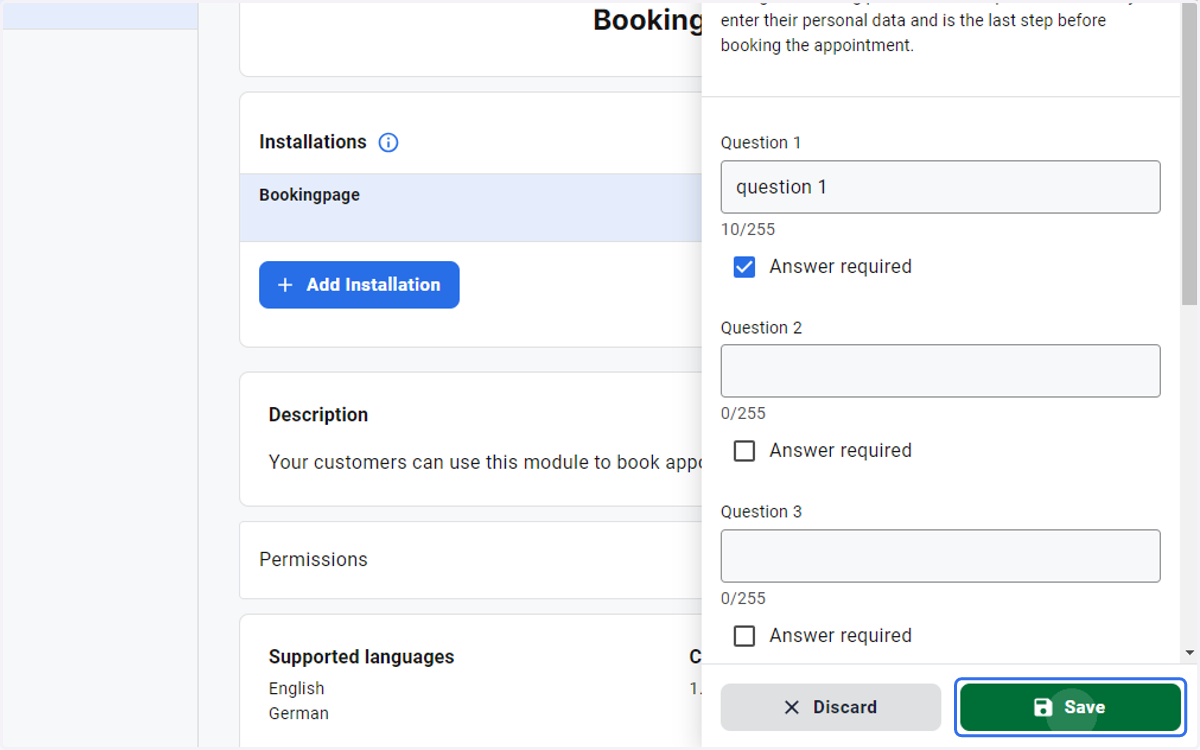
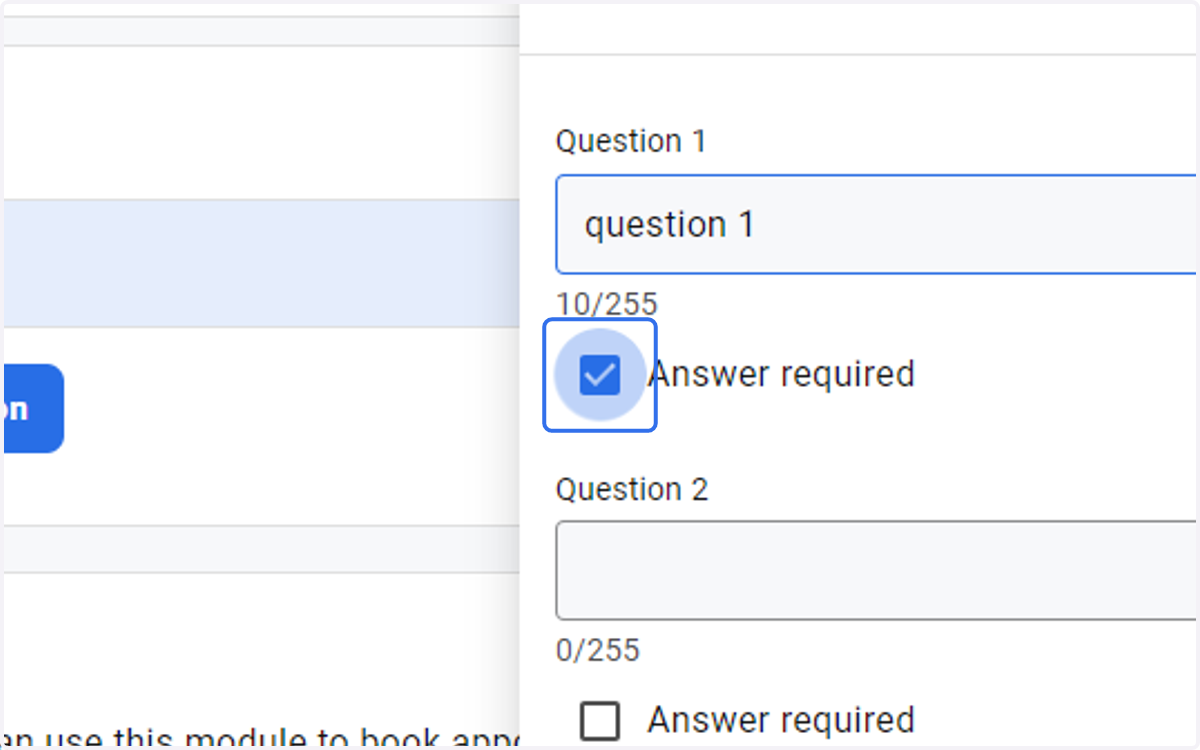
7. Type the question you would like to ask the client in the Question 1 field
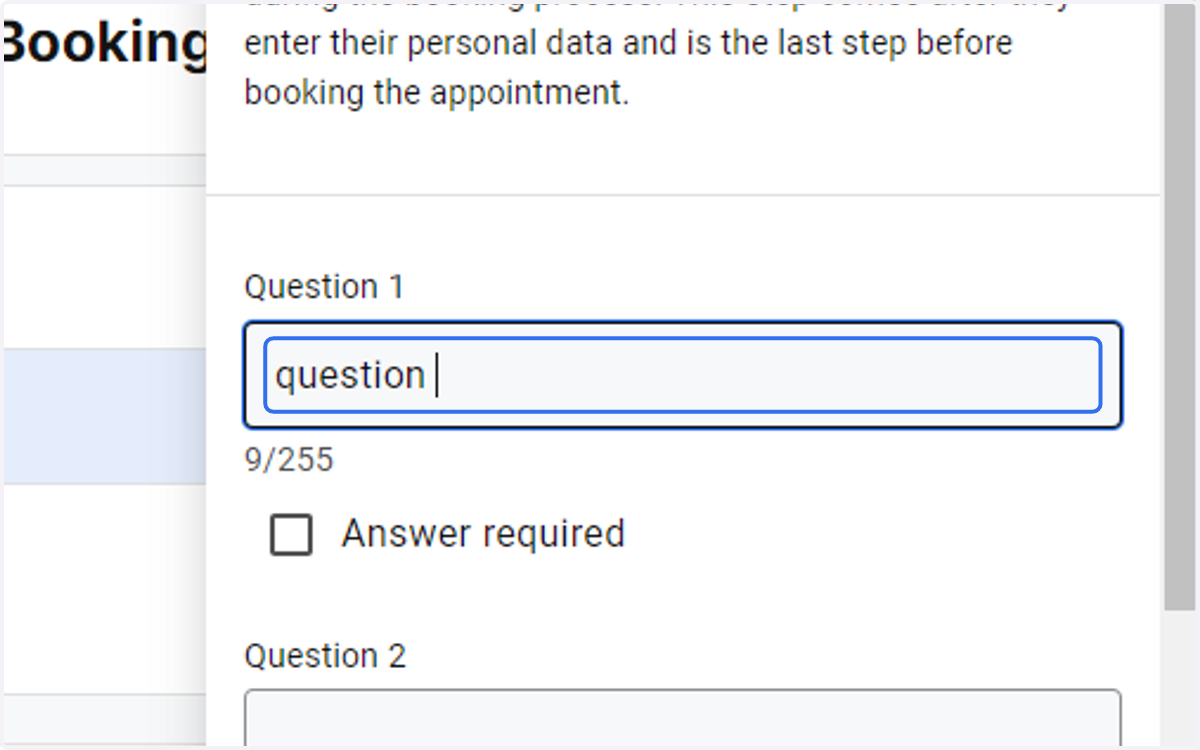
8. Check Answer required box
9. Click the Save button