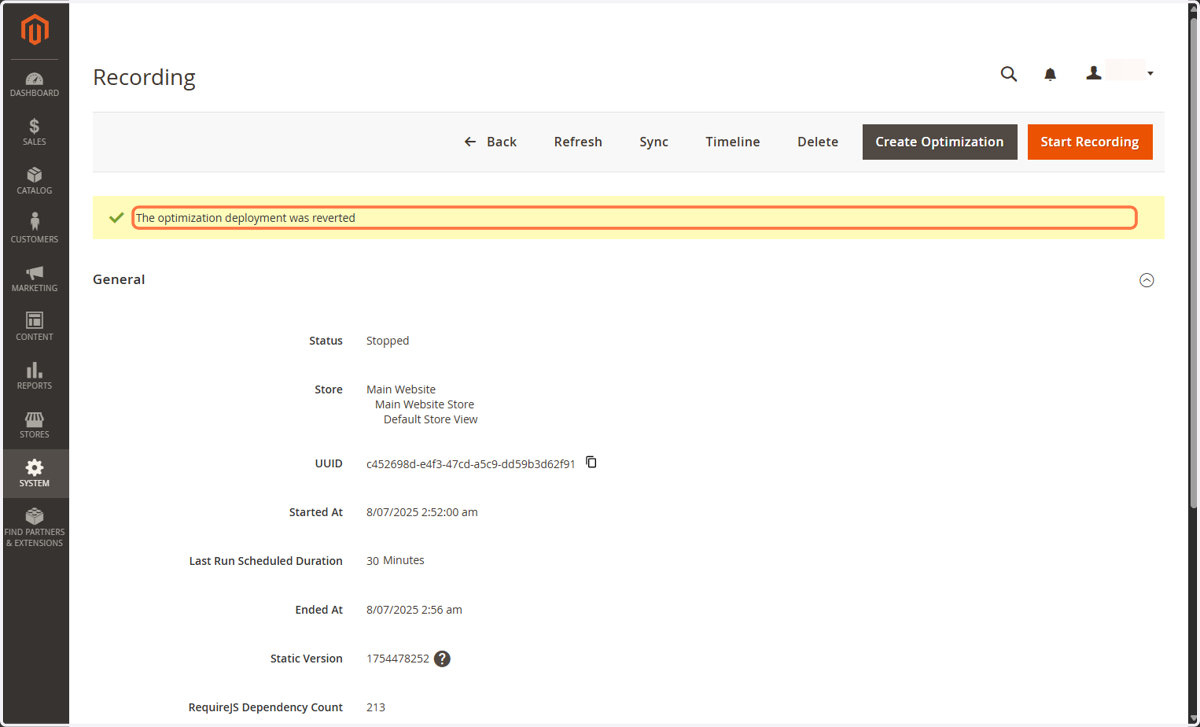
Revert a Deployment in Magento Admin
♻️ Revert a Deployment in Magento Admin
In this last section, you will learn how to revert a deployment, undoing the optimization and going back to using default Magento JavaScript files.
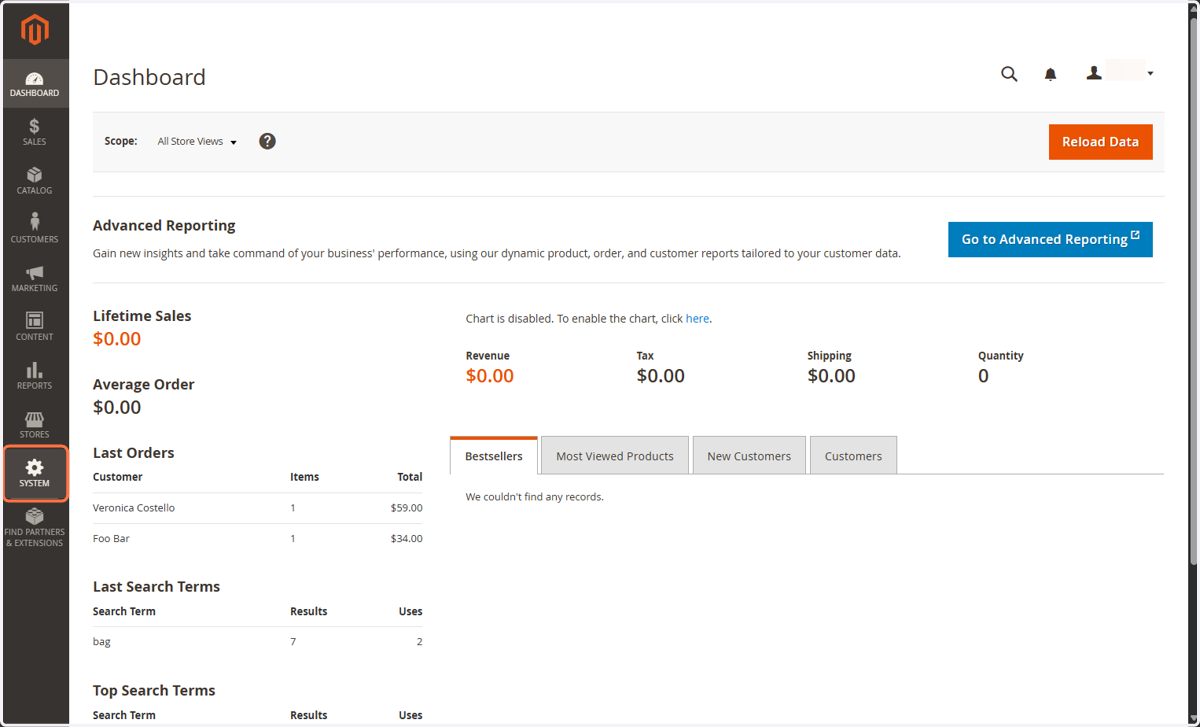
1. Click on SYSTEM
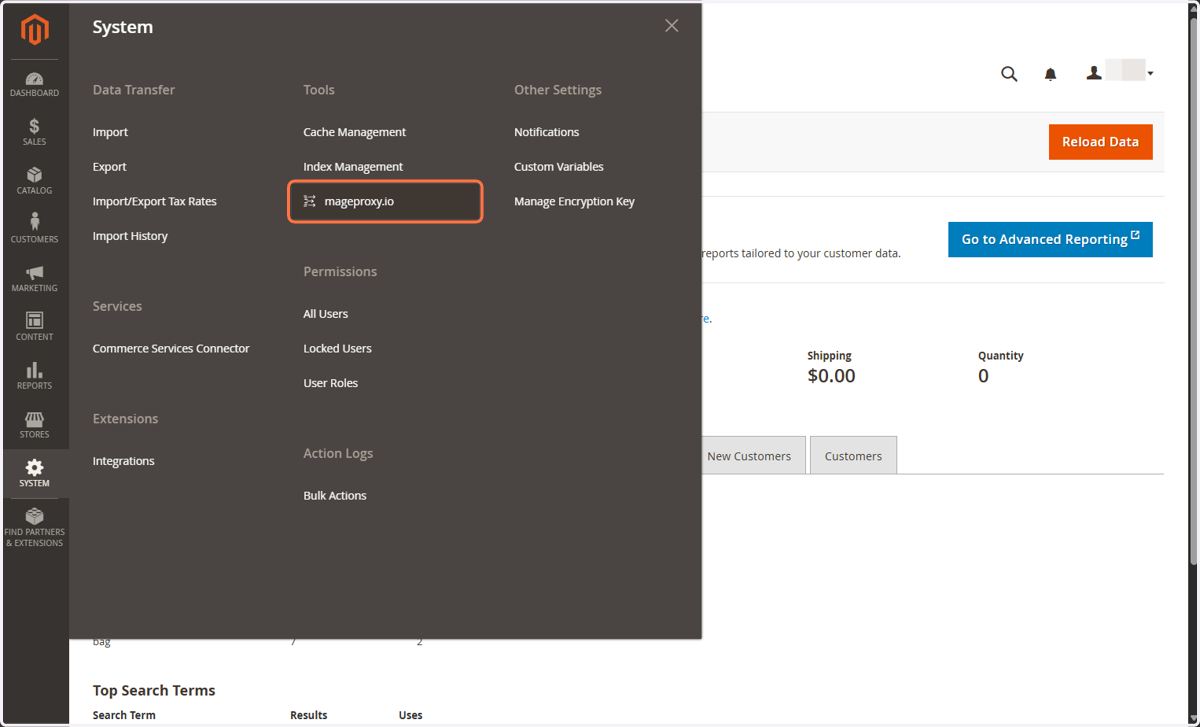
2. Click on mageproxy.io
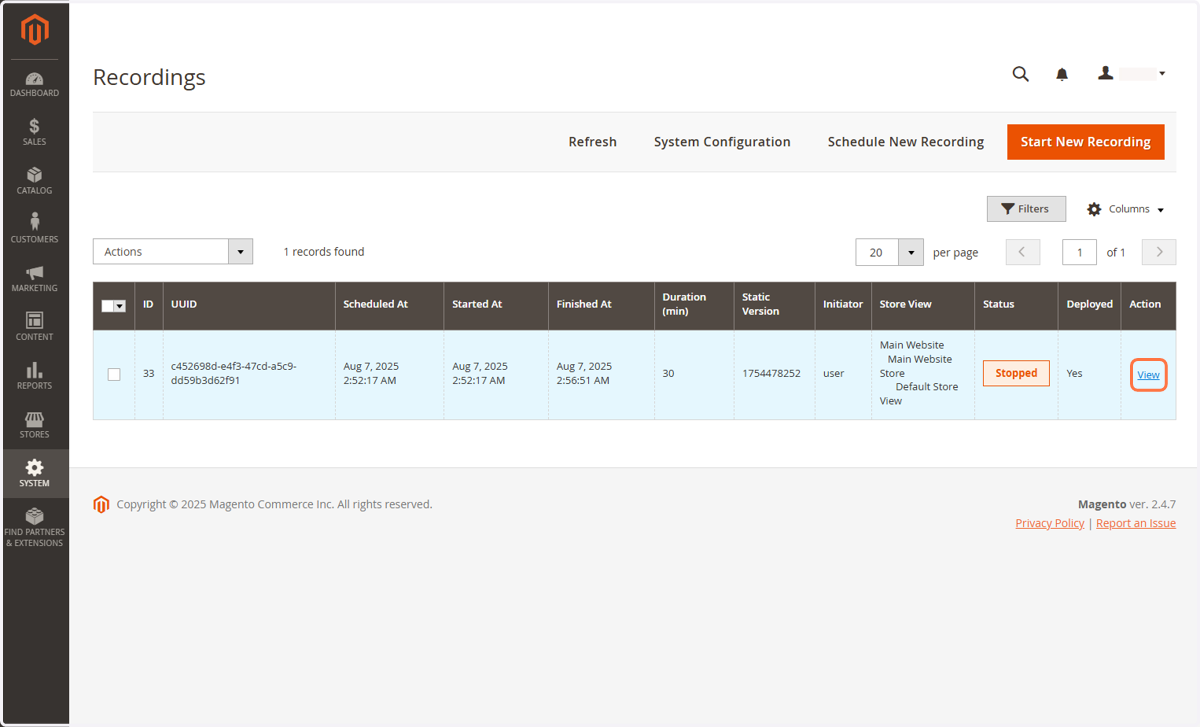
3. Find your deployed recording
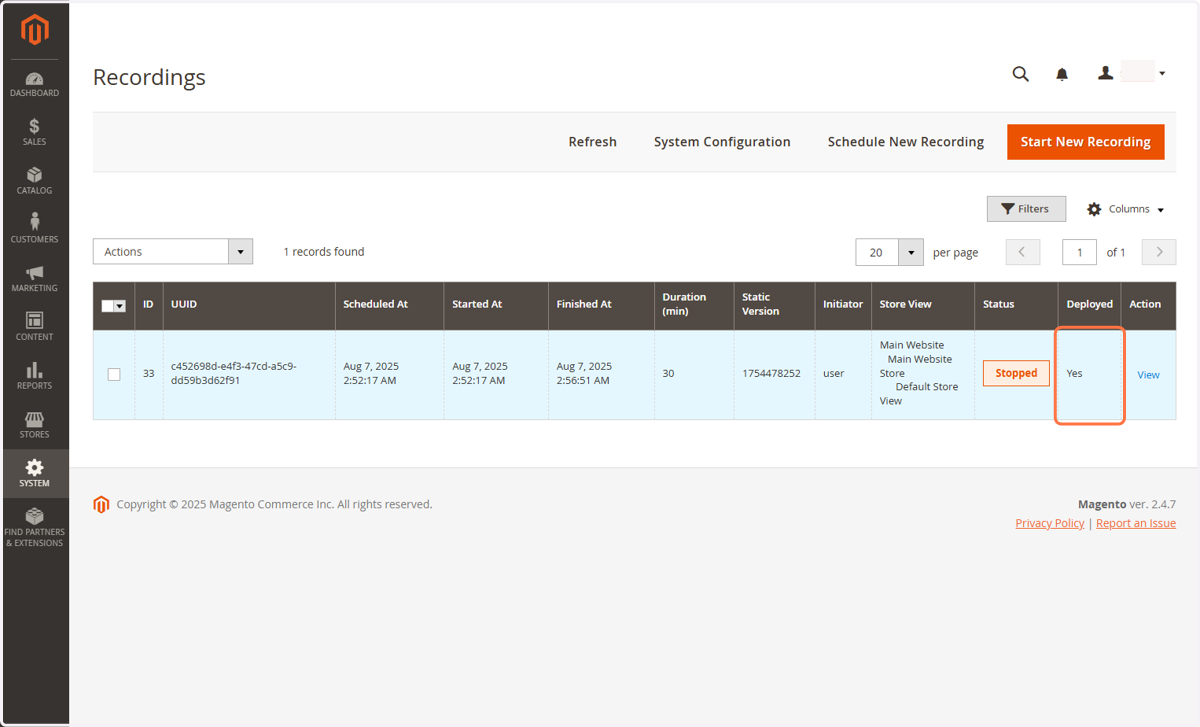
4. Click on View
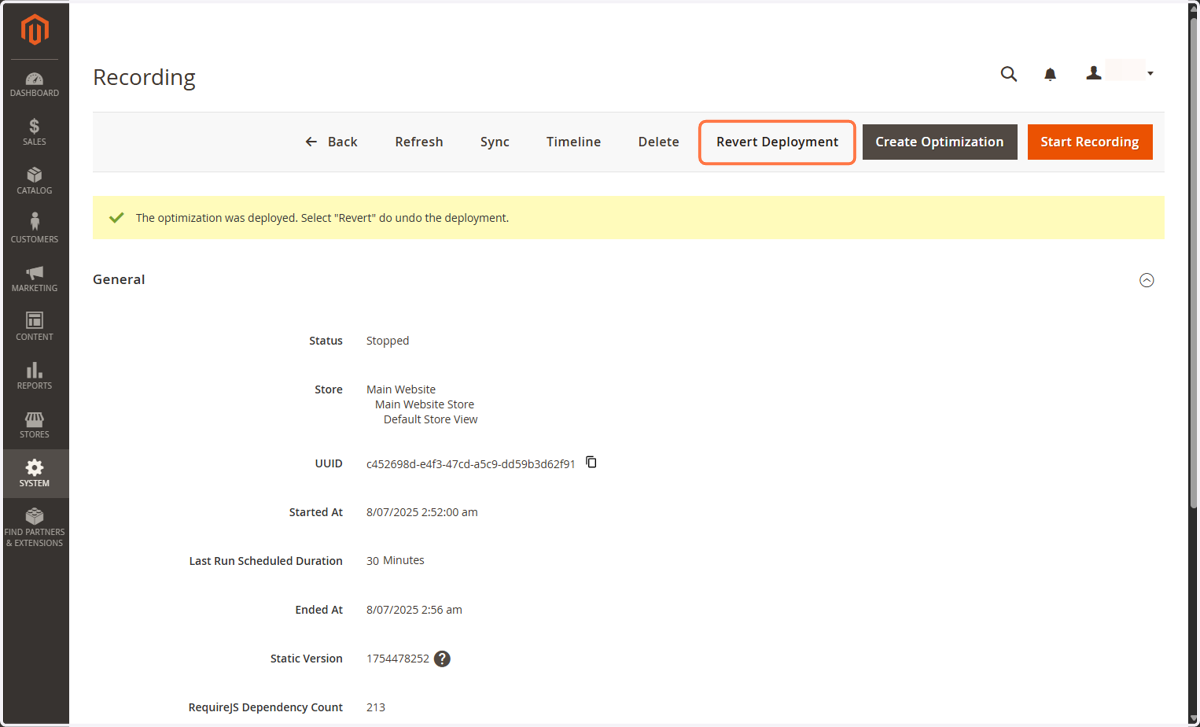
5. Click on Revert Deployment
6. Click on OK
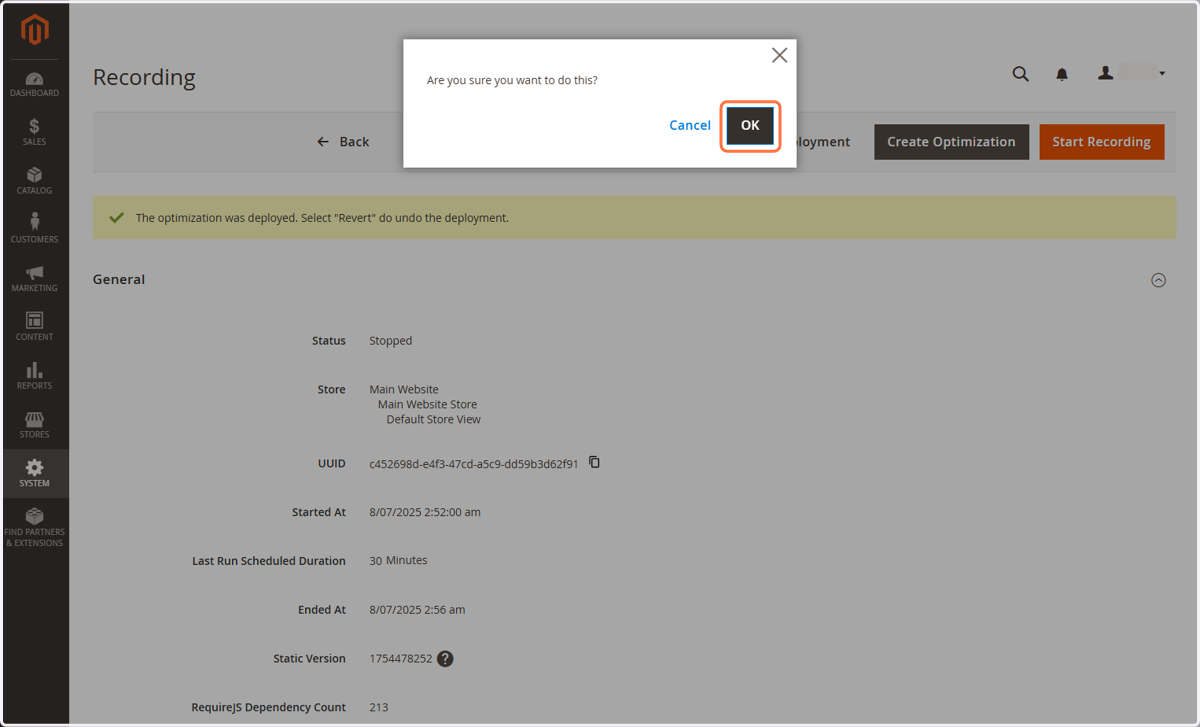
7. The optimization is not longer deployed