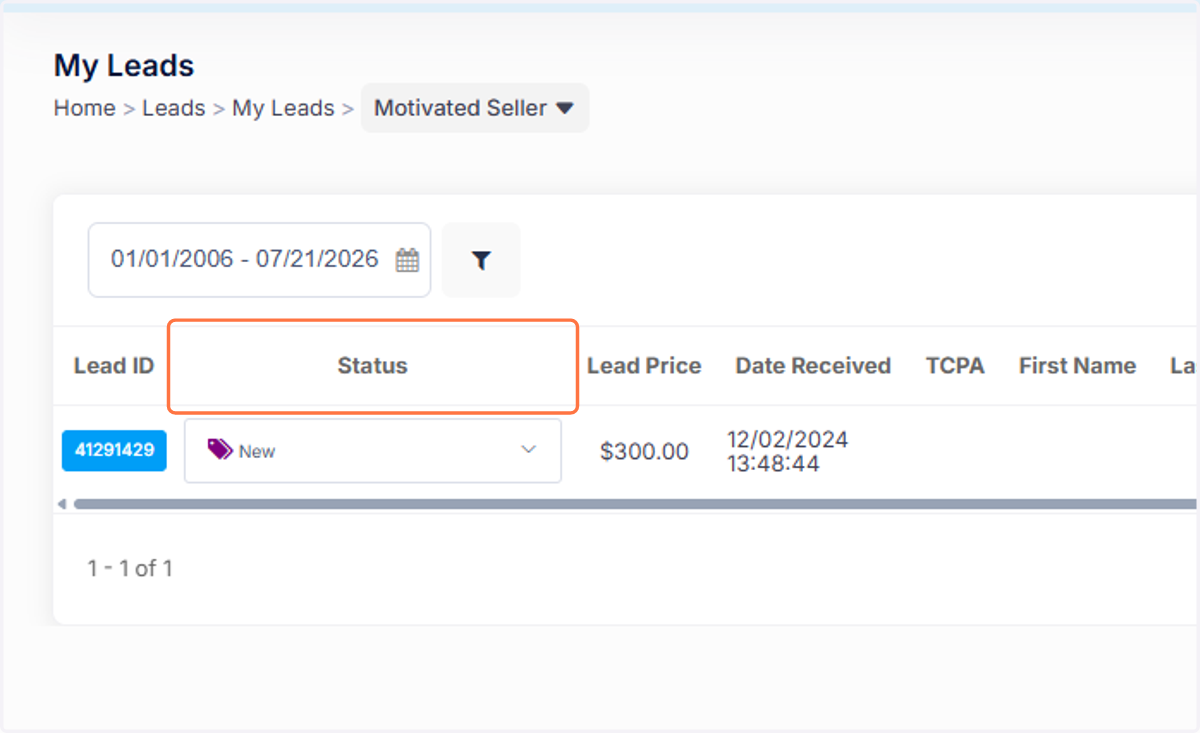
Update Lead Status in LeadSystem
leadsystem
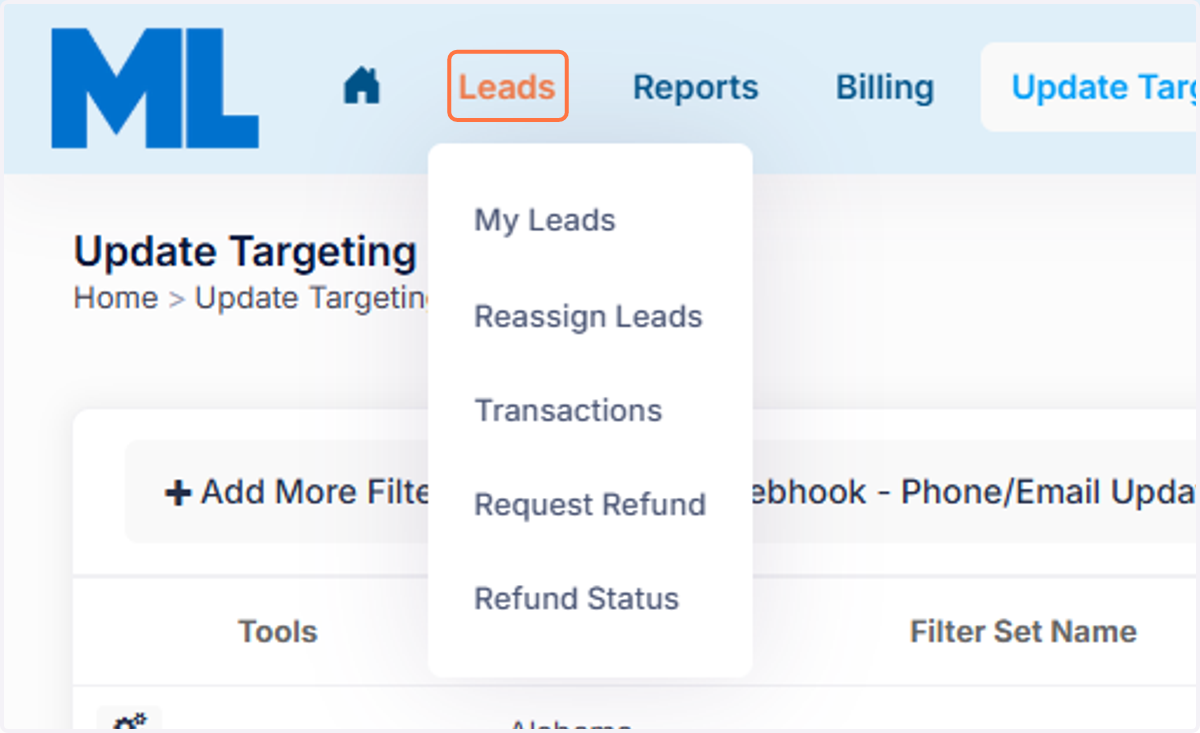
1. Click on Leads in Your Portal
Once you log in, head to the Leads tab at the top.
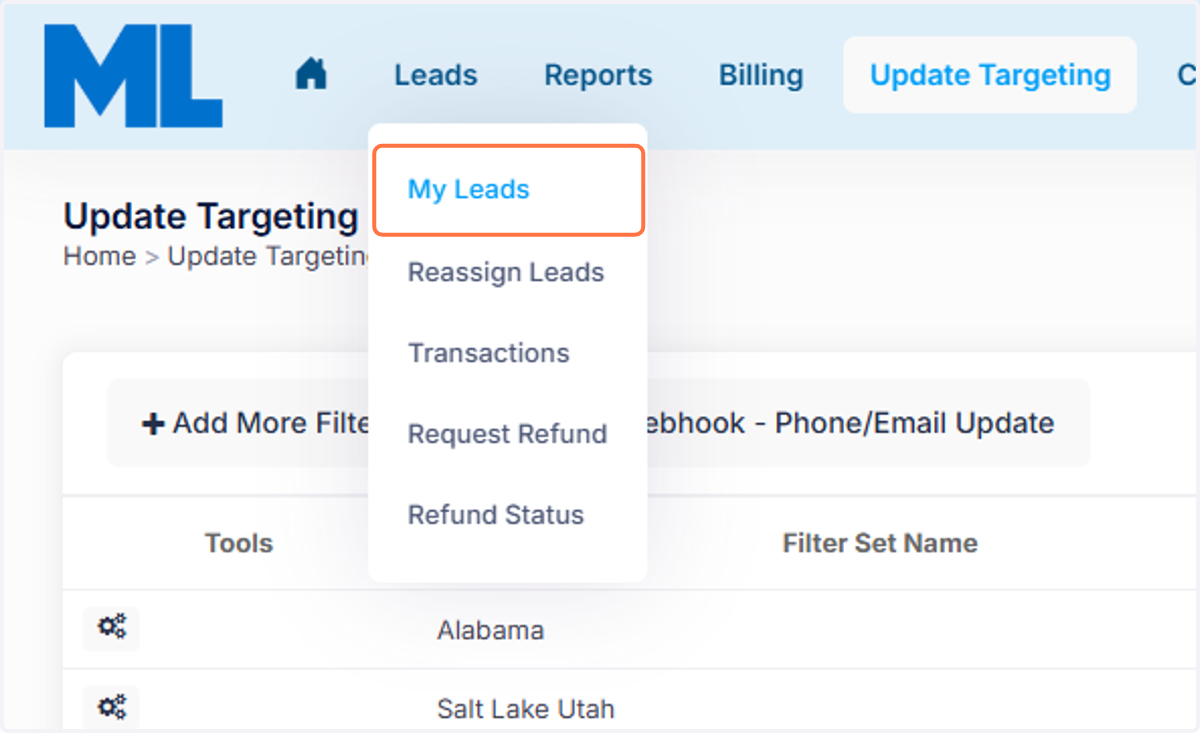
2. Click on My Leads
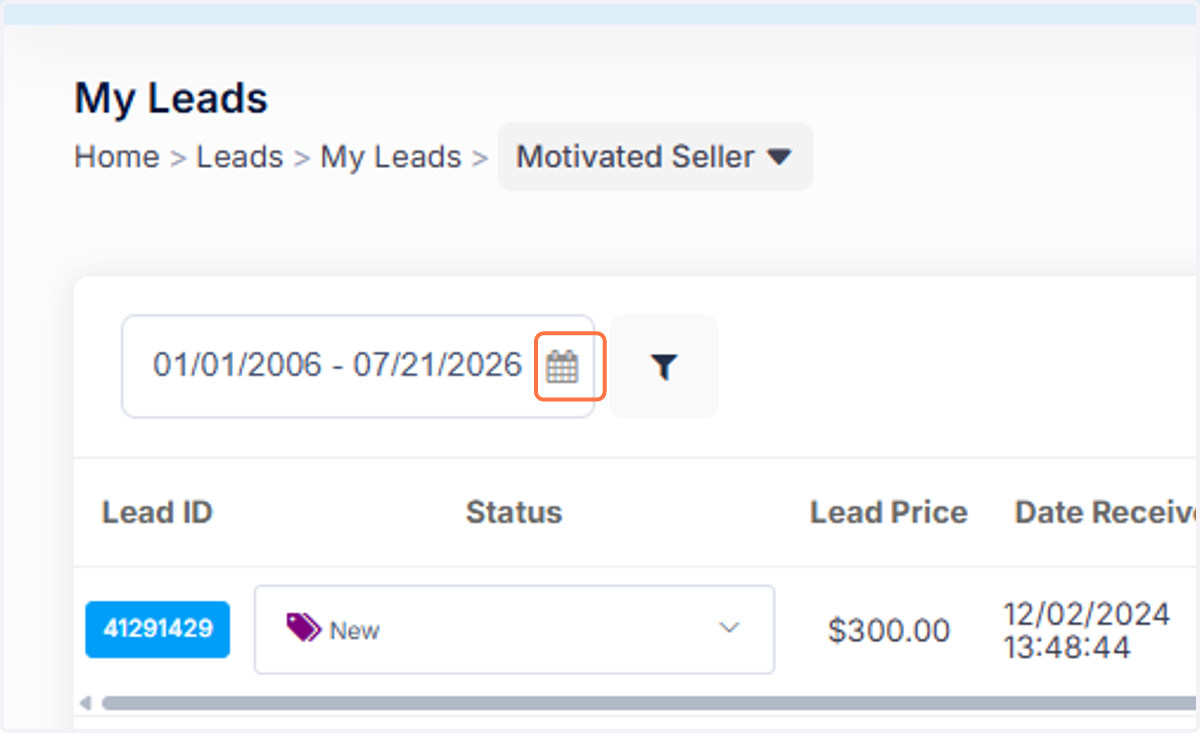
3. Click on the Calendar Filter
4. Click on All under the Calendar Filter
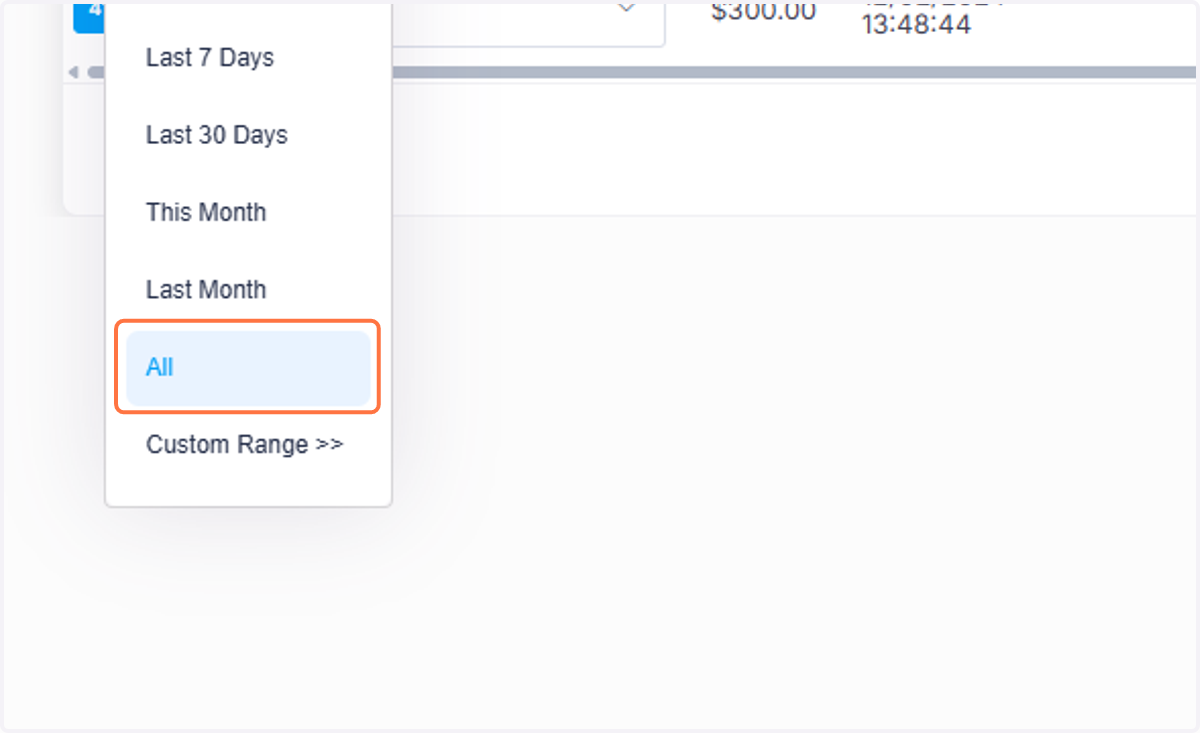
5. Once you click on All, all of your assigned leads will show up.