Accountancy - Creating Journals
Manual journals are entries made directly by users to adjust account balances or record transactions that cannot be processed through automated means.
Manual journals are entries made directly by users to adjust account balances or record transactions that cannot be processed through automated means.
A journal falls under double-entry bookkeeping, where every financial transaction is recorded in at least two accounts: one debited and one credited. The journal serves as the initial record for these transactions.
1. Access the Journal Menu under the Accountancy Section.
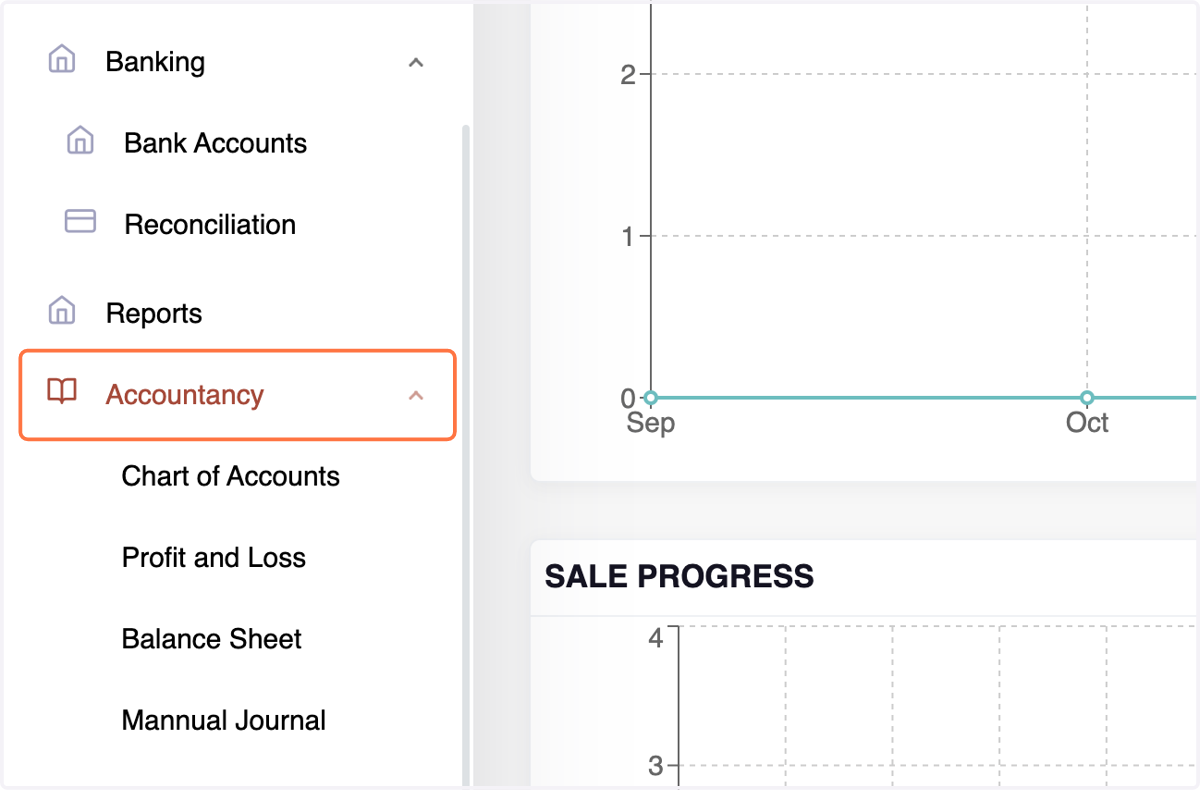
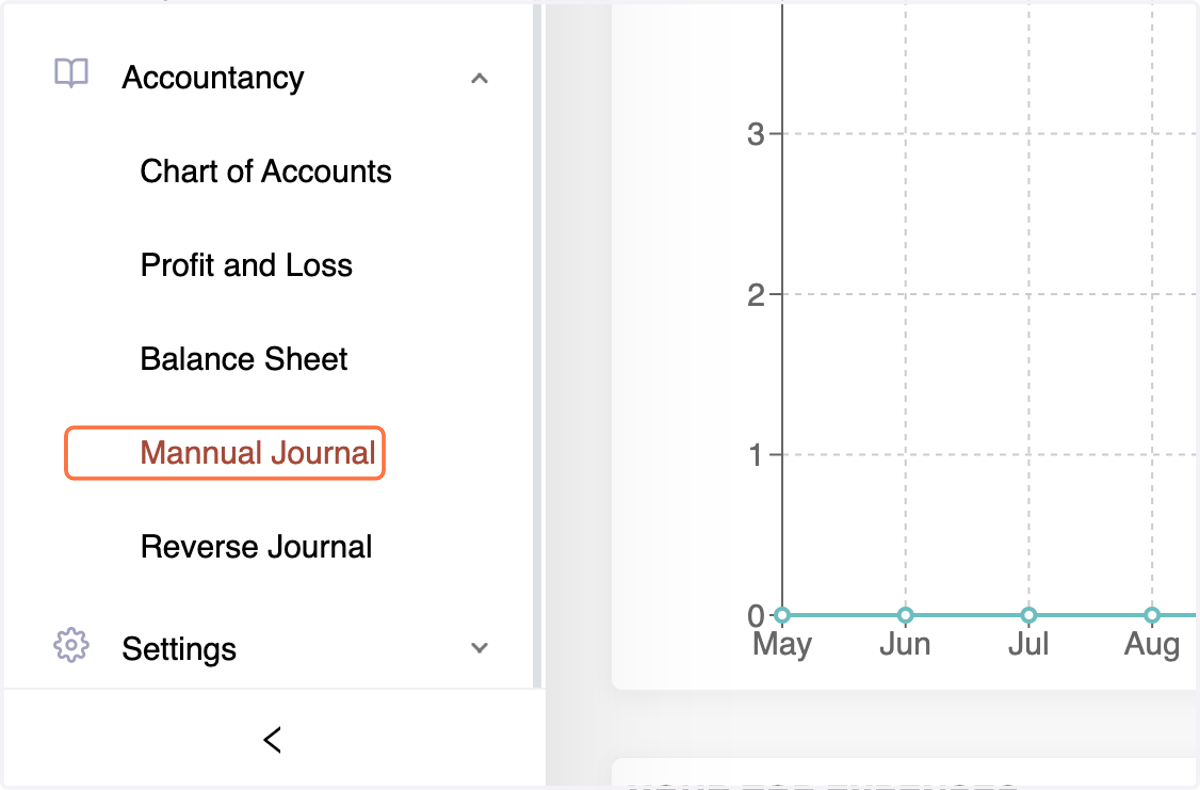
2. Click on Manual Journal
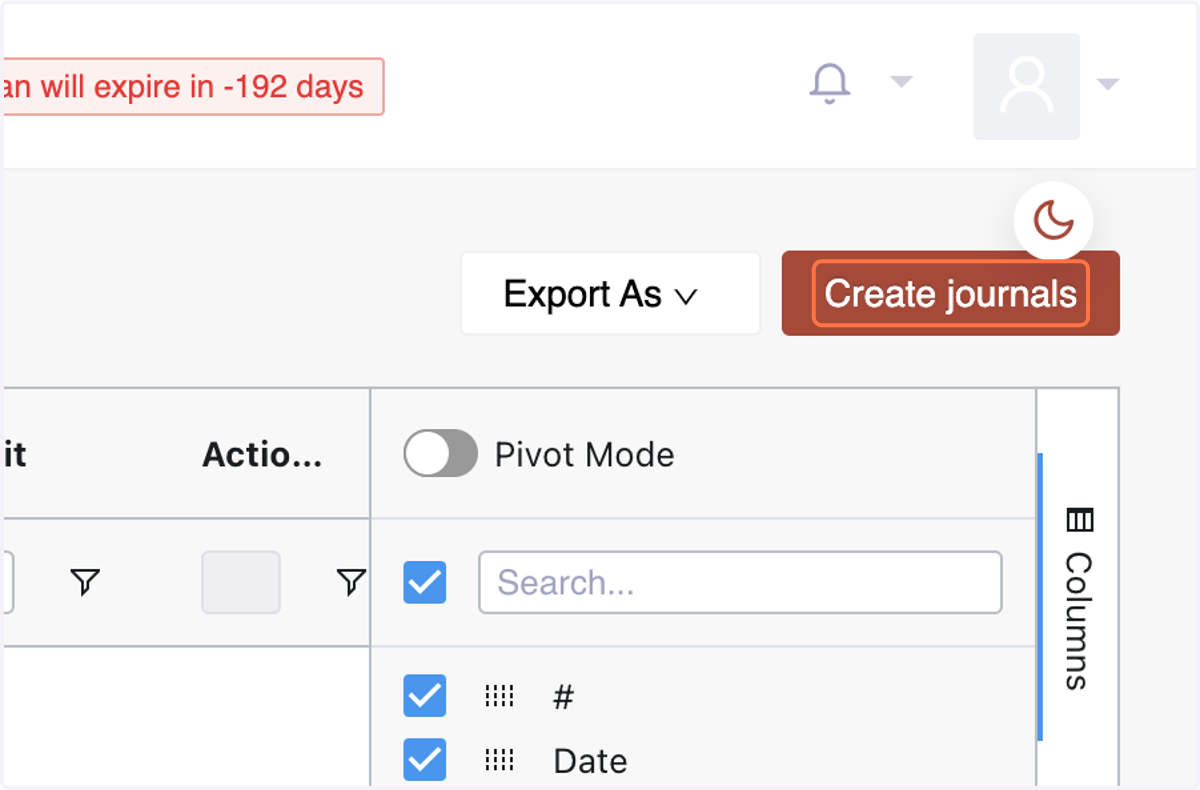
3. Click on "Create Journals."
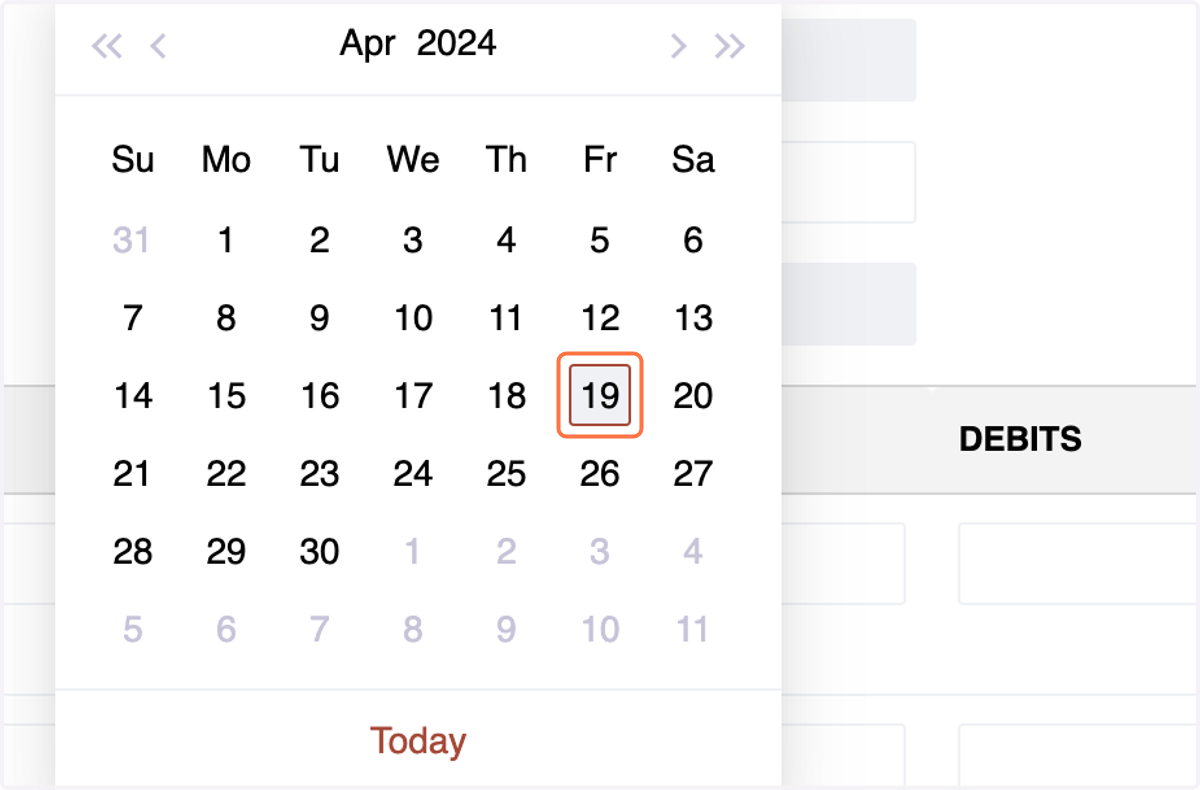
4. Select the Date for the journal entry.
Debit Entry:
A debit entry represents an increase in an asset or expense account, or a decrease in a liability or equity account.
When recording a debit entry, the amount is entered on the left side of the accounting ledger.
Debit entries are typically used to record transactions such as purchases, expenses, and withdrawals.
5. Choose the Debit Account for the transaction.
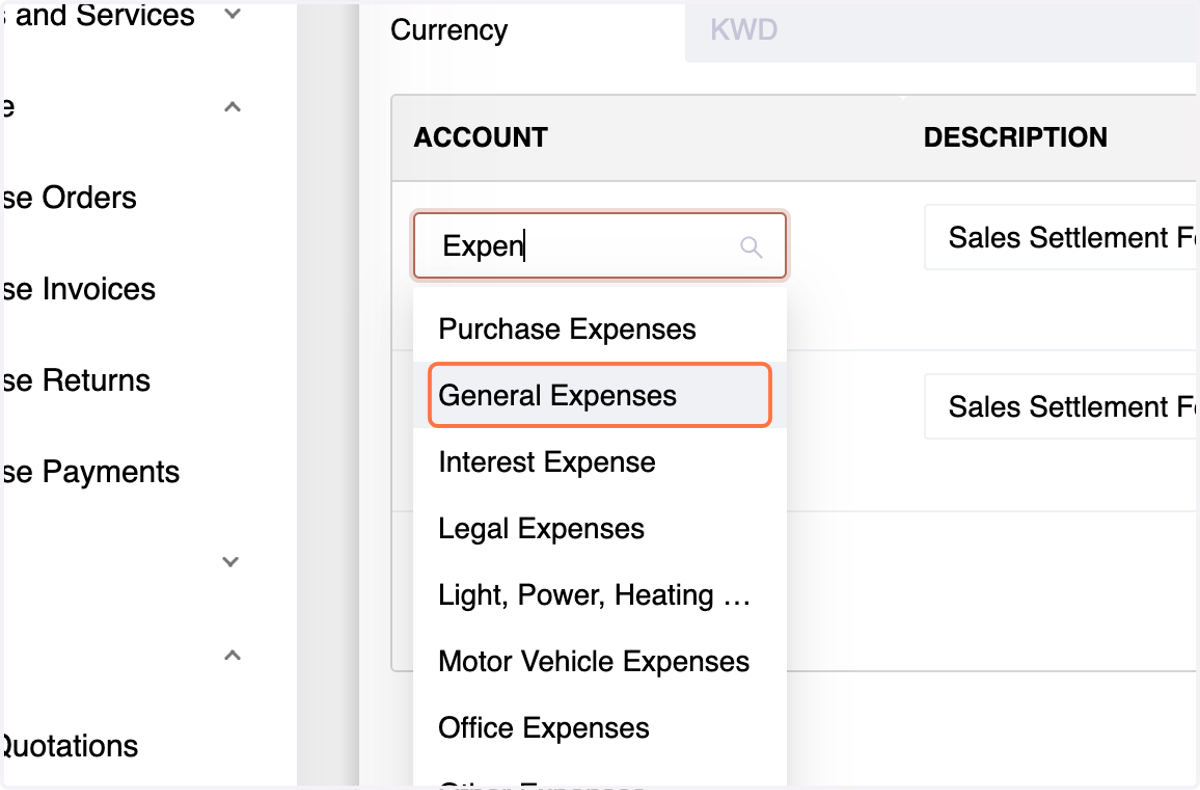
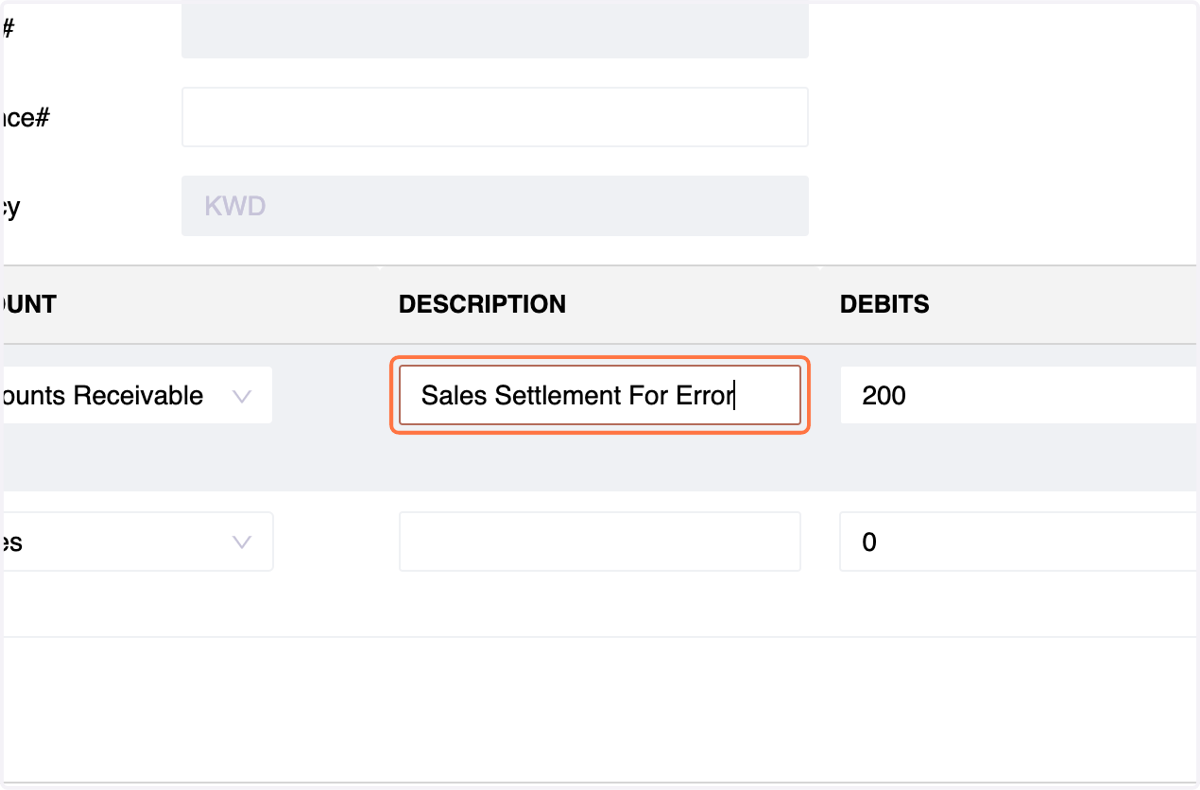
6. Enter a Description for the transaction.
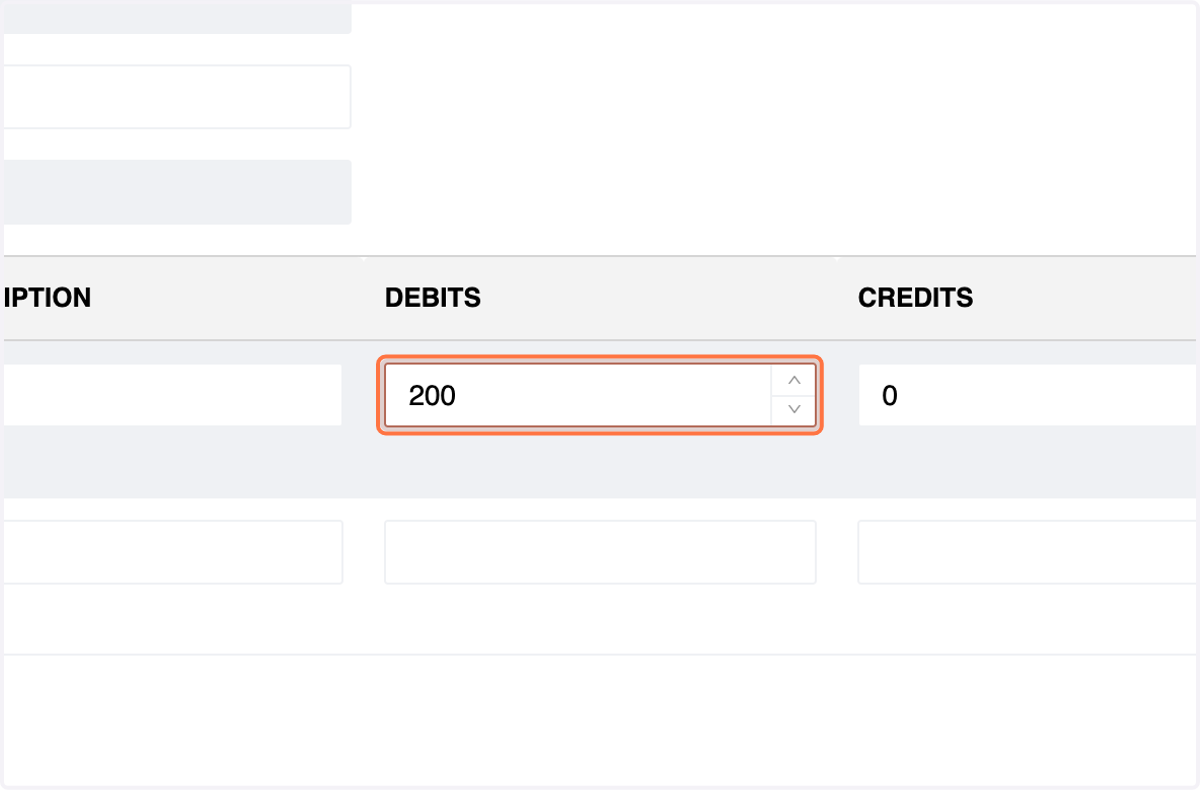
7. Enter the Amount in the Debit Section.
Credit Entry:
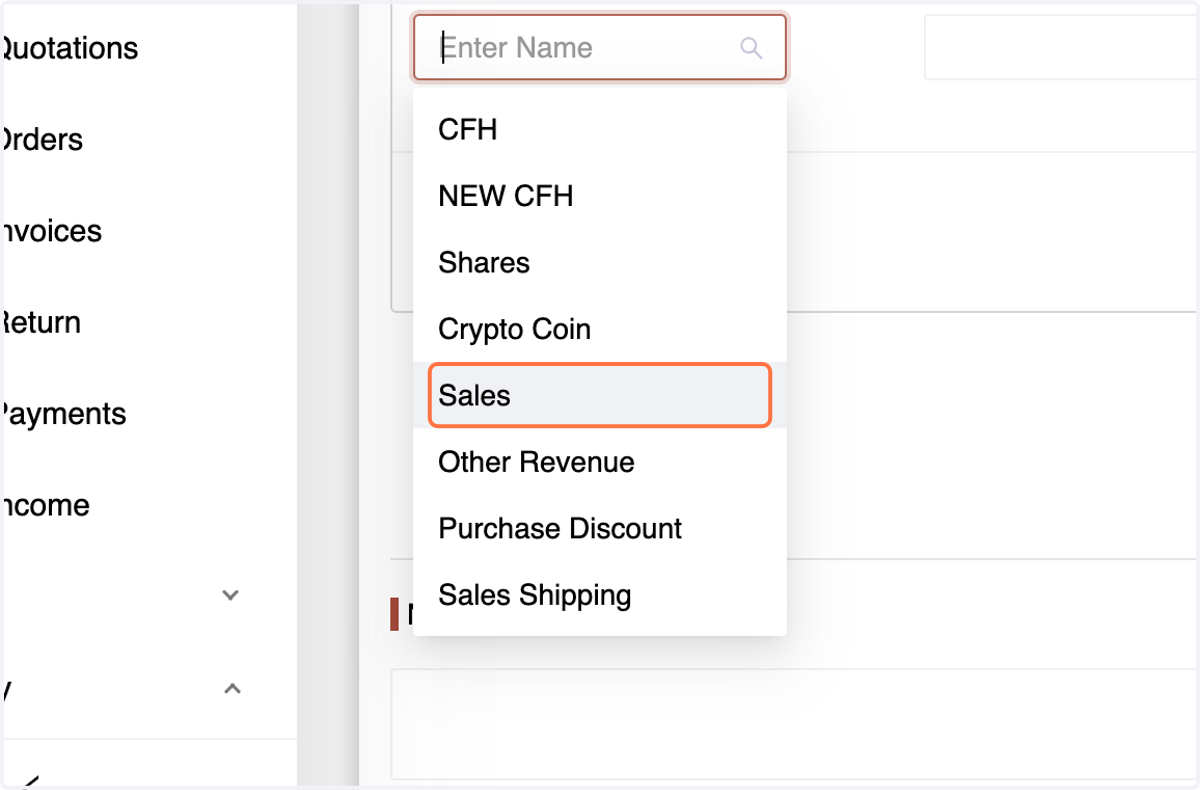
8. Choose the Credit Account for the transaction.
9. Enter a Description for the transaction.
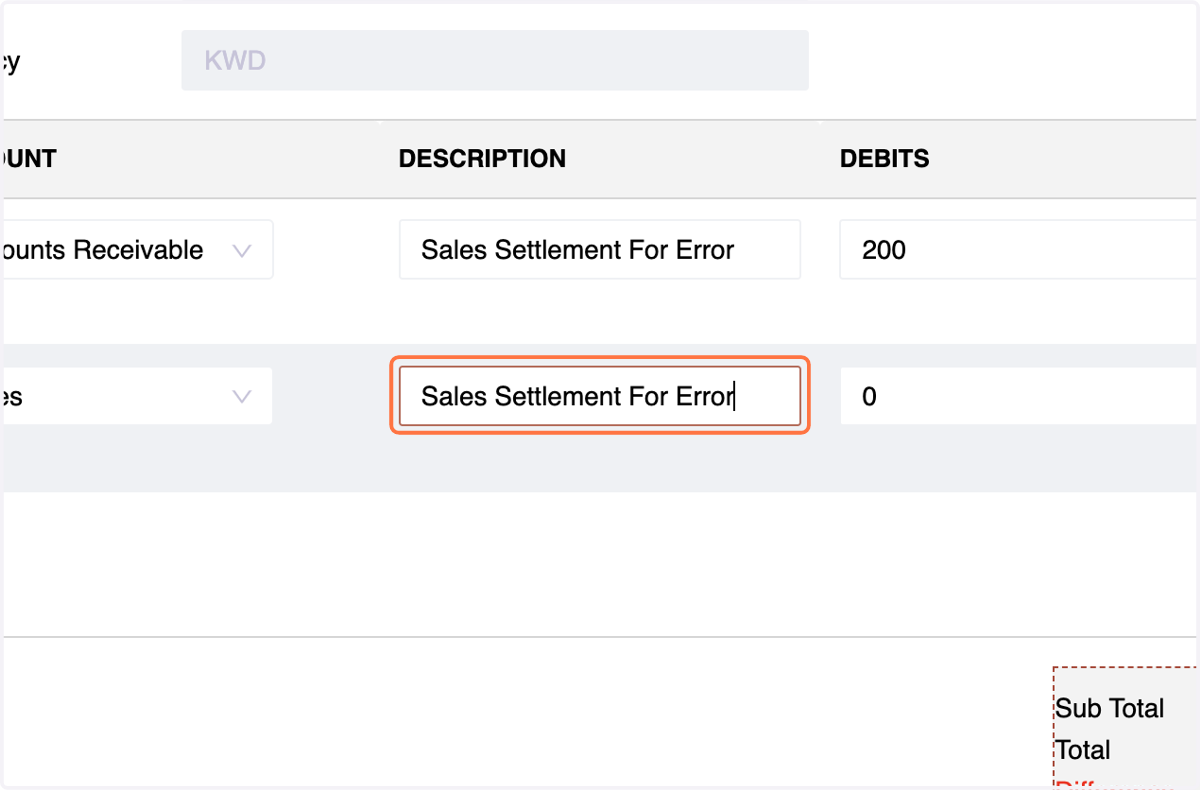
10. Enter the Amount in the Credit Section.
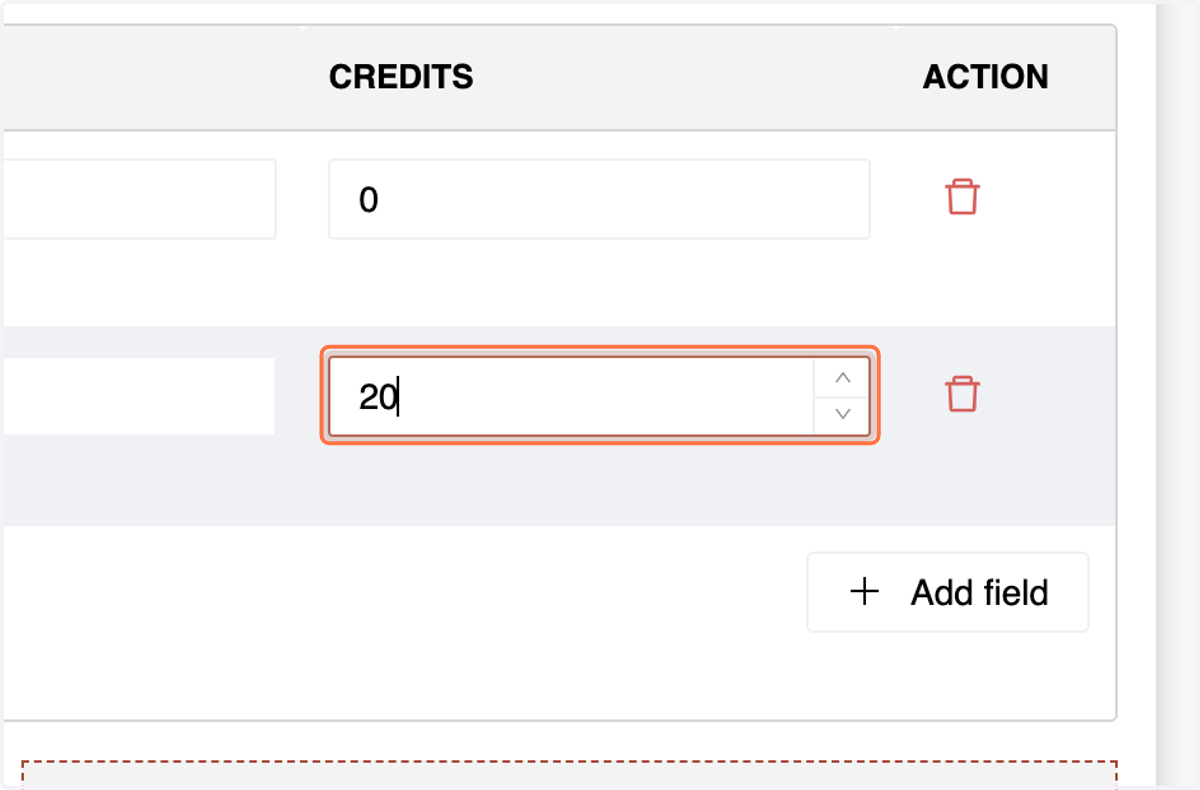
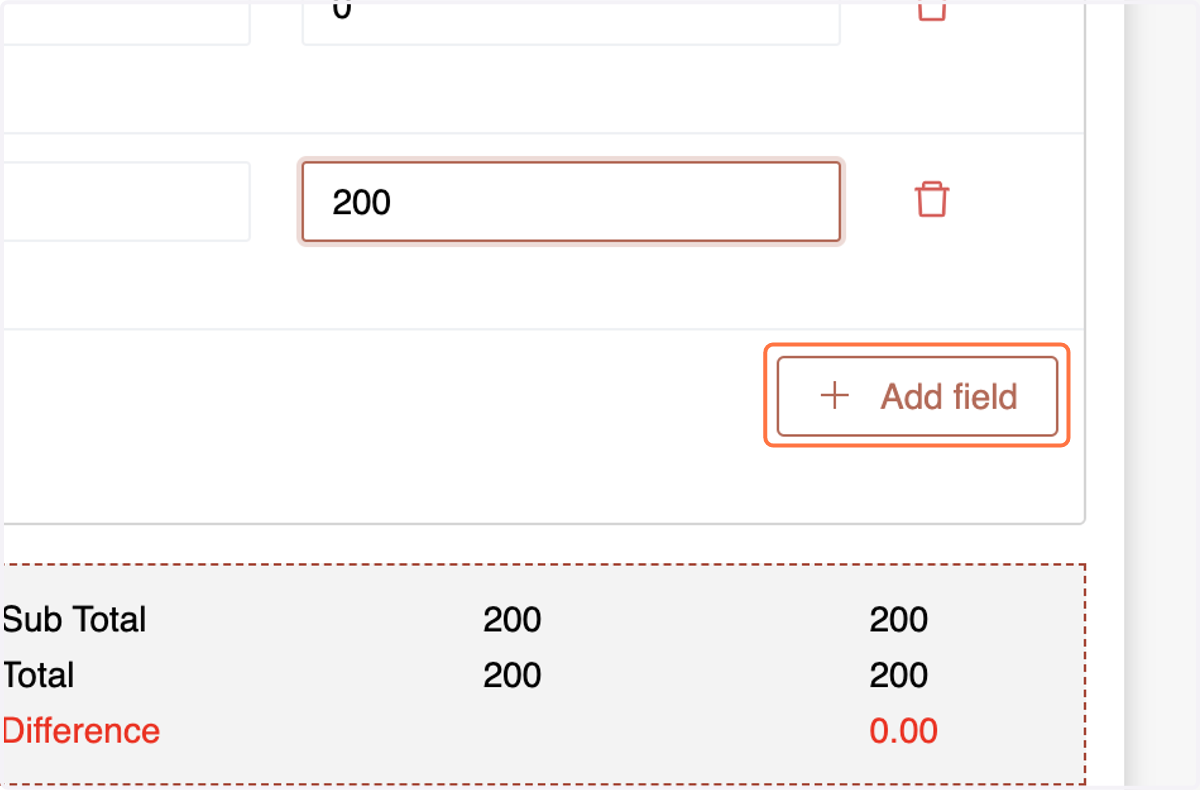
11. For More Entries Click on Add Field
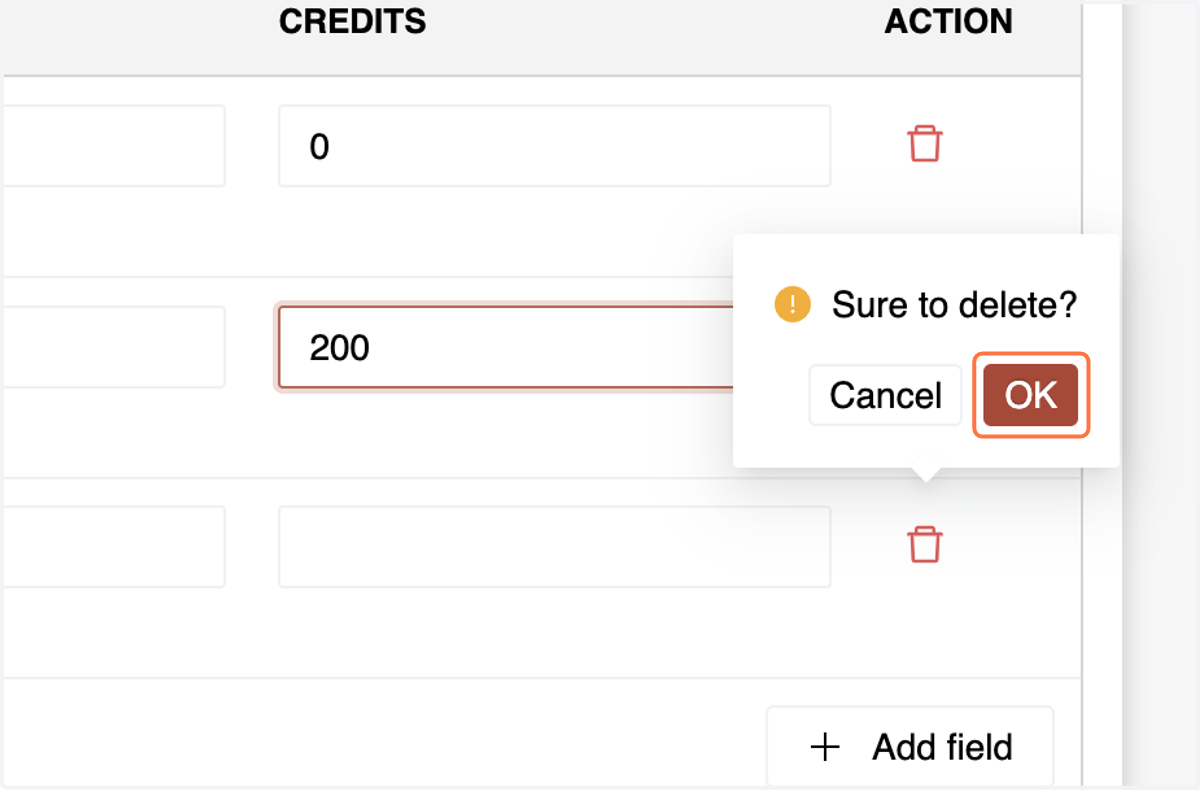
12. To Delete an Entry Simply Click on the Bin Sign,
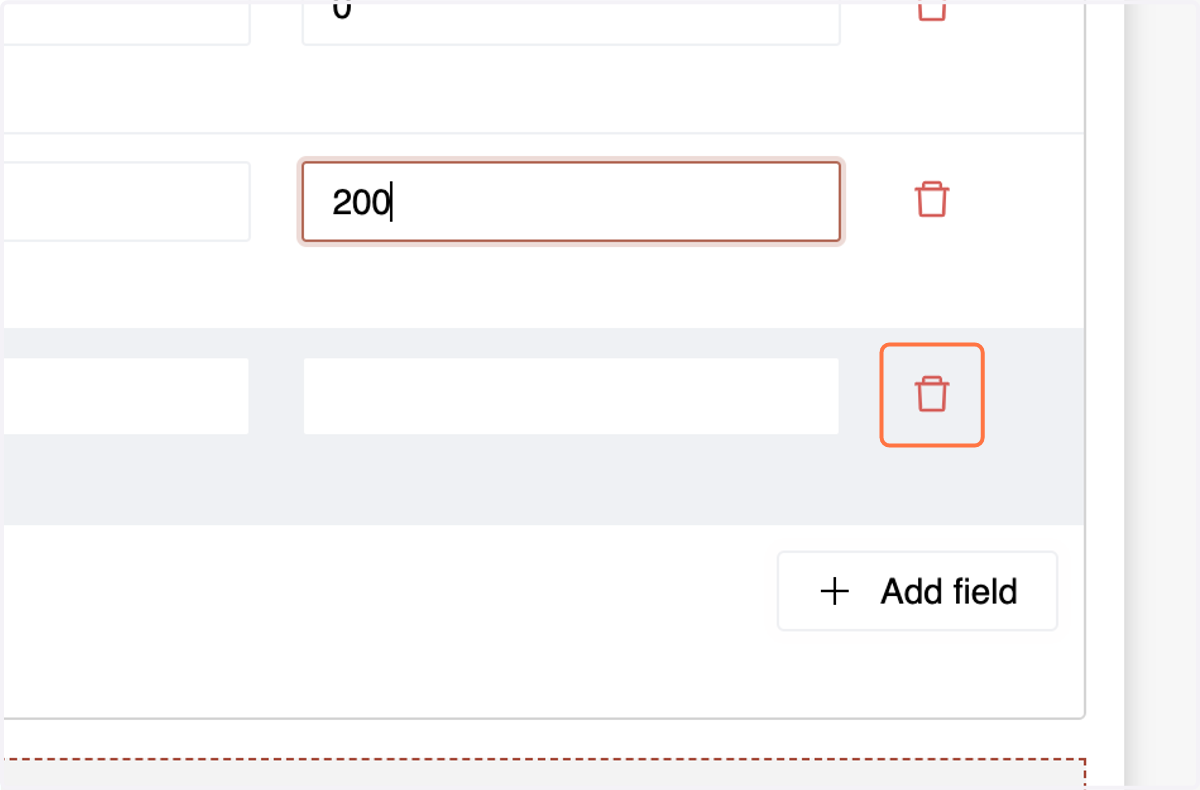
13. & Click on OK
14. Enter Notes if Any
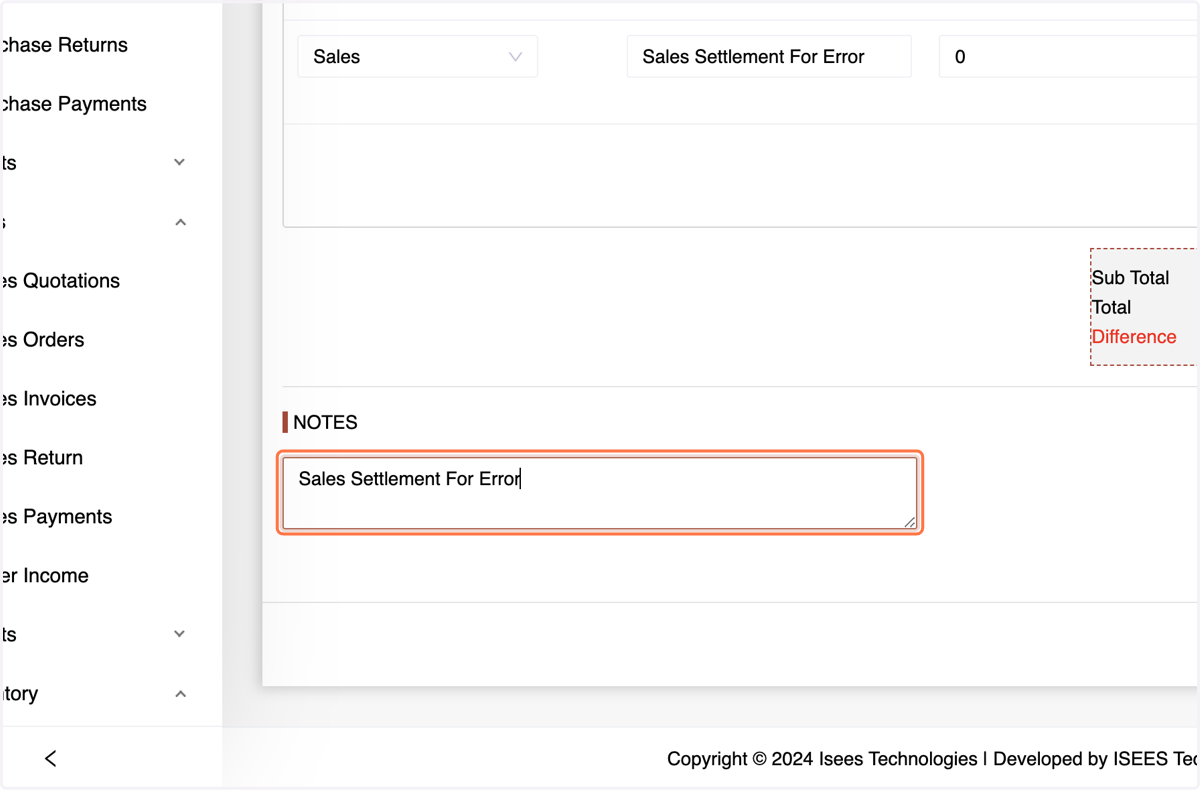
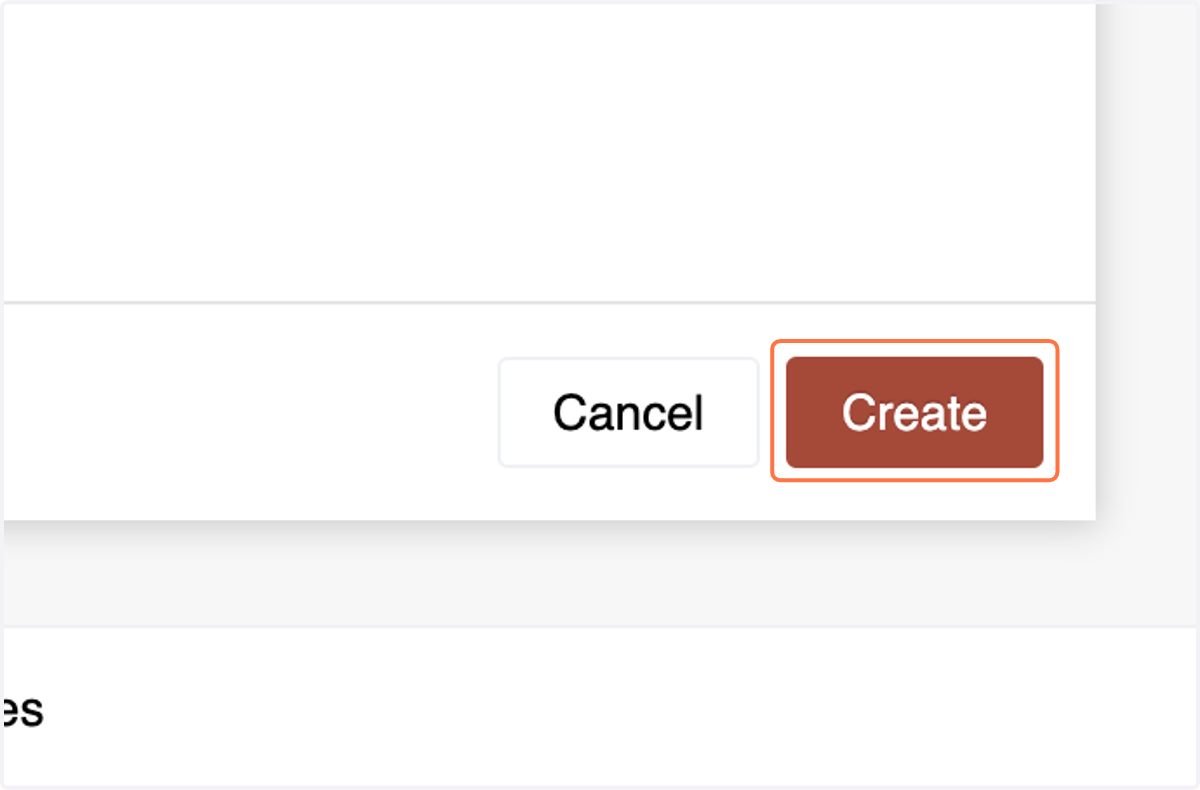
15. Make sure there is no difference between debits and credits. Review the journal entry details thoroughly and then hit the "Create" button.
Conclusion:
The Manual Journal Module in the Number Accounting System offers users a reliable method to adjust account balances and record transactions manually. By following the outlined steps, users can accurately document financial transactions and maintain the integrity of their financial records.