Merging Debtors
Merge debtors from aging and carrier information
Login - FGI TRUST
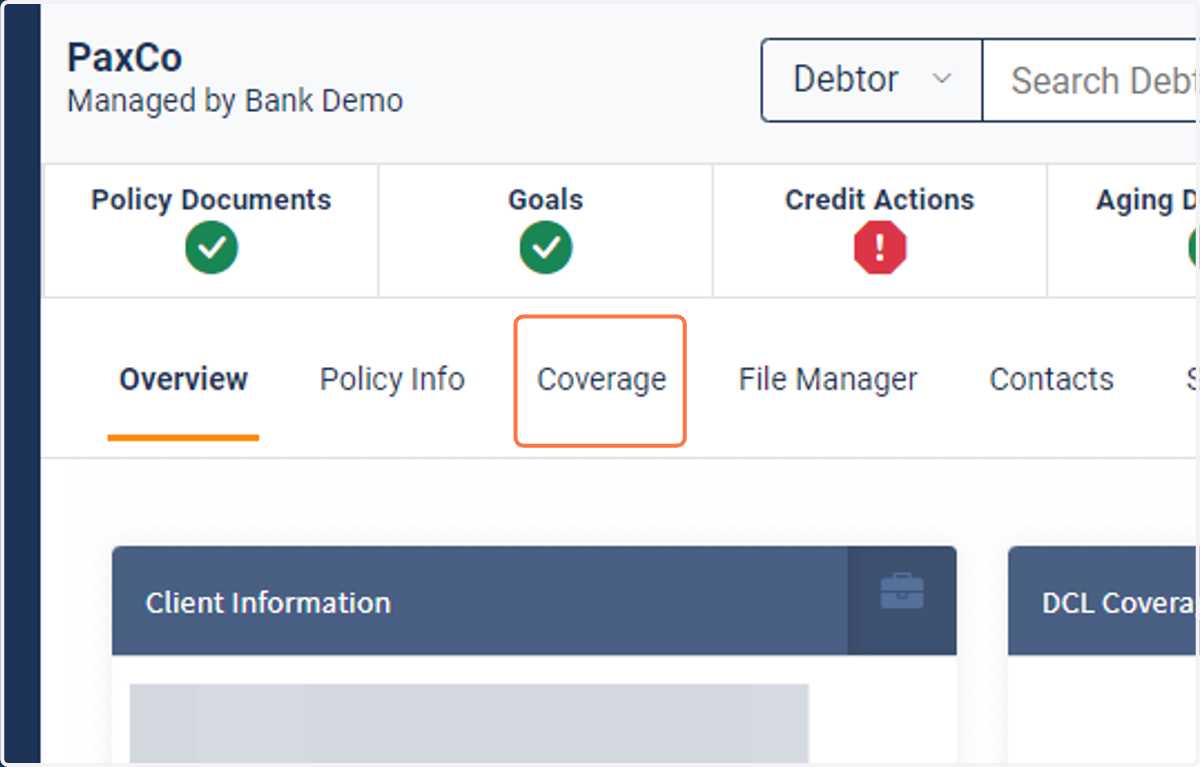
1. Click on Coverage
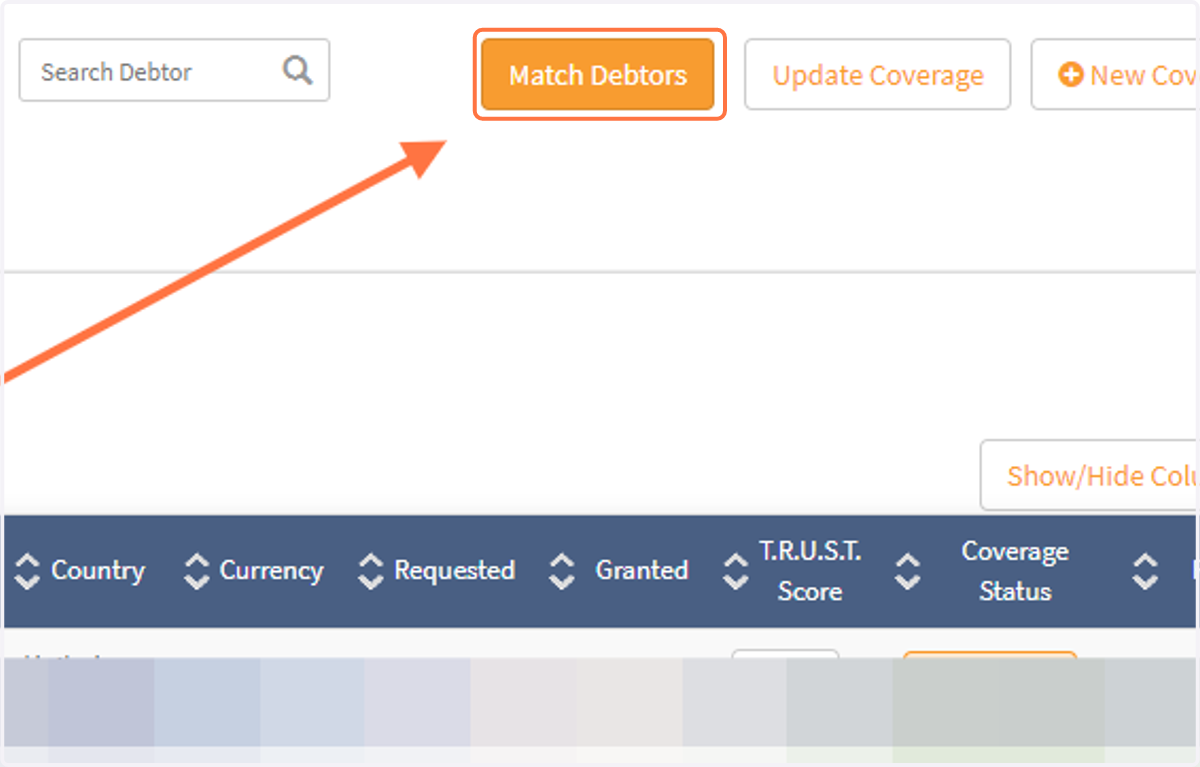
2. Click on Merge Debtors
3. You can search via Company Name, Carrier ID, Carrier Customer Reference
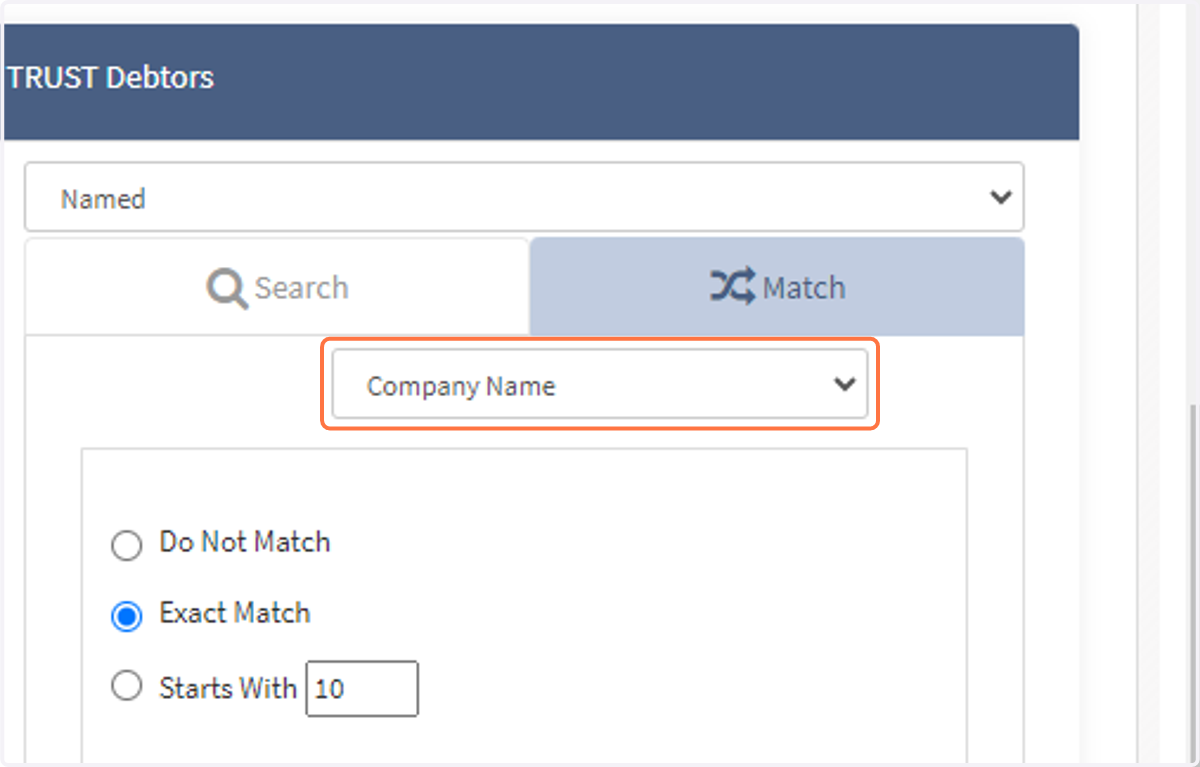
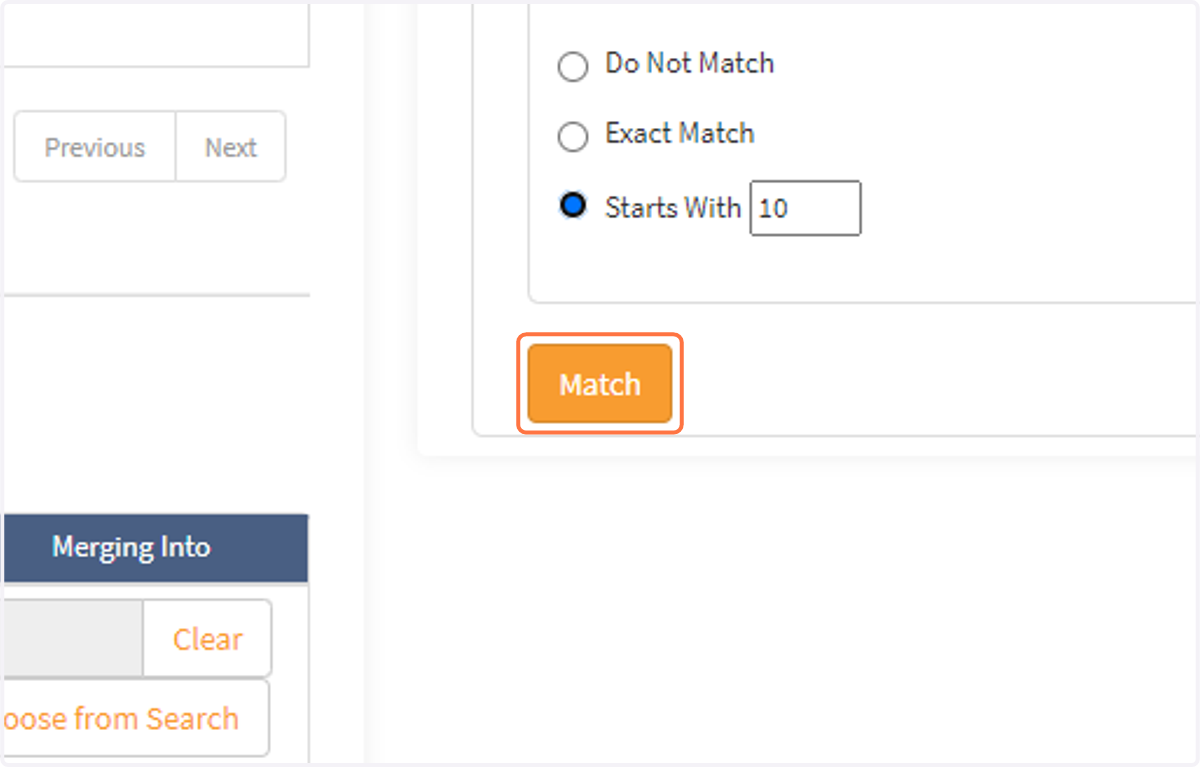
4. Use the "Starts with" option to find slight variances
This means that TRUST will use the first 10 characters of the company name from the aging to match to the carrier’s debtor name. You can modify the number of characters as needed.
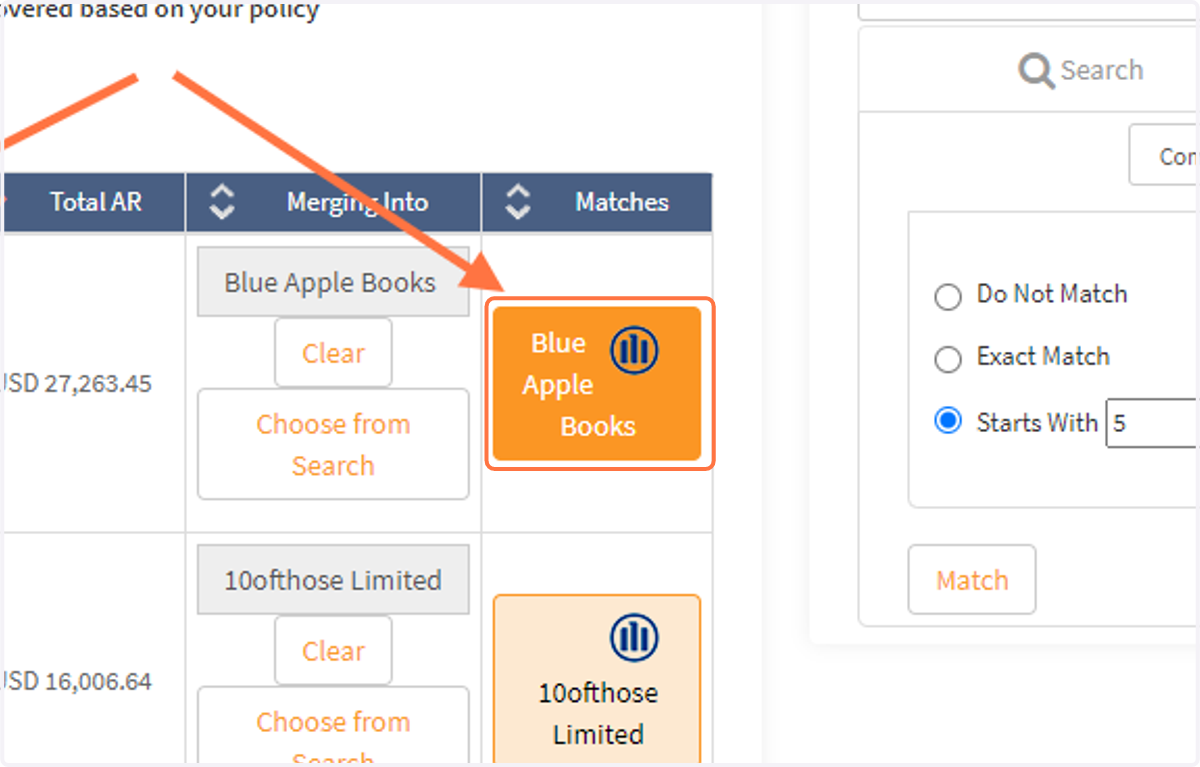
5. You can review each suggested debtor and select the correct “Match”.
If you are unsure about a match and want to remove it, click “Clear”. You can always revisit the matching process later. Further, if you match something in error it’s very easy to un-match at any point.
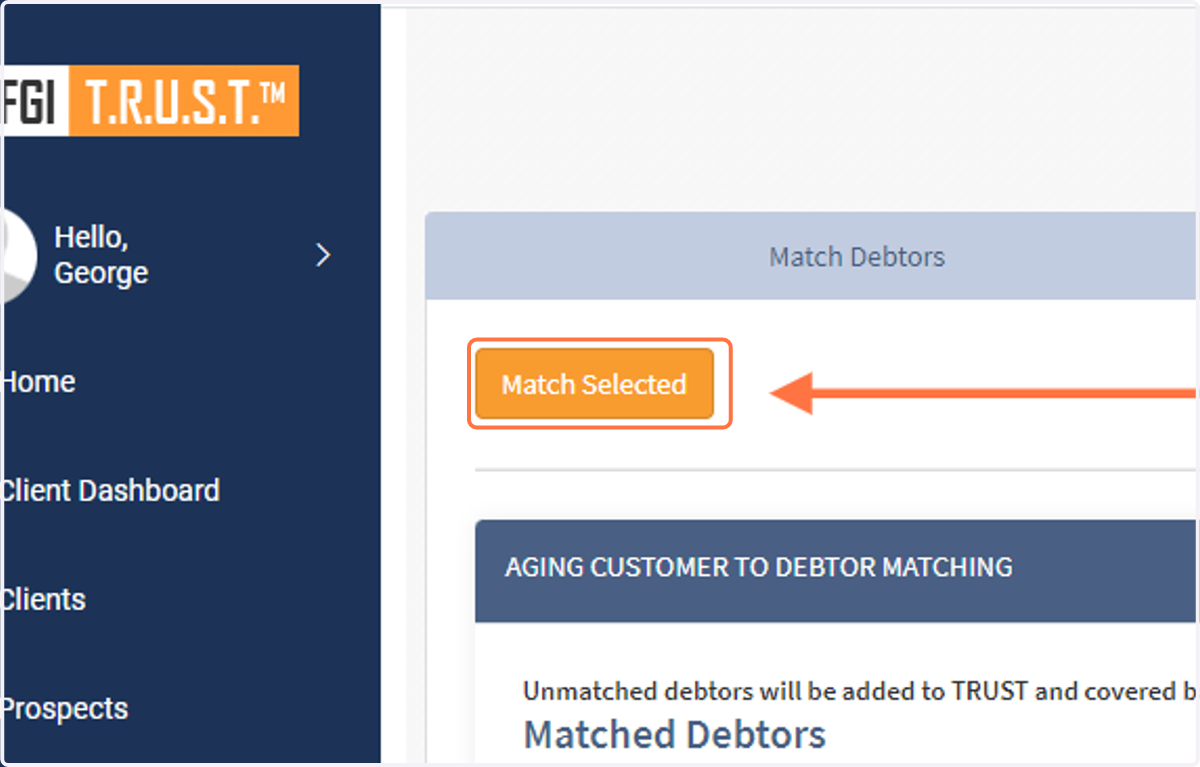
6. Once you are happy, go to the top of the screen and click “Match Selected”.
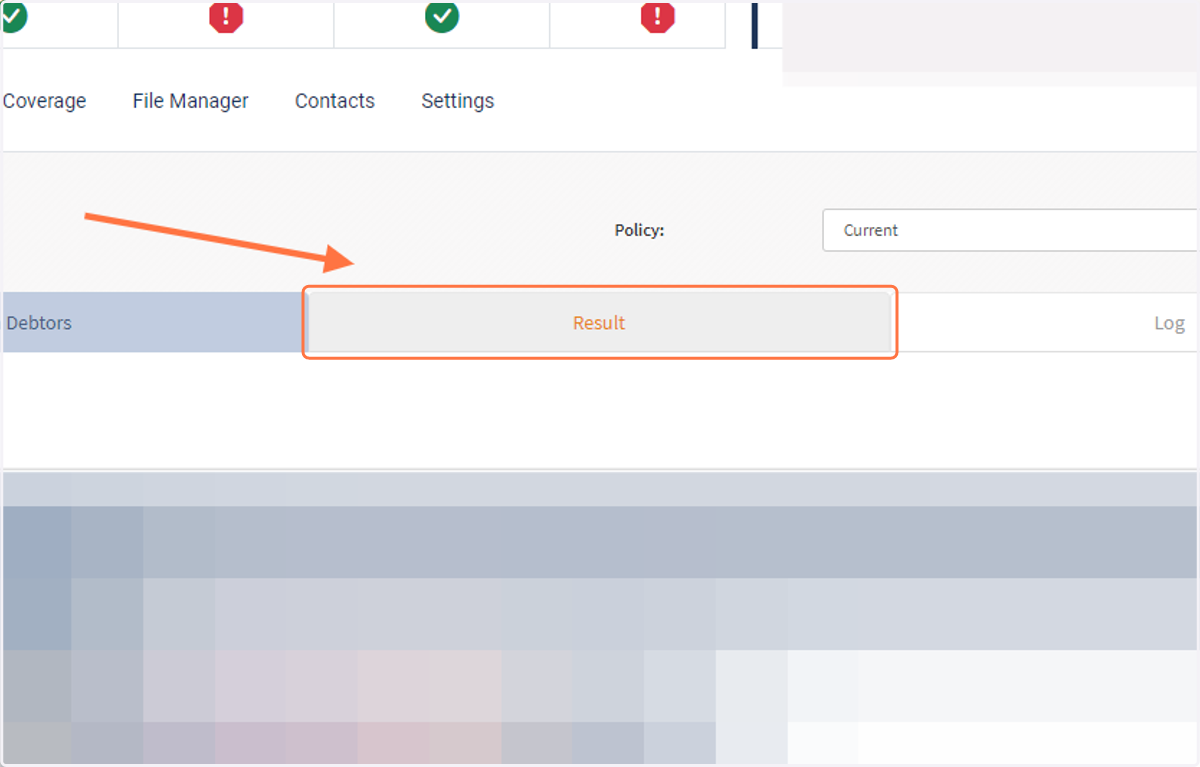
7. You can check this by looking at Result tab or a full history on the log tab