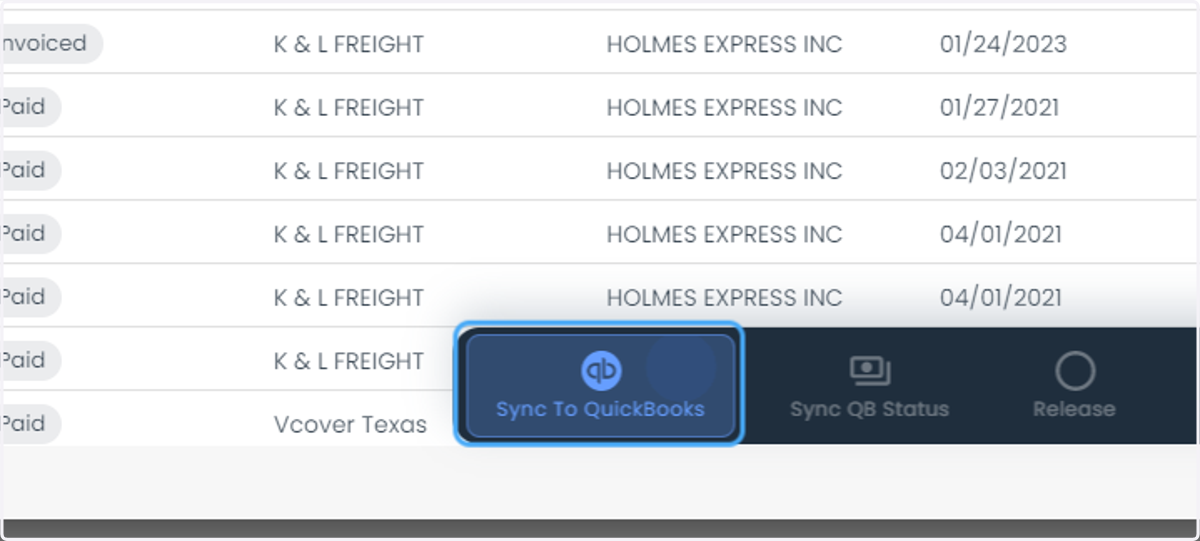
How to map the pay items and sync customers and sync invoices to QB
Loadops
1. Go to app.loadops.com
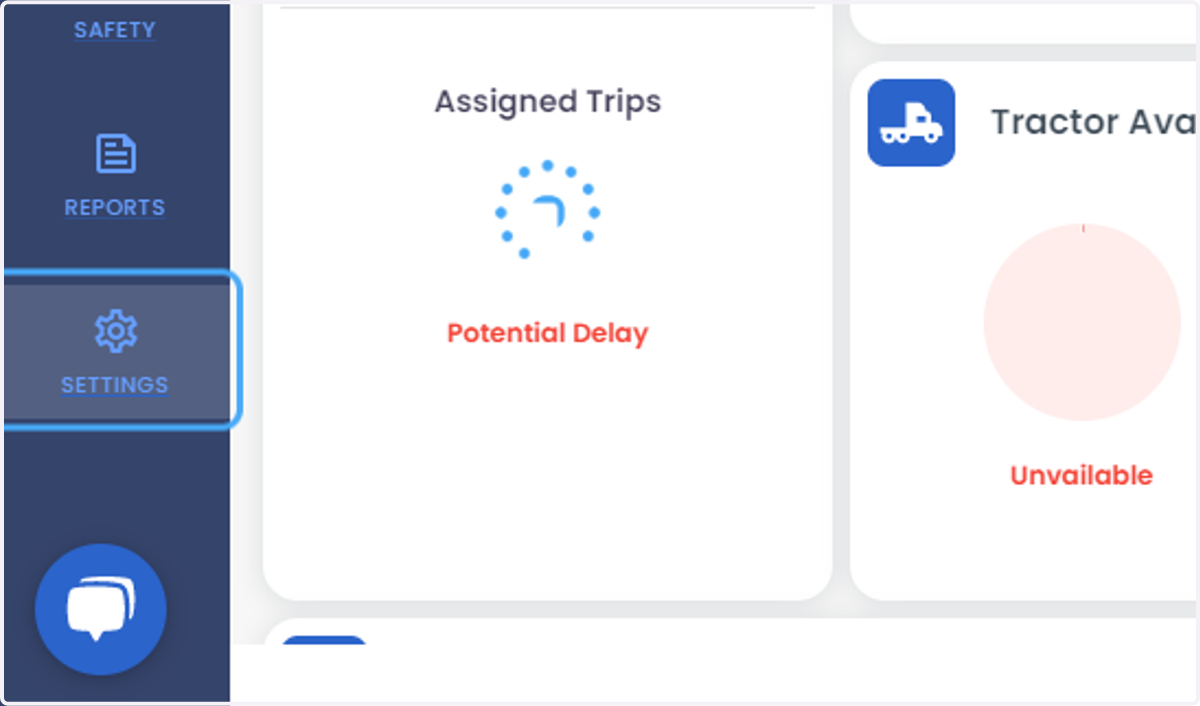
2. Click on SETTINGS
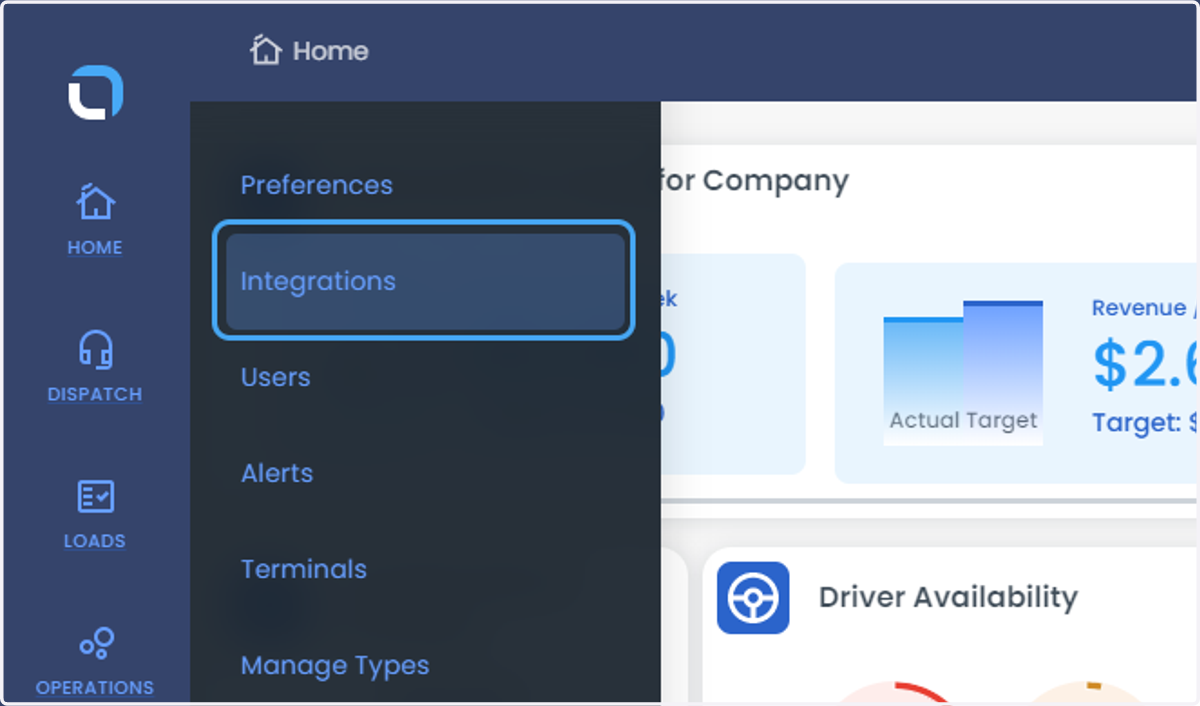
3. Click on Integrations
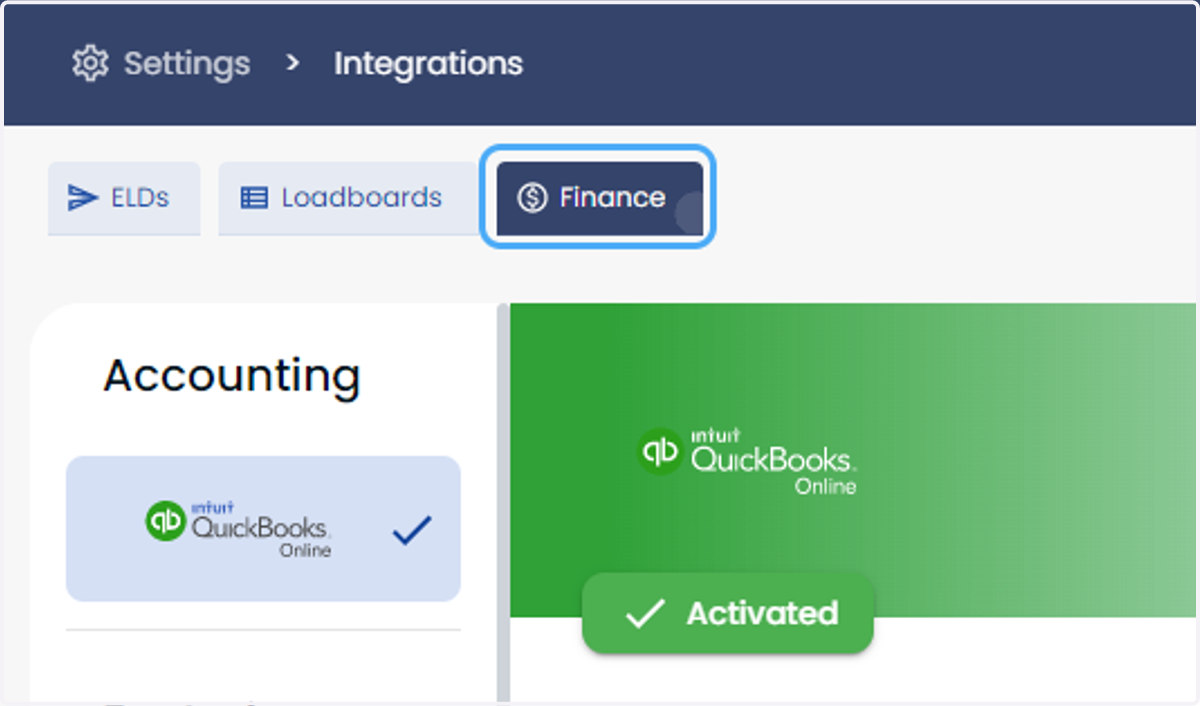
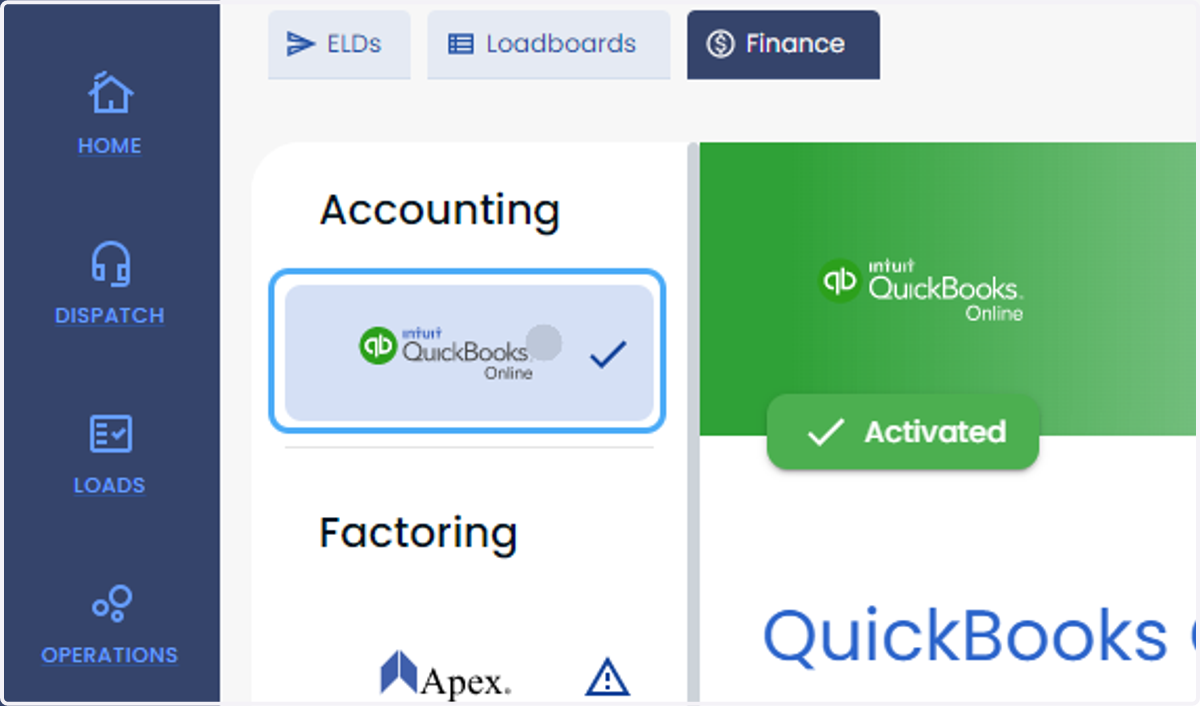
4. Click on Finance
5. Click on provider-name
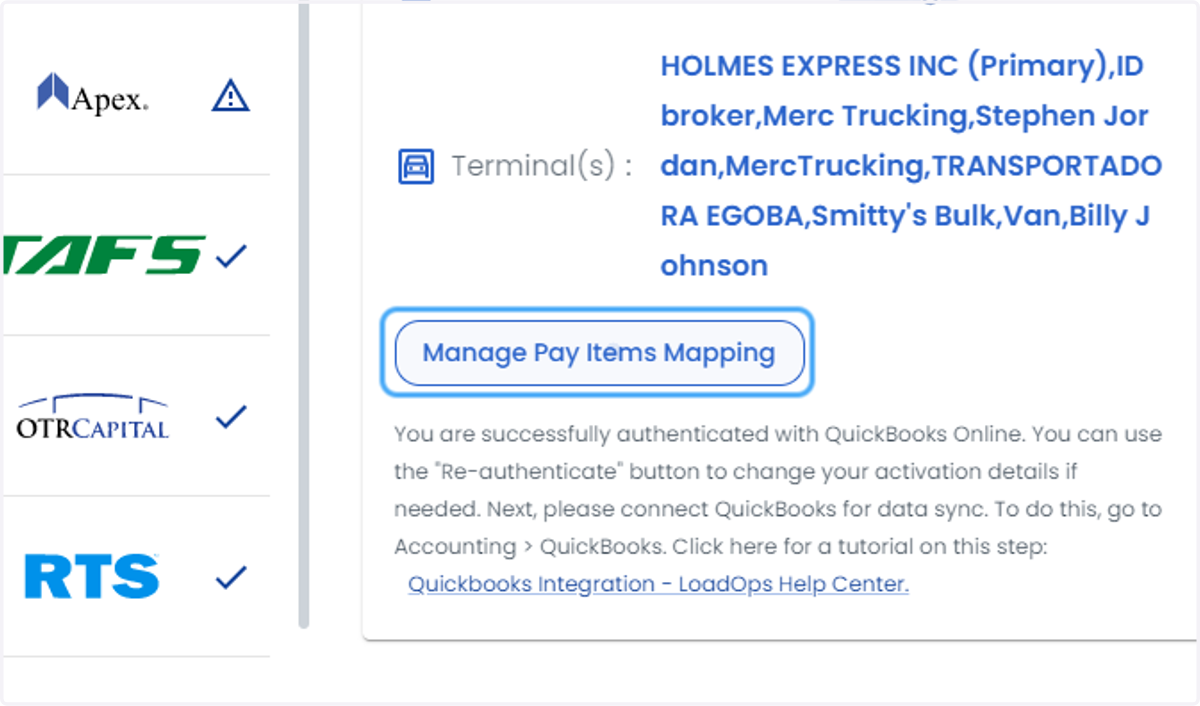
6. Click on Manage Pay Items Mapping
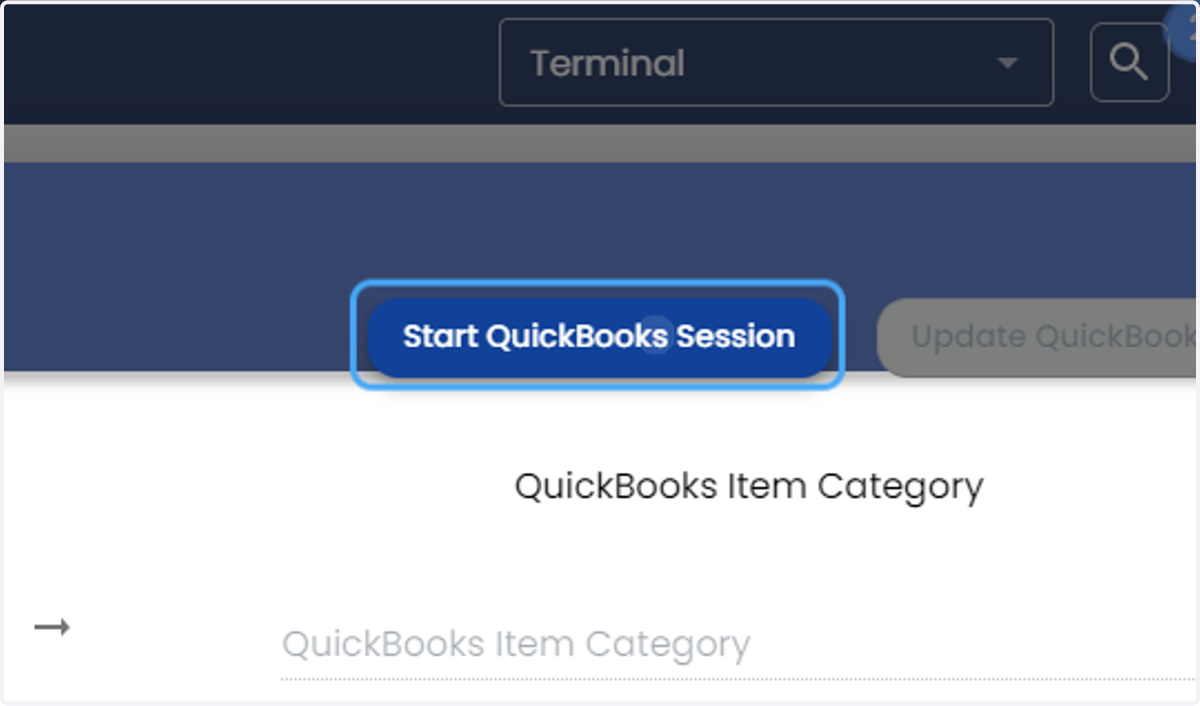
7. Click on Start QuickBooks Session
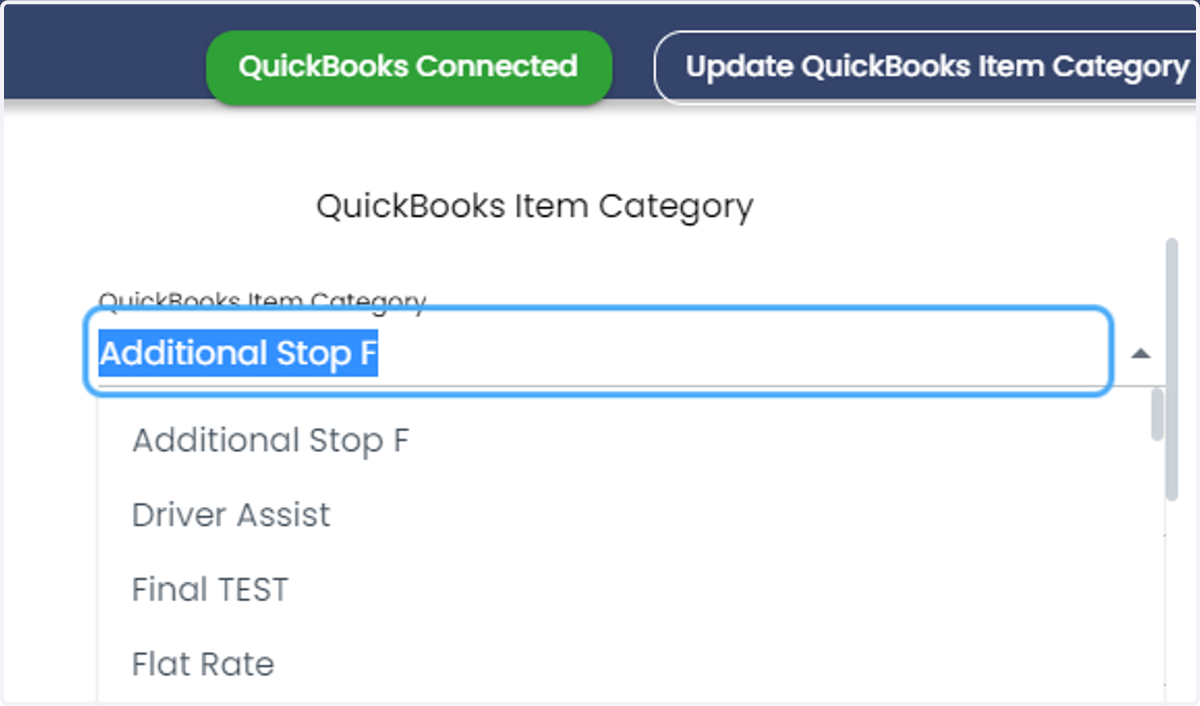
8. Click on QuickBooks Item Category
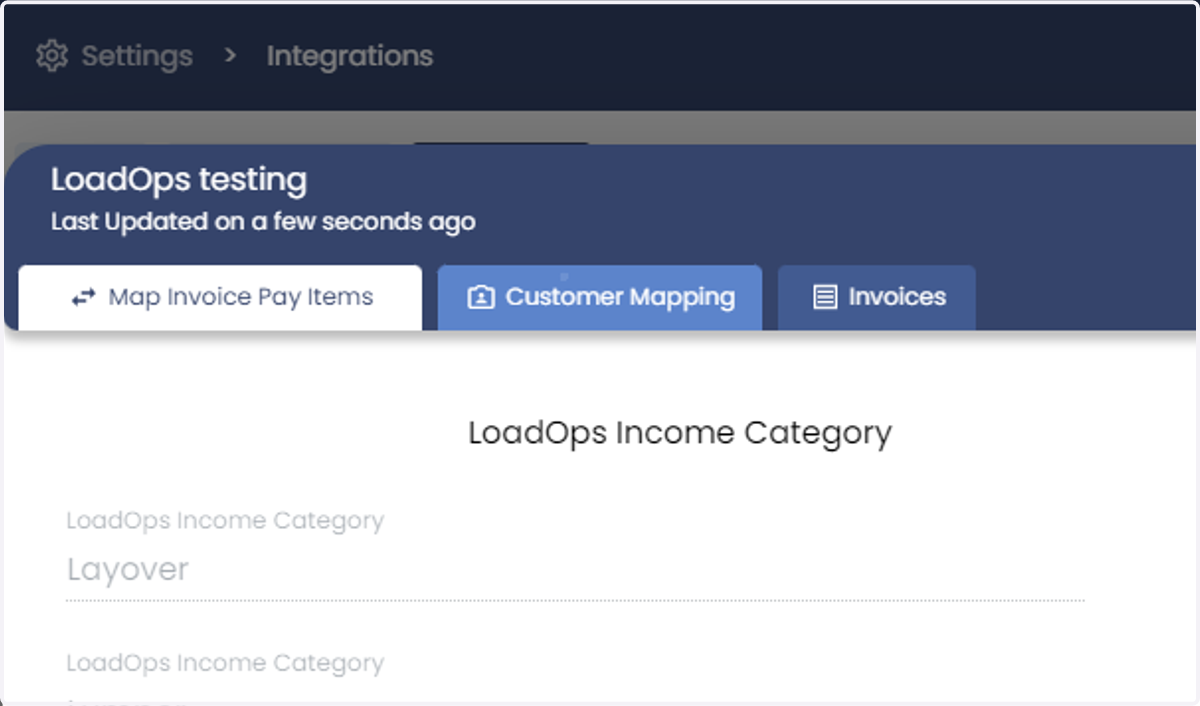
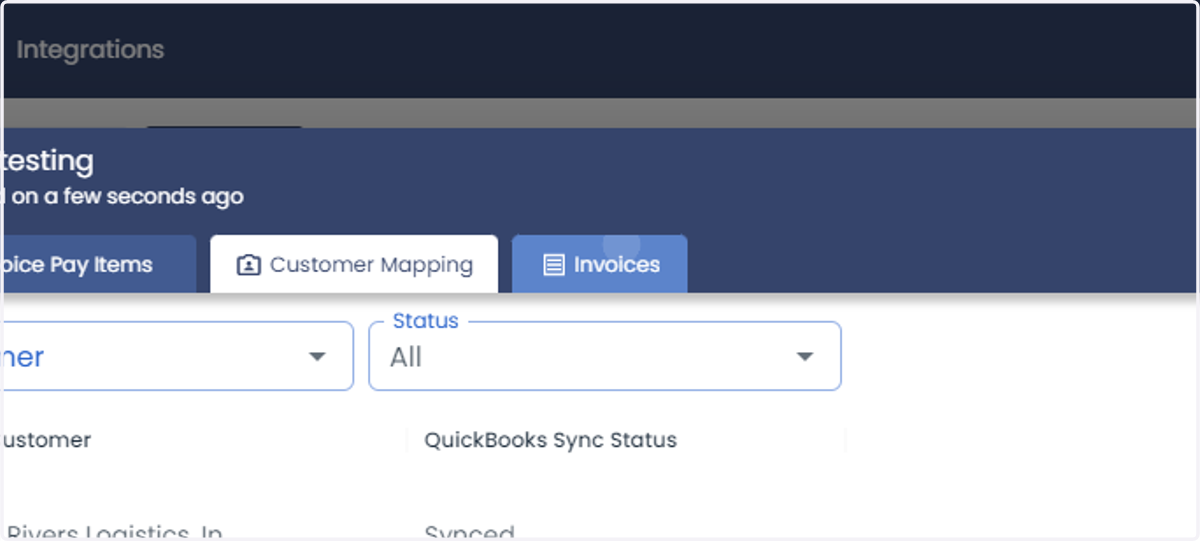
9. Click on Customer Mapping
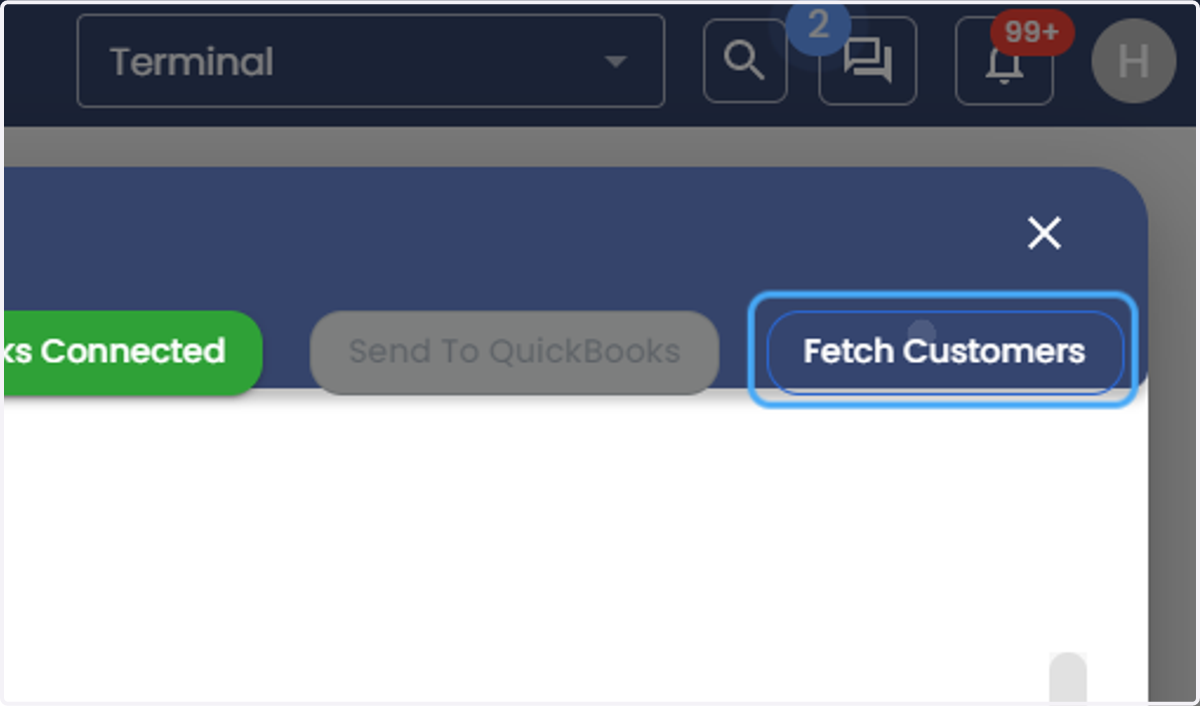
10. Click on Fetch Customers
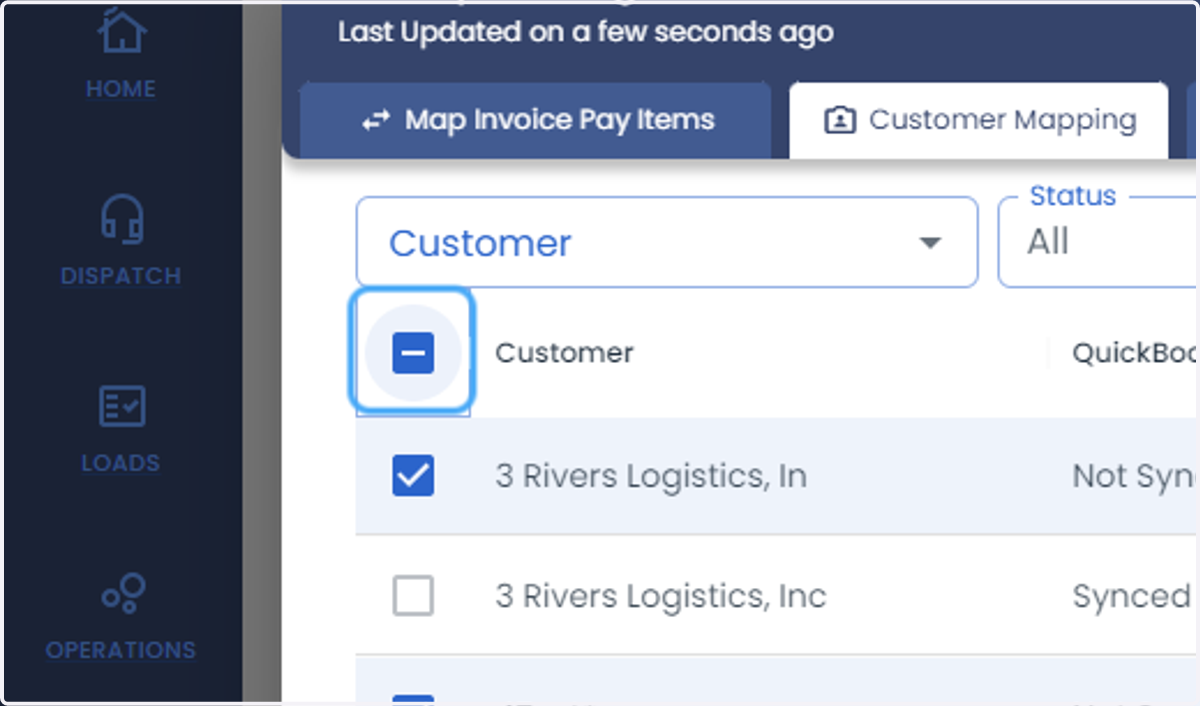
11. Check Unselect all rows
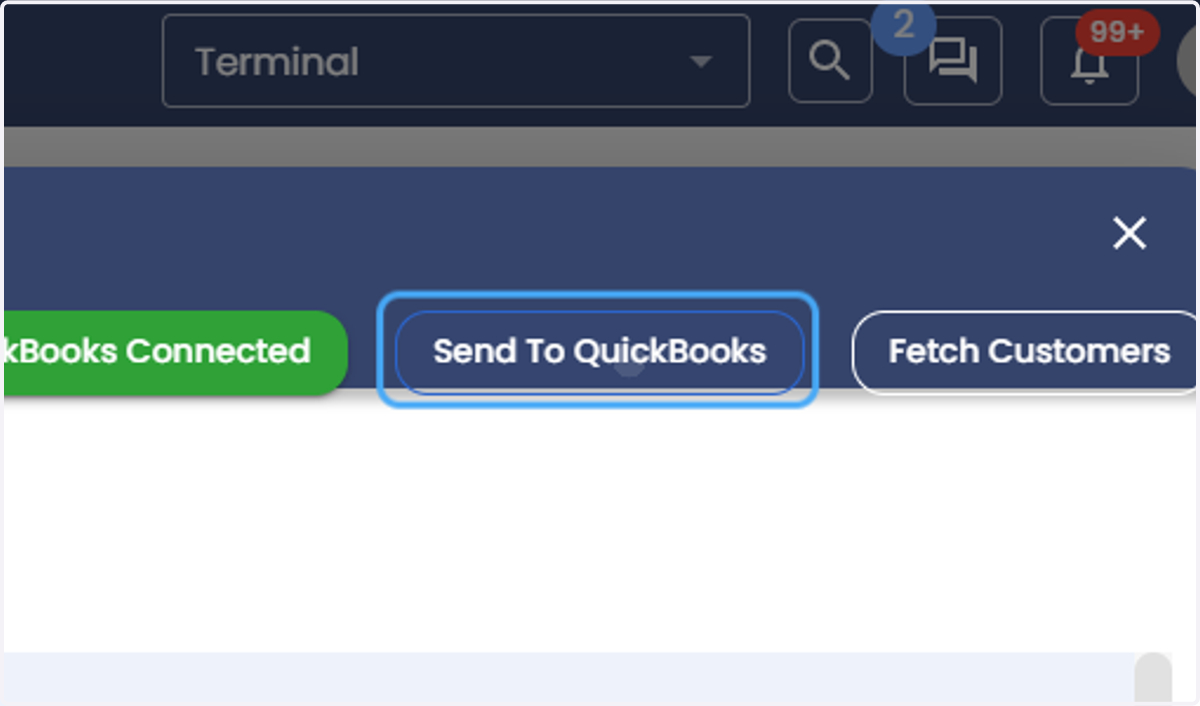
12. Click on Send To QuickBooks
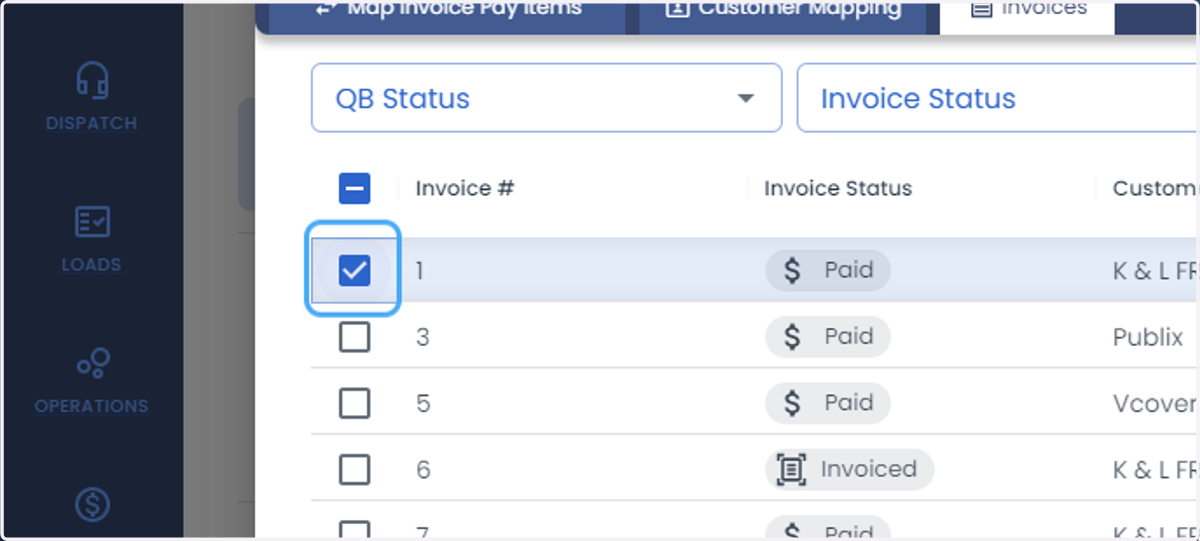
13. Click on Invoices
14. Check Unselect row
15. Click on dialog