PFS: Editing Student SKAs
PFS | View Student:
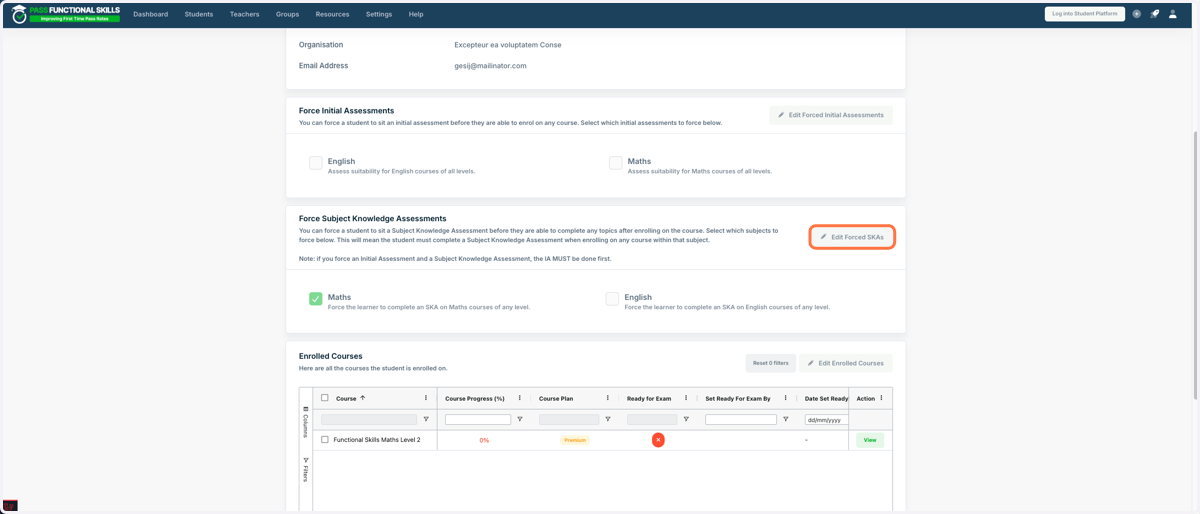
1. While viewing the student you wish to enforce an SKA on, navigate to the “Overview” tab and click “Edit Forced SKAs.”
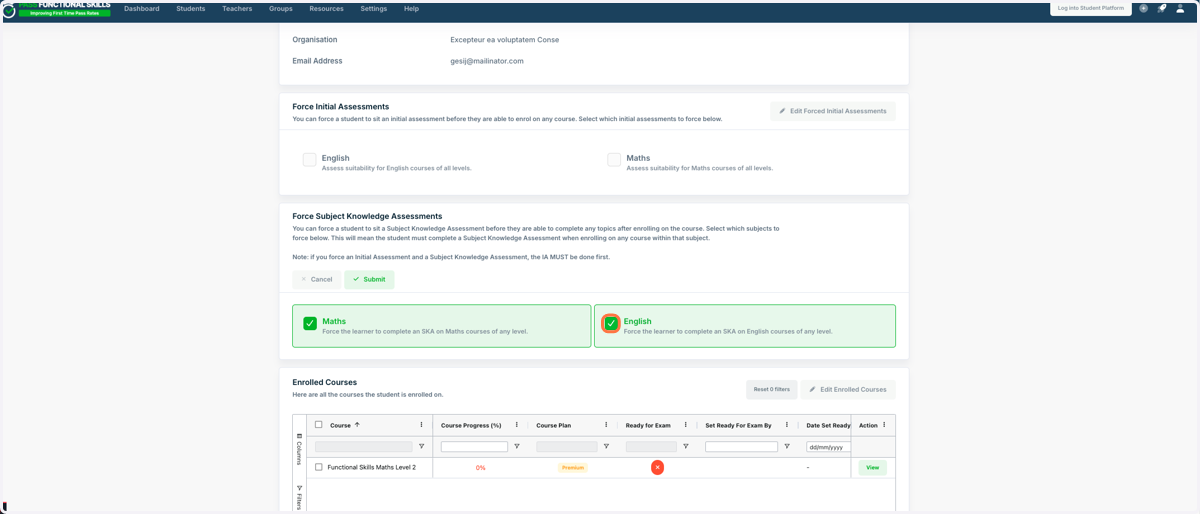
2. Tick the subject you would like to enforce the SKA on. Alternatively, untick the subject you would like to remove the forced SKA on.
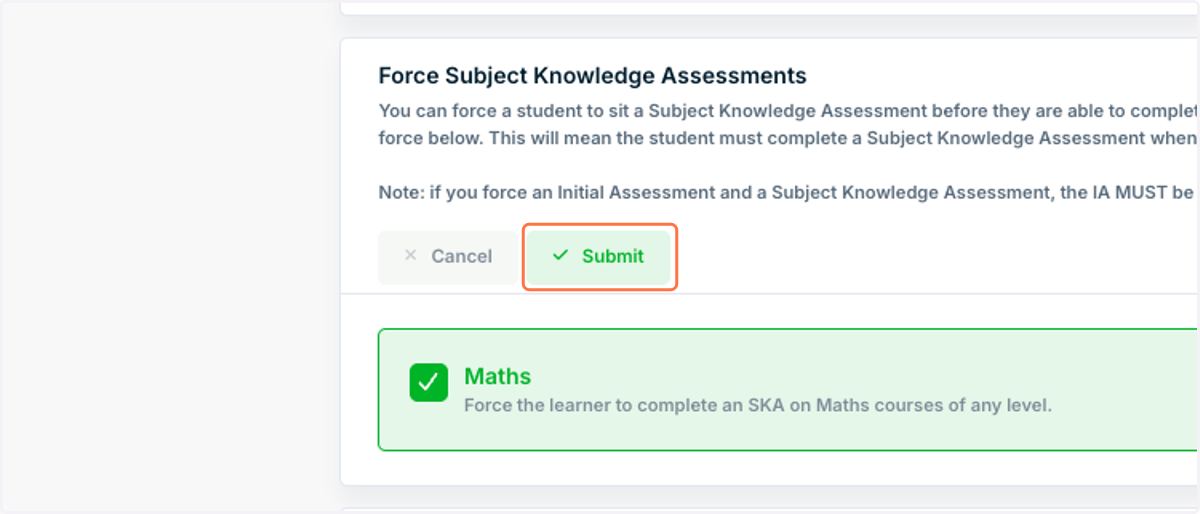
3. Click on Submit. The SKA is now enforced!