[TUTORIAL] Using Image Dependency Tags

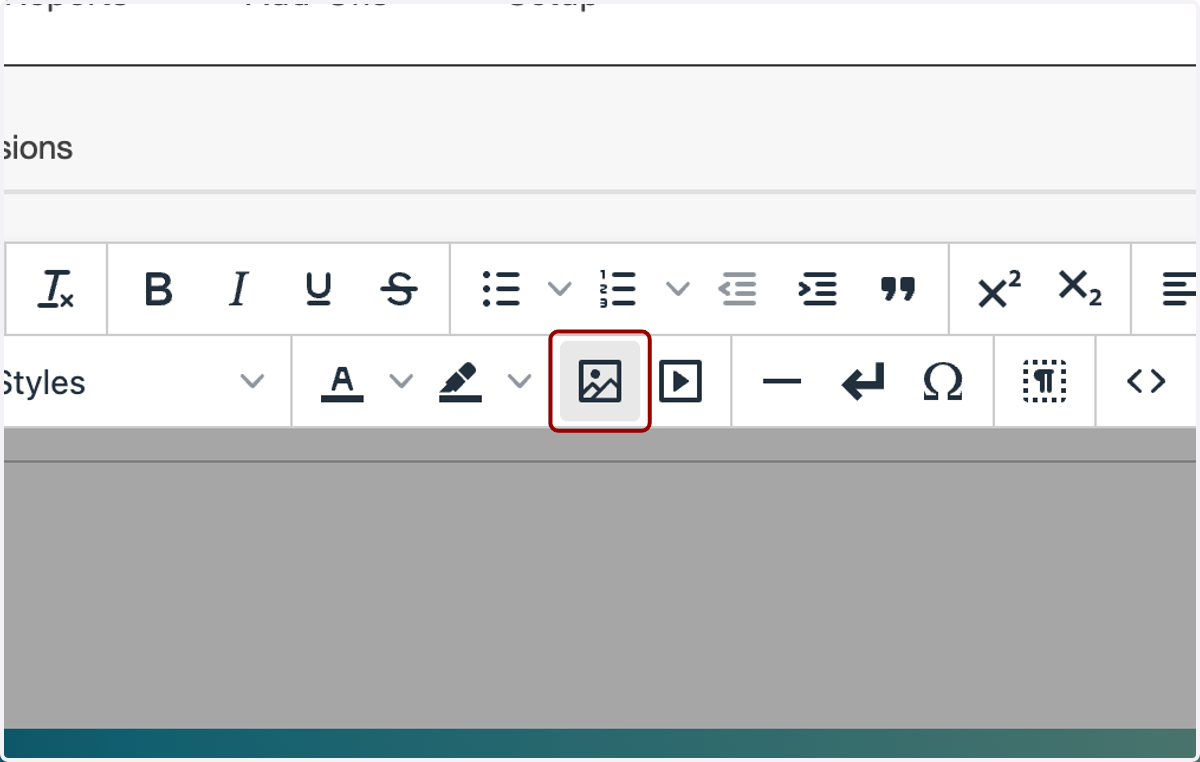
  1. 1. Click on Insert/edit image.

    Click on Insert/edit image.
  2. 2. To the right of the Source field...
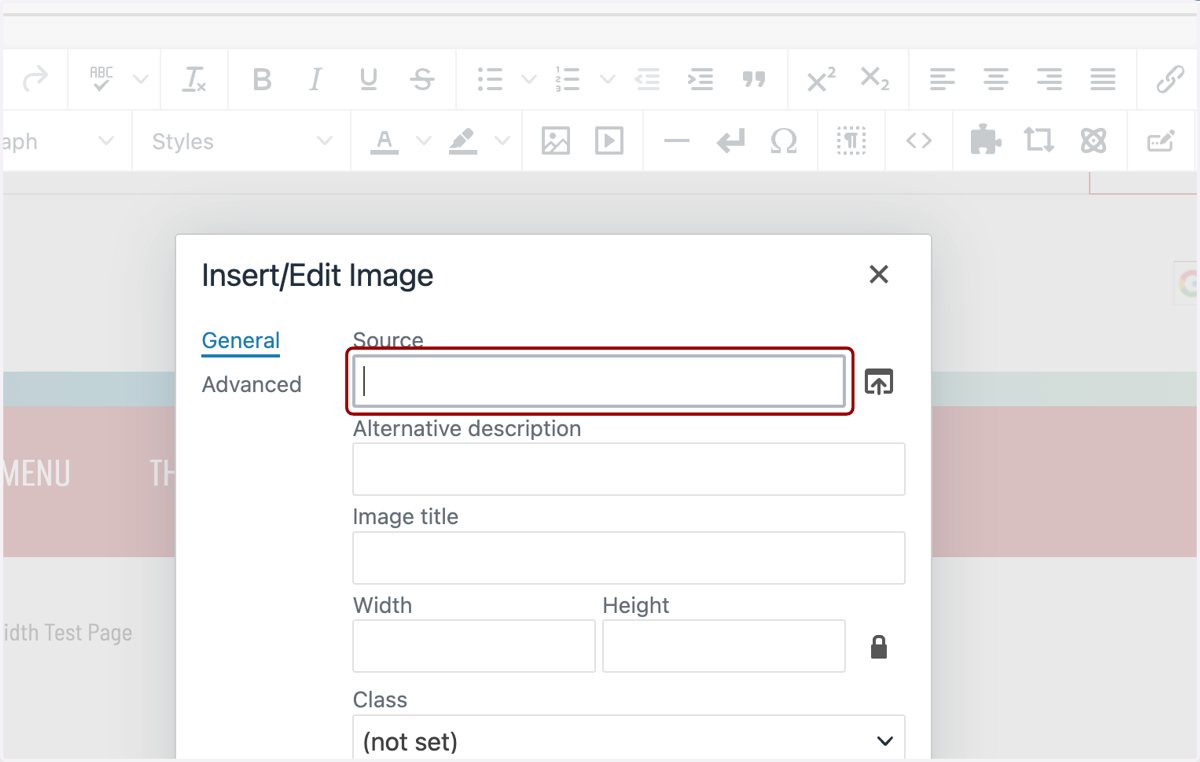
    To the right of the Source field...
  3. 3. ...you will see the File Chooser icon. Click this icon.
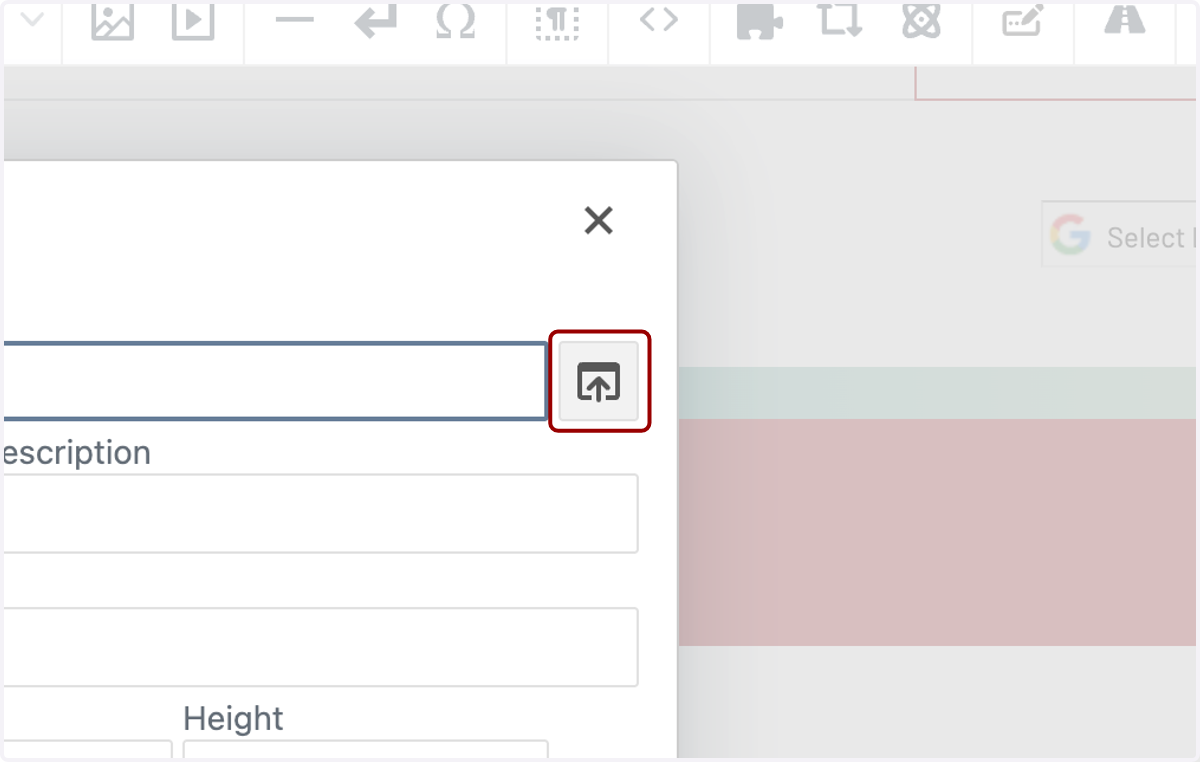
    ...you will see the File Chooser icon. Click this icon.
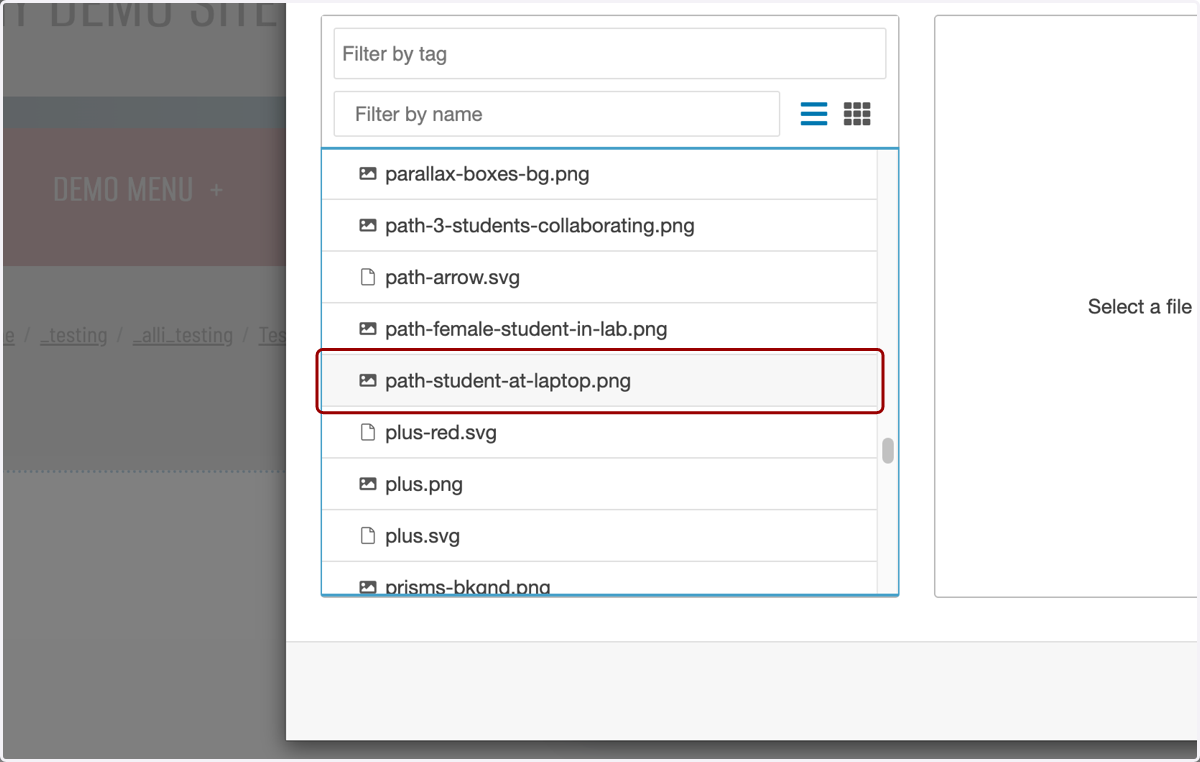
  4. 4. Navigate to your image.

    Navigate to your image.
  5. 5. You'll see a preview on the right-hand side.
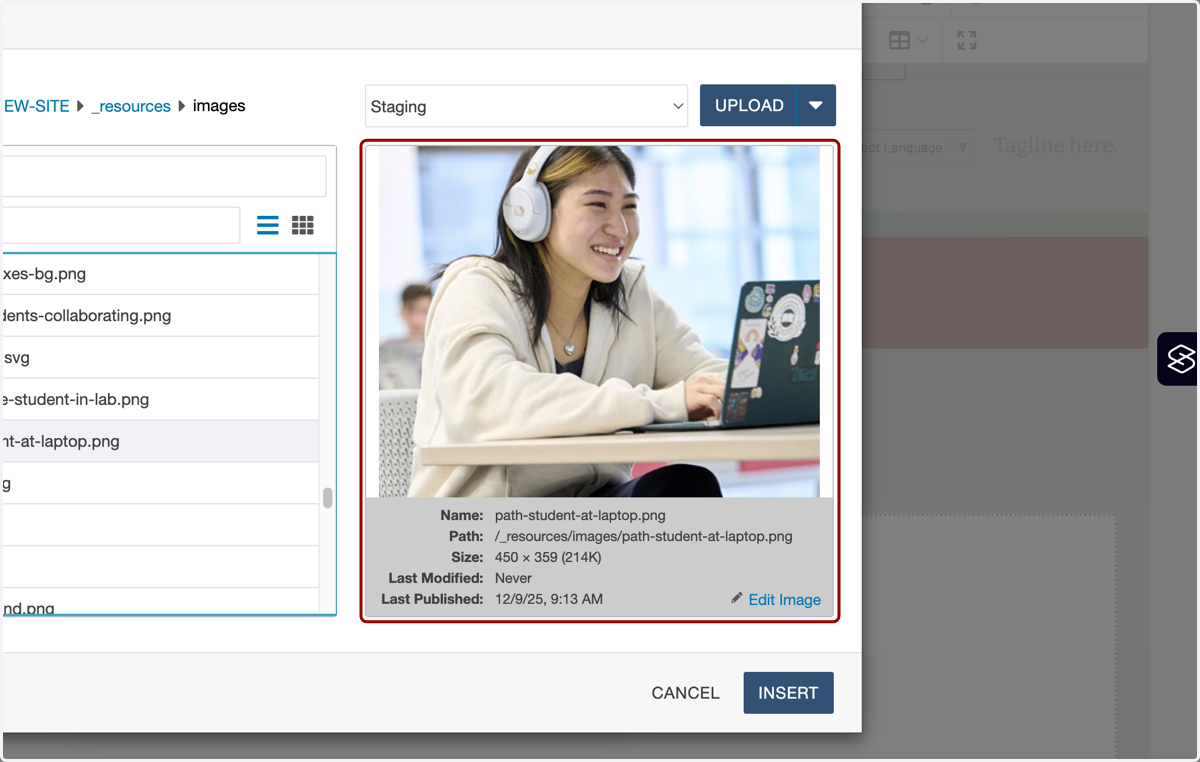
    You'll see a preview on the right-hand side.
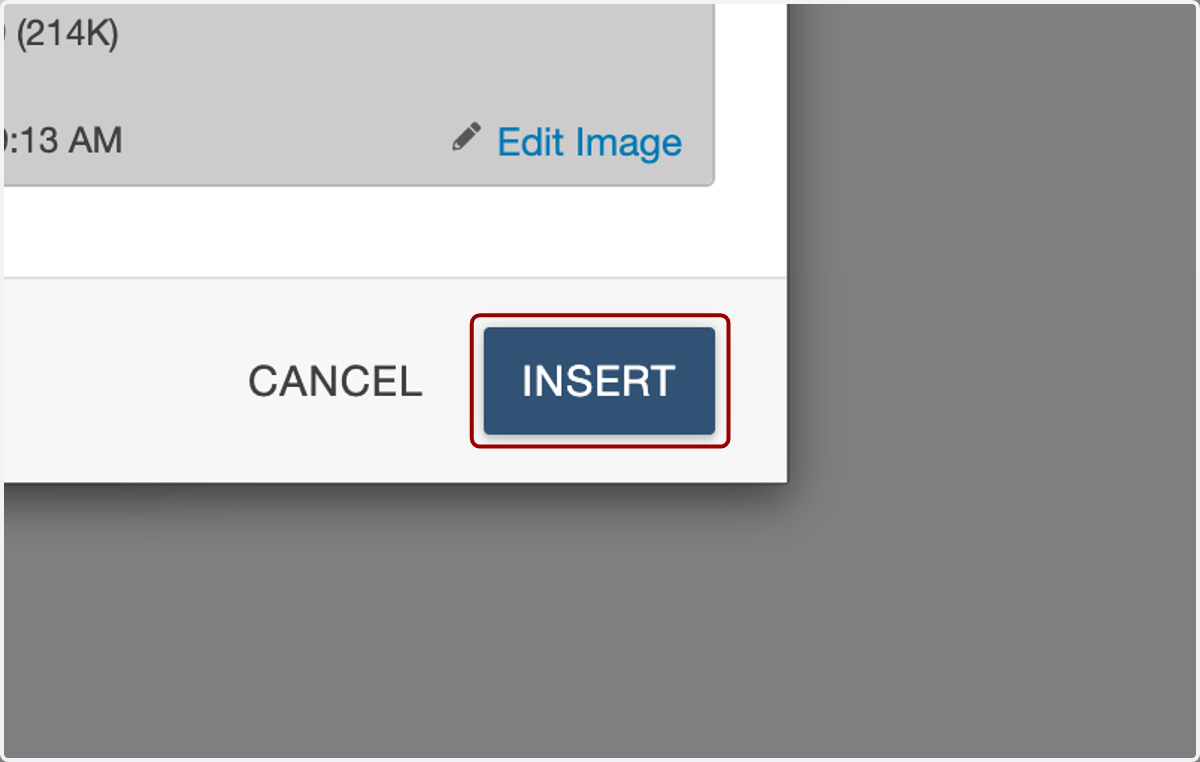
  6. 6. Click on INSERT.

    Click on INSERT.
  7. 7. You'll see the dependency tag for that page or file in the Source field.
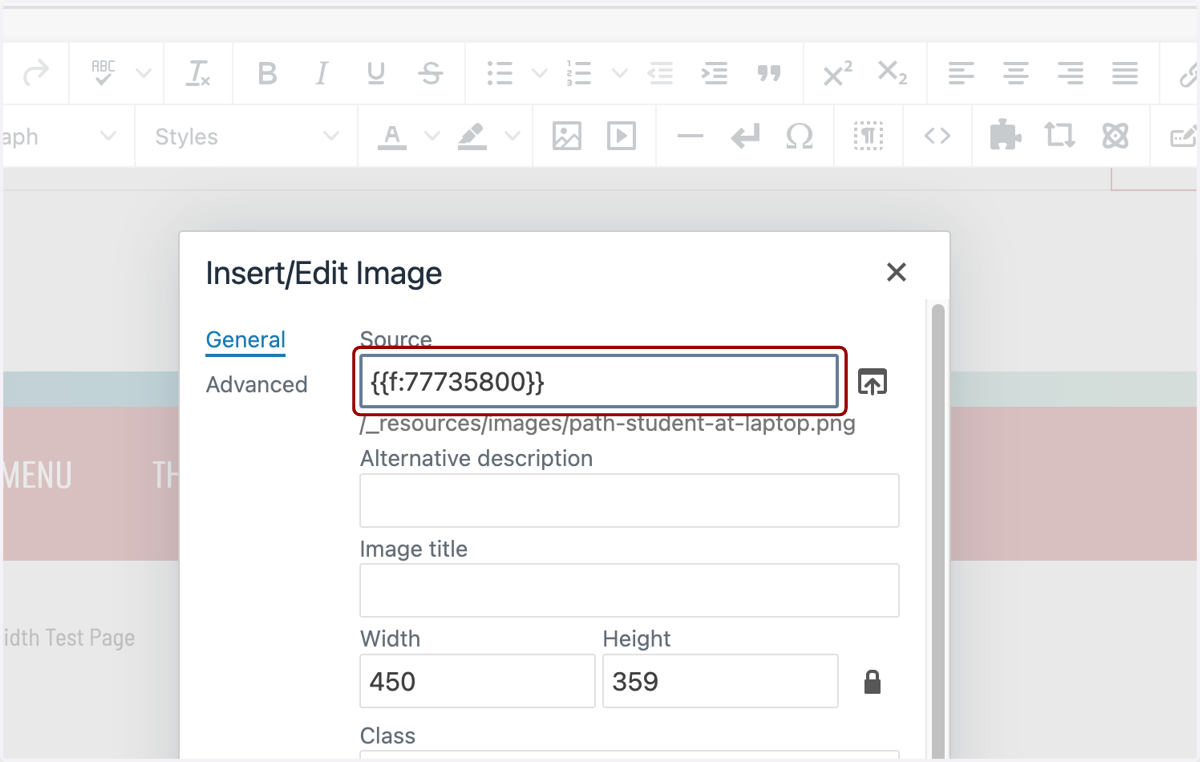
    You'll see the dependency tag for that page or file in the Source field.
  8. 8. Fill in the rest of the fields in the Insert/Edit Image modal as necessary.
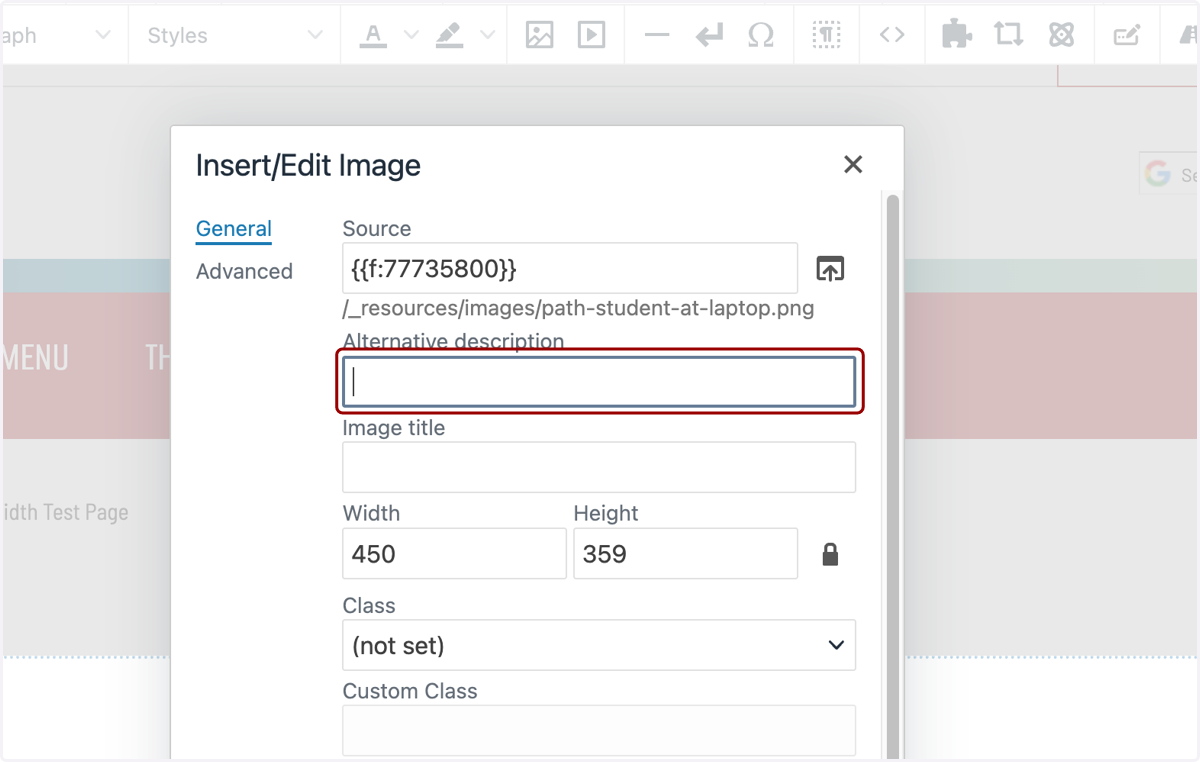
    Fill in the rest of the fields in the Insert/Edit Image modal as necessary.
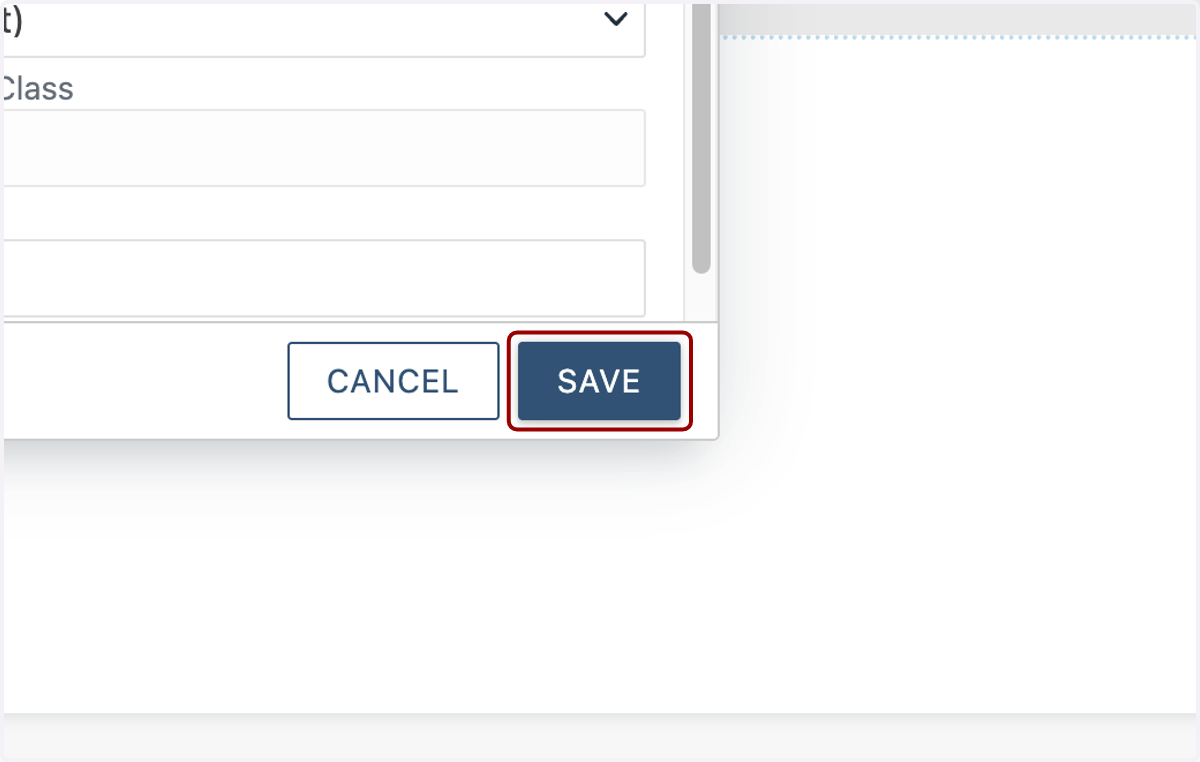
  9. 9. Click on SAVE.

    Click on SAVE.