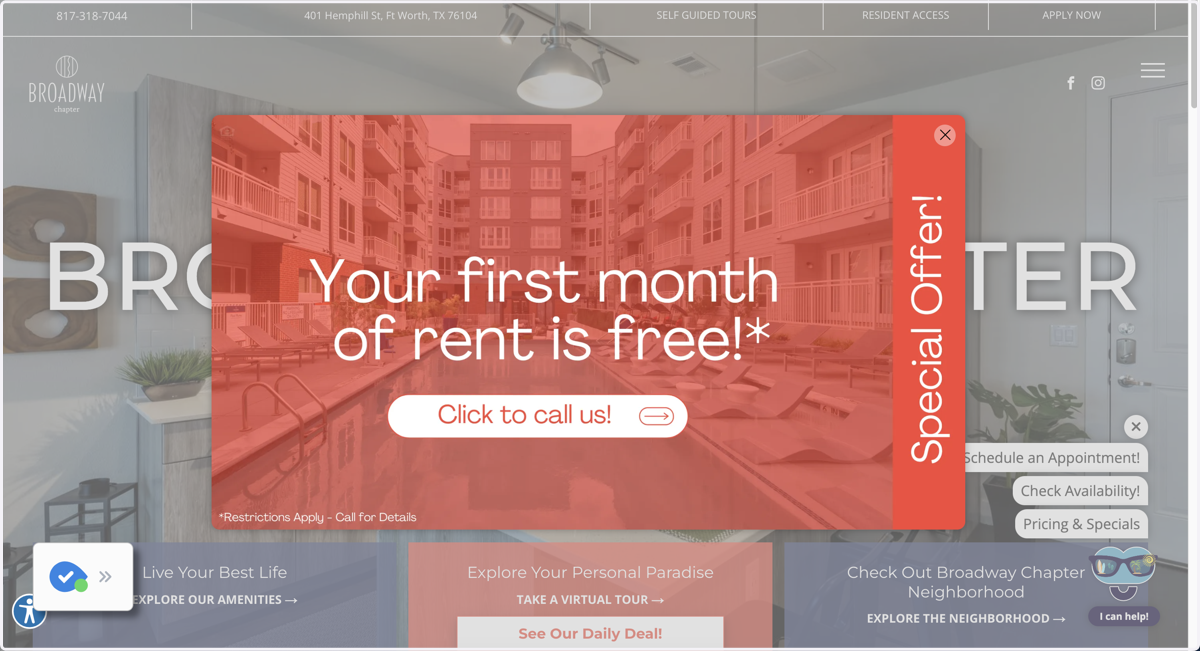
Creating a Pop Up Via Personalization Rules
Go to the website in the site editor
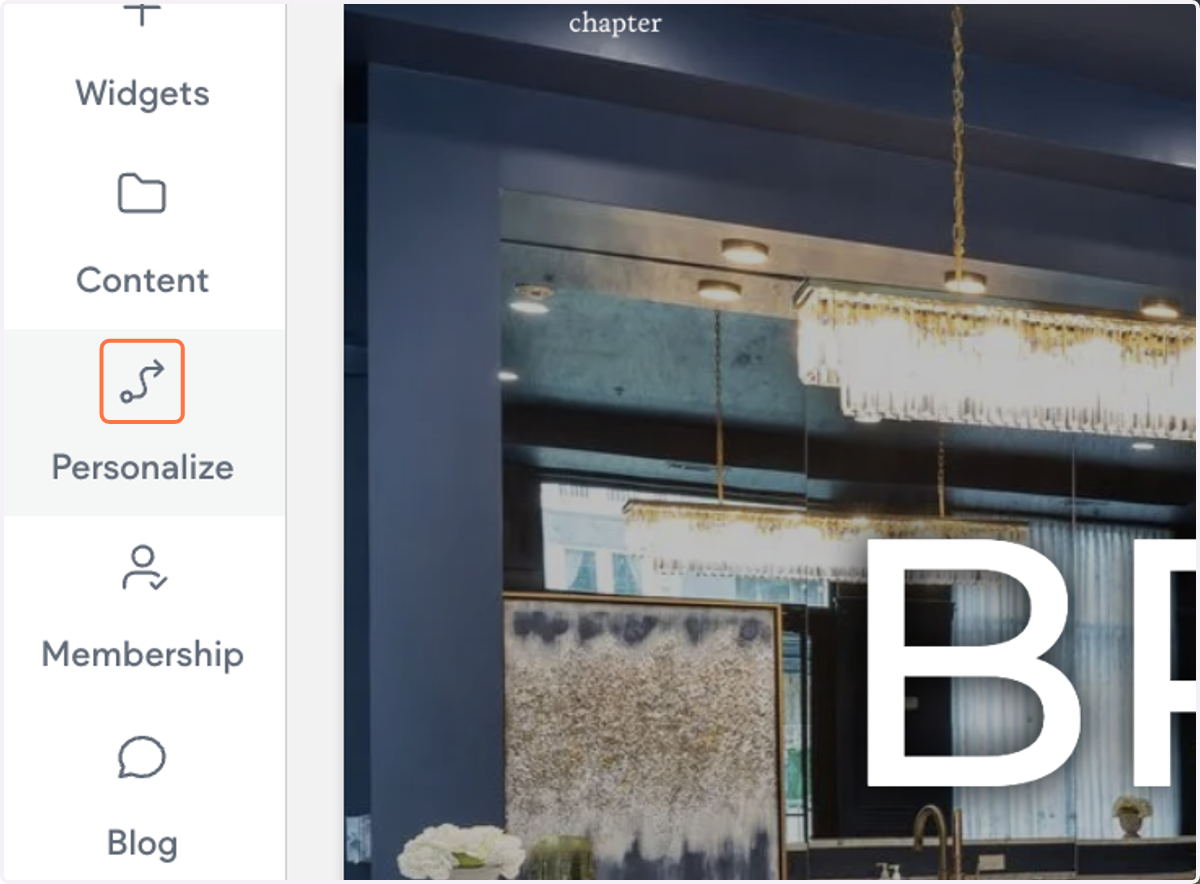
1. Click on Personalize
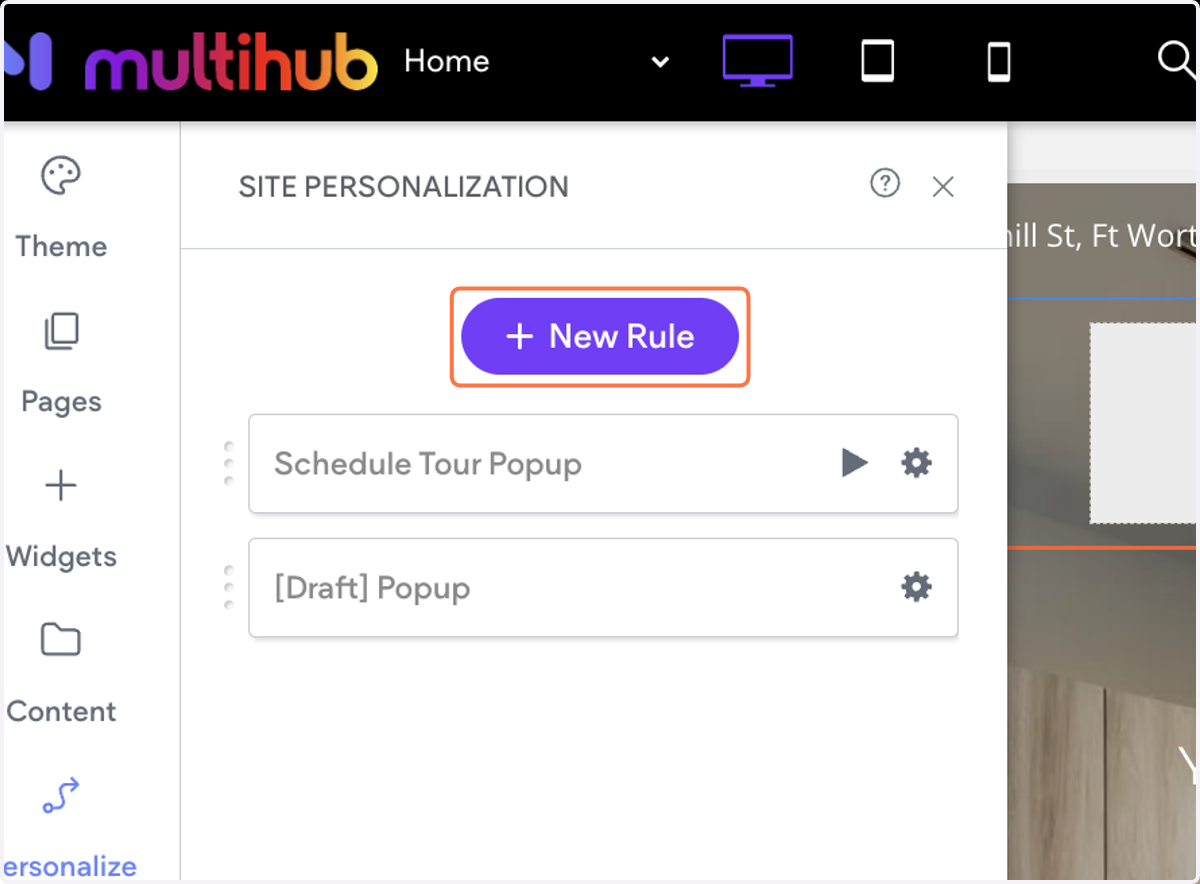
2. Click on New Rule
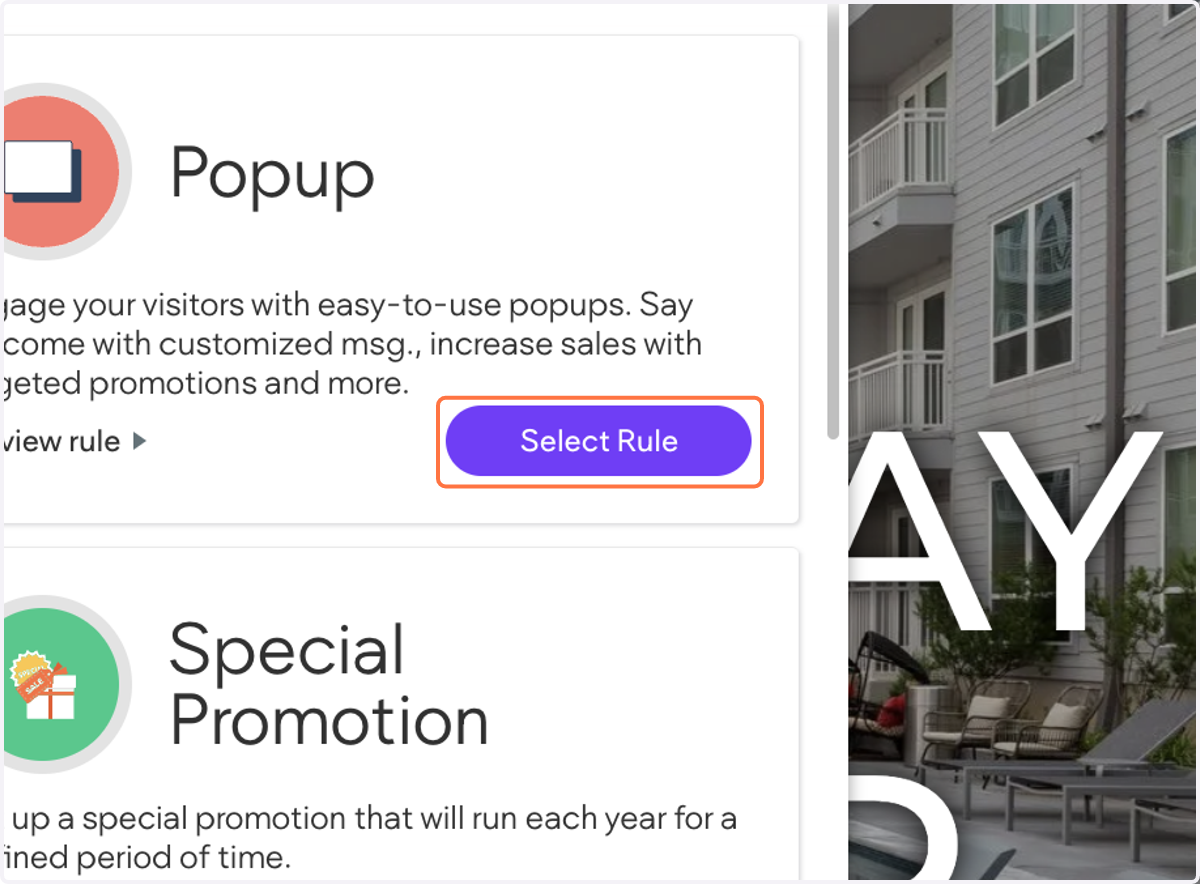
3. Click on Select Rule
4. Click on Edit rule
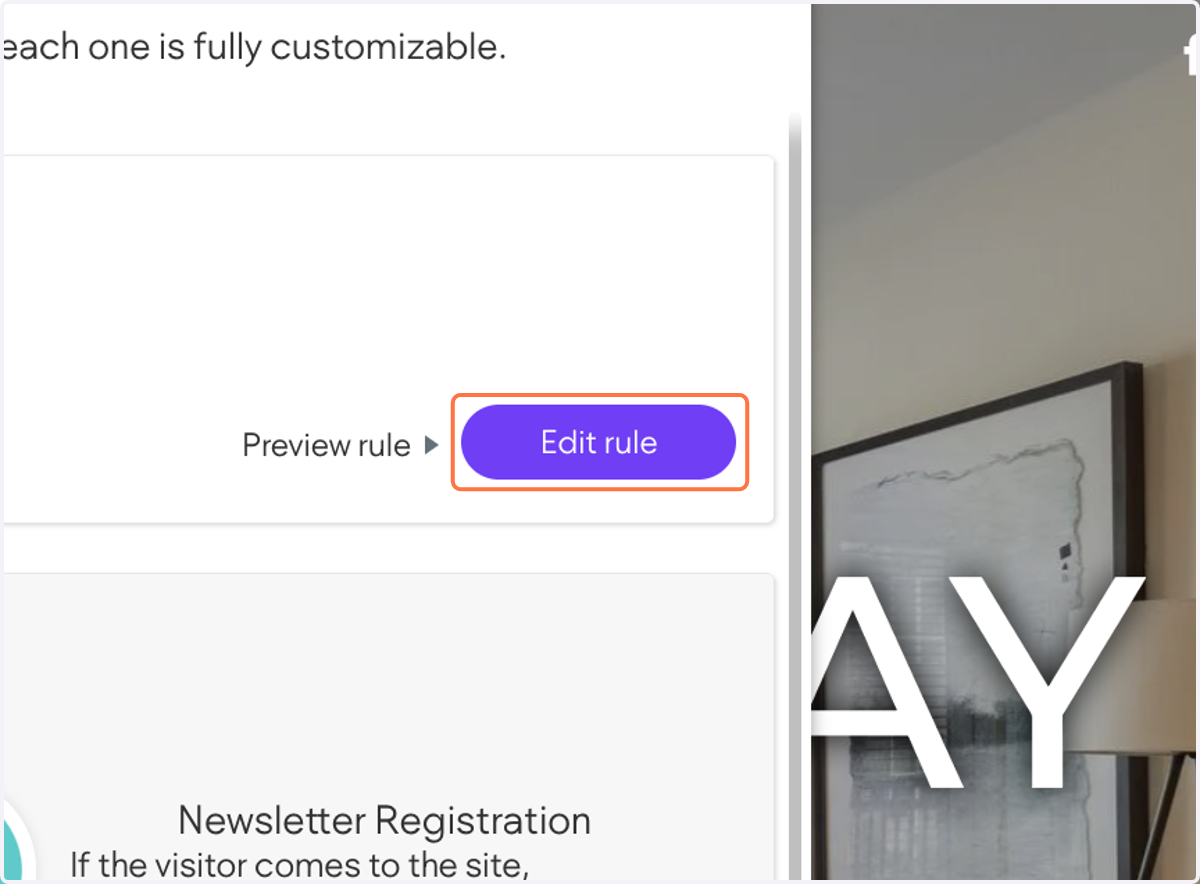
5. Click on Add Trigger…
If you want this to display during a specific time or date, you can customize those settings under the "Time" trigger.
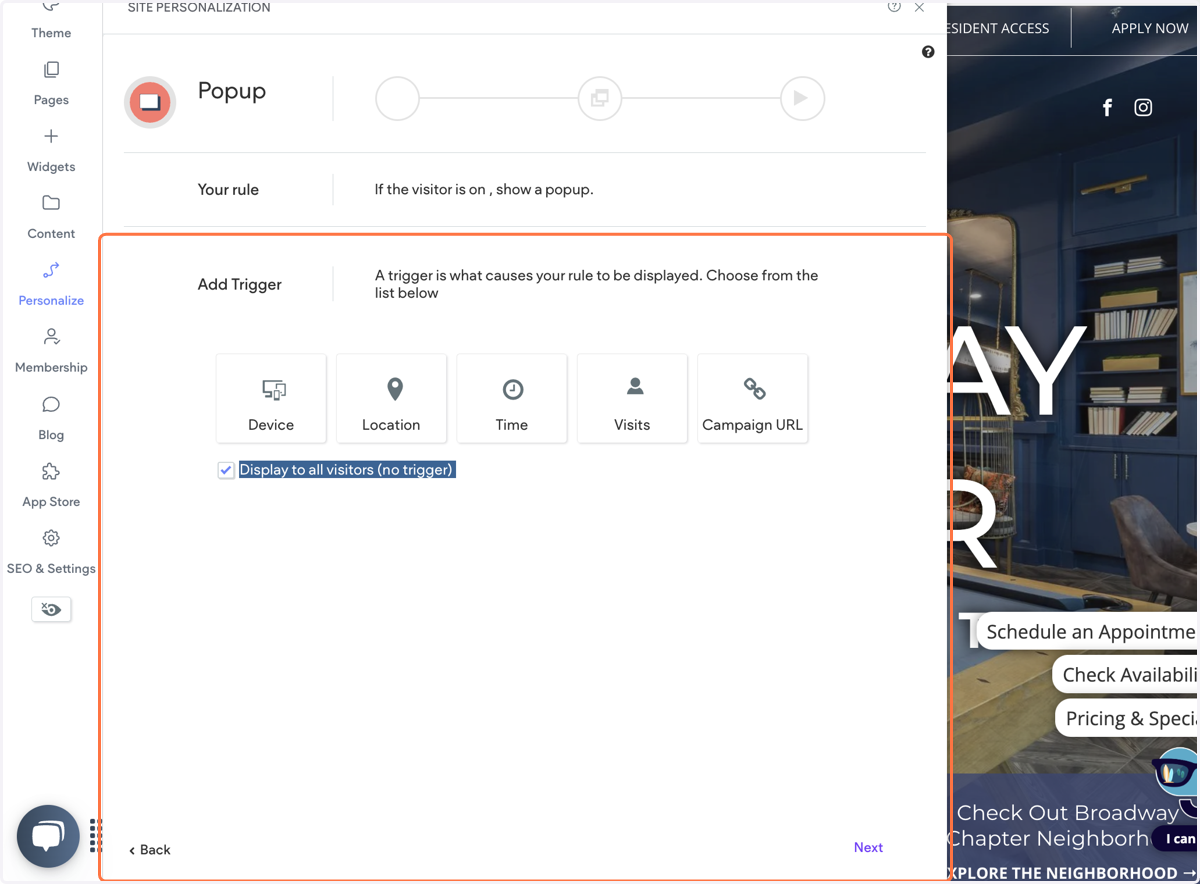
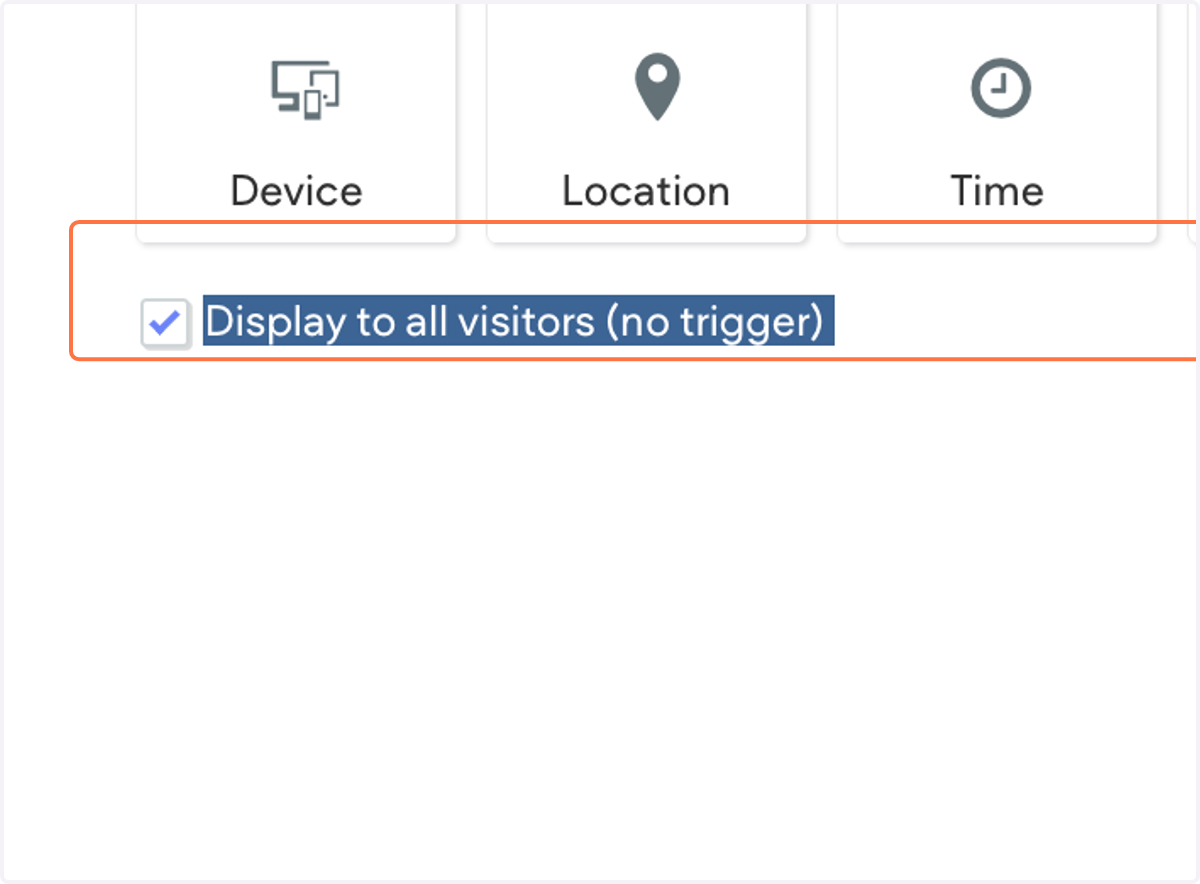
6. Click on Display to all visitors (no trigger)
Selecting this will display to pop up to everyone with no trigger
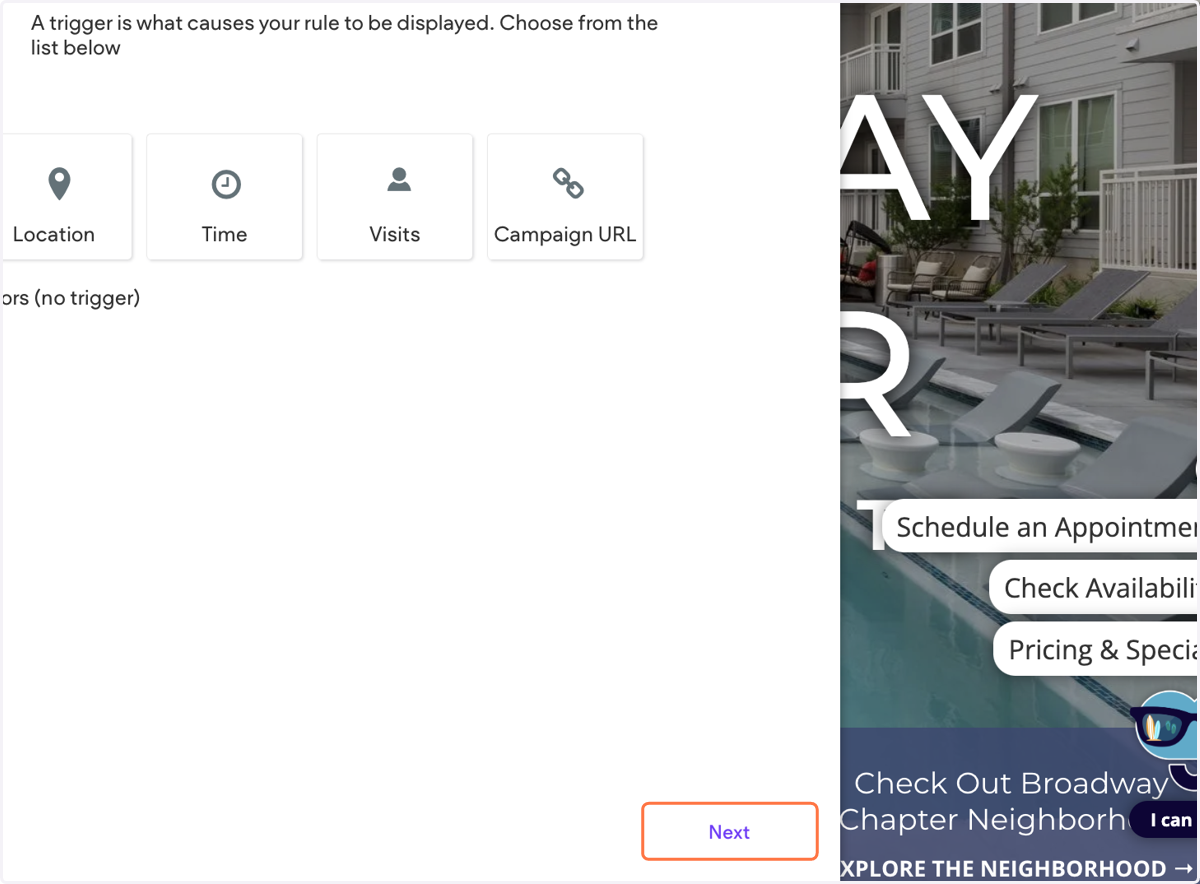
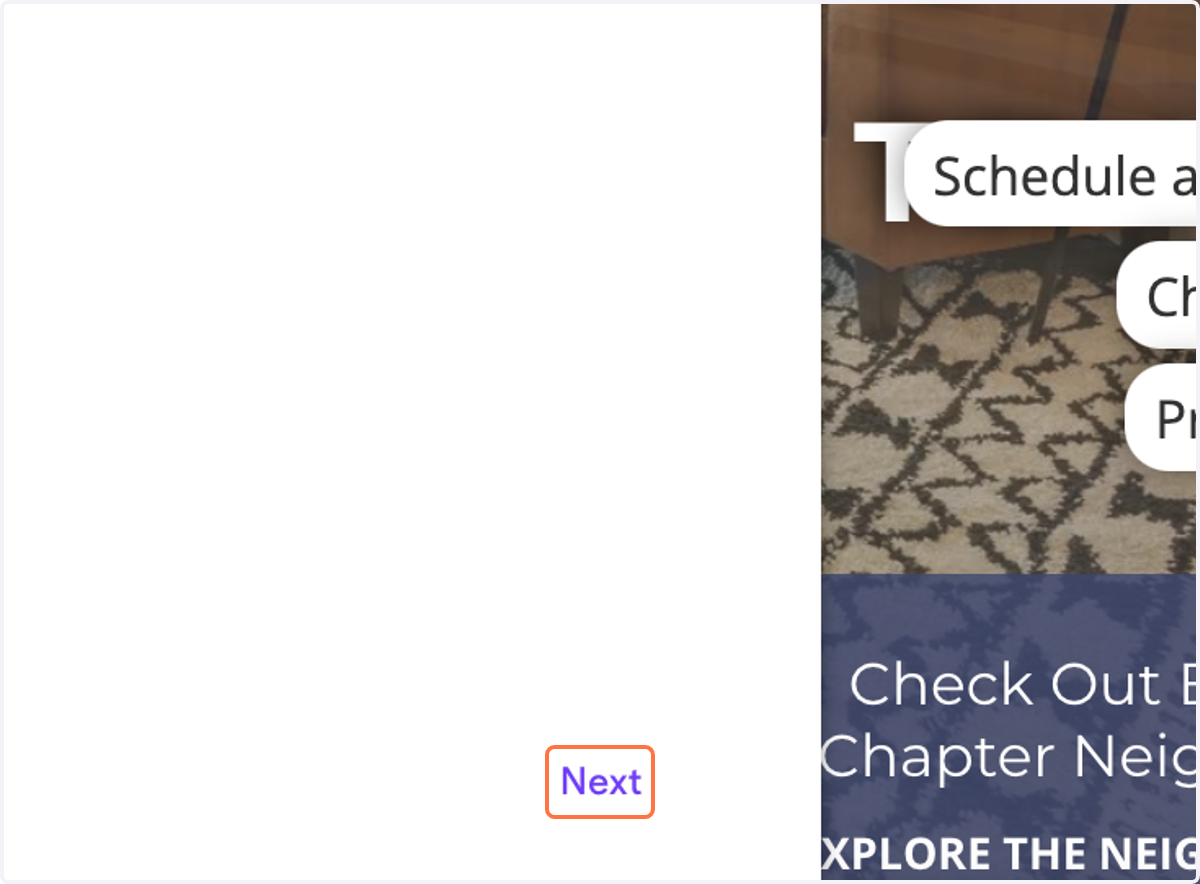
7. Click on Next
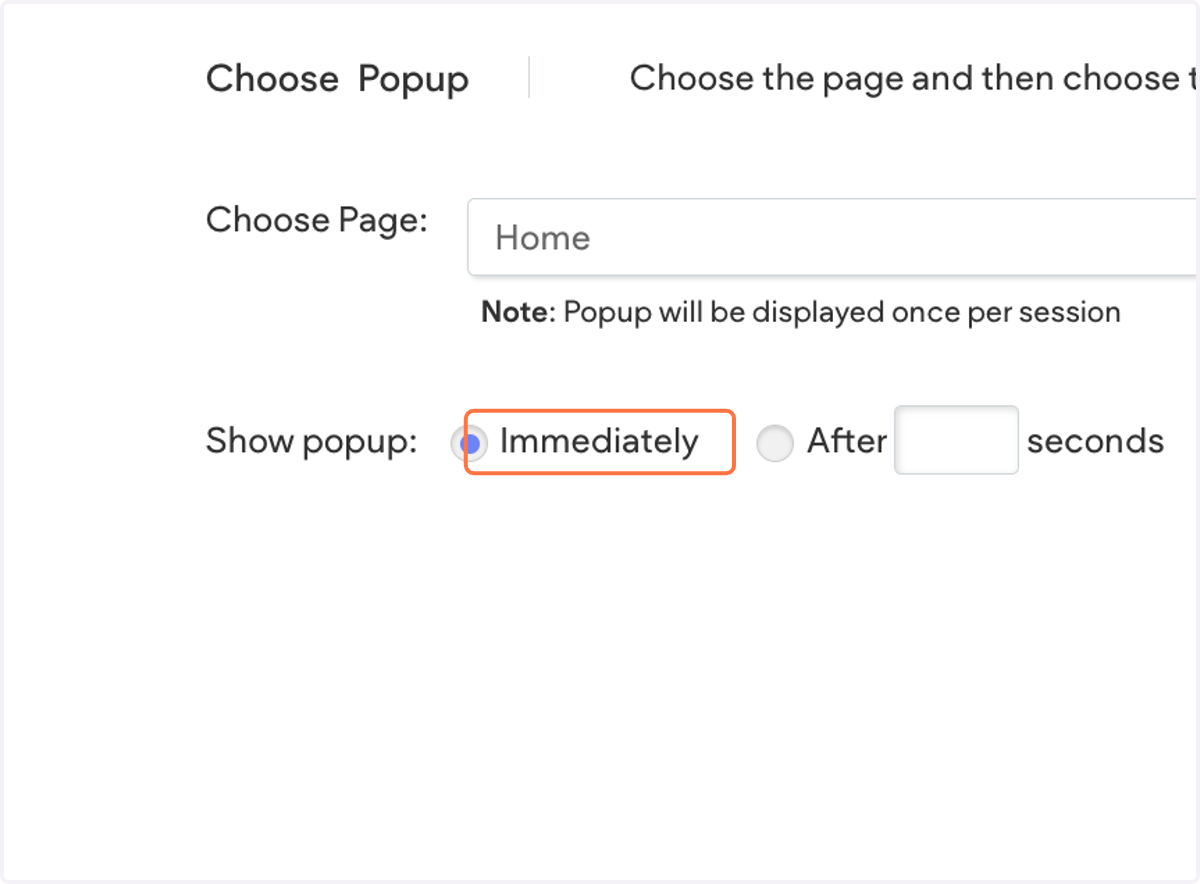
8. Select Immediately
9. Click on Next
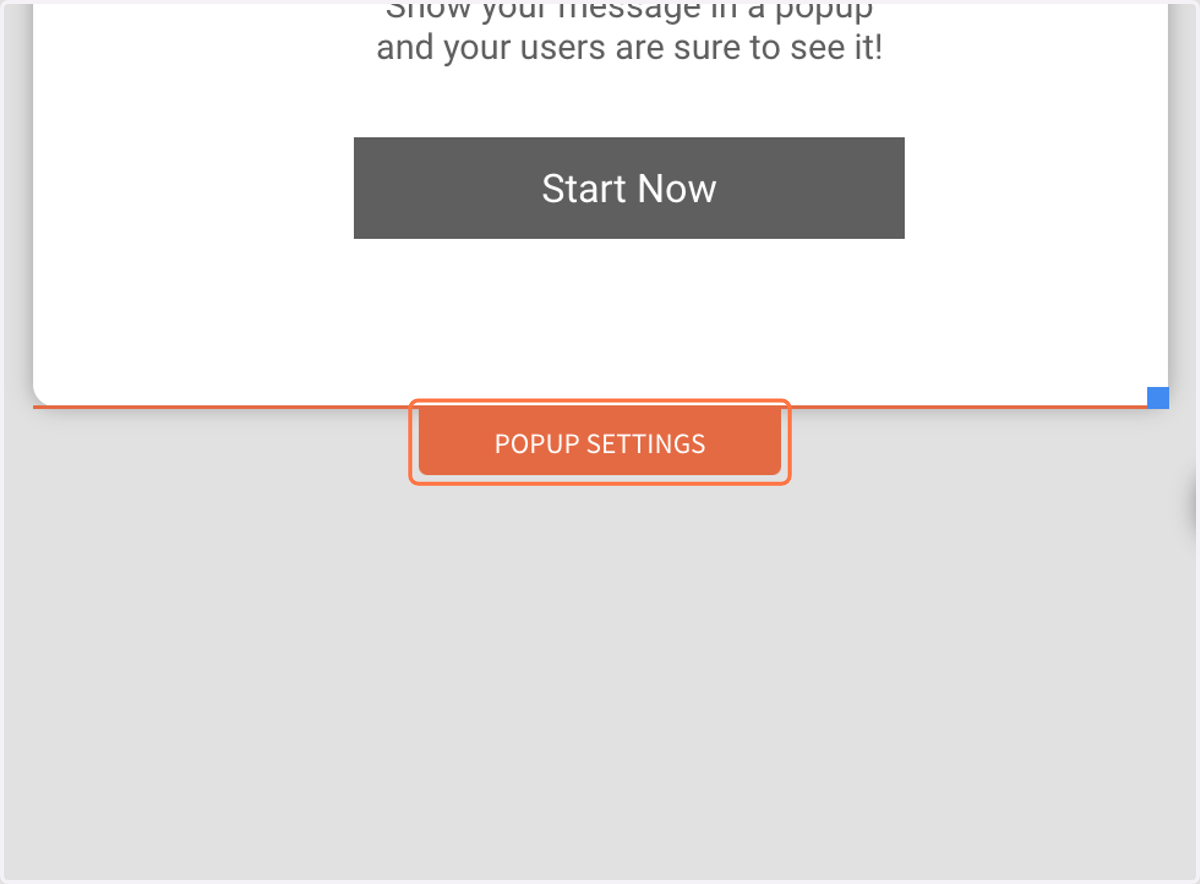
10. Click on POPUP SETTINGS
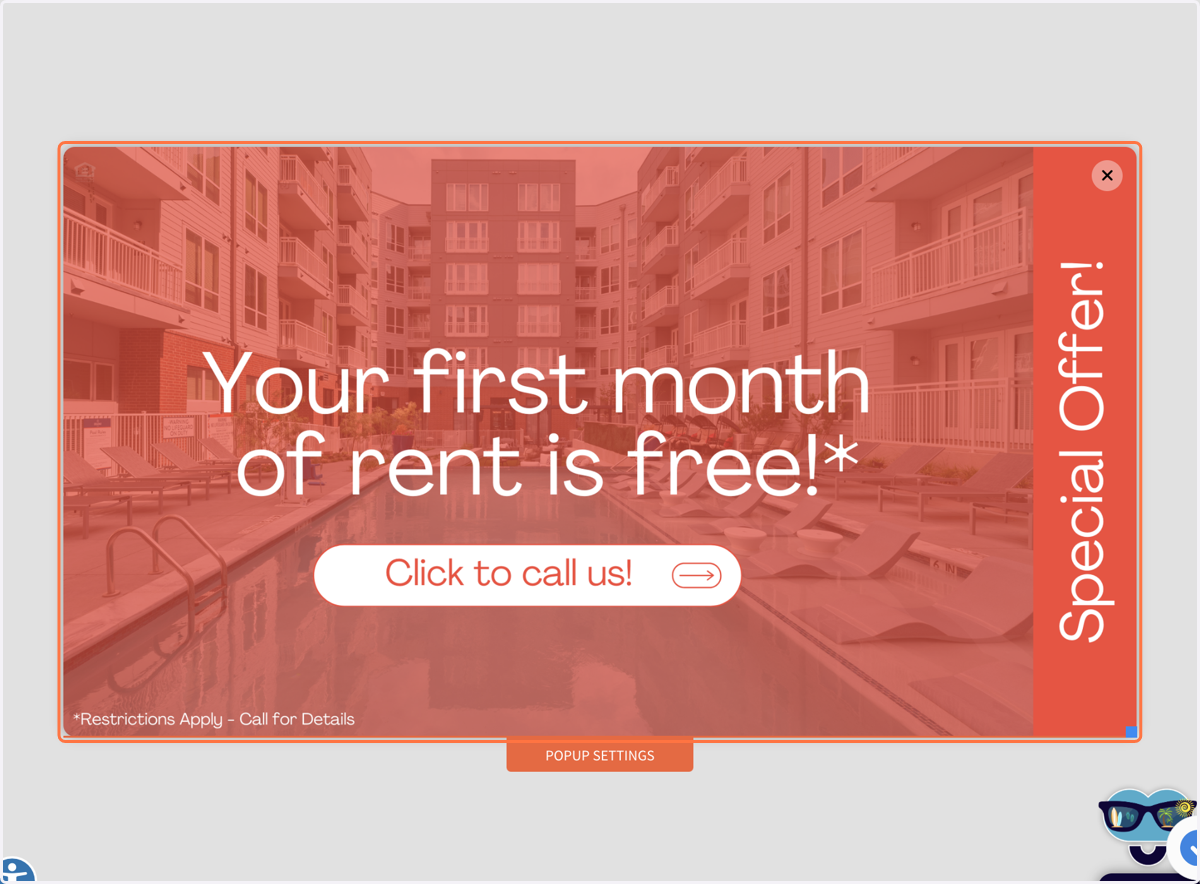
11. Create and design your pop up
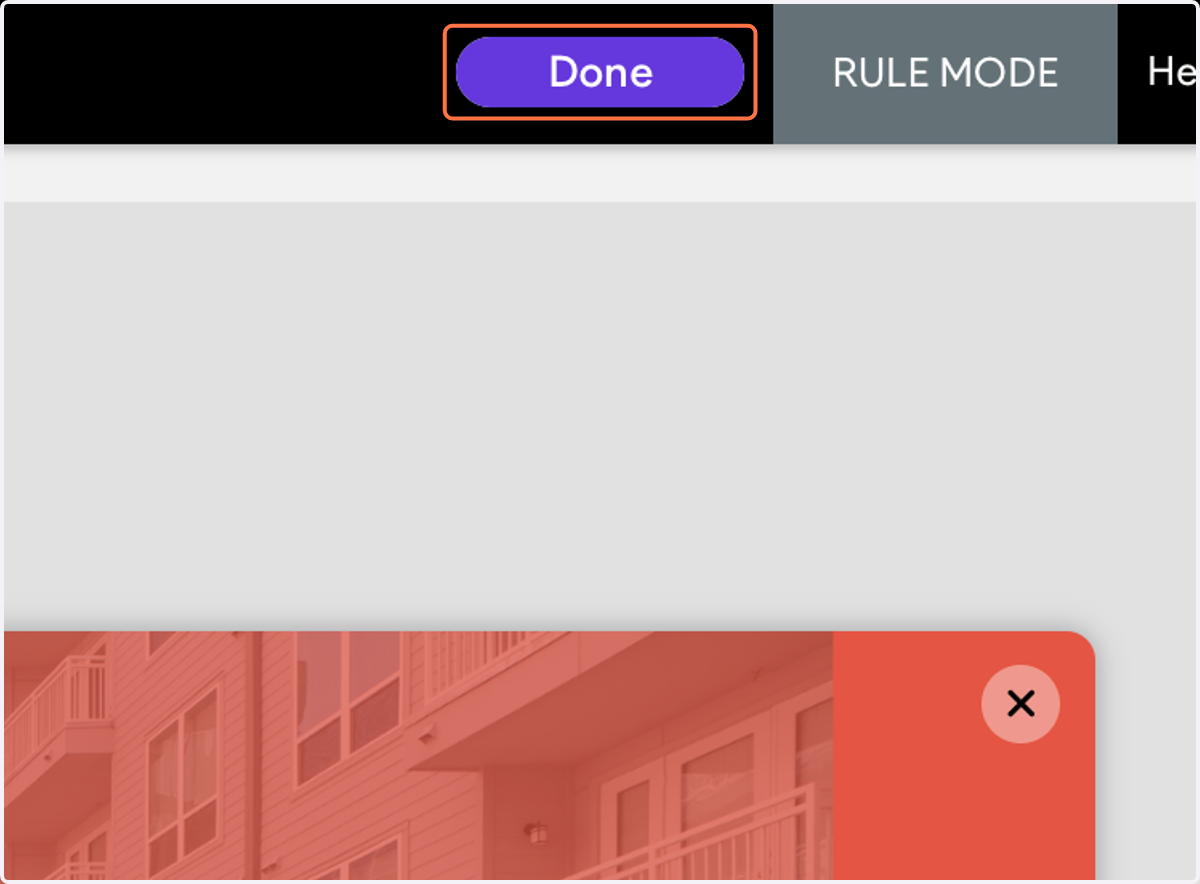
12. Click on Done
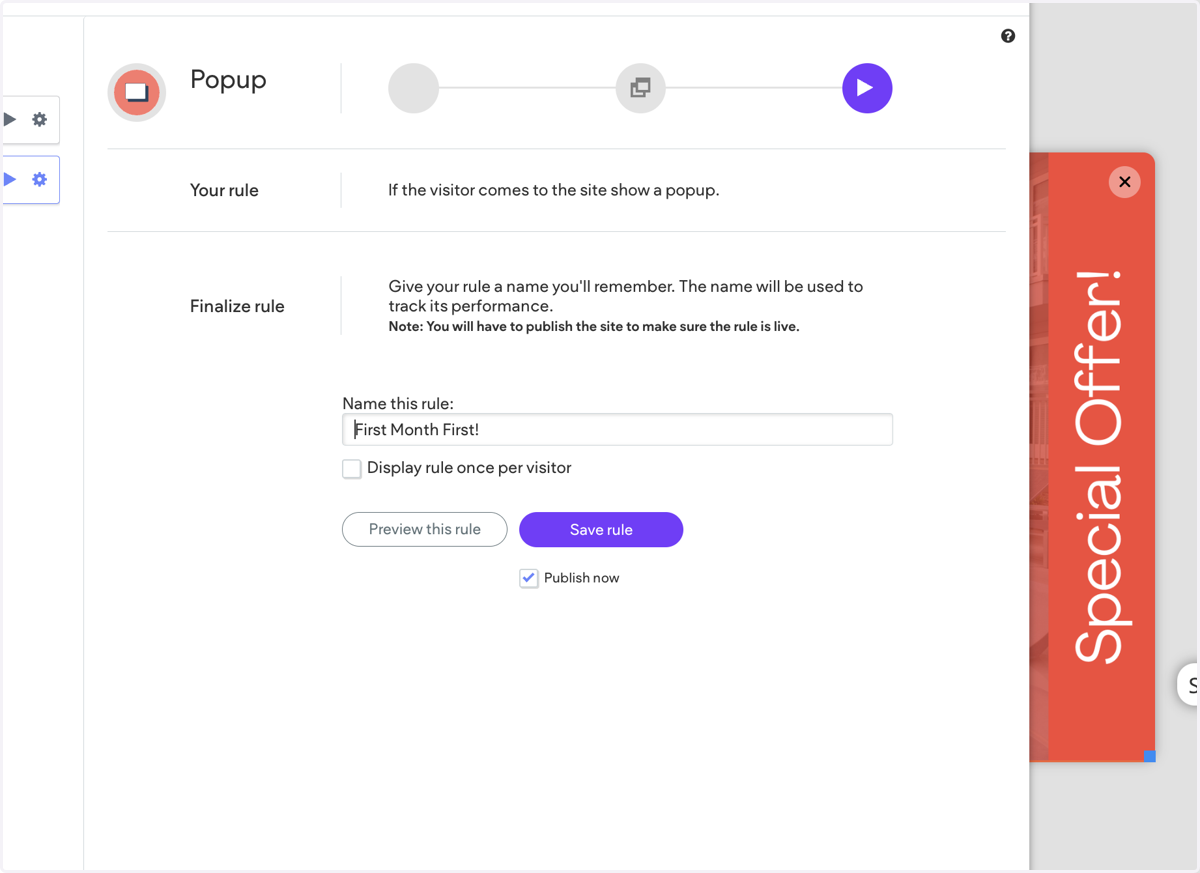
13. Click on Name this rule:…
Update name to desired title
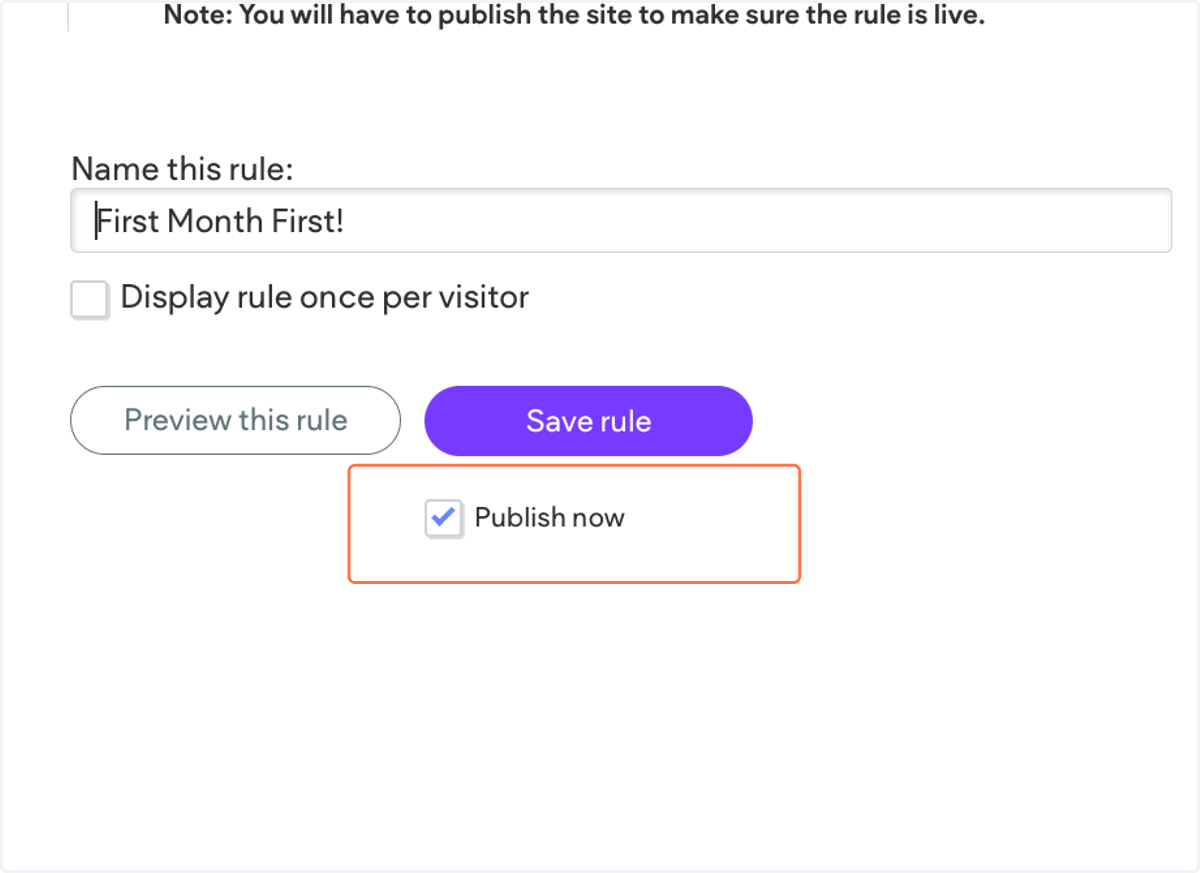
14. Check Publish now
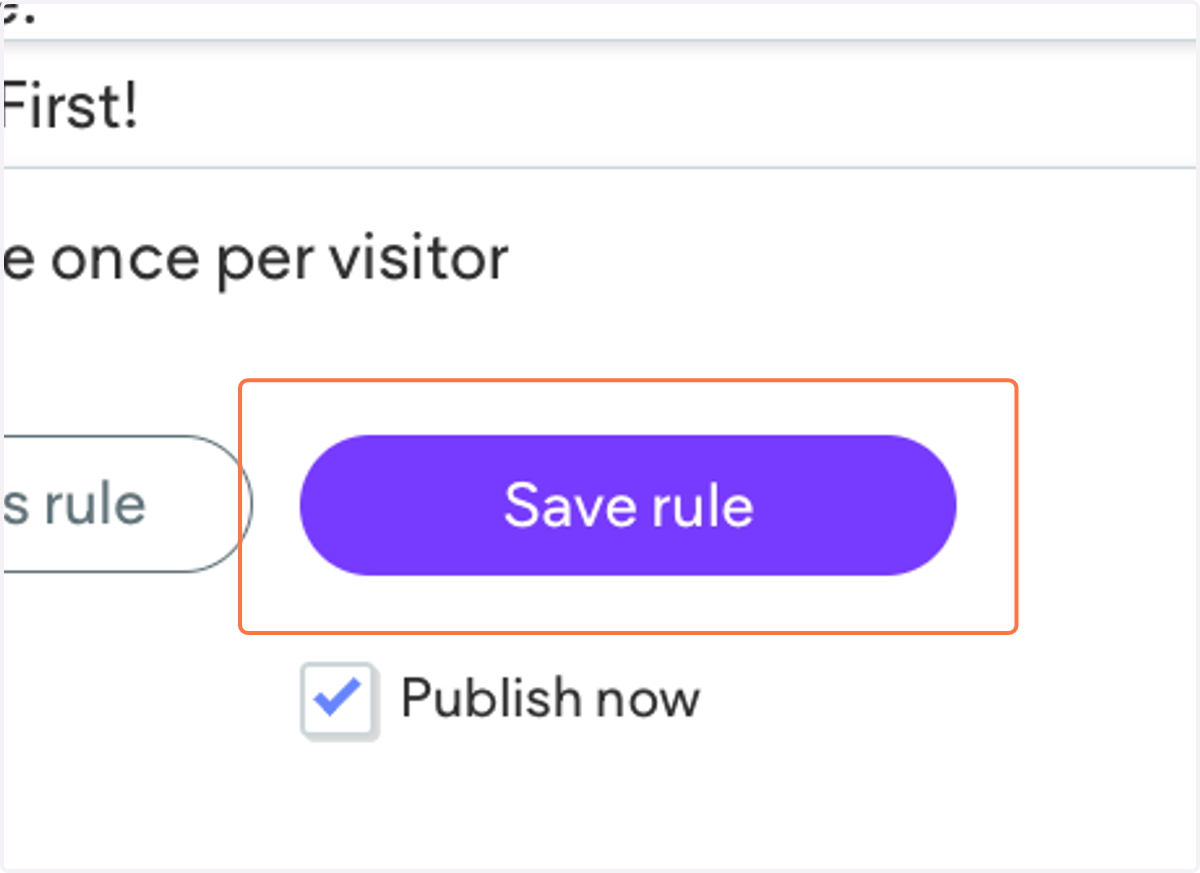
15. Click on Save rule…
16. Republish website
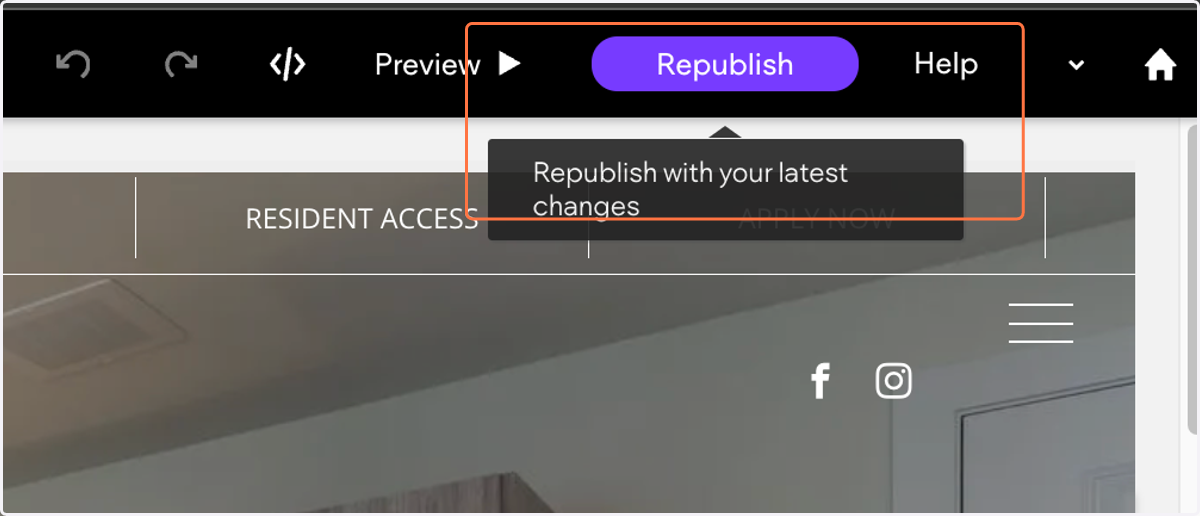
17. Pop Up should now be live!