Verblyf Registration and Login Guide
Verblyf
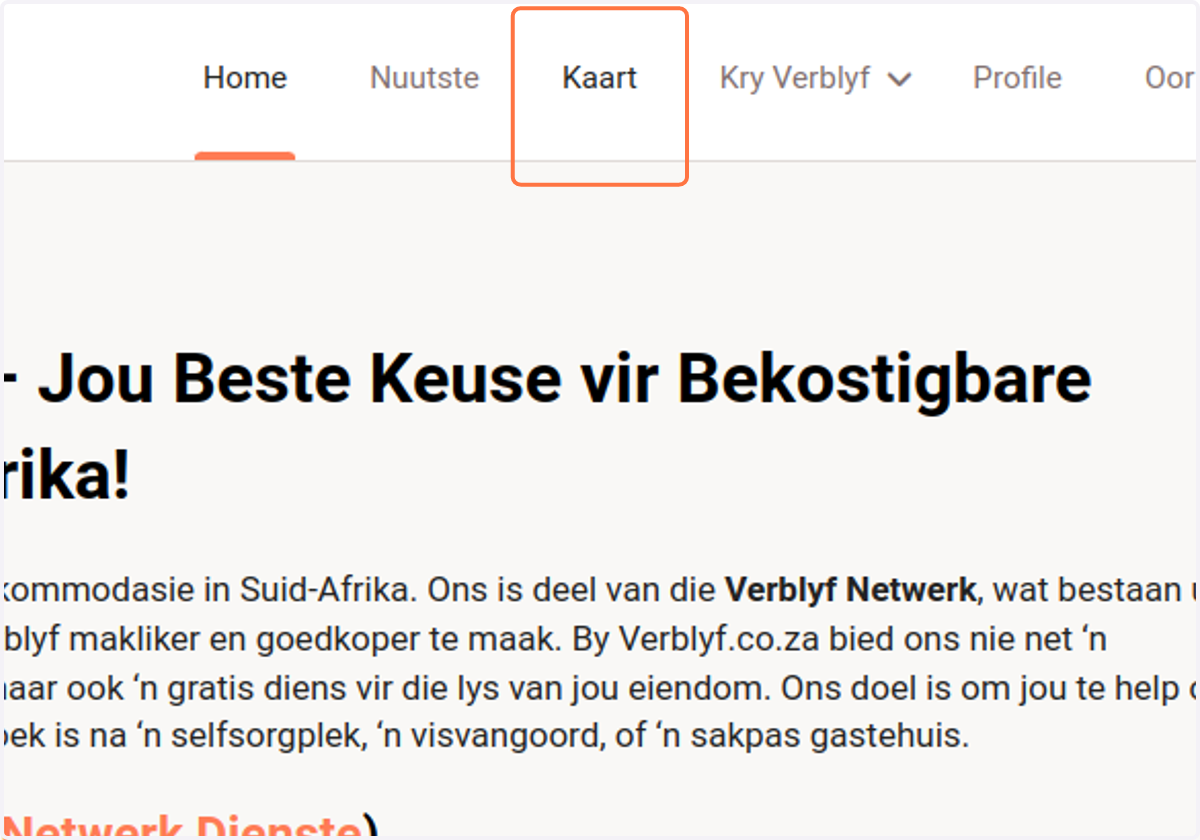
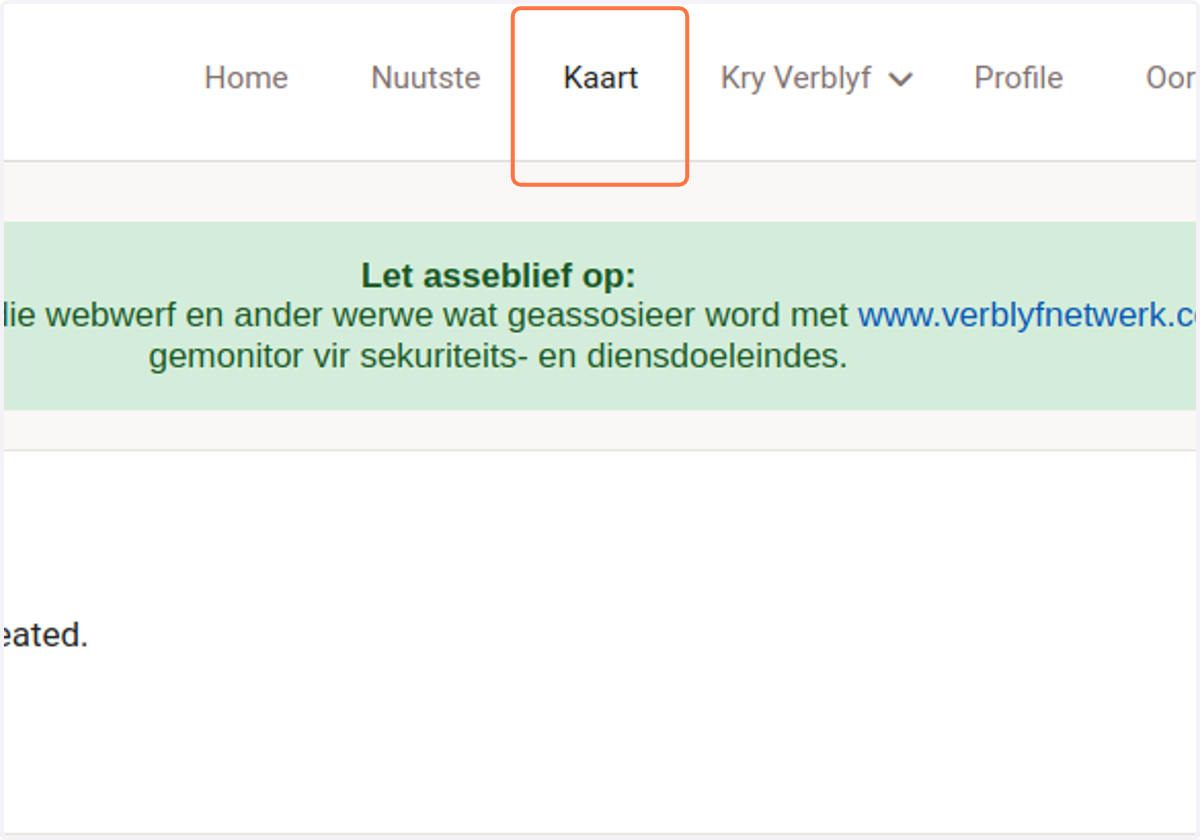
1. Click on Kaart
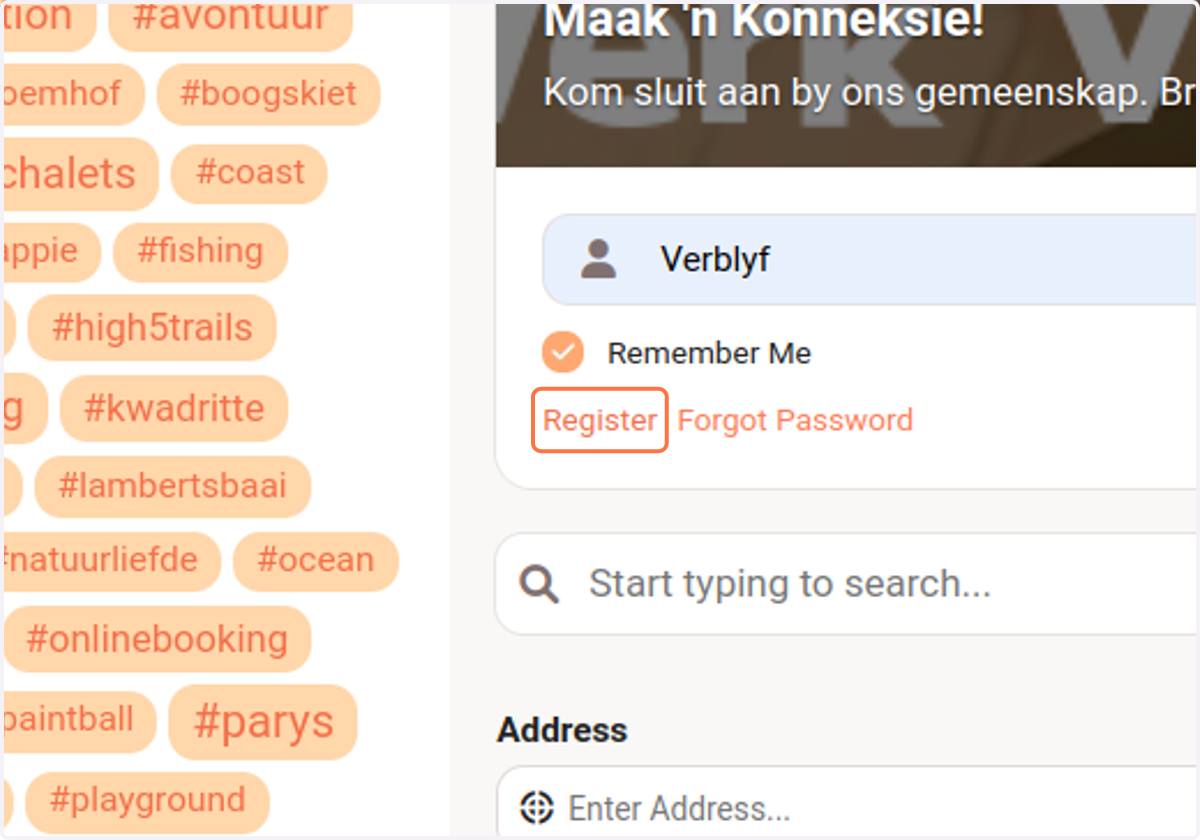
2. Click on Register
3. Type "Voorbeeld"
Create Username
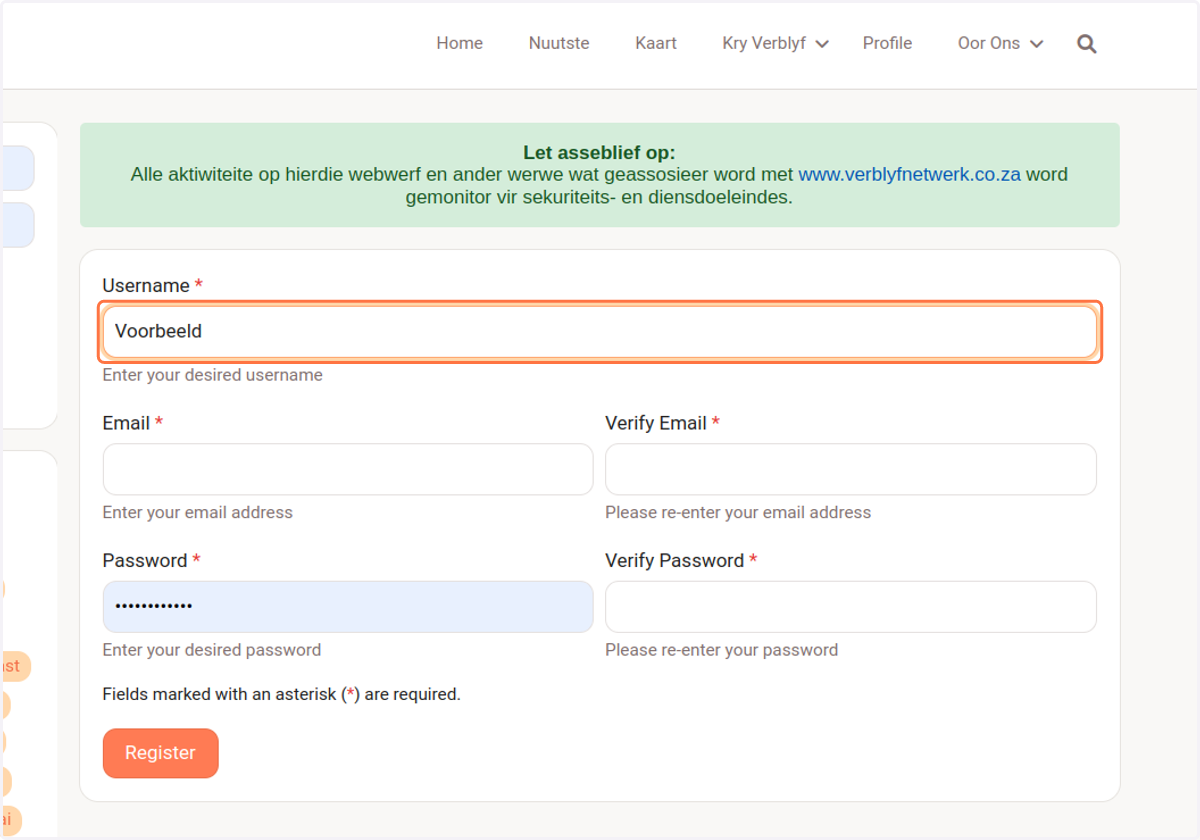
4. Type "voorbeeld@email.com"
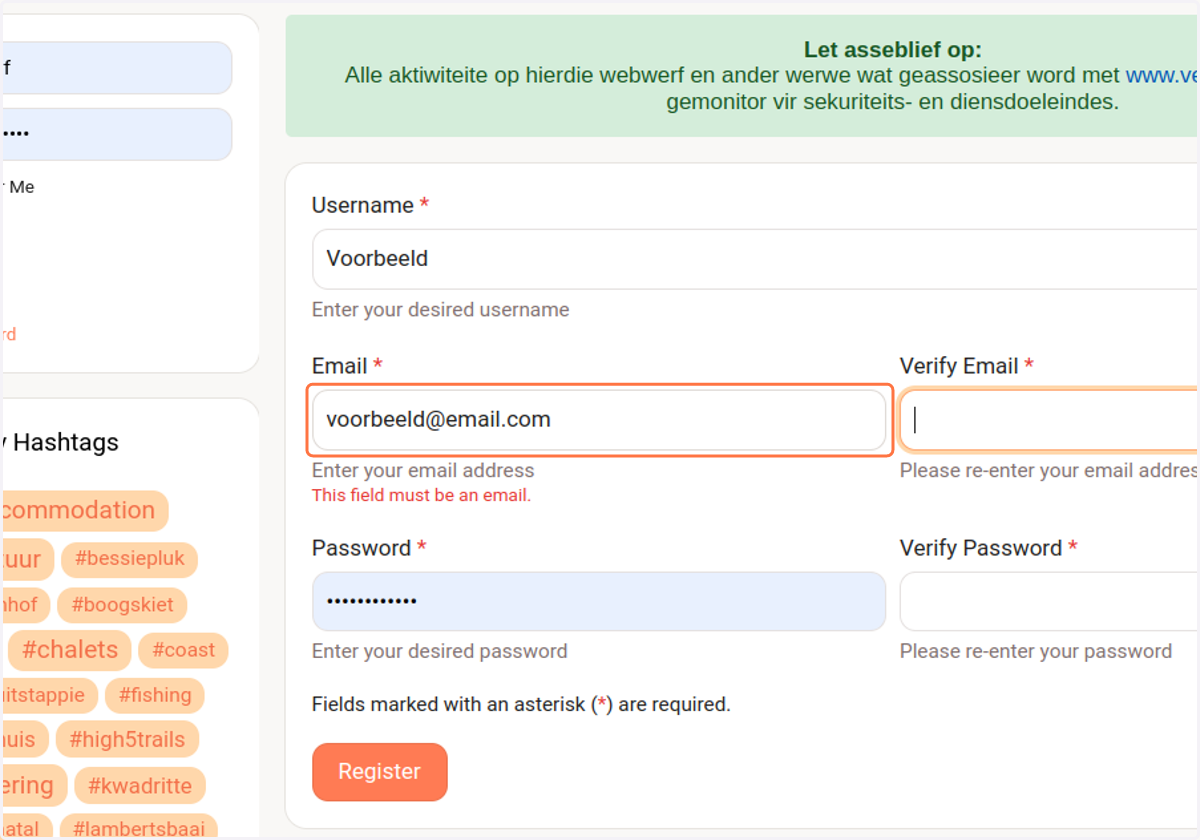
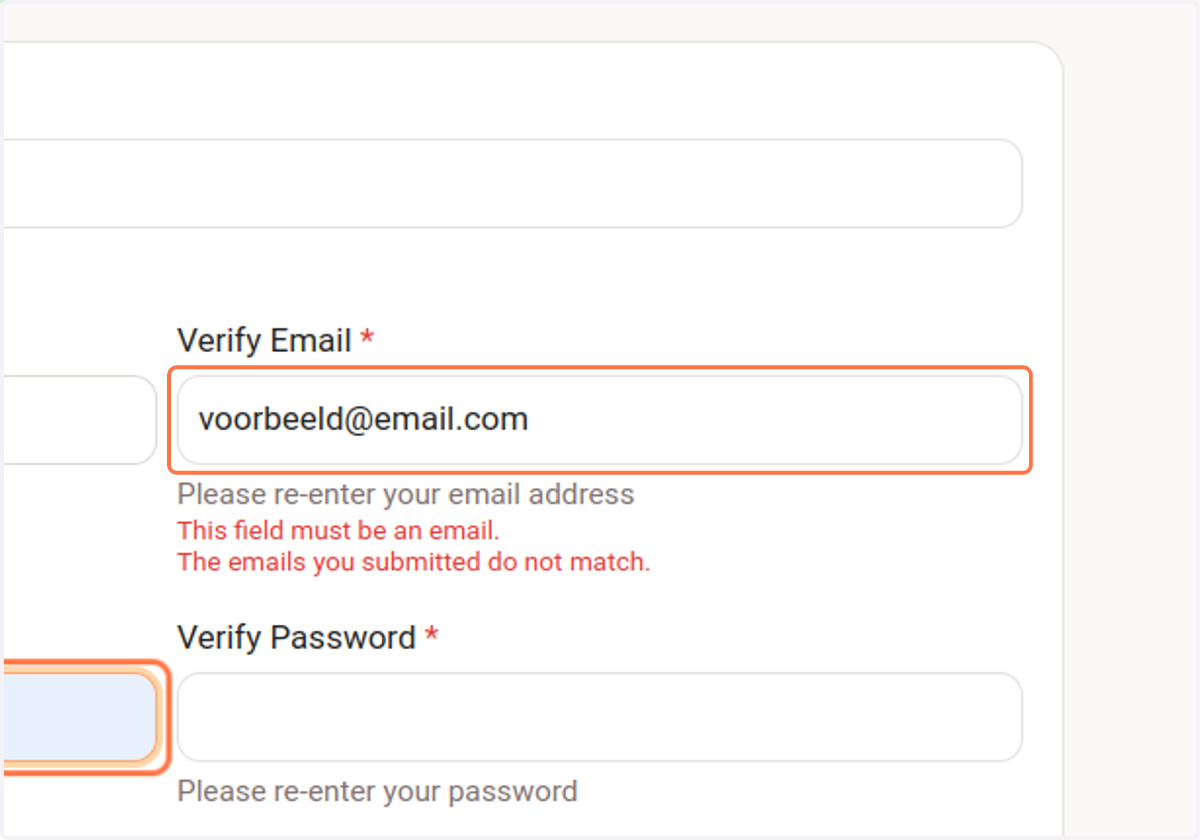
5. Type "voorbeeld@email.com"
6. Type password
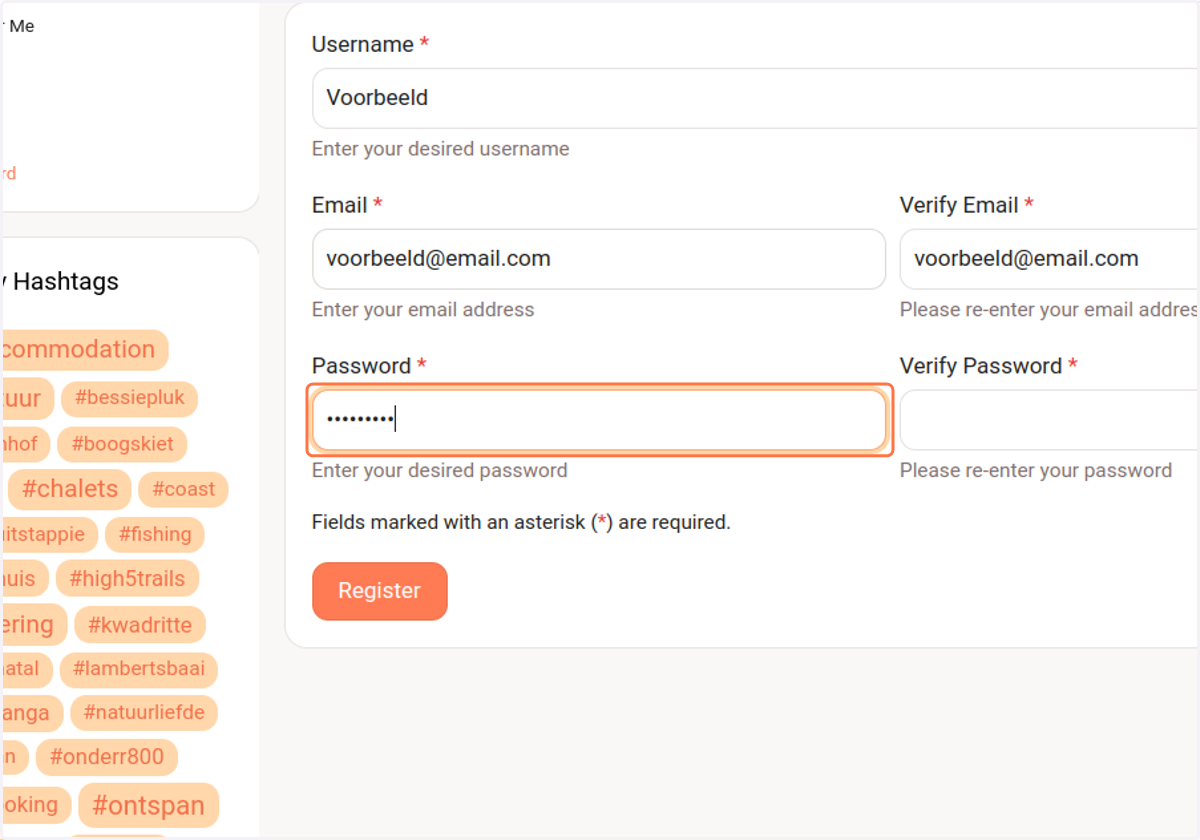
7. Type password
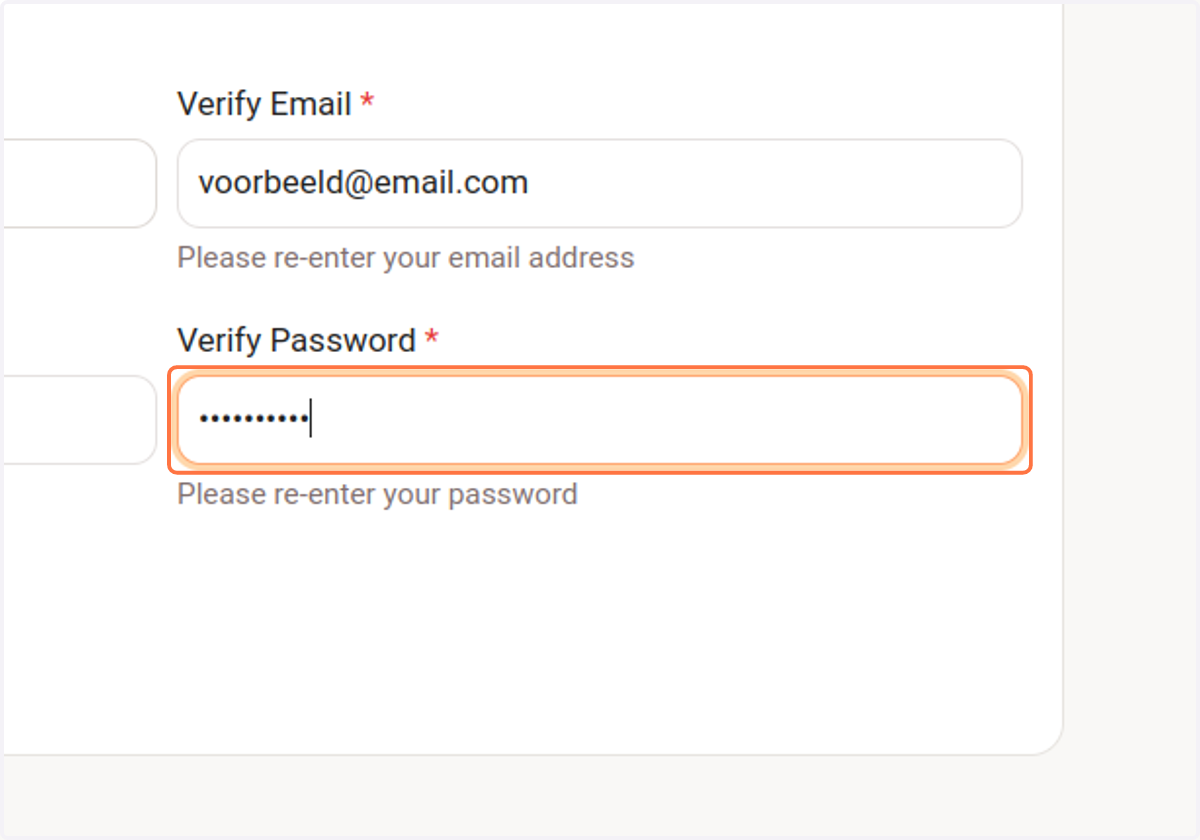
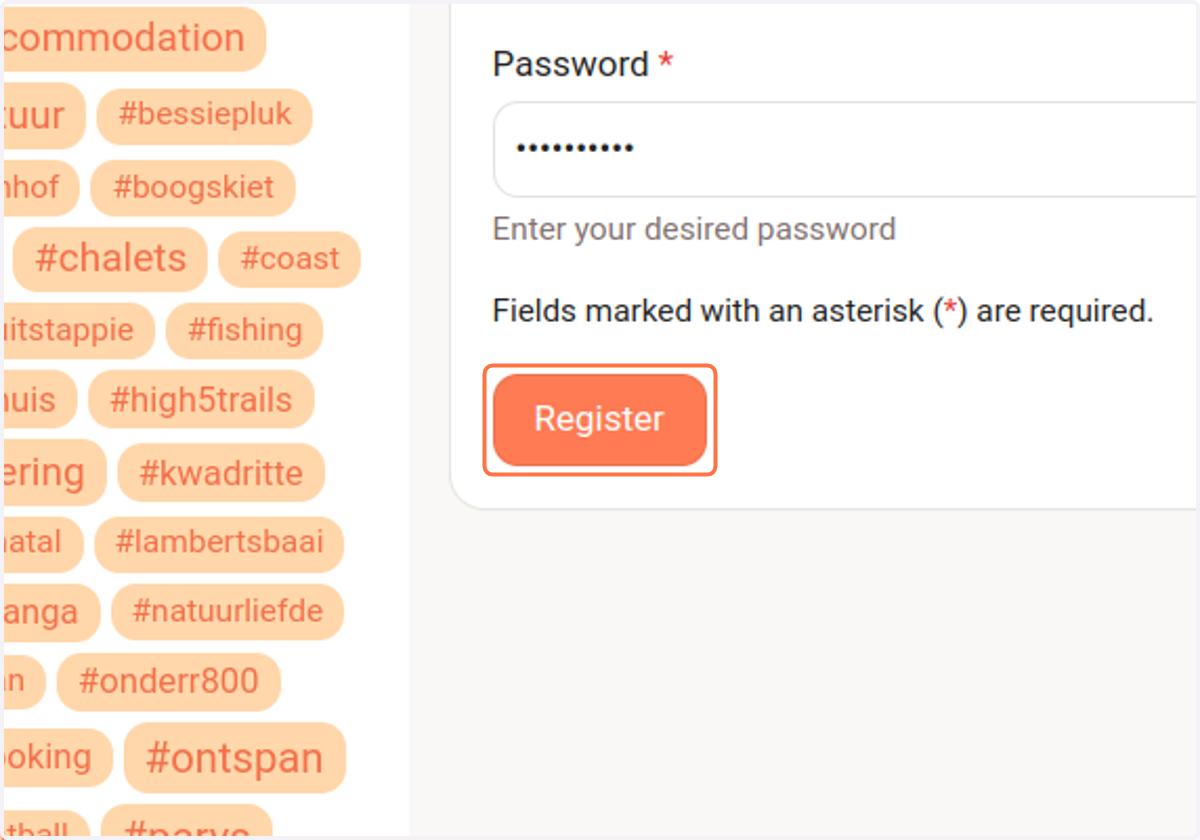
8. Click on Register
9. Click on Kaart
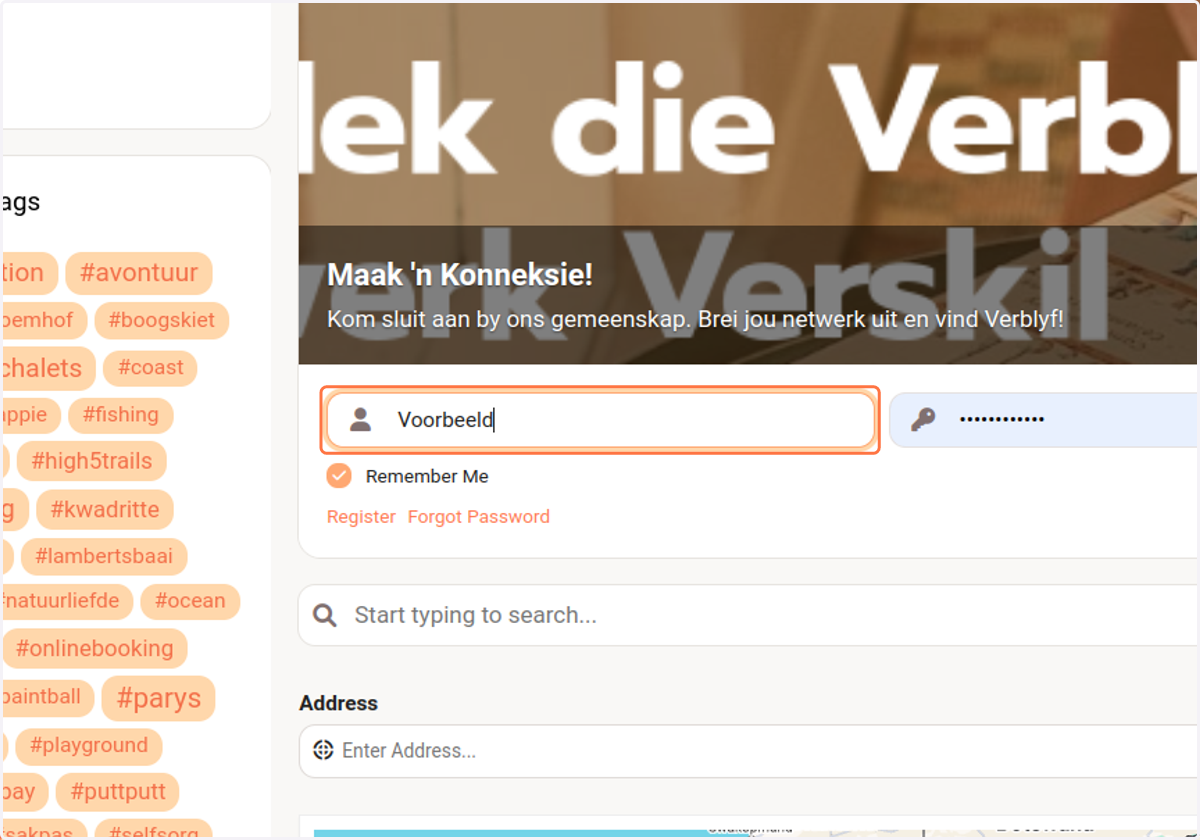
10. Type "Voorbeeld"
Username
11. Type password
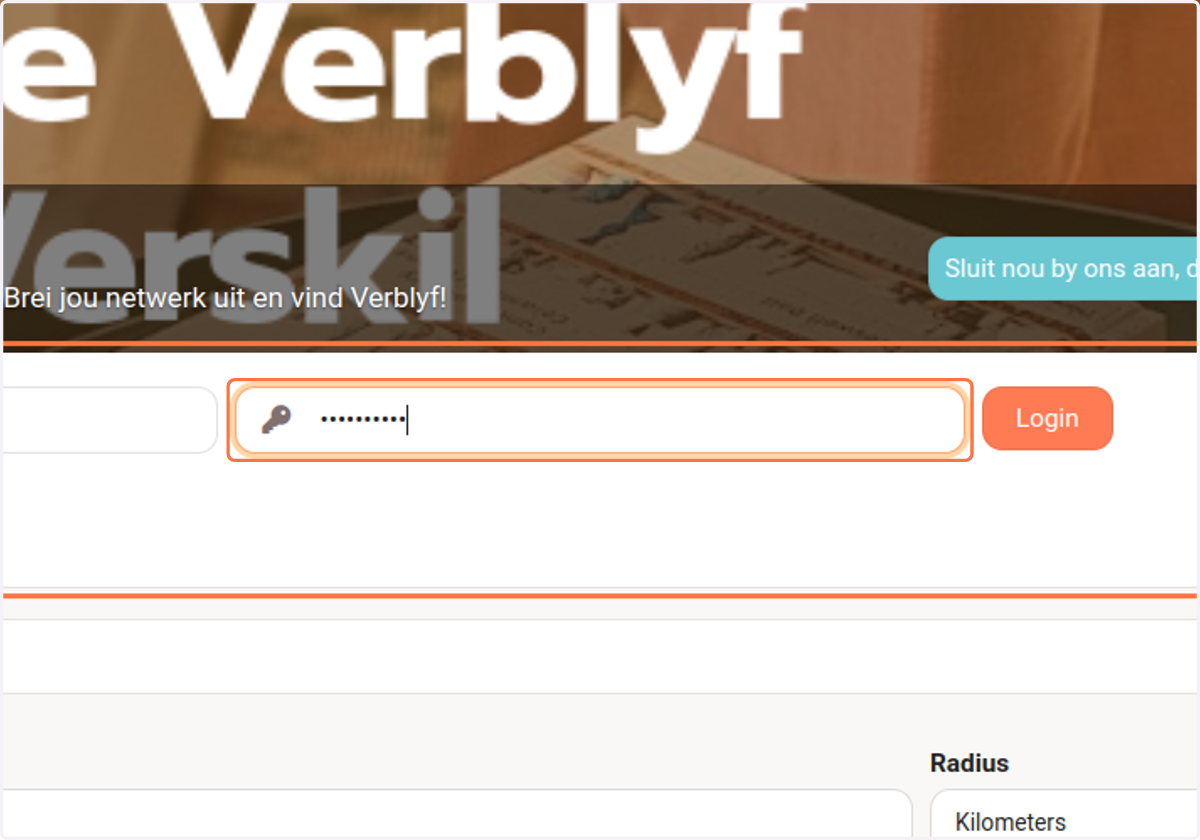
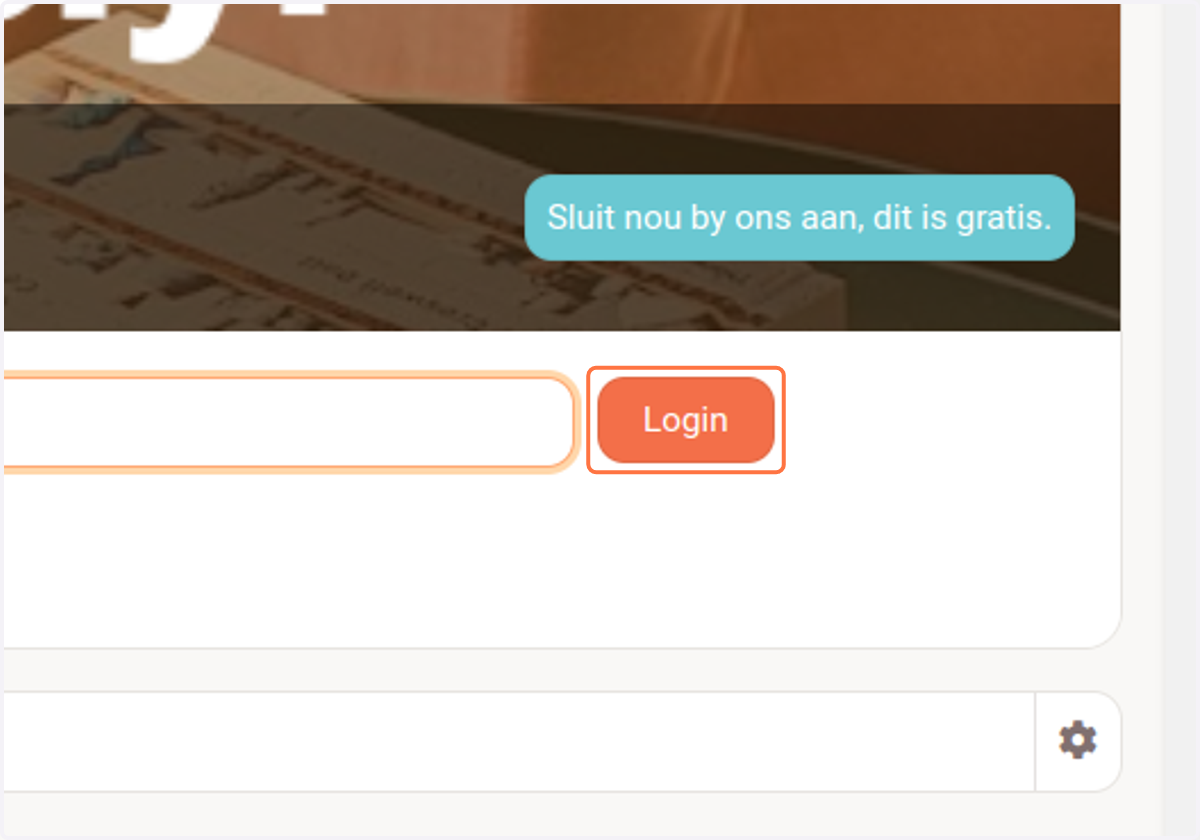
12. Click on Login