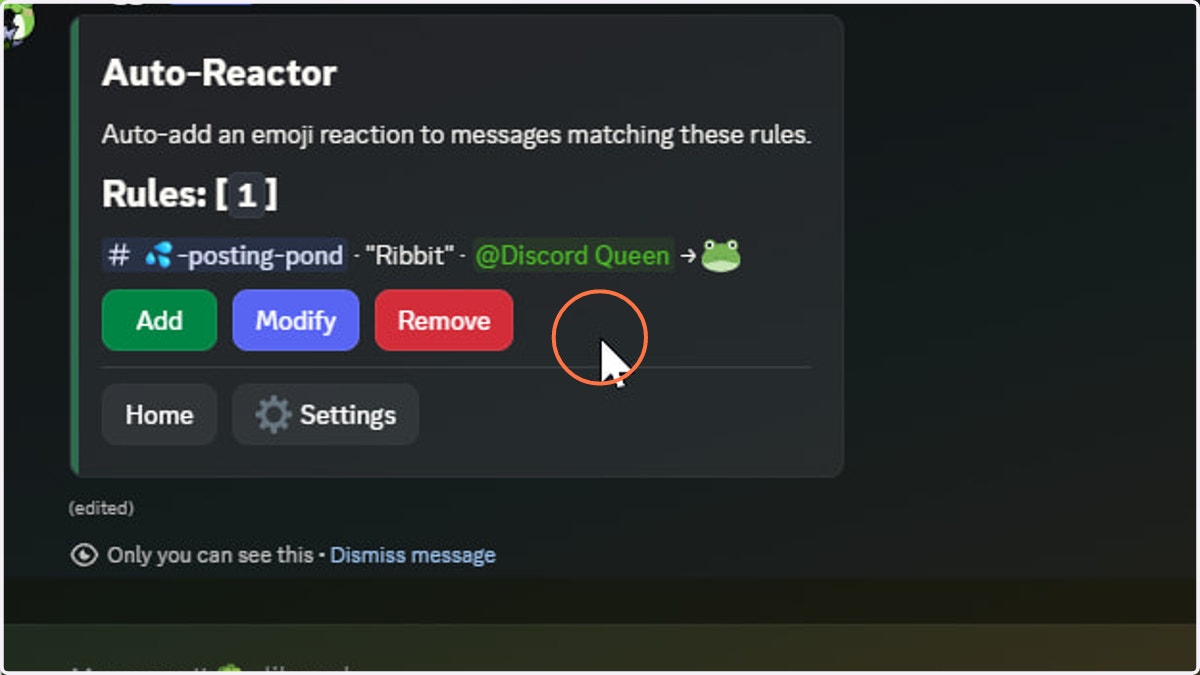
Auto-Reactor: Adding a Rule
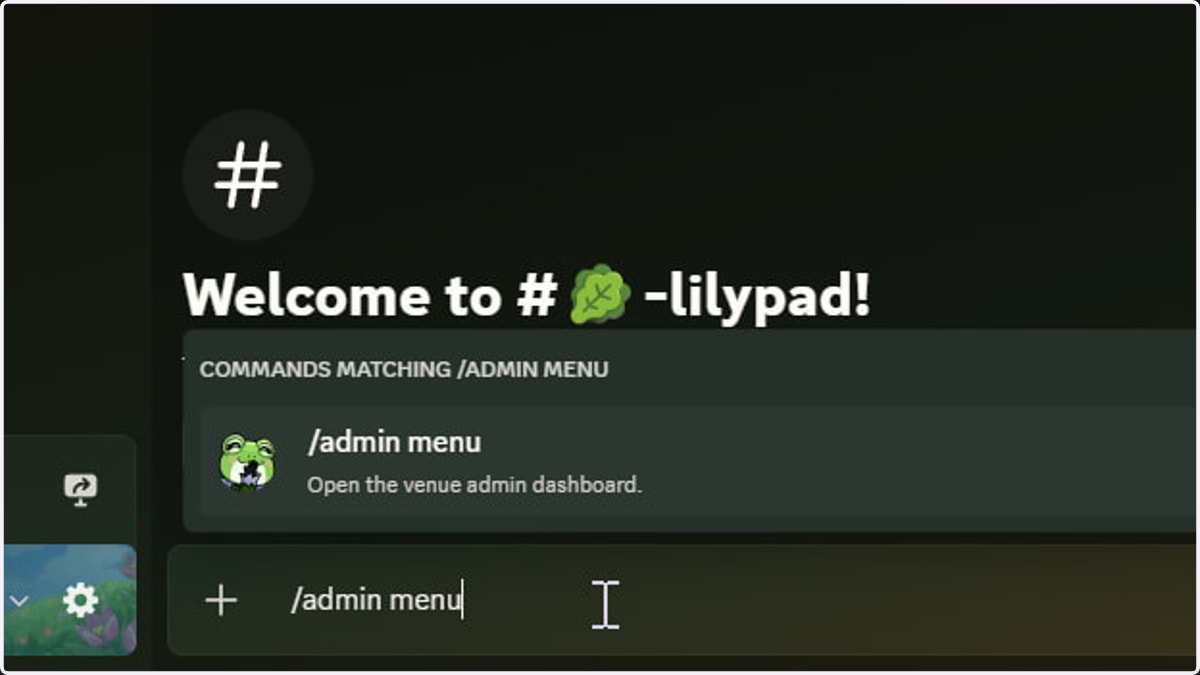
1. Invoke the /admin menu command
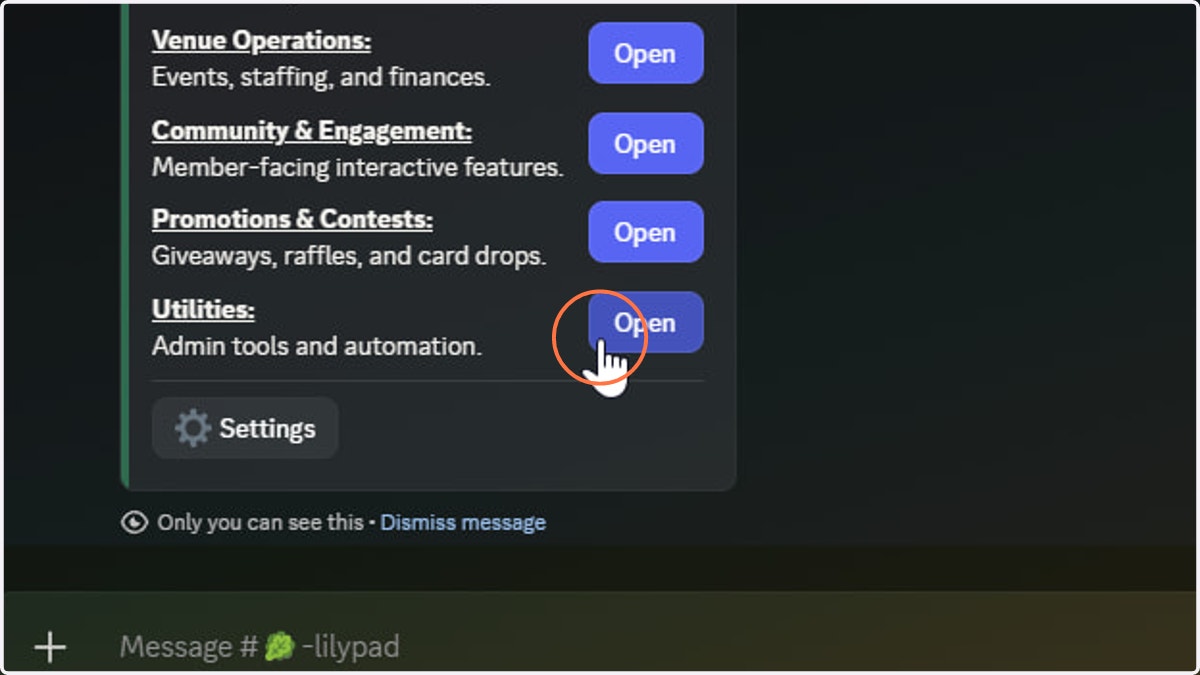
2. Click Utilities
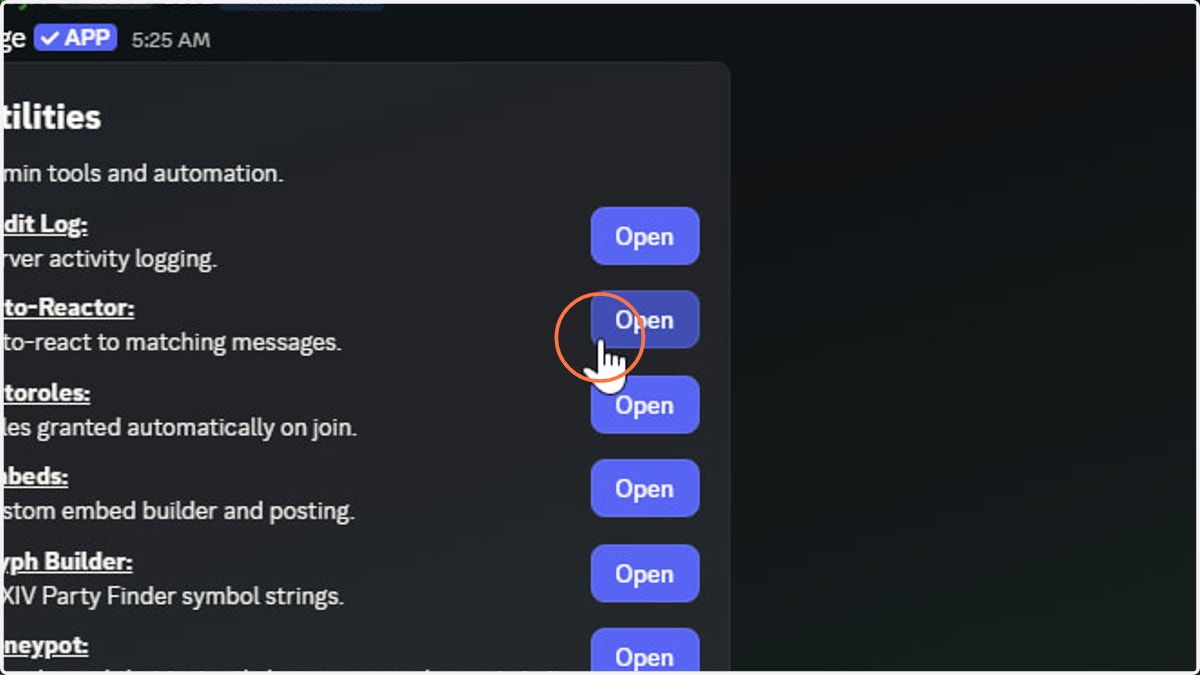
3. Click Auto-Reactor
4. Click Add
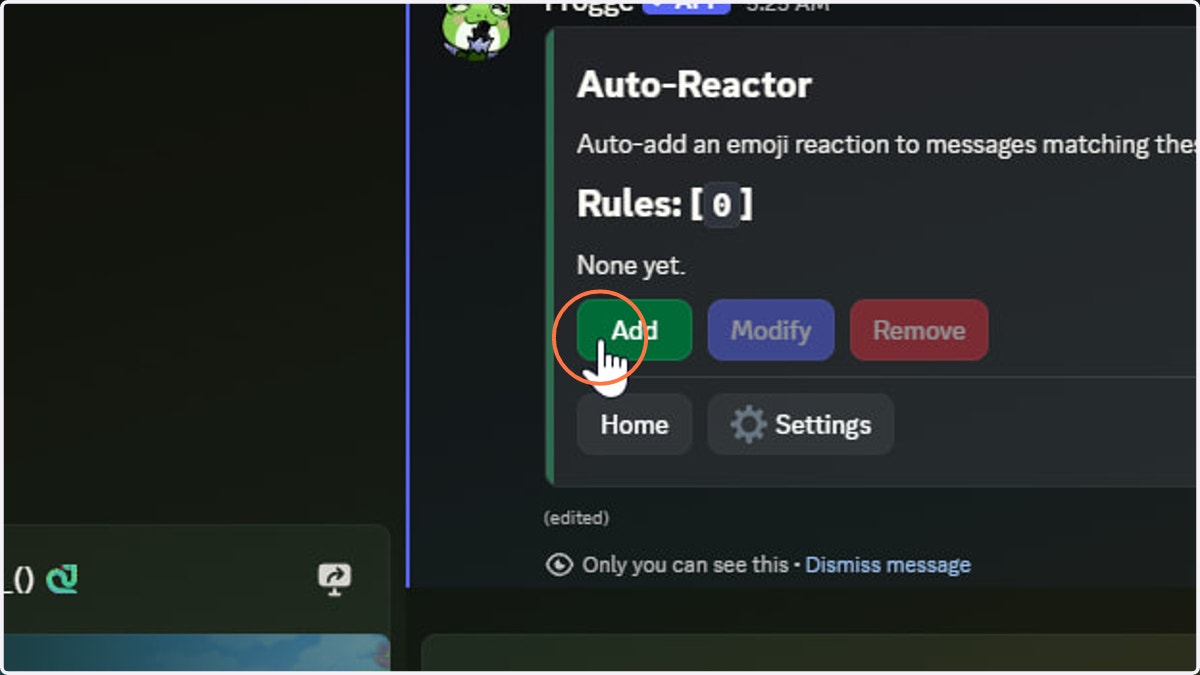
5. Several rule clauses are available
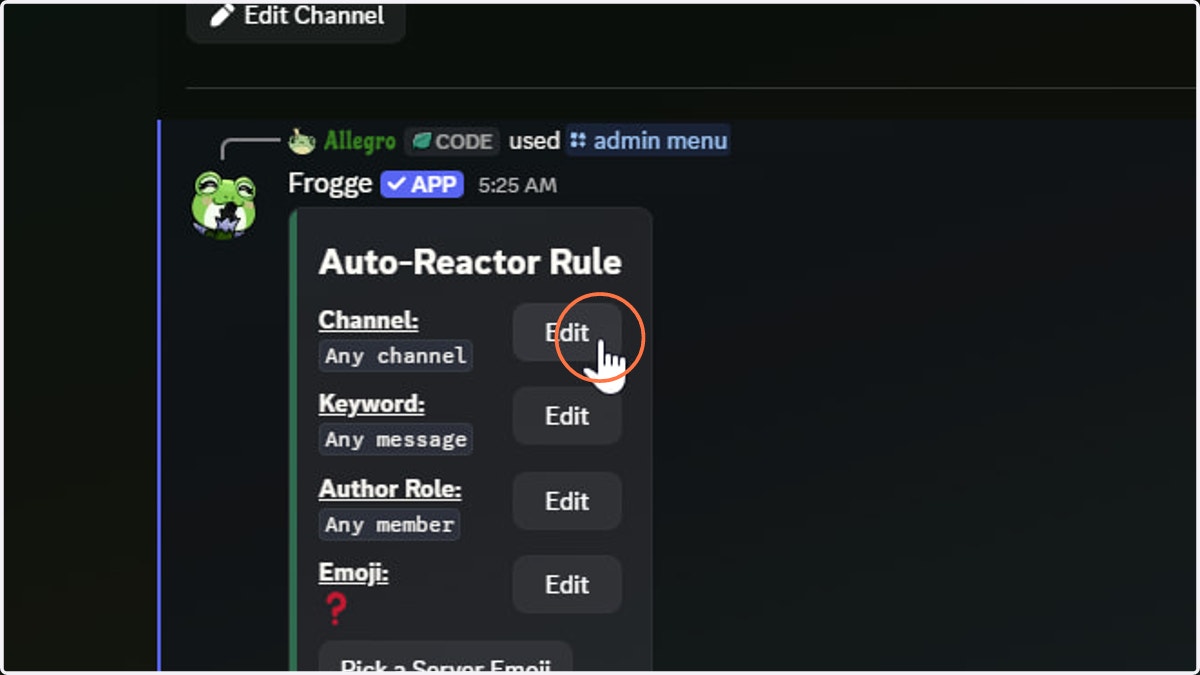
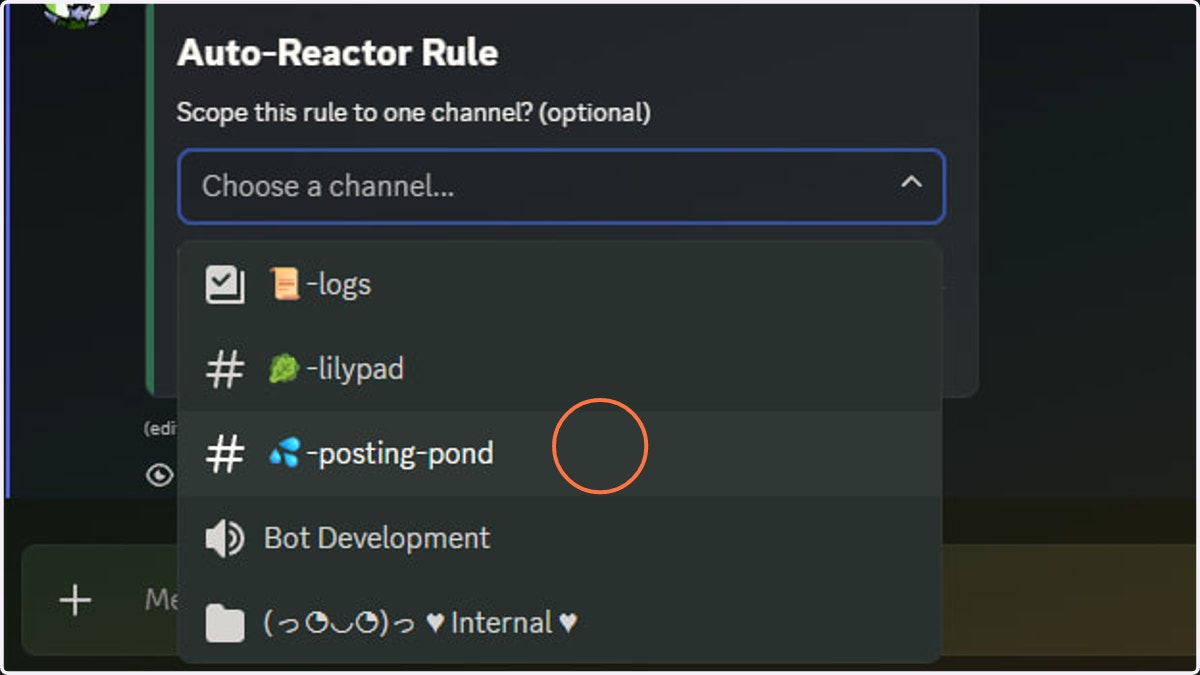
6. A channel filter will only react to messages in the specified channel
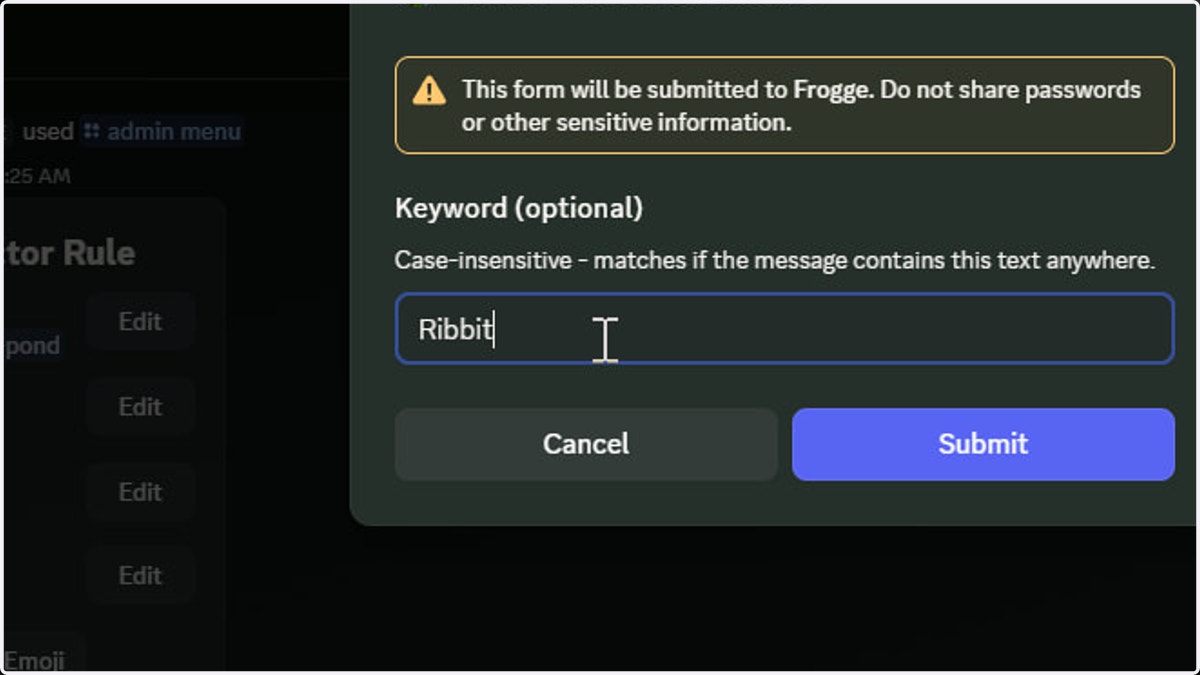
7. A keyword argument is also allowed
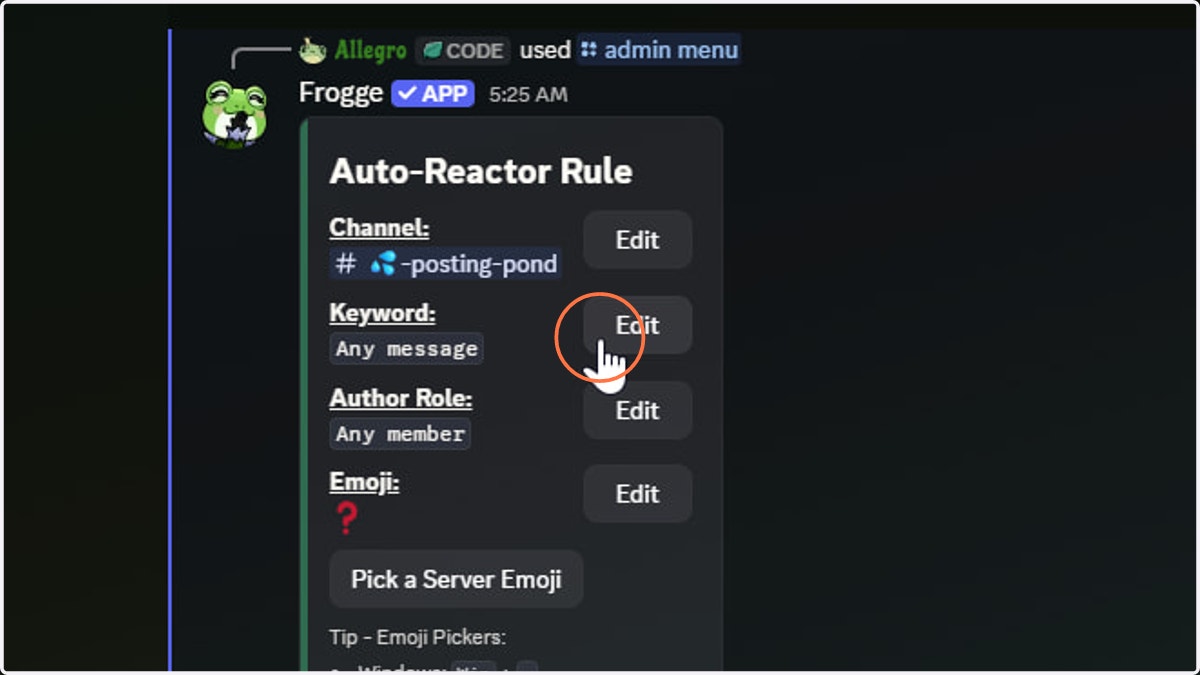
8. A keyword will match the exact case-insensitive characters provided
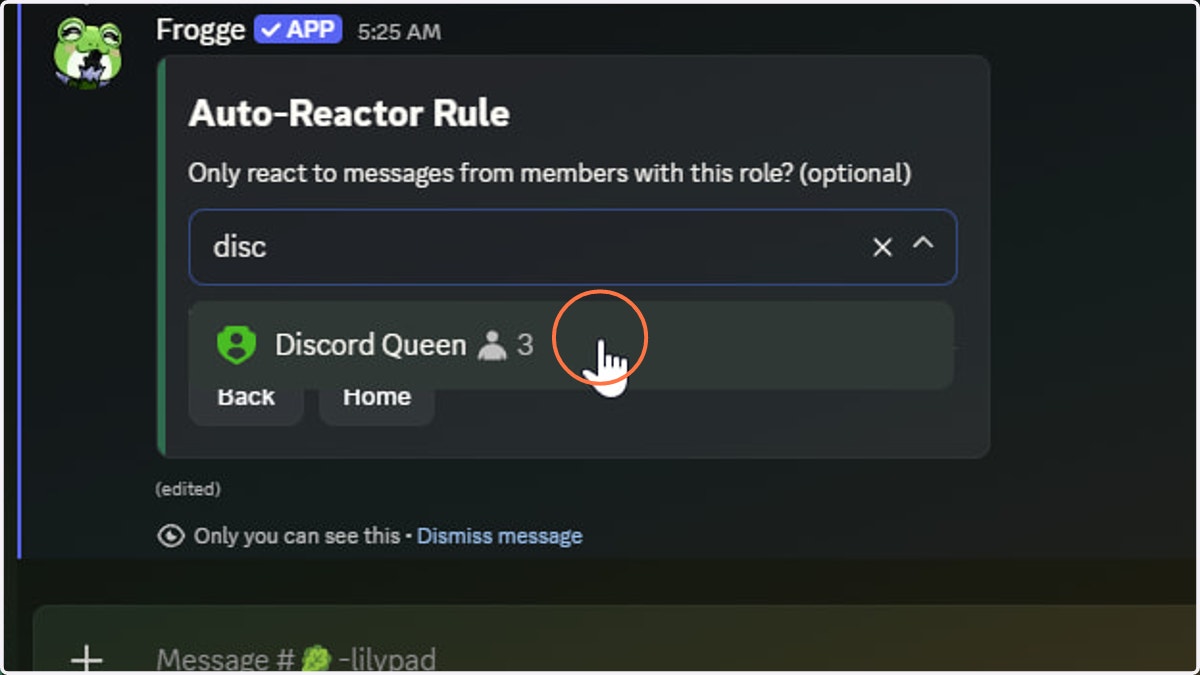
9. Lastly, there is role matching
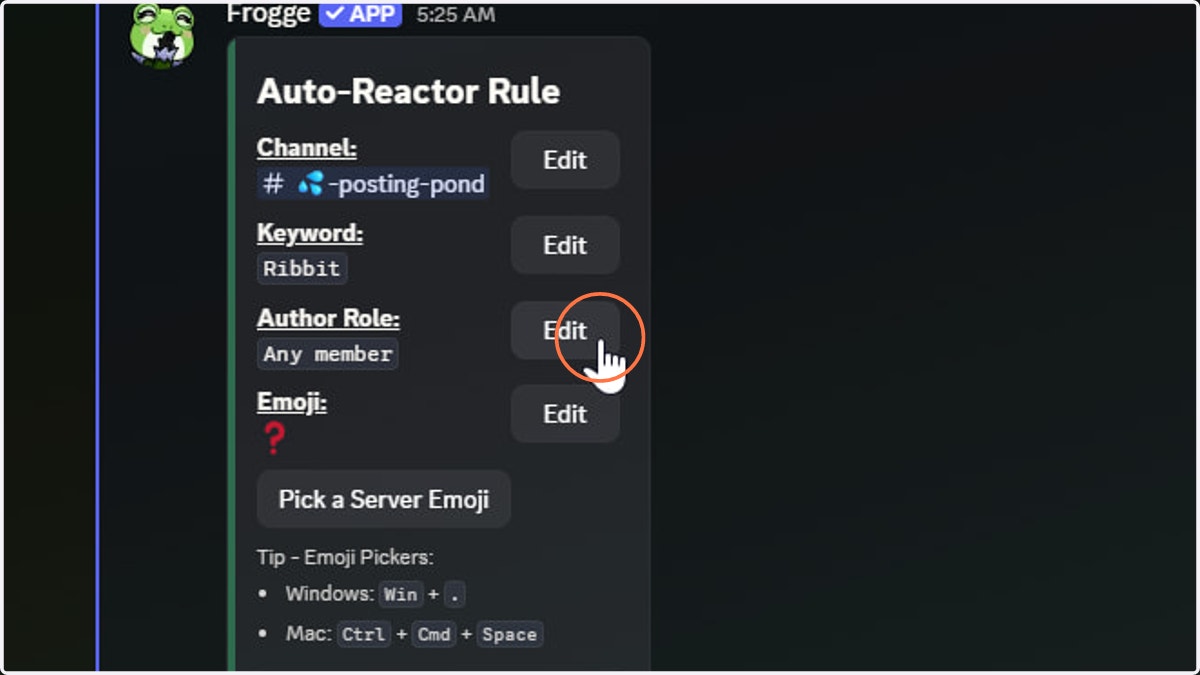
10. Role matching will only react to a message if sent by a member bearing that role
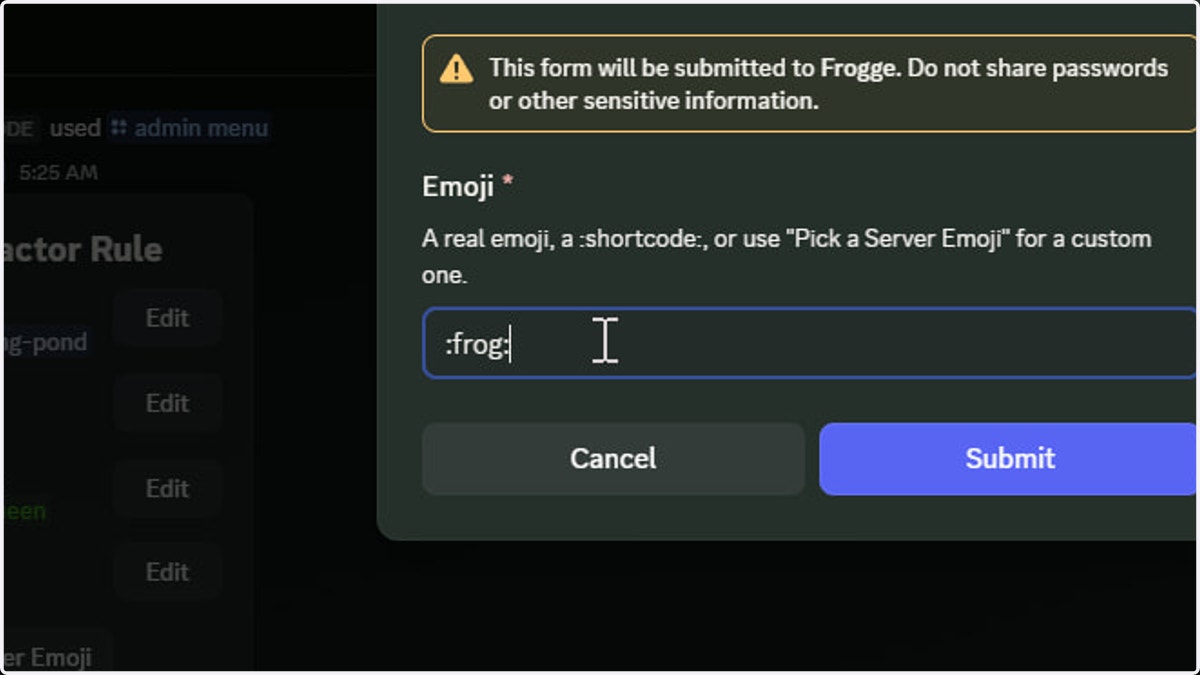
11. Set the reaction used by clicking Edit next to the displayed emoji
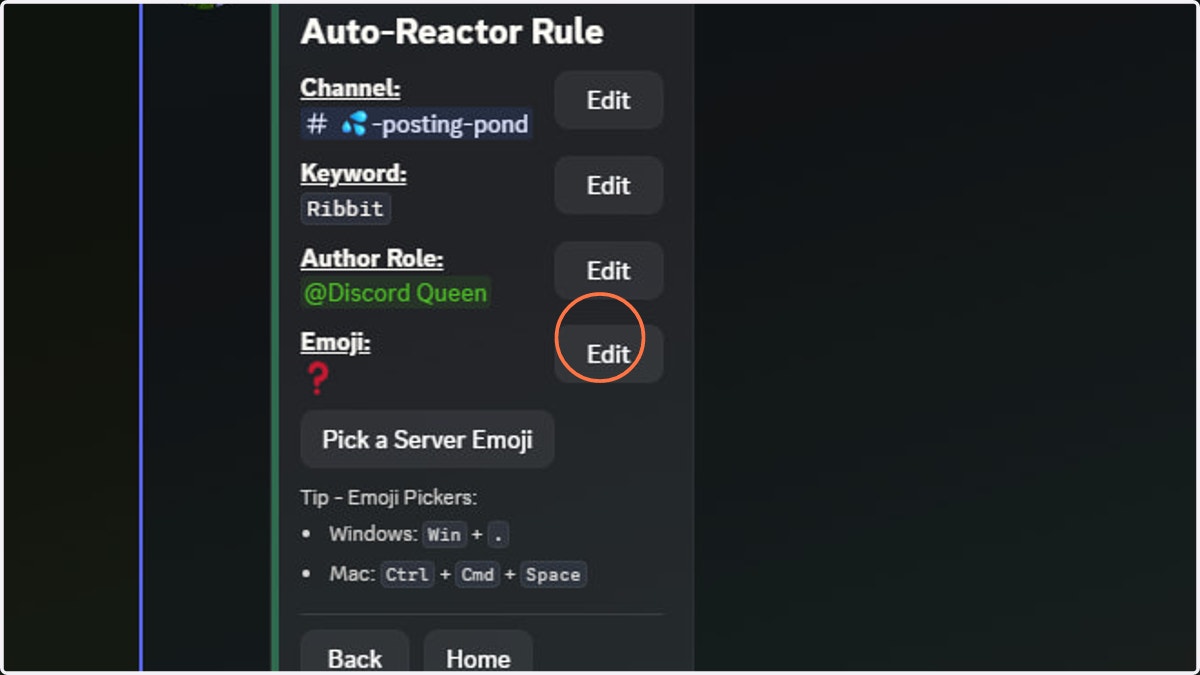
12. Enter the emoji you'd like to use
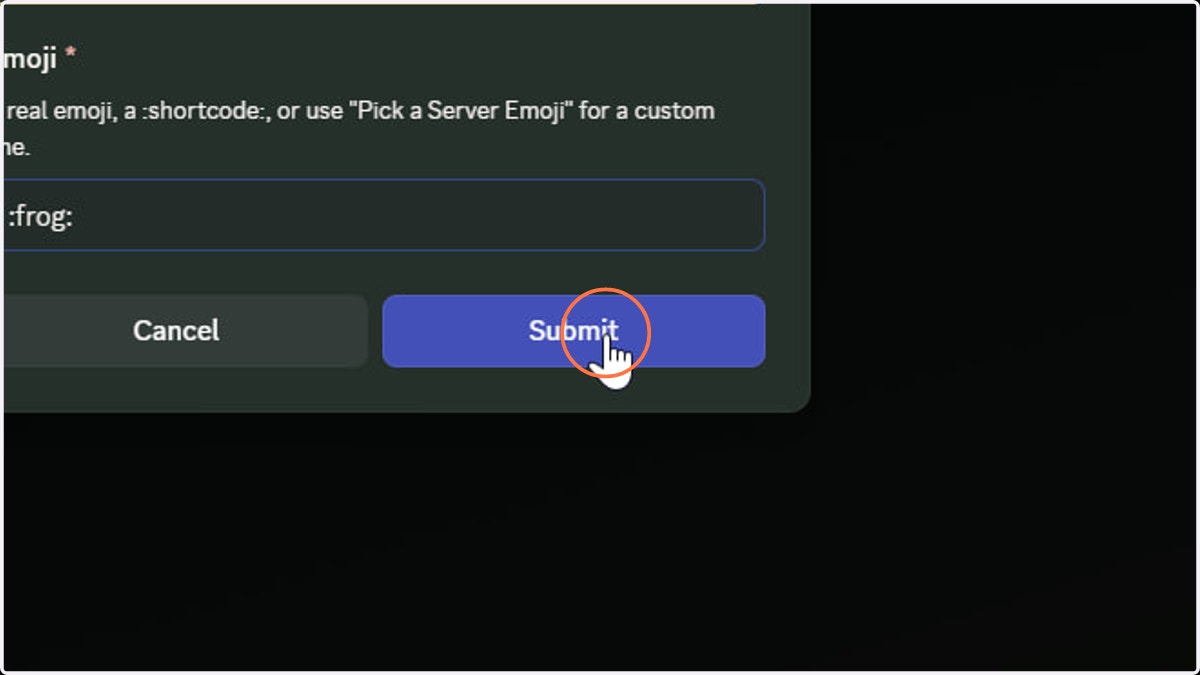
13. Click Submit
14. Click Back
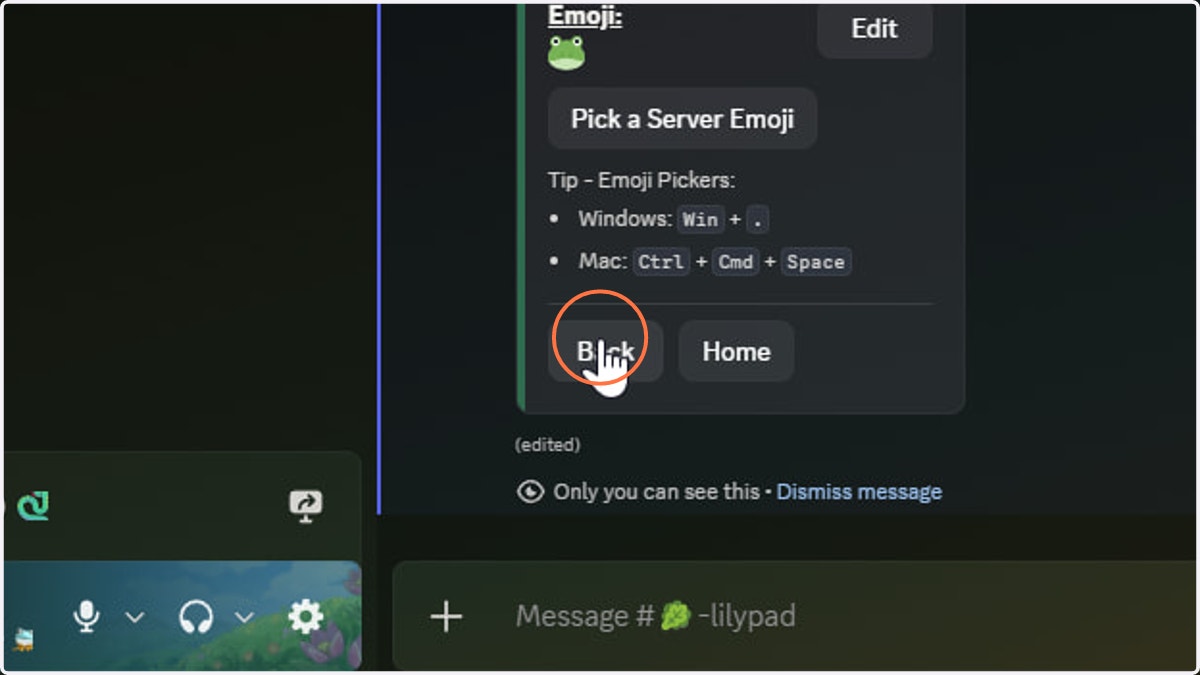
15. The new reaction rule should now display on the Auto-Reactor home page