Add Special Offer on GreenBay.Com

Discover Green Bay Extranet

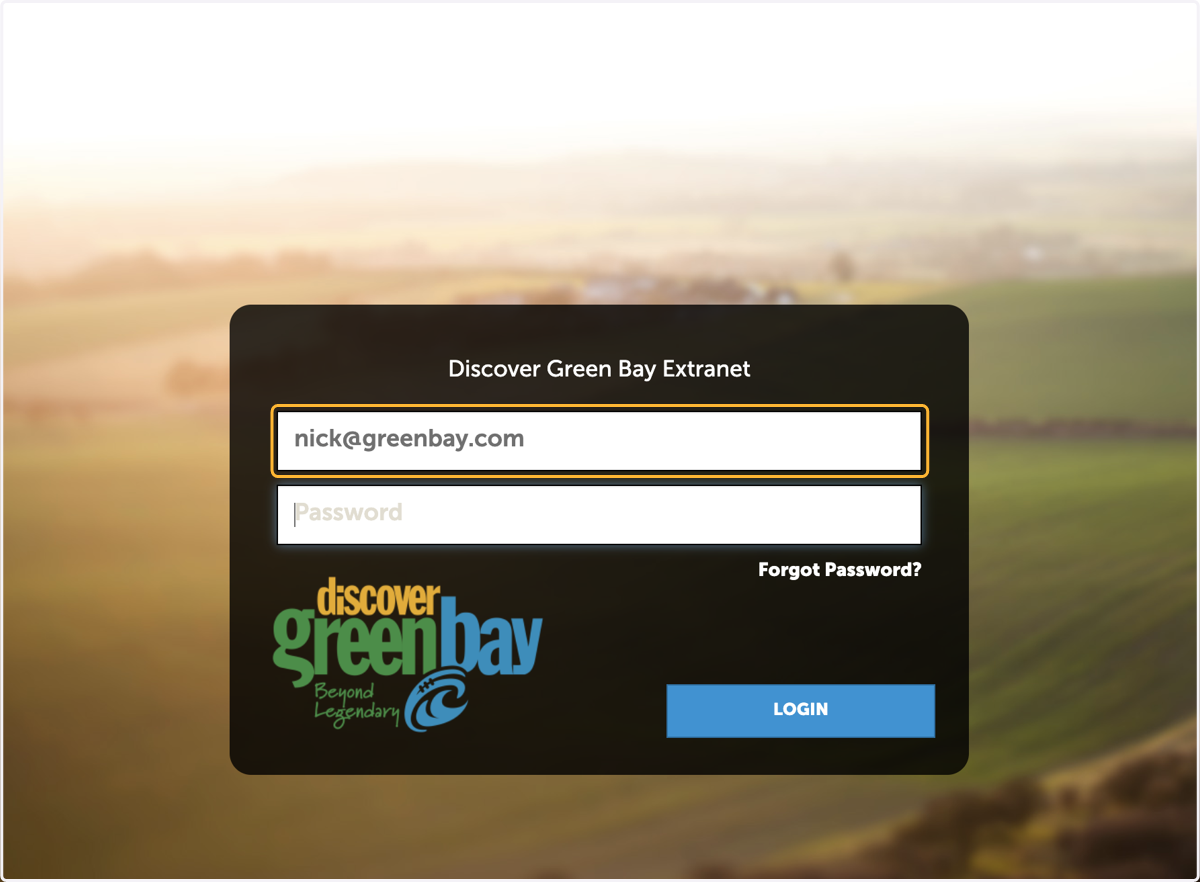
  1. 1. Enter email

    Enter email
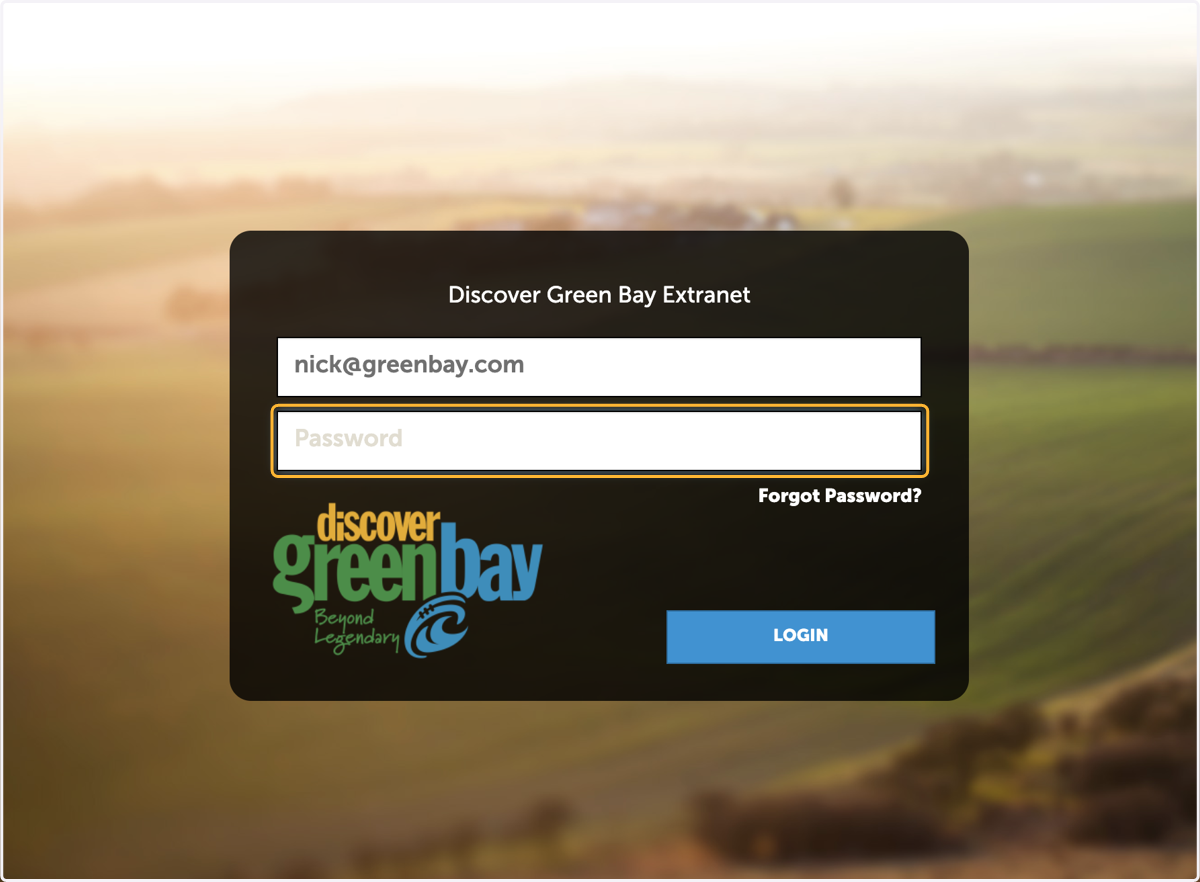
  2. 2. Enter Password

    Enter Password
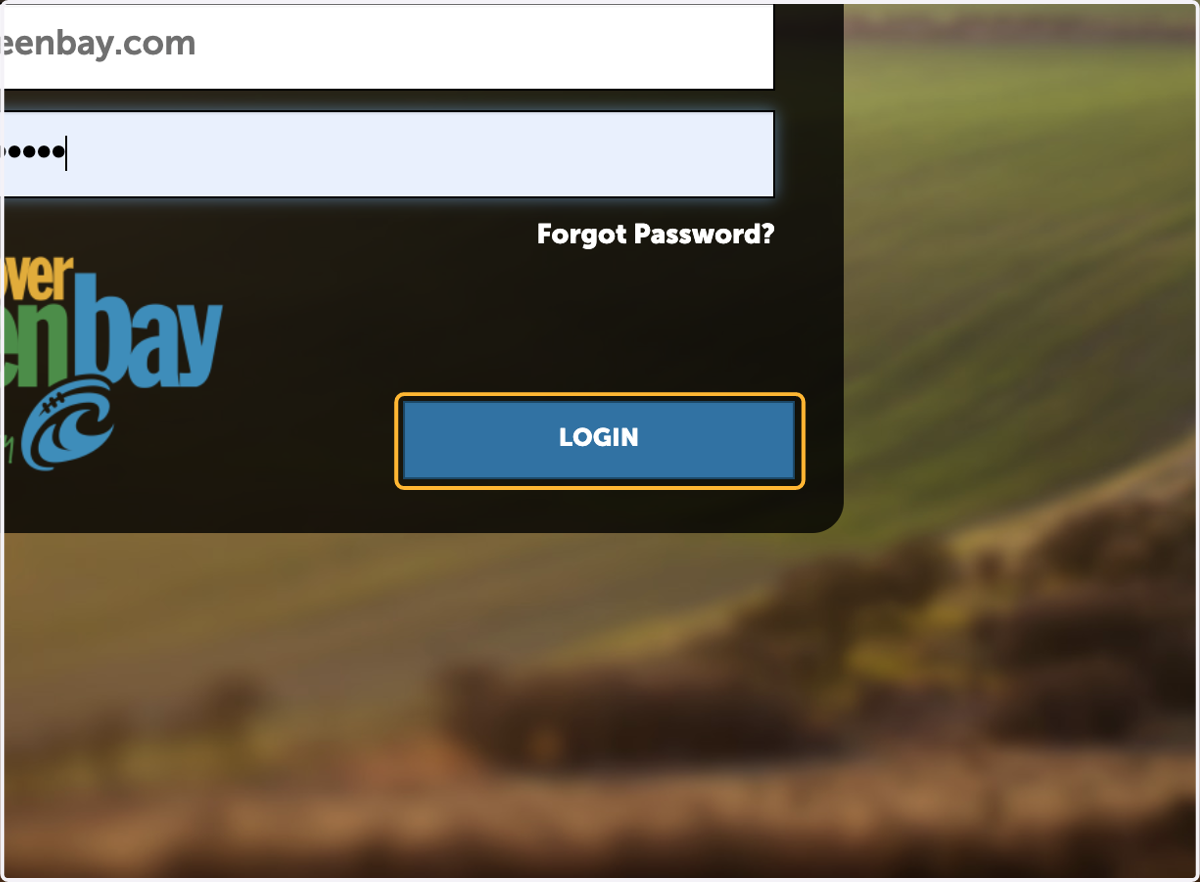
  3. 3. Click on Login

    Click on Login
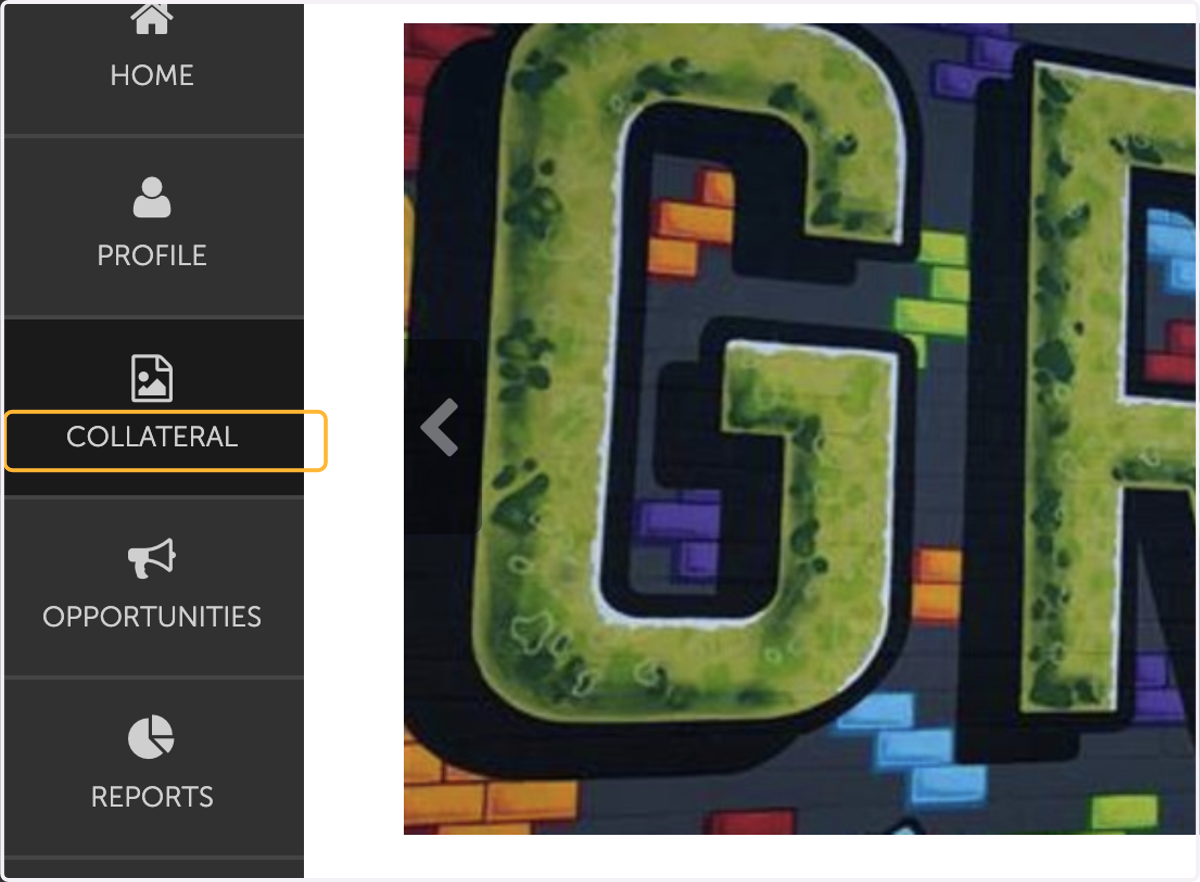
  4. 4. Click on COLLATERAL

    Click on COLLATERAL
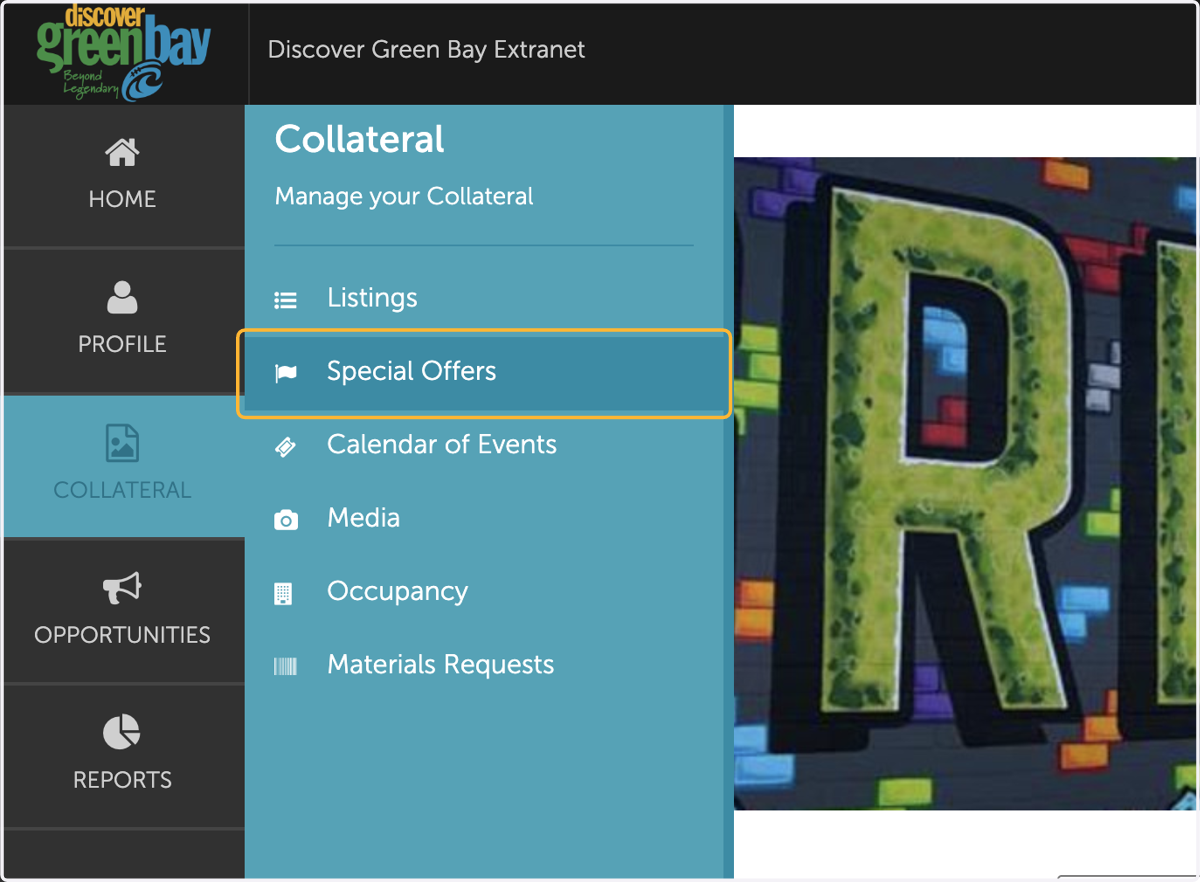
  5. 5. Click on Special Offers

    Click on Special Offers
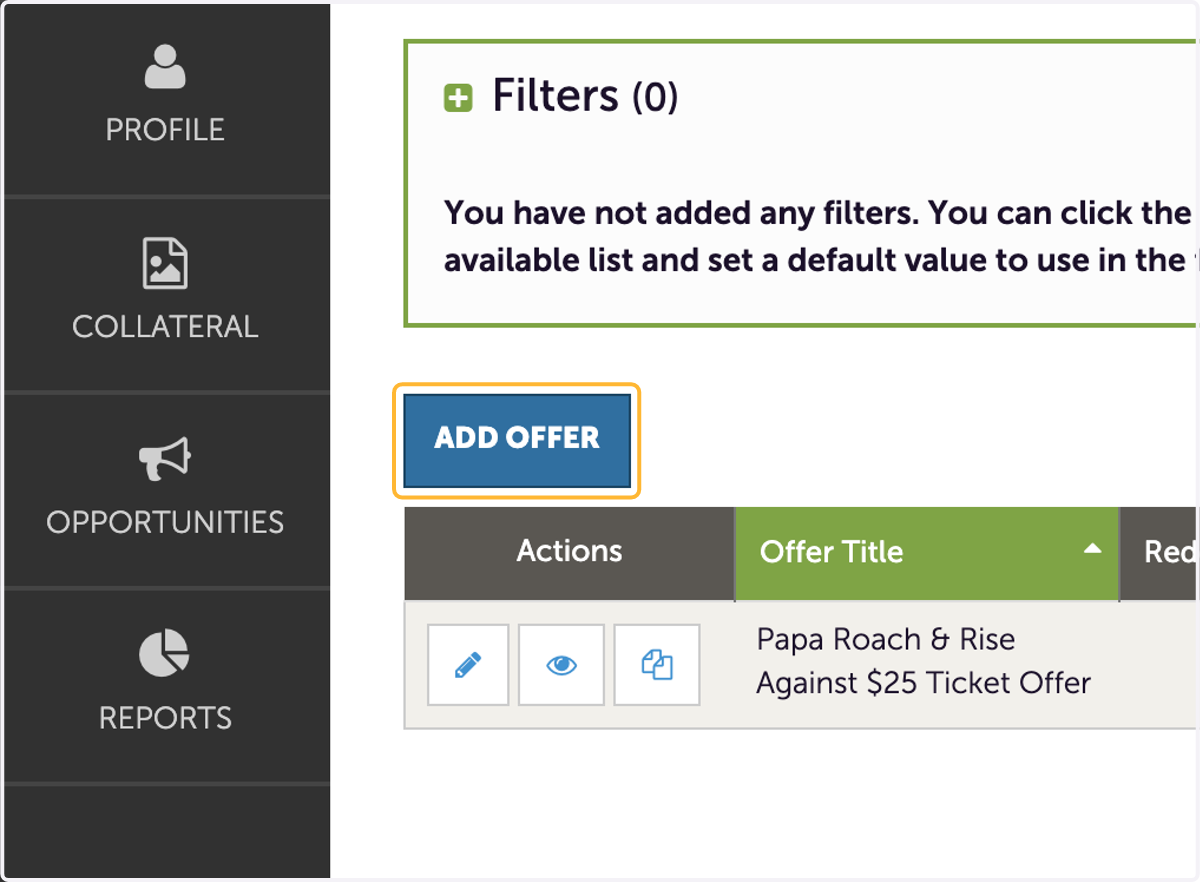
  6. 6. Click on ADD OFFER

    Click on ADD OFFER
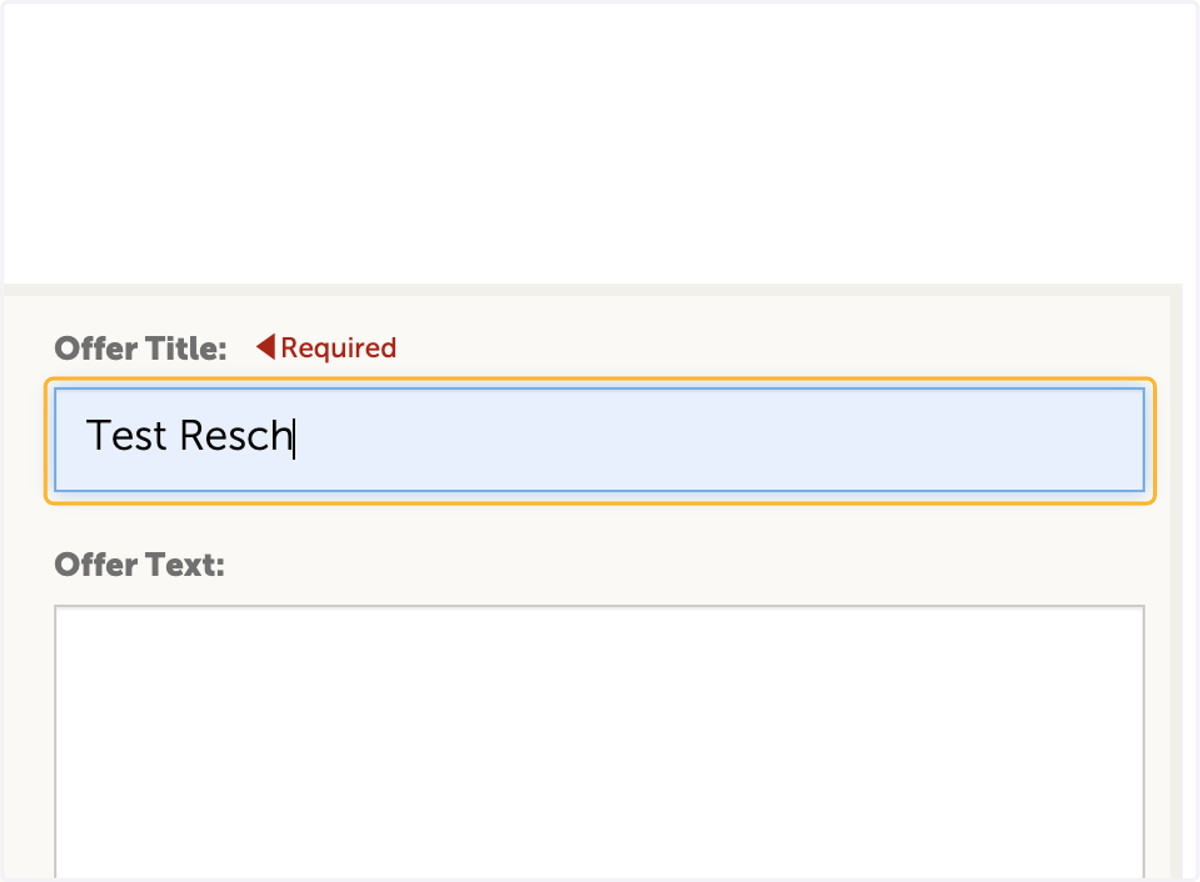
  7. 7. Enter offer Title

    Enter offer Title
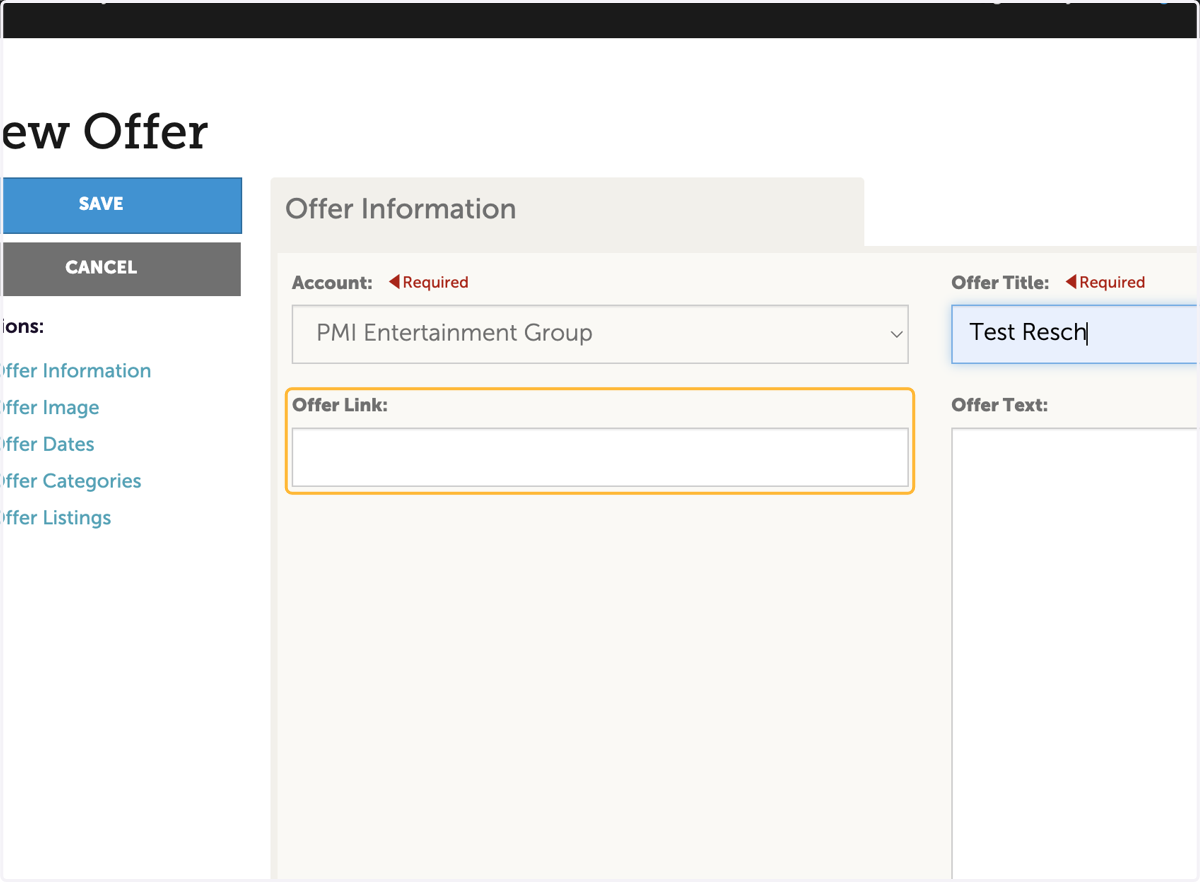
  8. 8. Enter offer link

    Enter offer link
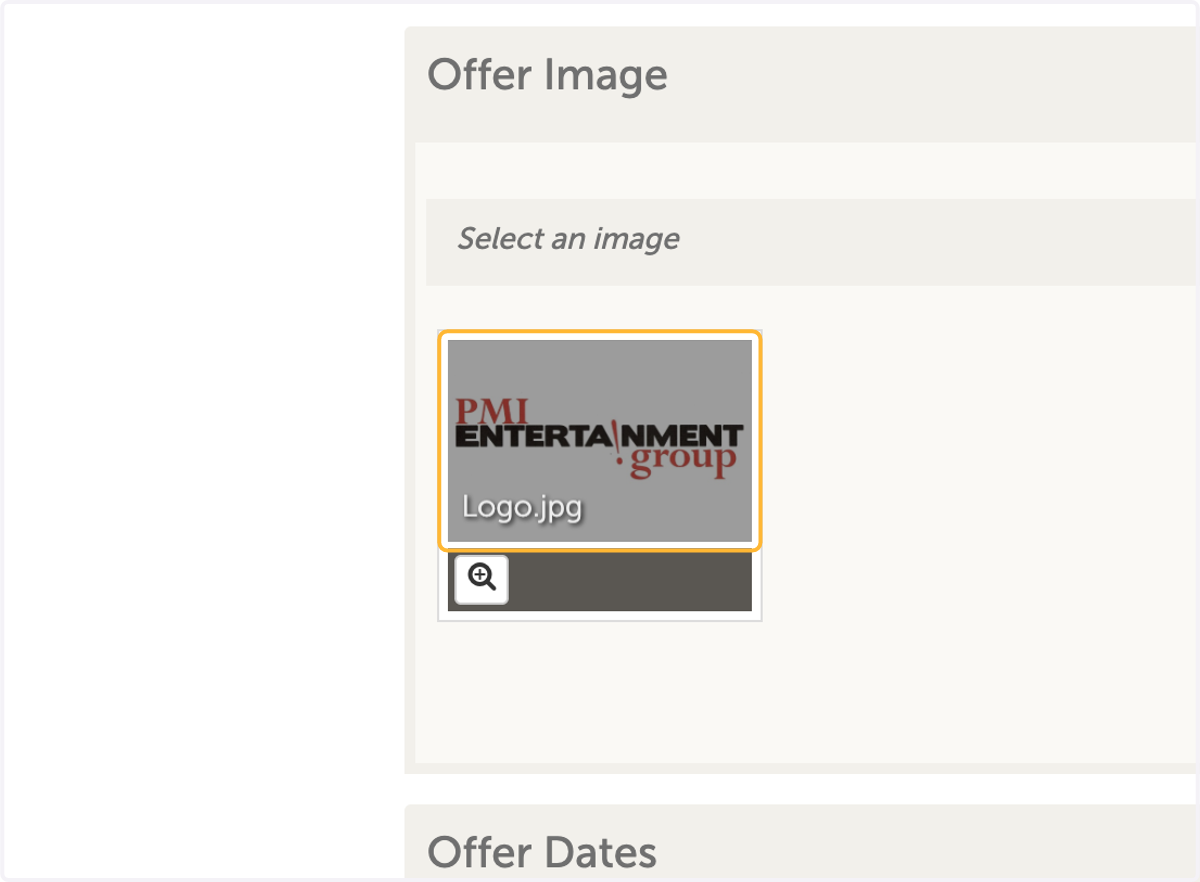
  9. 9. Choose coupon image

    Choose coupon image
  10. 10. Select Redeem Start (this is when the coupon is active)
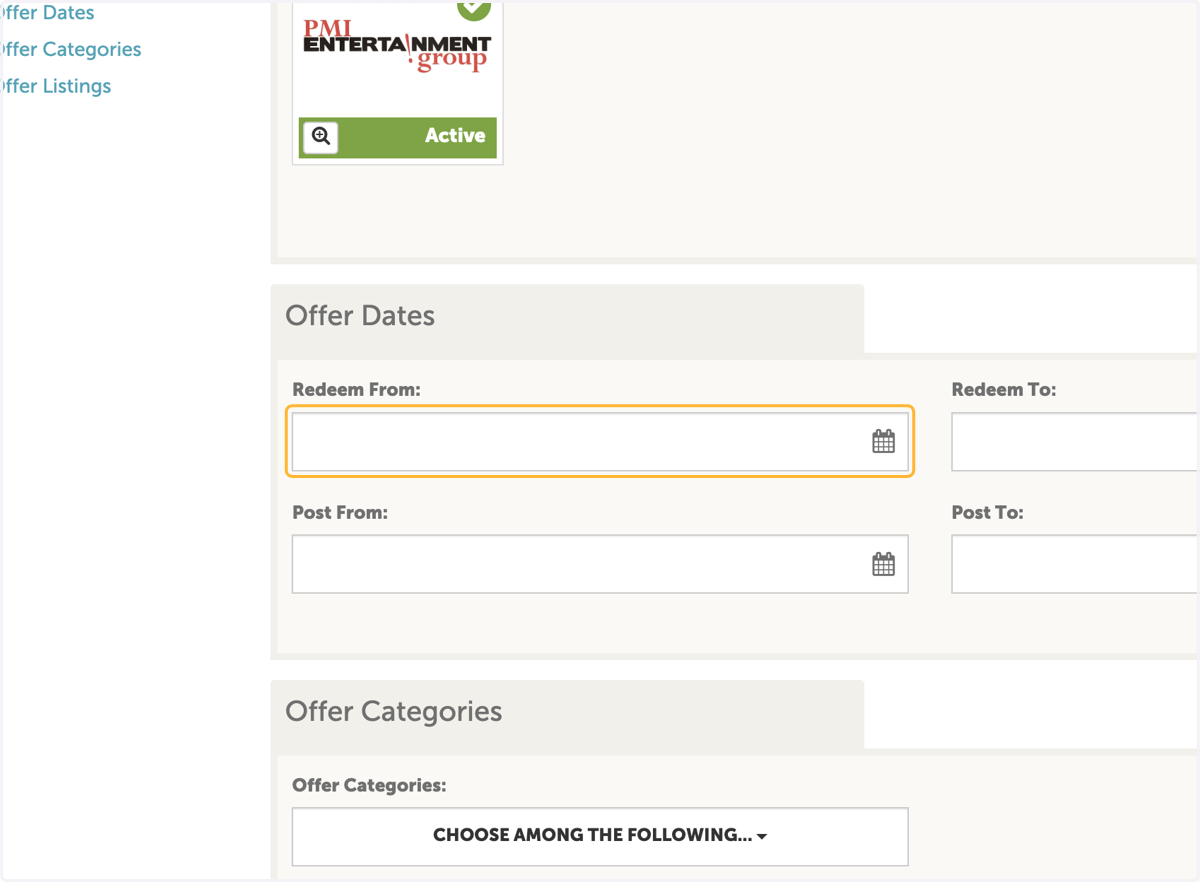
    Select Redeem Start (this is when the coupon is active)
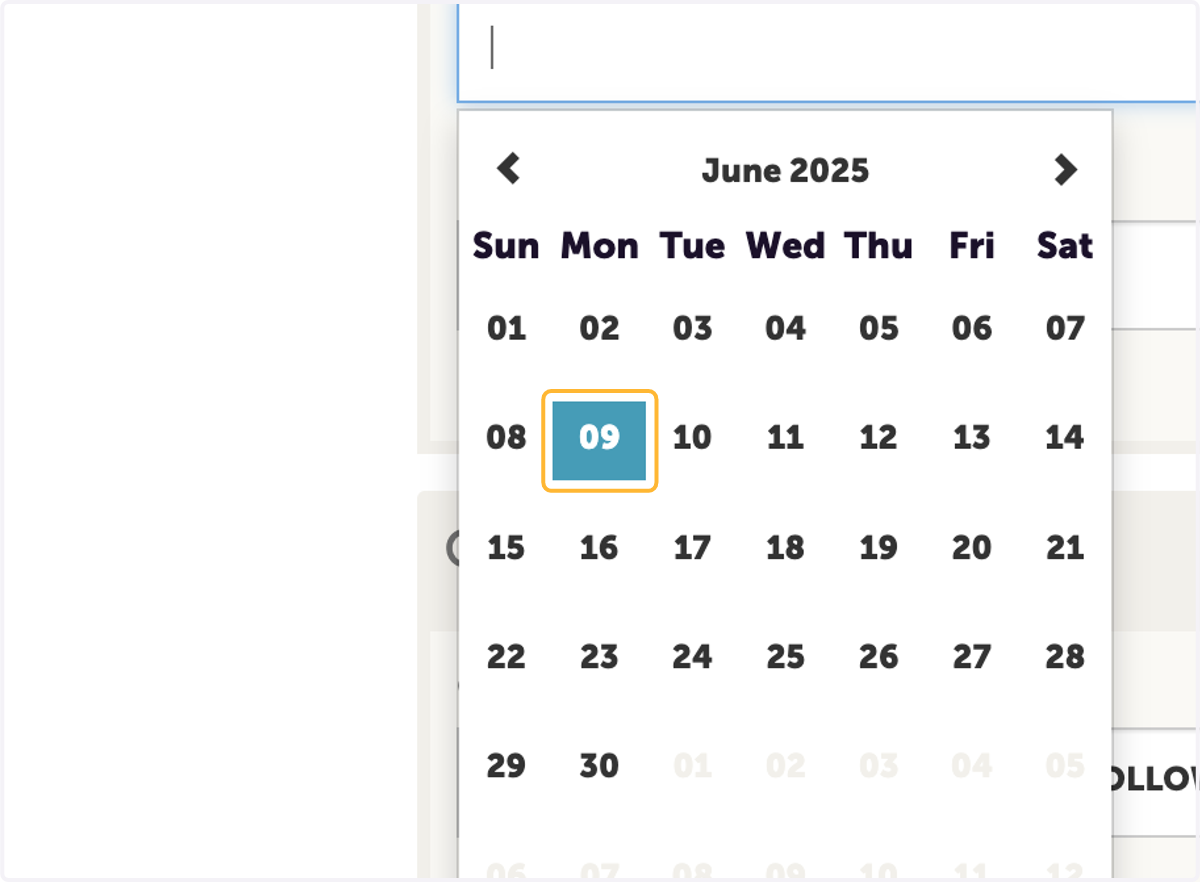
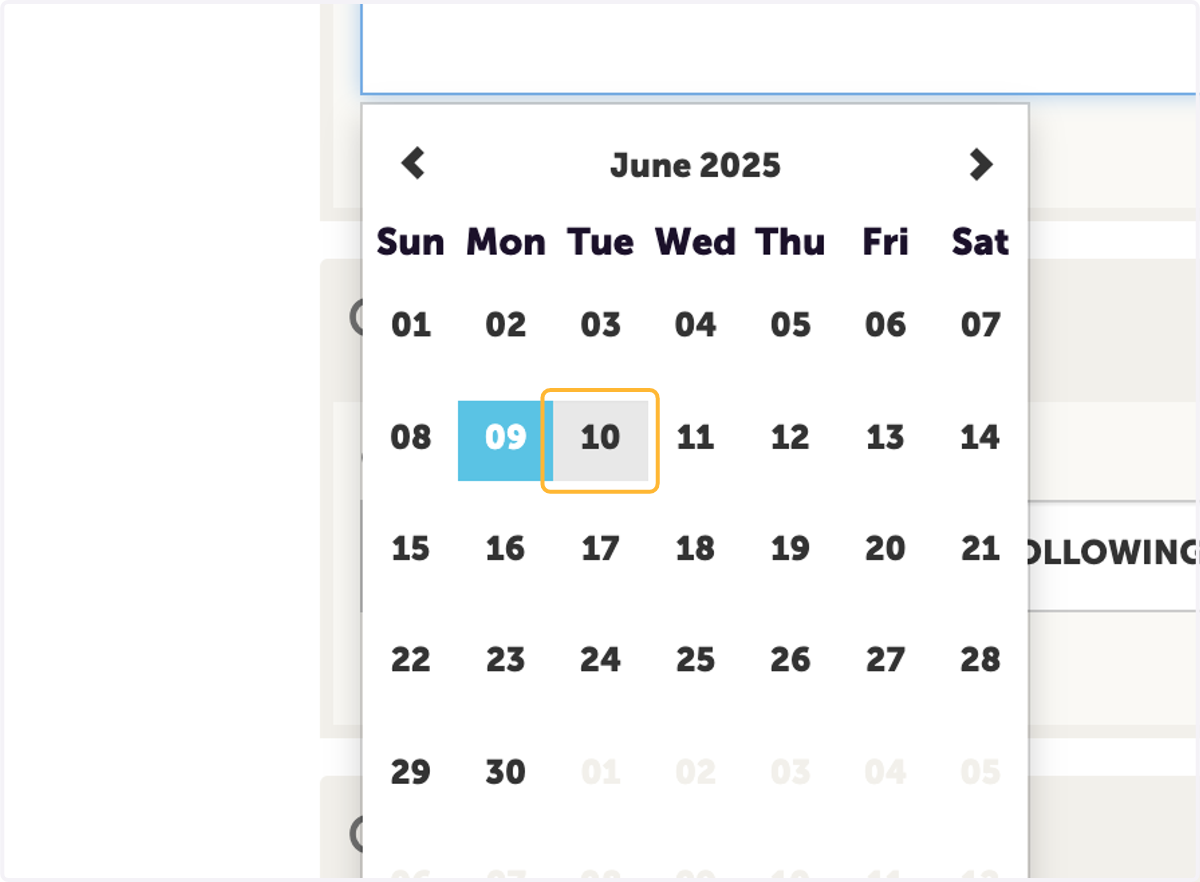
  11. 11. Choose Date

    Choose Date
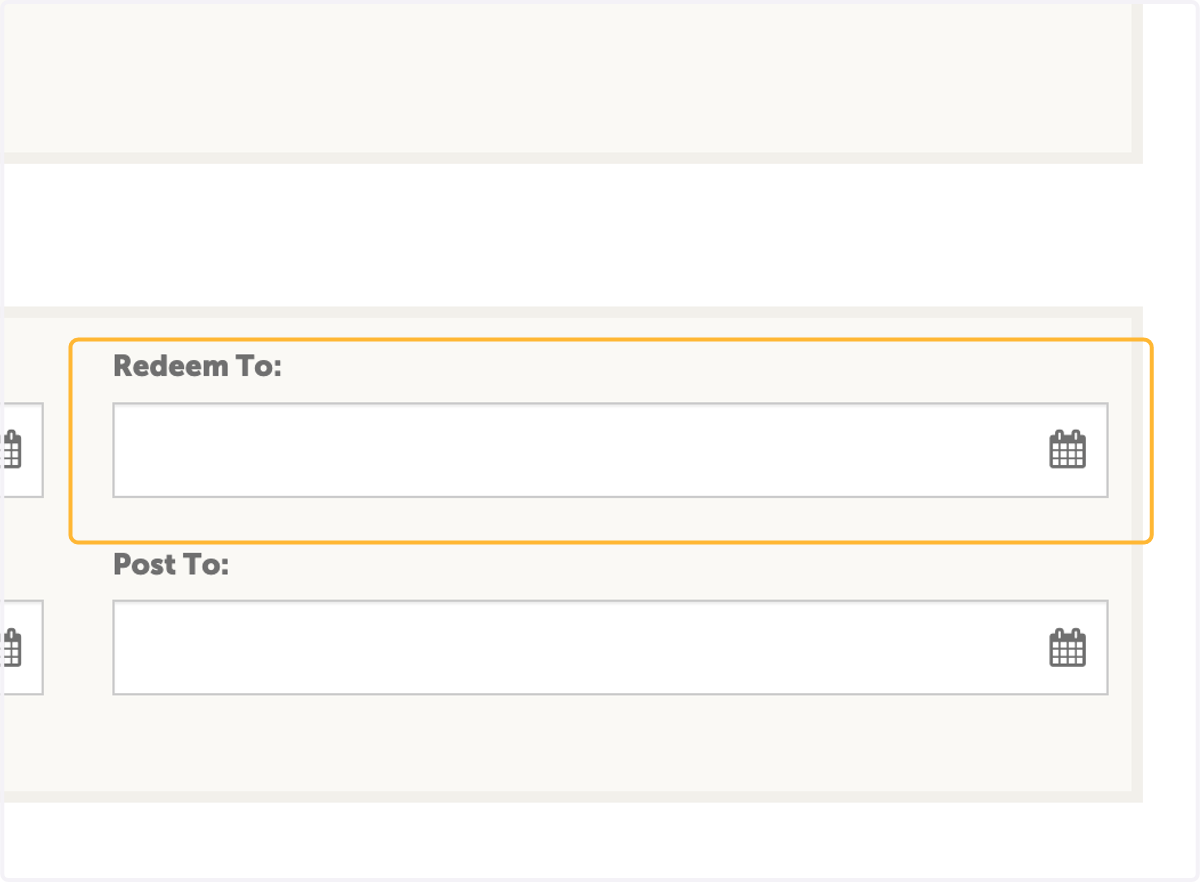
  12. 12. Click on Redeem To

    Click on Redeem To
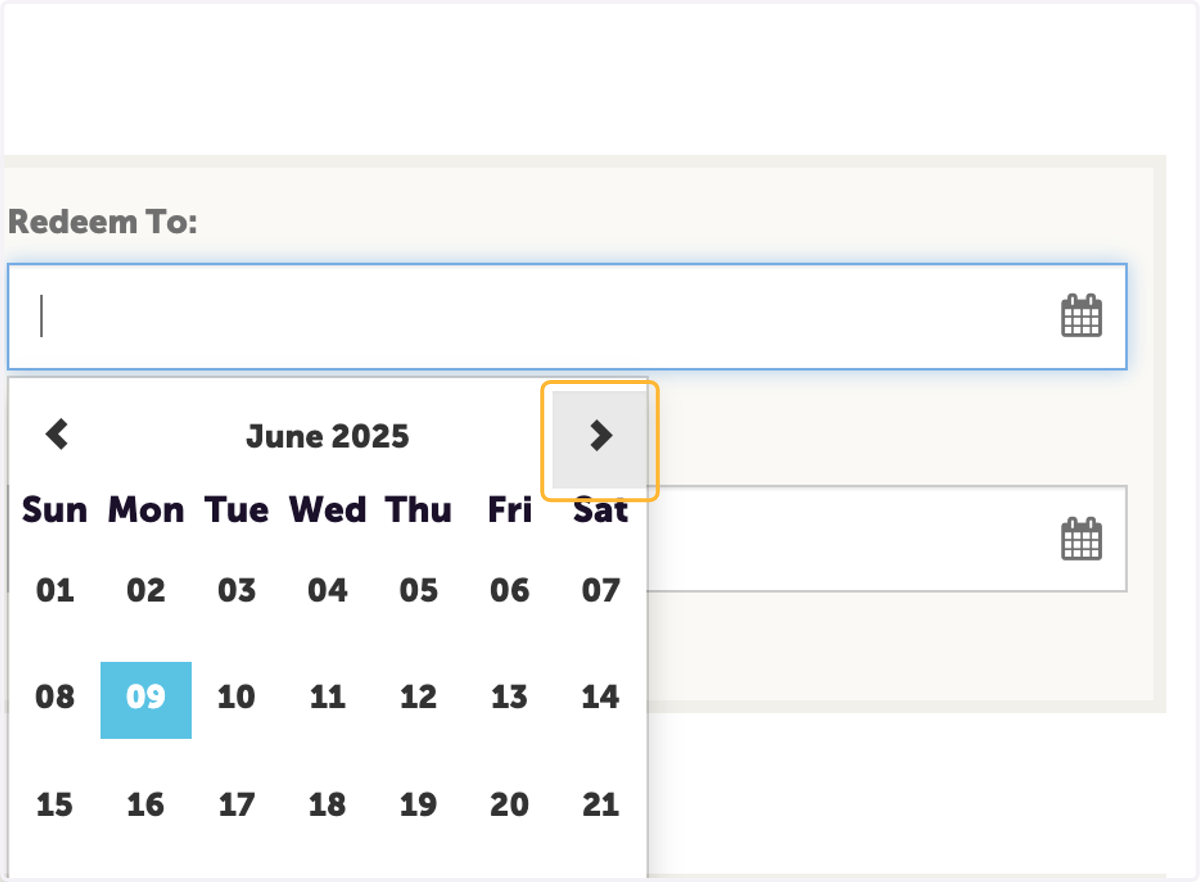
  13. 13. Choose End Date

    Choose End Date
  14. 14. Click on Post From (this is when the offer will be visable on the website. Choose today's date)
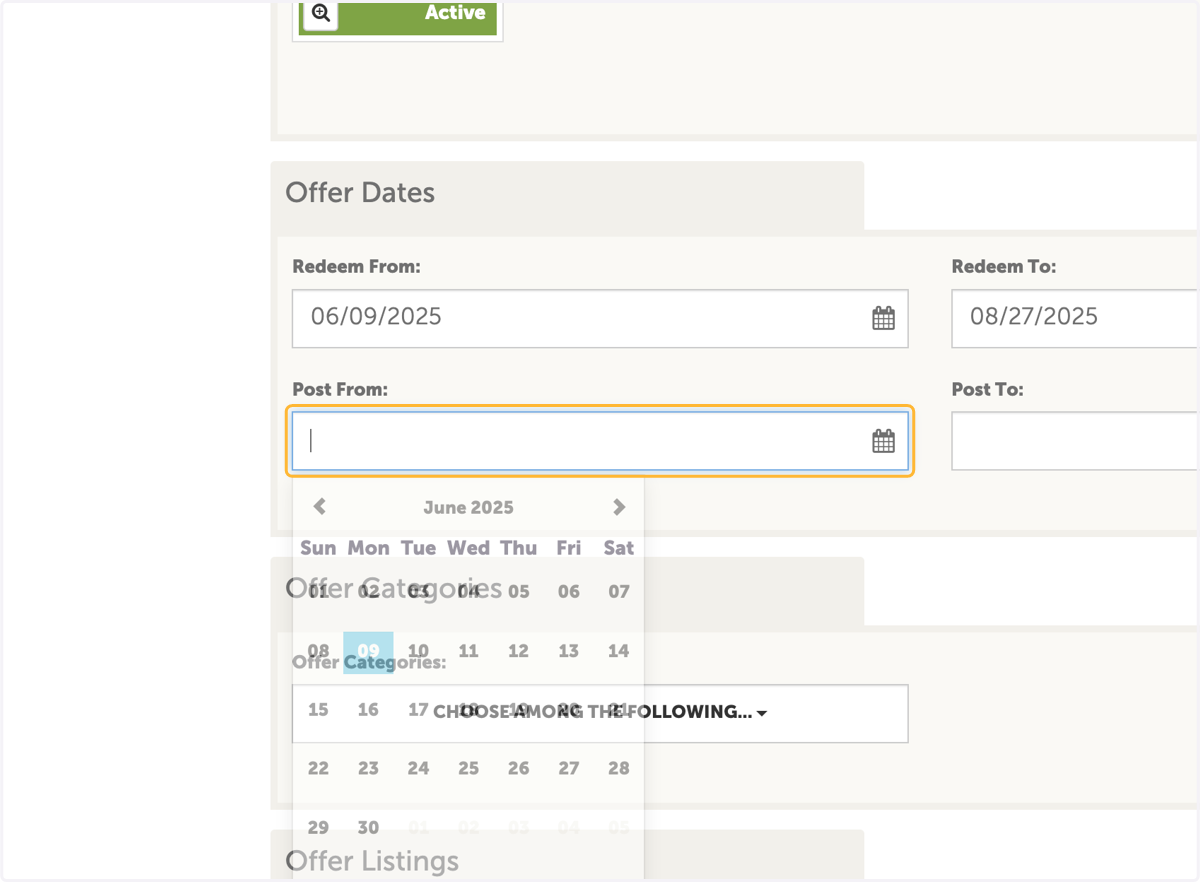
    Click on Post From (this is when the offer will be visable on the website. Choose today's date)
  15. 15. Select date

    Select date
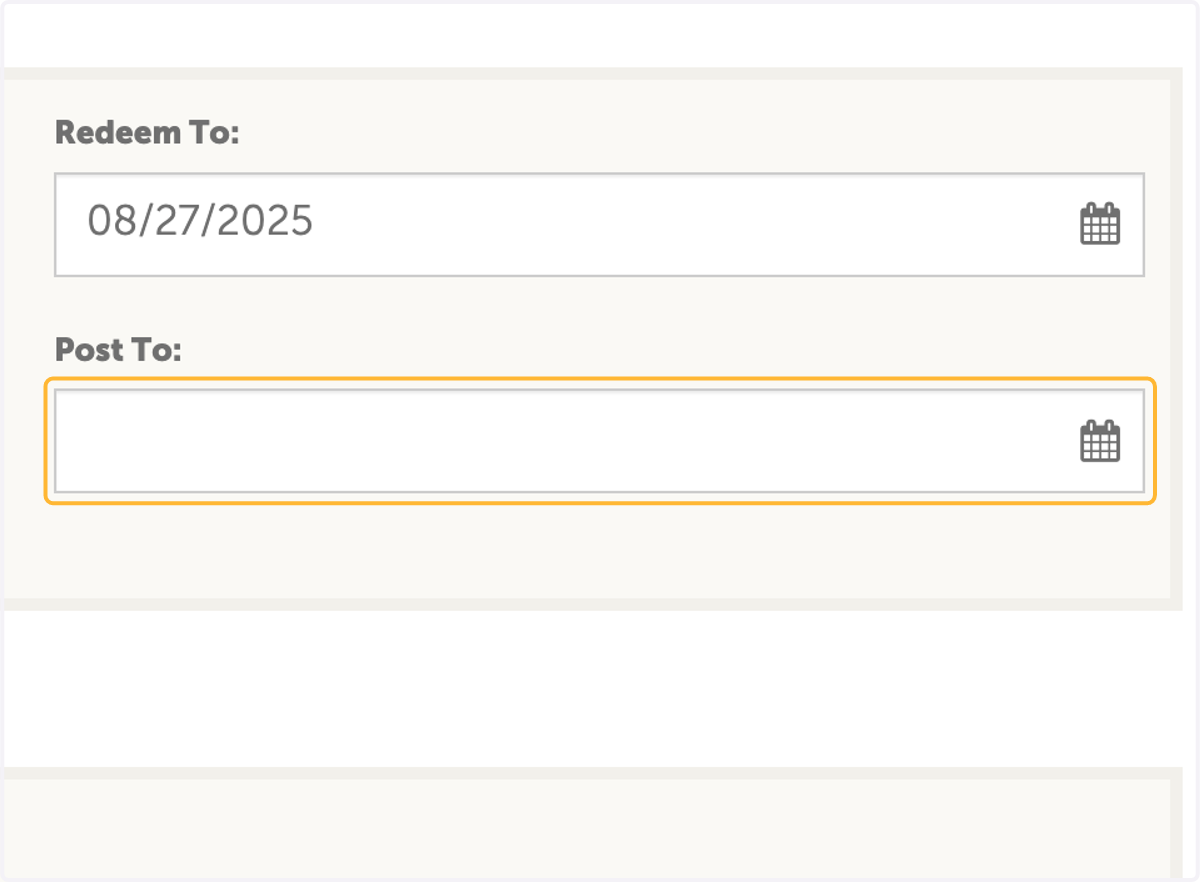
  16. 16. Click on post to

    Click on post to
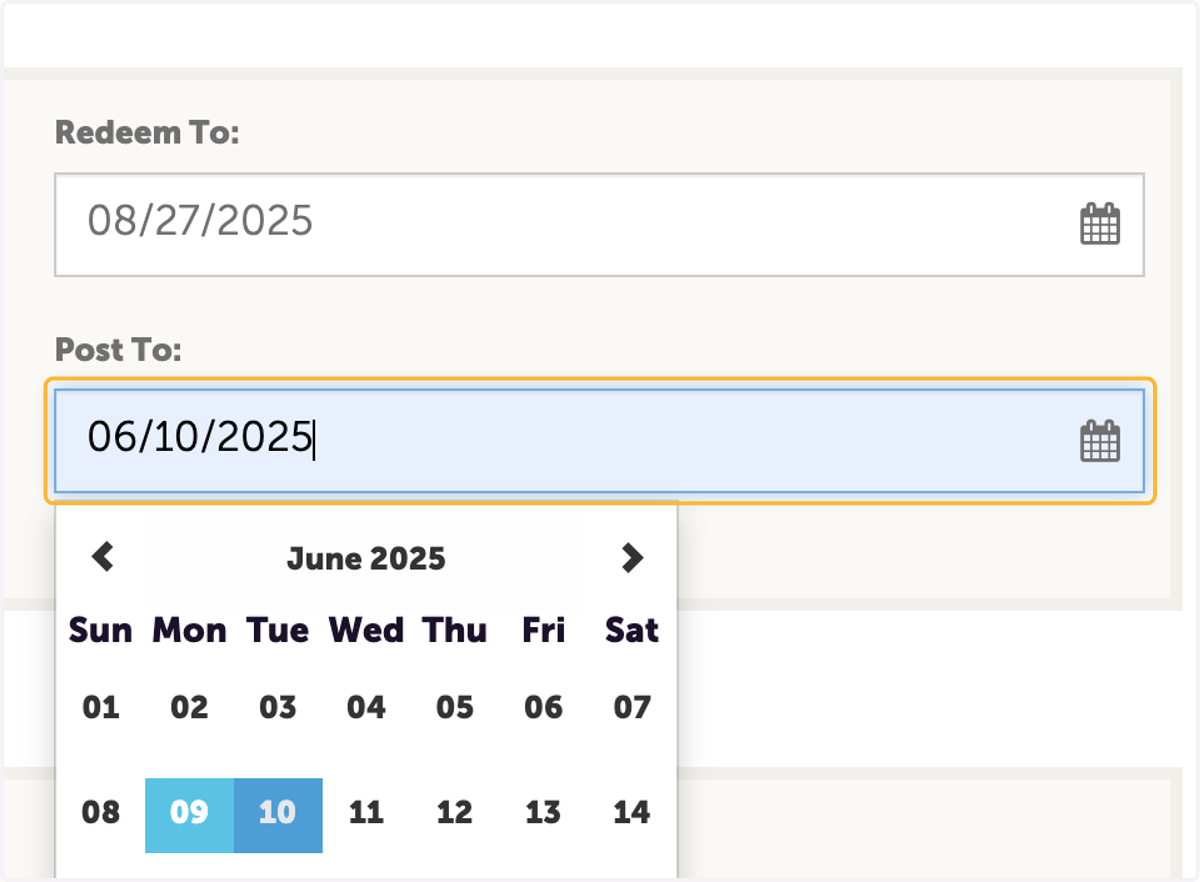
  17. 17. Select date

    Select date
  18. 18. Click on CHOOSE AMONG THE FOLLOWING... under offer categories
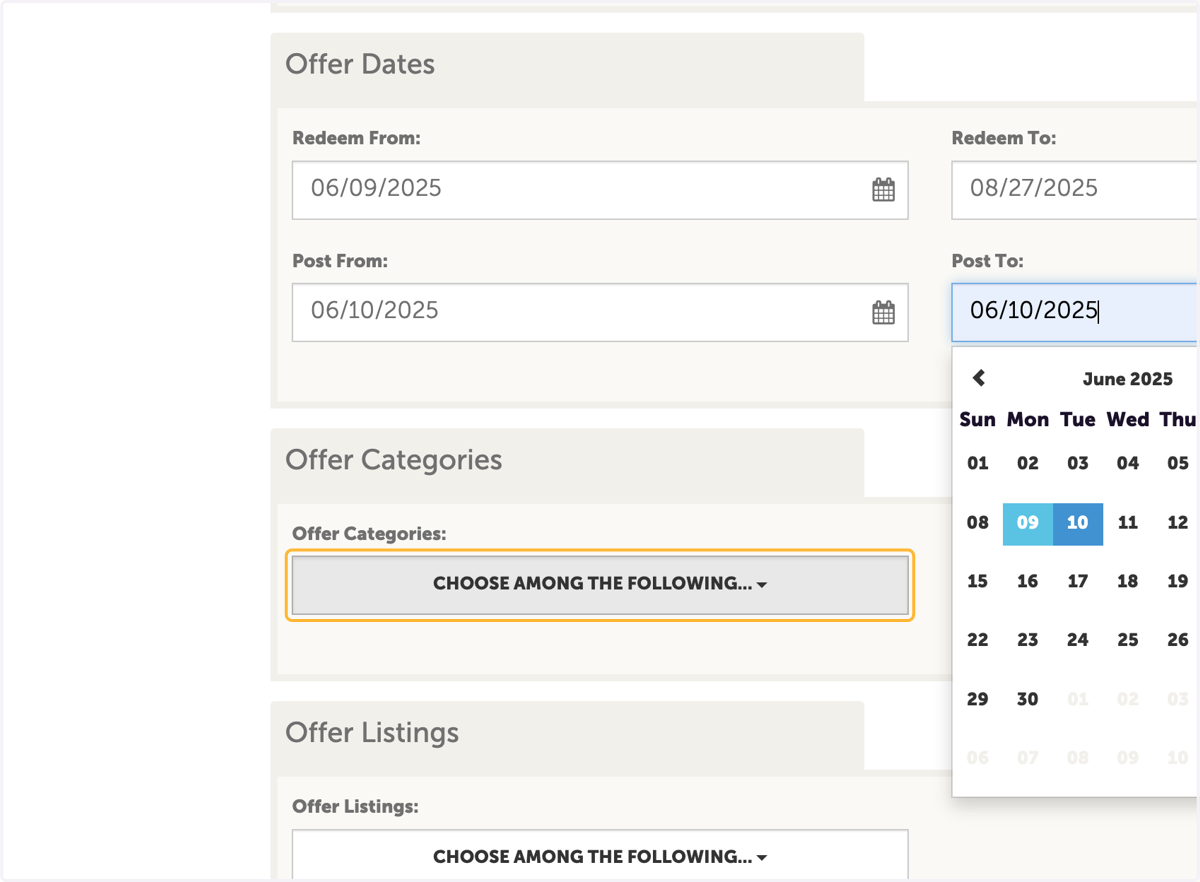
    Click on CHOOSE AMONG THE FOLLOWING... under offer categories
  19. 19. Select the category of coupon. If this coupon is for a special event, selecte event name
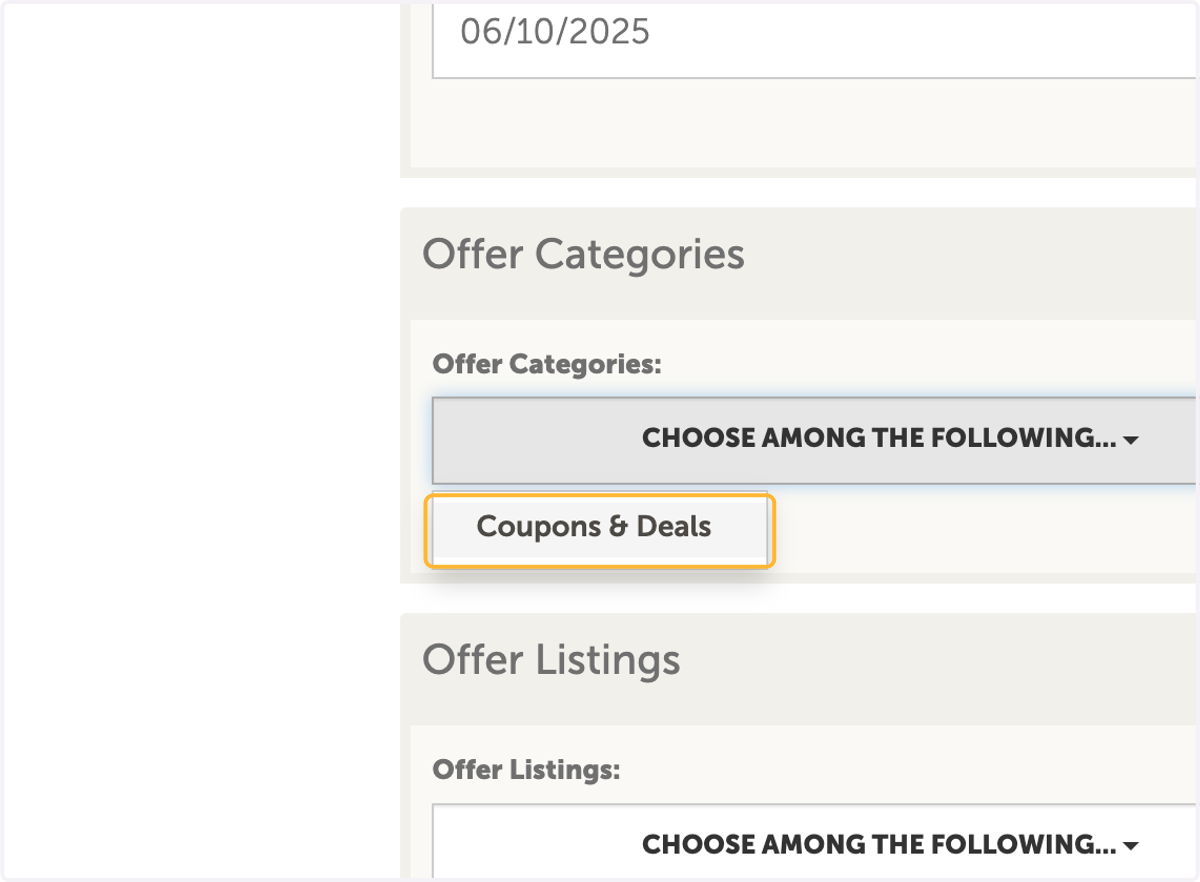
    Select the category of coupon. If this coupon is for a special event, selecte event name
  20. 20. Choose your "Website - Detail" listing to be sure it populates.
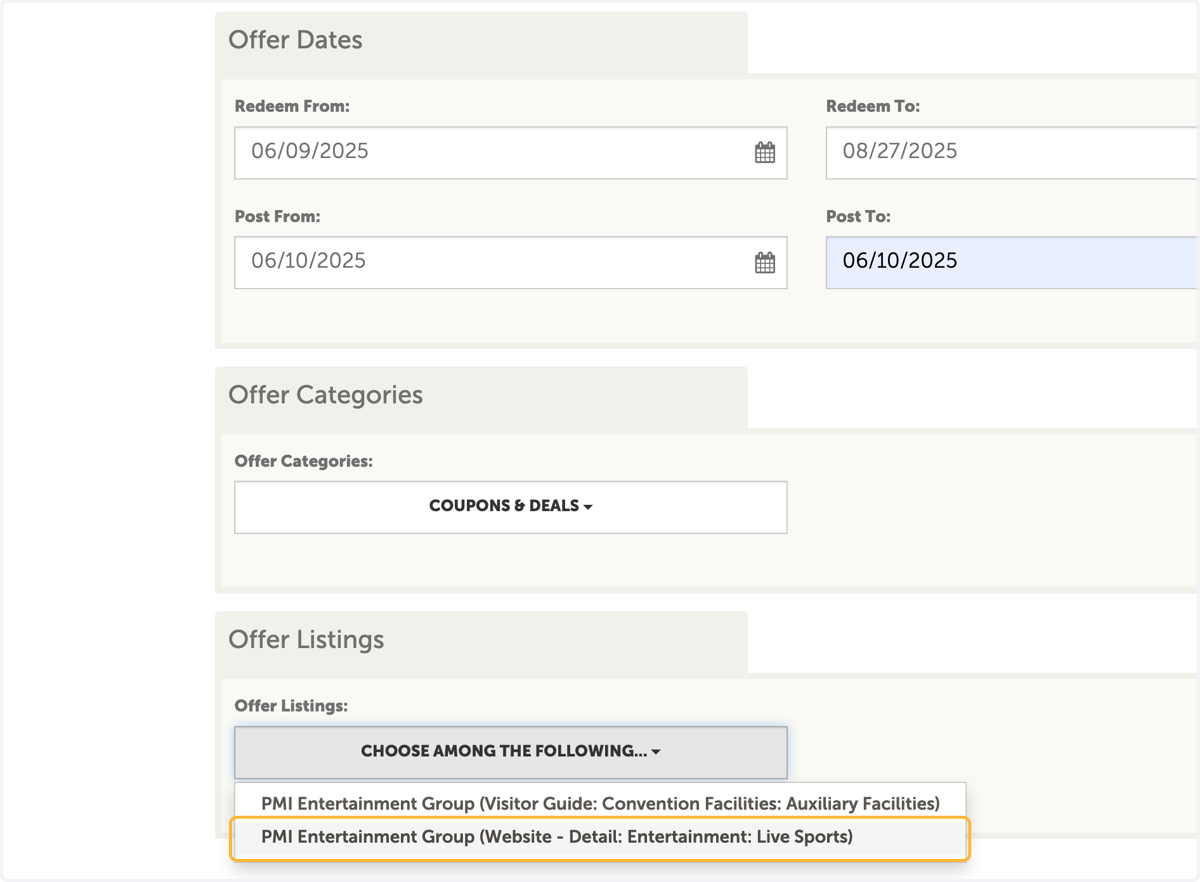
    Choose your "Website - Detail" listing to be sure it populates.