Training Reports

  1. 1. Click on Accreditation and Certifications
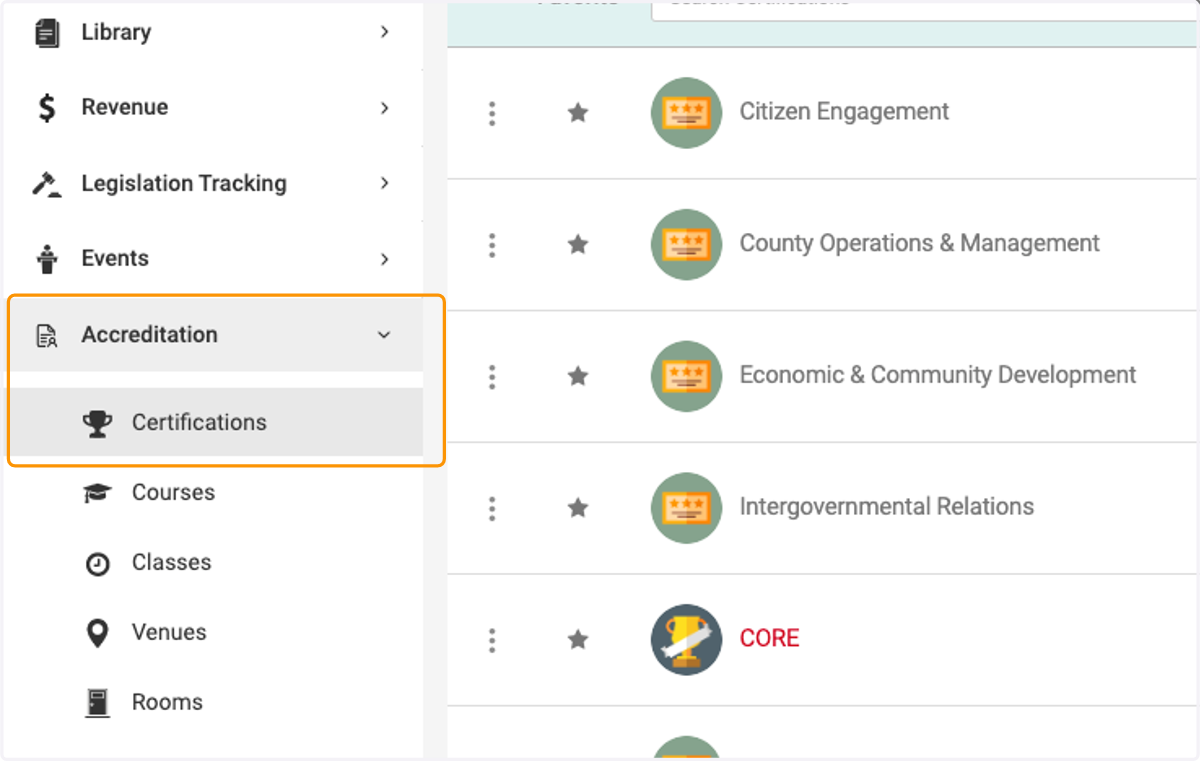
    Click on Accreditation and Certifications
  2. 2. Click on a certification you wish to view
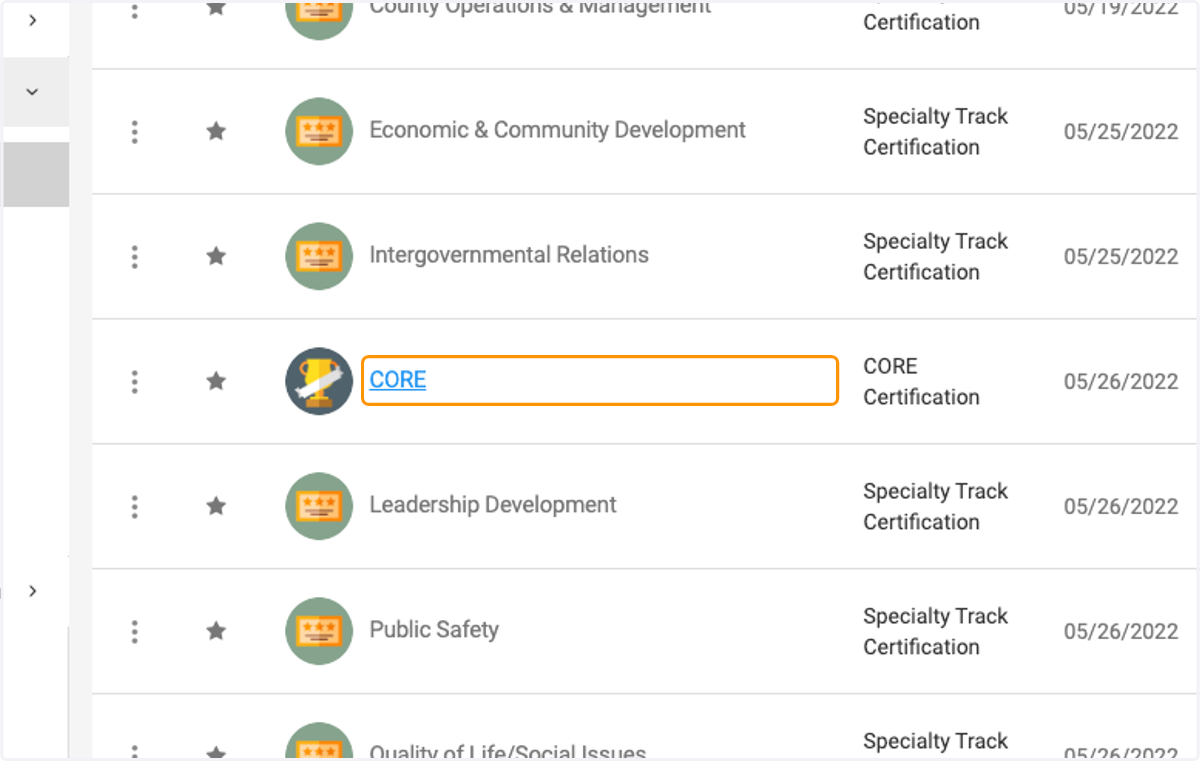
    Click on a certification you wish to view
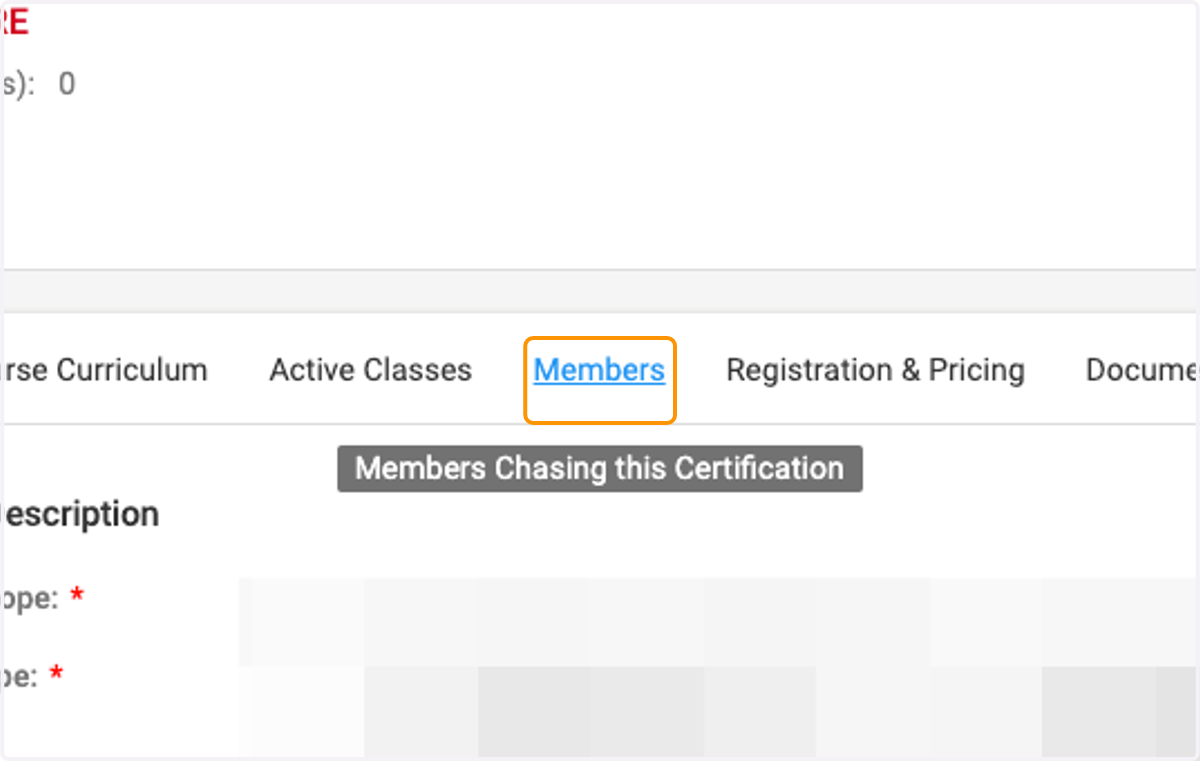
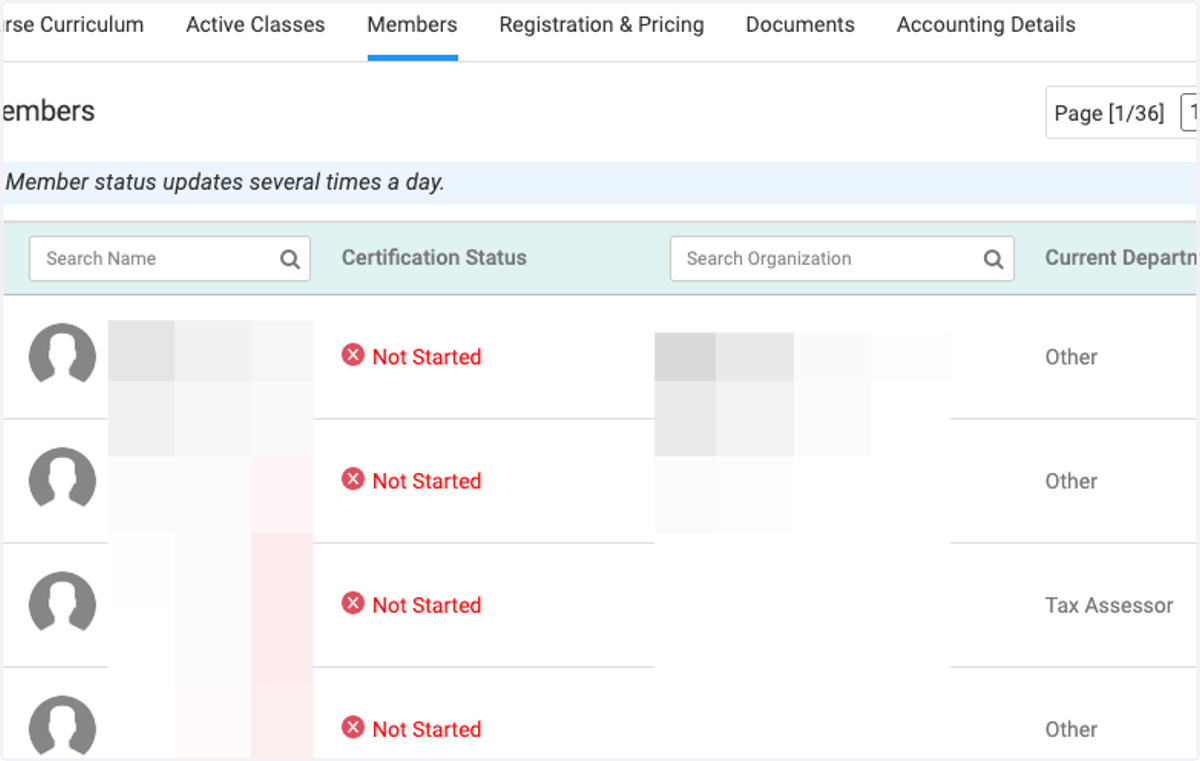
  3. 3. Click on Members

    Click on Members
  4. 4. Click on the filter icon to filter by status
    Click on the filter icon to filter by status
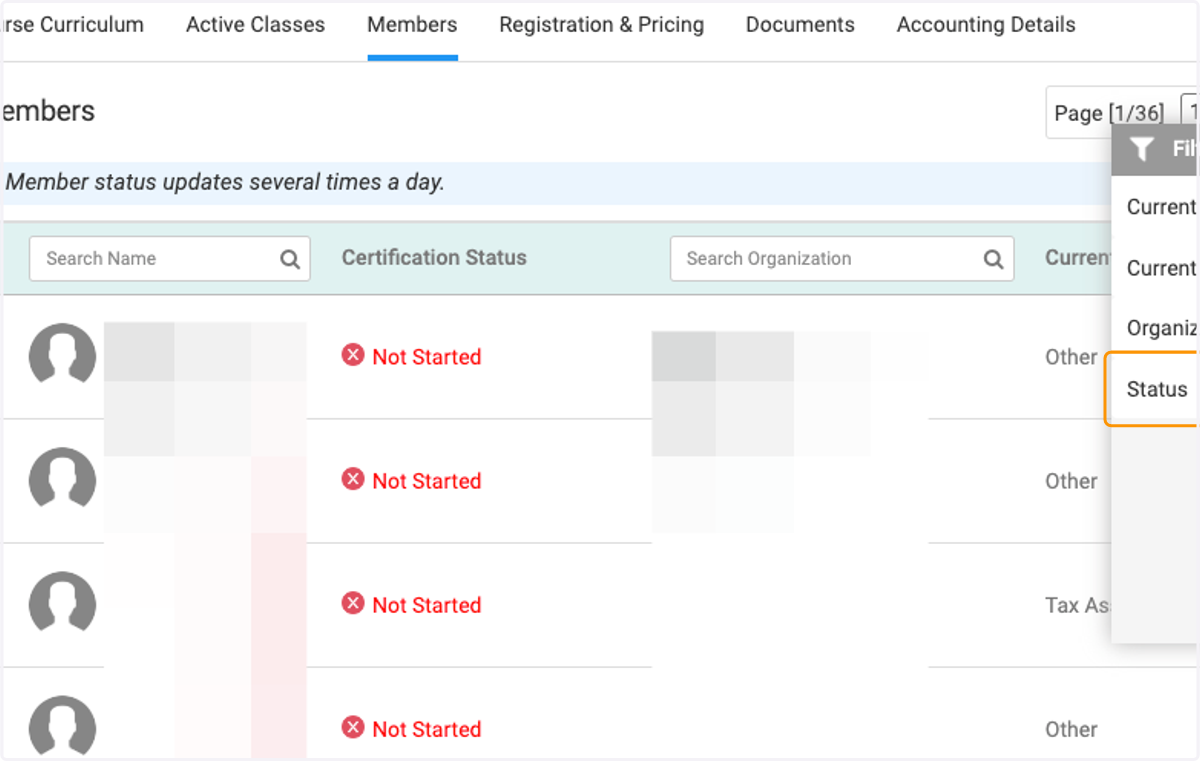
  5. 5. Click on Status

    Click on Status
  6. 6. Check your preferred status filter
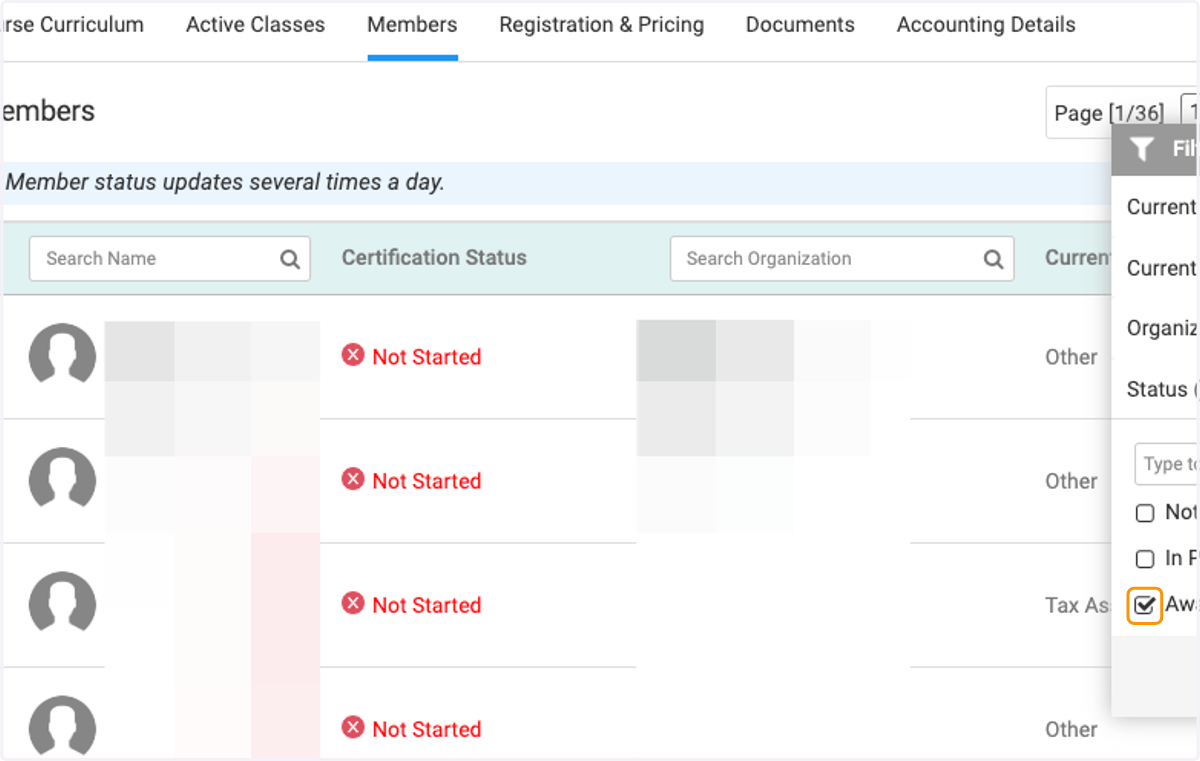
    Check your preferred status filter
  7. 7. View the dates that the certification was awarded
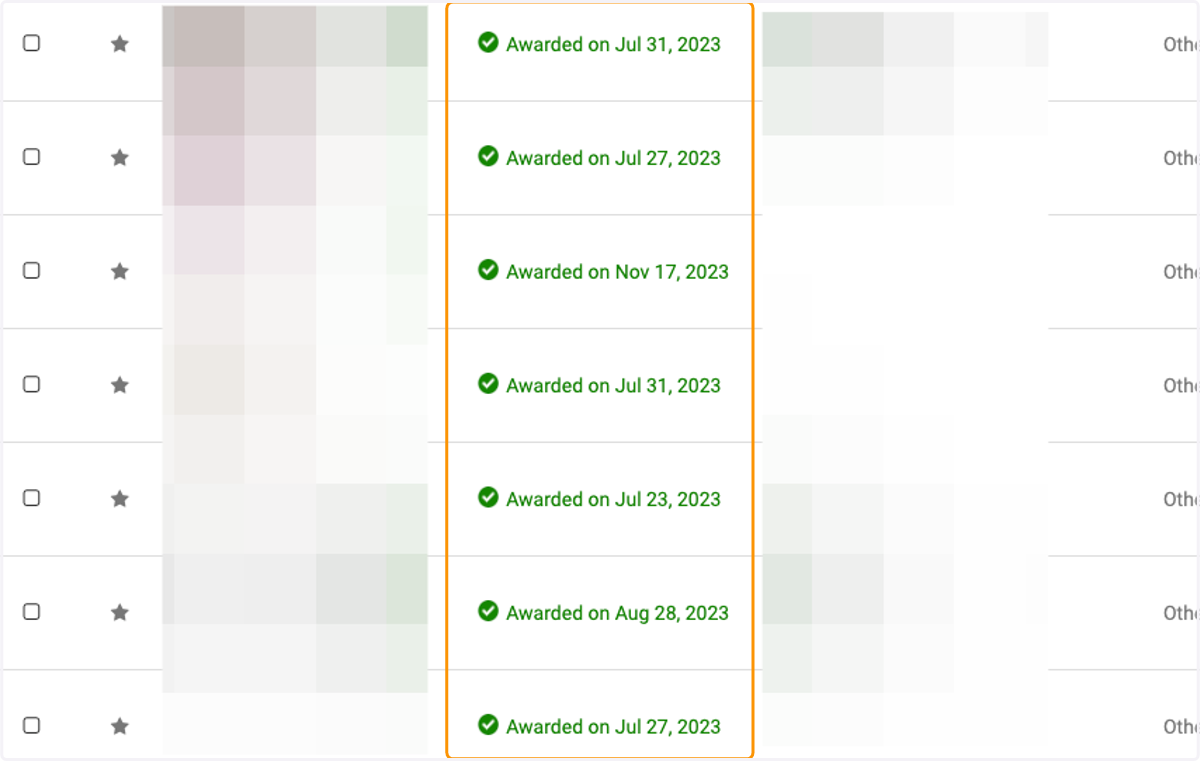
    View the dates that the certification was awarded
  8. 8. Click on Clear All to remove filters
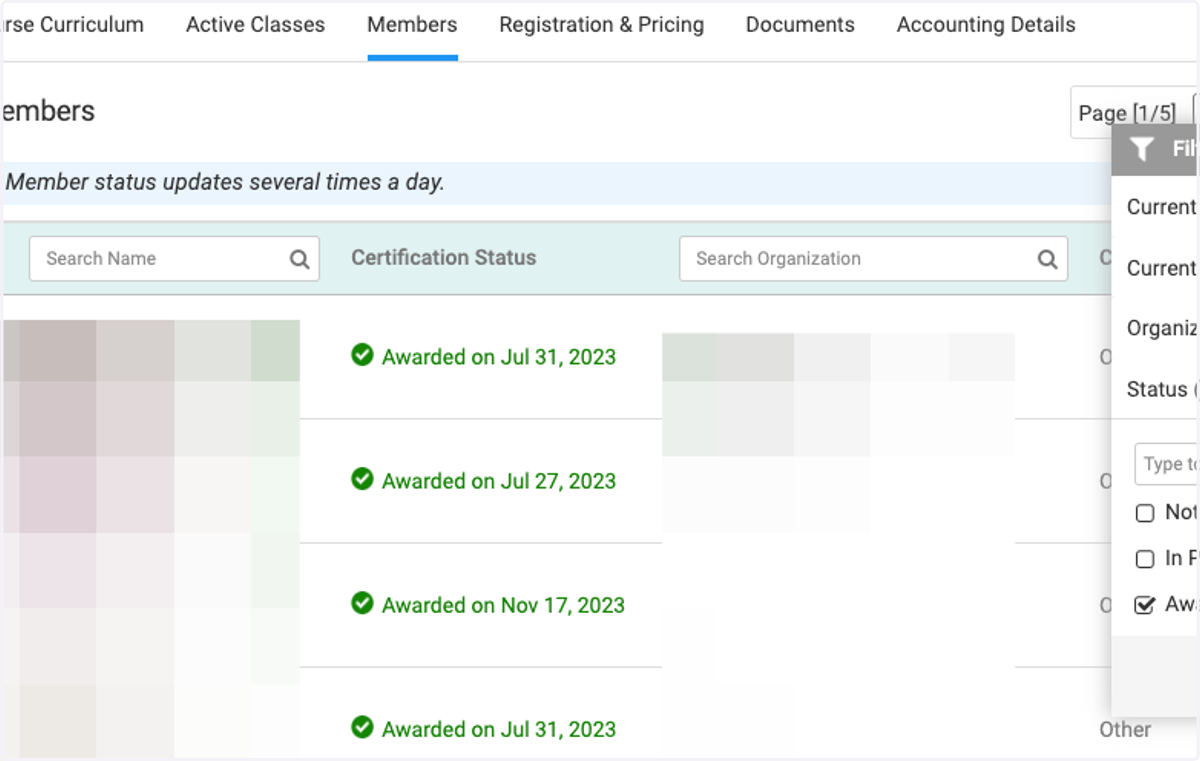
    Click on Clear All to remove filters
  9. 9. Click on Reports to download reports on certifications
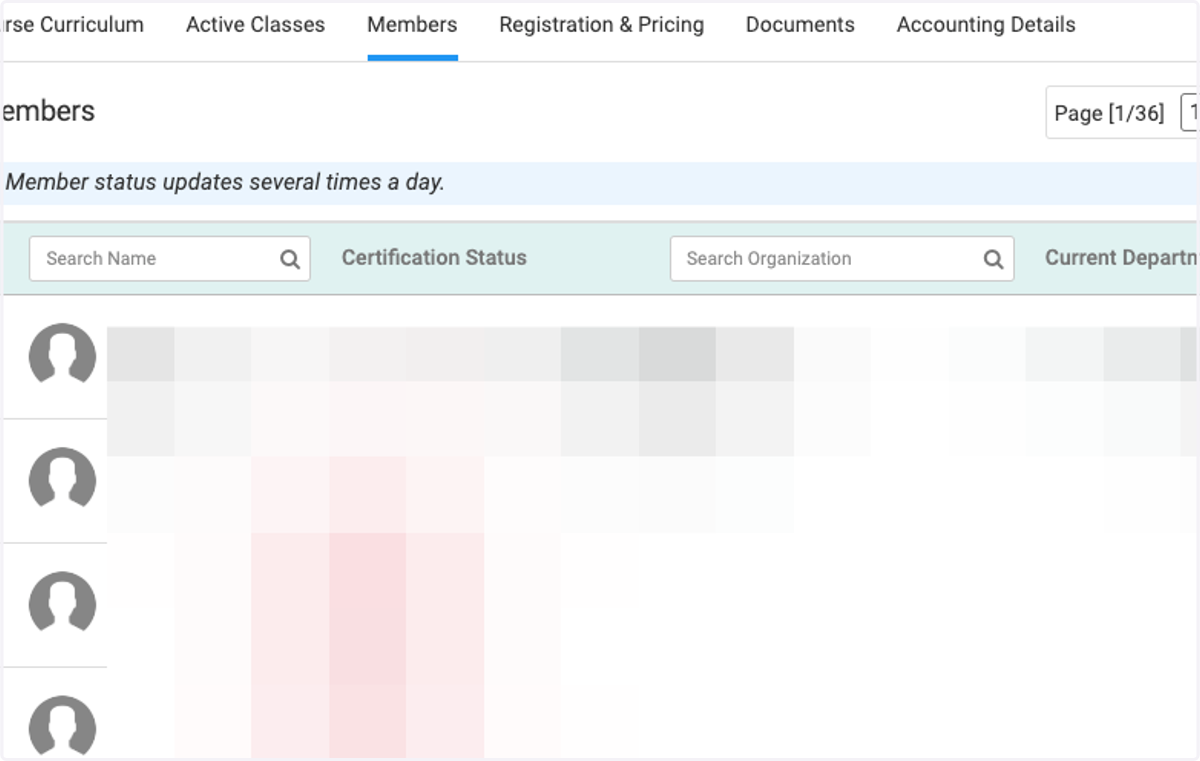
    Click on Reports to download reports on certifications
  10. 10. Click on Training Credits Earned Within a Date Range
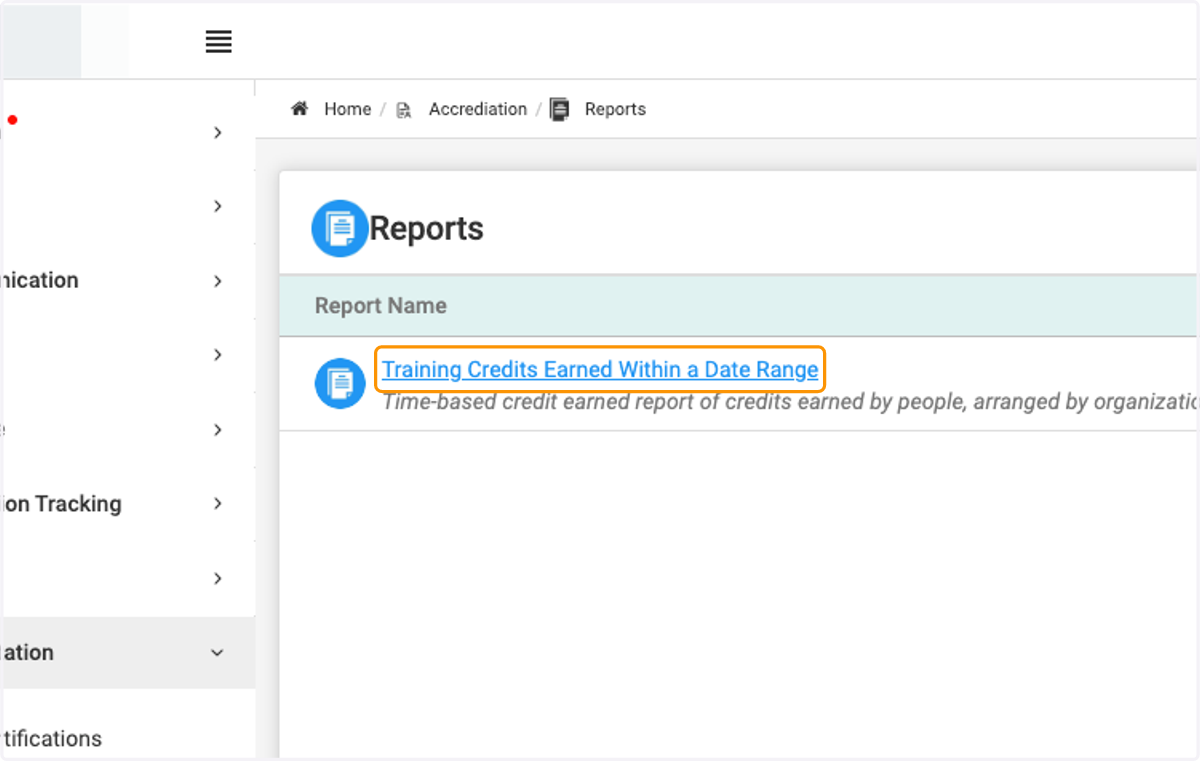
    Click on Training Credits Earned Within a Date Range
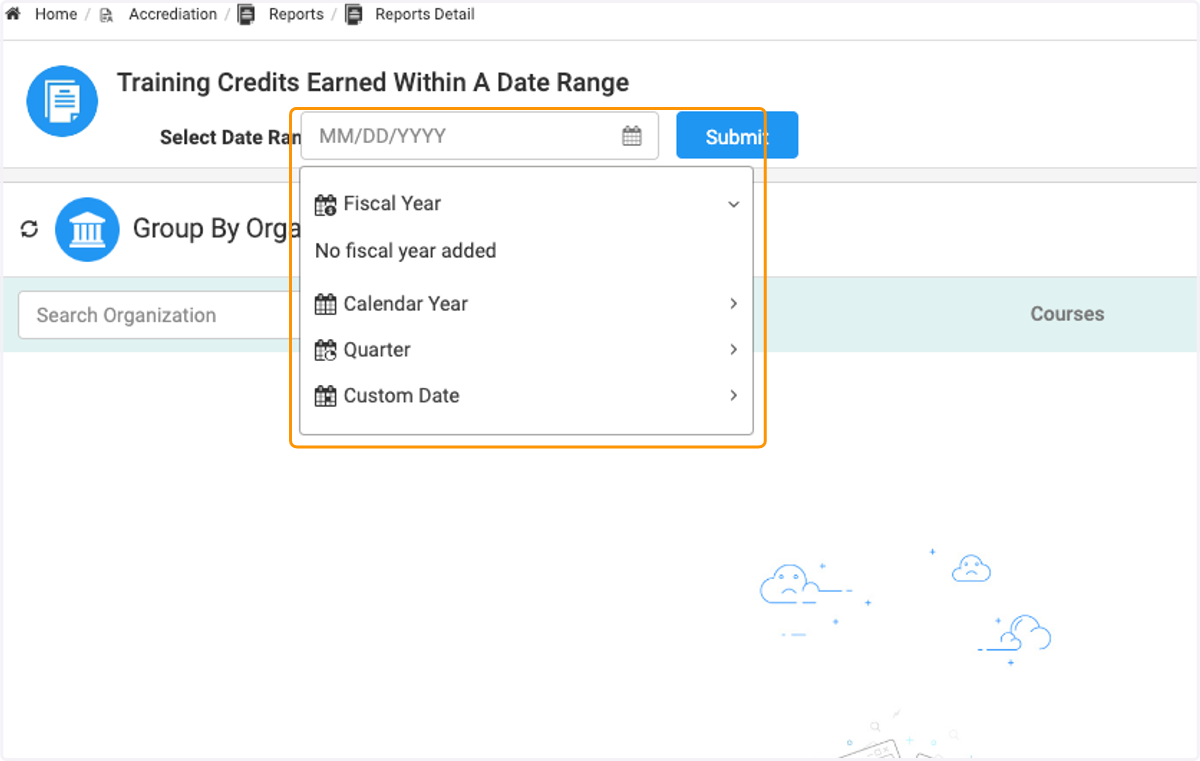
  11. 11. Click on preferred date range

    Click on preferred date range
  12. 12. Click on drop down to select grouping
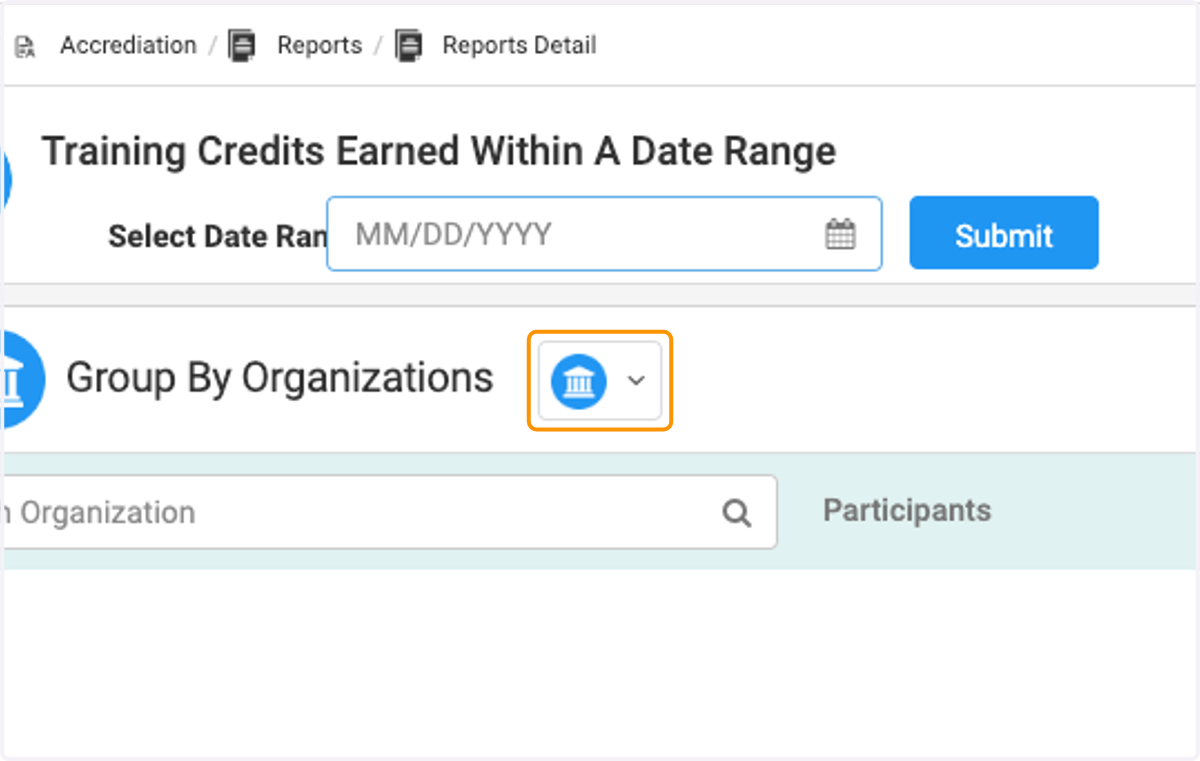
    Click on drop down to select grouping
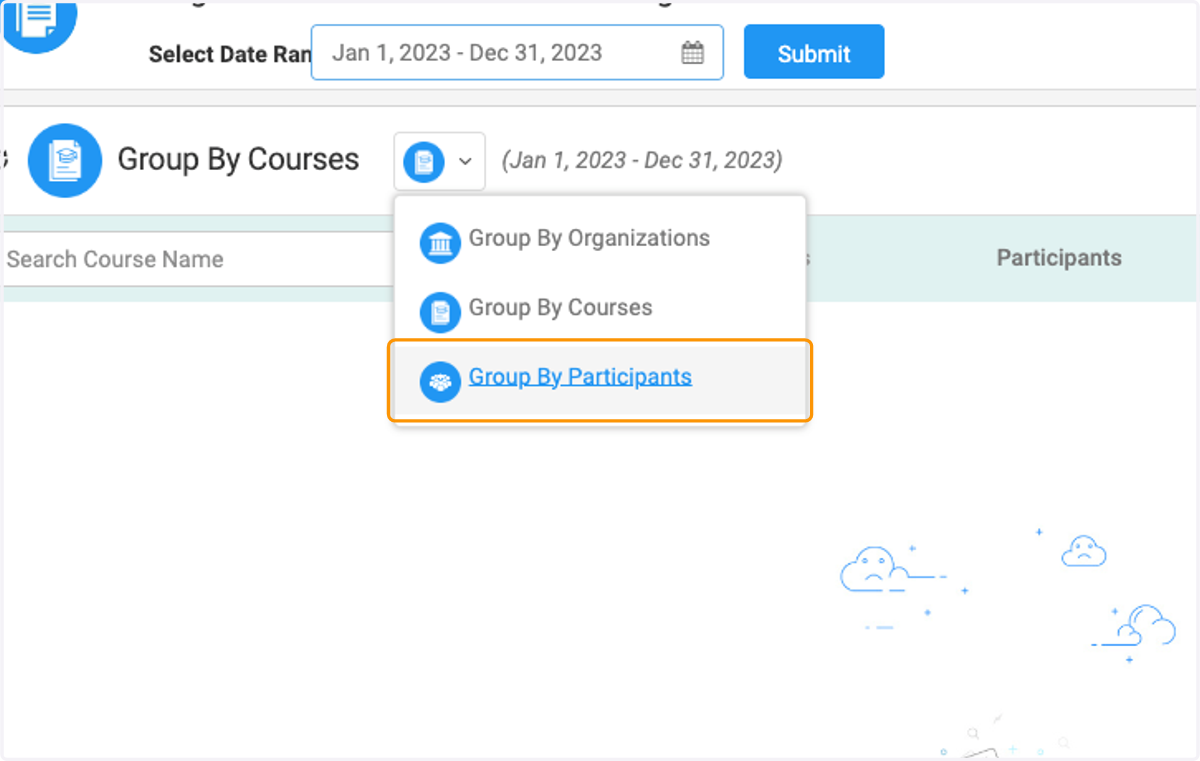
  13. 13. Click on Group By Participants

    Click on Group By Participants
  14. 14. View certifications by organization
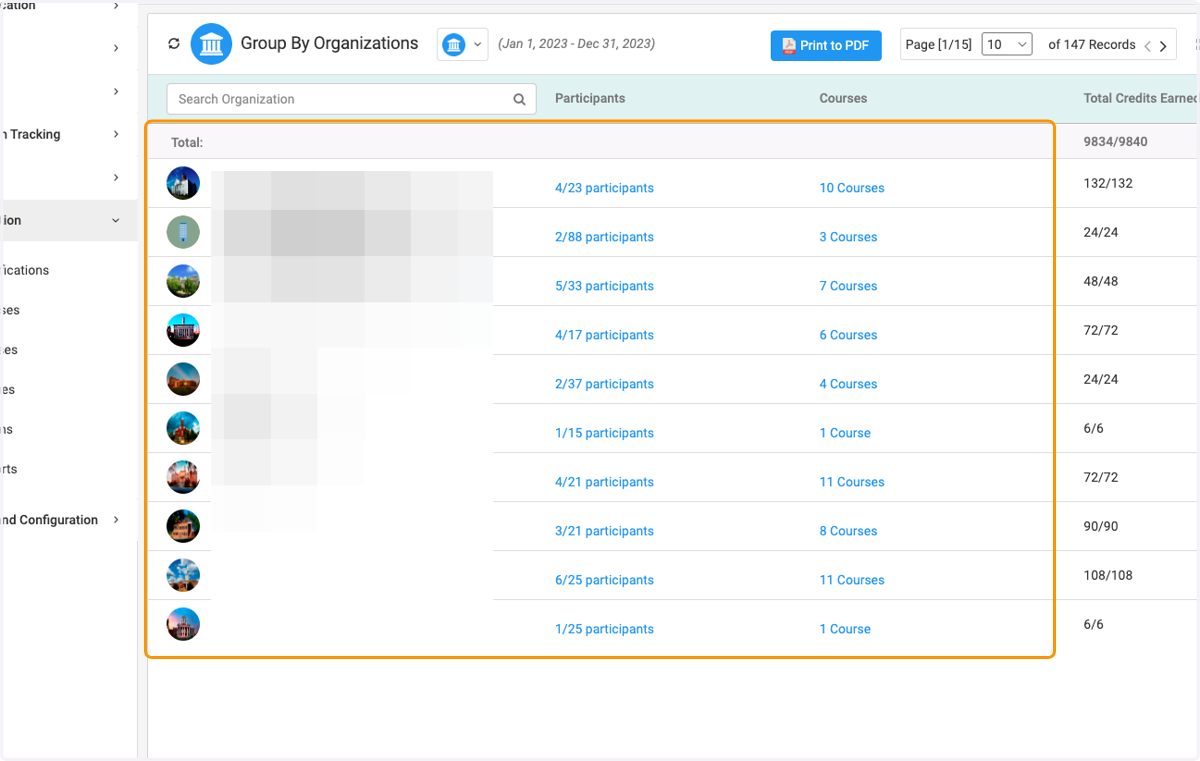
    View certifications by organization
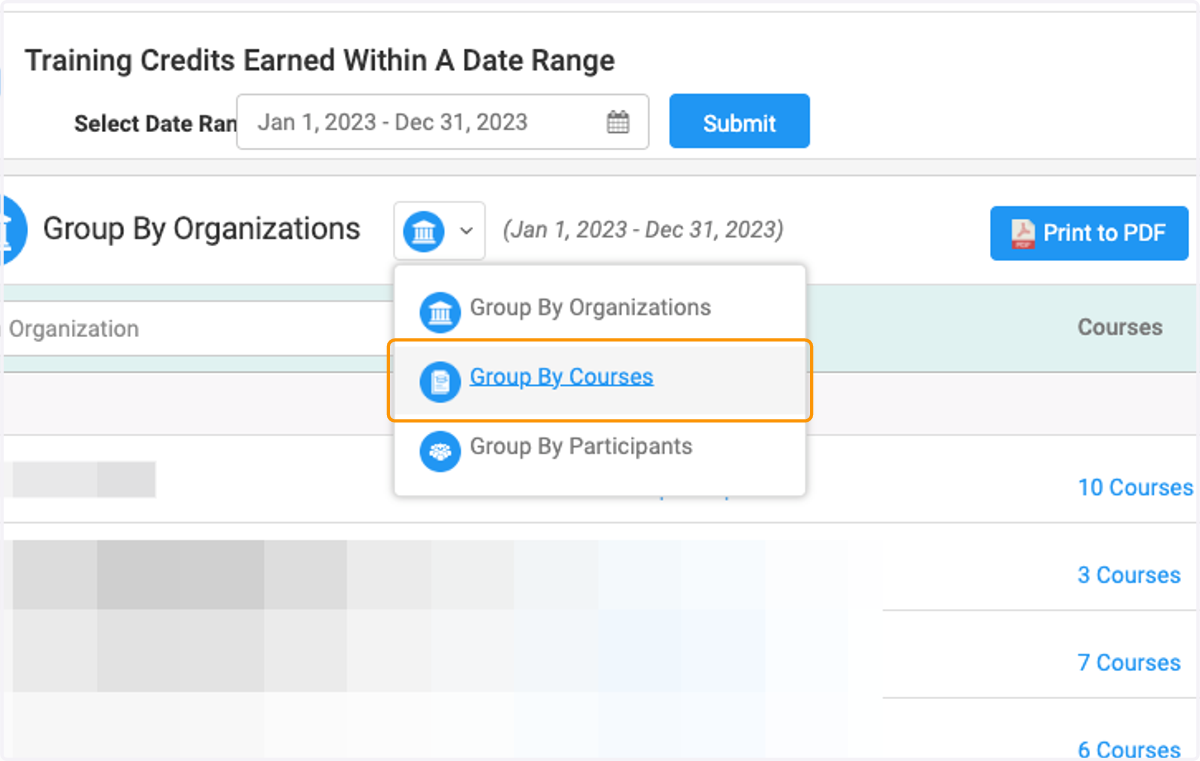
  15. 15. Click on Group By Courses

    Click on Group By Courses
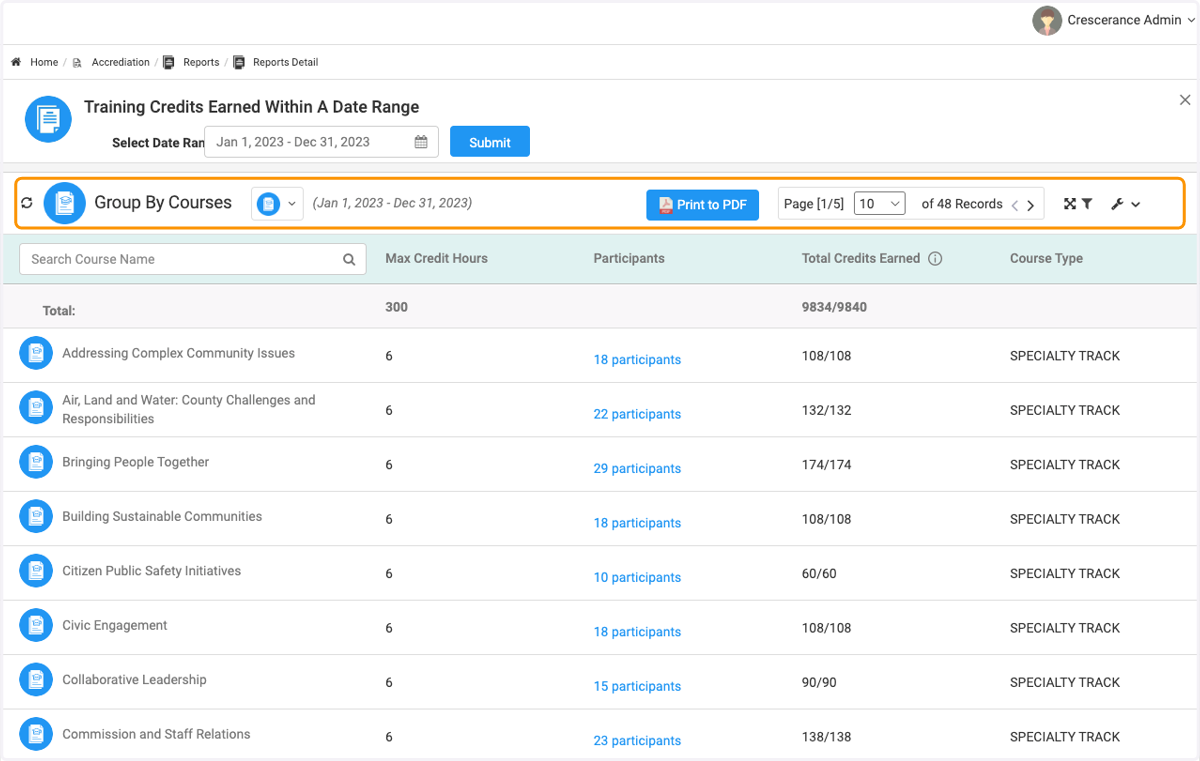
  16. 16. Now you can view by Courses

    Now you can view by Courses
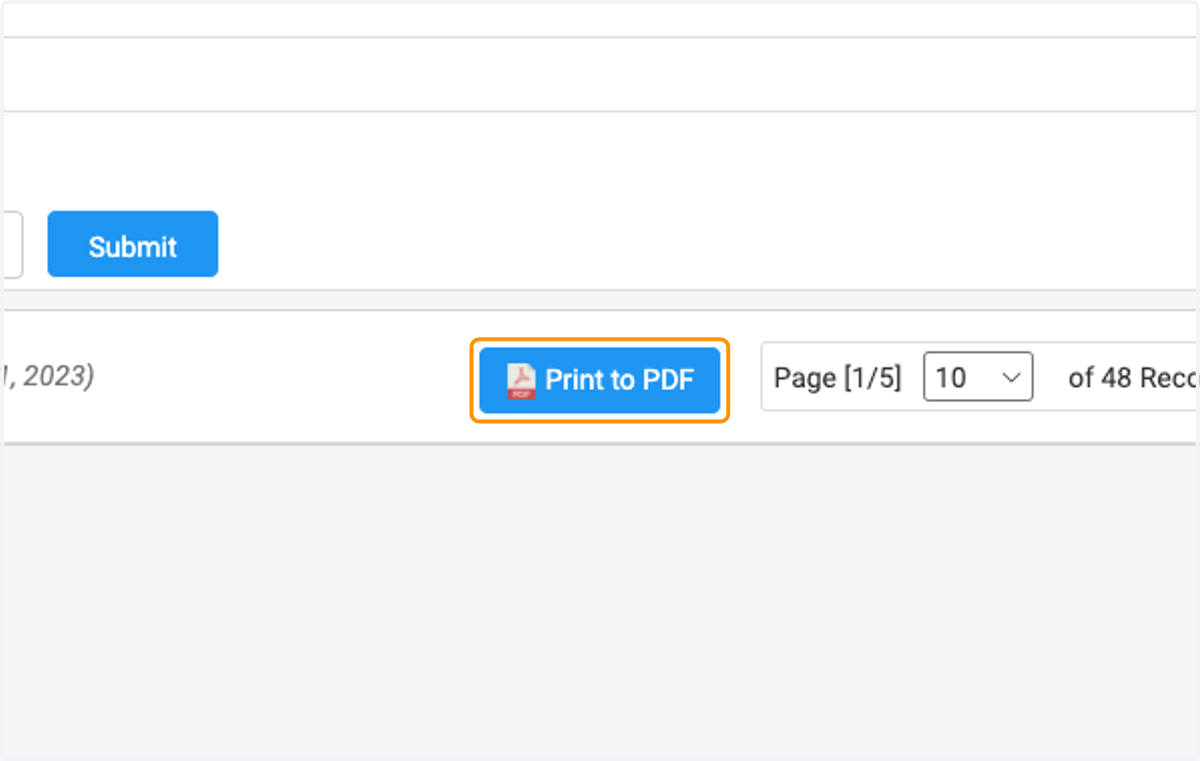
  17. 17. Click on Print to PDF

    Click on Print to PDF
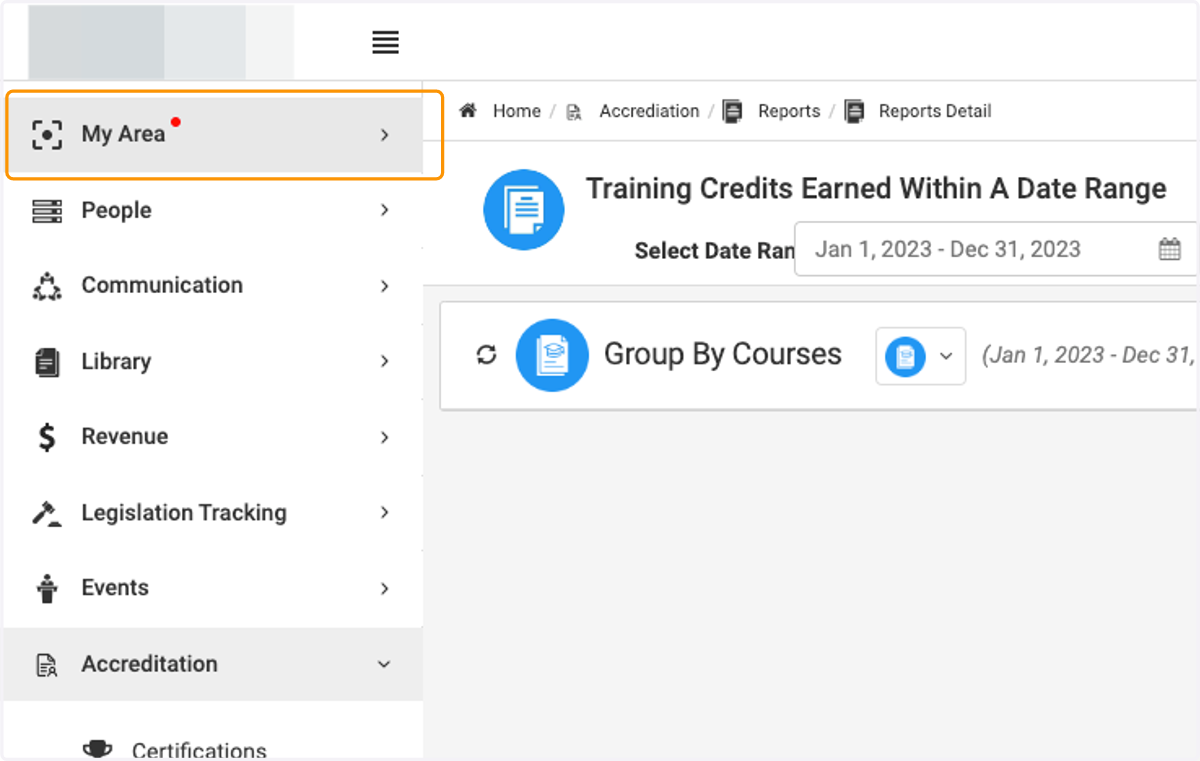
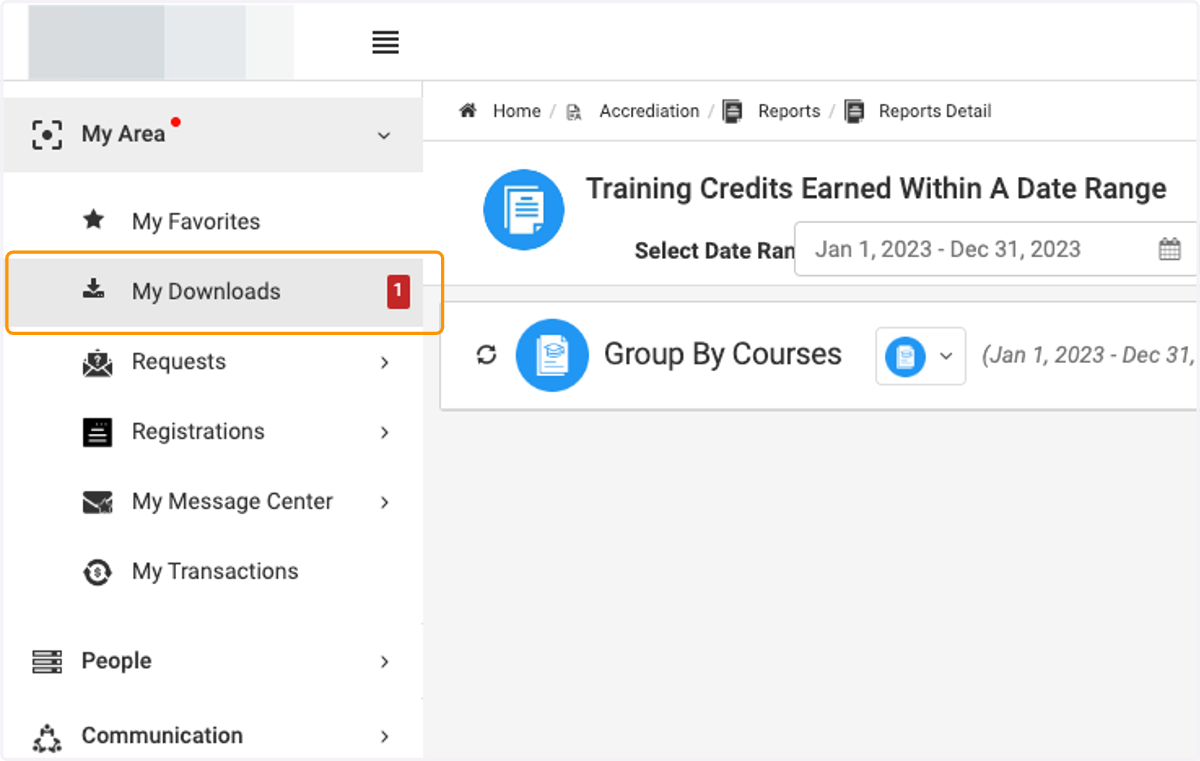
  18. 18. Click on My Area

    Click on My Area
  19. 19. Click on My Downloads…

    Click on My Downloads…
  20. 20. Click on CreditsEarnedGroupByCourses_Nov282023.pdf
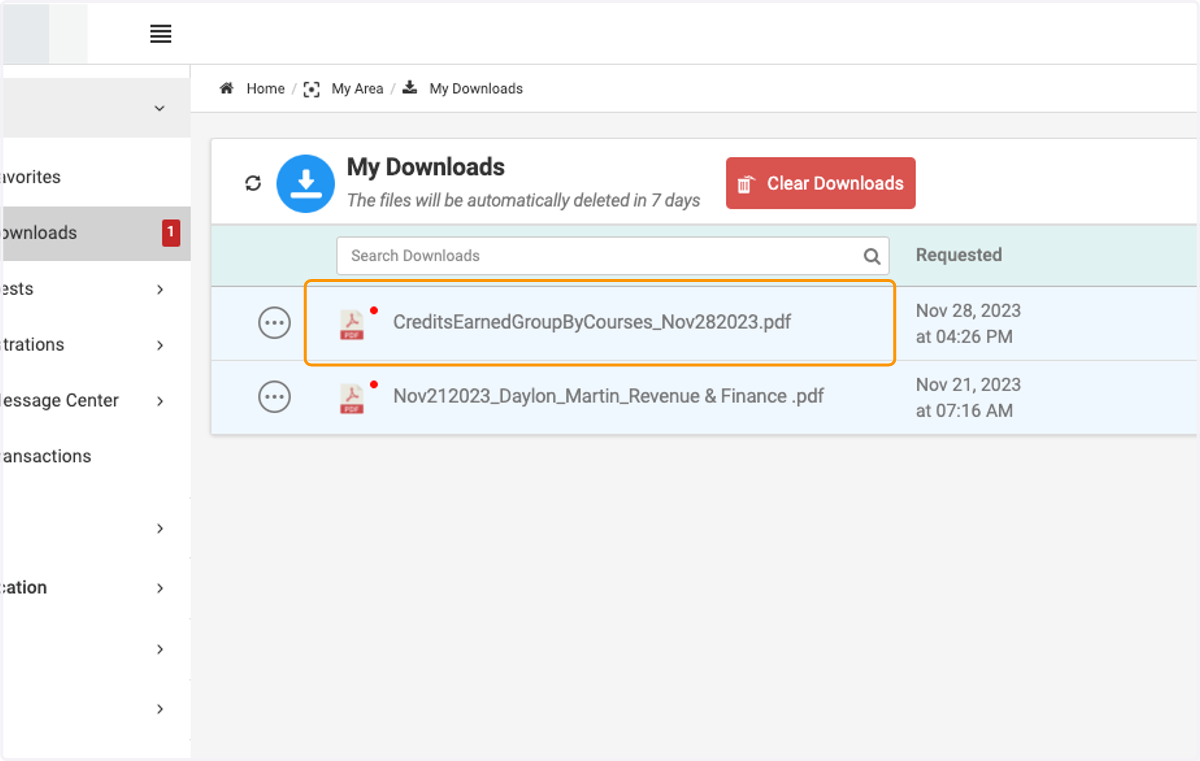
    Click on CreditsEarnedGroupByCourses_Nov282023.pdf