How to Update Locations
Log into Your Portal
motivatedleads.com and click Sign In
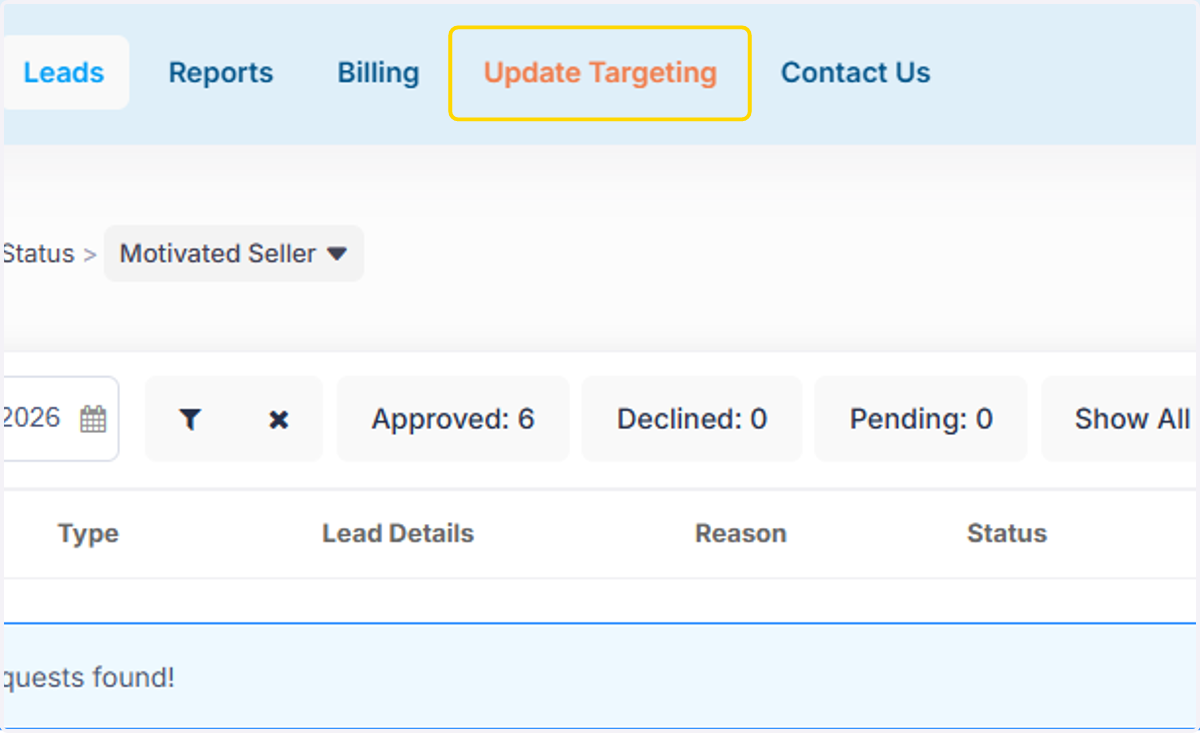
1. Click on Update Targeting
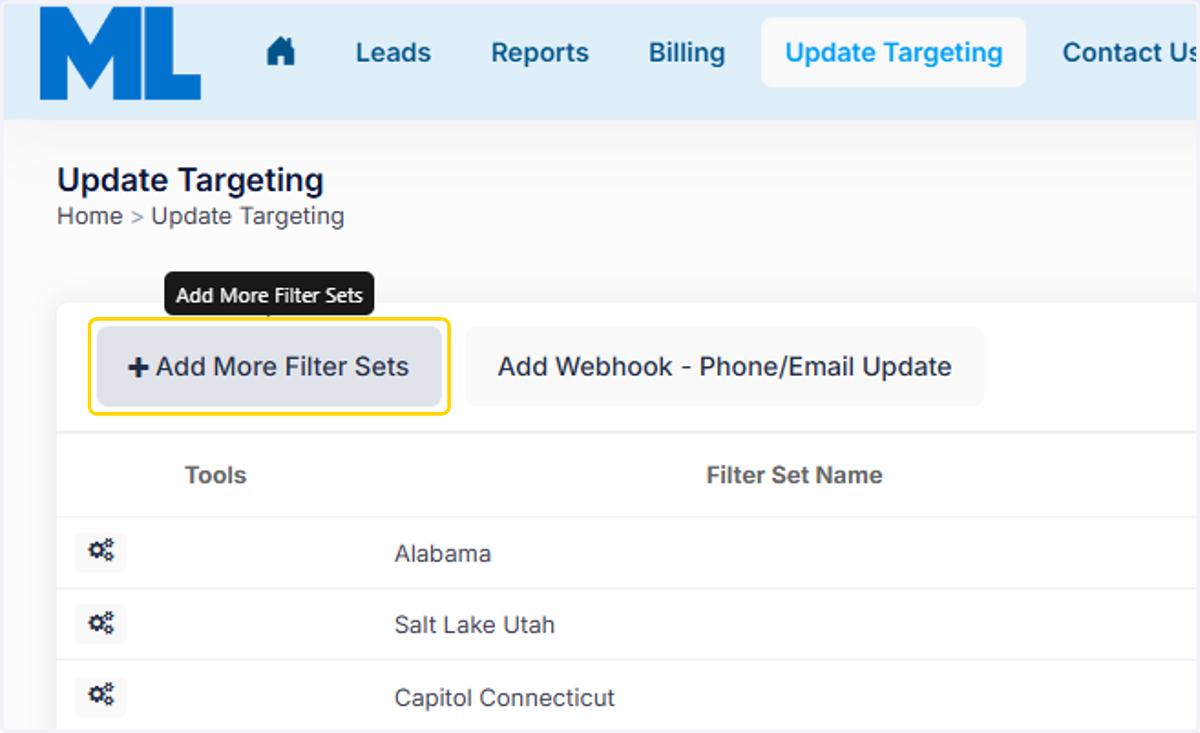
2. Click on Add More Filter Sets
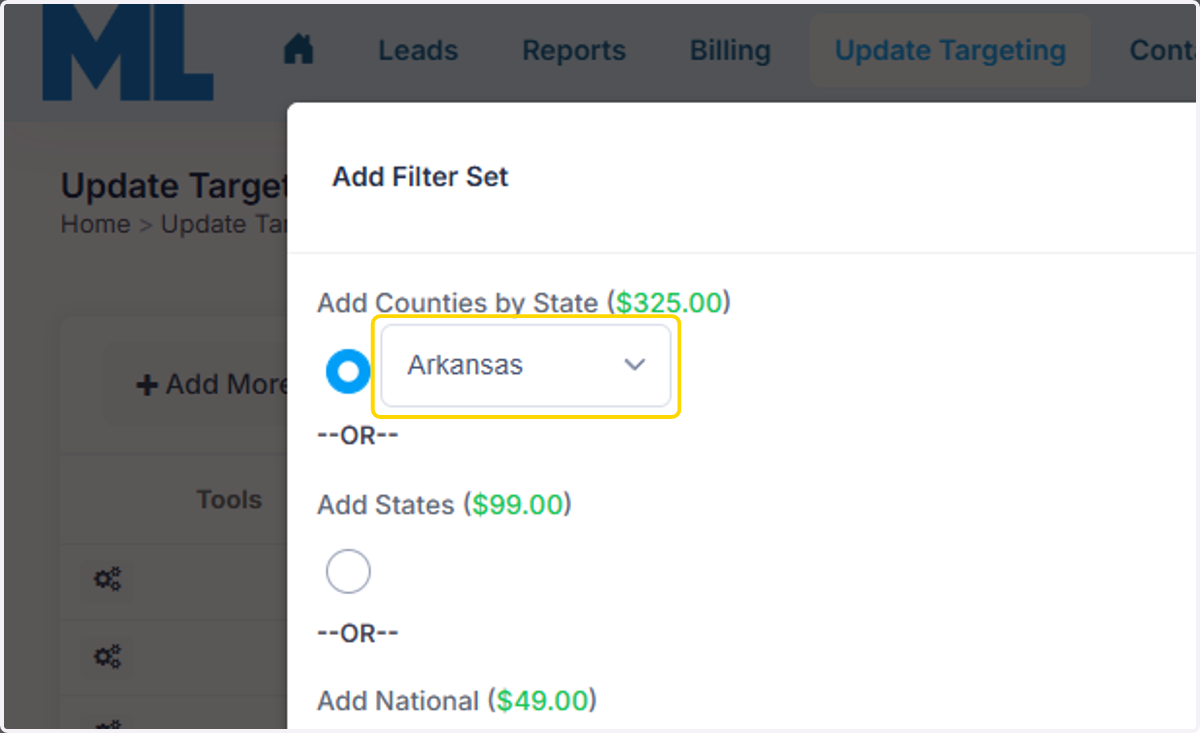
3. You can update counties by choosing the state first in the top option.
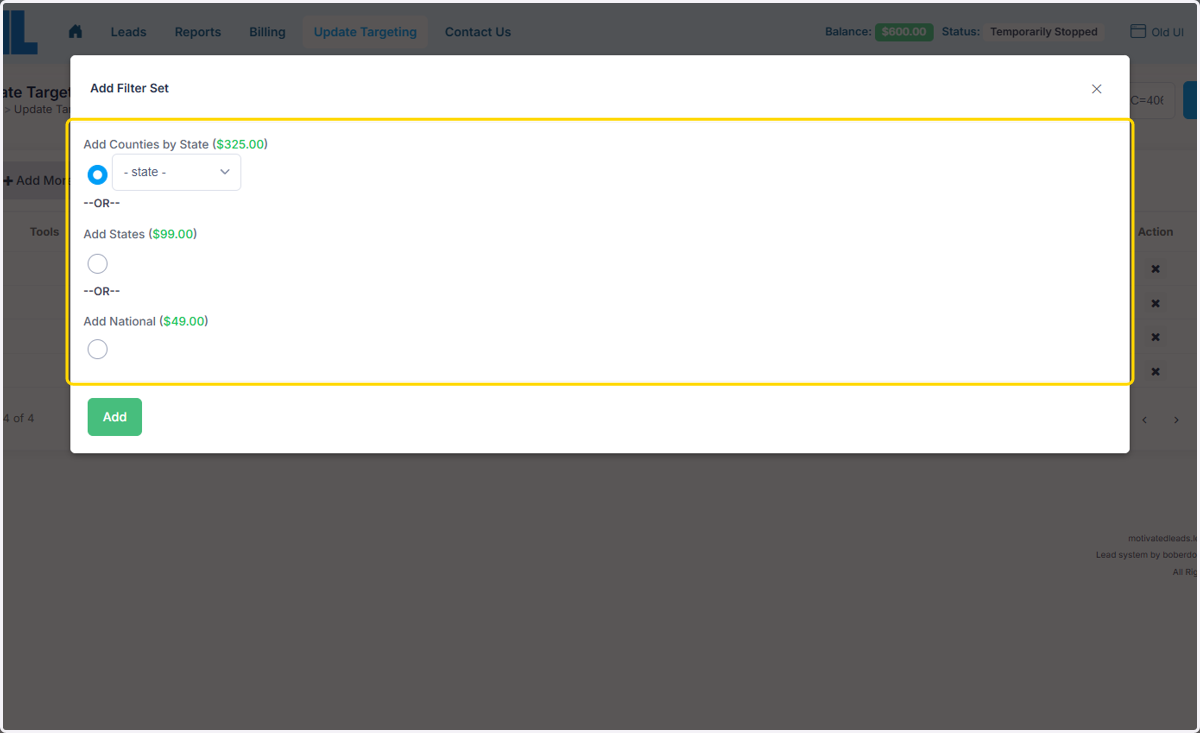
4. Select an option
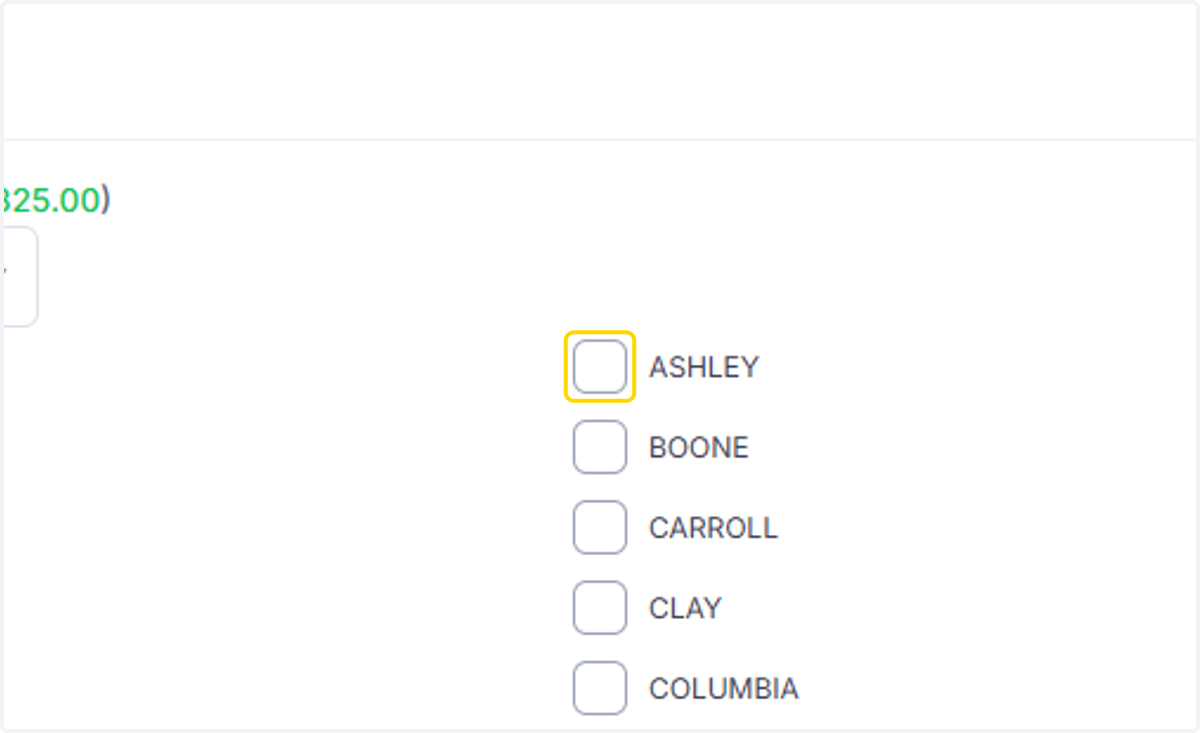
5. Choose the county.
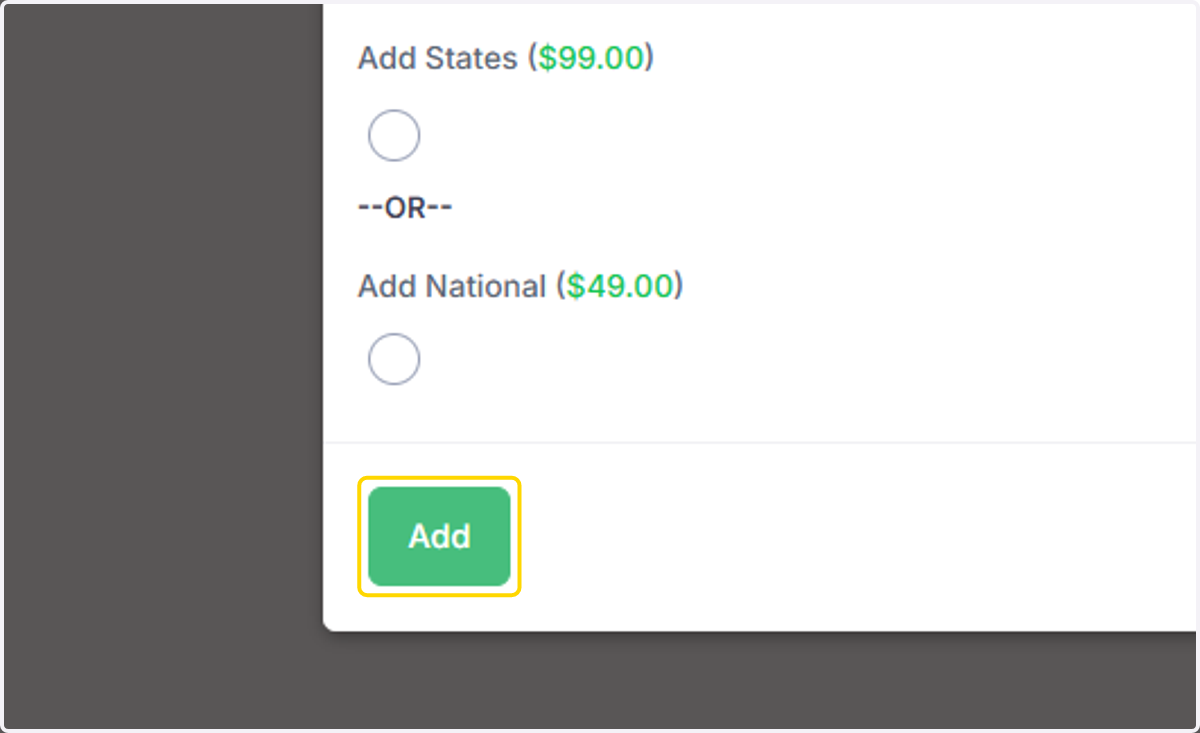
6. Click on Add
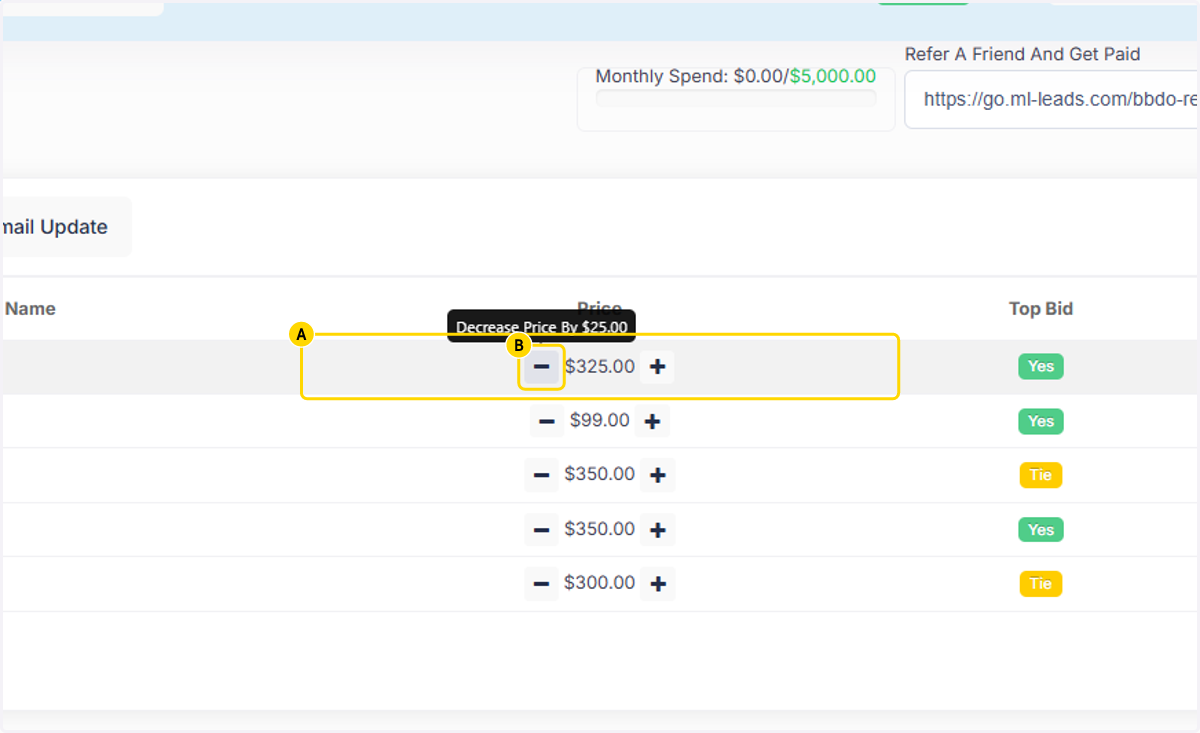
7. A. The price defaults to $325 so go to the Price once a county has been added.
7. B. Click on the - sign to take the price back to the $300 county floor price.
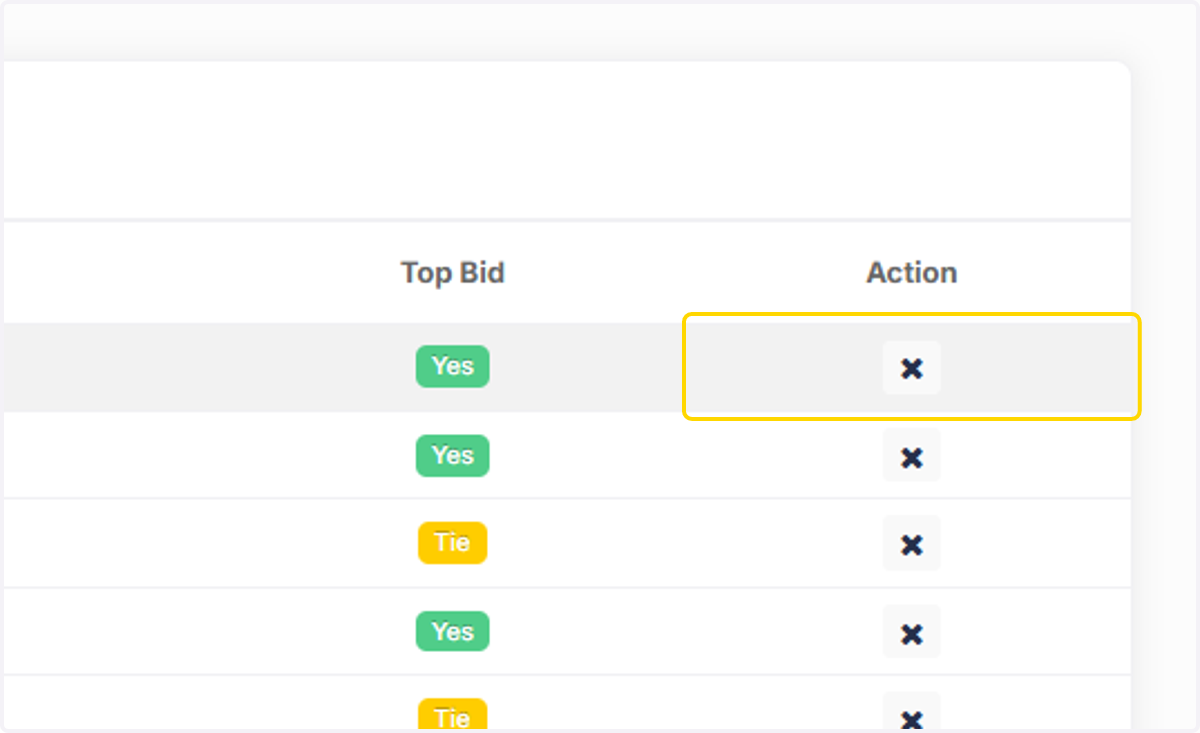
8. You can remove counties by clicking the X under Action.