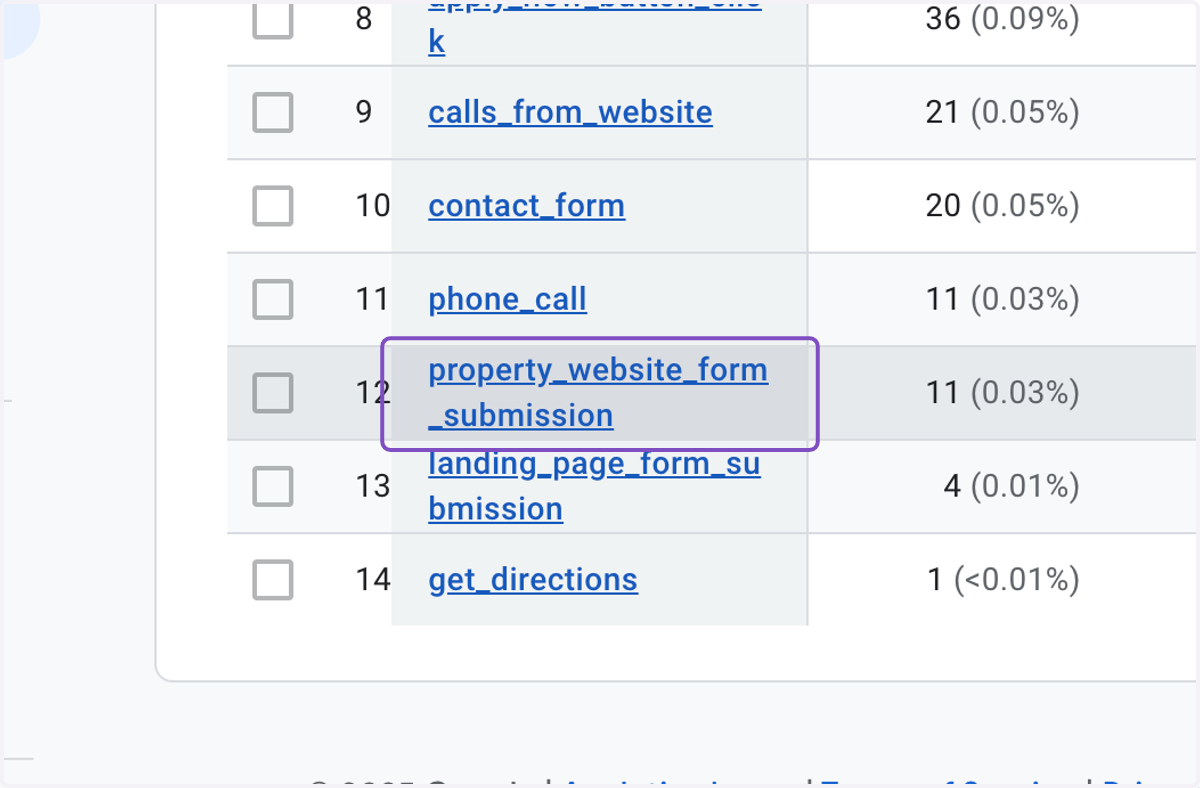
How to find events in GA4?
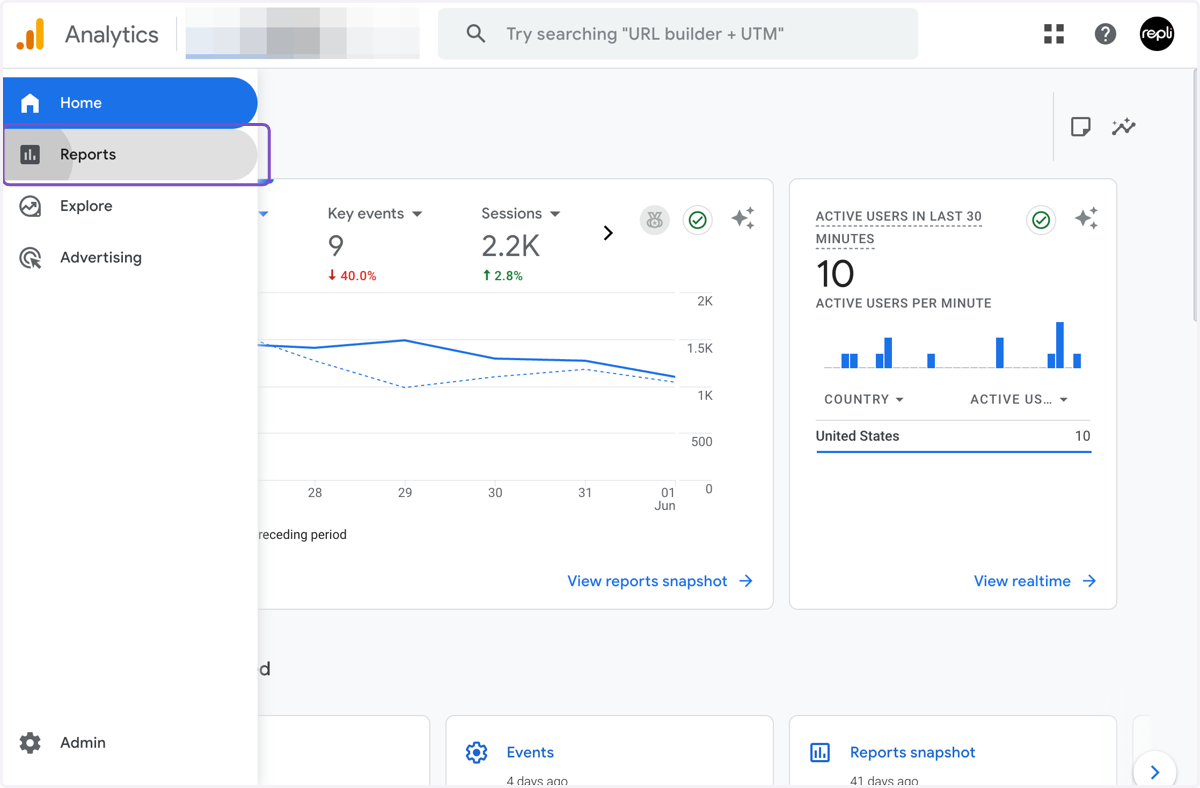
Analytics | Home
1. Click on Reports
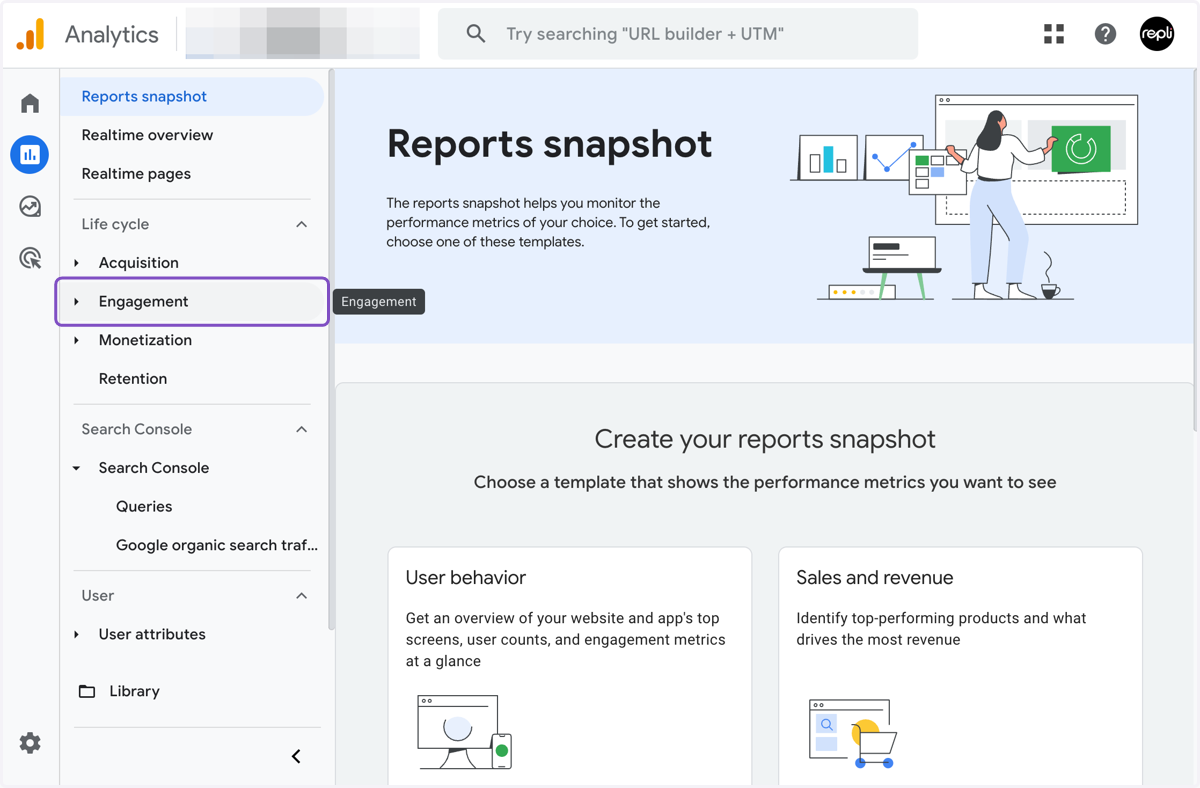
2. Click on Engagement
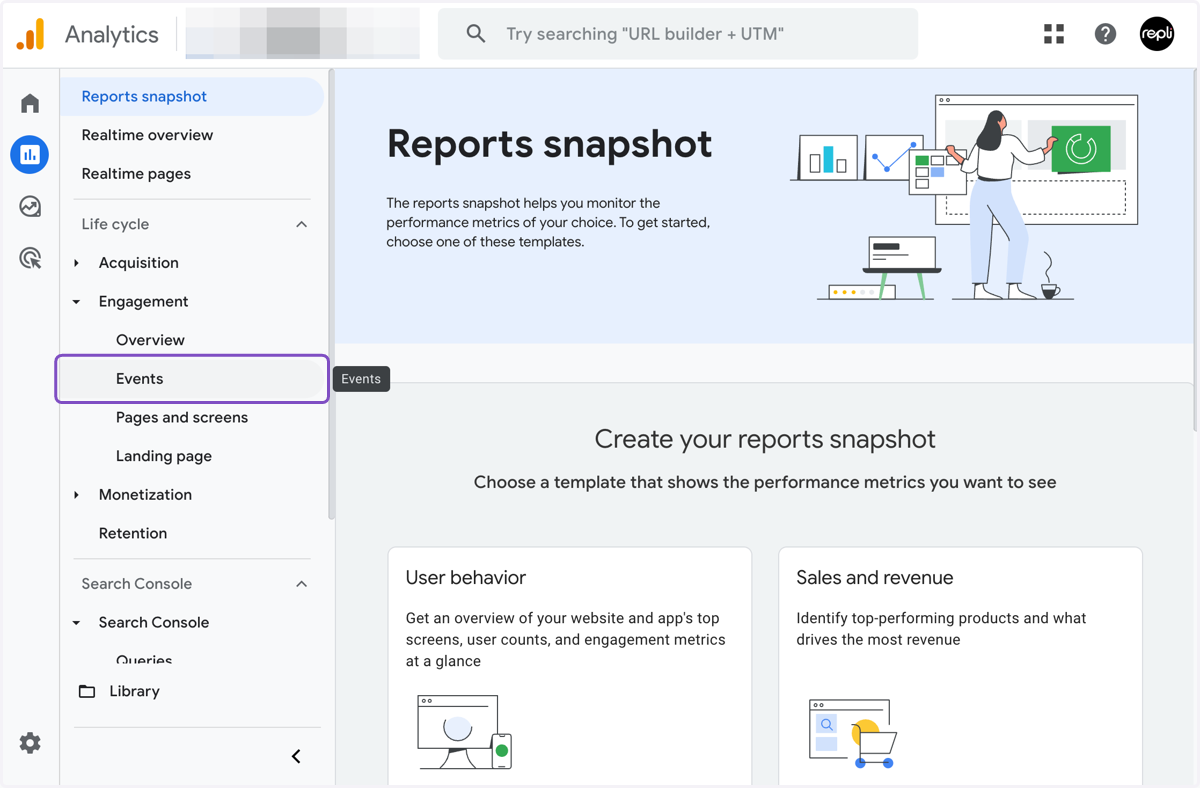
3. Click on Events
4. You will find the event names under the [Total] column
![You will find the event names under the [Total] column](https://images.tango.us/workflows/82a263d3-417f-4010-b68f-c57751e9ab68/steps/4b5567f1-8535-40be-bd75-bd6de3cf15f0/9ca5b69d-e718-4a71-8f51-aa738416de49.png?fp-x=0.5000&fp-y=0.5000&w=1200&border=F4F2F7&bx=904&by=986&bw=346&bh=98&c=7F4EC3&dpr=2.00)
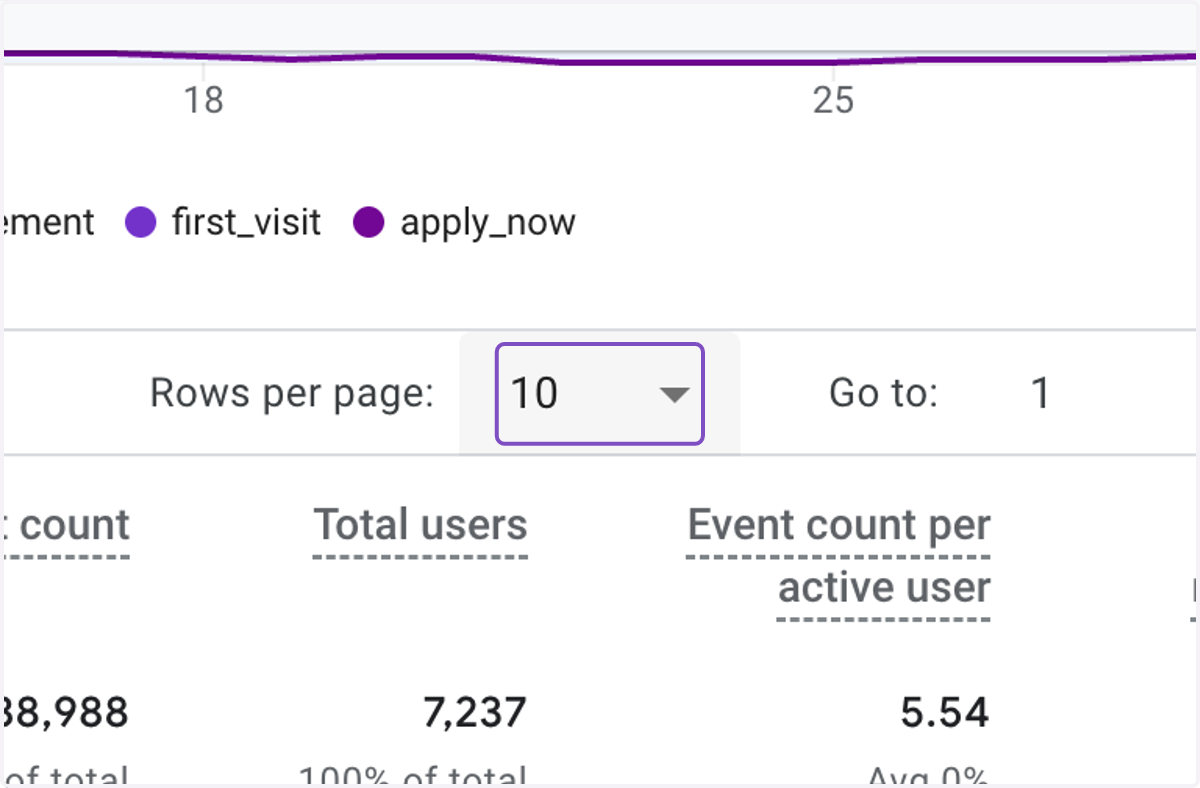
5. To find more events, click on rows per page
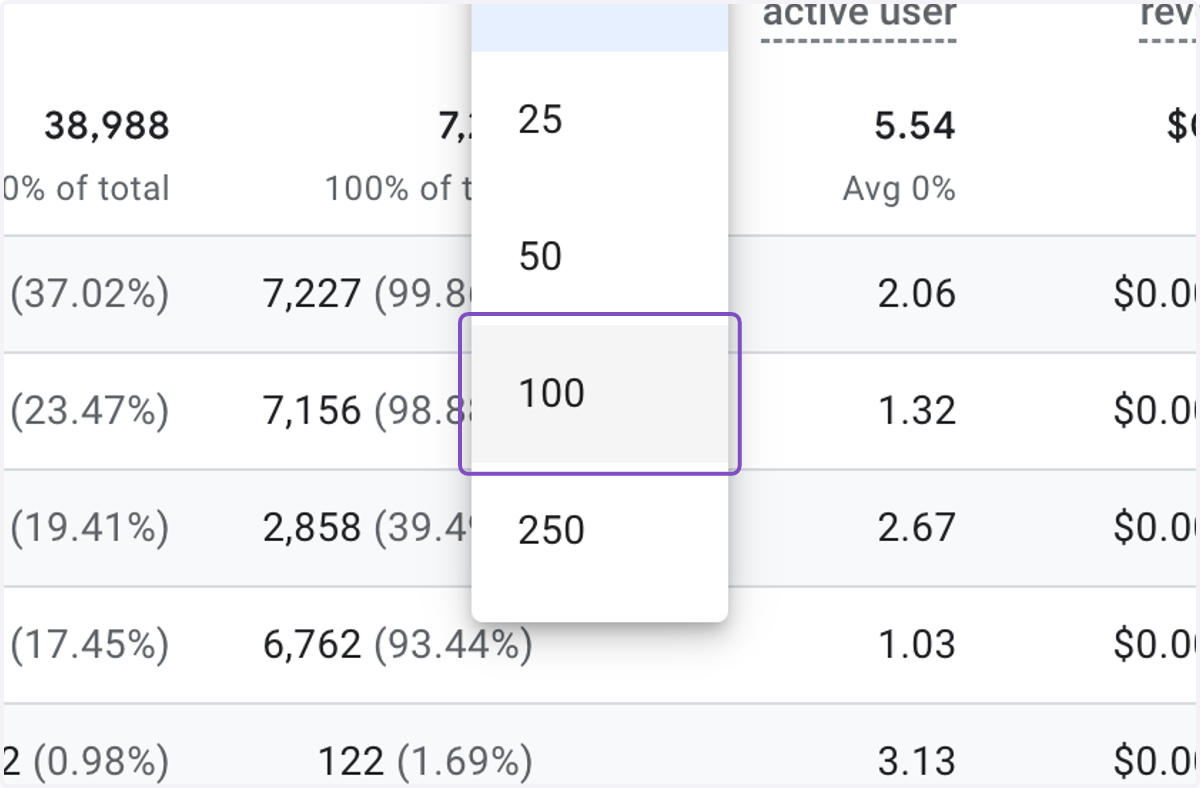
6. Adjust it to see more events
7. Click on property_website_form_submission