Optionally Skip a Visit
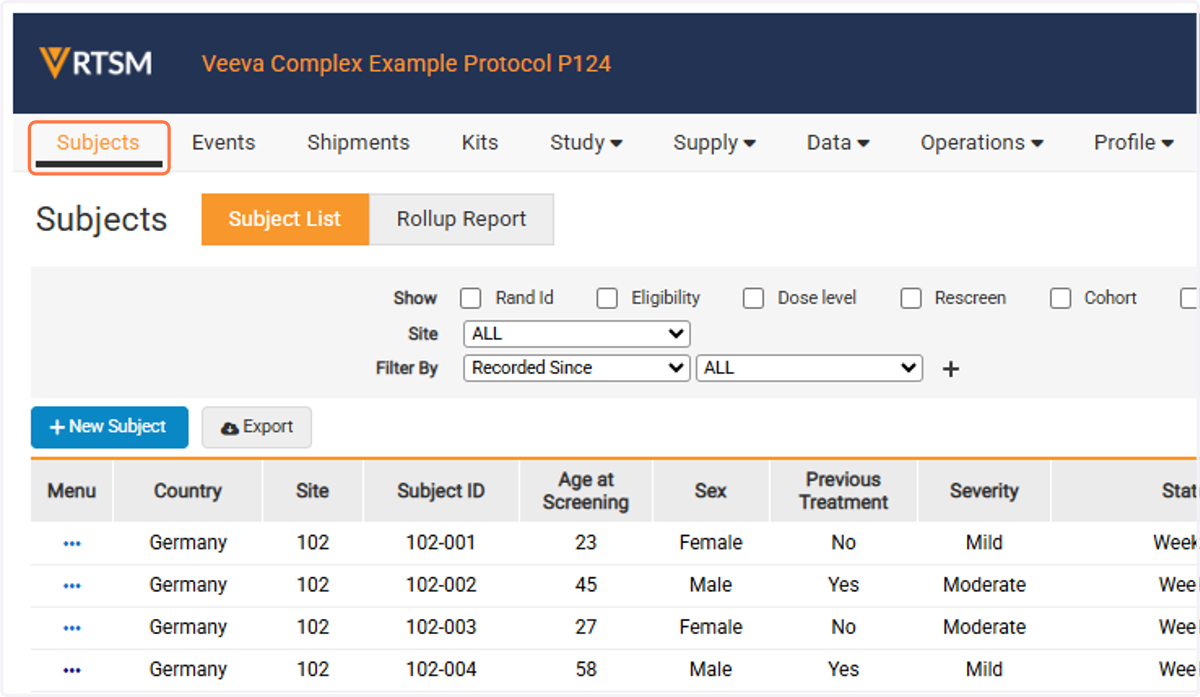
1. Click on Subjects
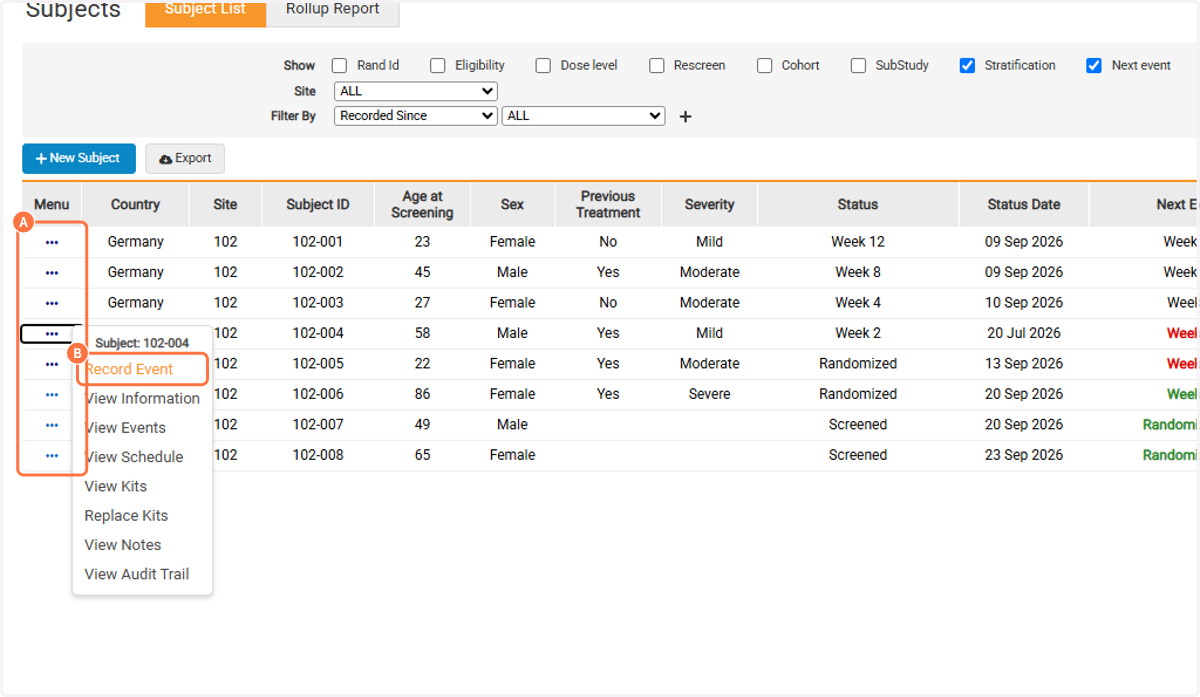
2. A. Click on Task Menu
2. B. Click on Record Event
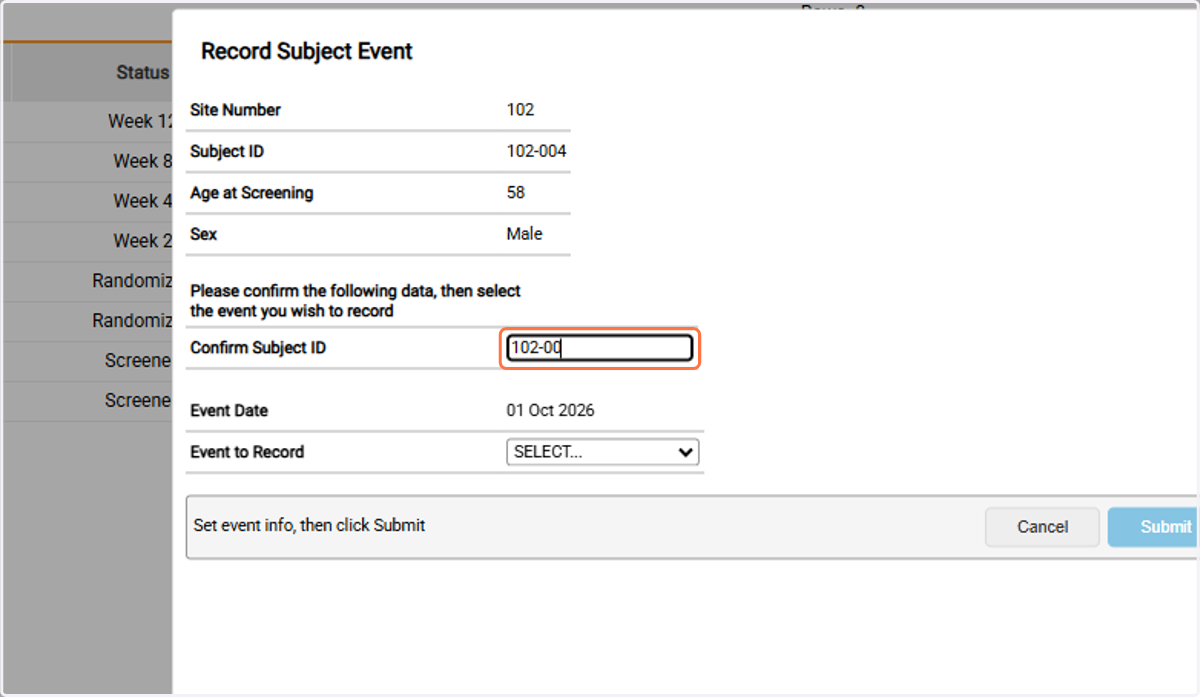
3. Type Subject ID
Step 4: Choose how to continue...
- Path 1 - Record the next visit out of window. Note: Only predetermined visits in a study may be optionally skipped. The system may require skipping the visit and recording the visit that the Subject is in window for.
- Path 2 - Optionally Skip Visit
Path 1
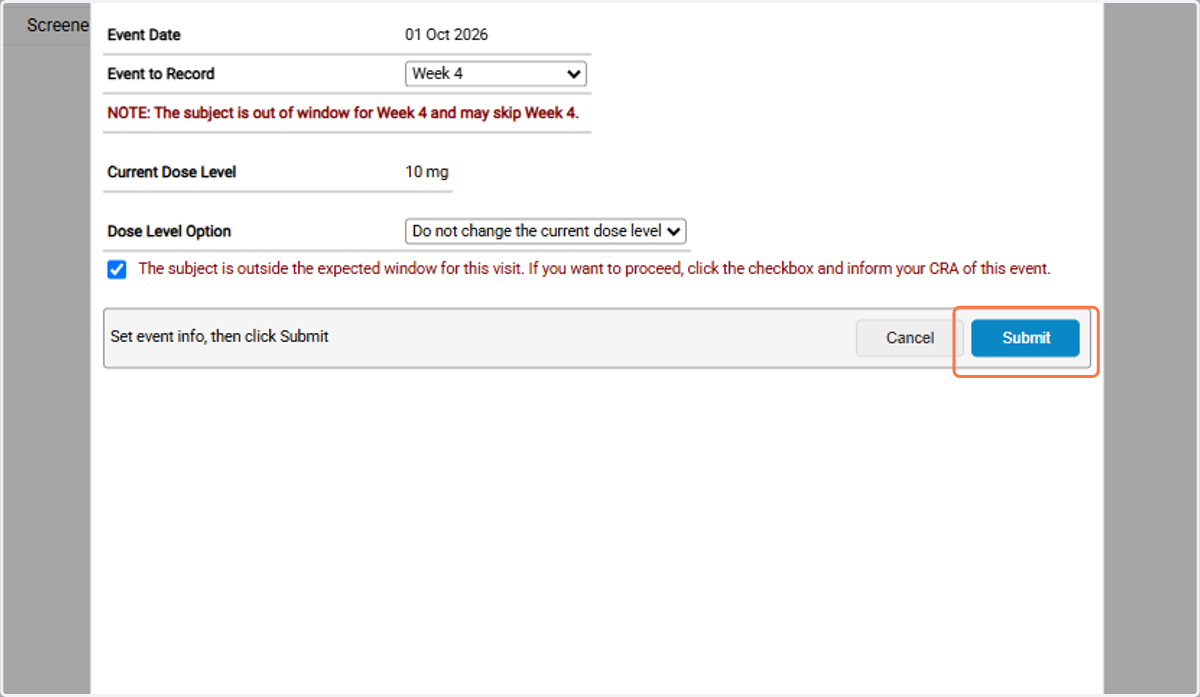
Record the next visit out of window. Note: Only predetermined visits in a study may be optionally skipped. The system may require skipping the visit and recording the visit that the Subject is in window for.
4a. Select next scheduled visit
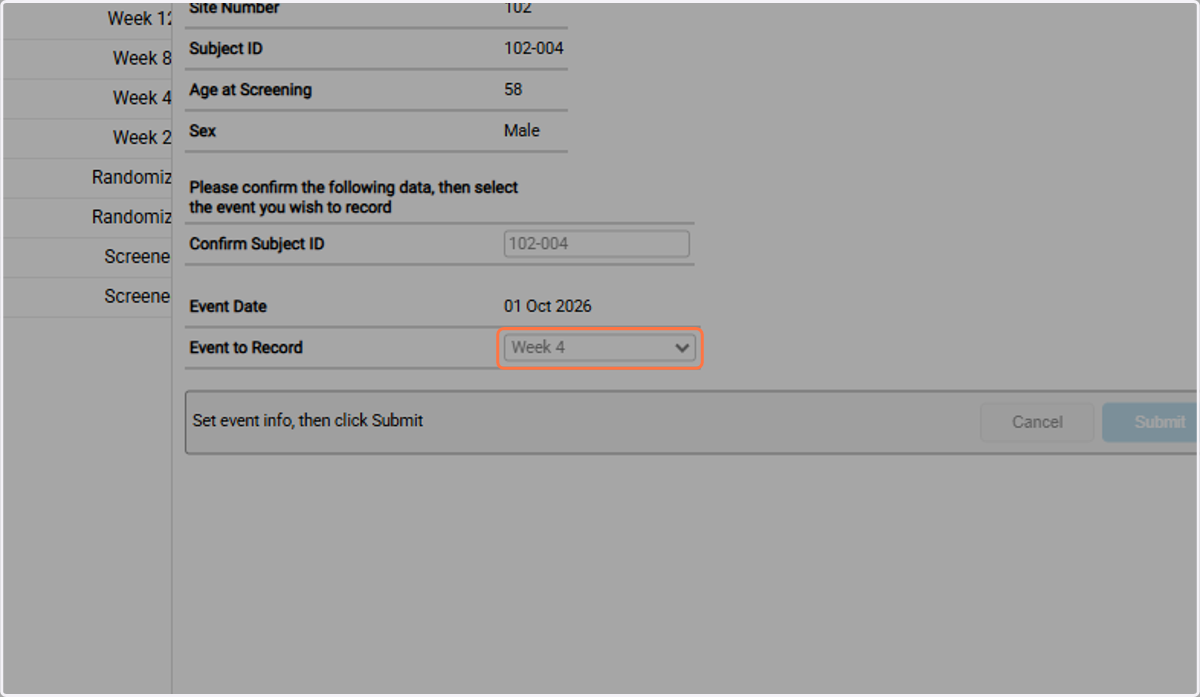
4b. A note will display the Subject is out of window and if skipping this visit is an option.
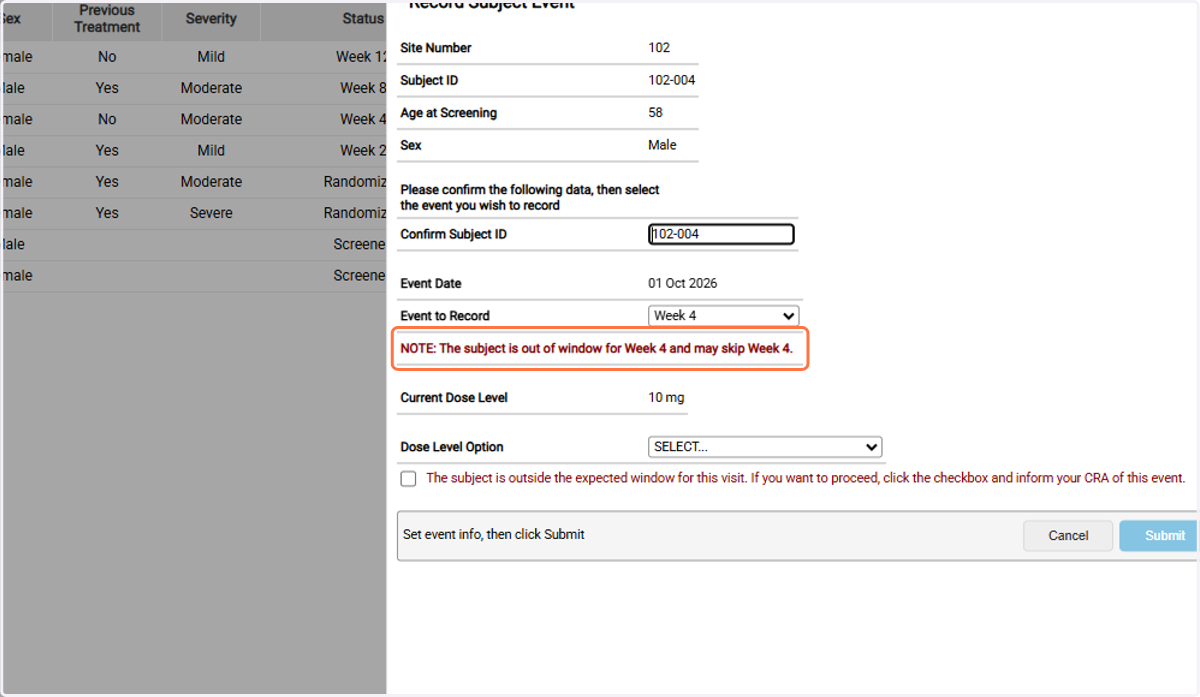
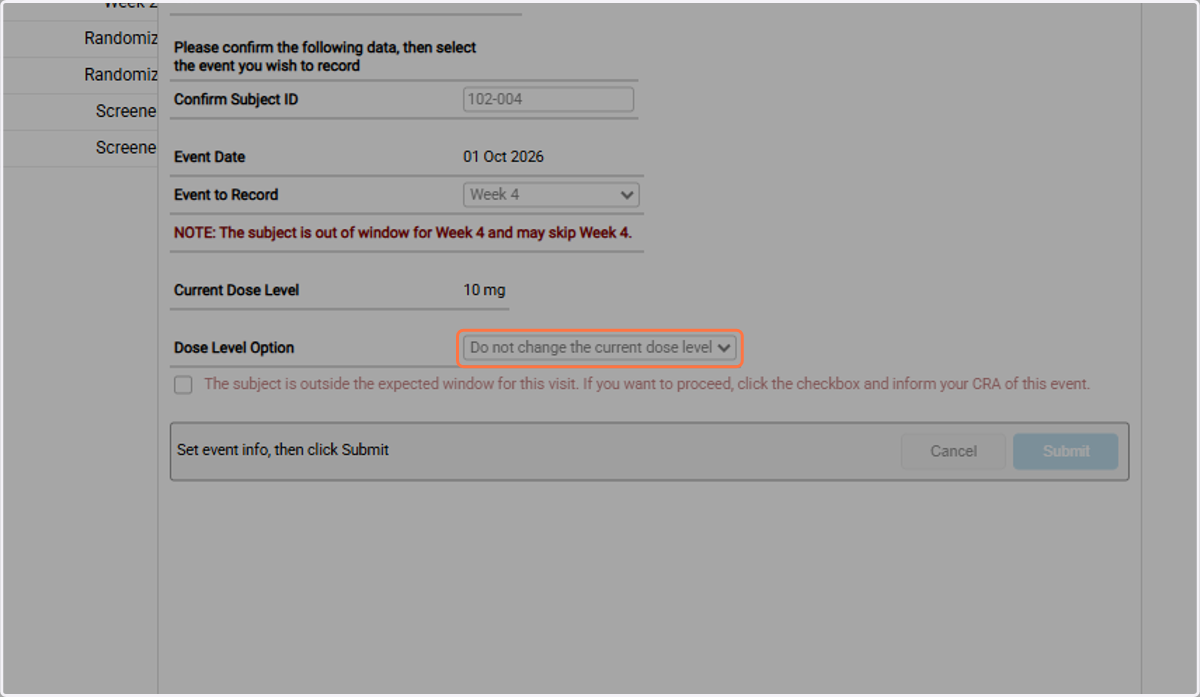
4c. Select an option for any additional criteria such as a dose level.
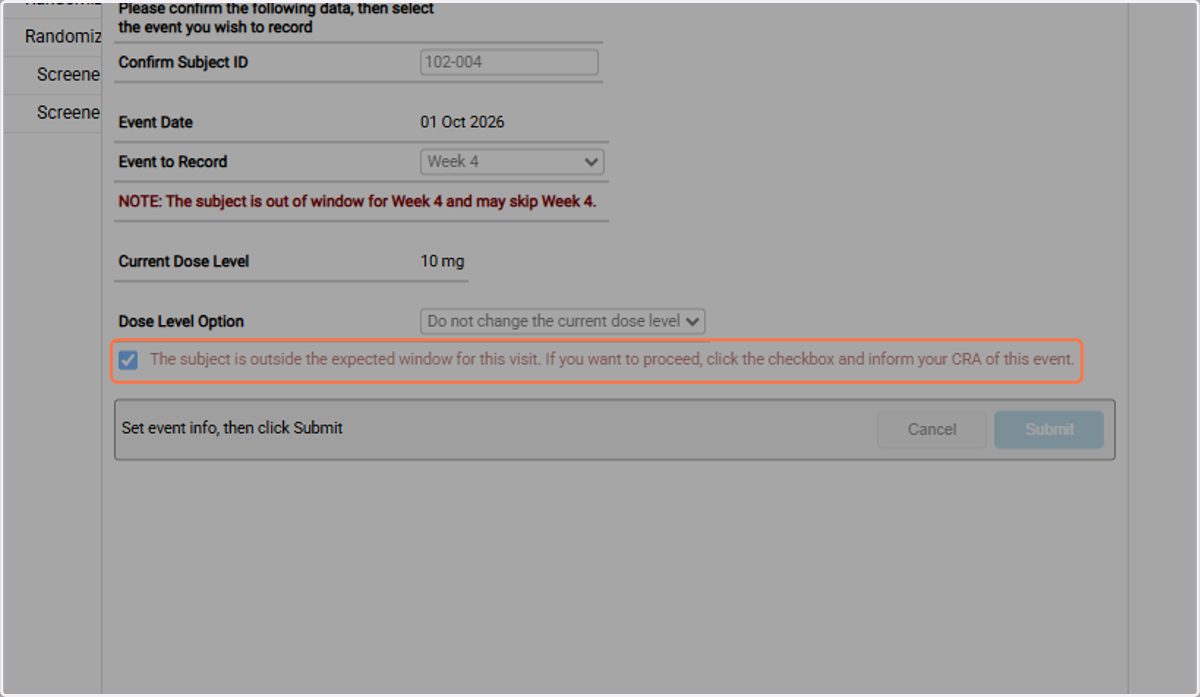
4d. Click checkbox to proceed with recording the visit outside of the window.
4e. Click on Submit
Path 2
Optionally Skip Visit
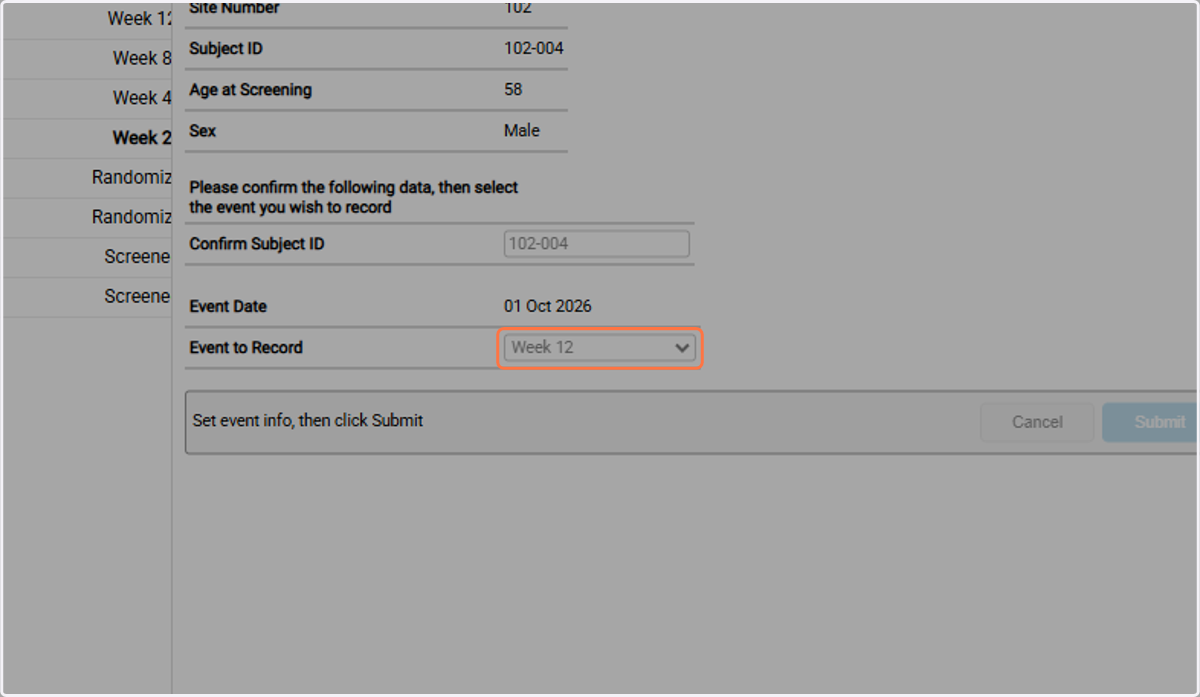
4a. Skip the next scheduled visit and select the in window visit from the dropdown.
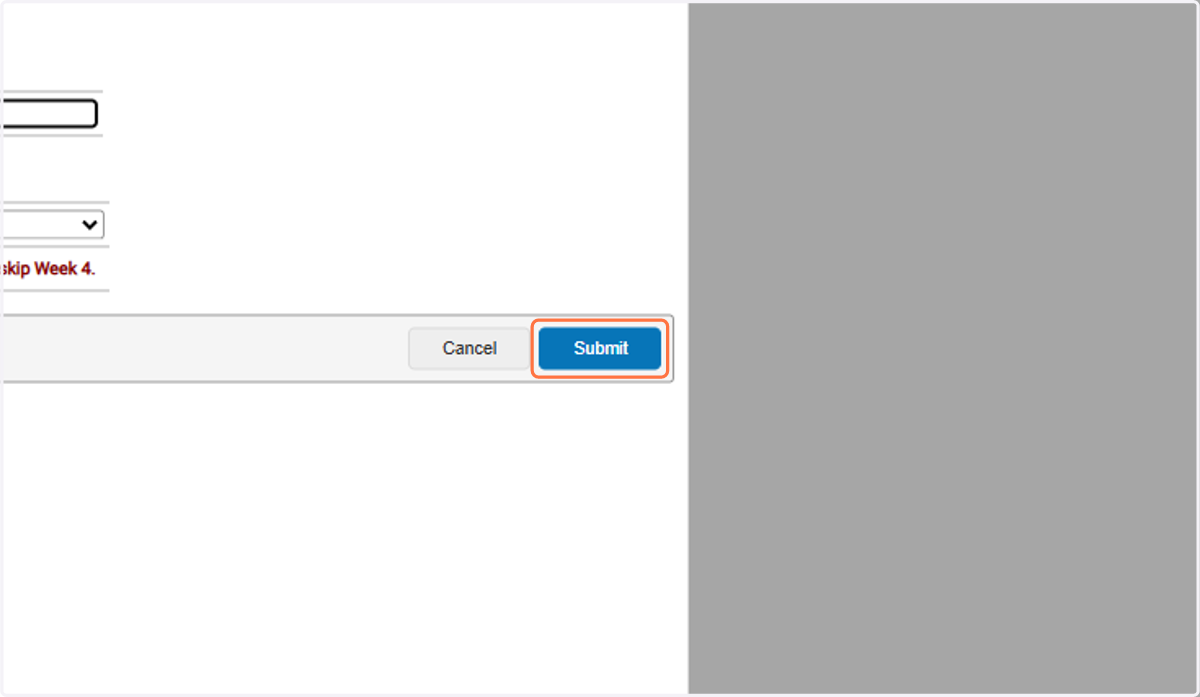
4b. Click on Submit
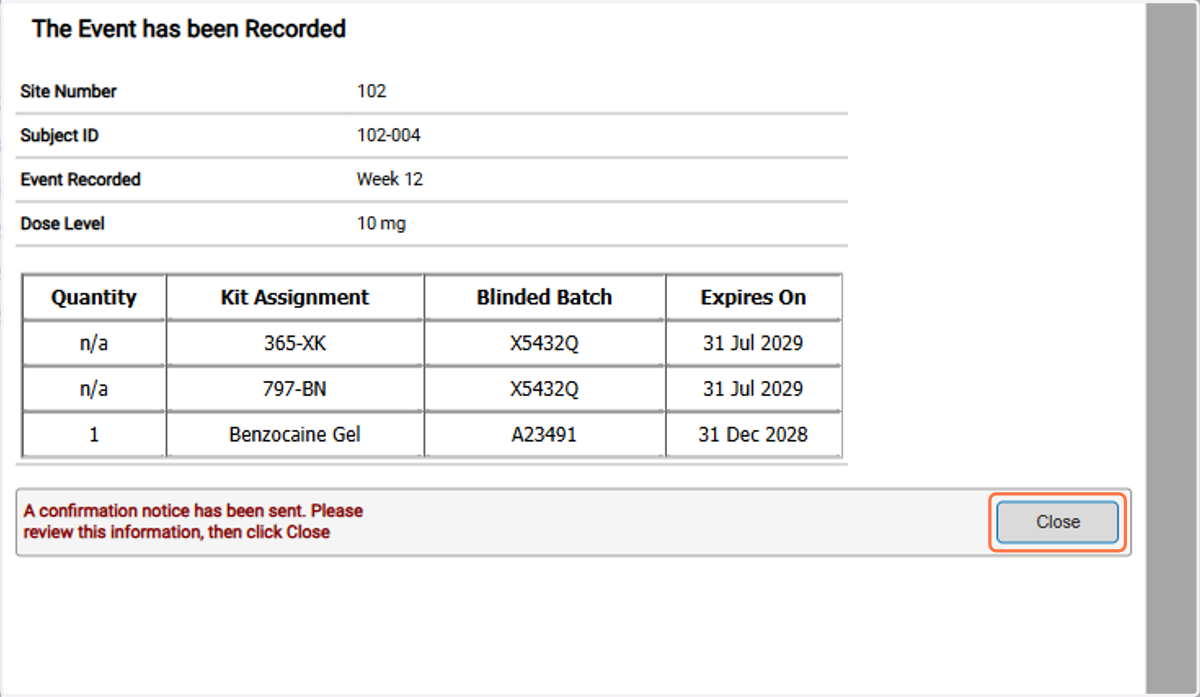
4c. Click on Close
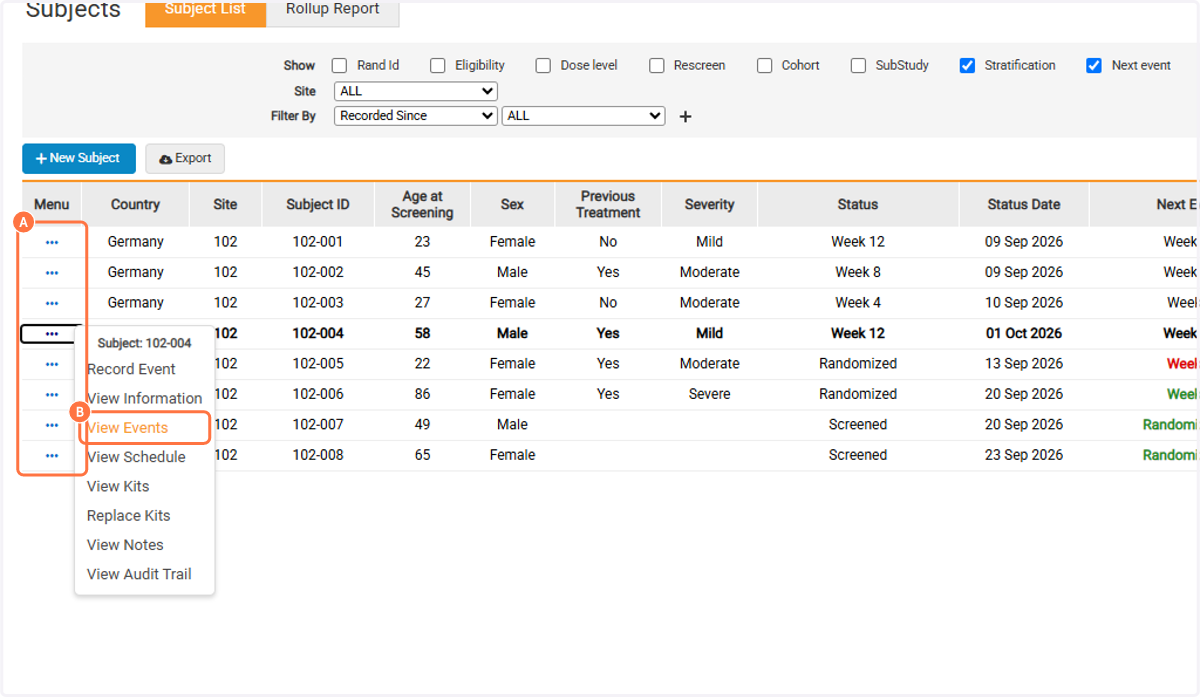
4d. A. Click on Task Menu
4d. B. Click on View Events
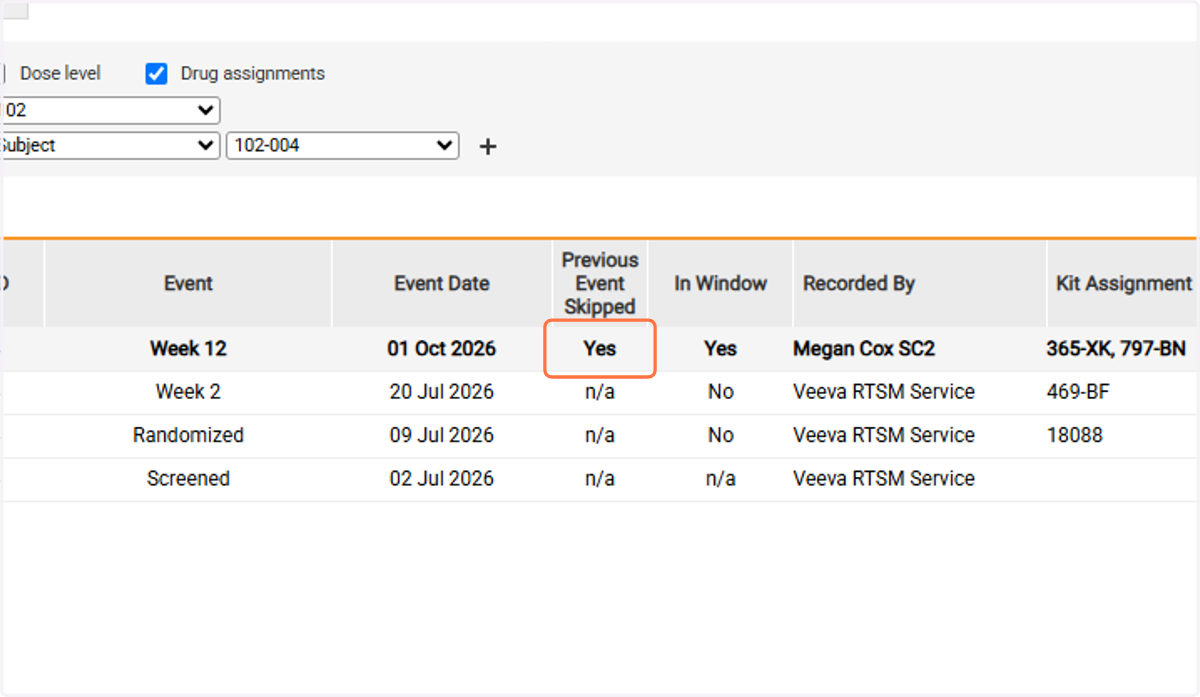
4e. The Previous Event Skipped will display as Yes