How to Fund a Case
In order to invite Benefit Gurus and send communications on a case in Enrollify you must first fund your case. Follow the steps below to learn how!
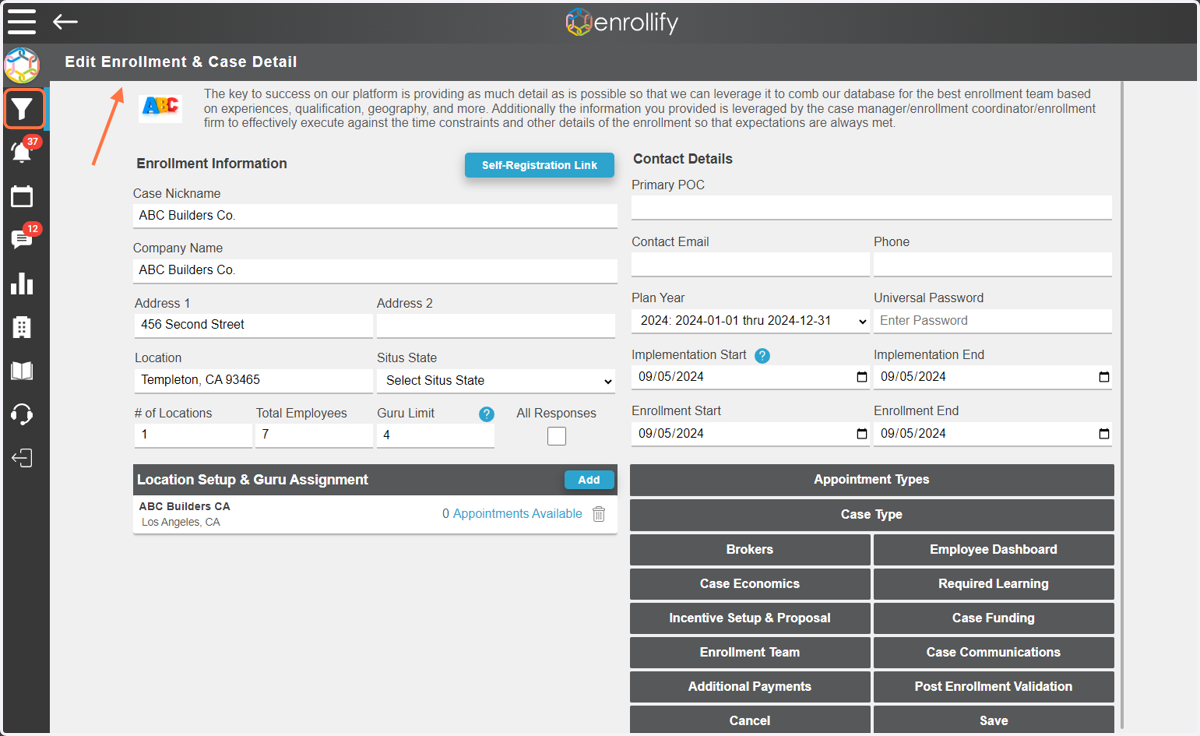
1. First, navigate to the 'Edit Enrollment & Case Management' page
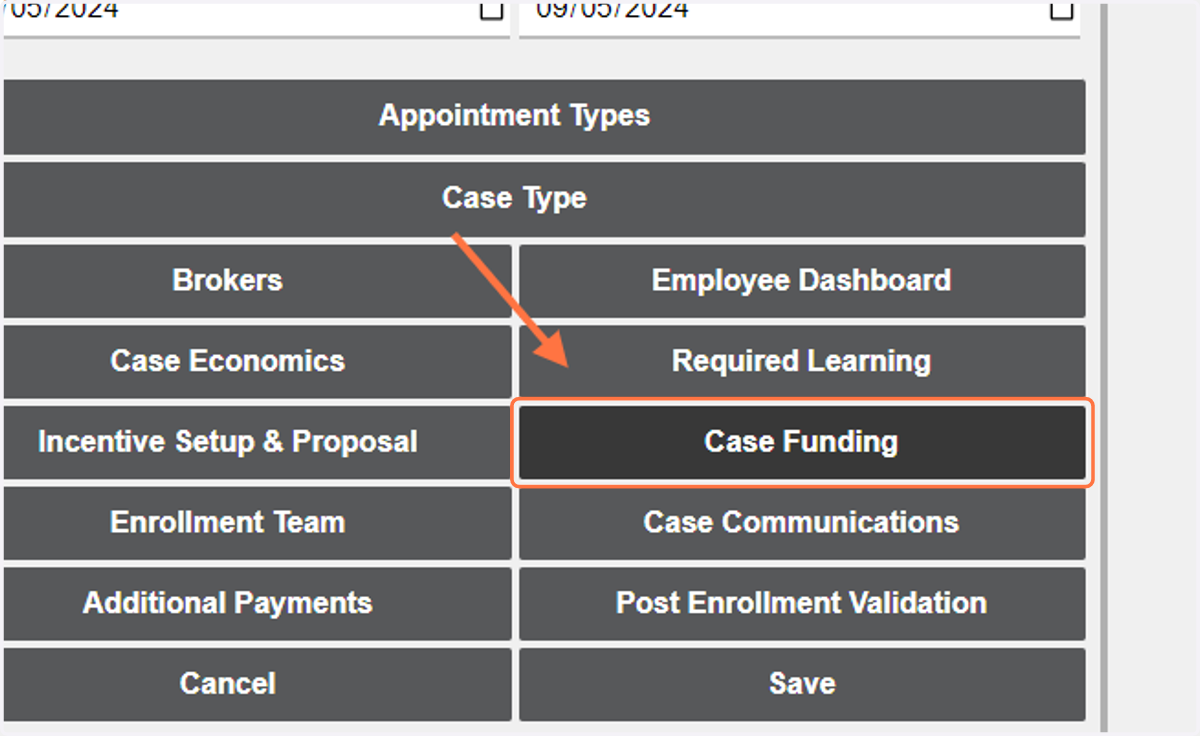
2. Once the initial case details have been filled out, click on 'Case Funding'
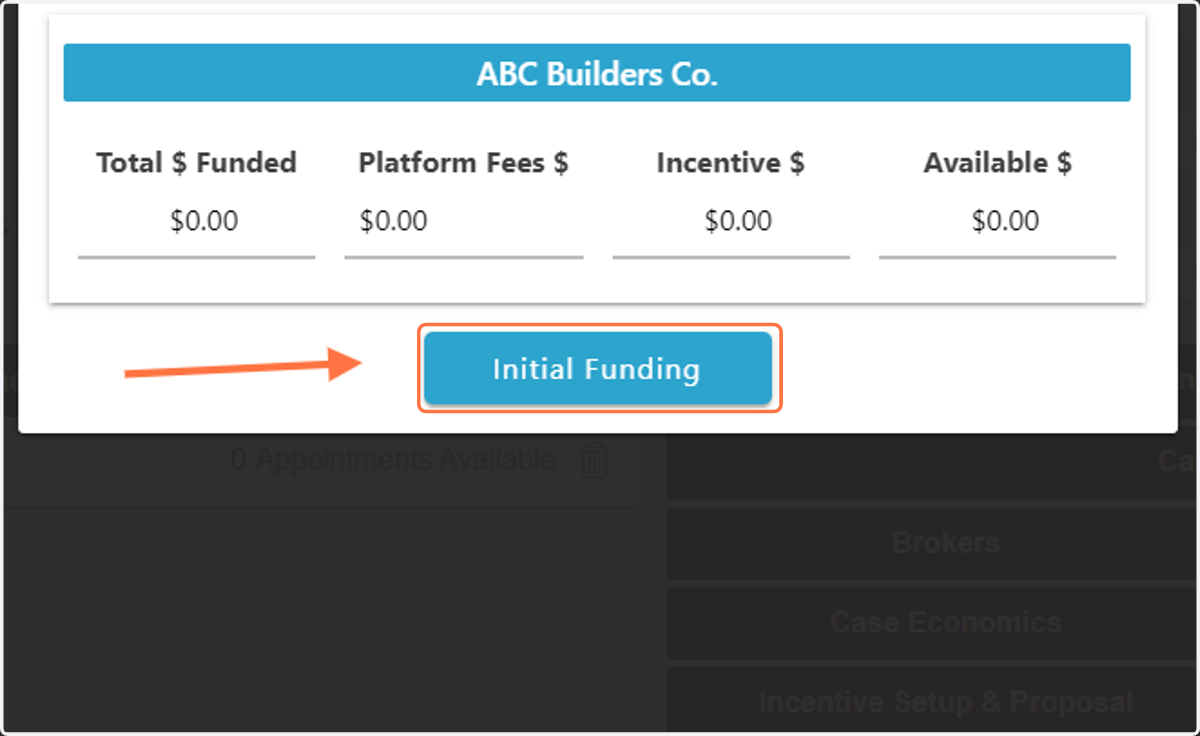
3. Then click on 'Initial Funding'
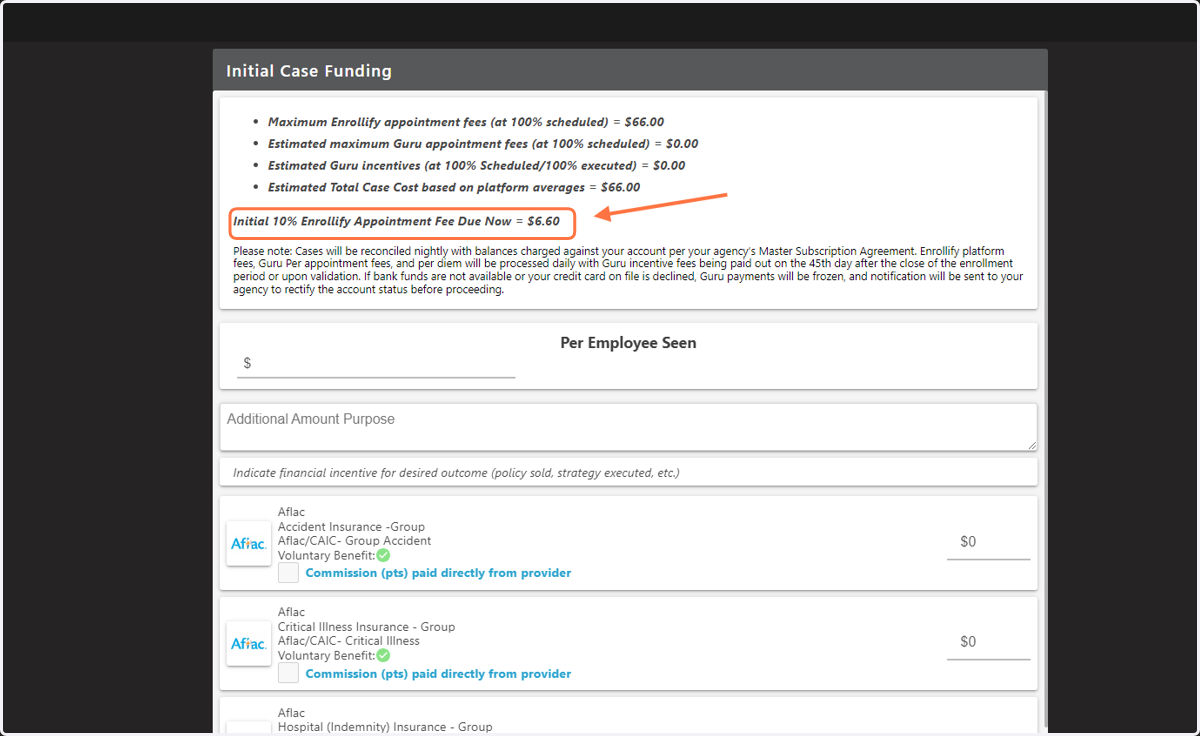
4. At the top of the page you will see projected totals for enrollment cost, the cost you are funding right now is listed next to "Initial 10% Enrollify Appointment Fee Due Now"
This 10% fee is calculated based on 10% of the total employee count times the Per Appointment Fee.
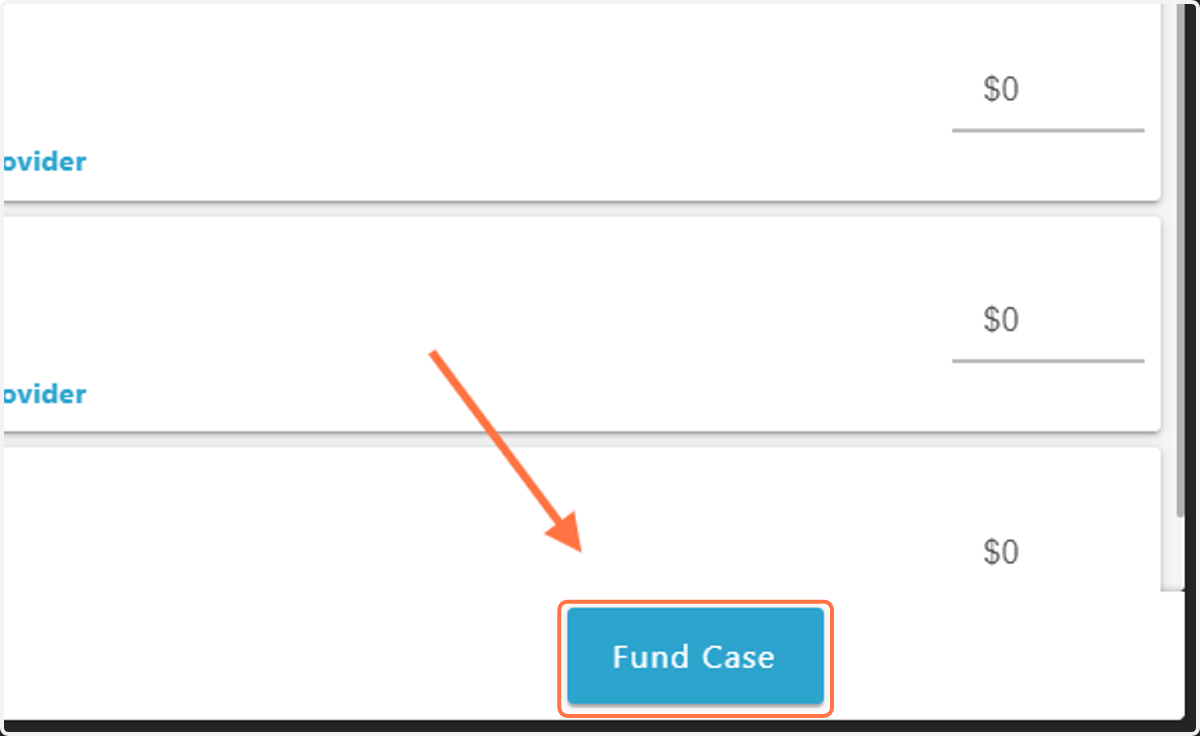
5. Once you have reviewed the fee, click 'Fund Case'
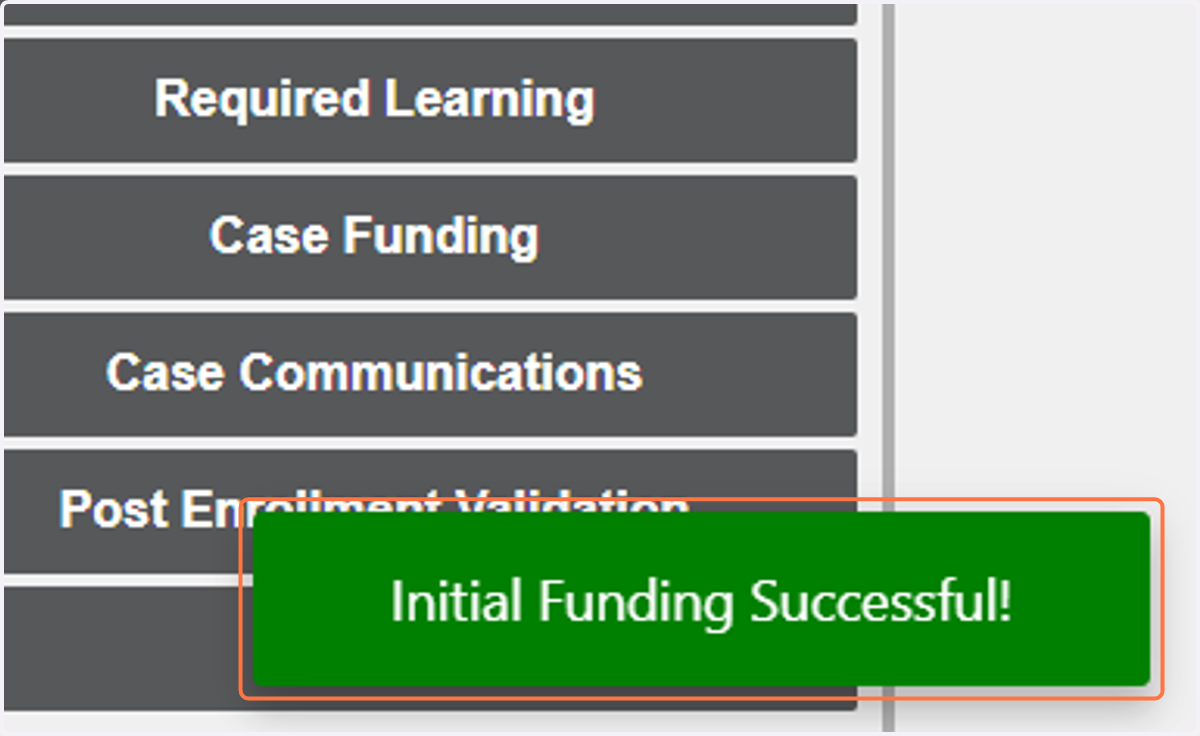
6. When you see the 'Initial Funding Successful!" message, you are now able to invite your Enrollment Team and move forward with case setup.