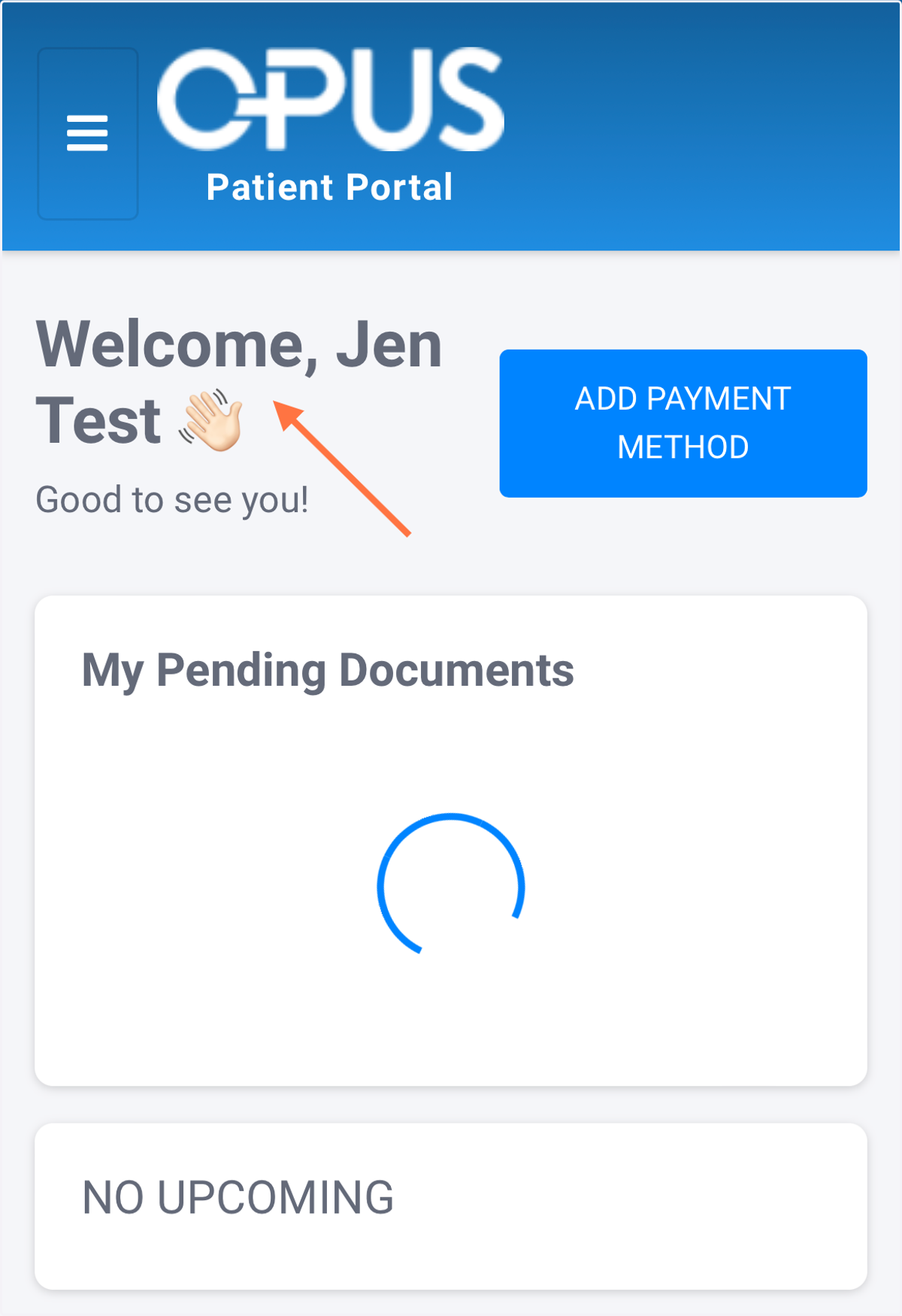
How to view others' portal linked to your email (on mobile)
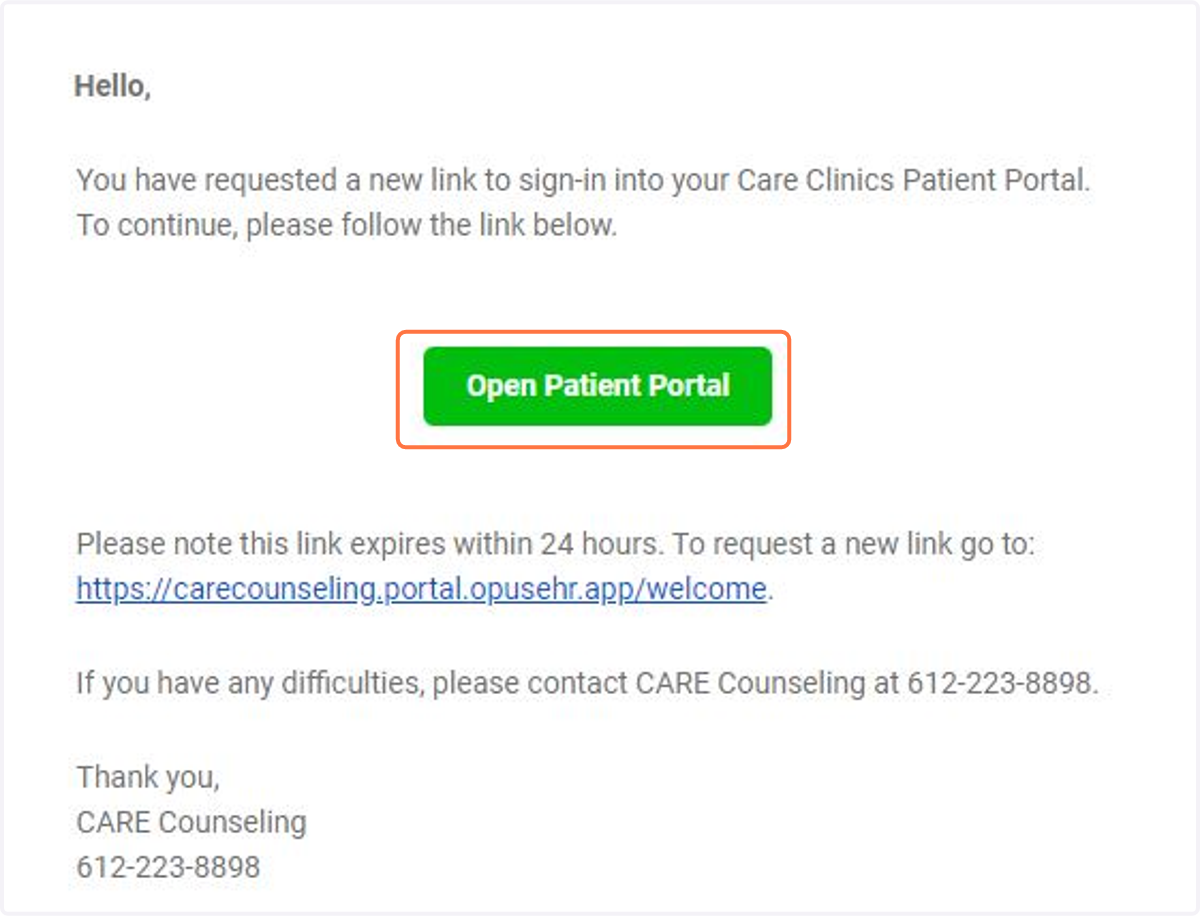
1. Click on the Open Patient Portal Link from your email or text
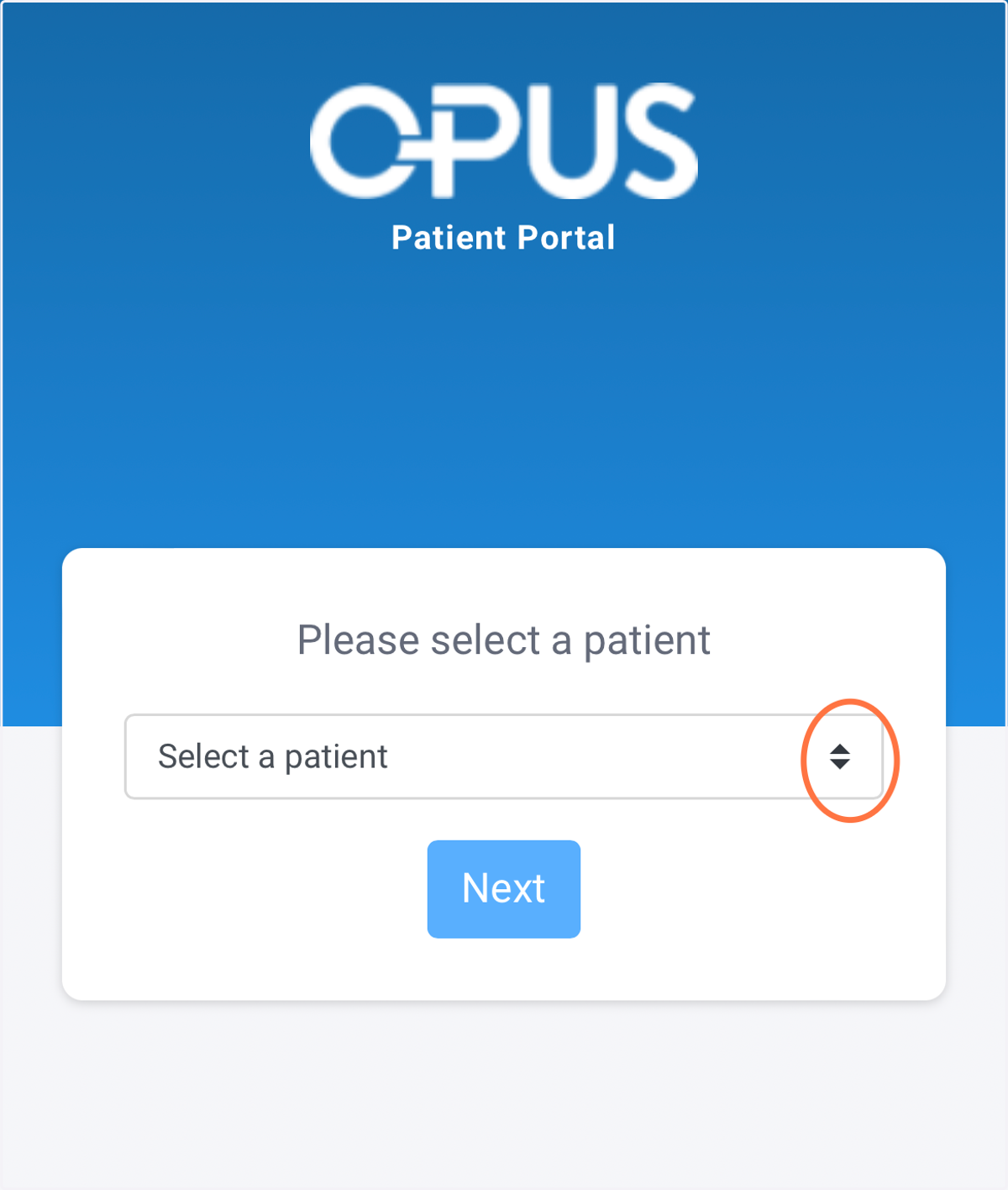
2. If you have more than one patient associated with your email, chose the patient you want to view
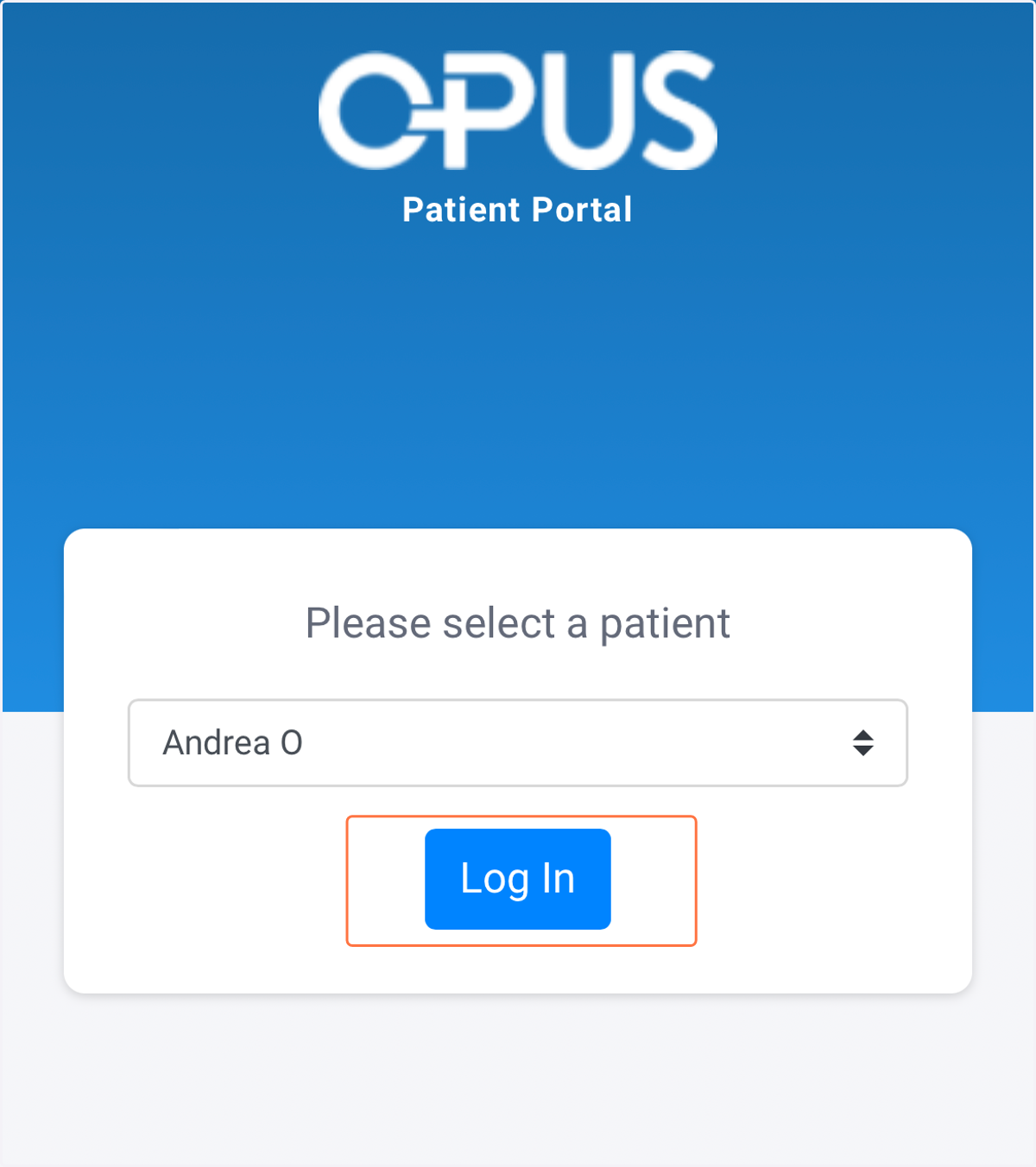
3. Click Log In
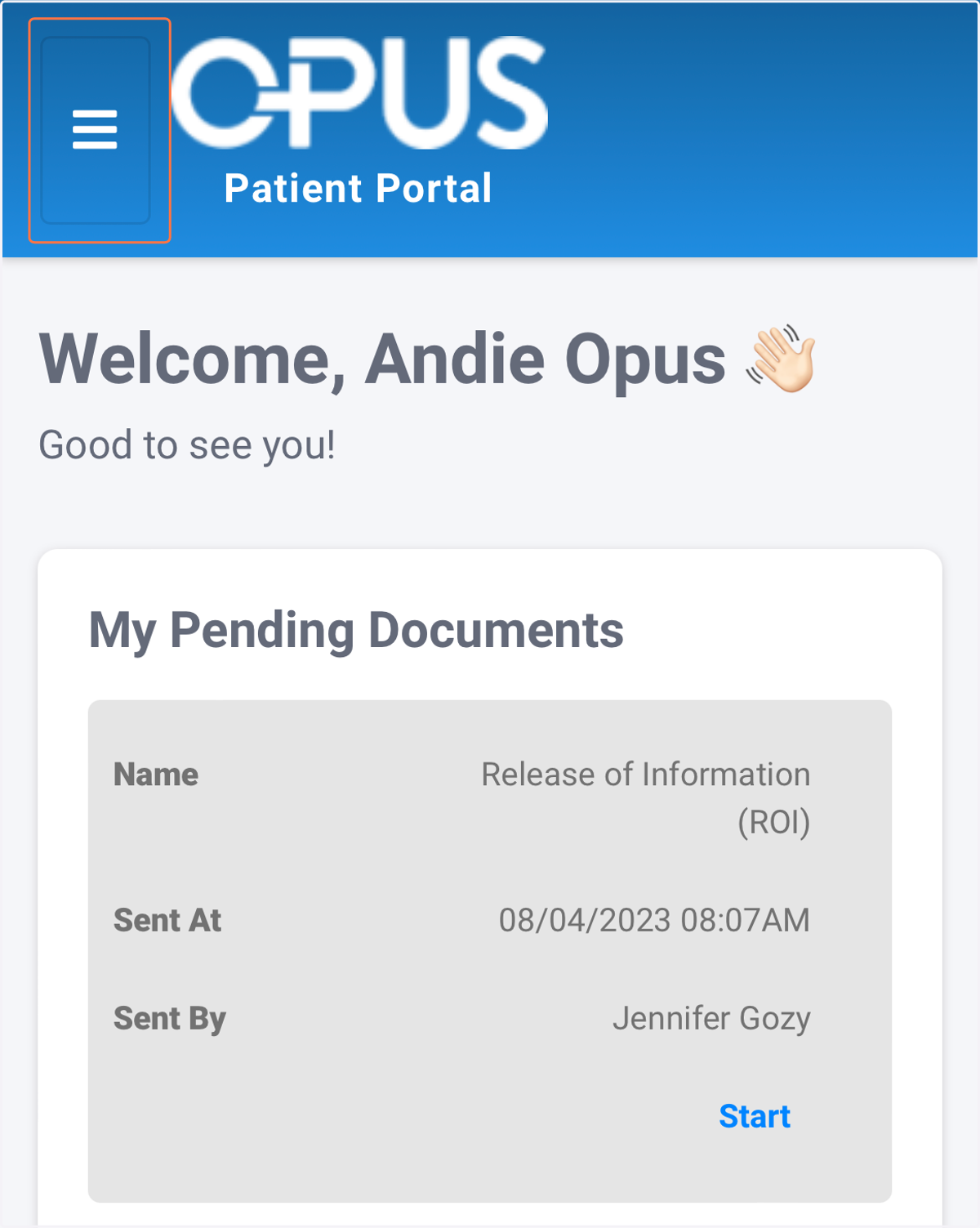
4. This will bring you into the portal. To switch the client you are viewing, click the menu box in the upper left corner of the screen.
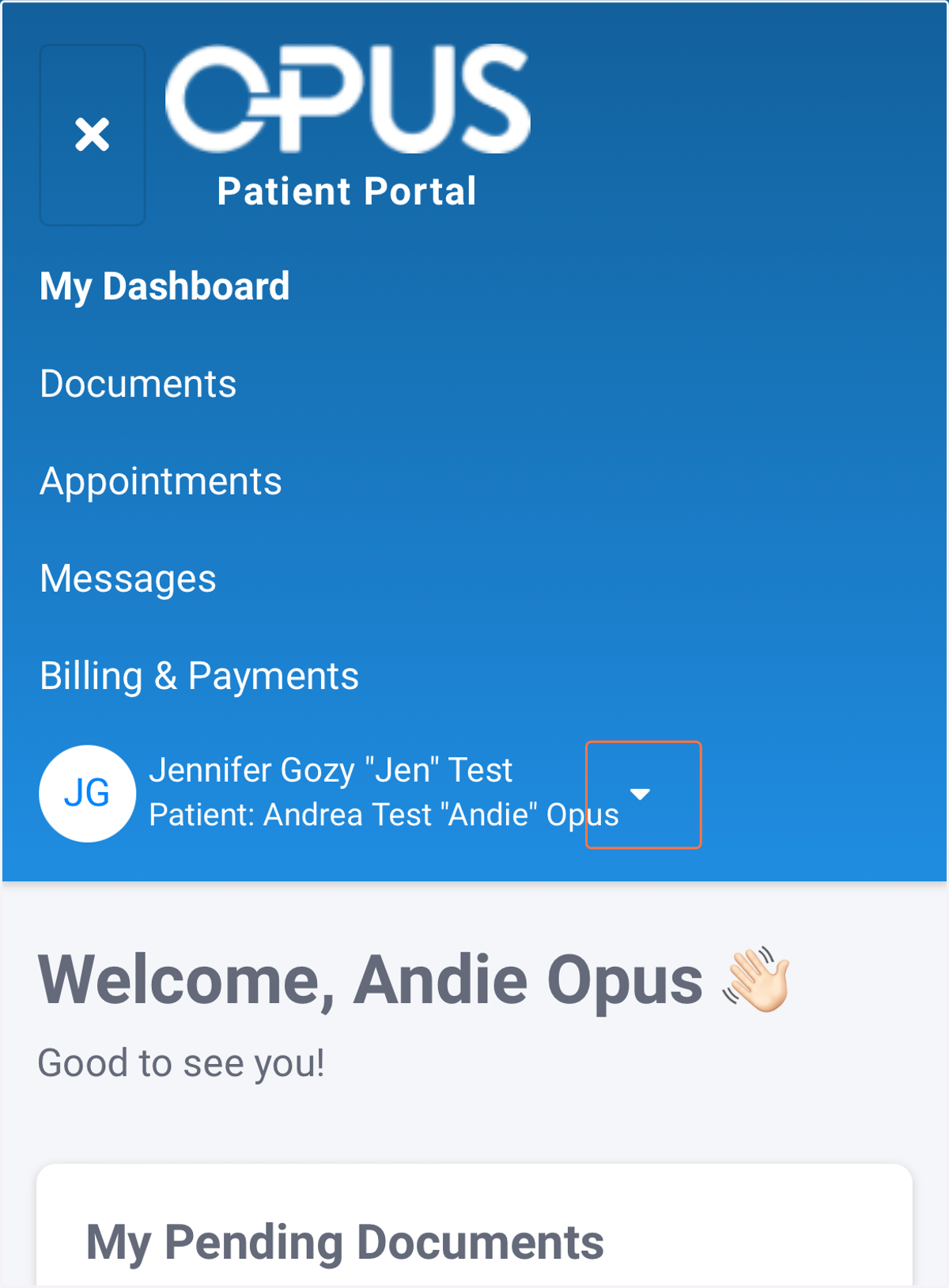
5. Click the dropdown next to "Patient:"
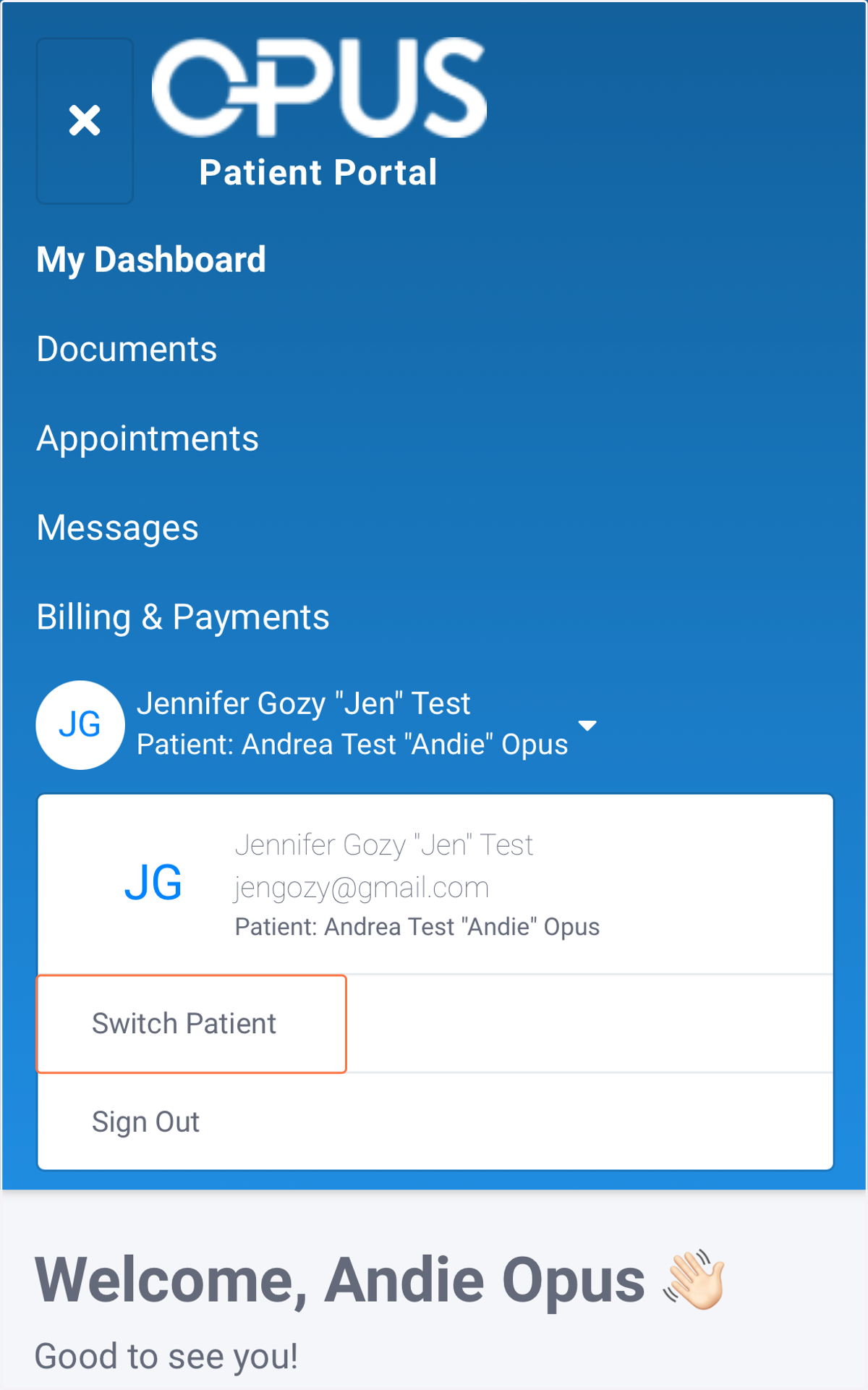
6. Select "Switch Patient"
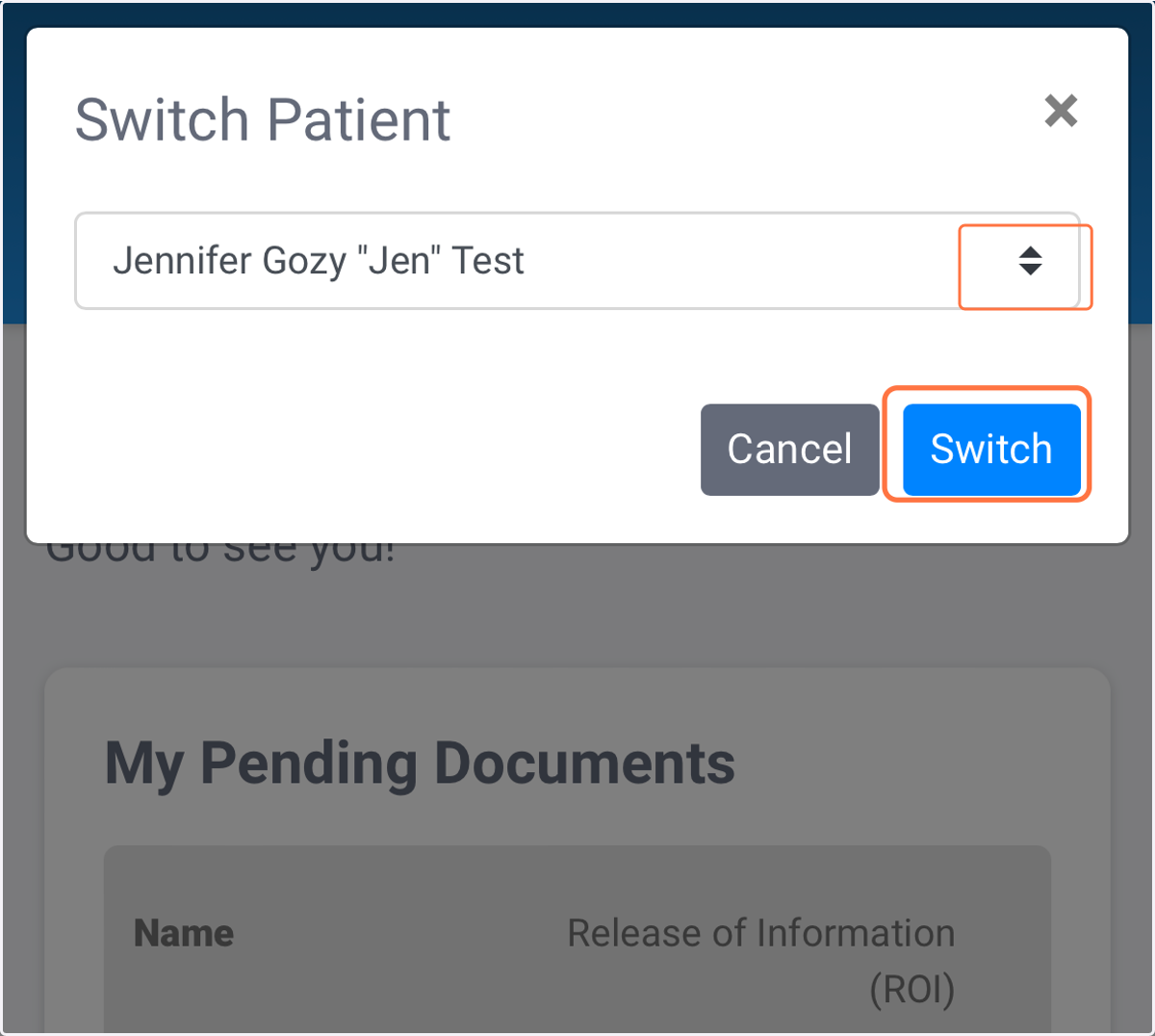
7. Chose the patient you want to view from the dropdown and click "Switch"
8. You will now see the information related to the patient you have chosen!