Editing Fees in DX1
DX1 Dashboard
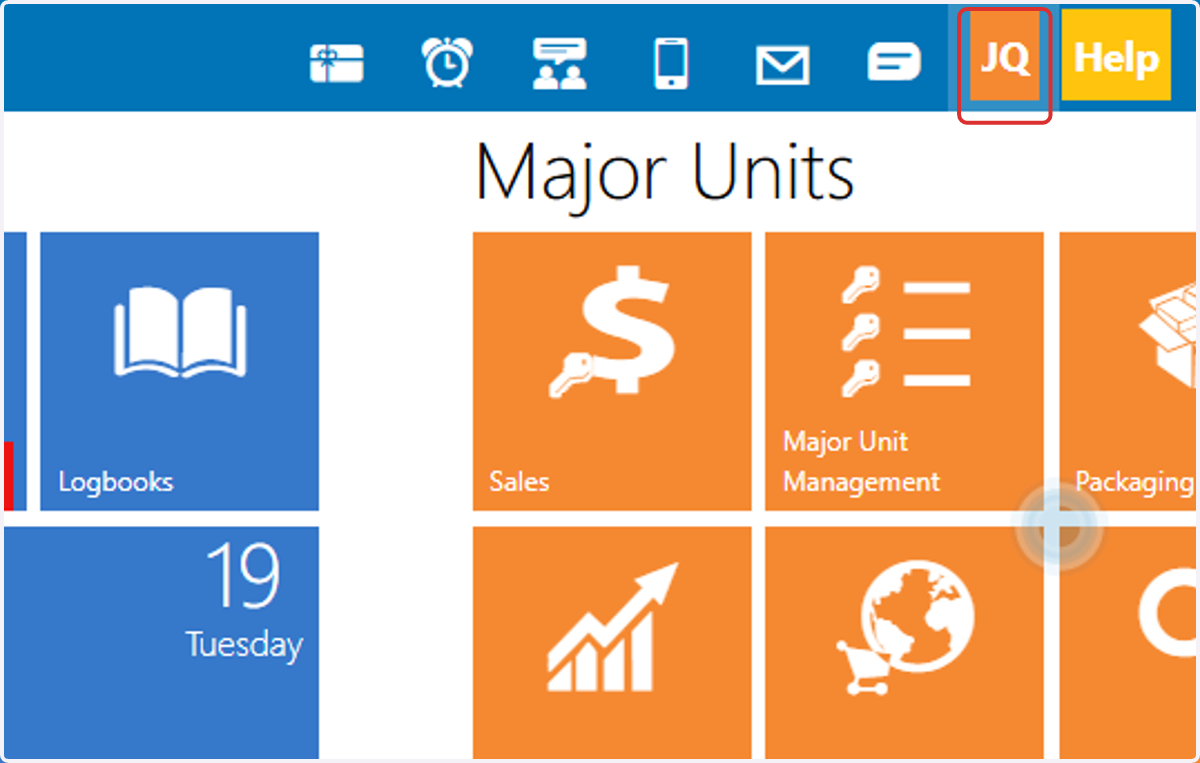
1. Click on your initials in the top right-hand part of the DX1 page
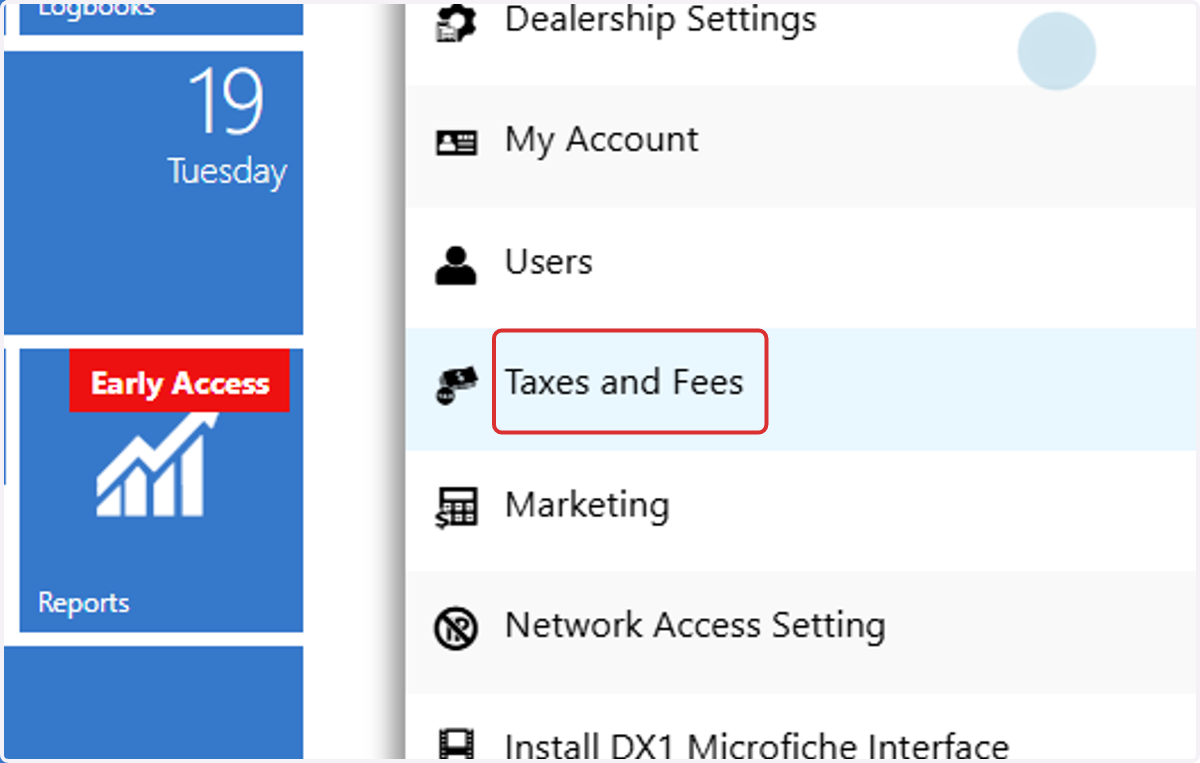
2. Click on Taxes and Fees in the drop down list
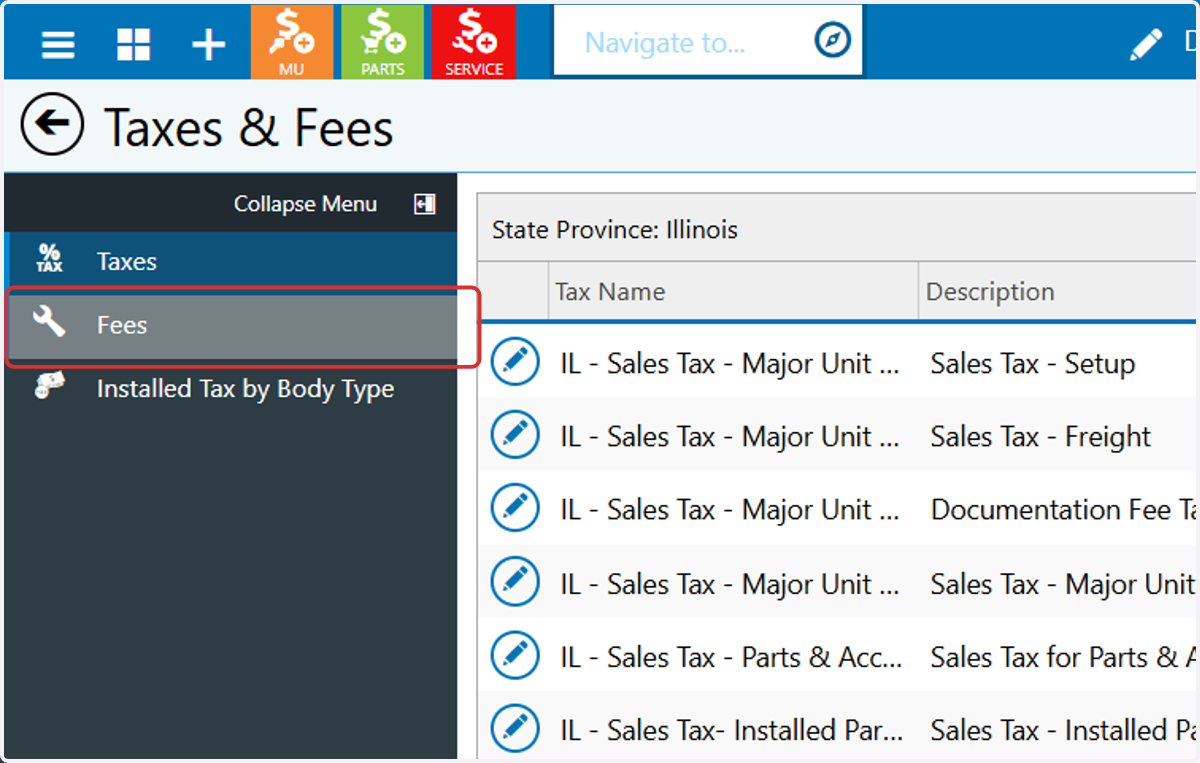
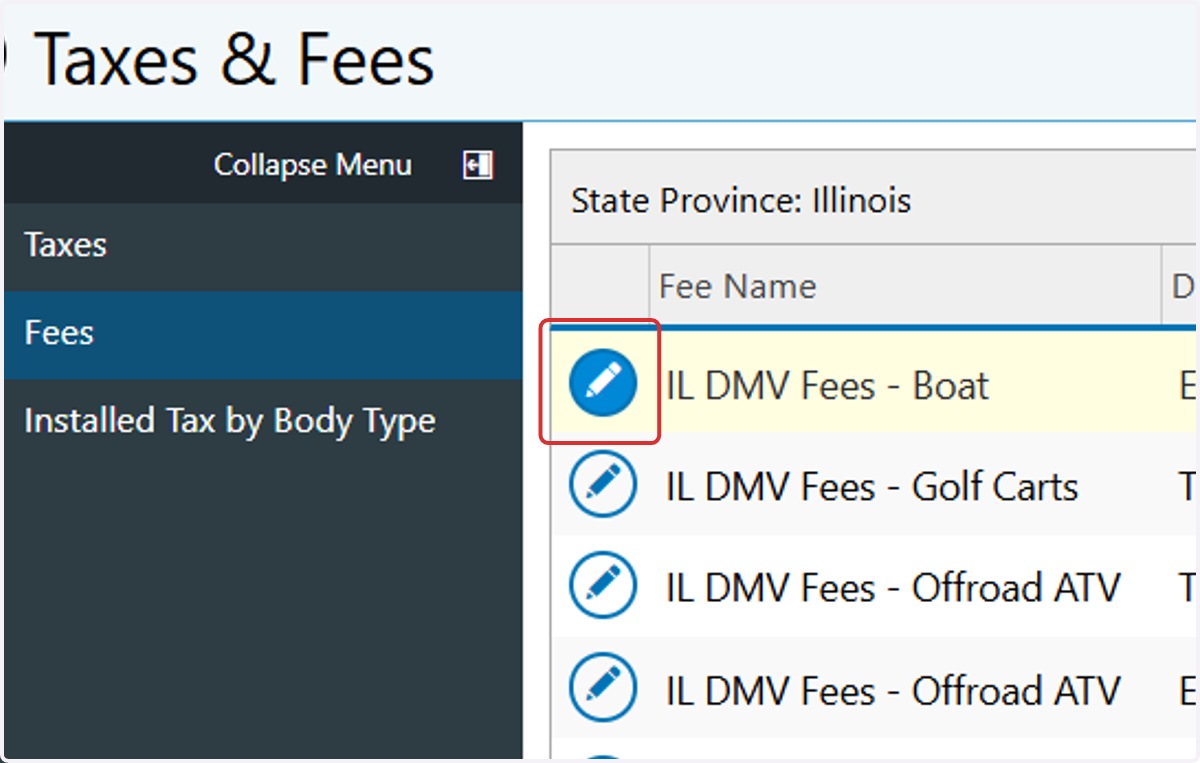
3. Click on Fees in the Collapse Menu
4. Click on the pencil icon next to the fee you want to edit
5. Click on Fee Amount field to set a new price
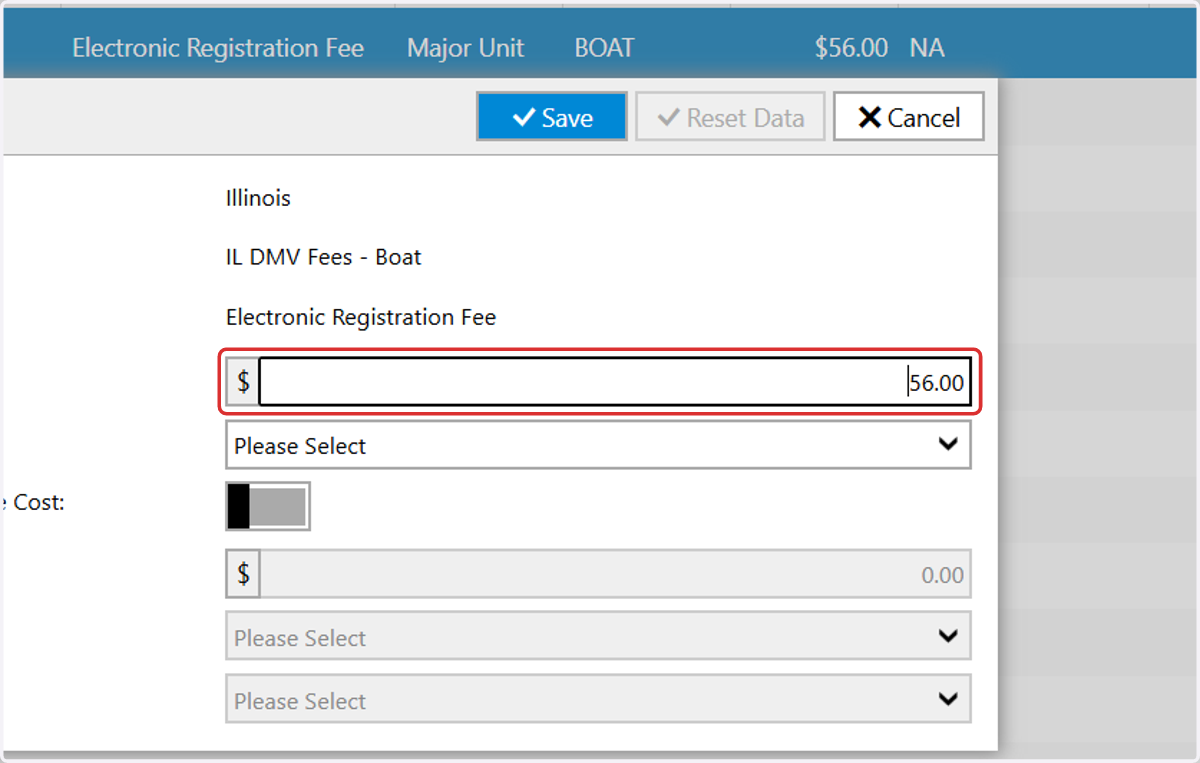
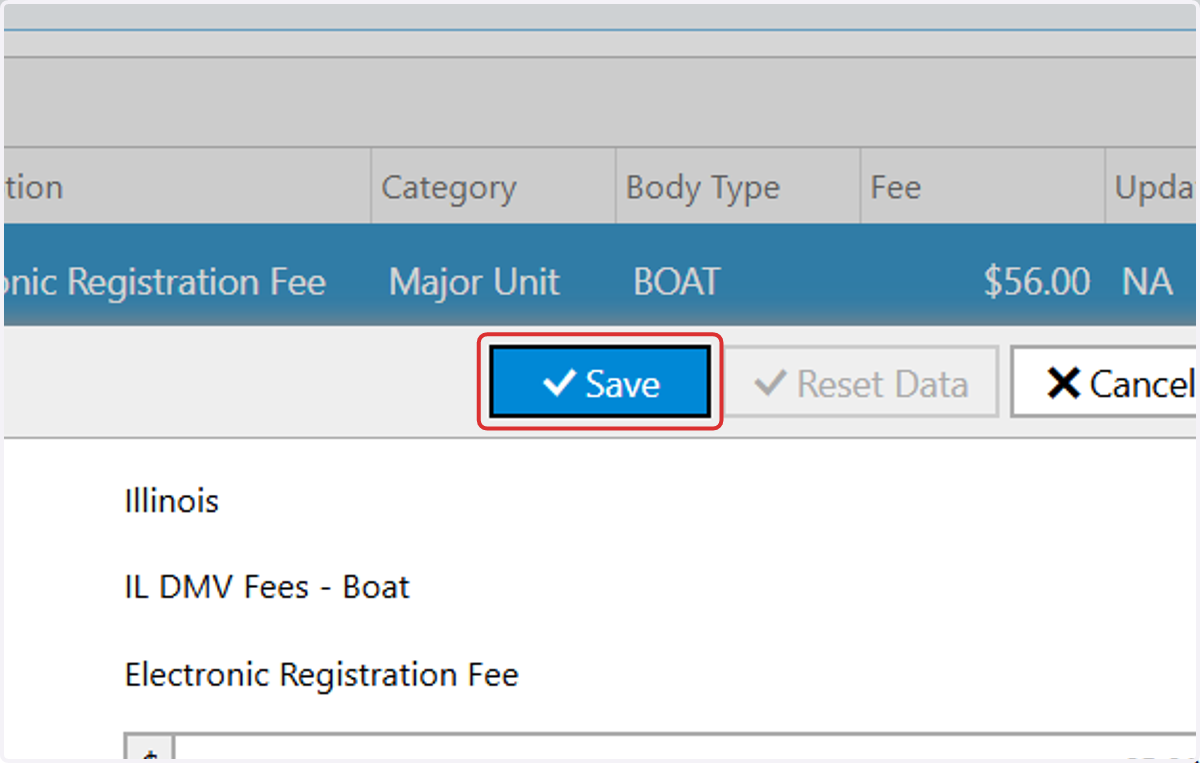
6. Click on Save