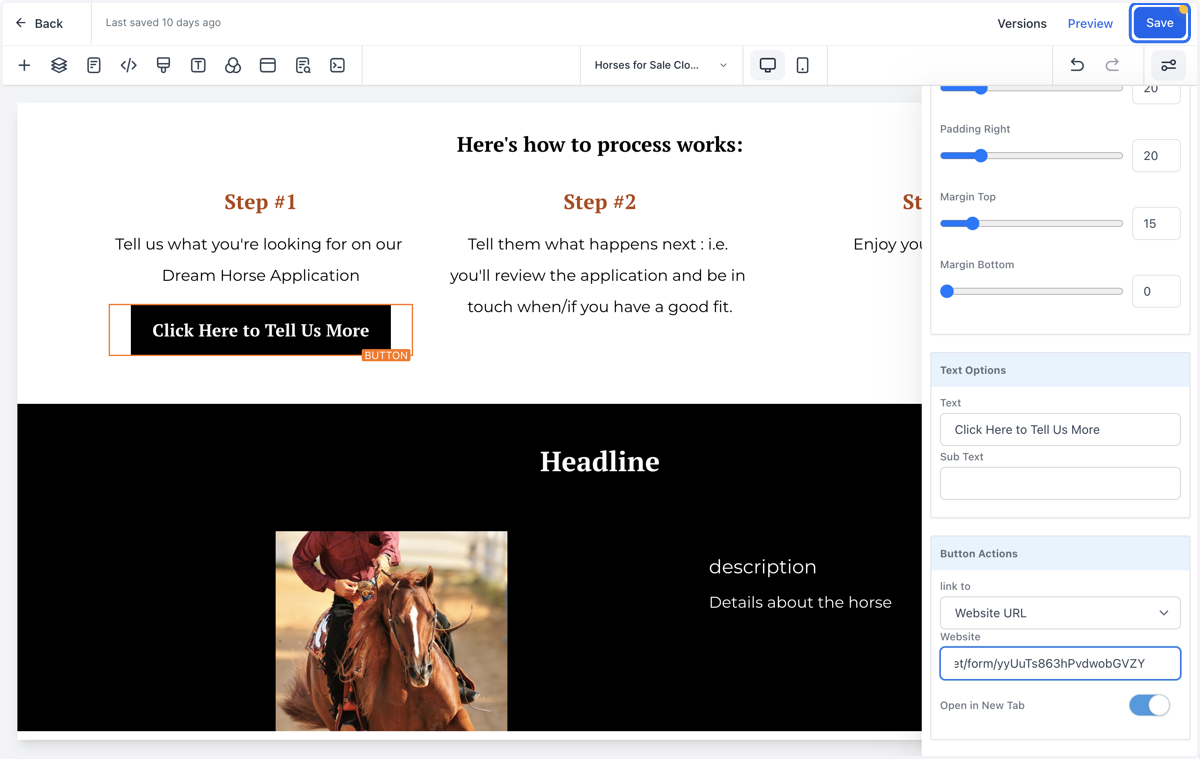
Navigating Website Forms and Editing Pages: A Step-by-Step Tutorial
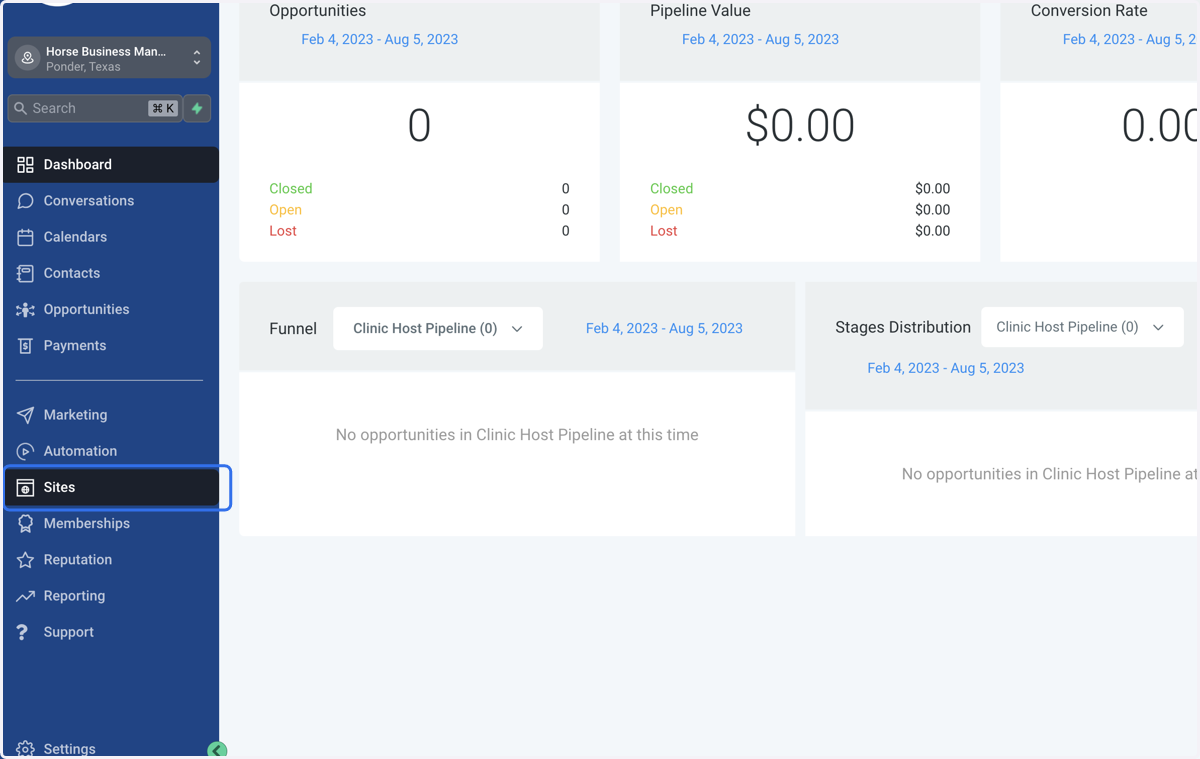
1. Click on Sites
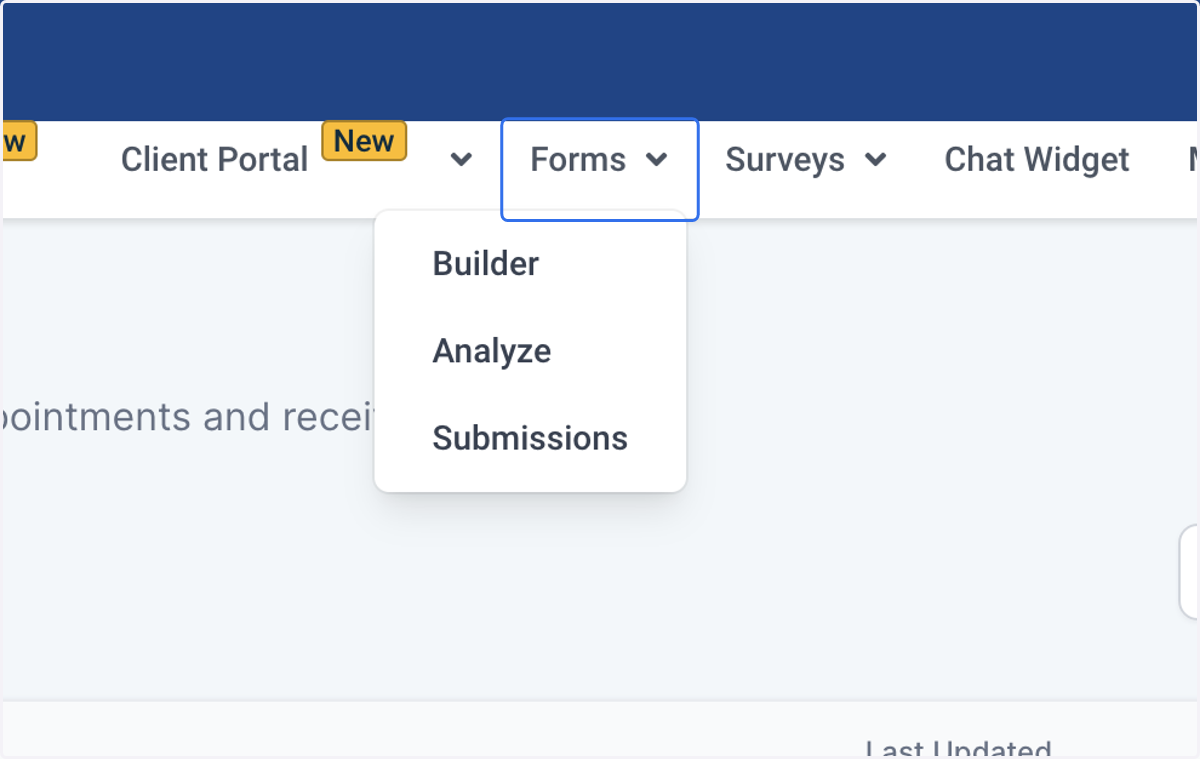
2. Click on Forms…
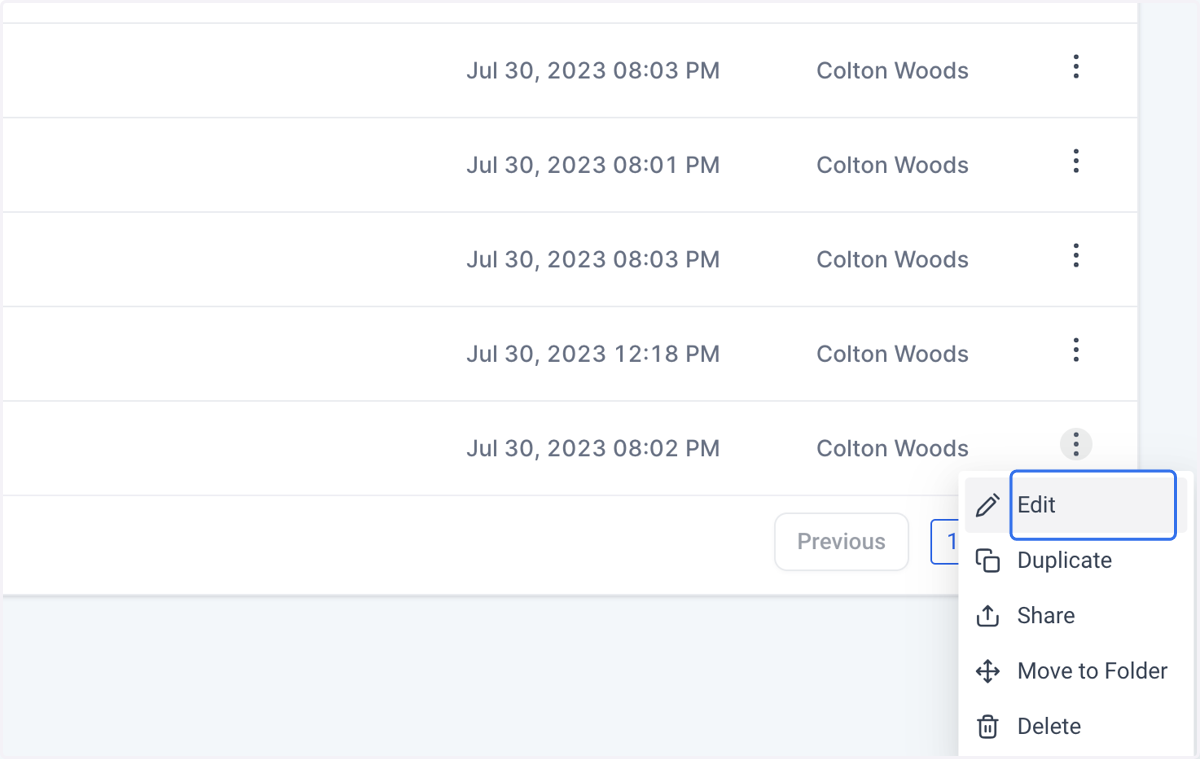
3. Locate the form you want to link and click on the three dots
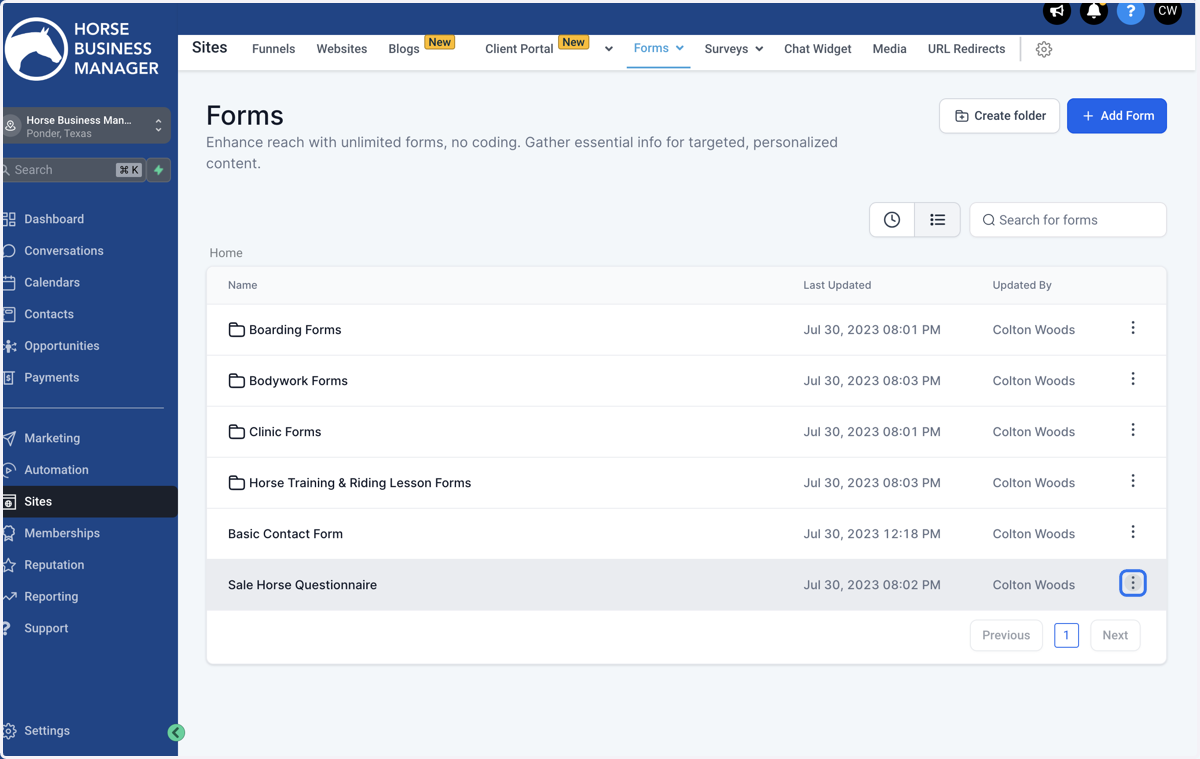
4. Click on Edit
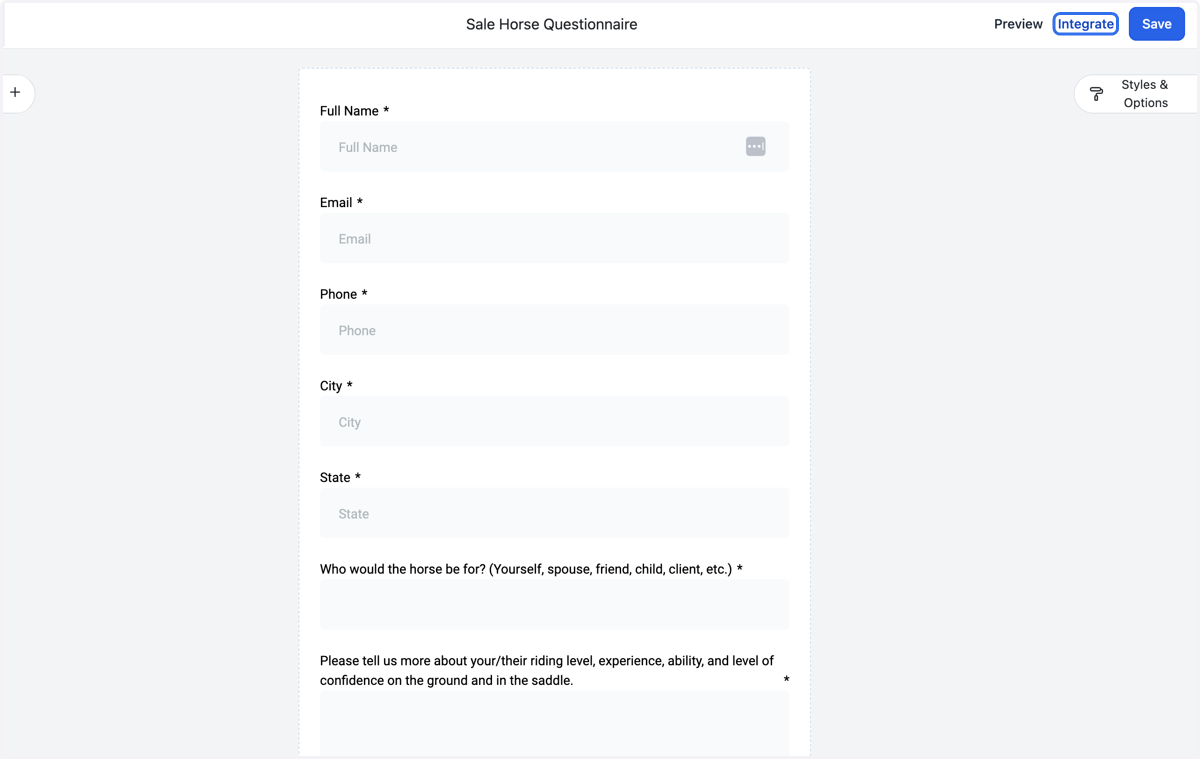
5. Click on Integrate
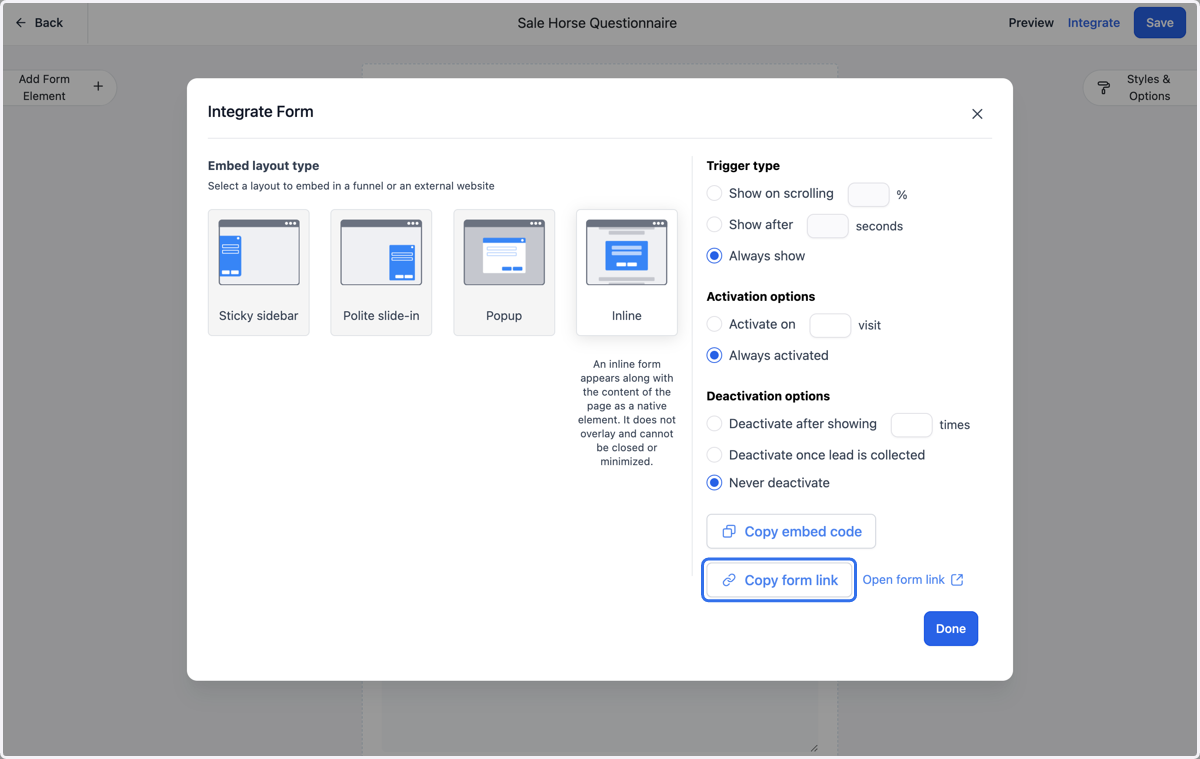
6. Click on Copy form link
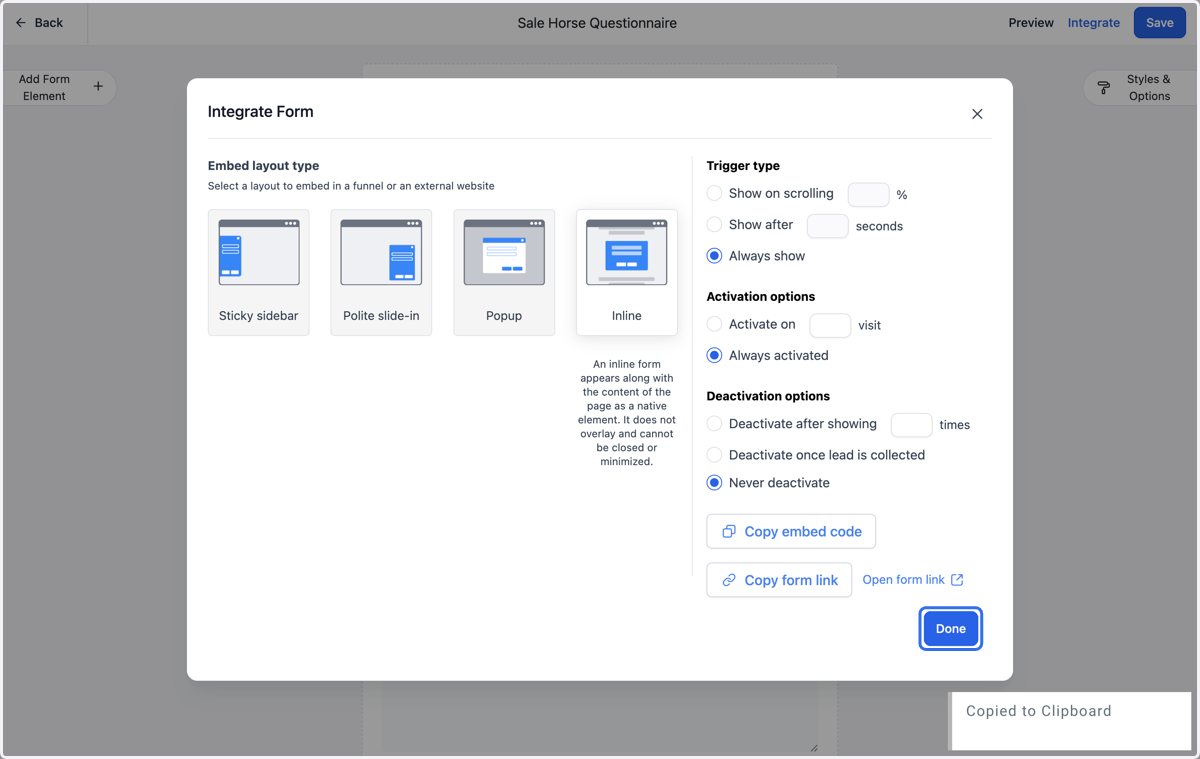
7. Click on Done
8. Click on Back
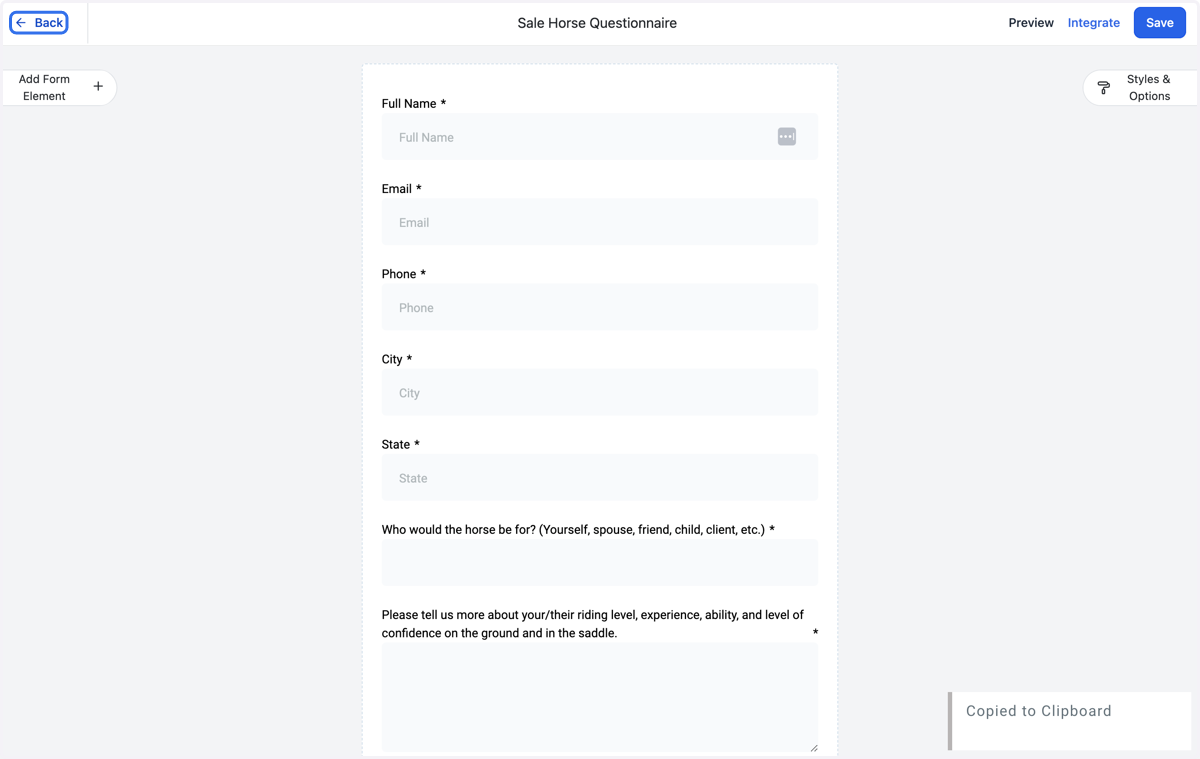
9. Click on Websites
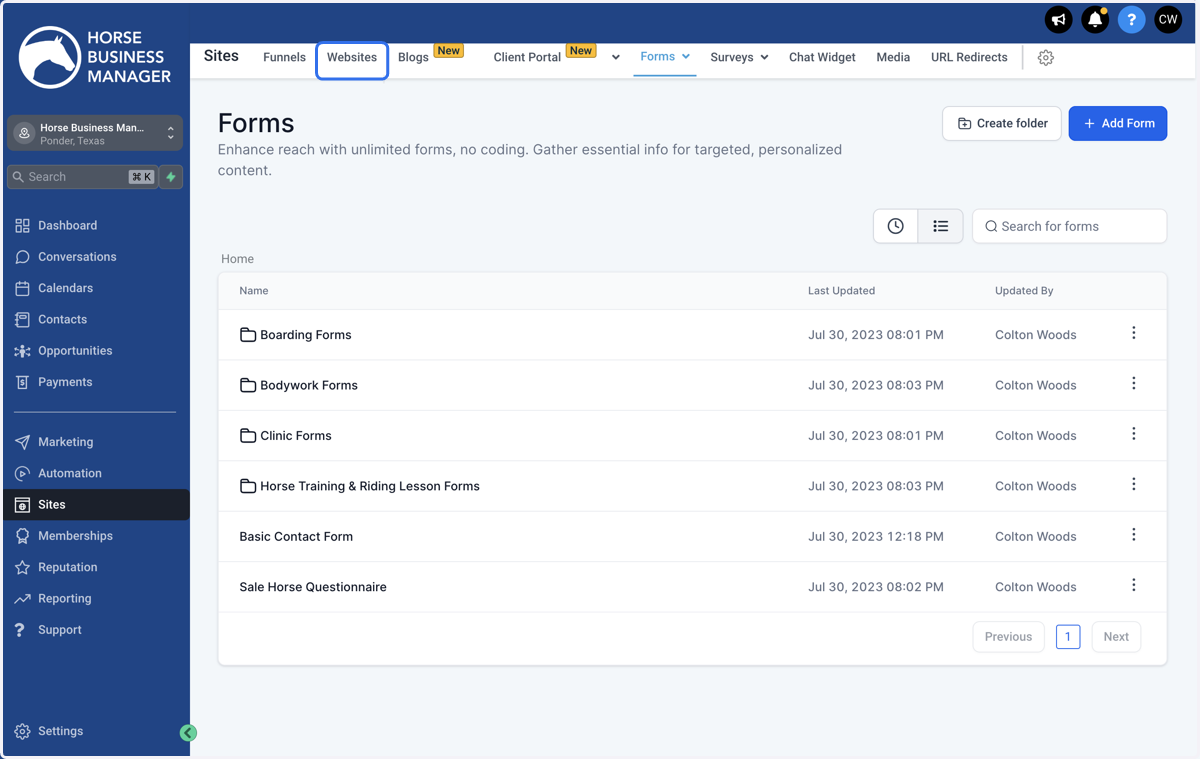
10. Select the website that you want to add the form to
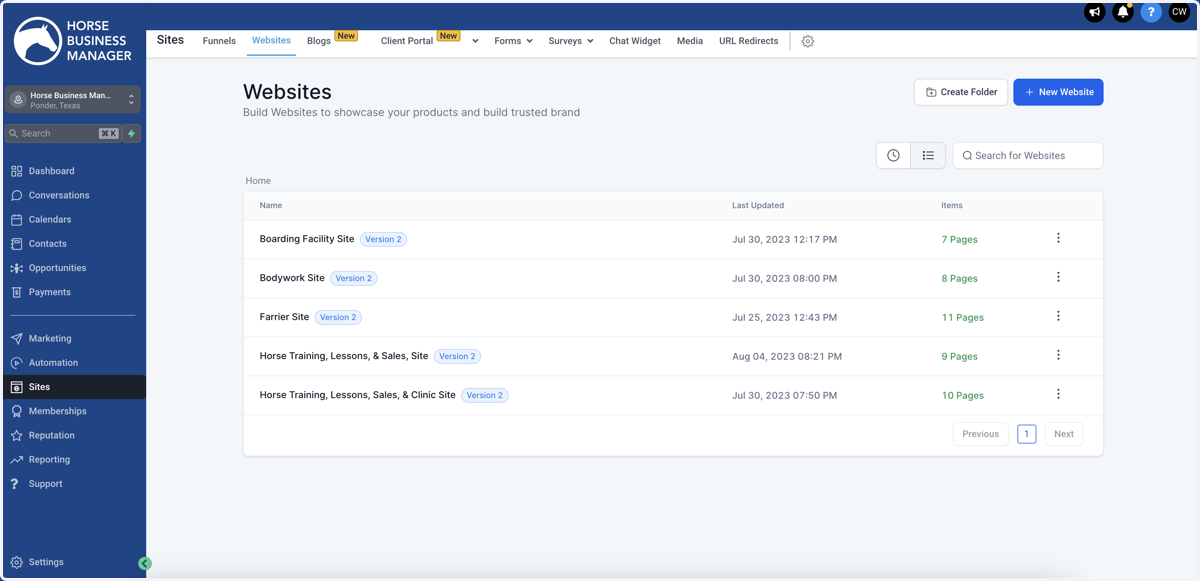
11. Locate the page that you want to link to form to
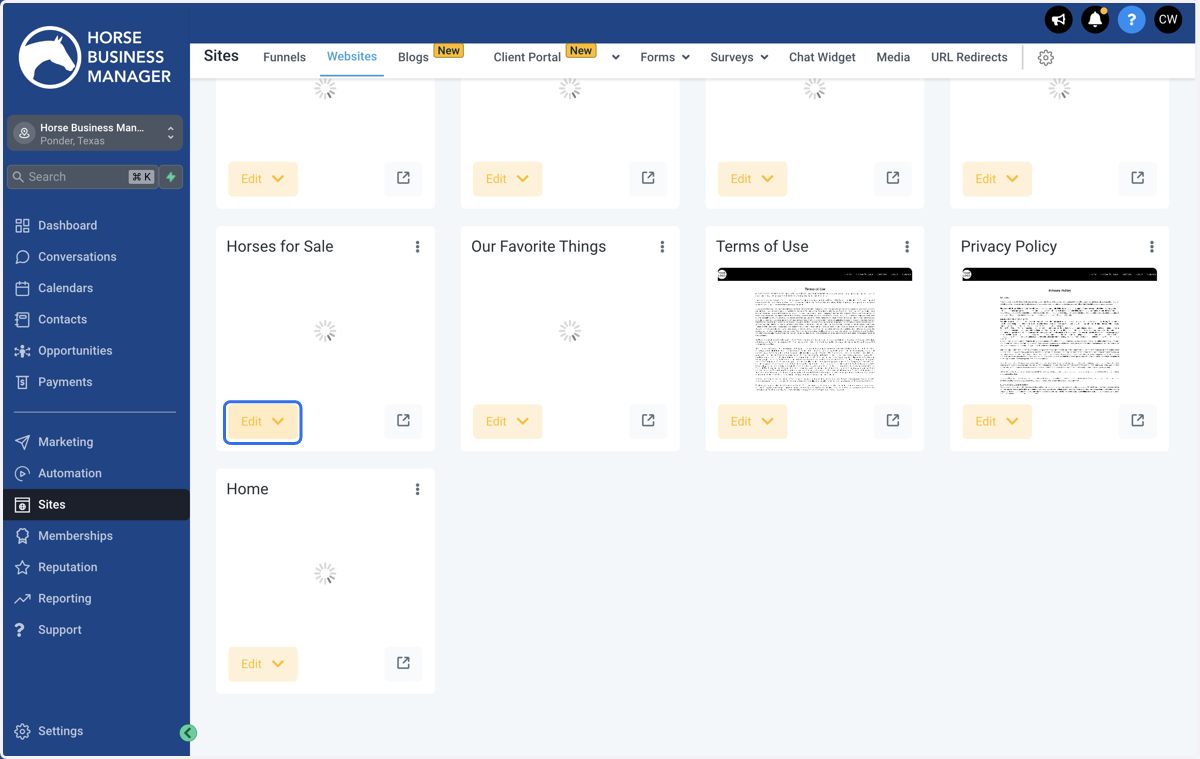
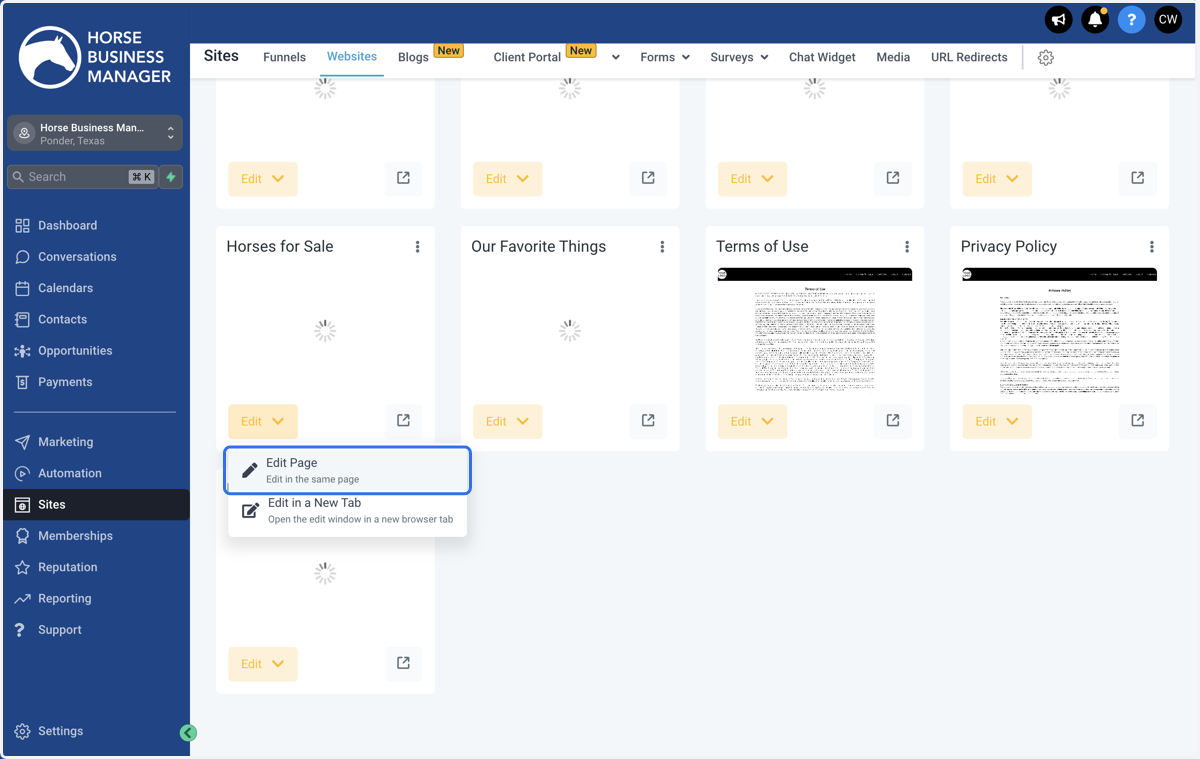
12. Click on Edit Page
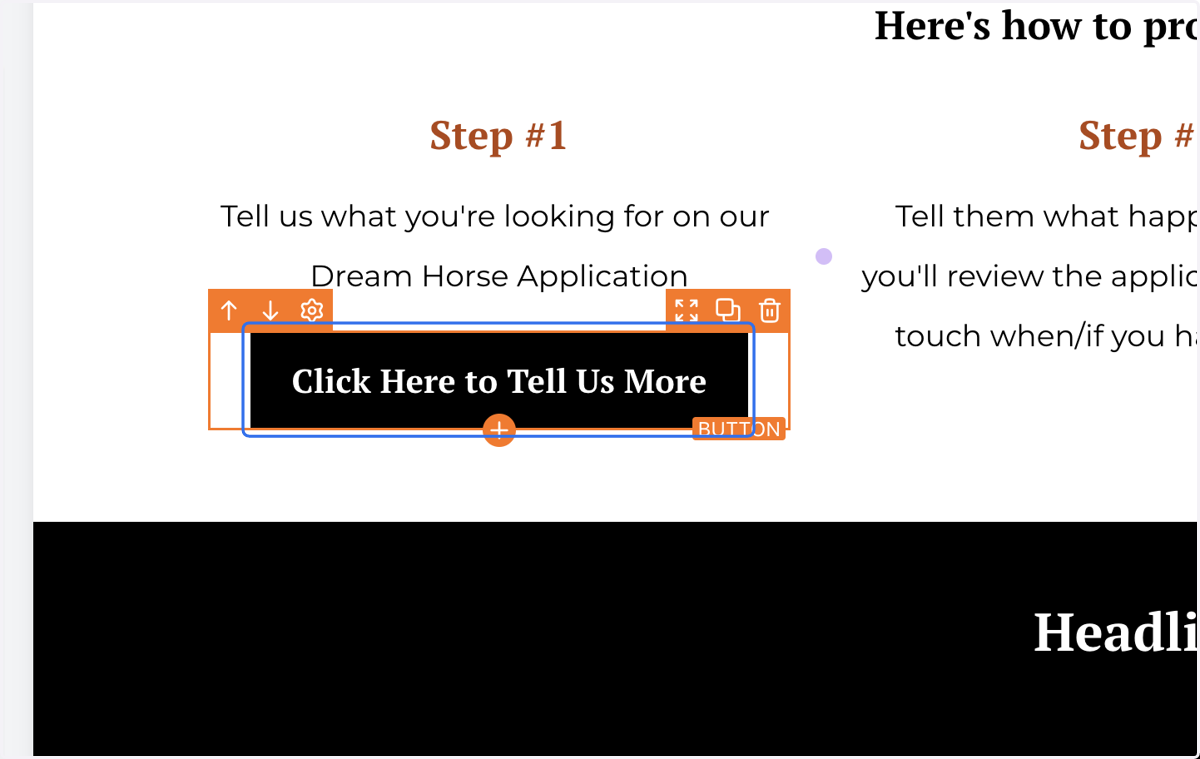
13. Locate and click on the button that you want to link the form to
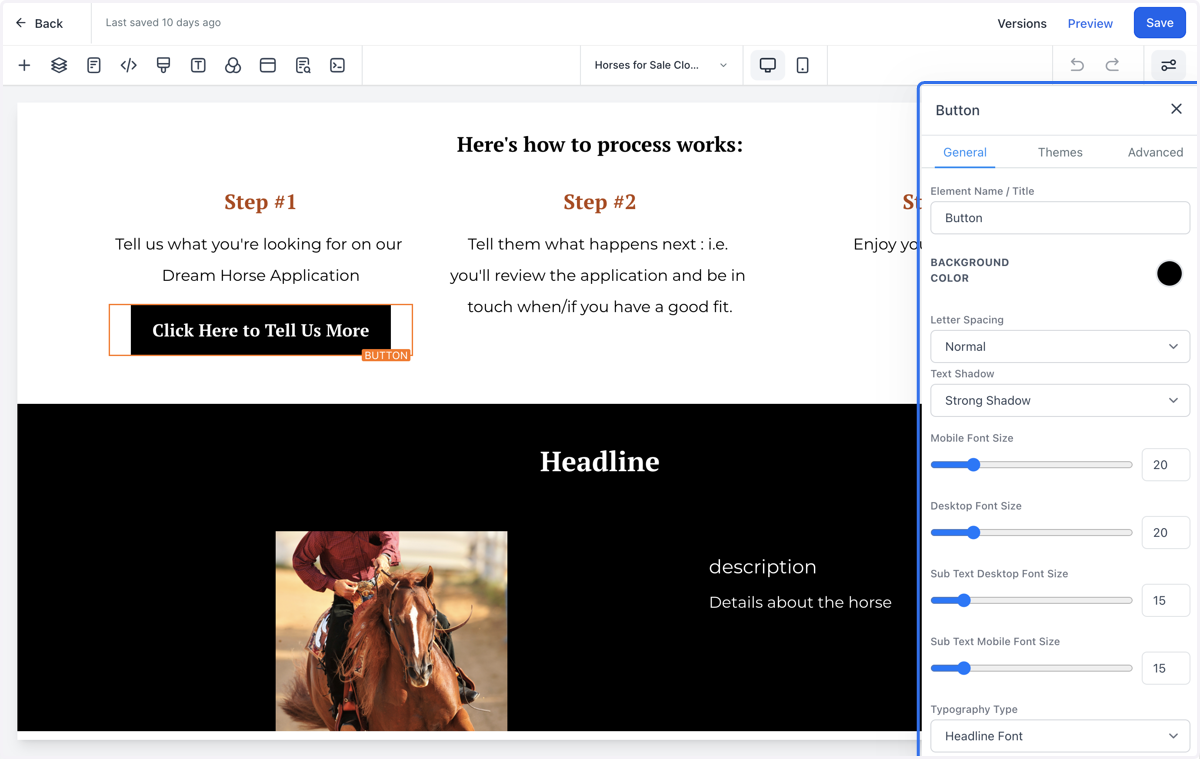
14. When you click on the button element, the editor will open
15. Scroll to the bottom of the Button editor to "Button Actions"
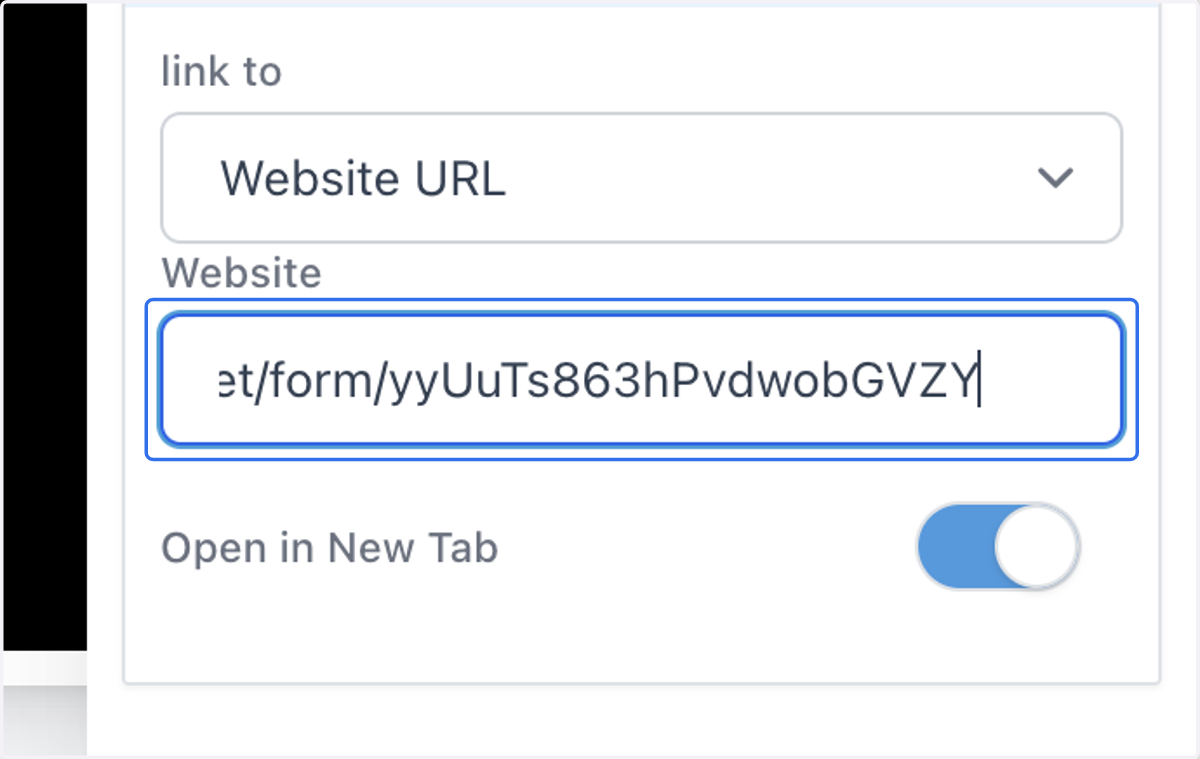
Set the Links to "Website URL"
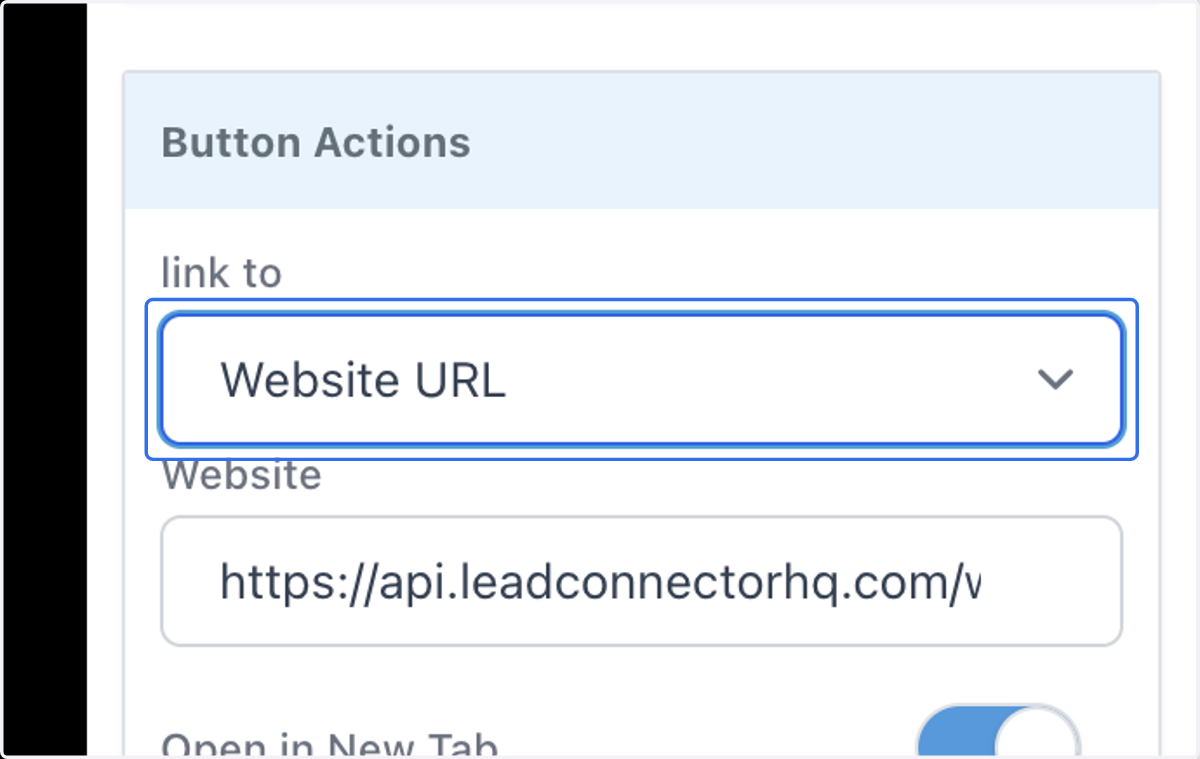
16. Paste in the Form link
17. Click on Save