Submit Fundraising Campaign with Java Momma
A walk through on how to submit a fundraising campaign at Java Momma.
Java Momma
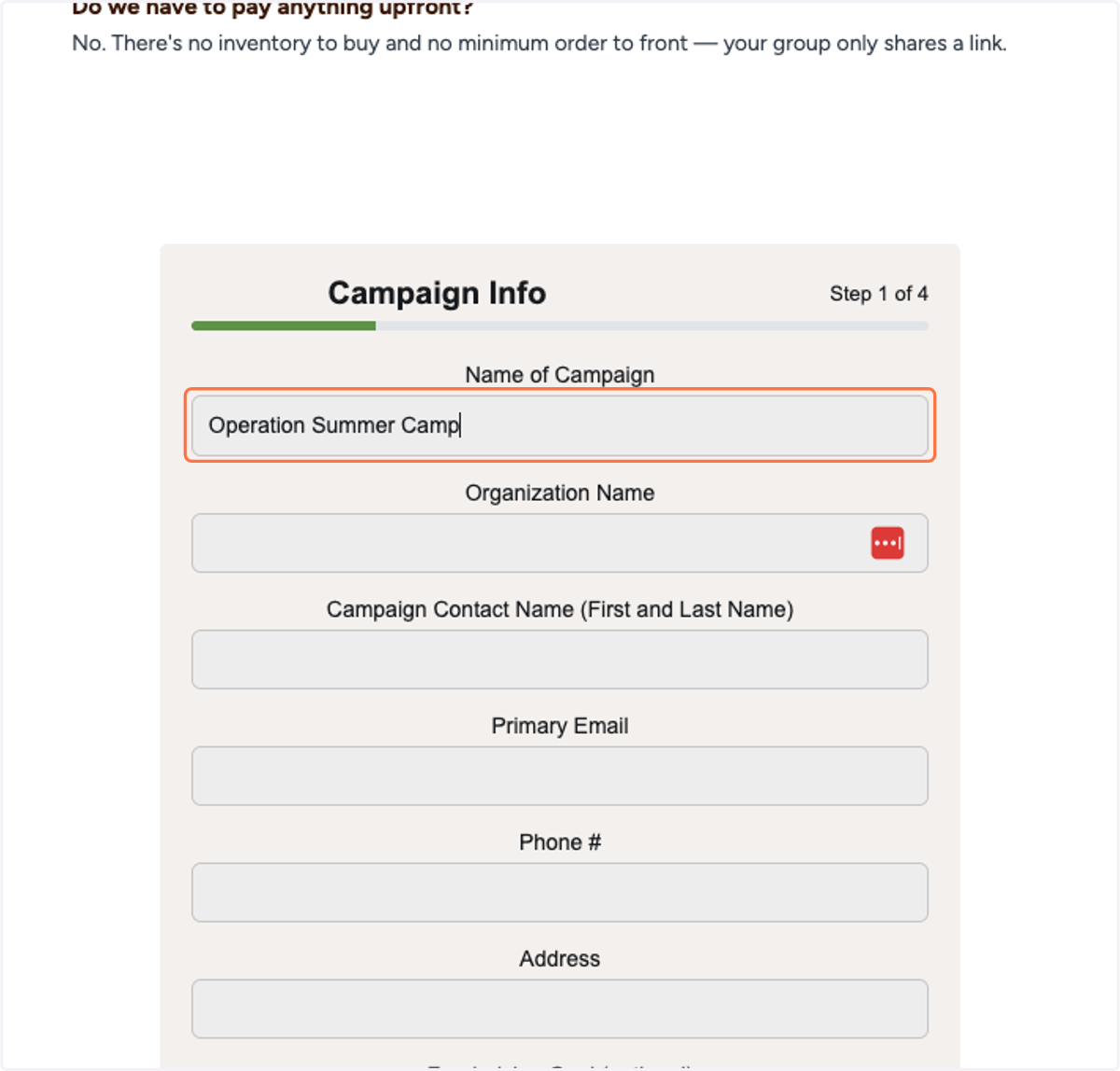
1. Type the name of your campaign
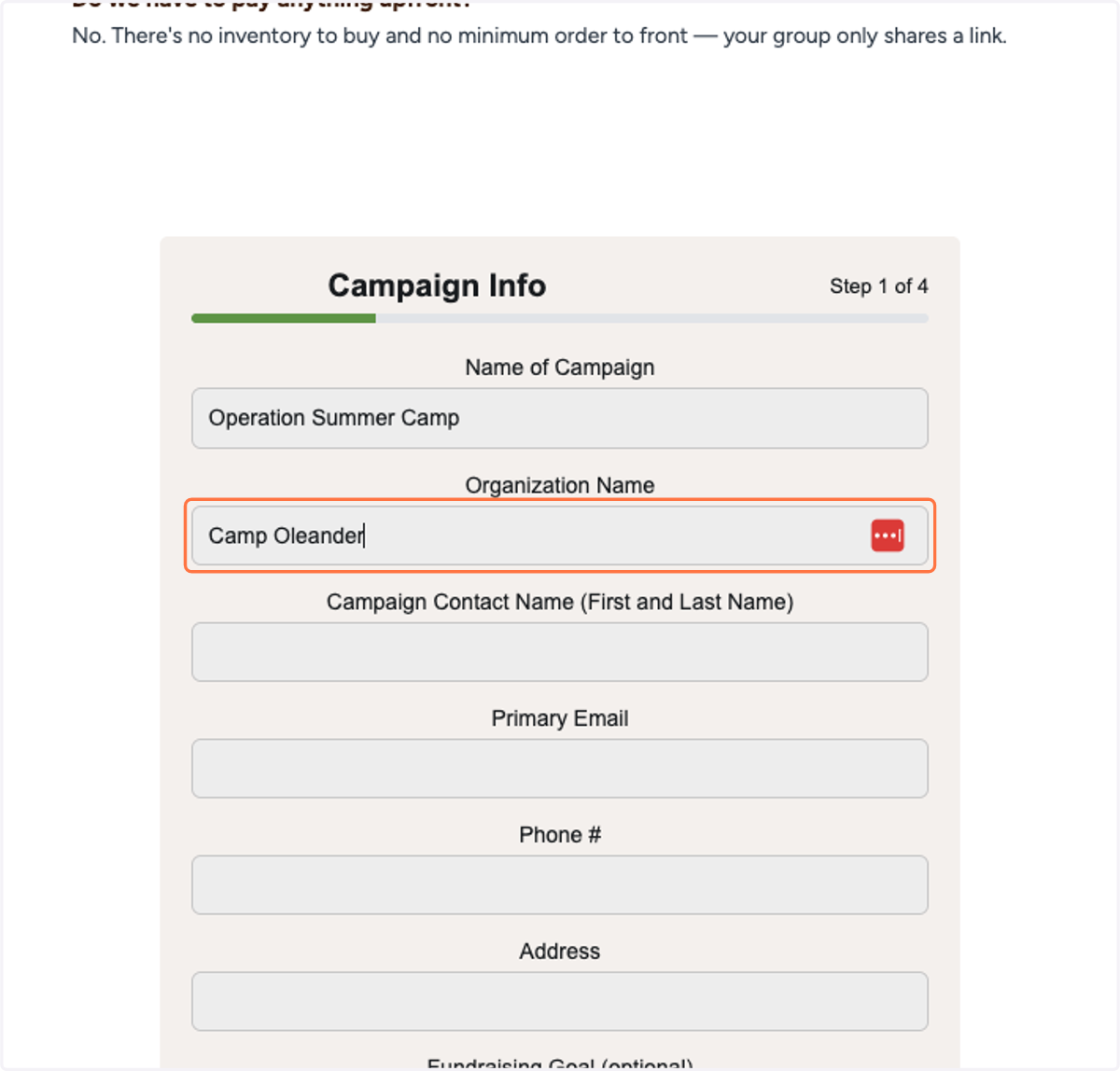
2. Type the name of your group or organization that you are fundraising for
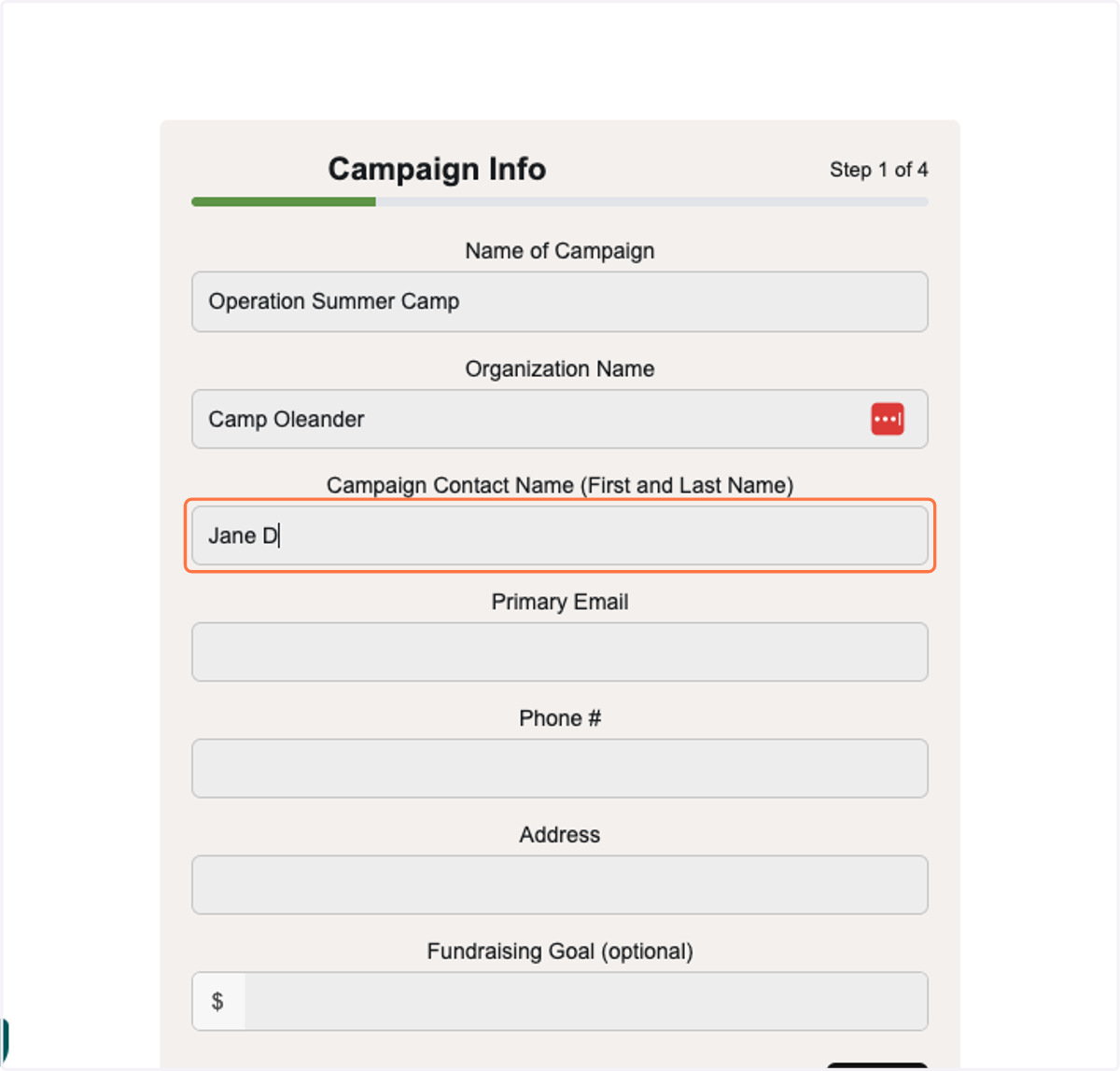
3. Type in the name of the main contact for the fundraiser who will be liaising with Java Momma and also your fundraising team.
4. Type in the email contact for your campaign contact
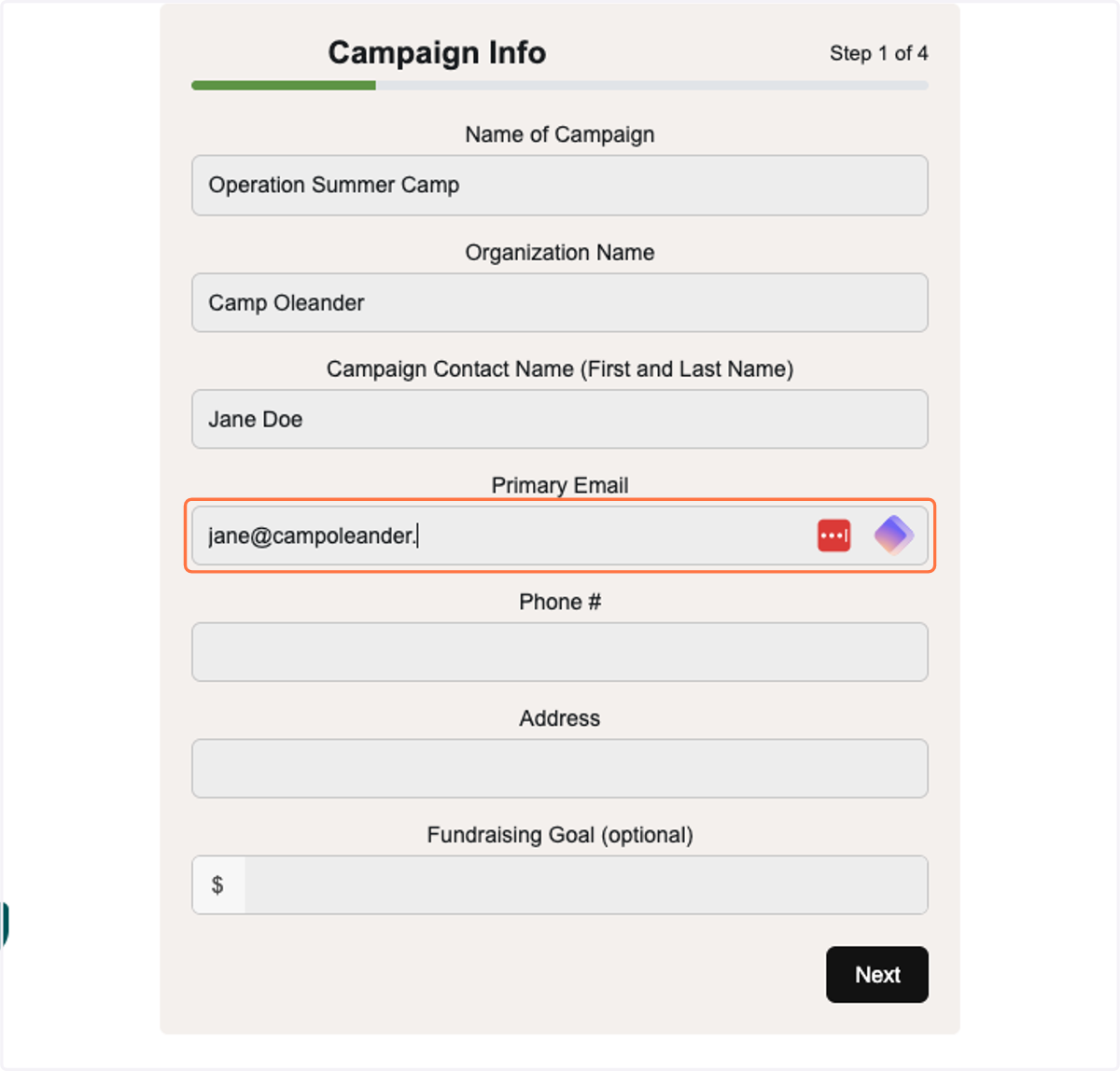
5. Type in the phone number for the main contact
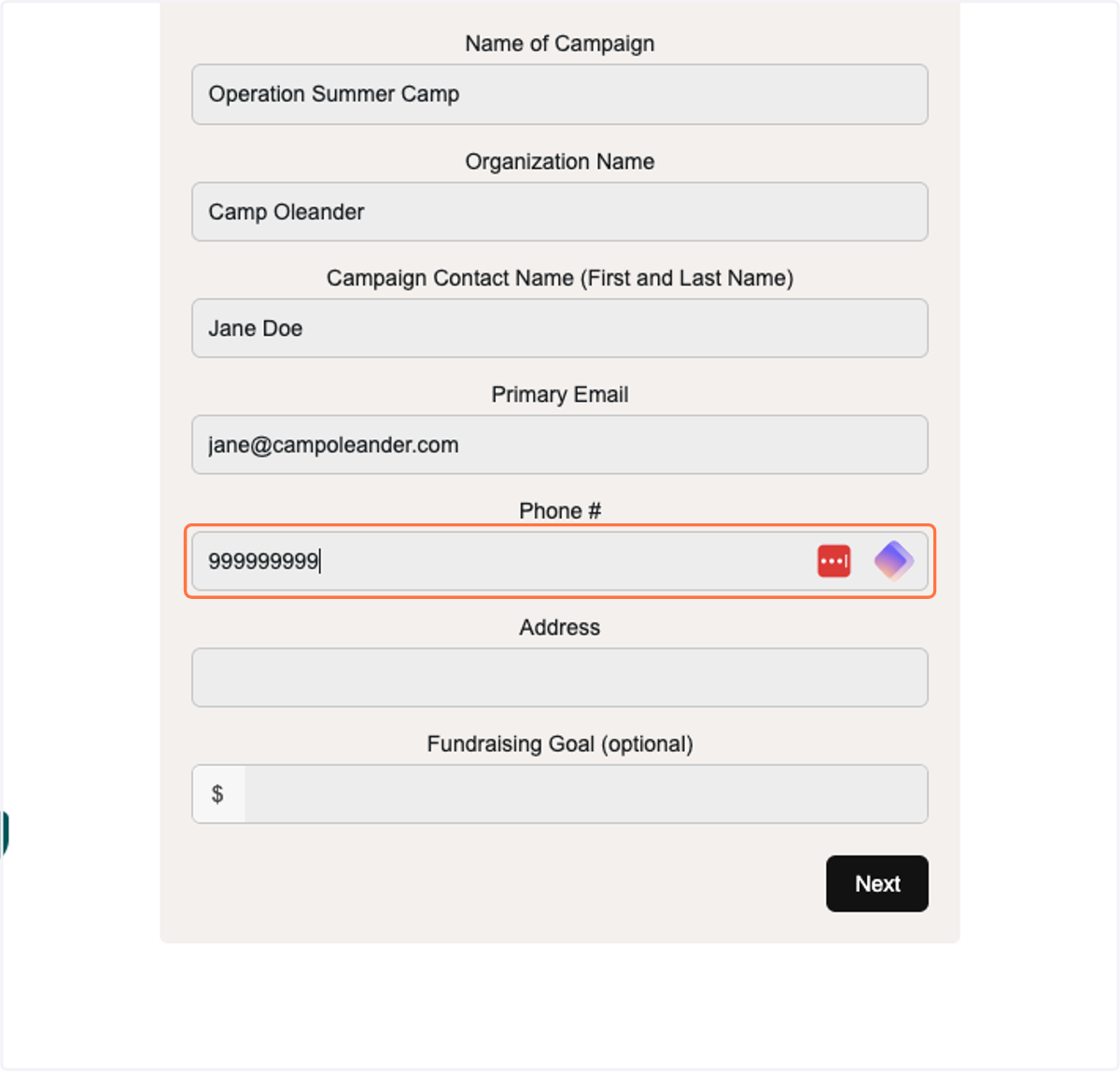
6. Type in the address for the main contact - this is where the check will be sent at the end of fundraiser.
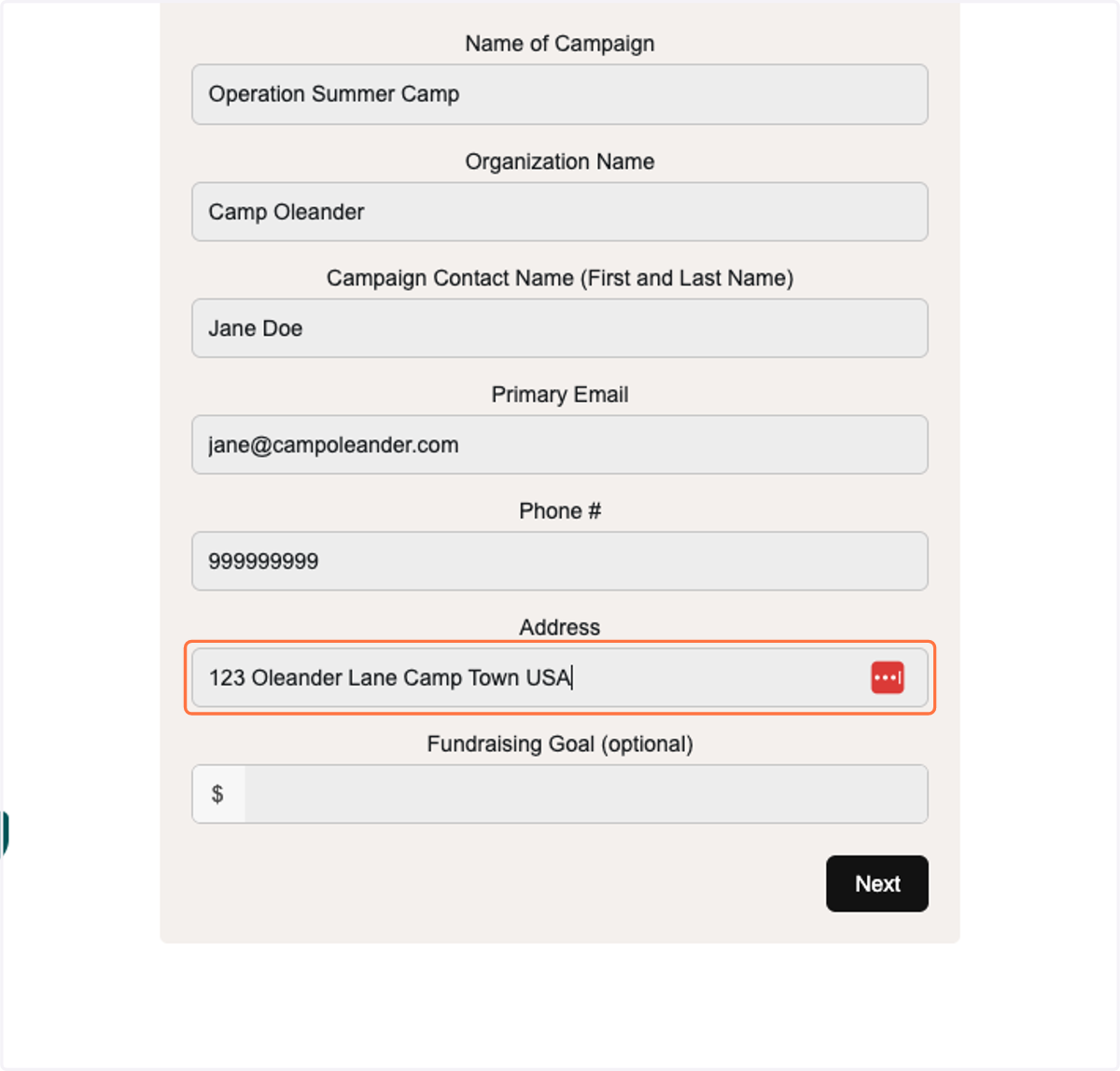
7. Type in your fundraising goal (total sales) that your percentage will be based off of. This is optional it shows on the fundraising dashboard with a tracker for how close you are to the goal.
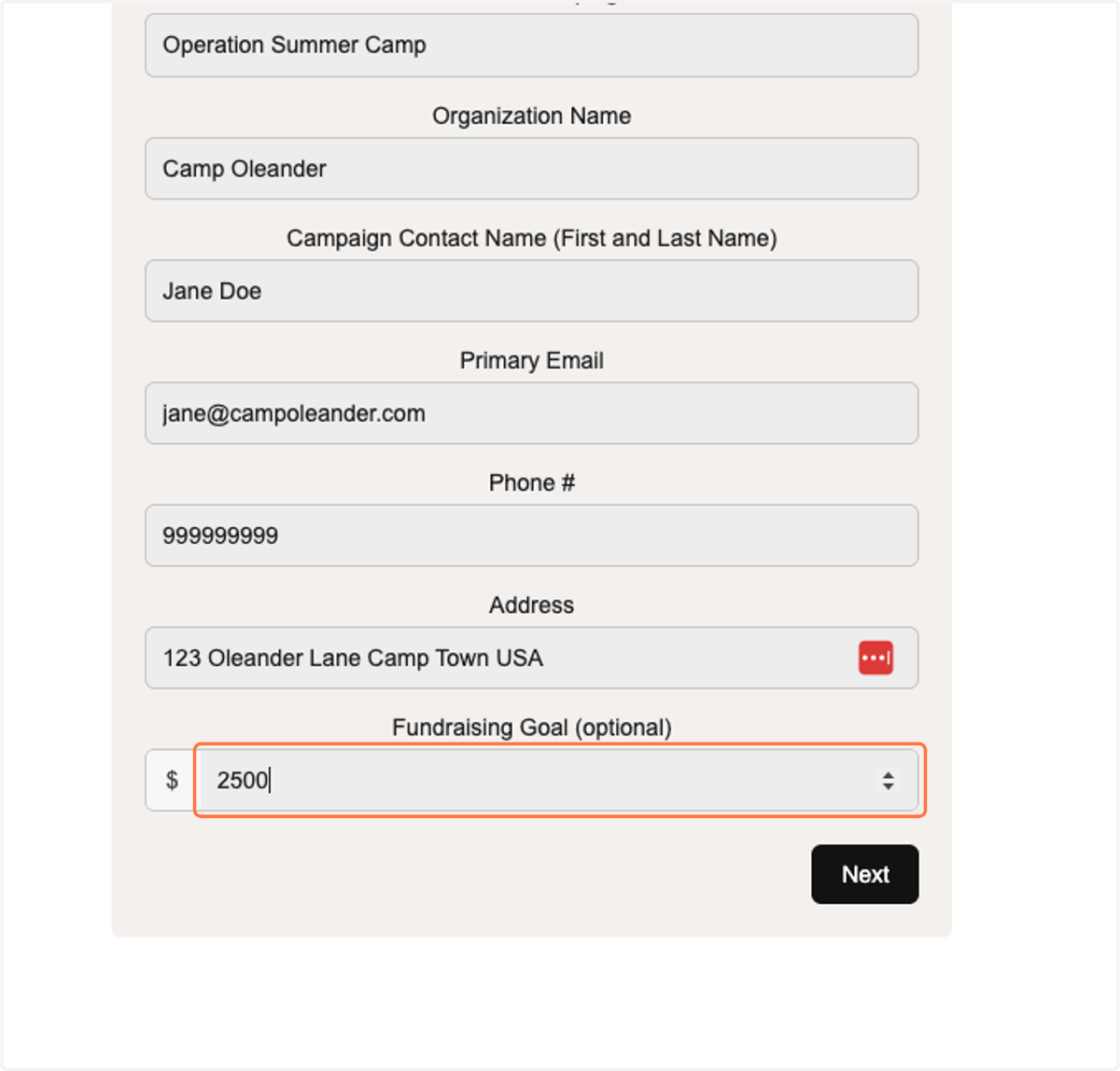
8. Click on Next
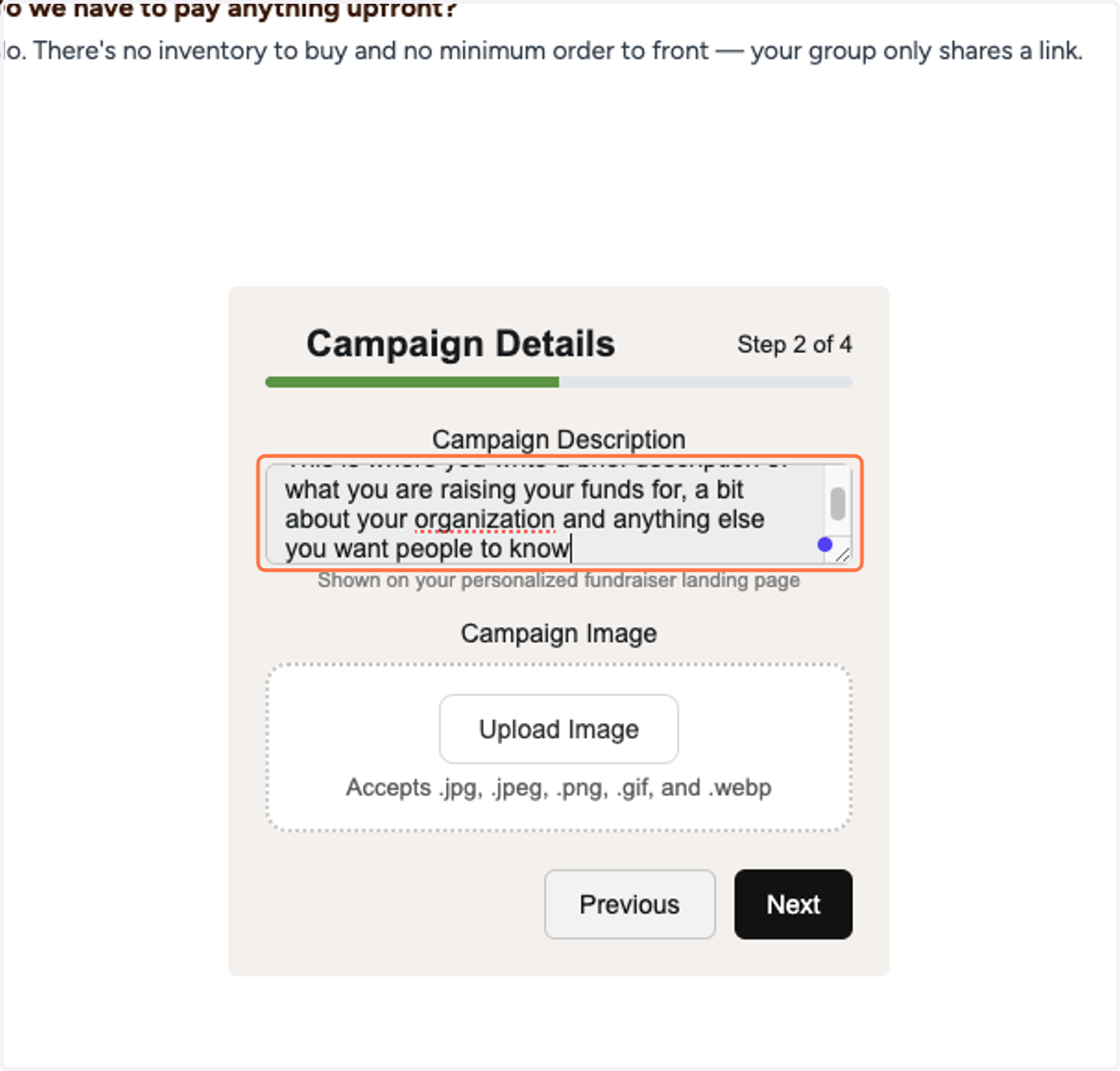
9. Type "This is where you write a brief description of what you are raising your funds for, a bit about your organization and anything else you want people to know"
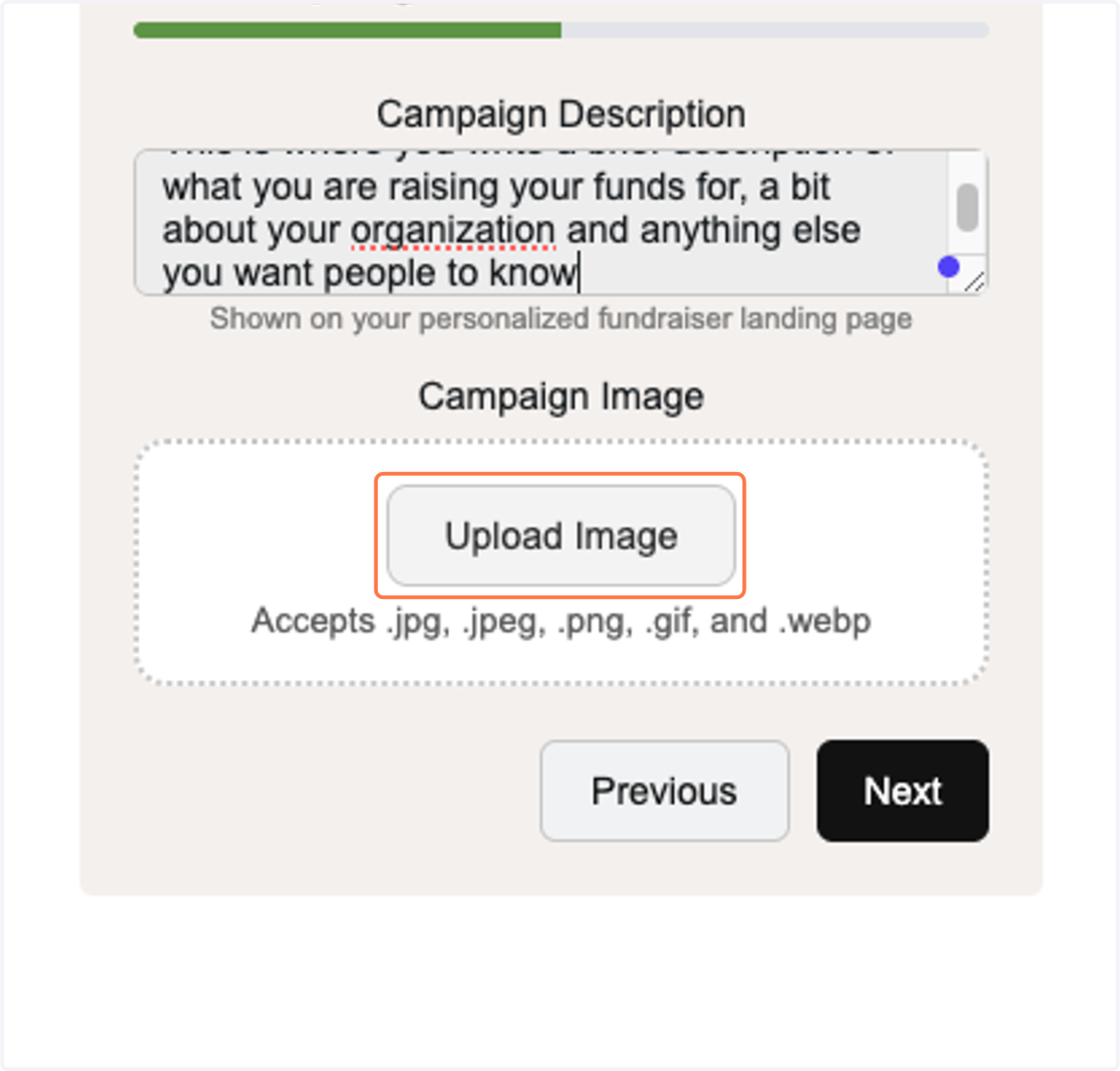
10. Click on Upload Image
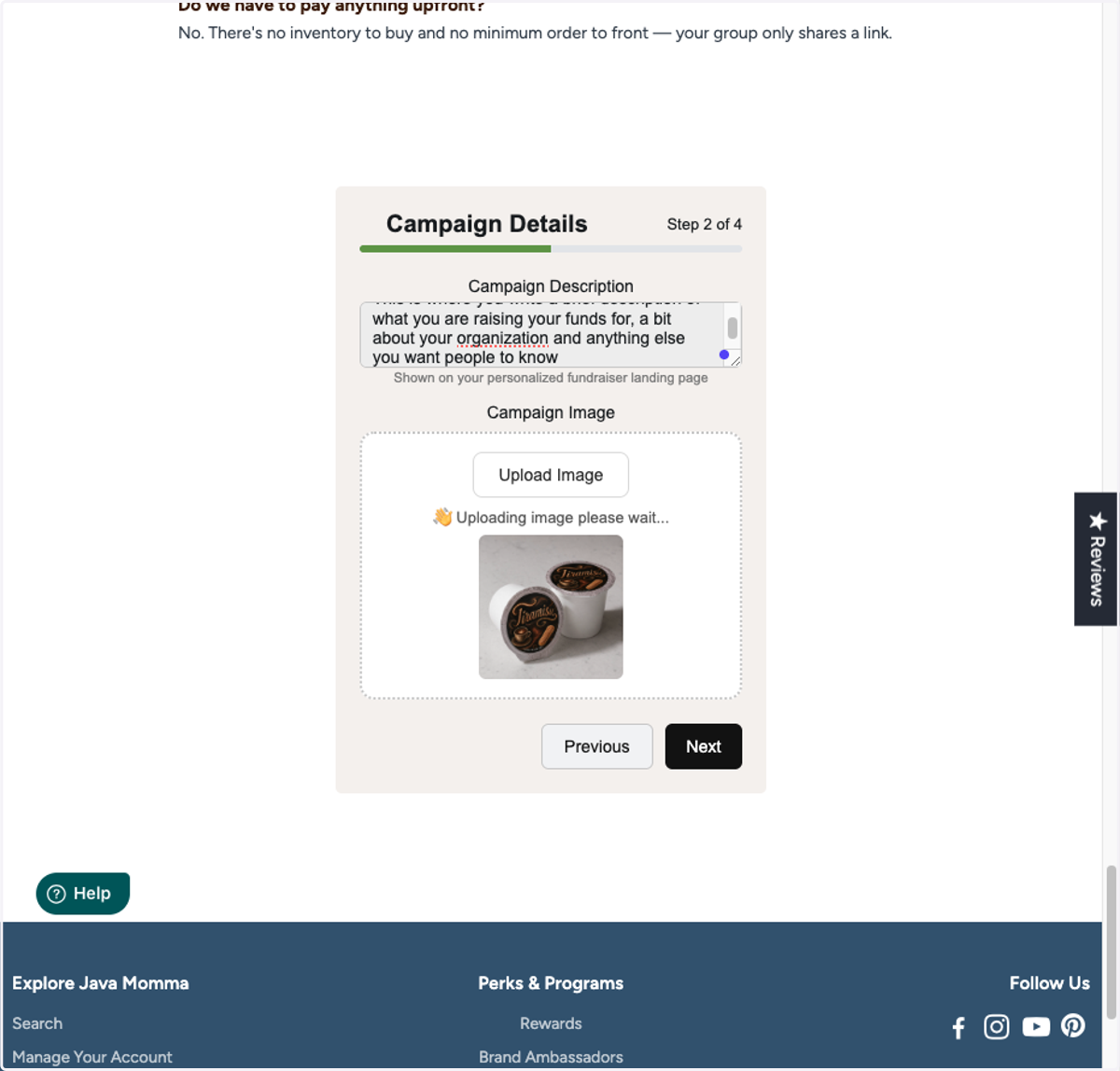
11. Select your logo image and upload
12. Click on Next
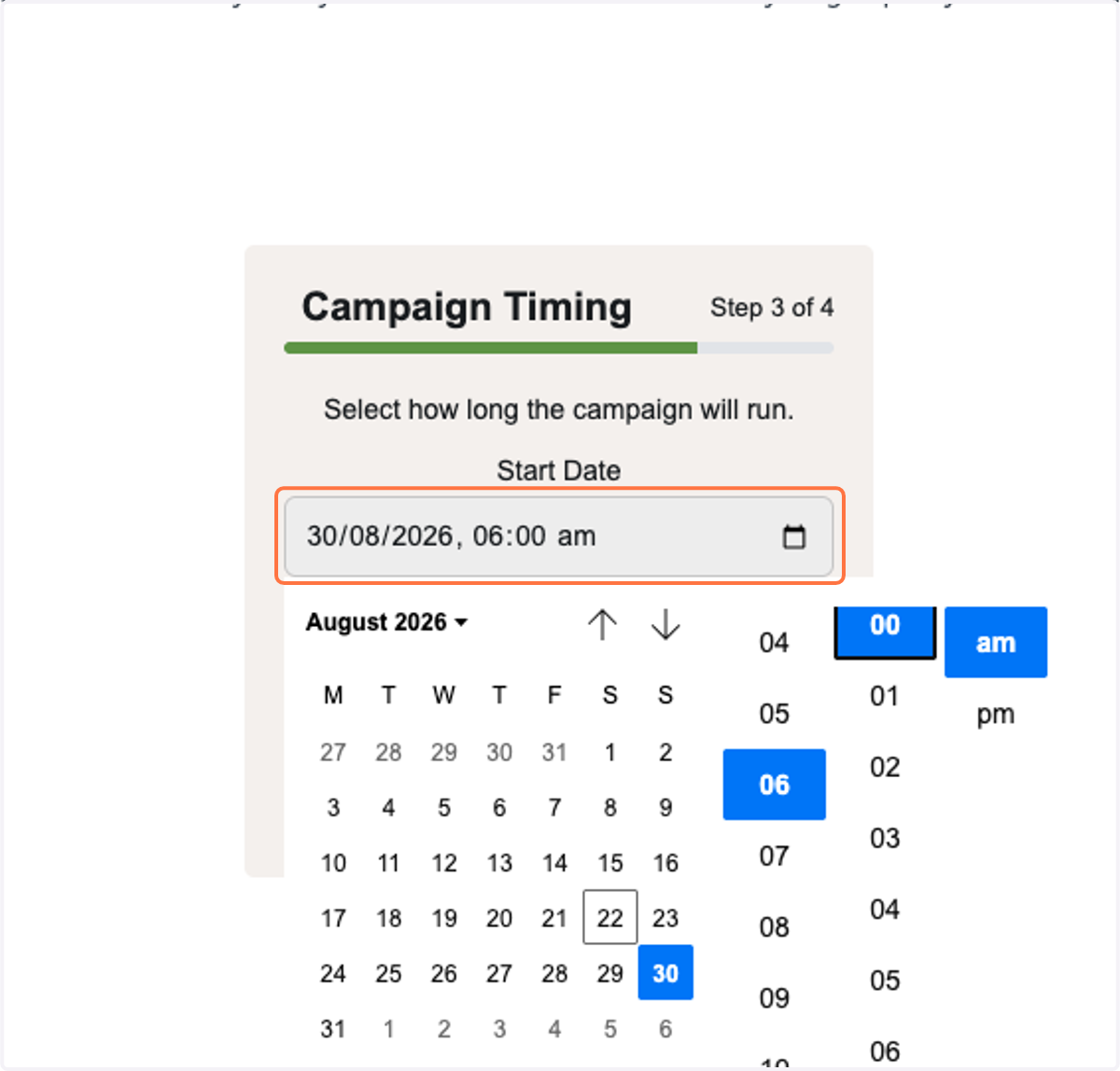
13. Type in the day you would like your fundraiser to begin (at least 7 days in the future) and time.
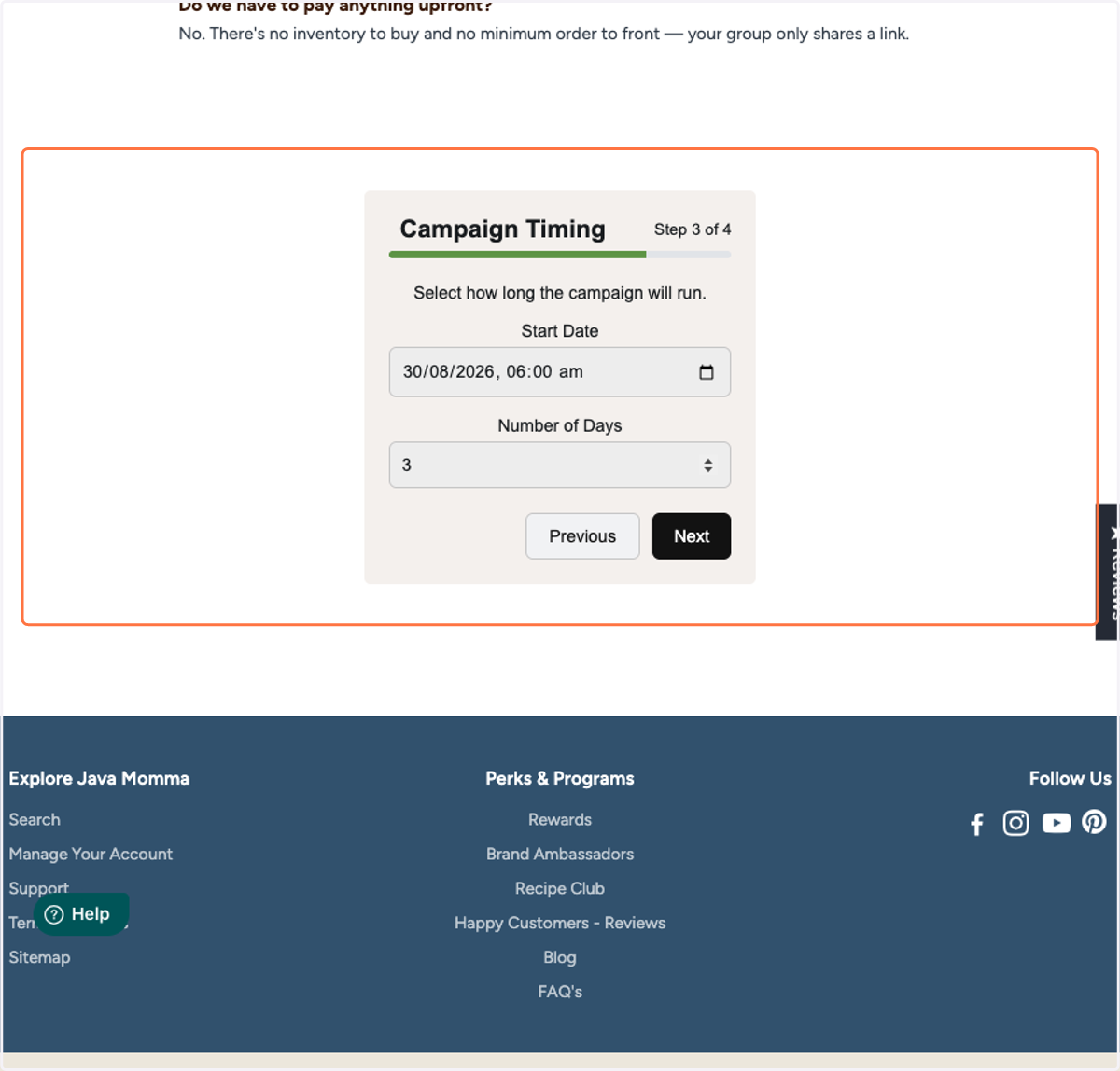
14. Click on Campaign Timing…and select the number of days you'd like your campaign to run.
15. Click on Next
16. Type in at least one participants name. The email is optional but is useful if you need to email the campaign participants during the campaign. You can add as many a participants as you would like
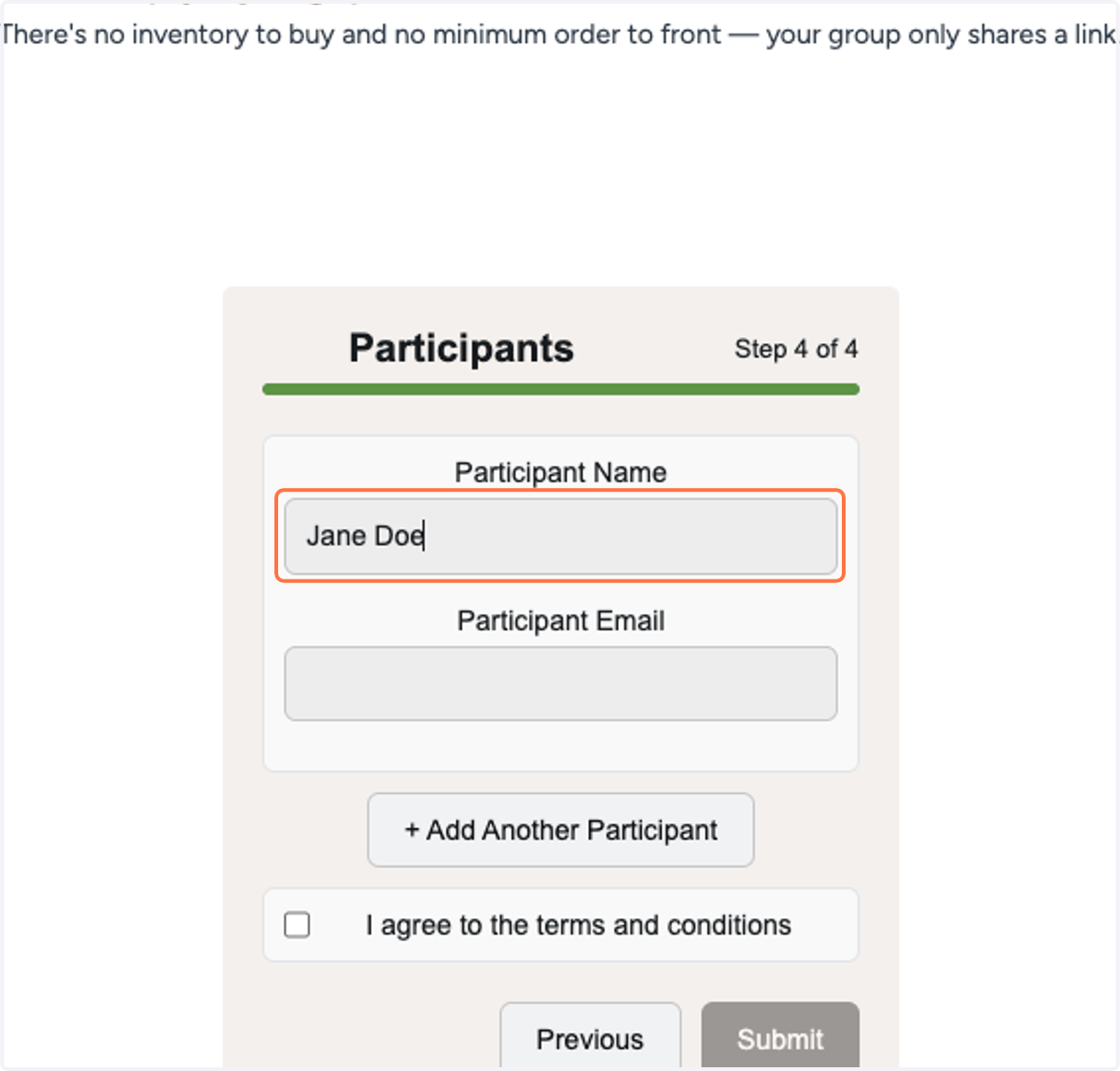
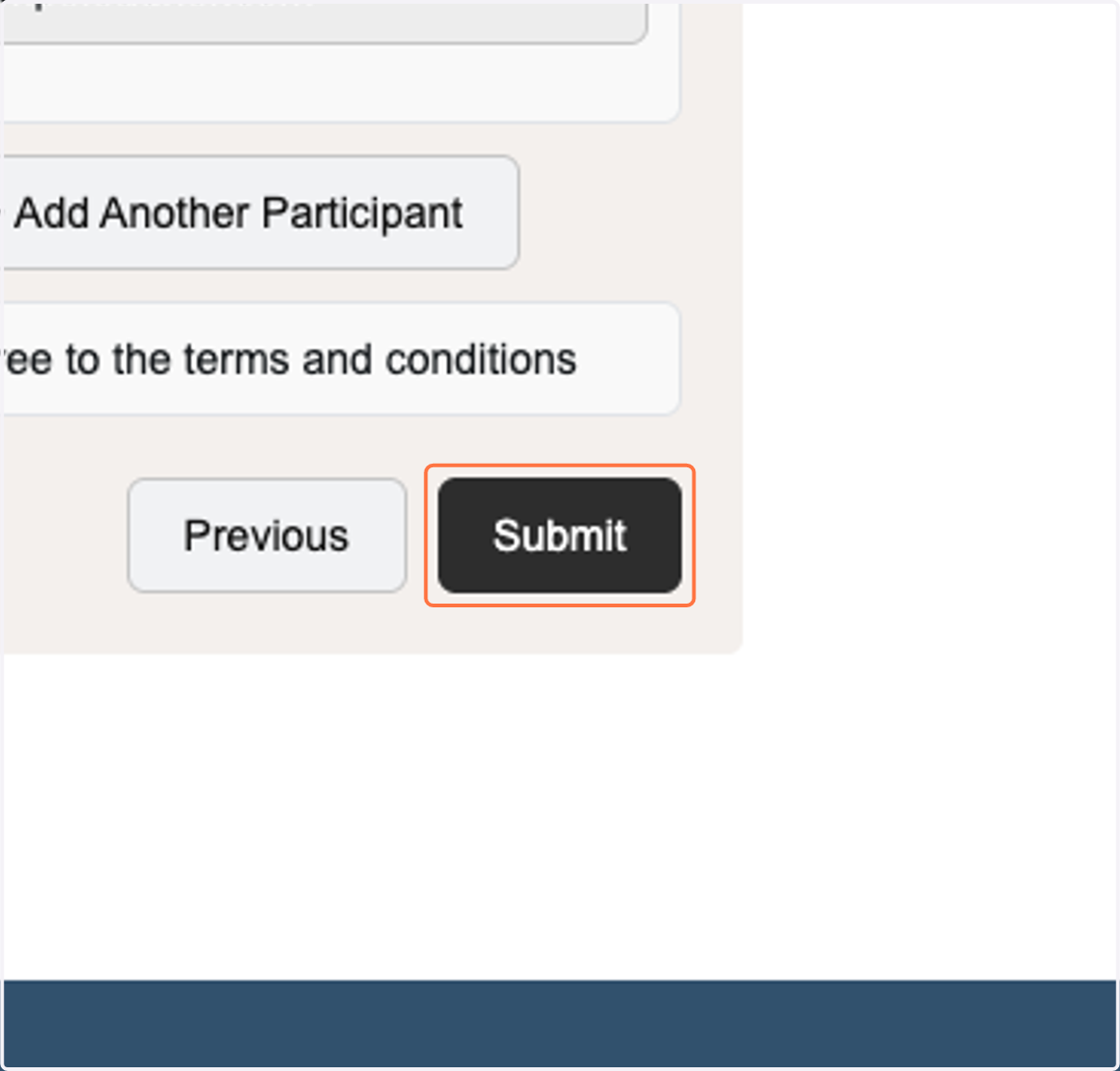
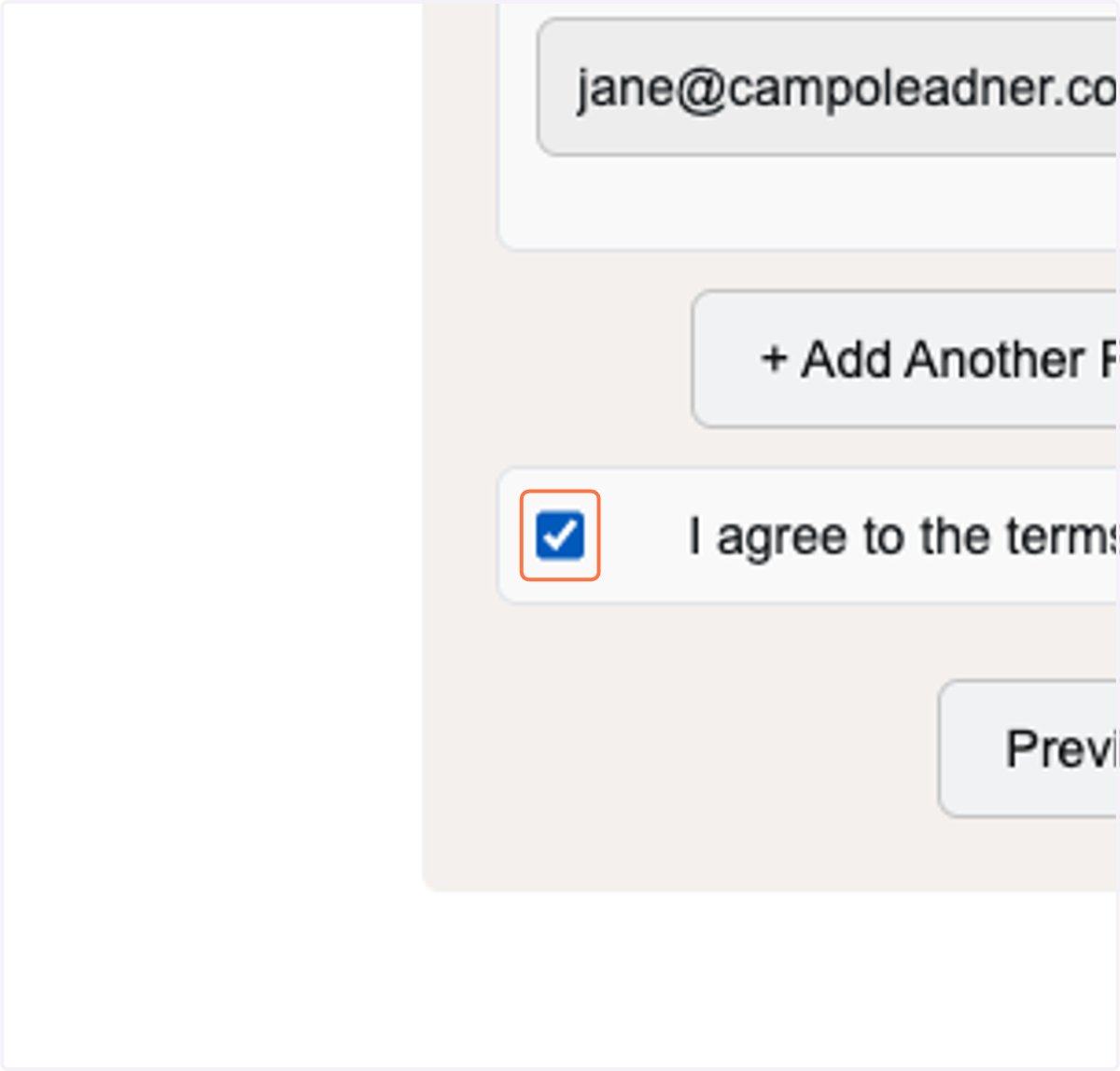
17. Check I agree to the terms and conditions after reading them.
18. Click on Submit