User assignment: User self-assignment
From the Backend
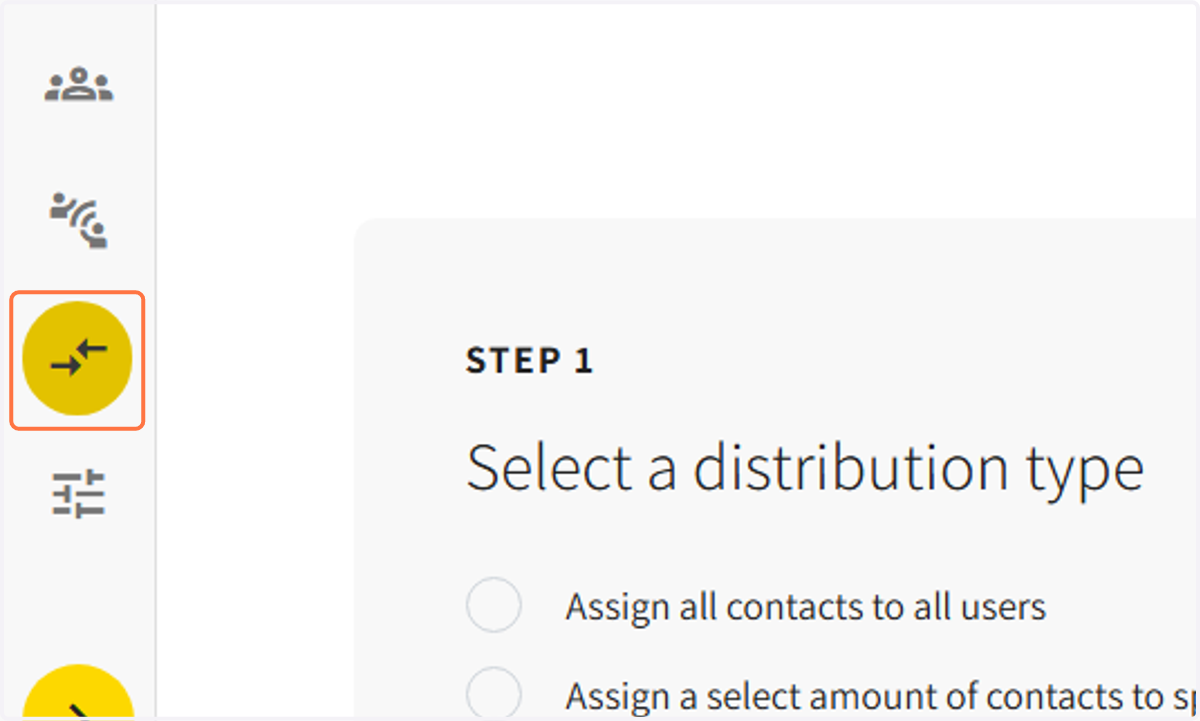
1. Select the 'ASSIGNMENT' icon on the guide tab
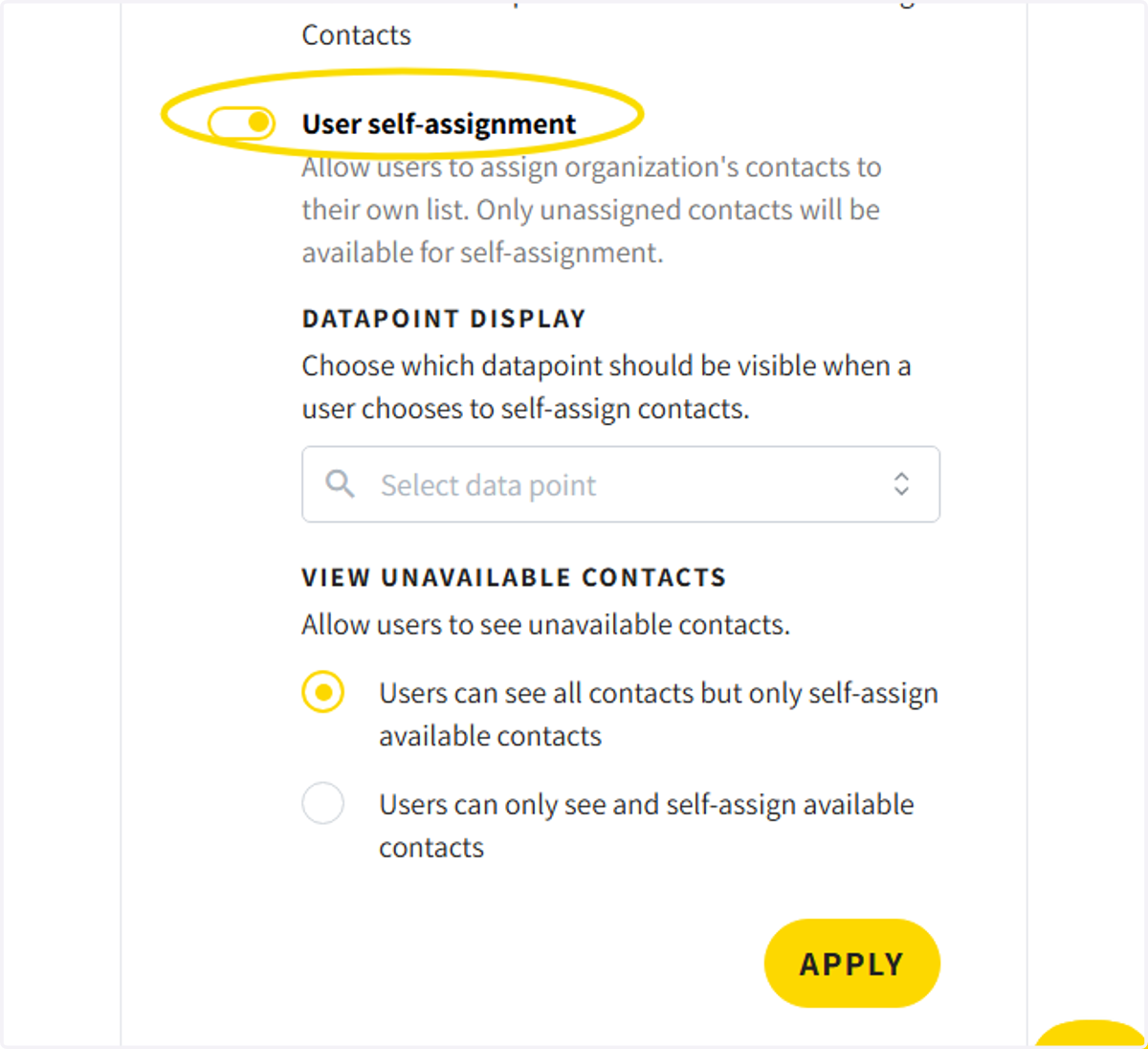
2. Select 'User self-assignment' to allow users to assign their own contacts
Only unassigned contacts will be available
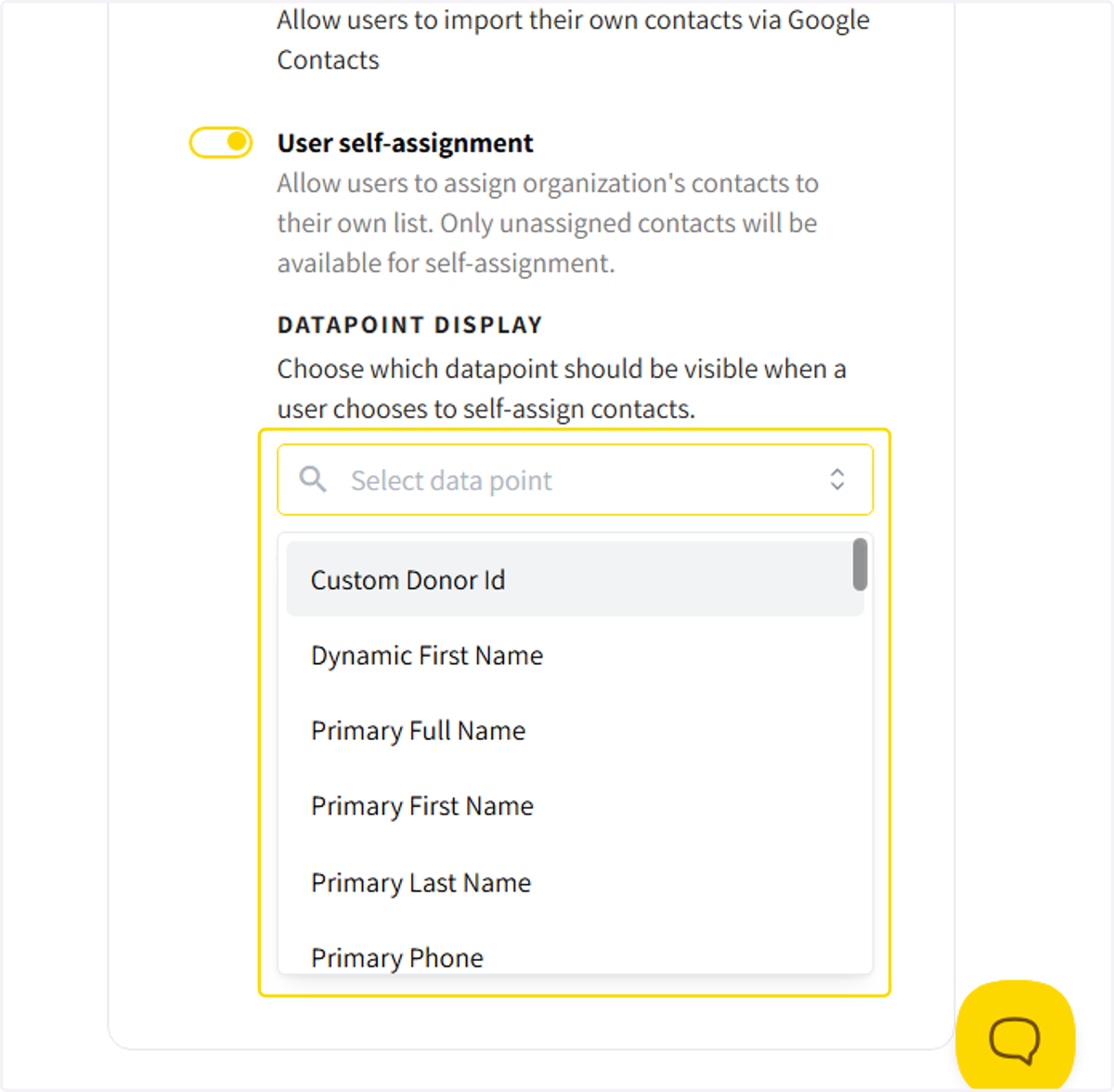
3. click the category tab to allow users to find contacts based off of specific datapoints
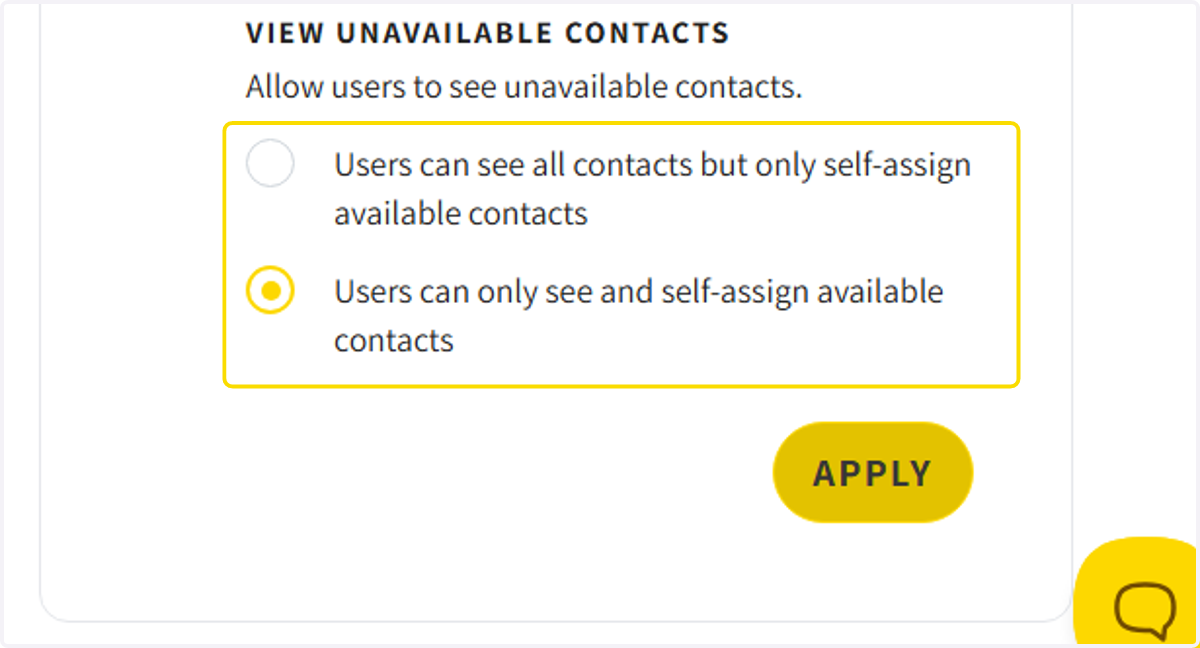
4. Select whether users can see all contacts or only unassigned contacts
From The Webapp
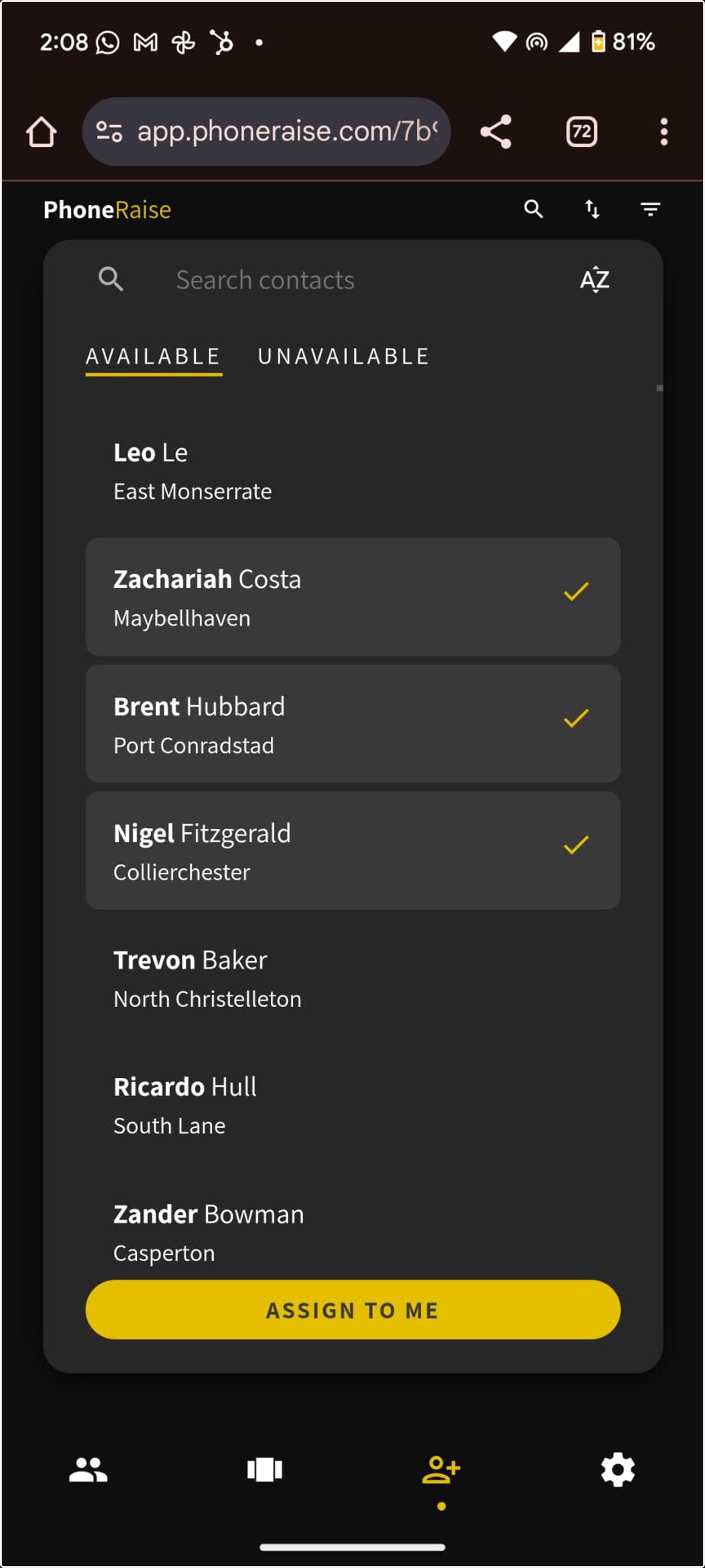
The users can now access contacts from the webapp
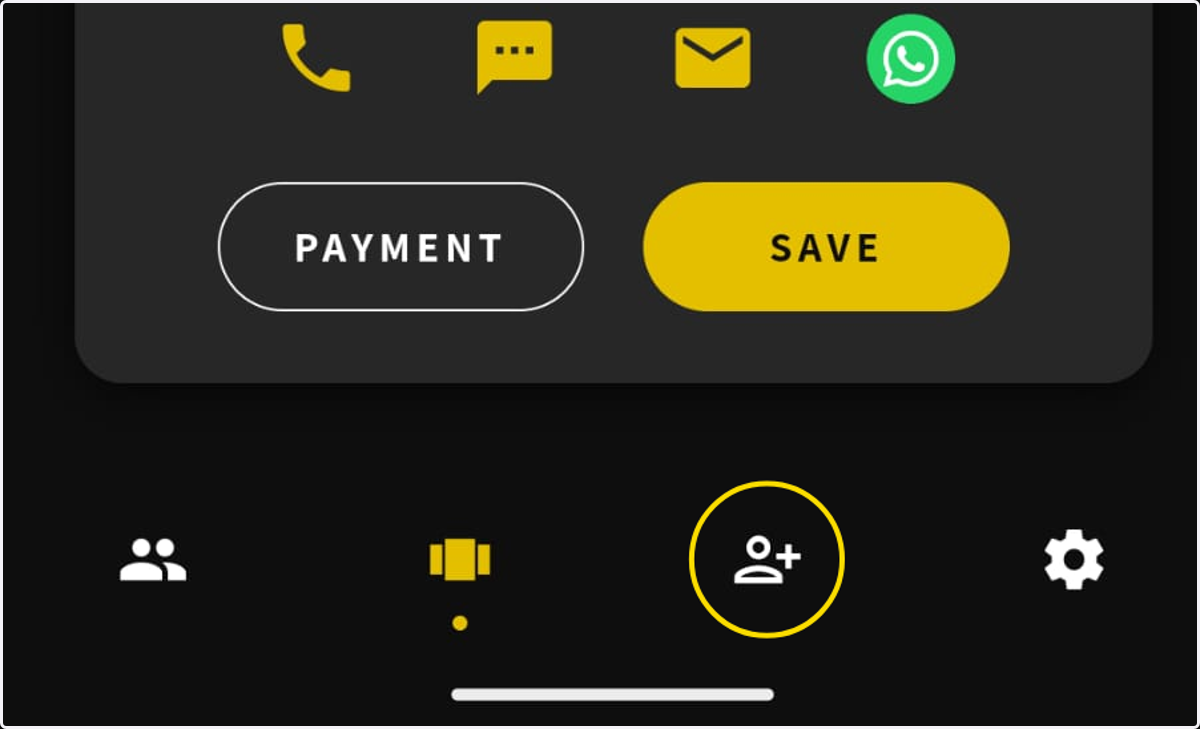
5. Open your PhoneRaise app and select the '+ contacts' icon on the bottom guide bar
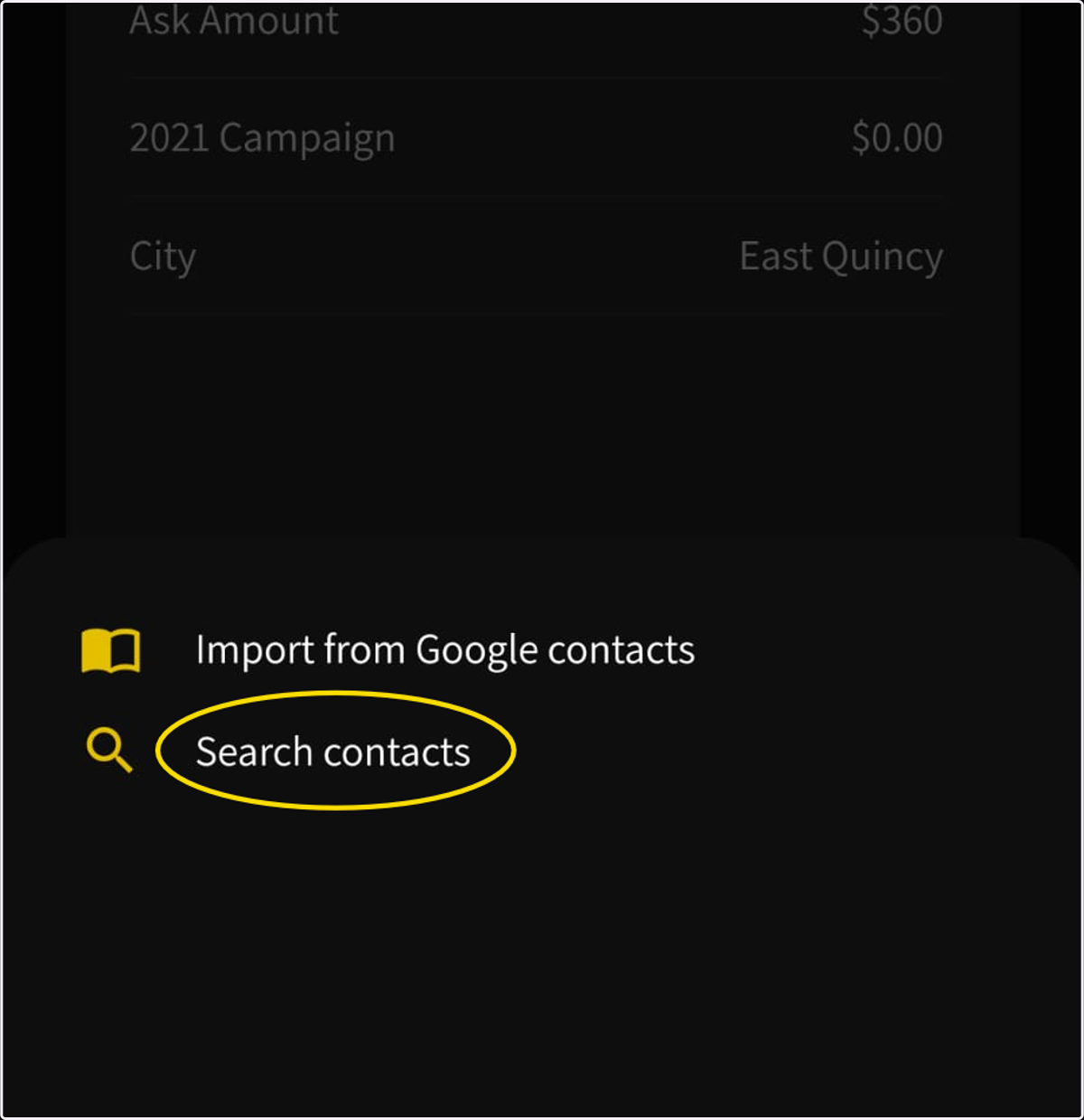
6. Select the Search Contacts Option
7. Select the names you want to assign to yourself and click Assign to me