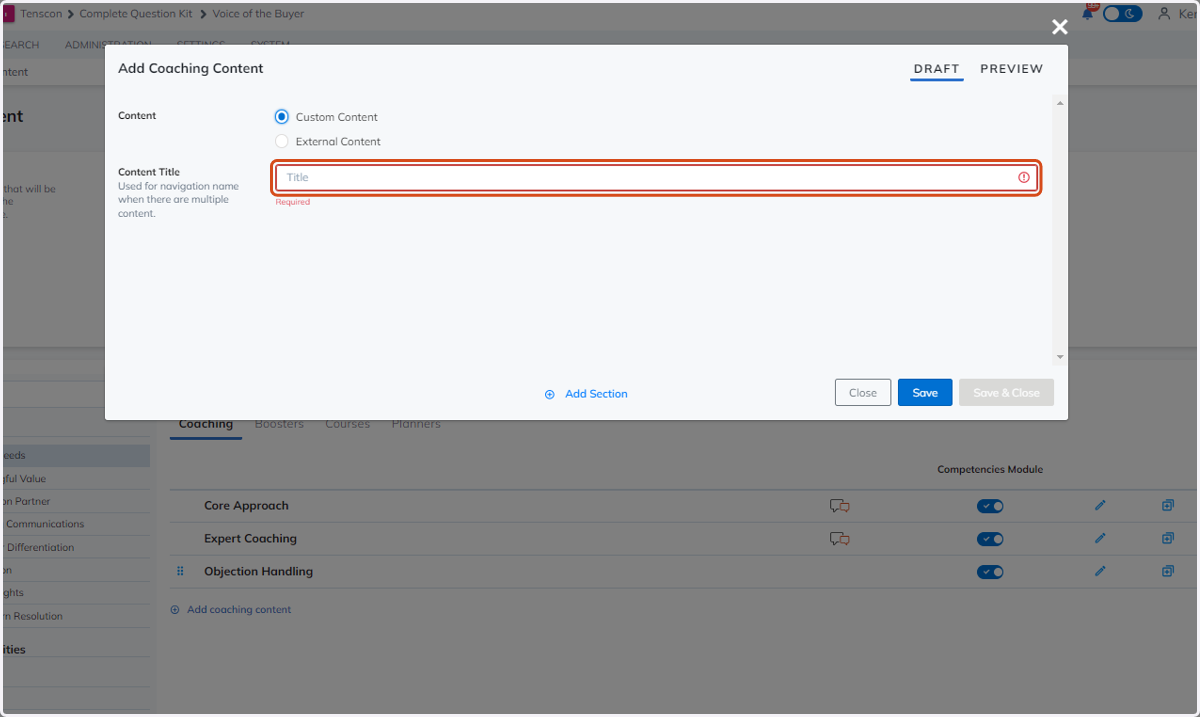
Adding Custom Content
Adding Custom Content
With TruVoice, you can connect your own coaching and enablement to be shown alongside your buyer feedback. As reps receive feedback in TruVoice, you can prompt them to review the right coaching and enablement to fix skill gaps immediately
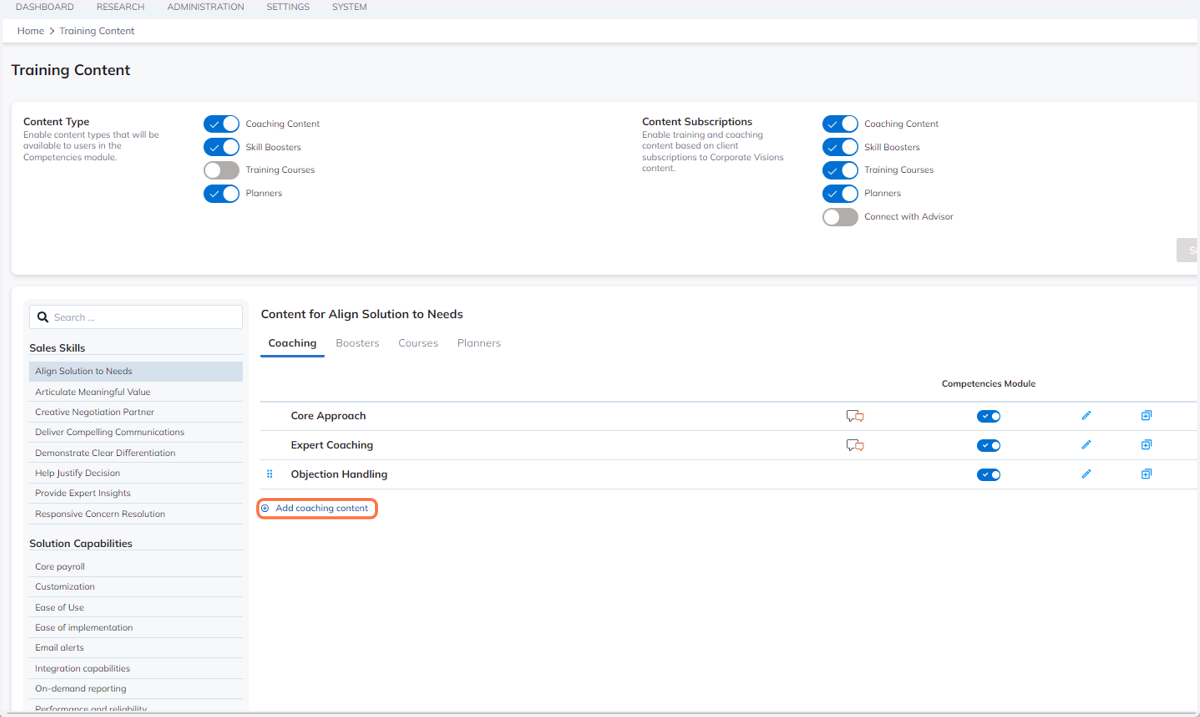
1. Click on "Add coaching content"
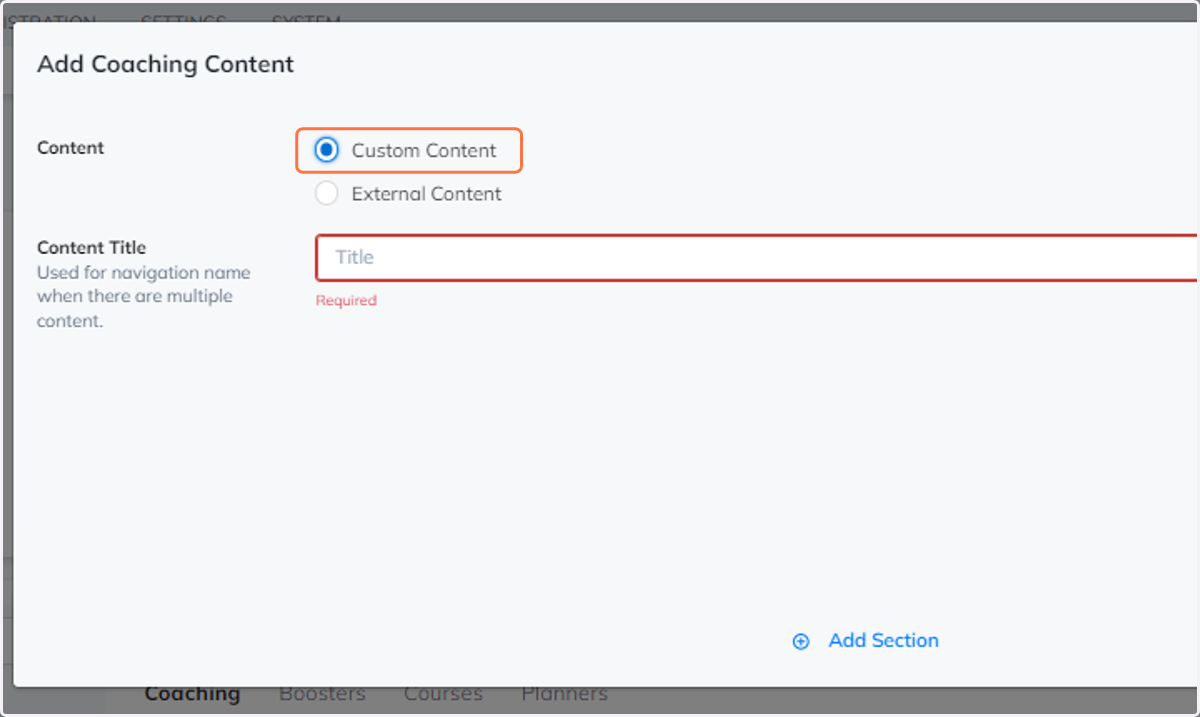
2. Choose "Custom Content"
Selecting "Custom Content" allows you to use several different sections we have available to assist in creating your custom content.
3. Add a "Content Title"
Provide a unique content title to help identify the unique content when there are several content enabled.