Manage Private Exit Offers
Super DAO
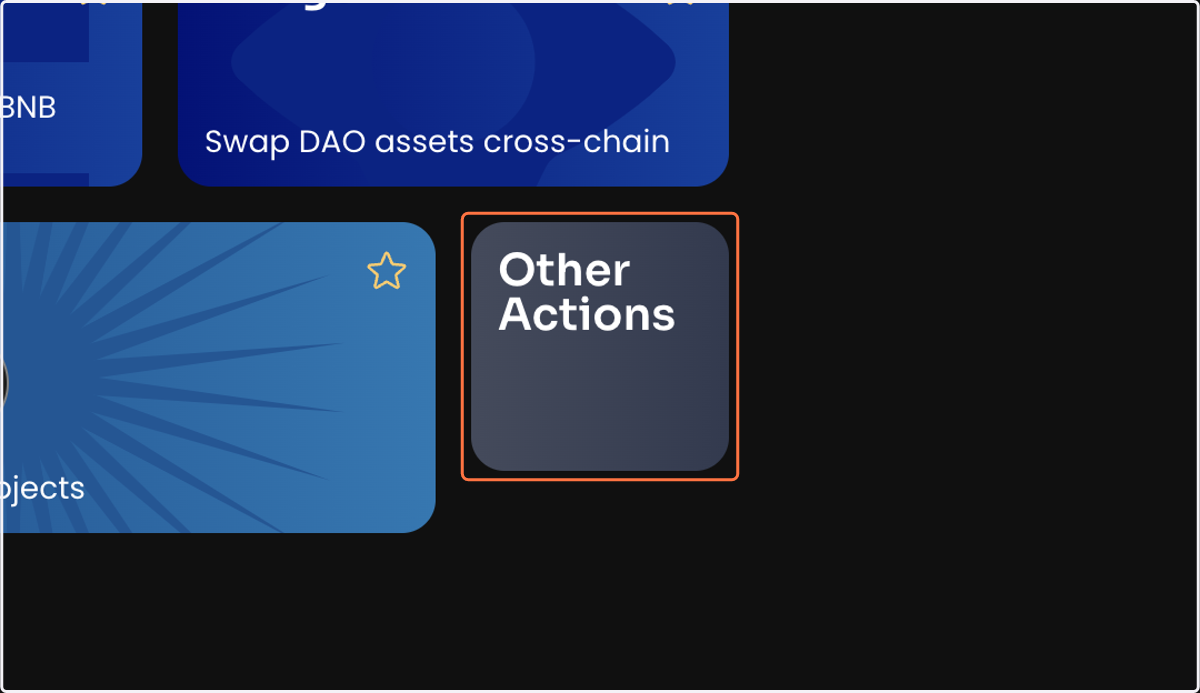
1. Click on Other Actions
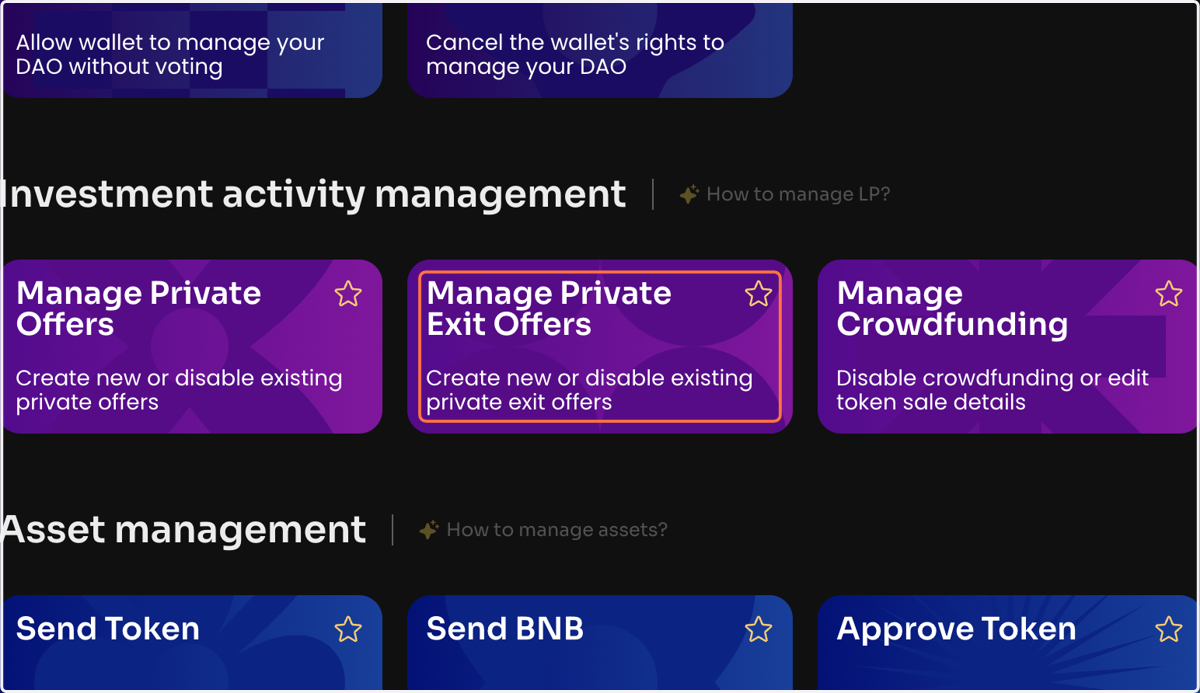
2. Click Manage Private Offers on the Manage page in your DAO
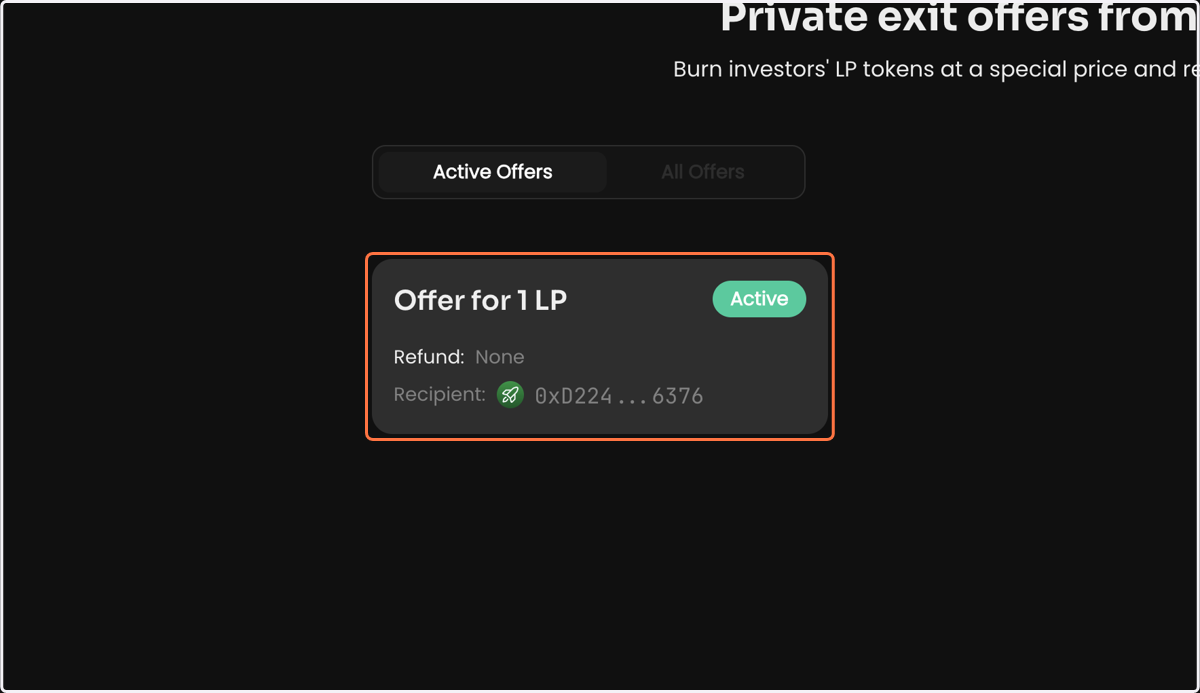
3. Click on your Active Offer
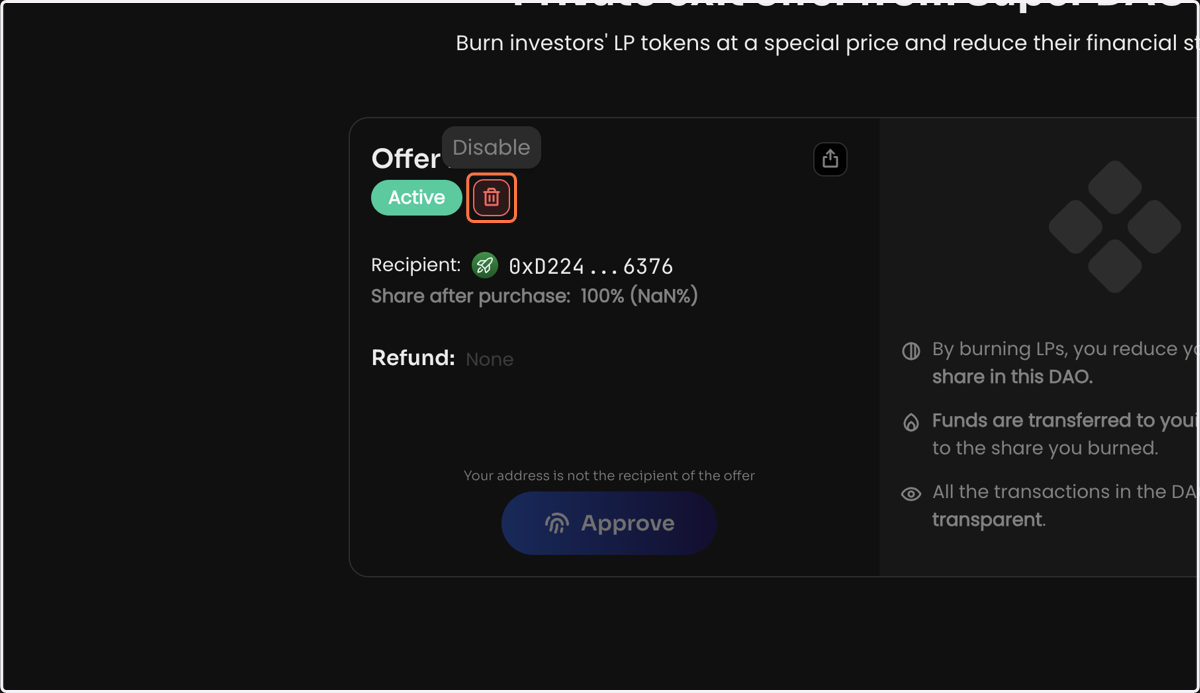
4. Click Disable and sign the message in your wallet to create a vote to close the private exit offer