Optimum / Freedom
Log in to Optimum / Freedom
1. Click on Log in
https://vipagentsupport.com/Account/Login
Usernames:
tmcdaniel@macseniorbenefits.com
jmcdaniel@macseniorbenefits.com
shelby@macinsurance.org
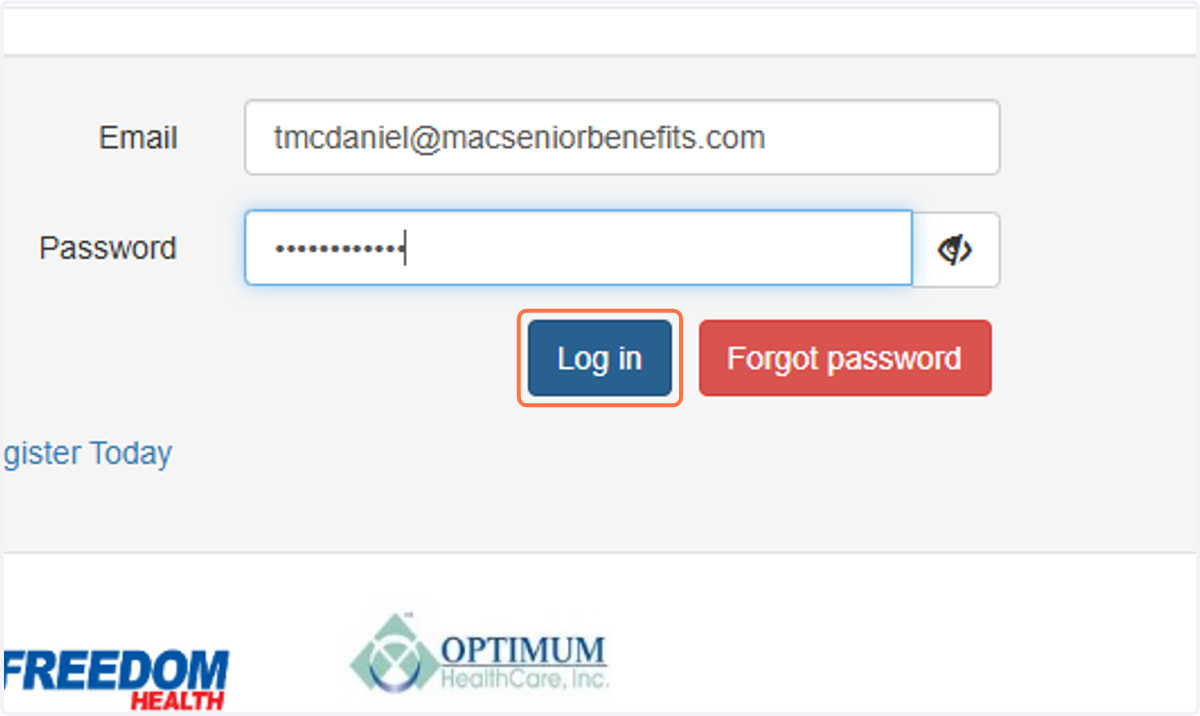
2. Click on Send Code
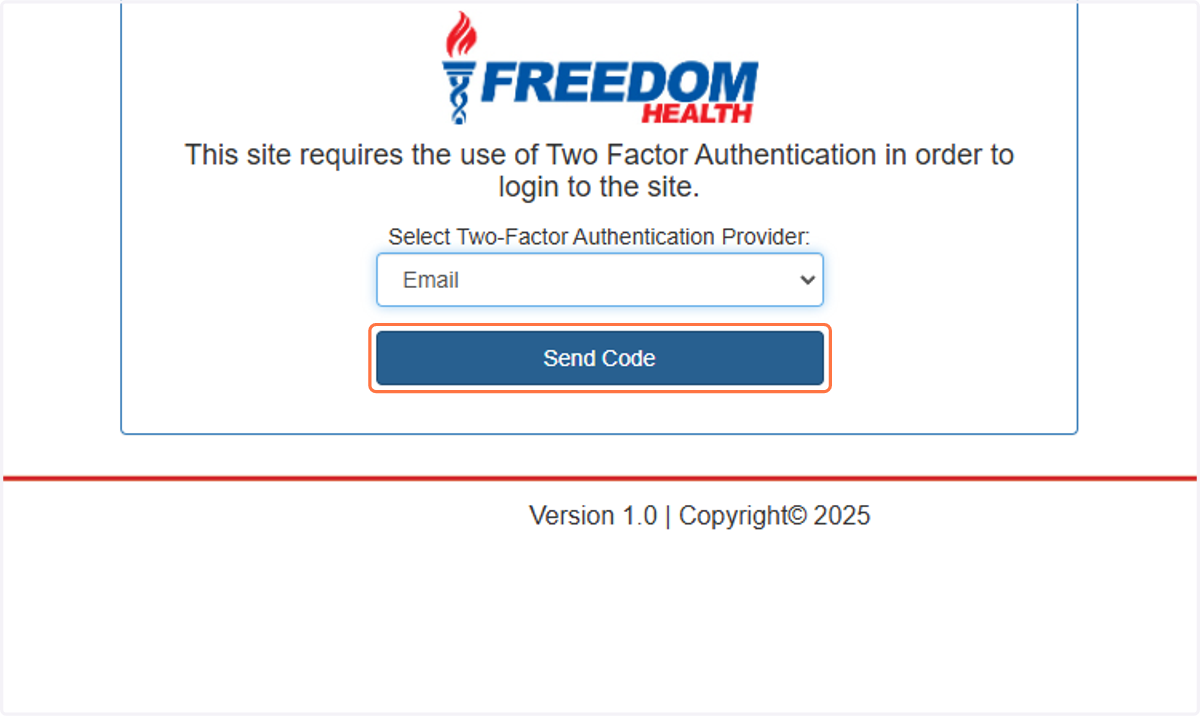
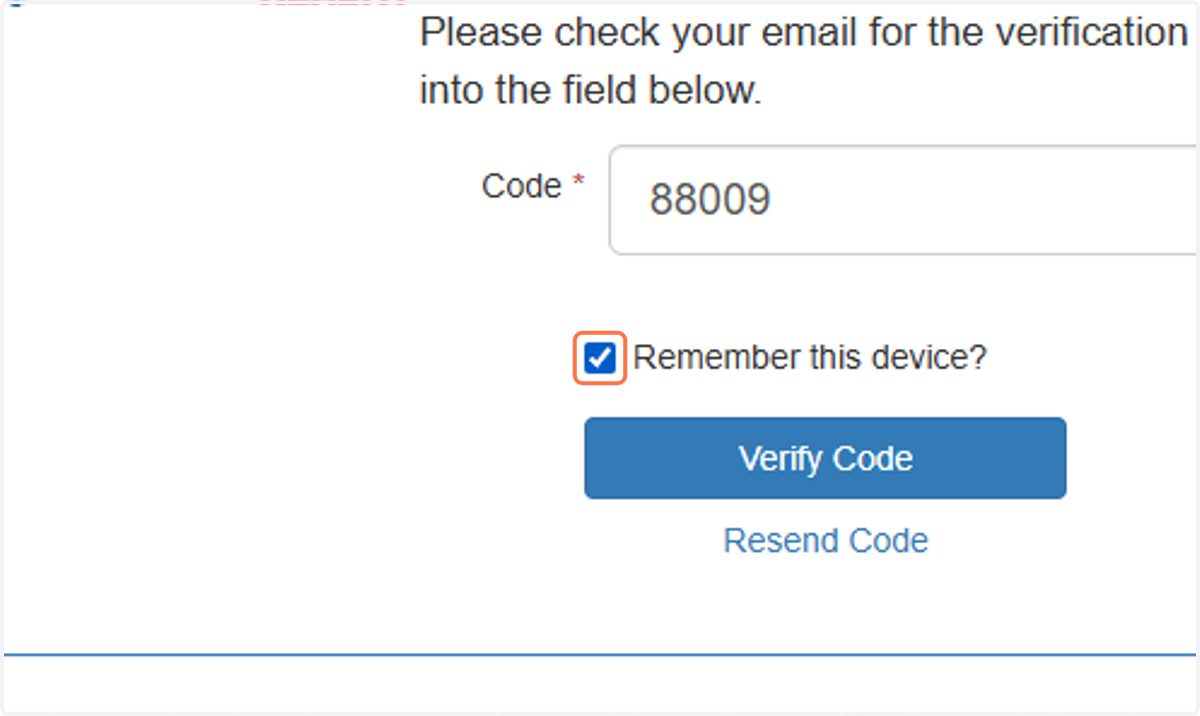
3. Check Remember this device?
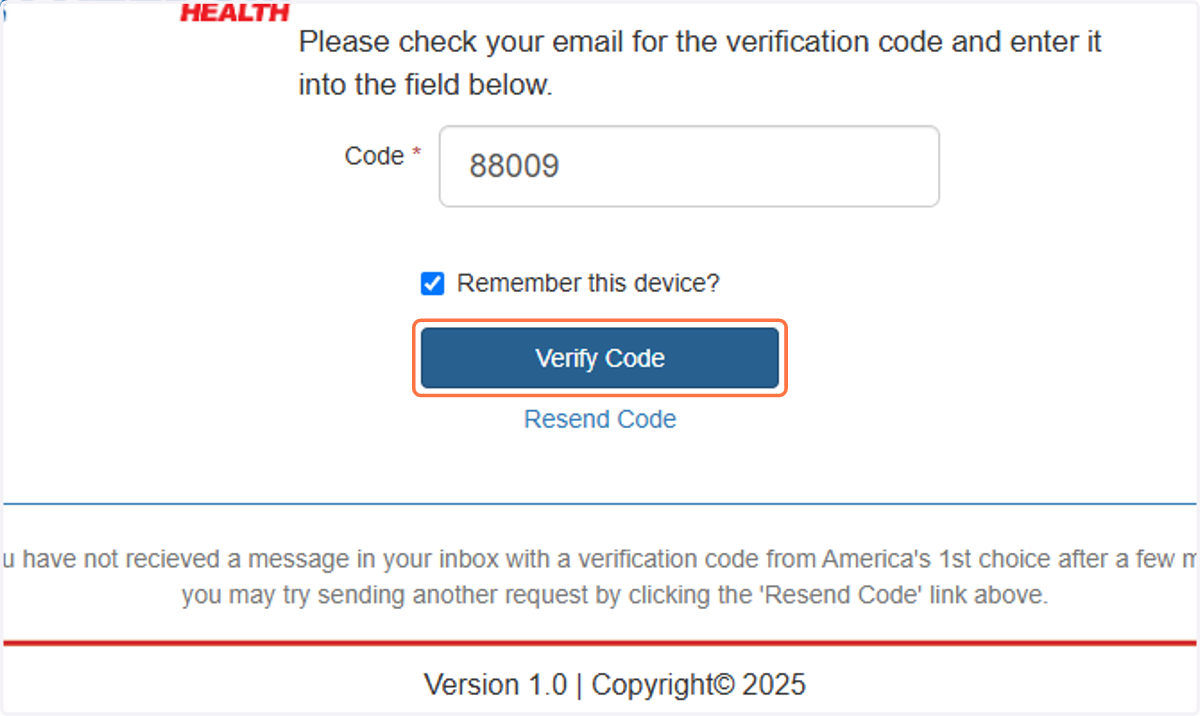
4. Click on Verify Code
5. Click on Reports
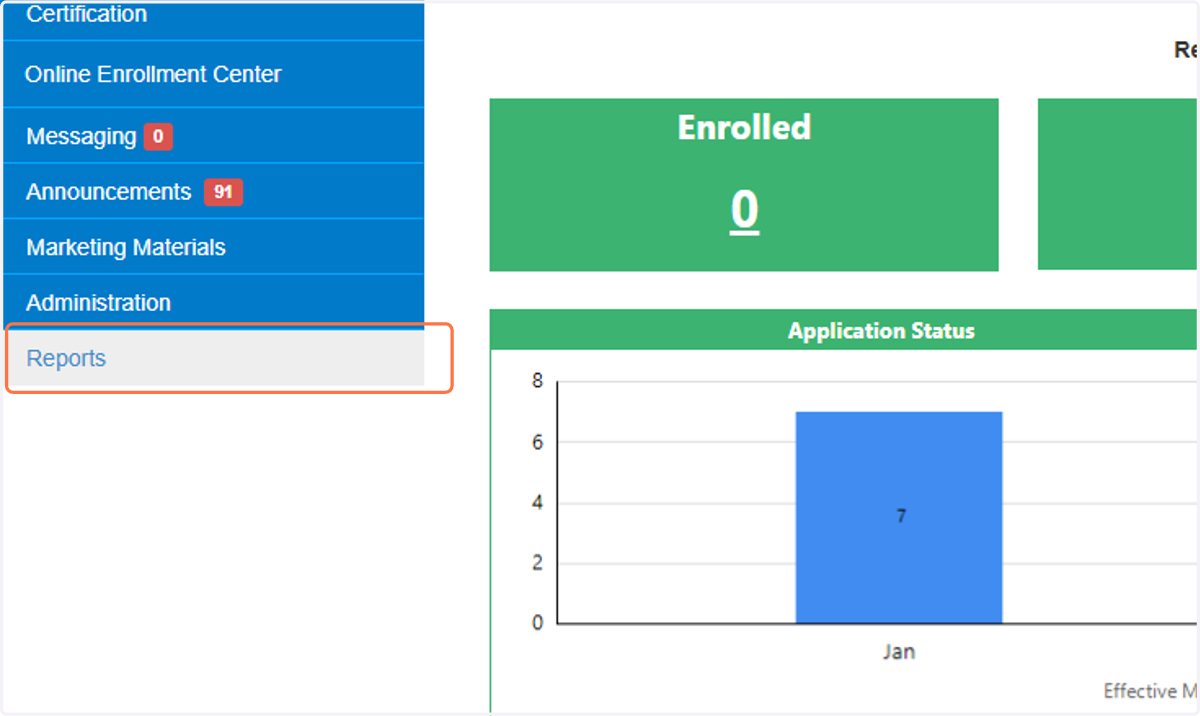
6. Click on Agent Statement
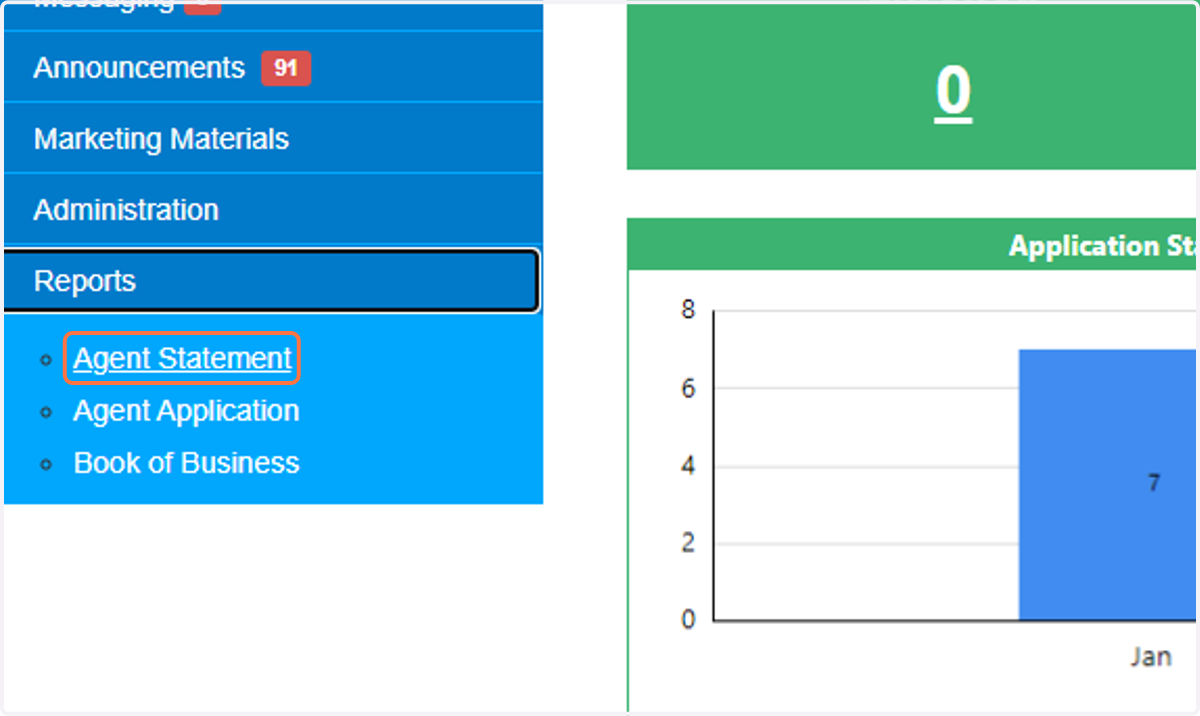
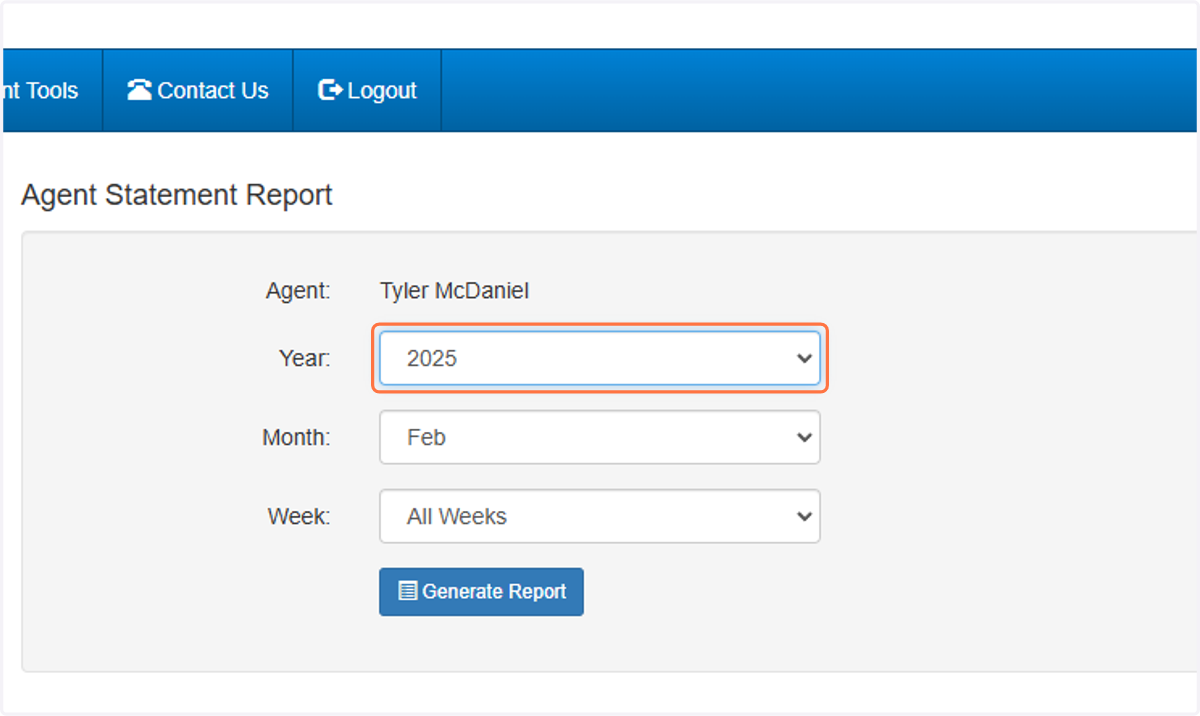
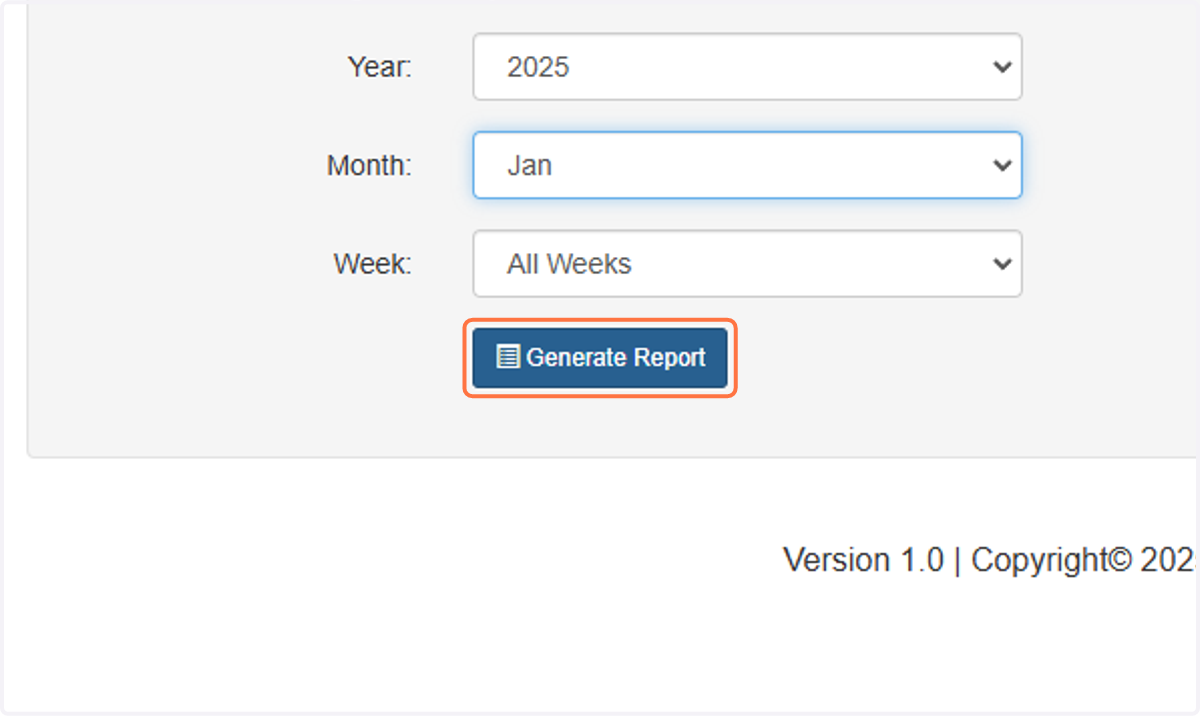
7. Select 2025 from Year
8. Select Jan from Month
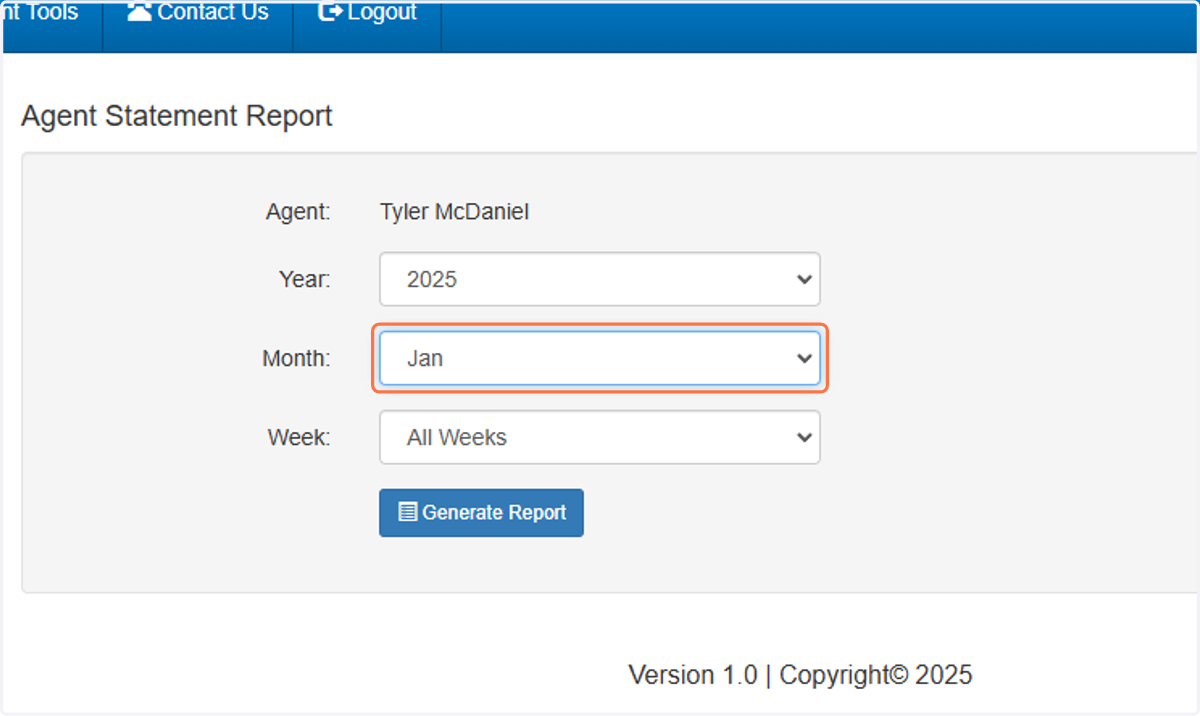
9. Click on Generate Report
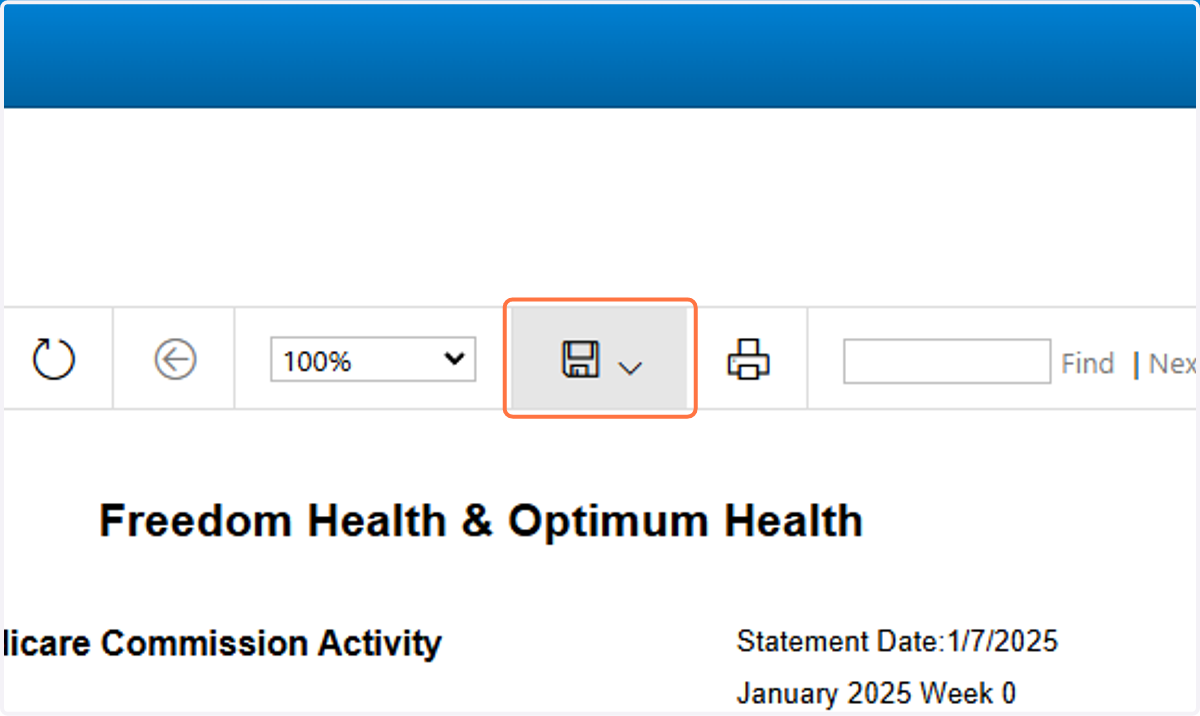
10. Click on Export drop down menu
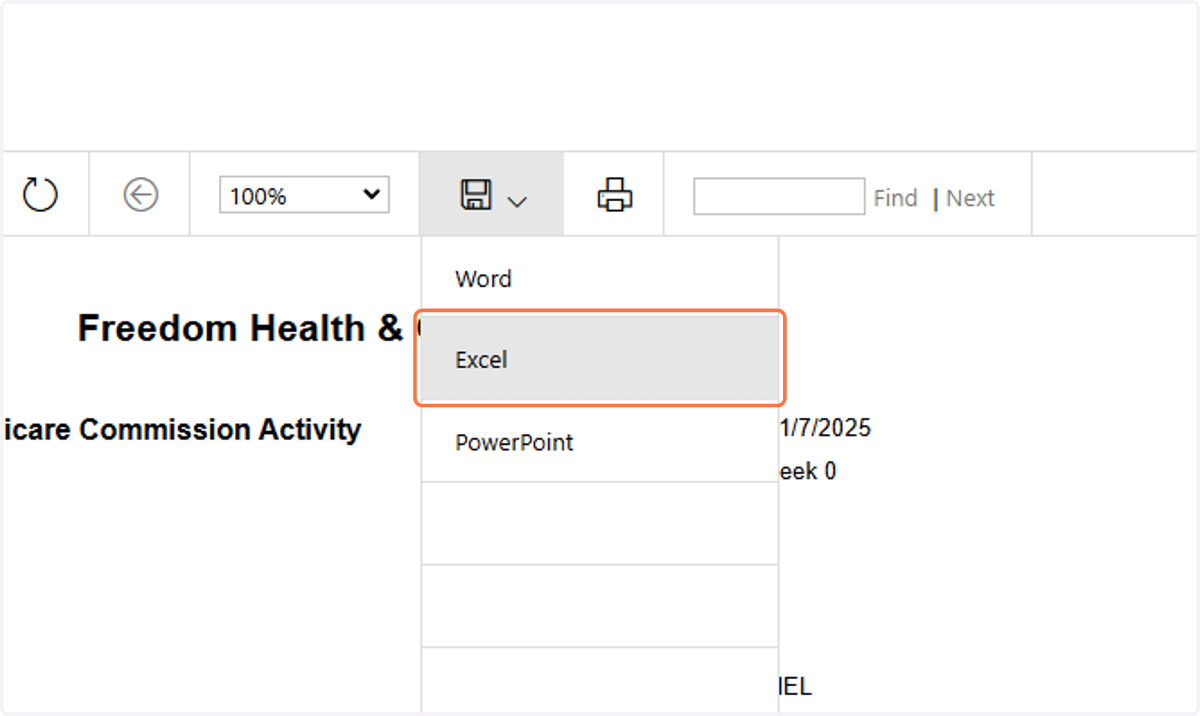
11. Click on Excel
12. Save file in Google Drive
The Folder is in the MAC Insurance Shared folder > Commission Statements
BE SURE TO NAME THE DOCUMENT ---> COMPANY_STATEMENT DATE
This Example would be OptimumFreedom_Tyler_01.01.2025