Move sensor

Machine Max

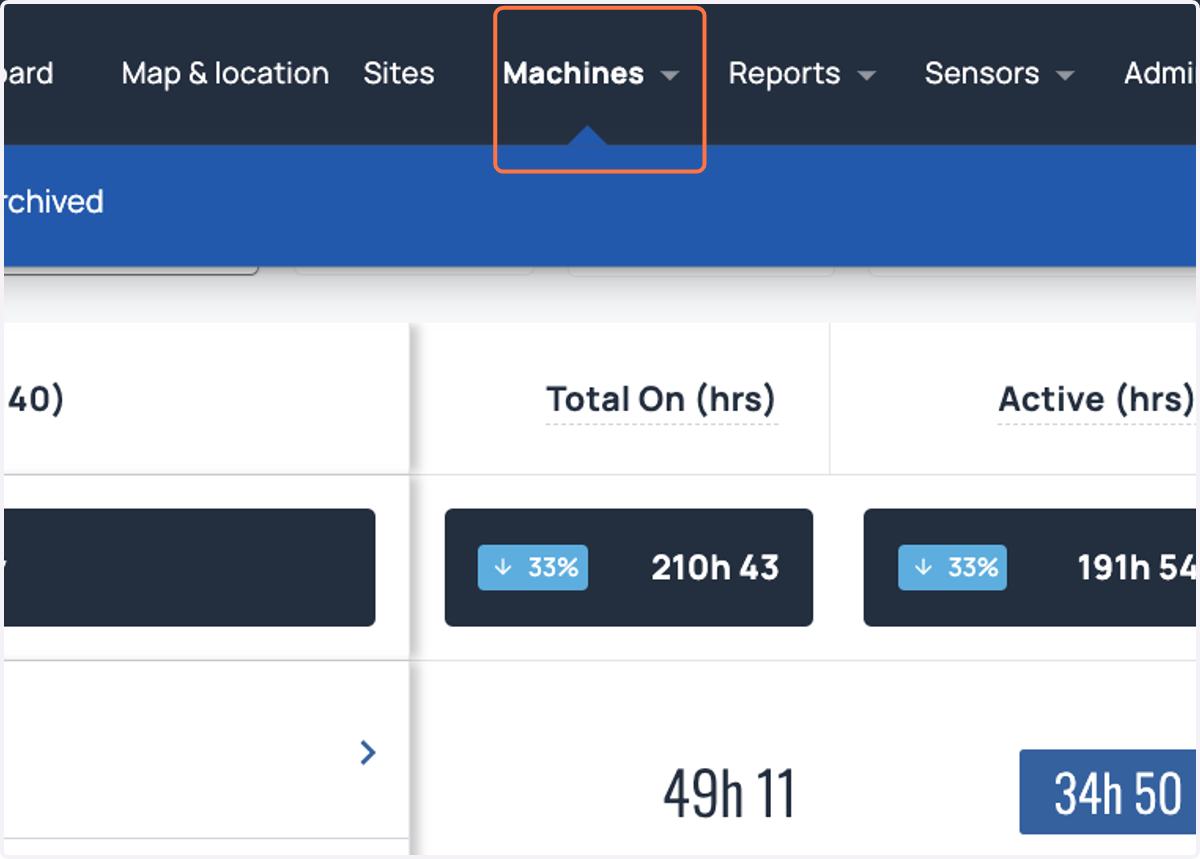
  1. 1. Click on Machines

    Click on Machines
  2. 2. Navigate to the 'Machines' and click on the machine you wish to change
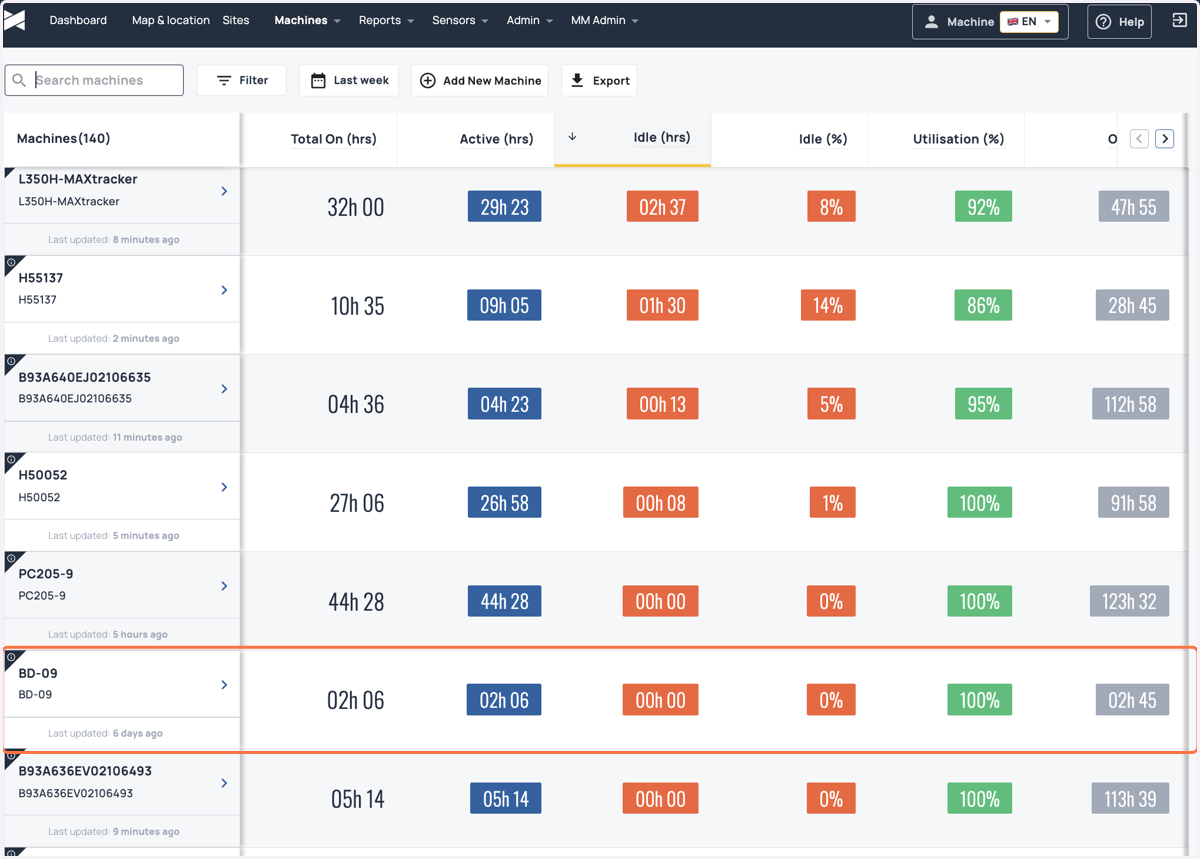
    Navigate to the 'Machines' and click on the machine you wish to change
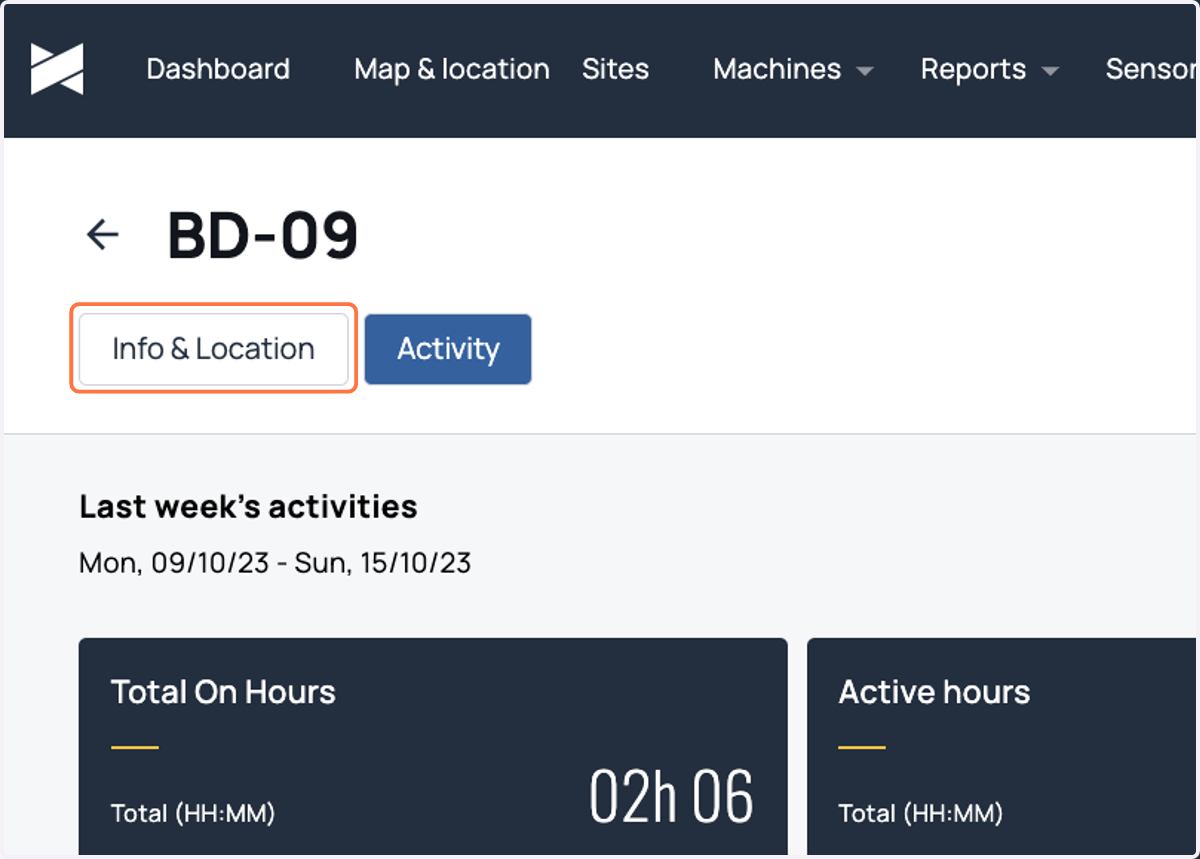
  3. 3. Click on Info & Location

    Click on Info & Location
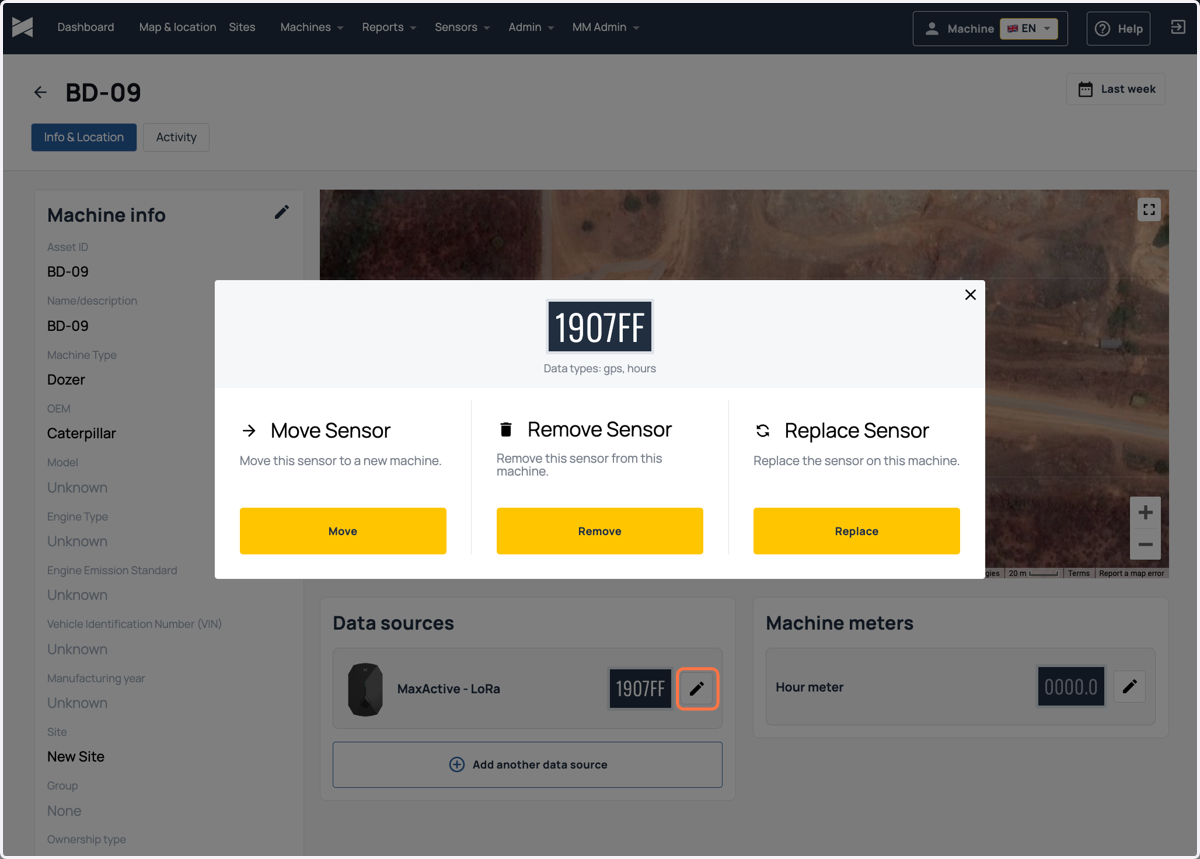
  4. 4. Click on the pencil icon

    Click on the pencil icon
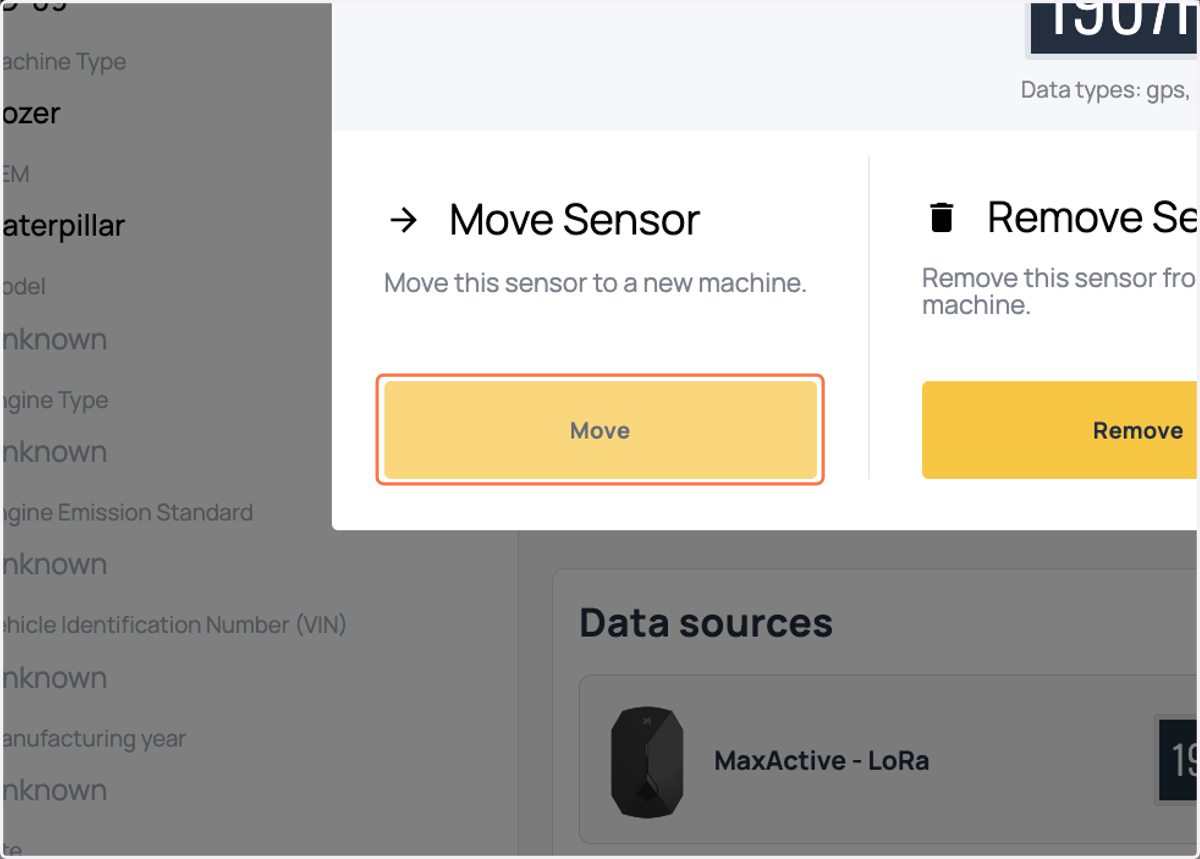
  5. 5. Click on Move

    Click on Move
  6. 6. Select the box for adding a new machine
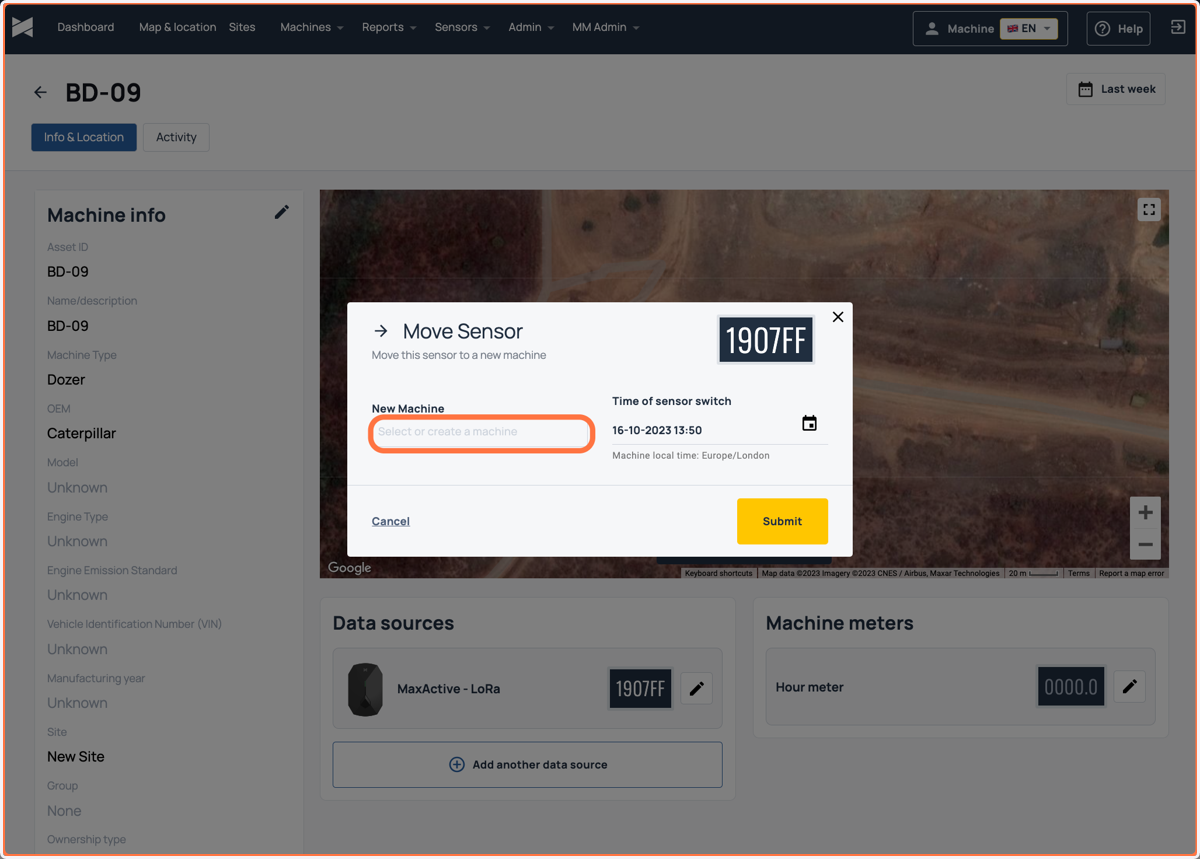
    Select the box for adding a new machine
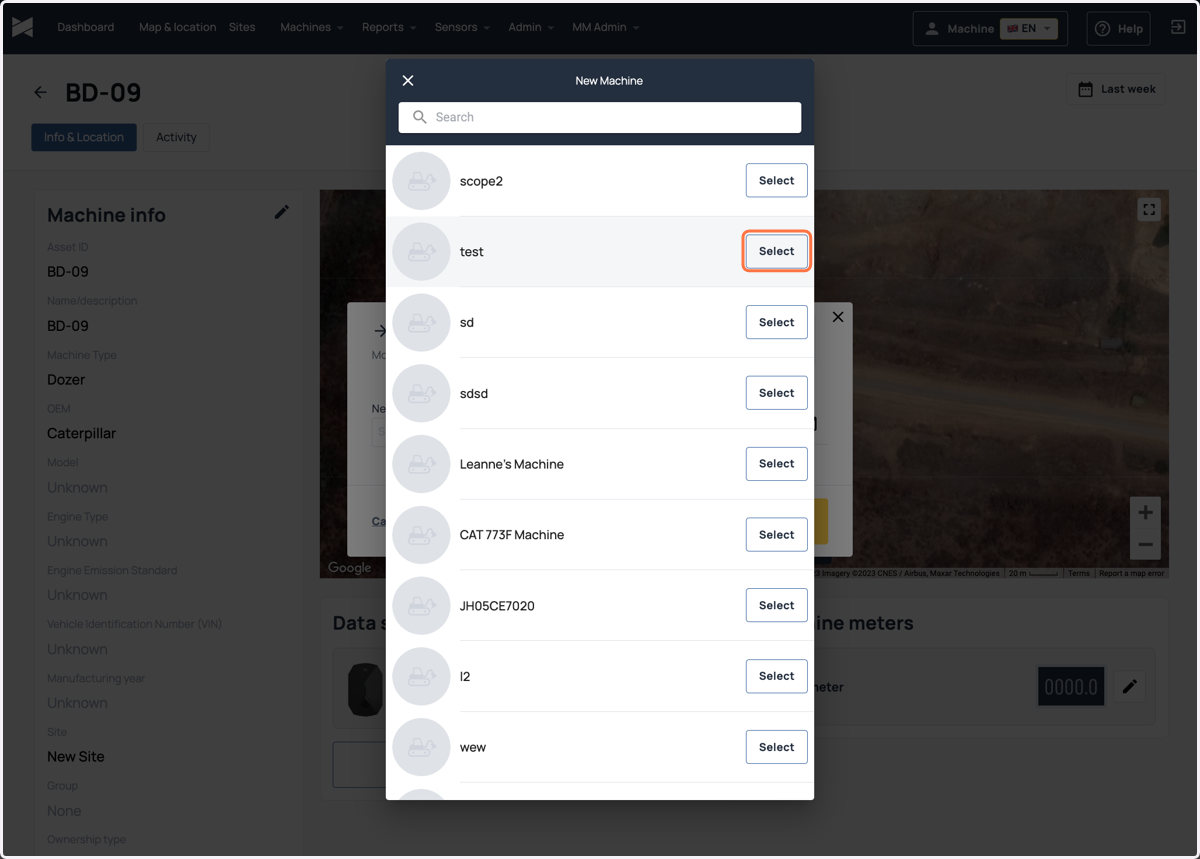
  7. 7. Select your desired machine

    Select your desired machine
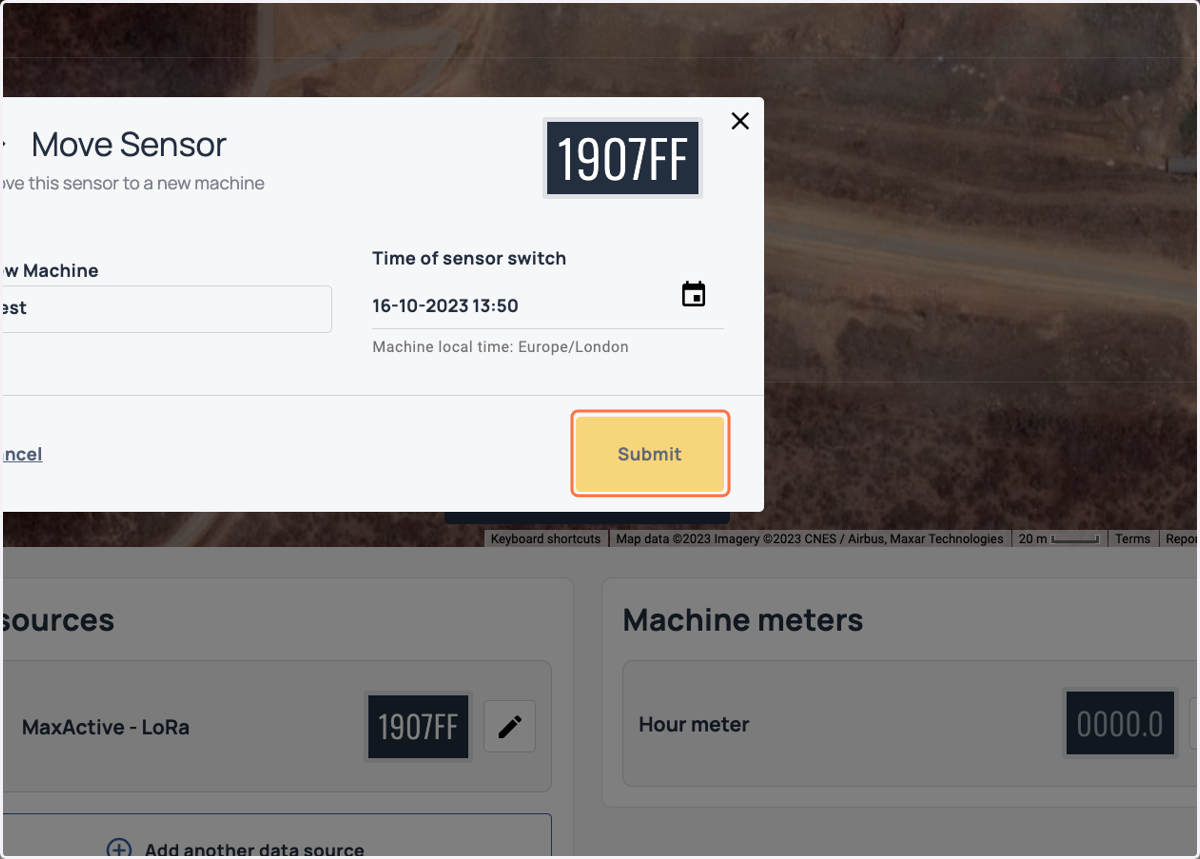
  8. 8. Click on Submit

    Click on Submit
  9. 9. After pressing submit you should receive a confirmation
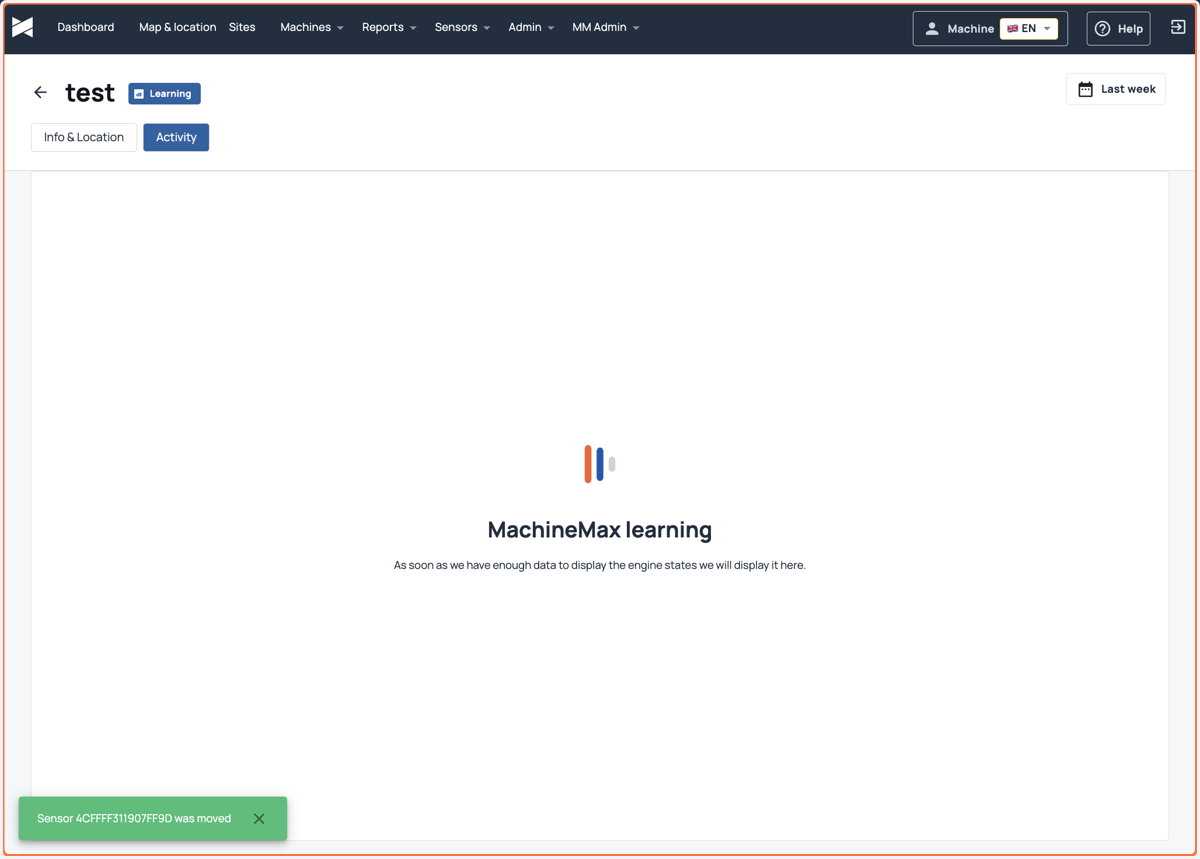
    After pressing submit you should receive a confirmation