Manage Away Team in MatchPoint Scoring App
MatchPoint Scoring
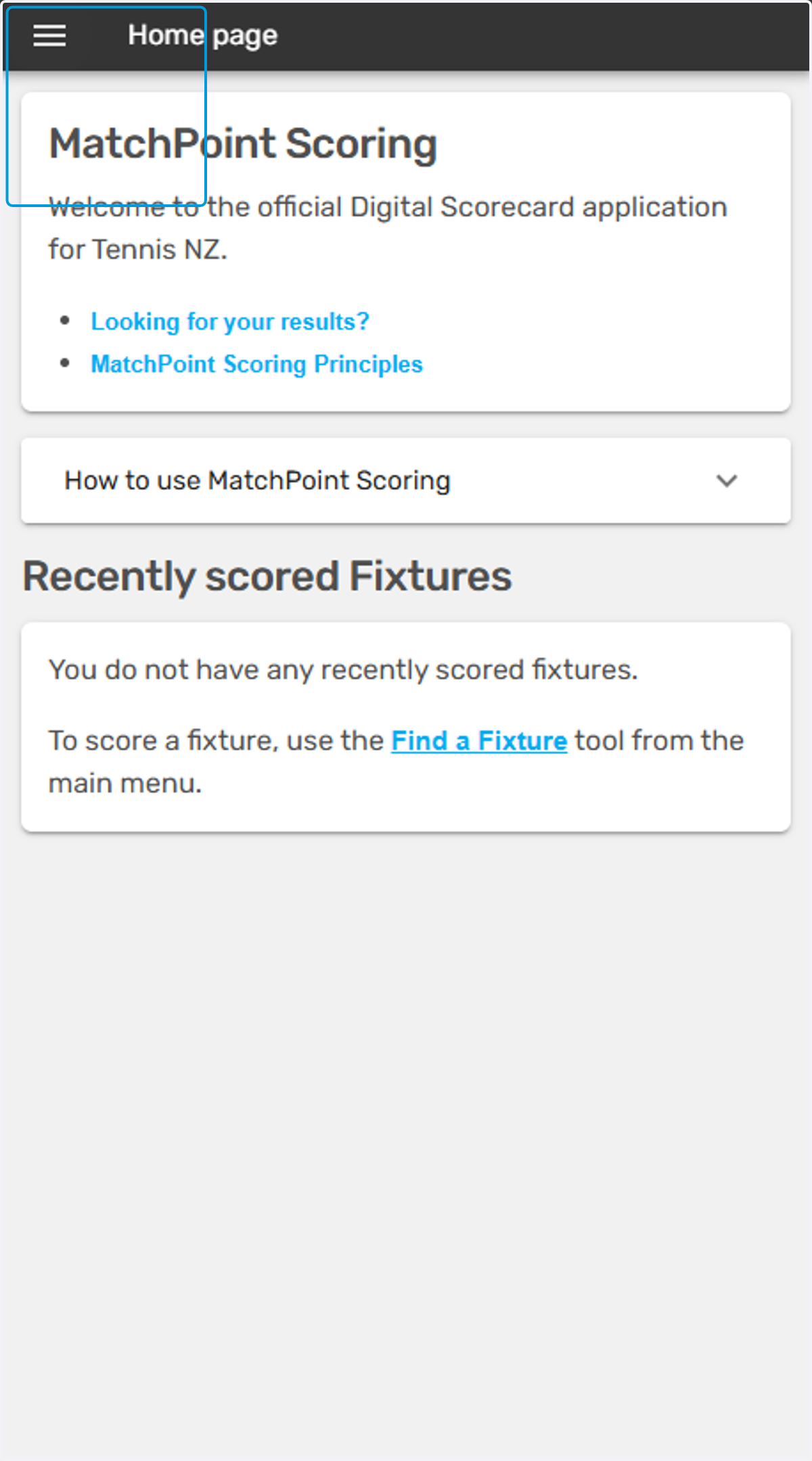
1. You will see a screen like this after logging in
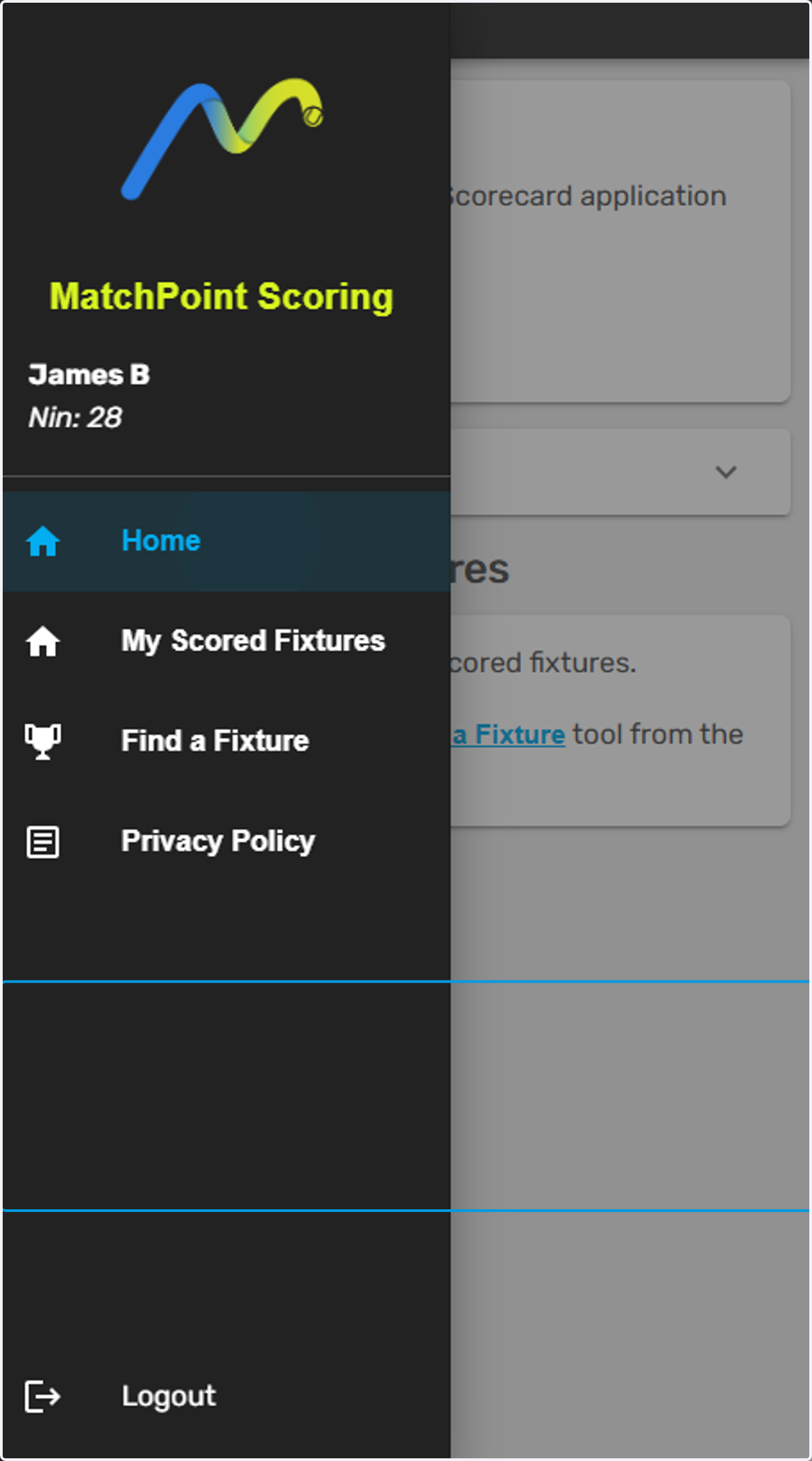
2. This is your main homepage. Tap here to open the menu
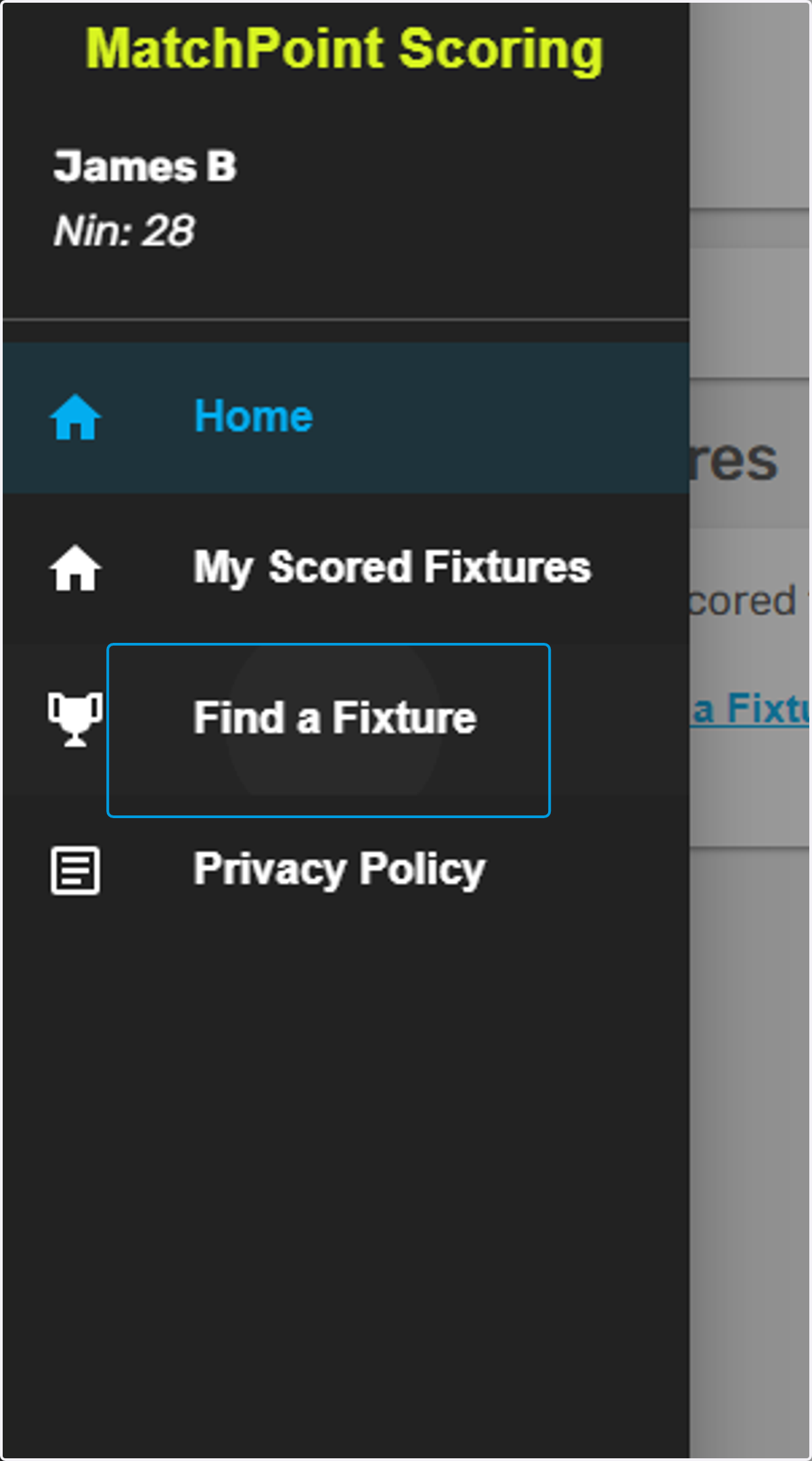
3. As the away/second named team you must select your team for the fixture. Do this by finding the fixture
4. Find the competition that you are entered into
Note, if you are entered into multiple competitions your app will show all relevant competitions

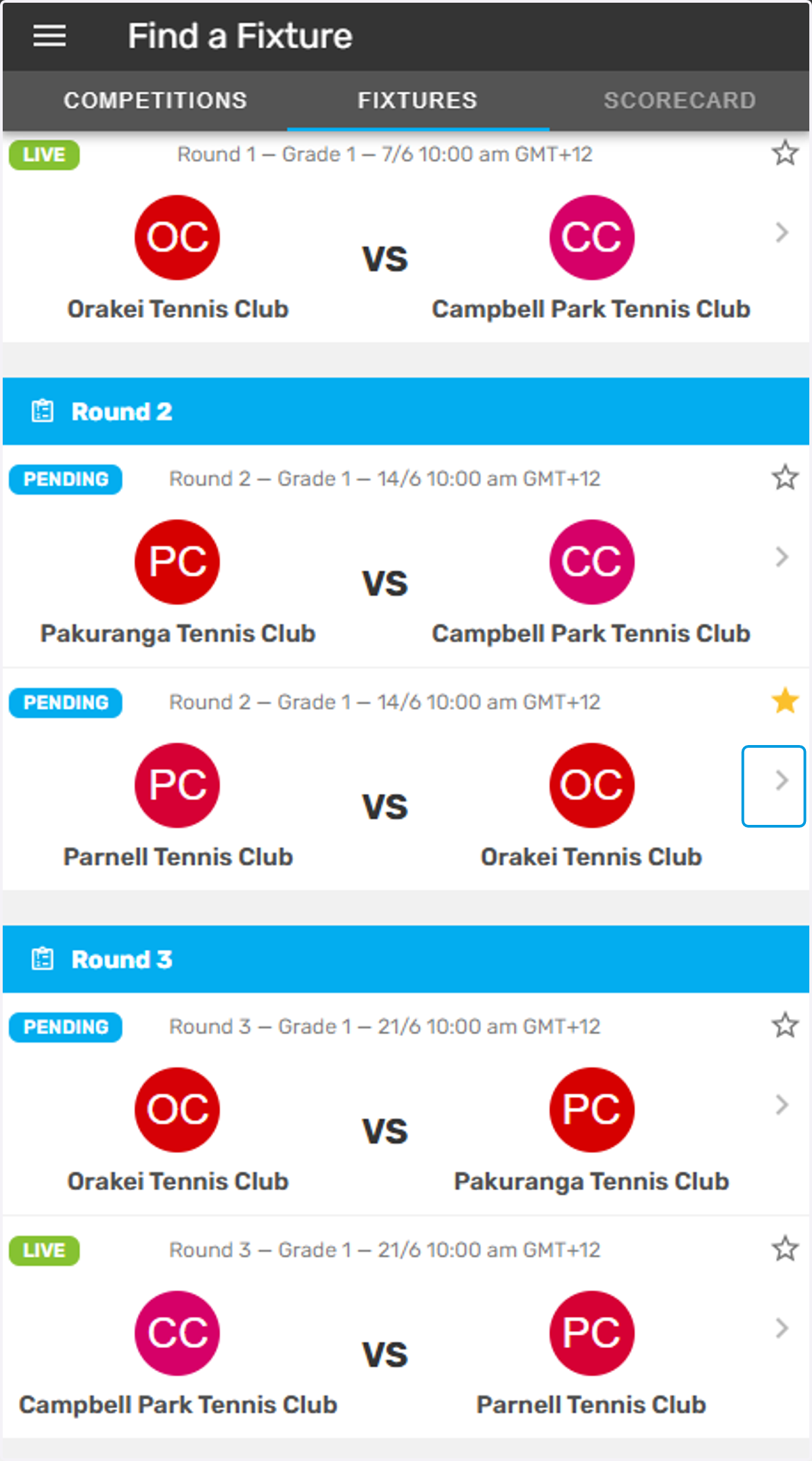
5. Tap on the fixture you are selecting the team for
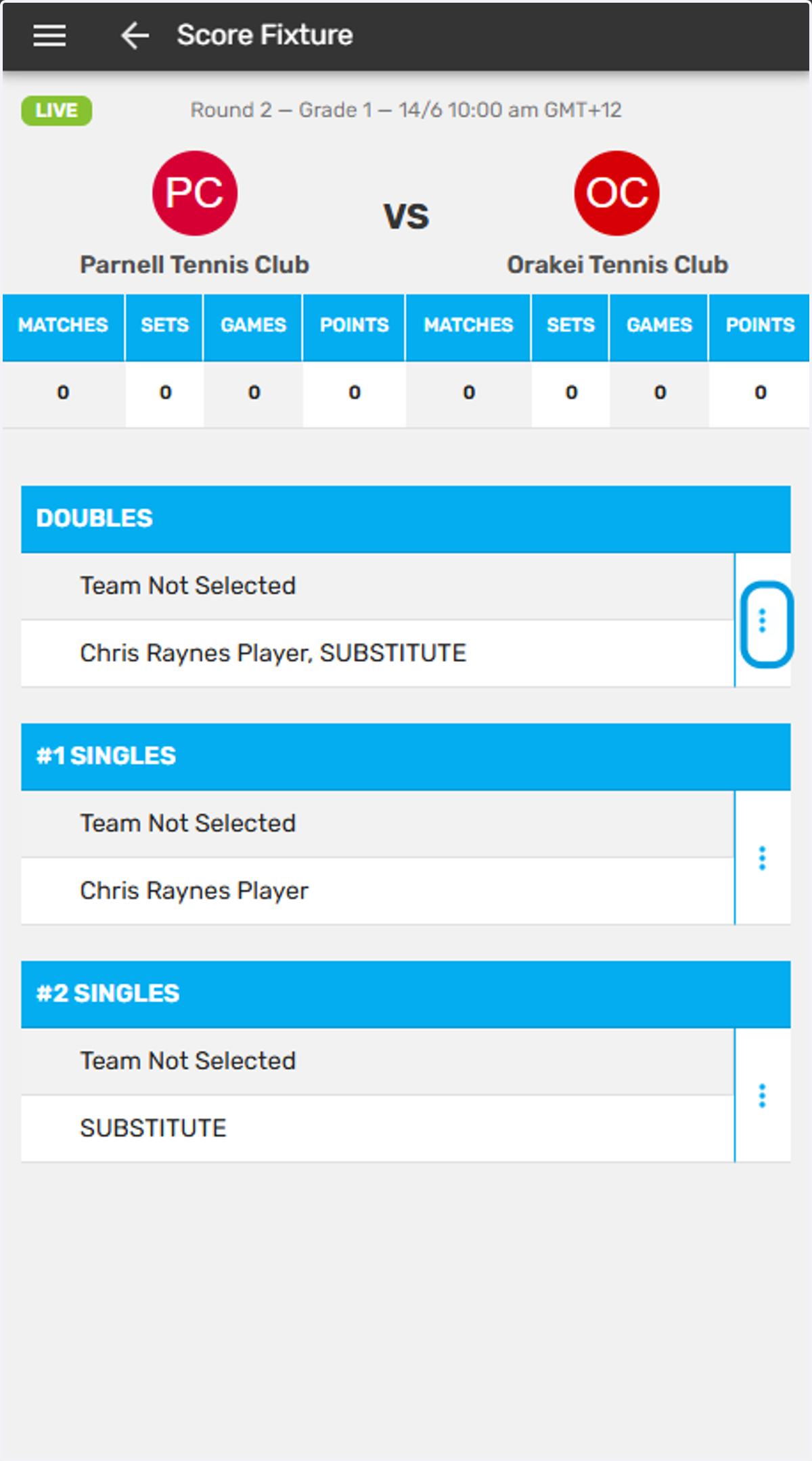
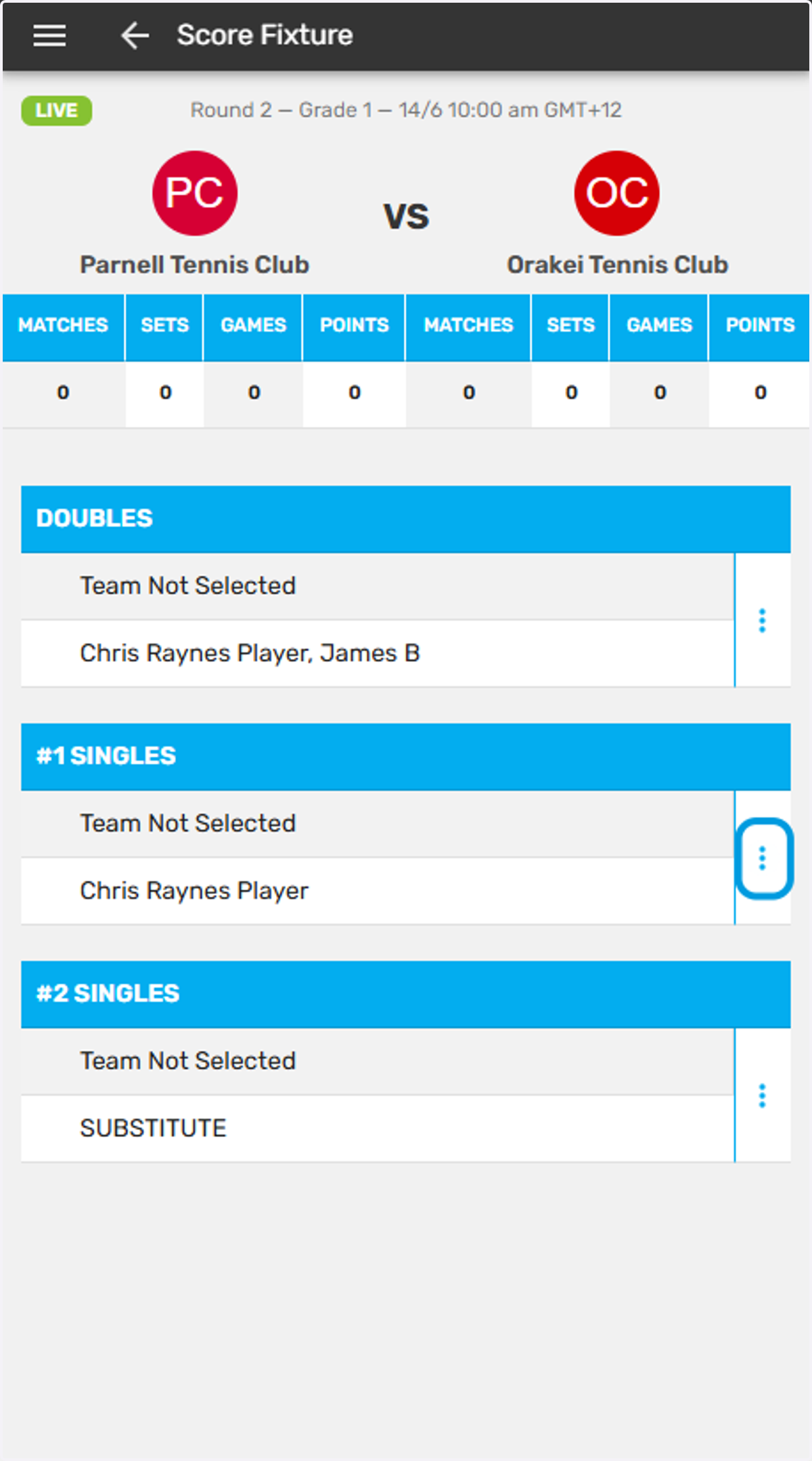
6. Tap the three dots next to the match you wish to select
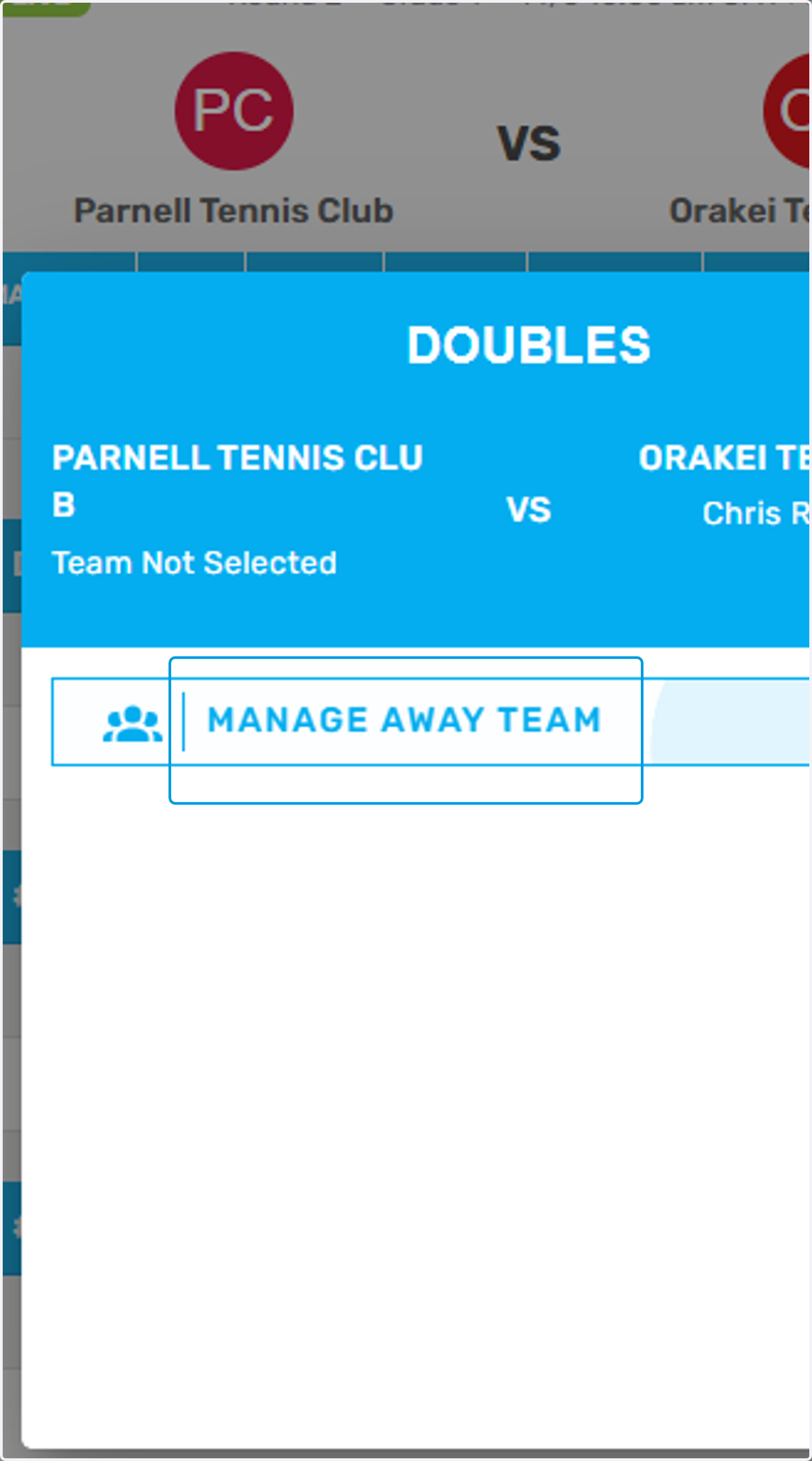
7. You will be given the option to "Manage Away Team"
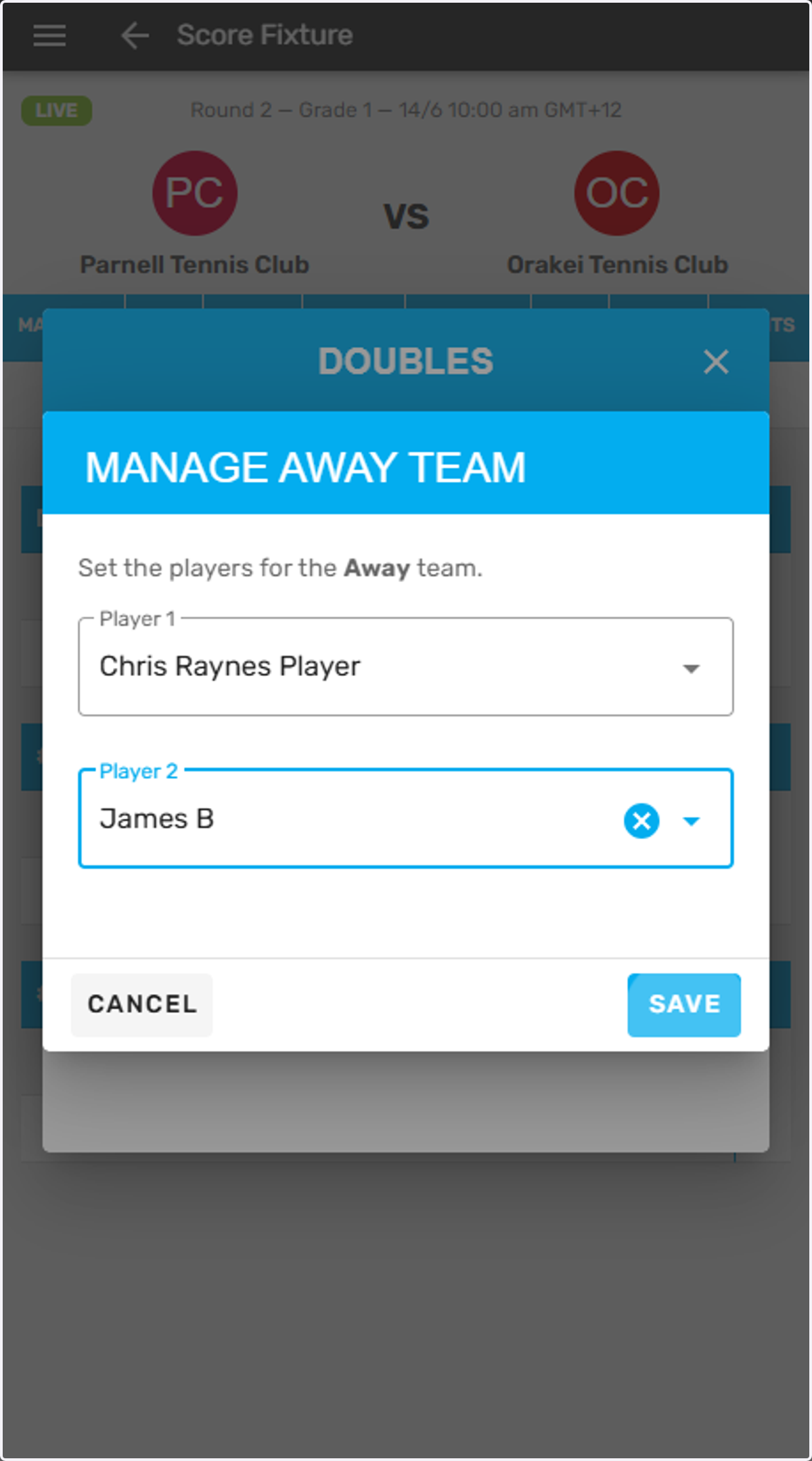
8. This is a doubles match, select a player in each drop down box
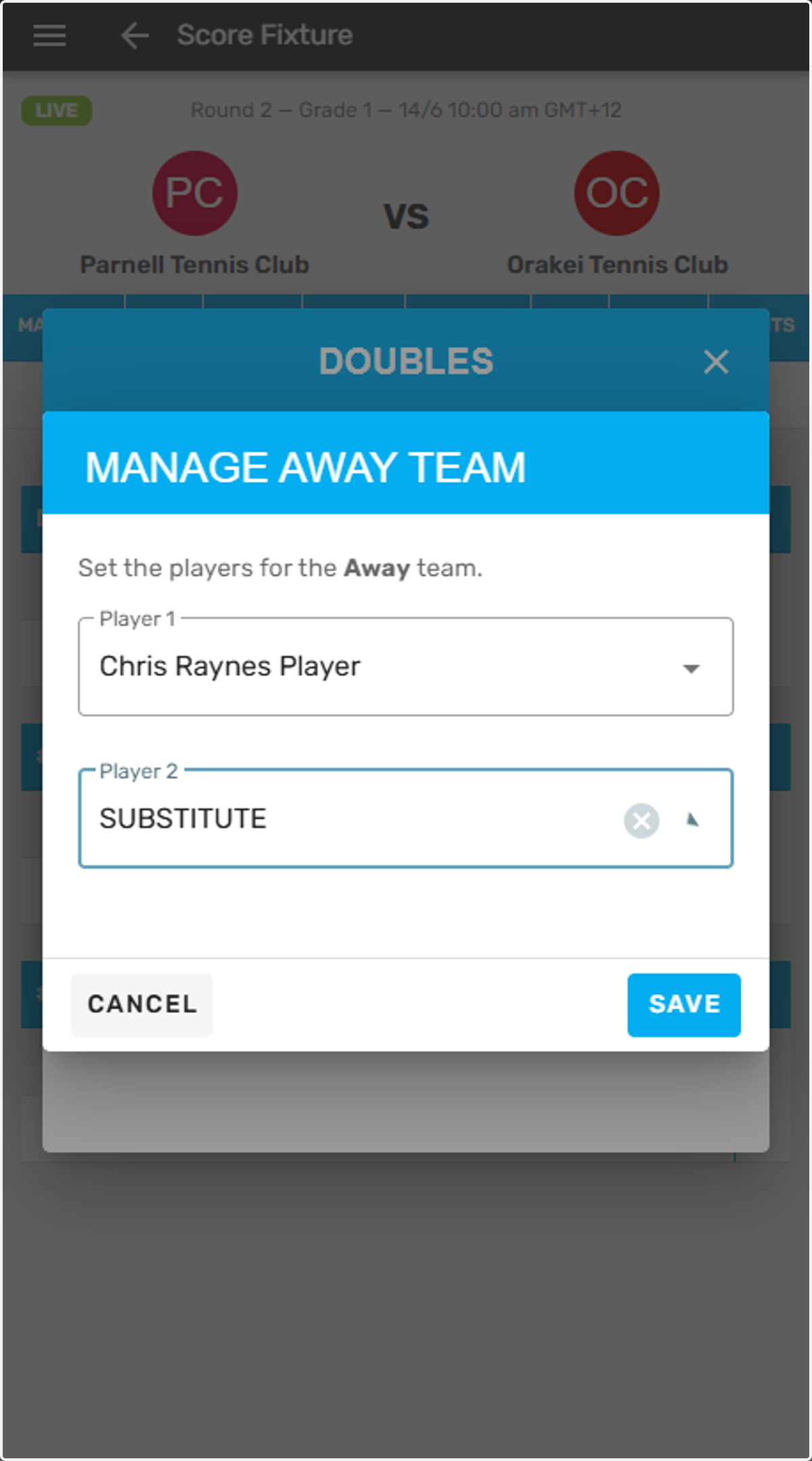
9. Click on SAVE
10. Repeat this process for each match in the fixture
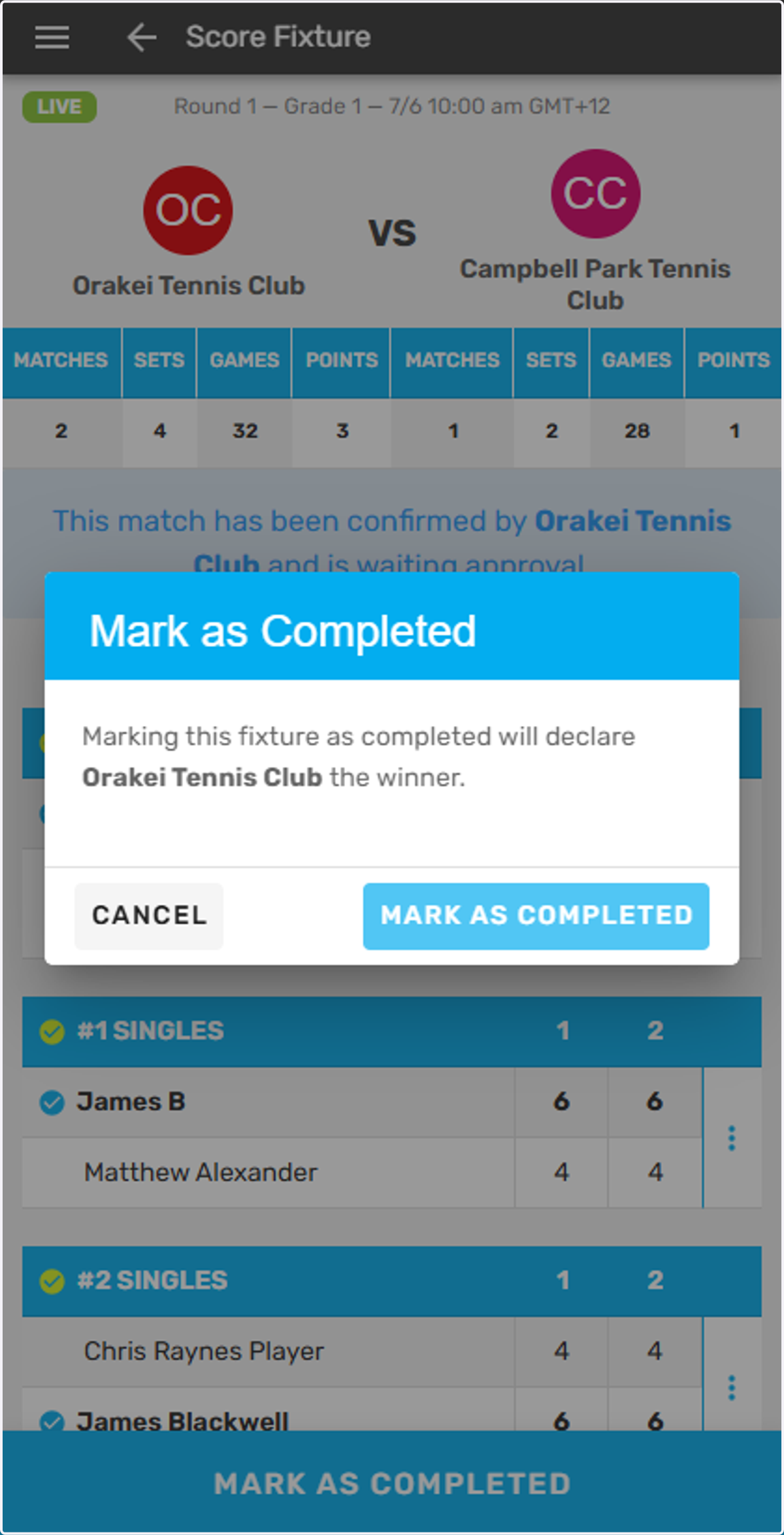
11. After all match scores have been entered the fixture will appear as below with a message letting you know that the match is awaiting approval
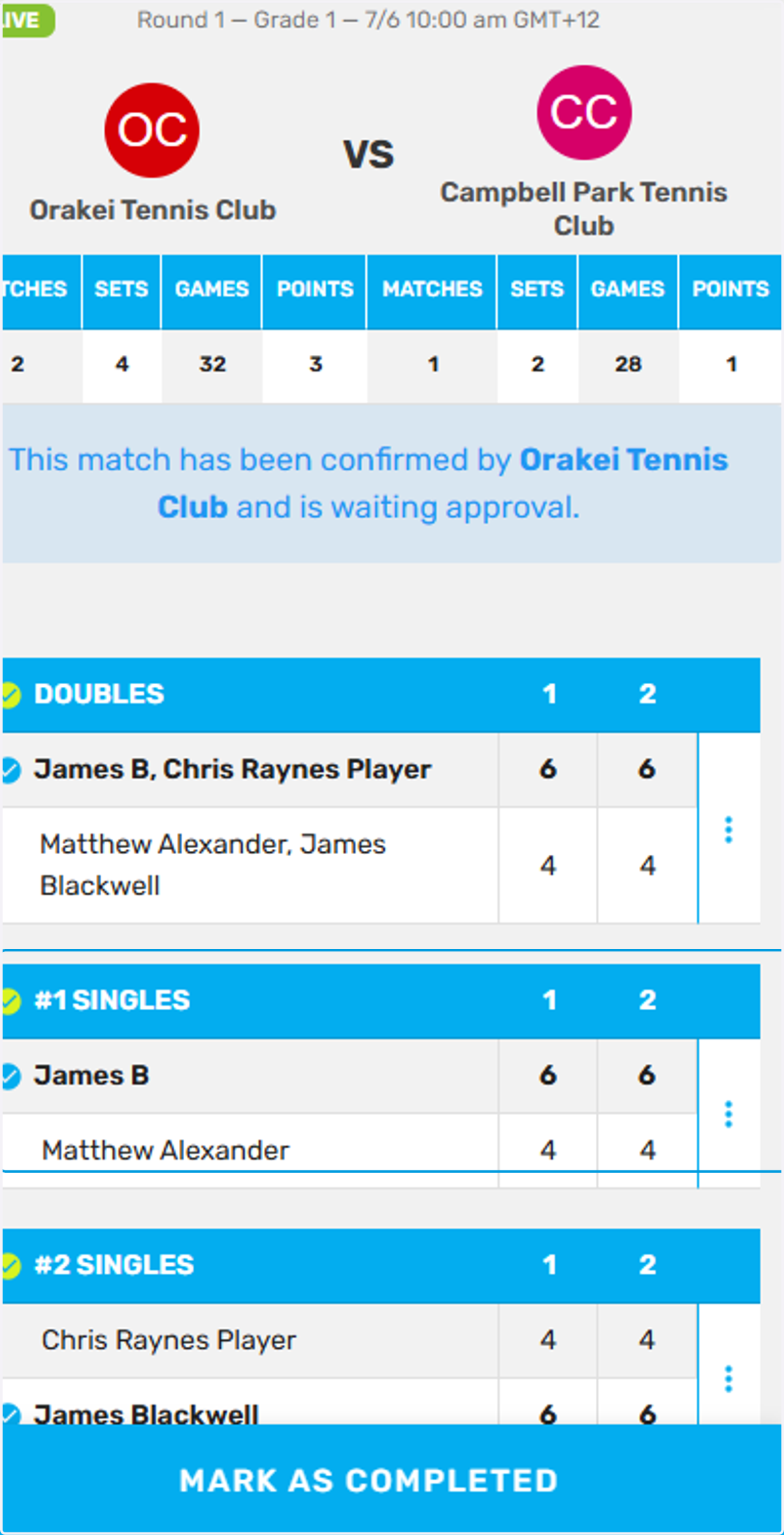
12. Click on MARK AS COMPLETED
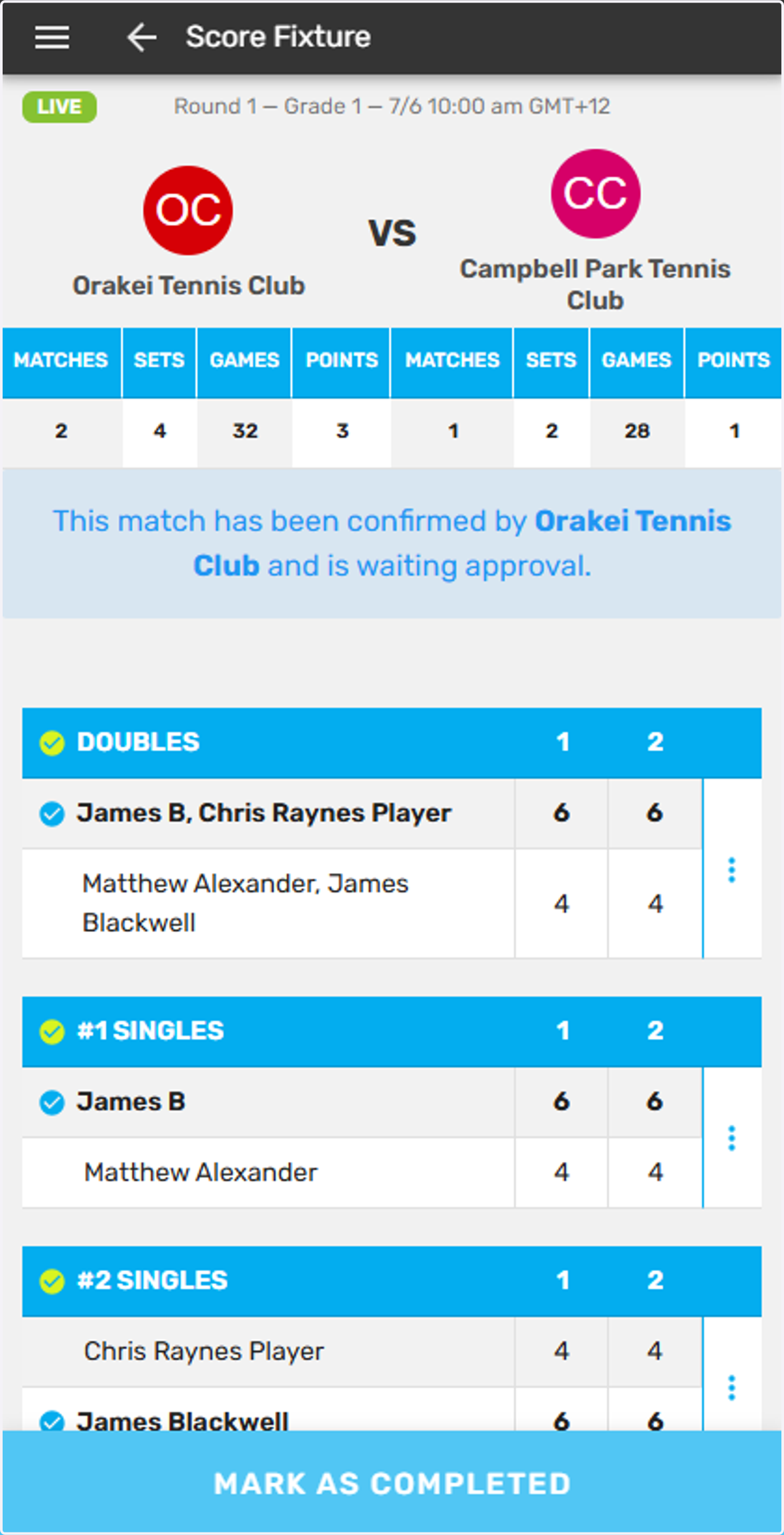
13. Click on MARK AS COMPLETED. This match is now finalised and all score entry is complete