Custom Event Pricing

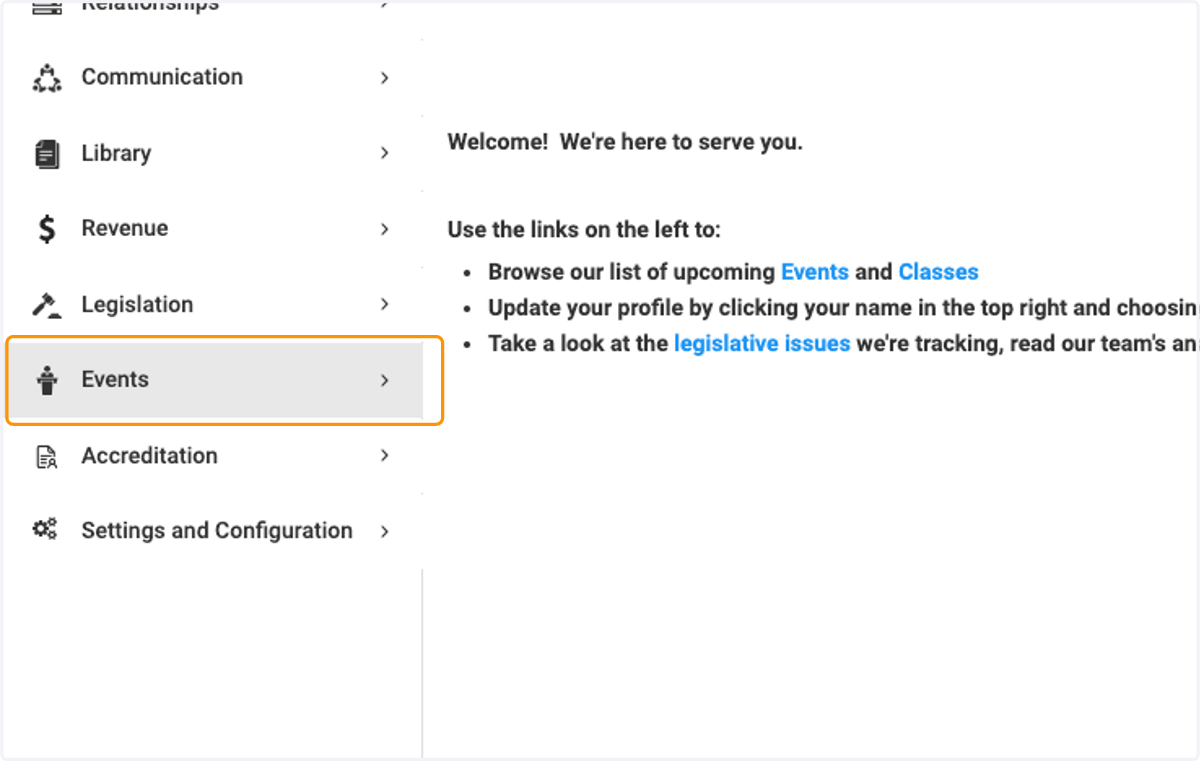
  1. 1. Click on Events

    Click on Events
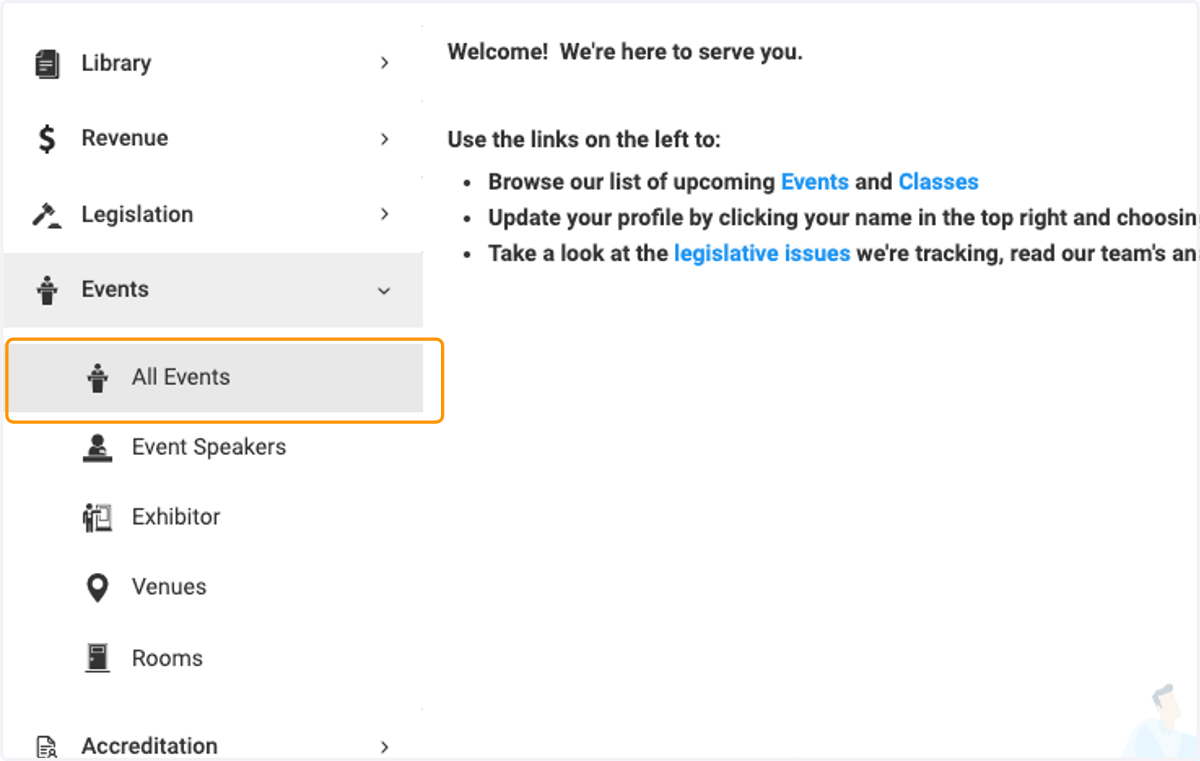
  2. 2. Click on All Events

    Click on All Events
  3. 3. Click on the event you wish to configure the pricing
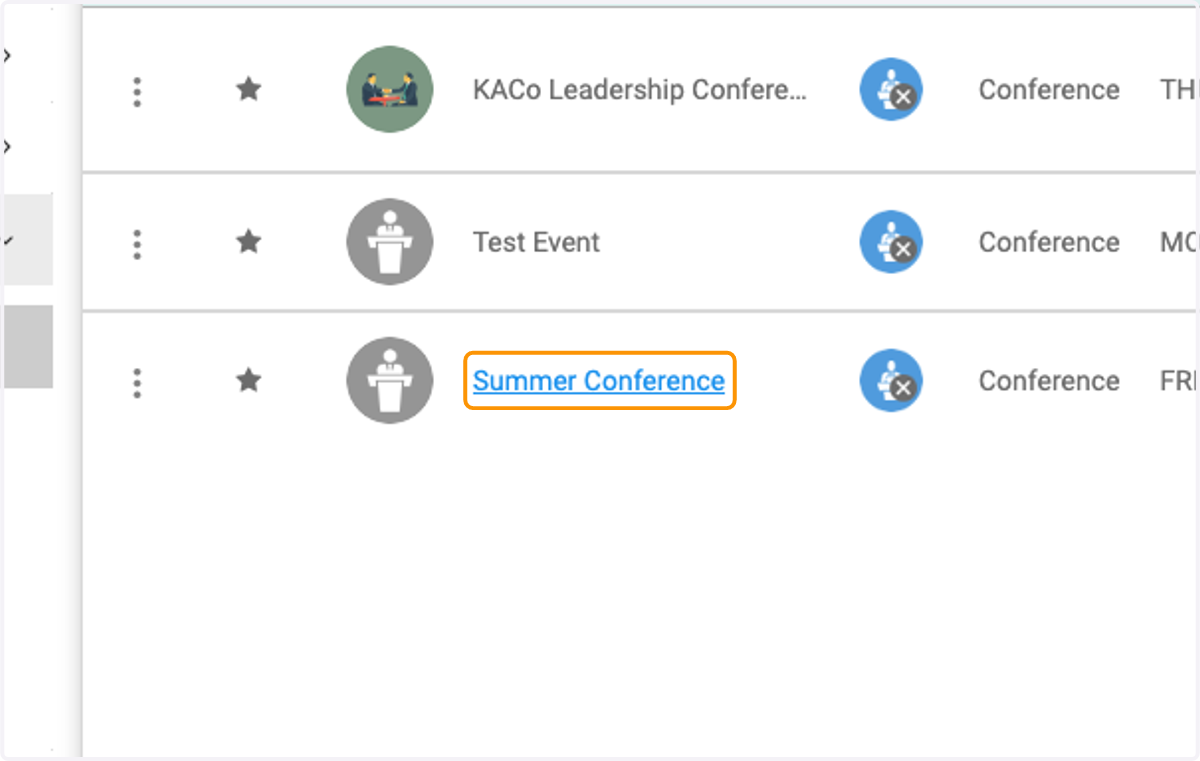
    Click on the event you wish to configure the pricing
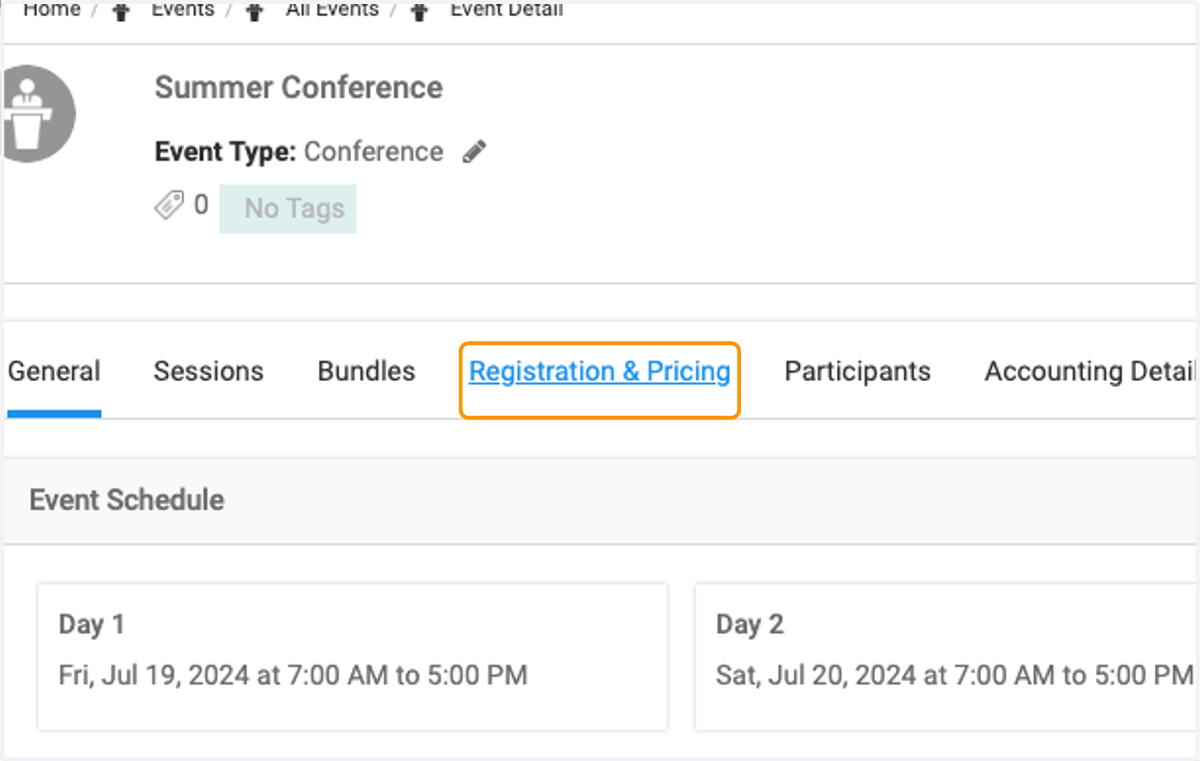
  4. 4. Click on Registration & Pricing

    Click on Registration & Pricing
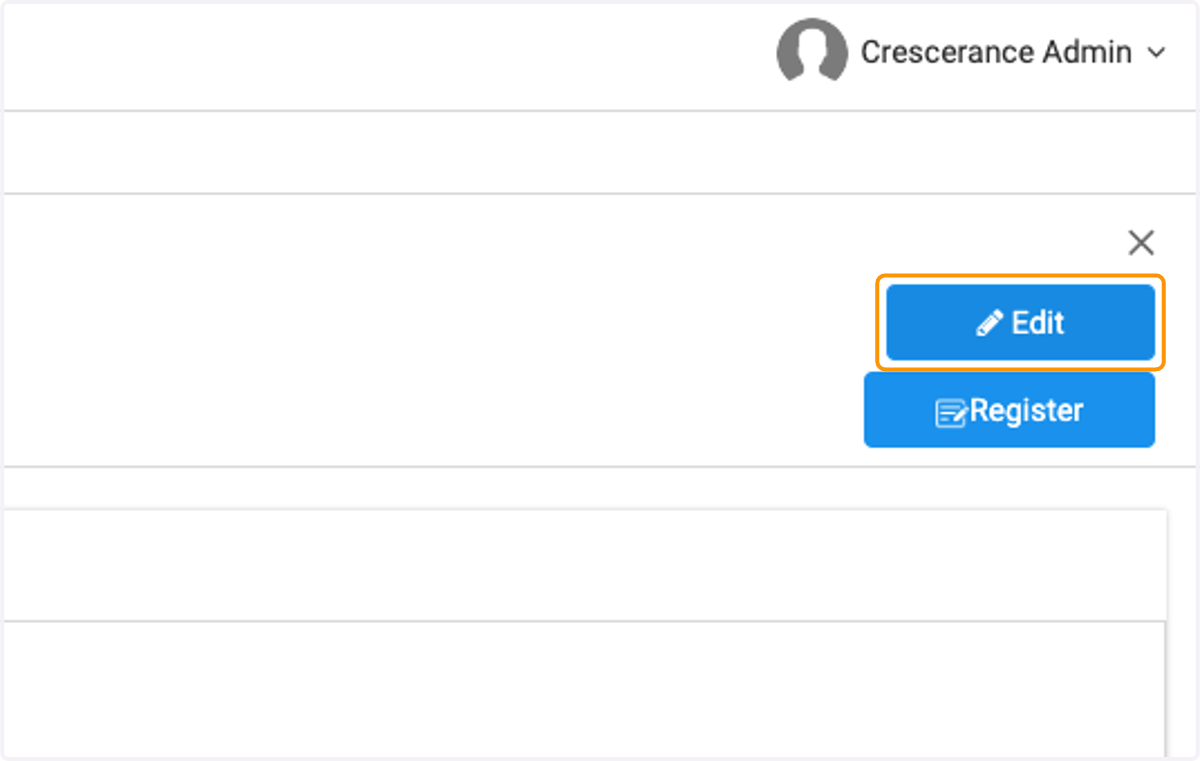
  5. 5. Click on Edit

    Click on Edit
  6. 6. Click on Type to add group, people, organizations, tags and person types to create your pricing rules
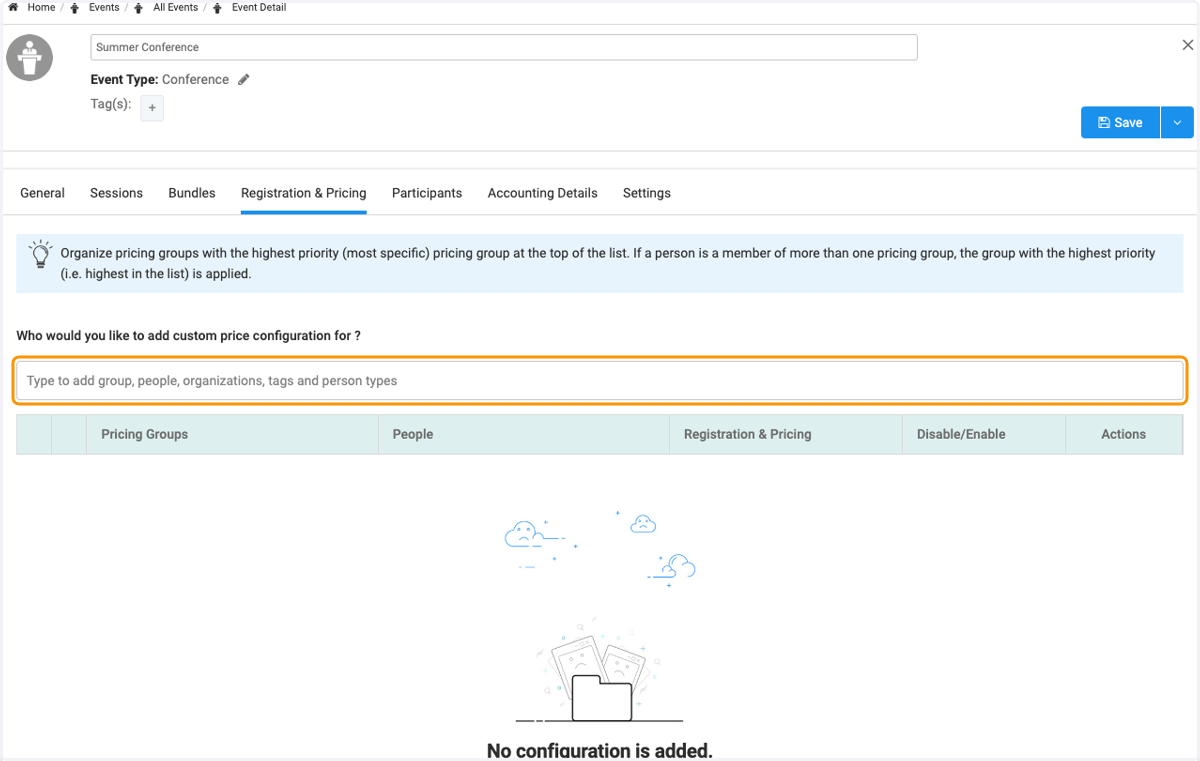
    Click on Type to add group, people, organizations, tags and person types to create your pricing rules
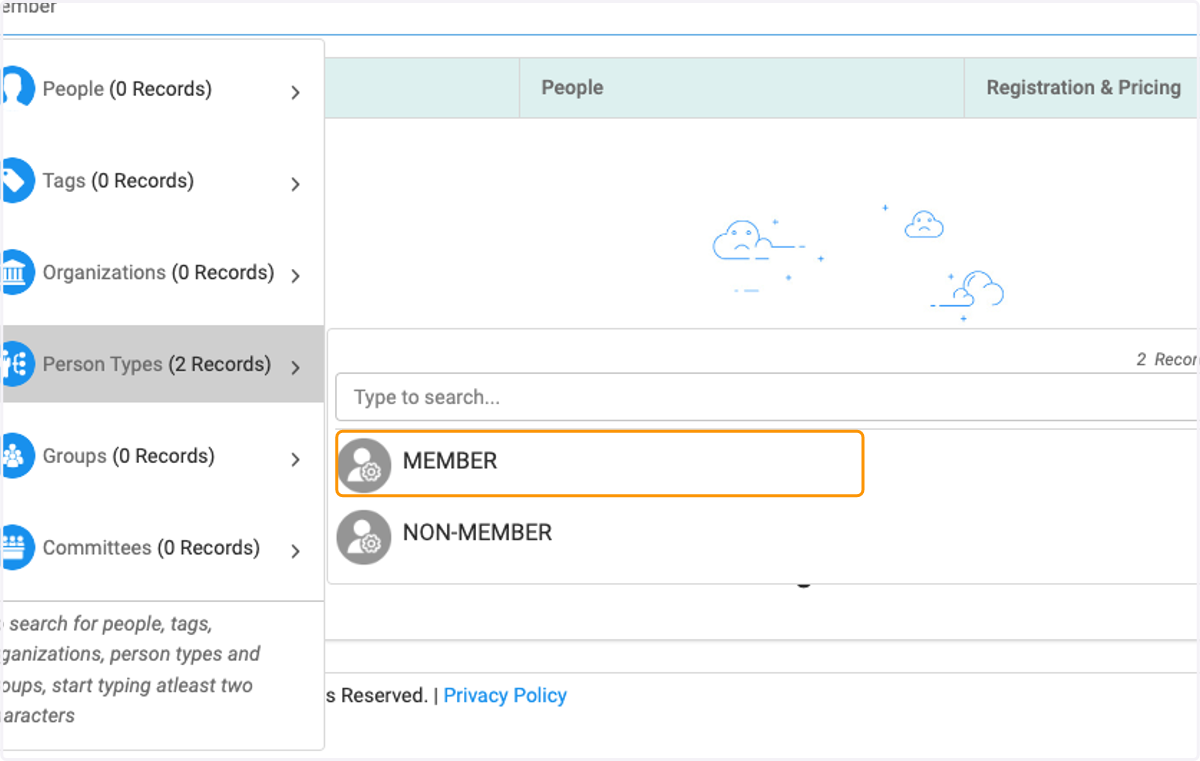
  7. 7. For example type "member" if you want to give your members a special pricing rule
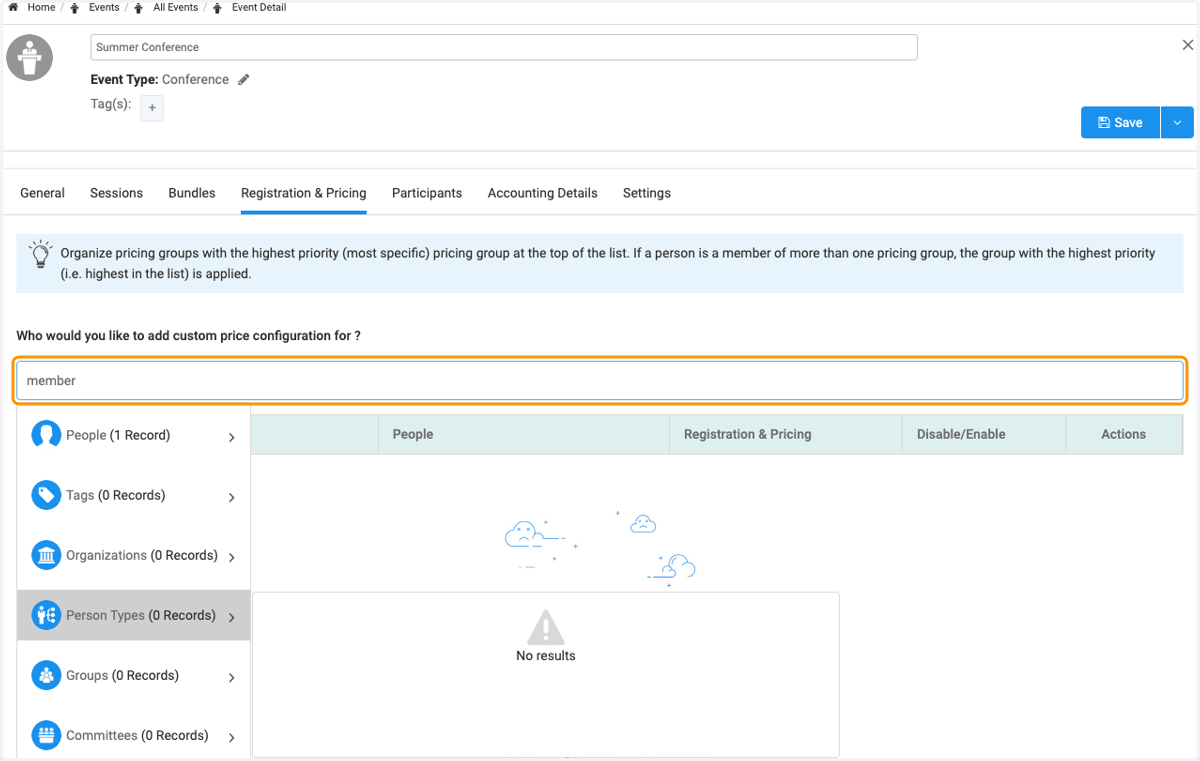
    For example type "member" if you want to give your members a special pricing rule
  8. 8. Click on MEMBER

    Click on MEMBER
  9. 9. Click on Manage to create the pricing rule
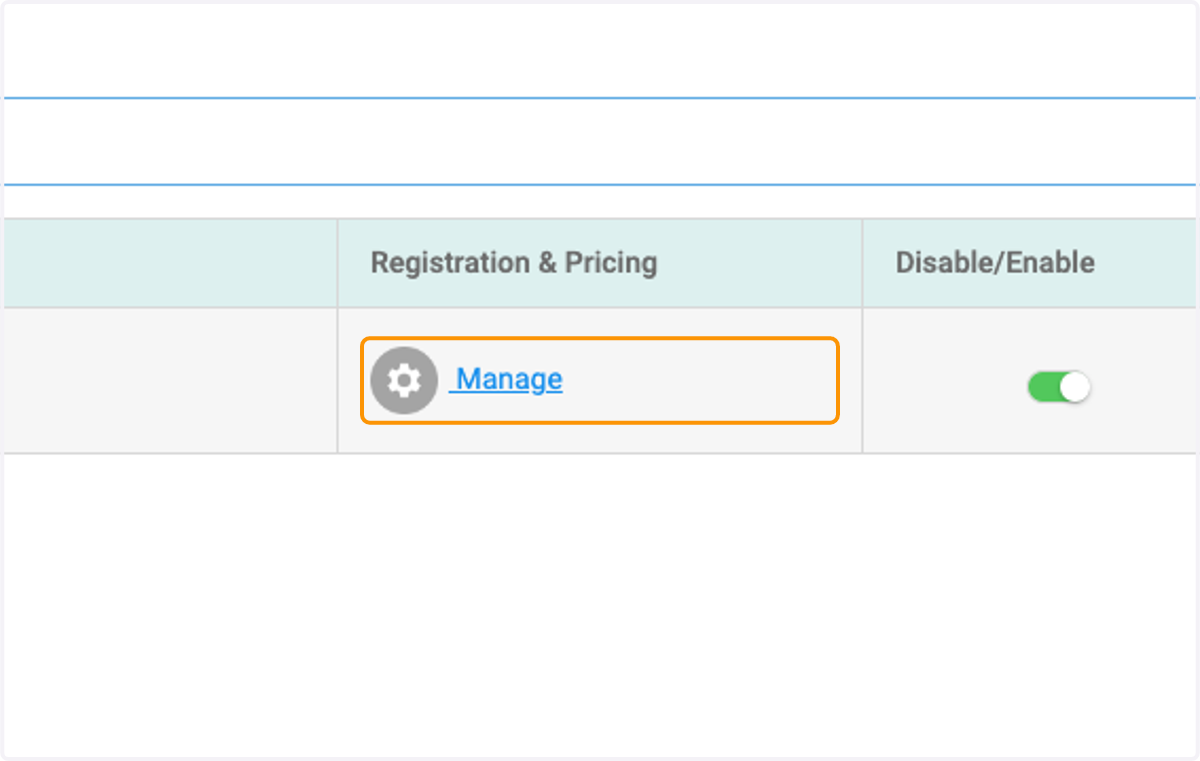
    Click on Manage to create the pricing rule
  10. 10. Select which rule you'd like to apply

    Select Price Override to set up price rule and enter new price.
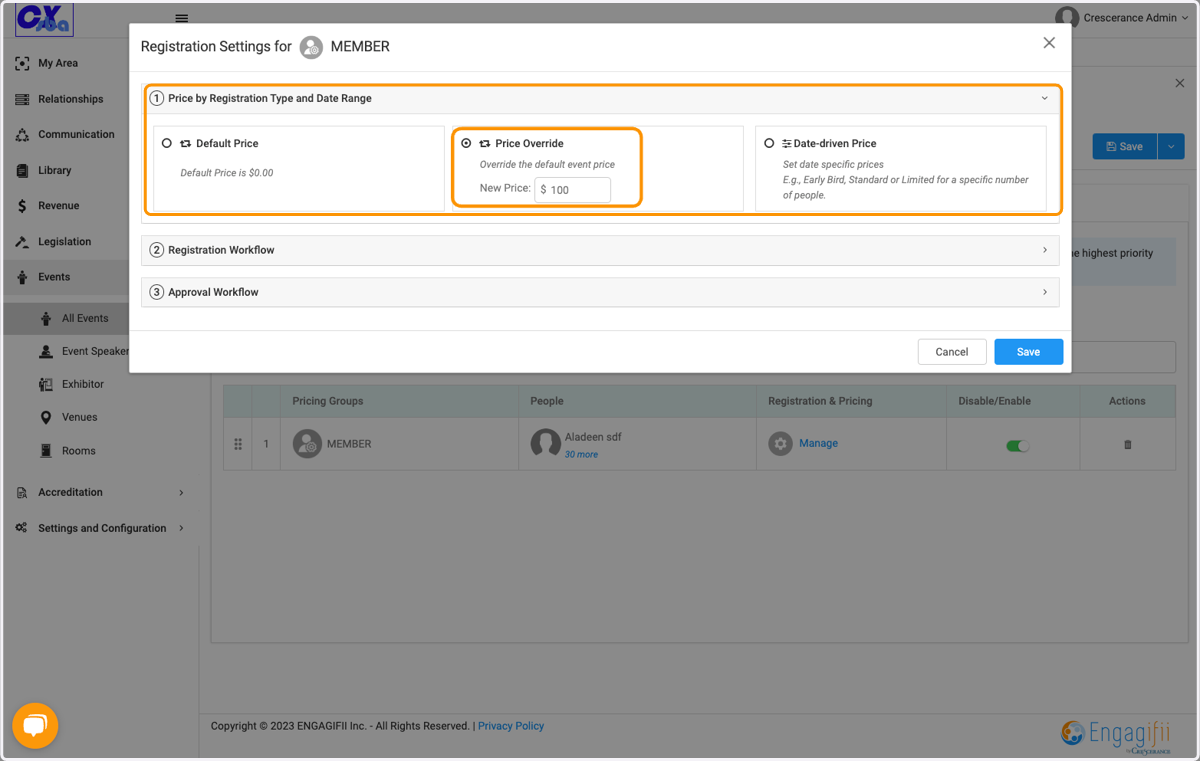
    Select which rule you'd like to apply
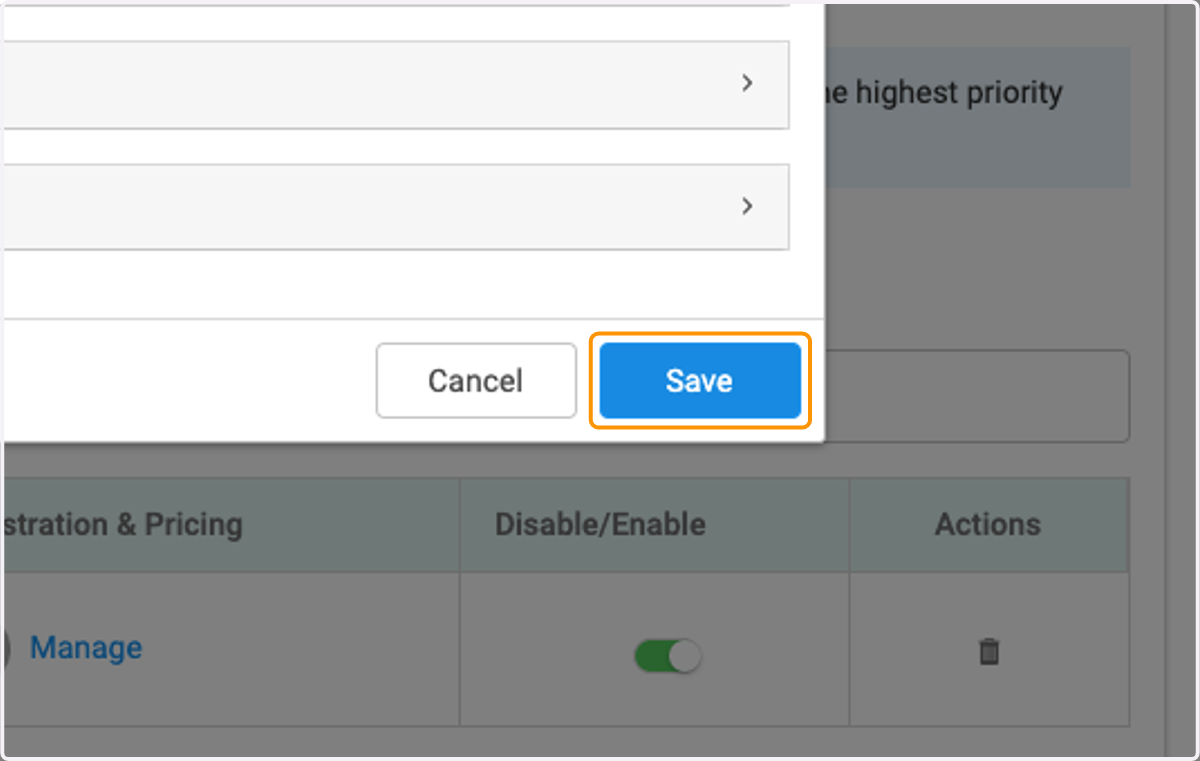
  11. 11. Click on Save

    Click on Save
  12. 12. Add a new custom price rule for a different cohort
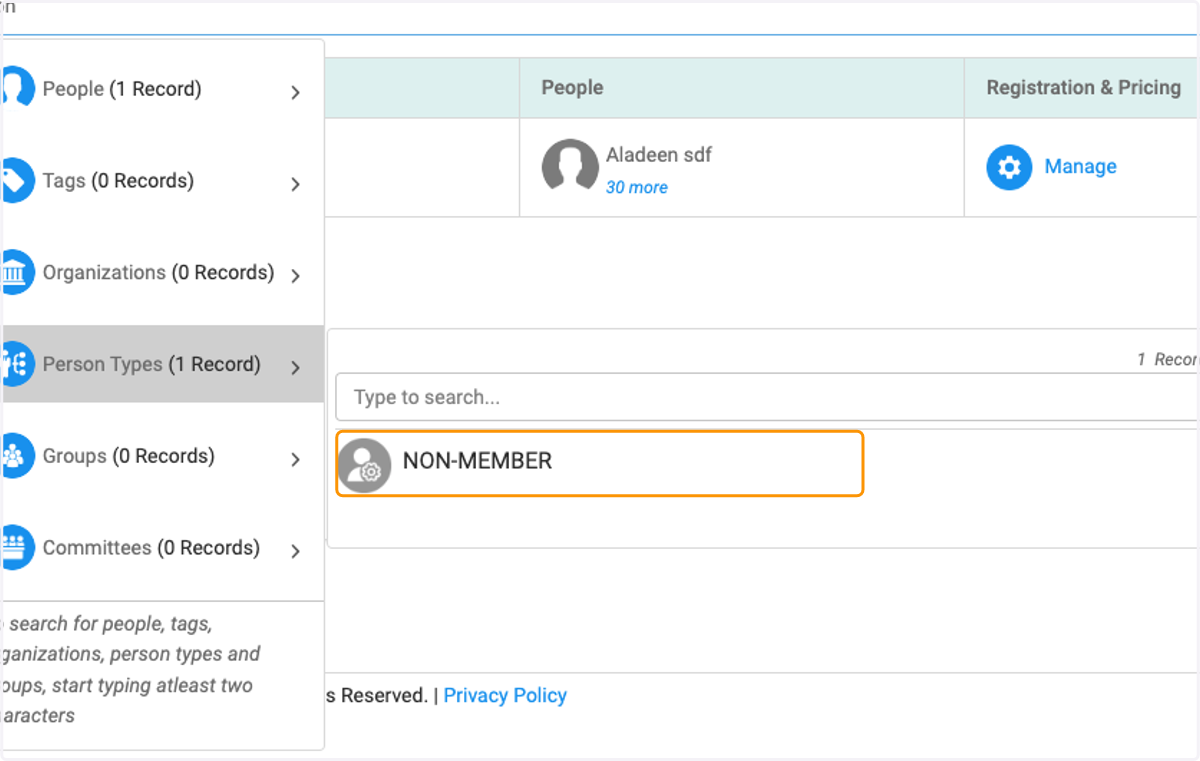
    Add a new custom price rule for a different cohort
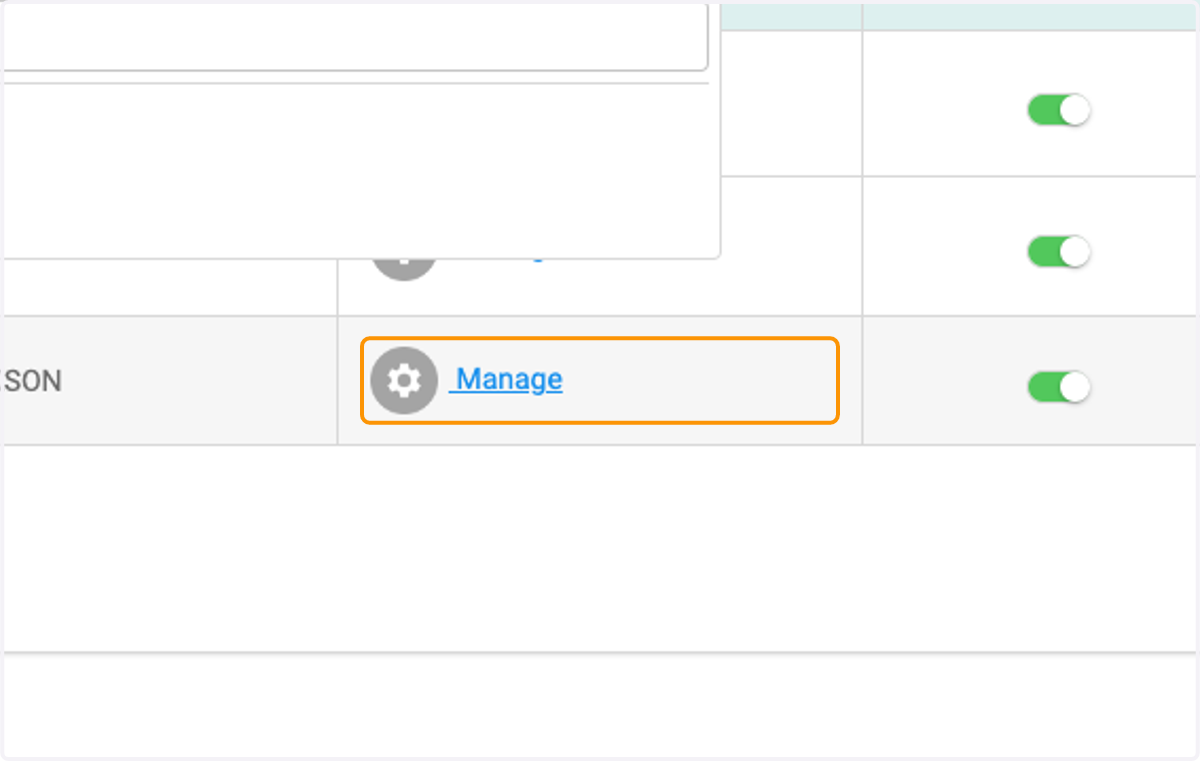
  13. 13. Click on Manage to set up those rules
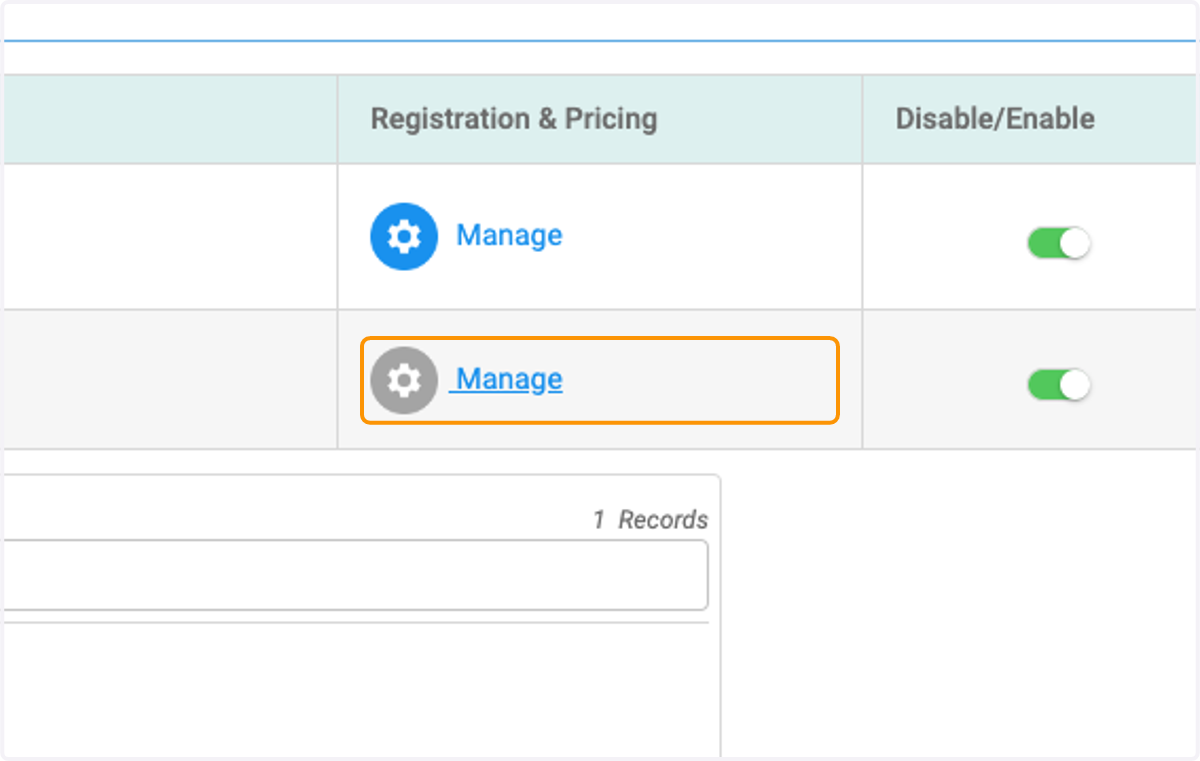
    Click on Manage to set up those rules
  14. 14. Click on Manage

    Click on Manage
  15. 15. Select Date driven Price to create early bird or late registration pricing
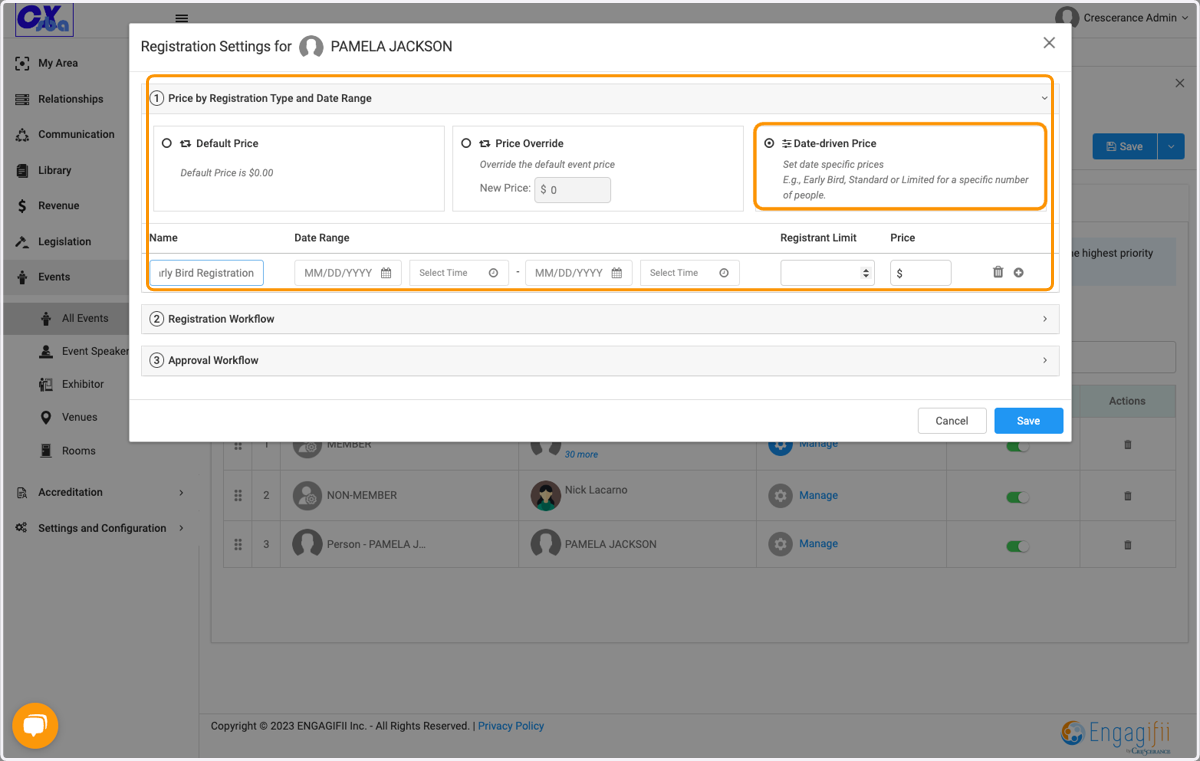
    Select Date driven Price to create early bird or late registration pricing
  16. 16. Enter the parameters for the date driven pricing
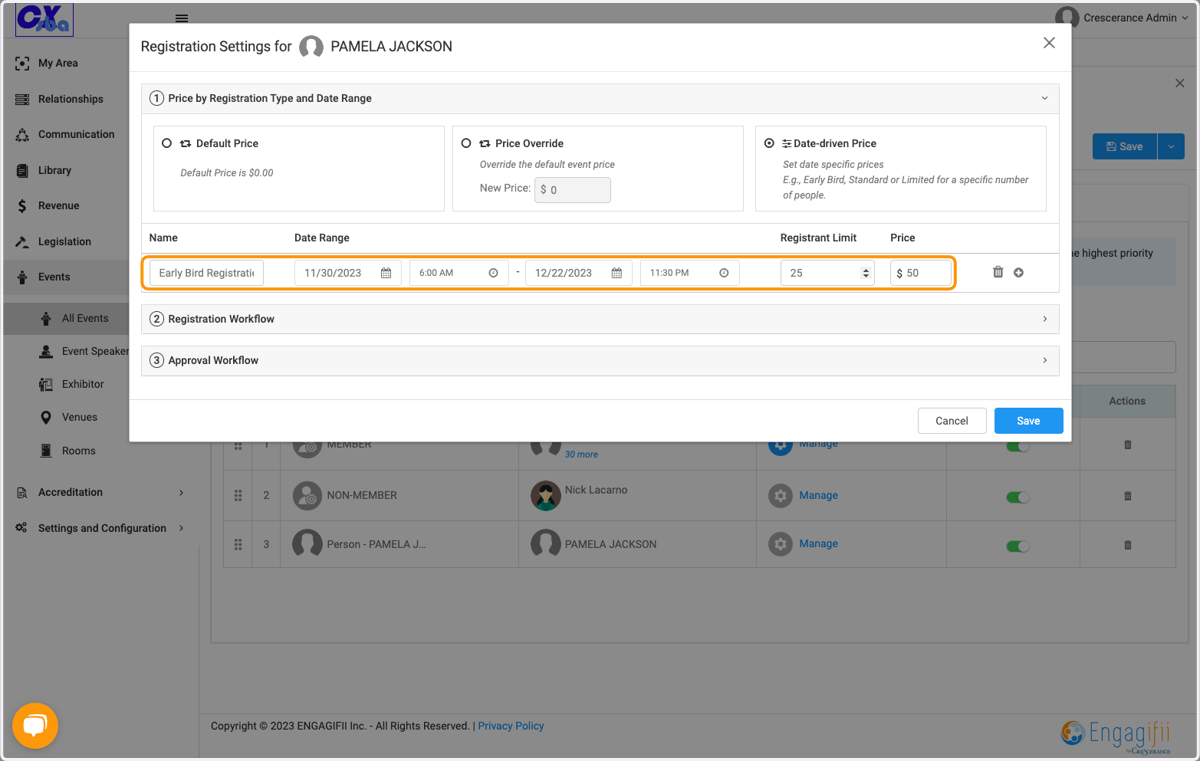
    Enter the parameters for the date driven pricing
  17. 17. Click on Save

    Click on Save
  18. 18. Drag to organize pricing groups with the highest priority (most specific) pricing group at the top of the list. If a person is a member of more than one pricing group, the group with the highest priority (i.e. highest in the list) is applied.…
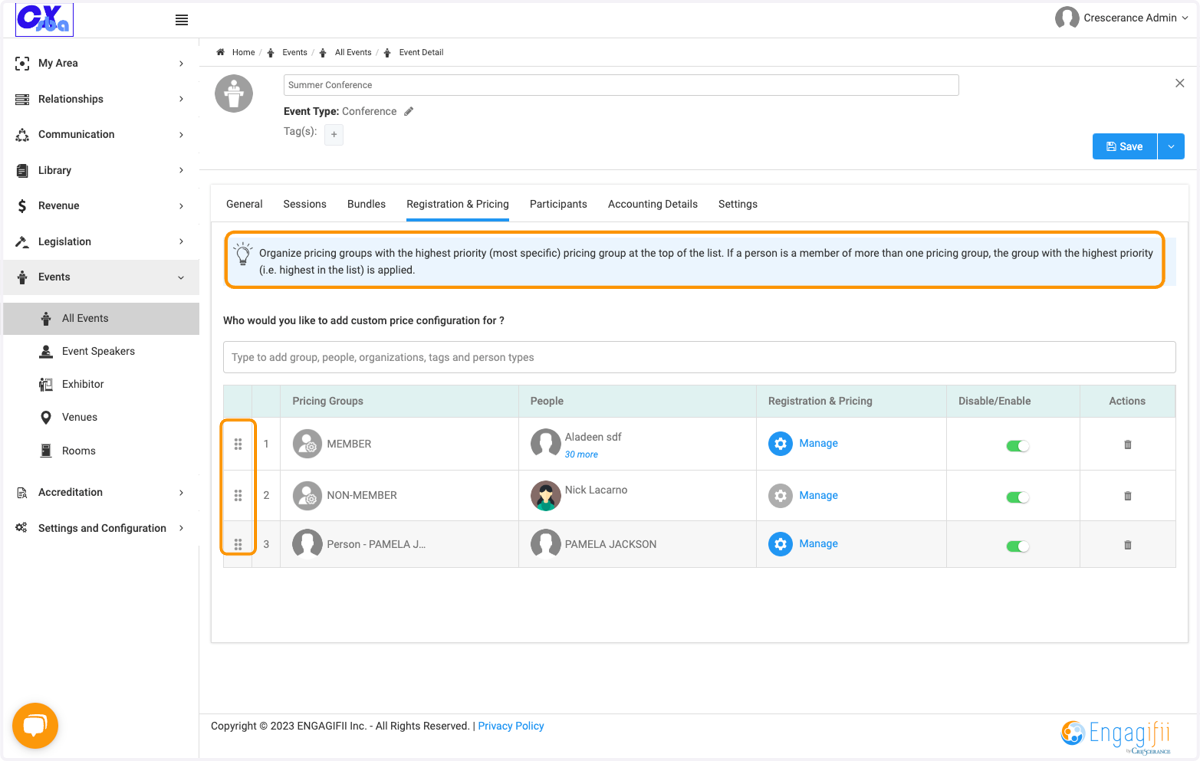
    Drag to organize pricing groups with the highest priority (most specific) pricing group at the top of the list. If a person is a member of more than one pricing group, the group with the highest priority (i.e. highest in the list) is applied.…
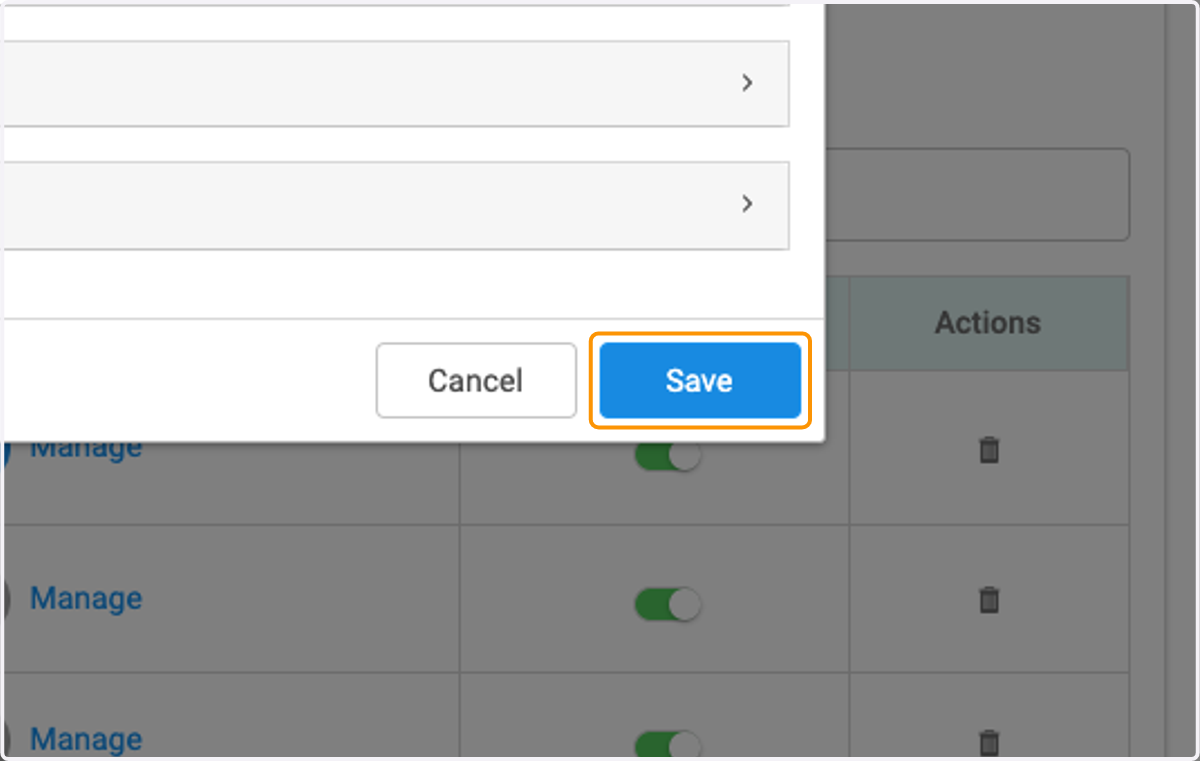
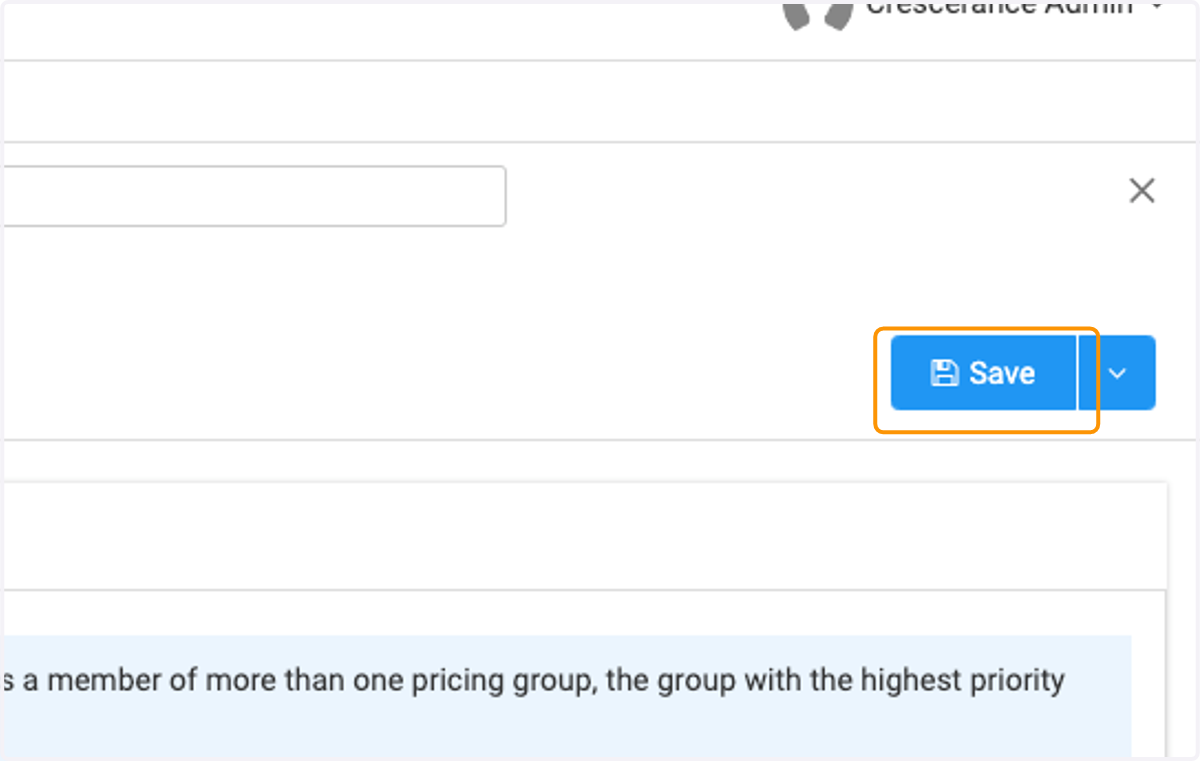
  19. 19. Click on Save when finished

    Click on Save when finished