How do I set up email notifications for Media Room uploads?
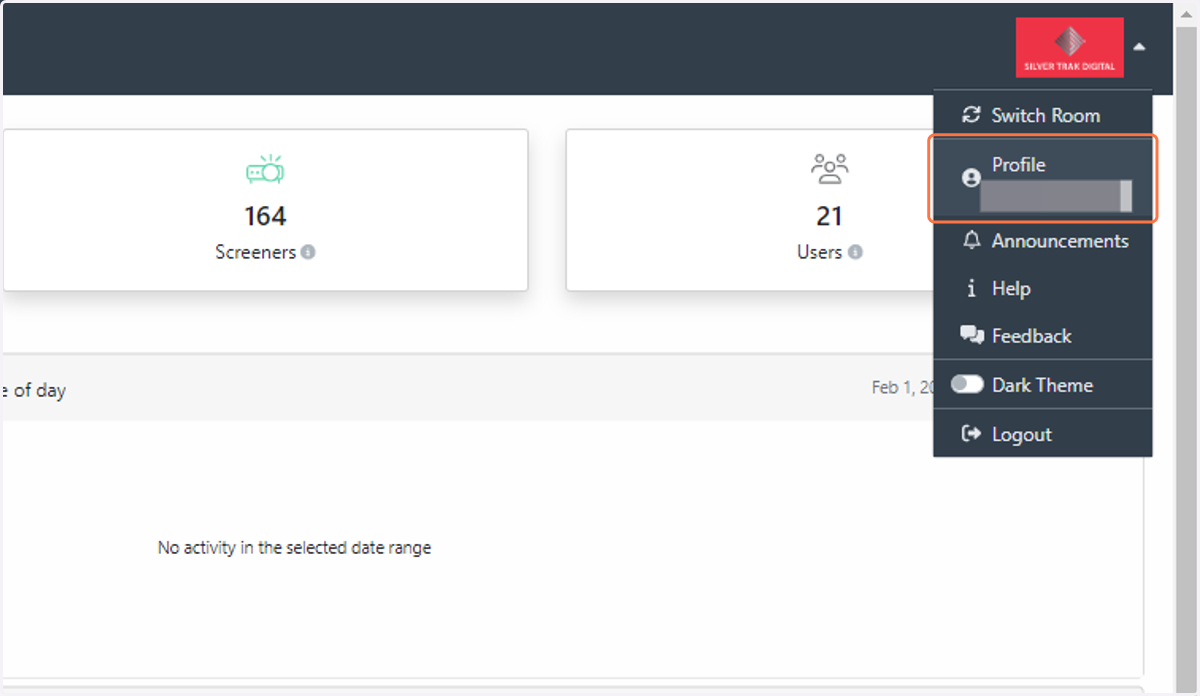
1. Email notifications can be sent to Media Room users when an asset is uploaded. To set this up, go to your user profile
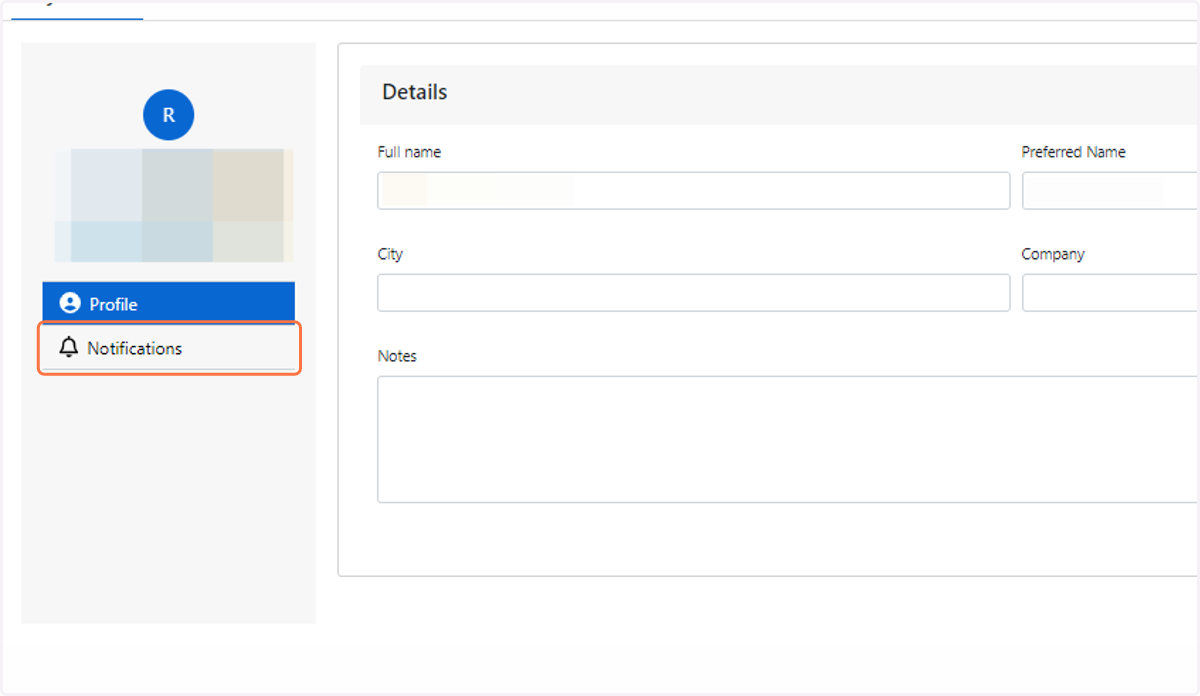
2. Click on Notifications
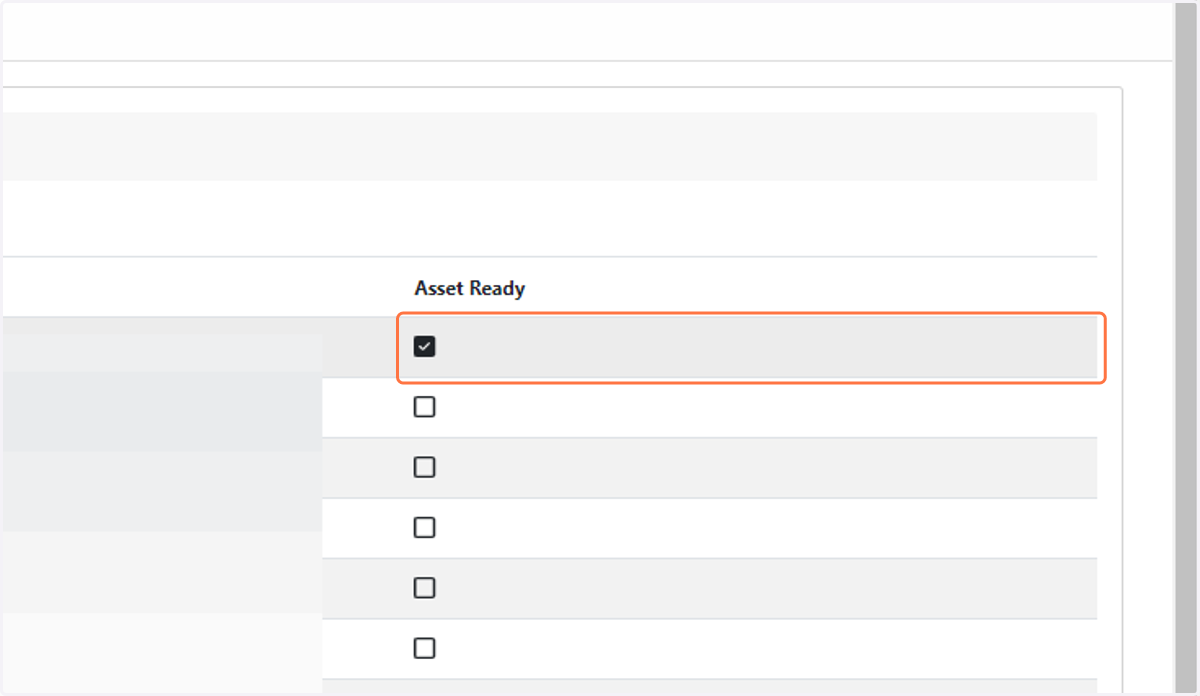
3. Go through the list of your Media Rooms and select the “Asset Ready” box to start generating email notifications