Credit Card Deposits
Yardiaspnc7
1. Go to Yardi Systems, Inc. - Yardi Voyager
2. Click on Receivables

3. Click on Create Detail Batch

4. Type in the Total Declared ($) and Items Declared (# of CCs)

5. Search for by Resident or by Payer - not both

6. Click on Resident
7. Select Future

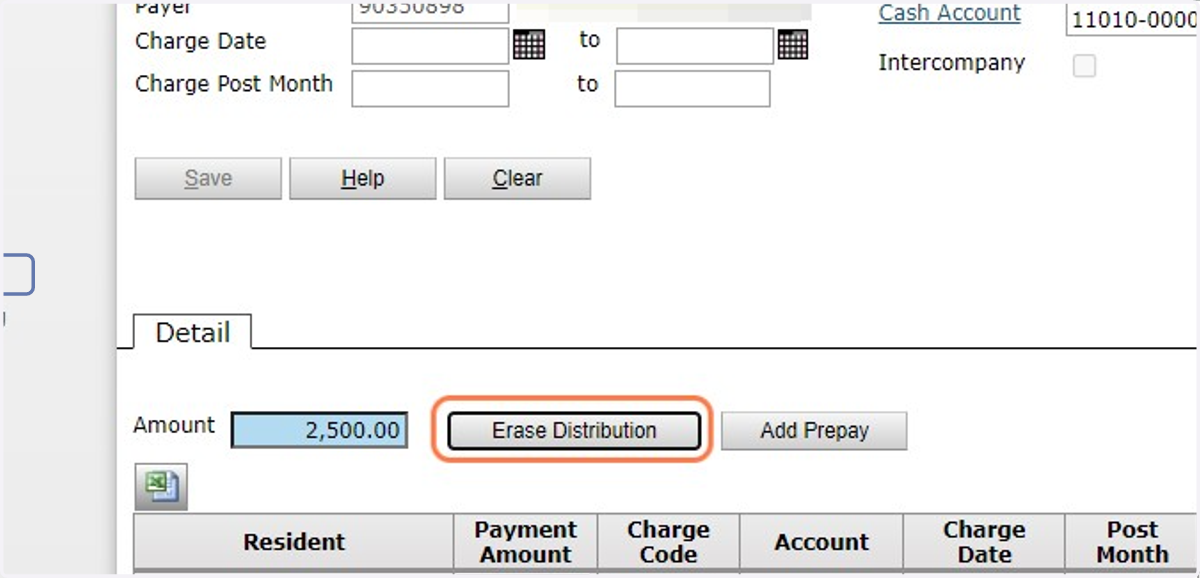
8. For Credit Card Deposits, enter CC and the last 4 digits of the card number

9. Enter the total amount of the deposit - ensure nothing is going to Prepay, then click Save