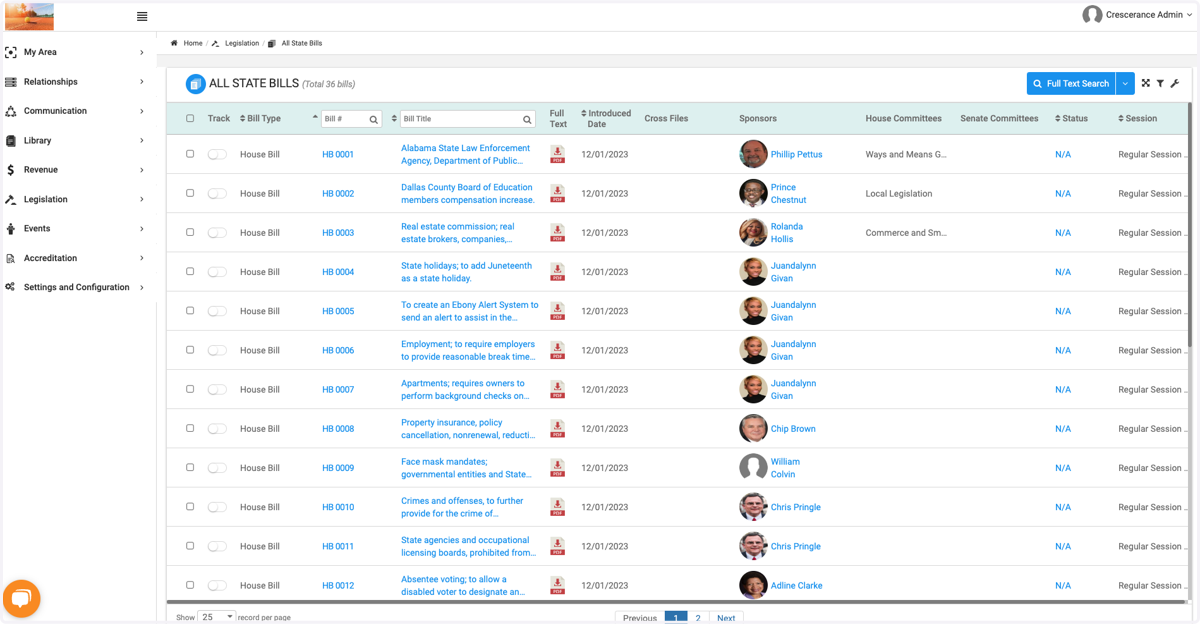
Customizing and Setting Default Homepage
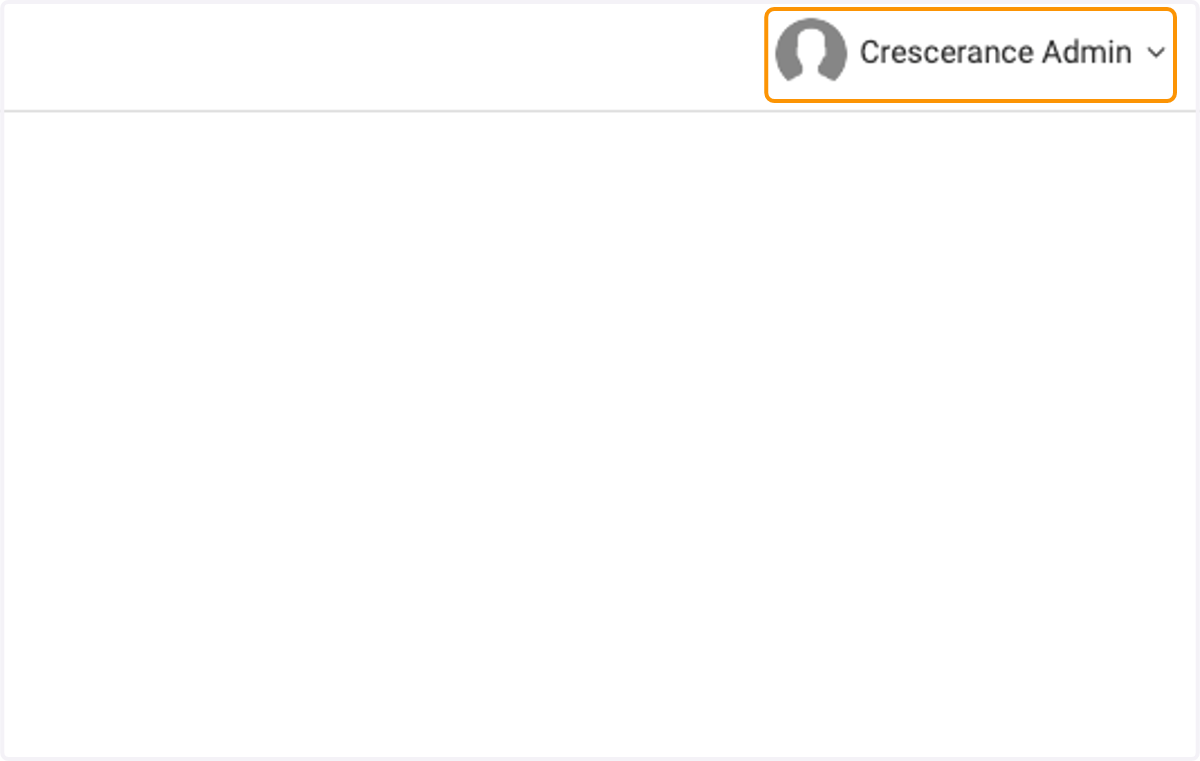
1. Click on your name at the top right of the main page
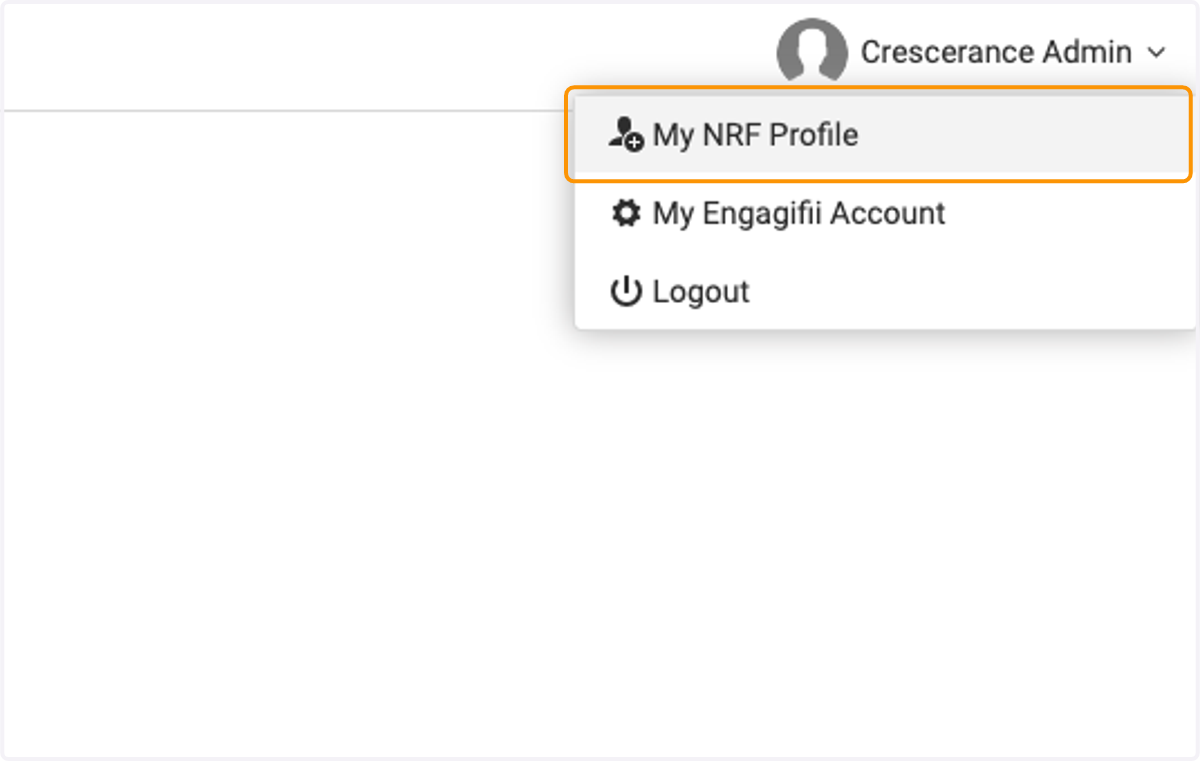
2. Click on My (Your Workspace Name) Profile
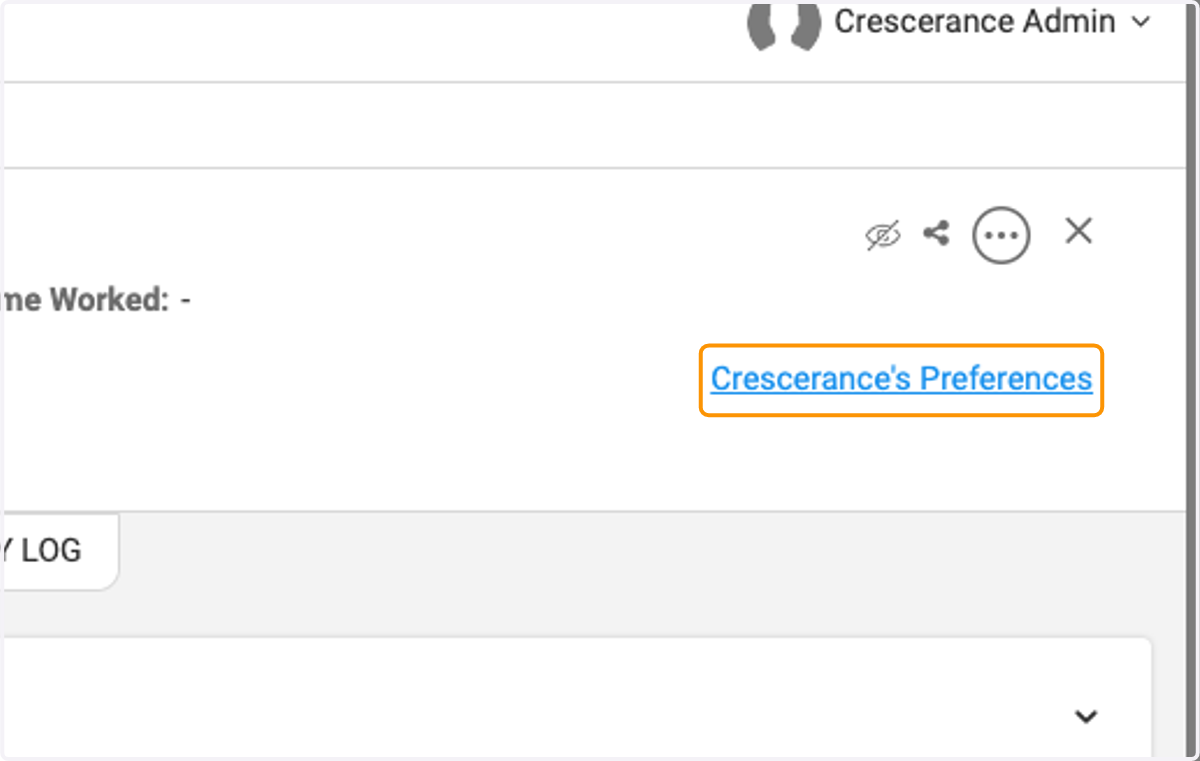
3. Click on Your Preferences
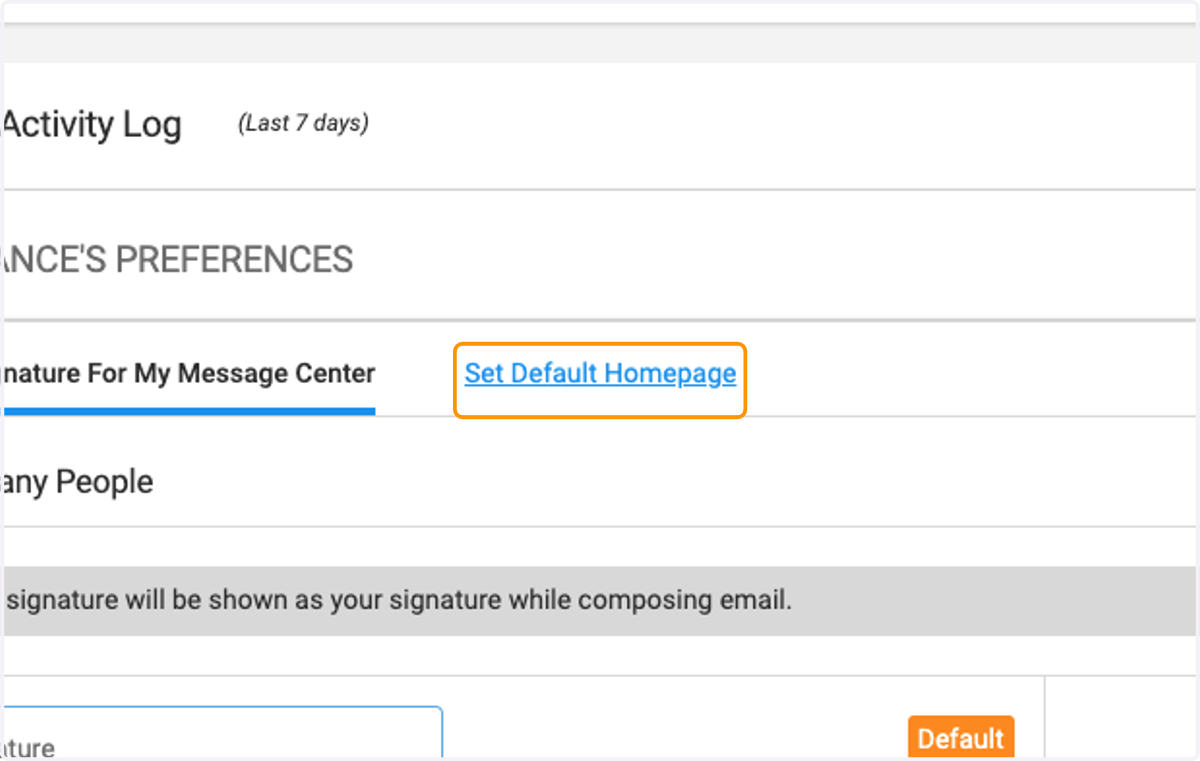
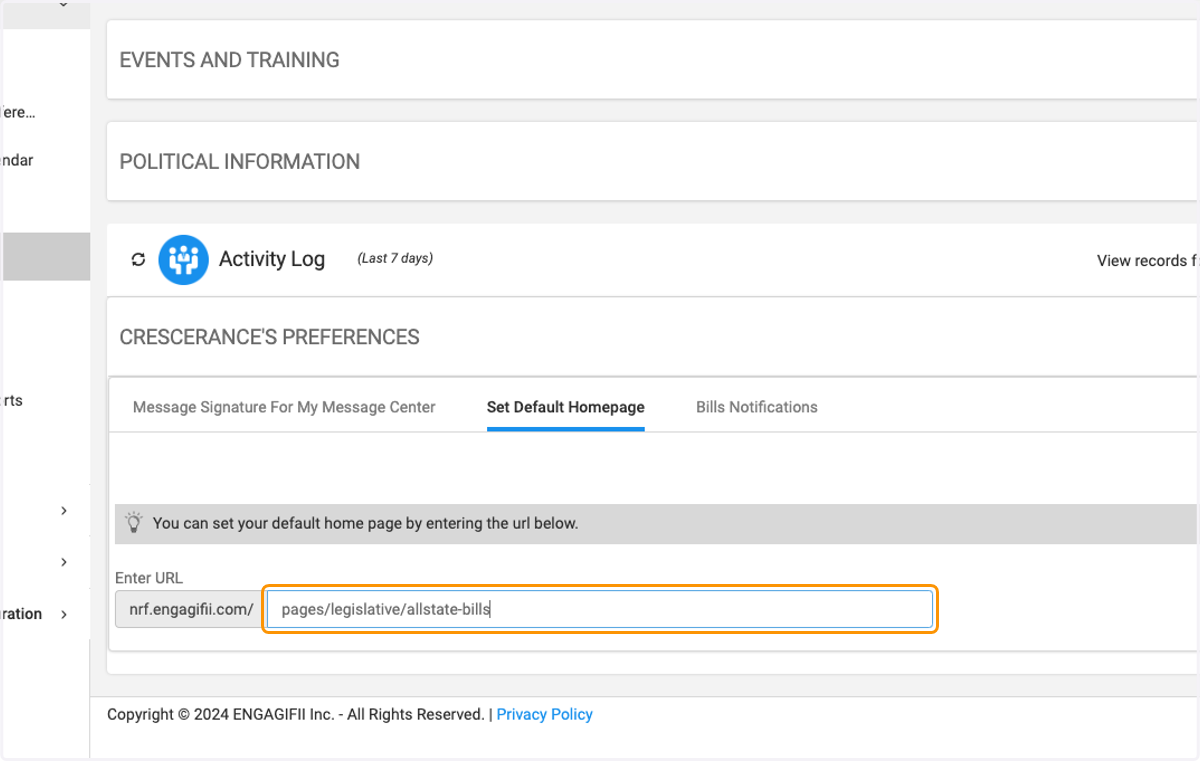
4. Click on Set Default Homepage
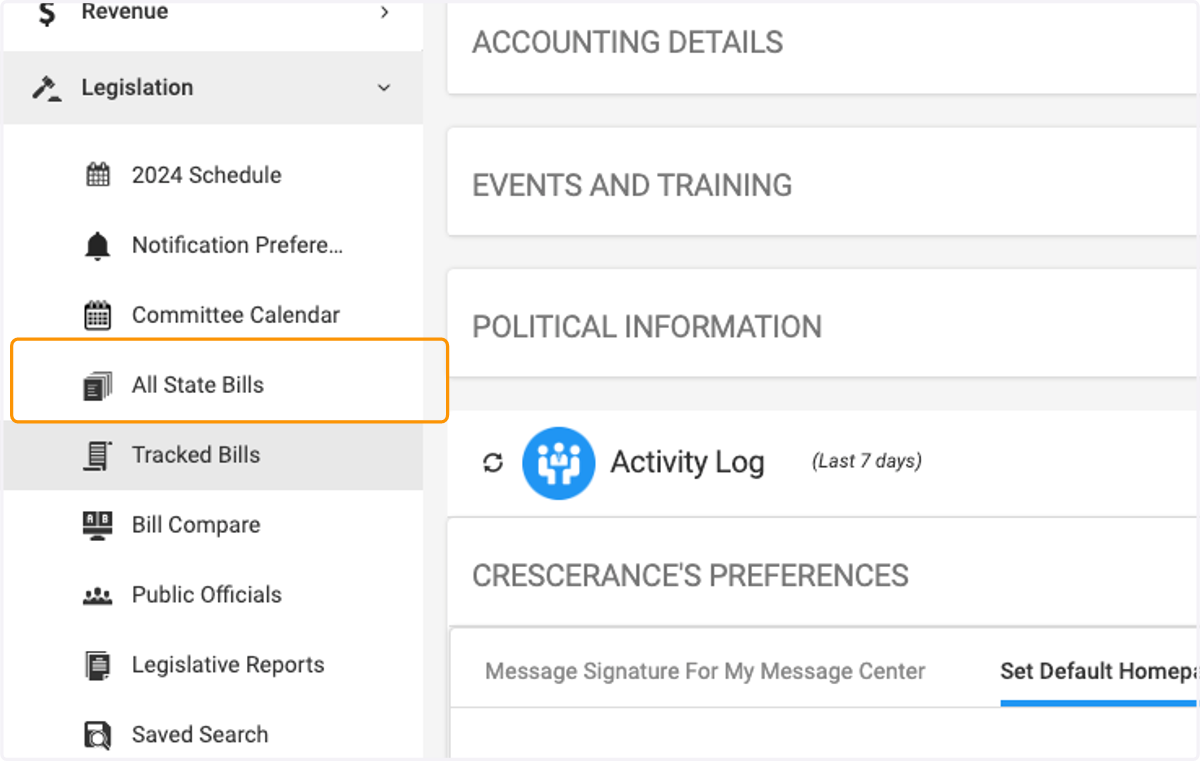
5. Click on the page you want to set as your default
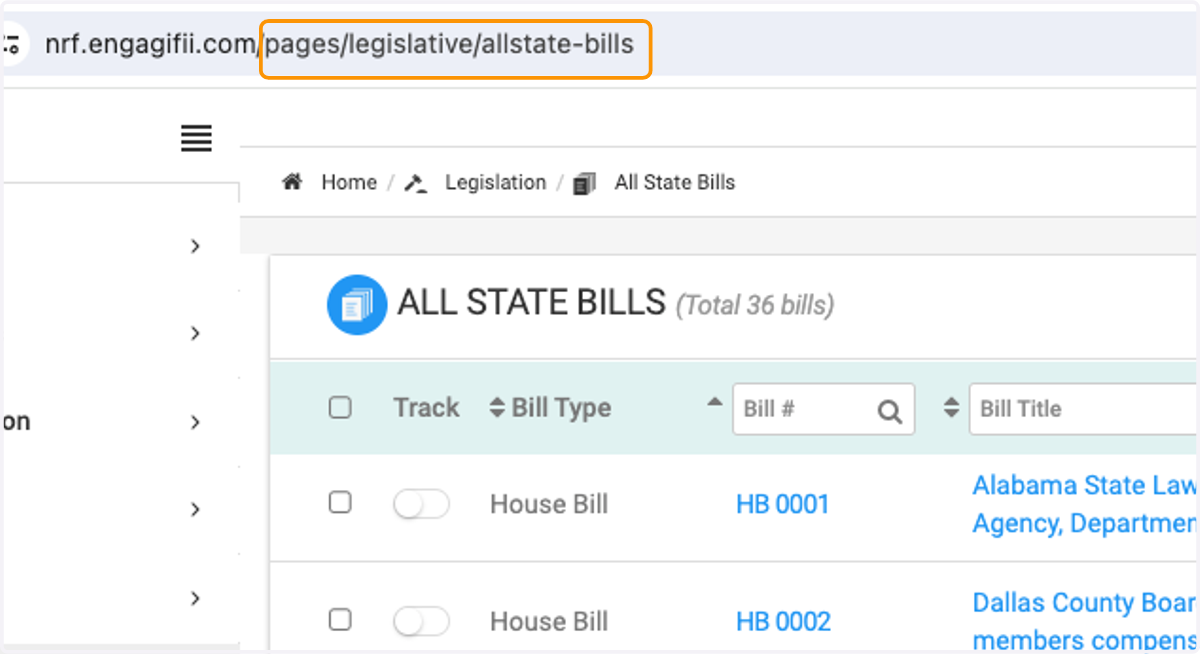
6. Copy the url from the page
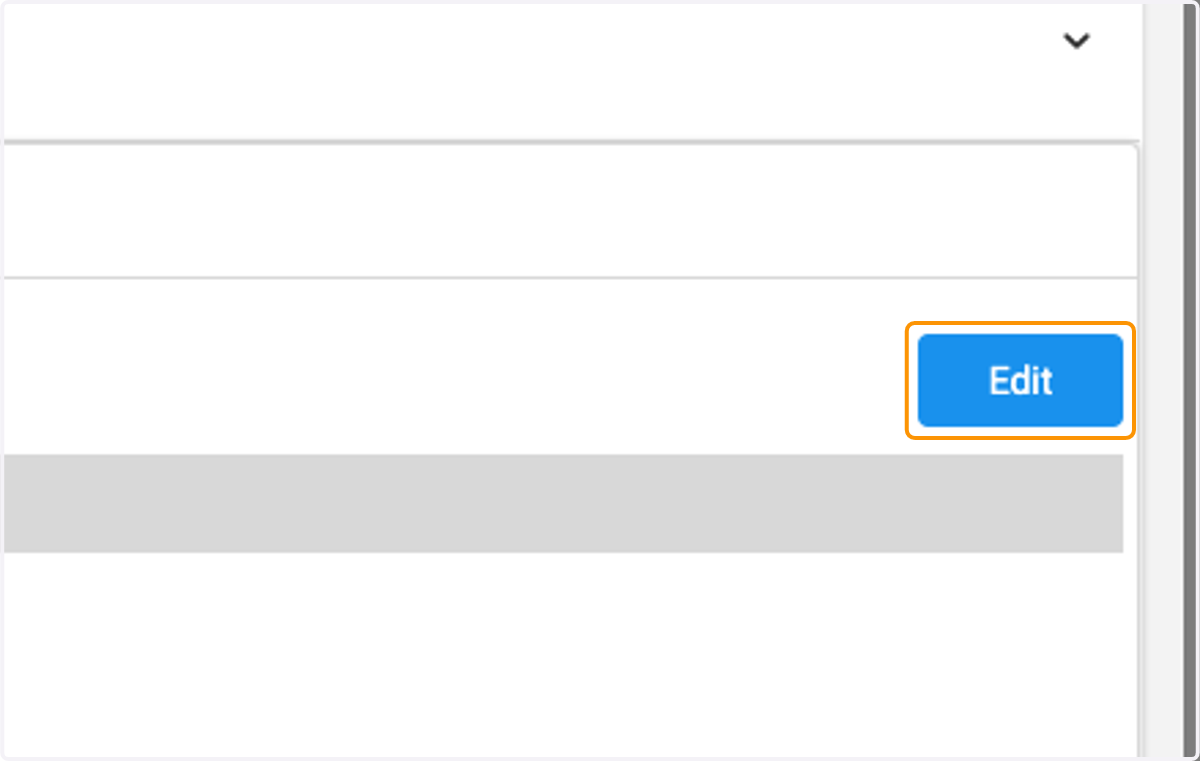
7. Click on Edit
8. Paste the copied link into the box
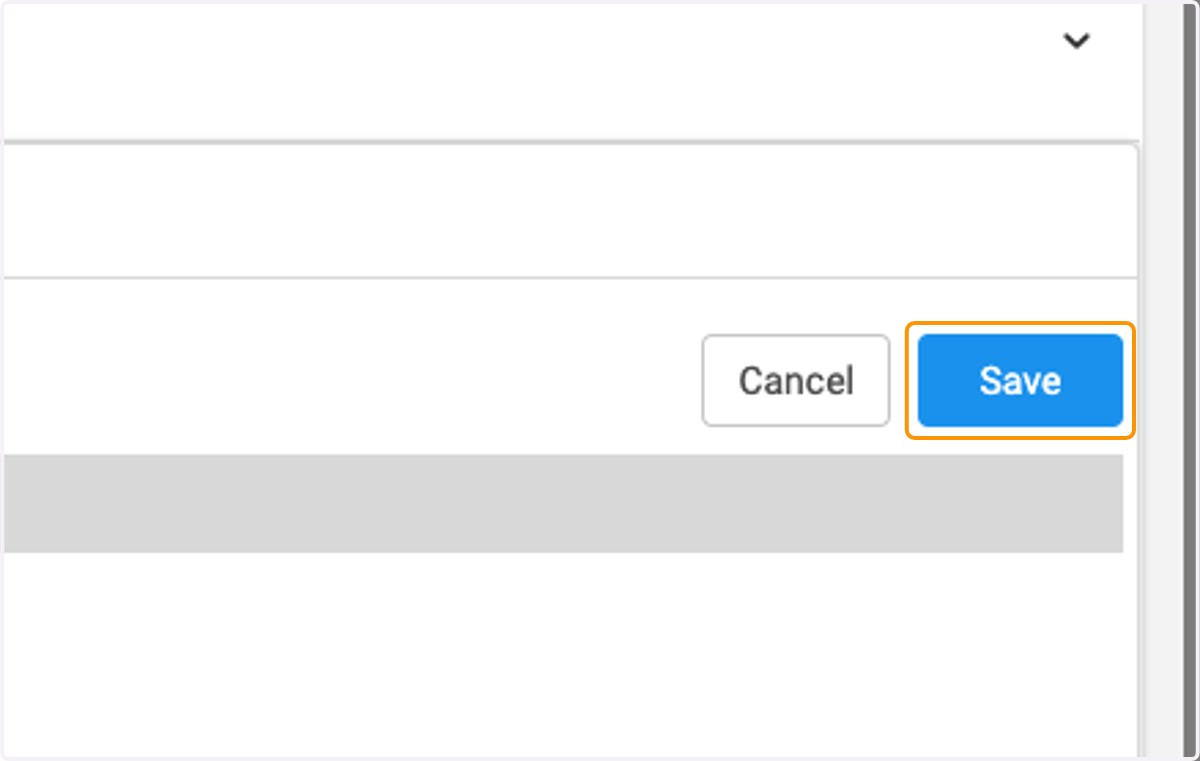
9. Click on Save
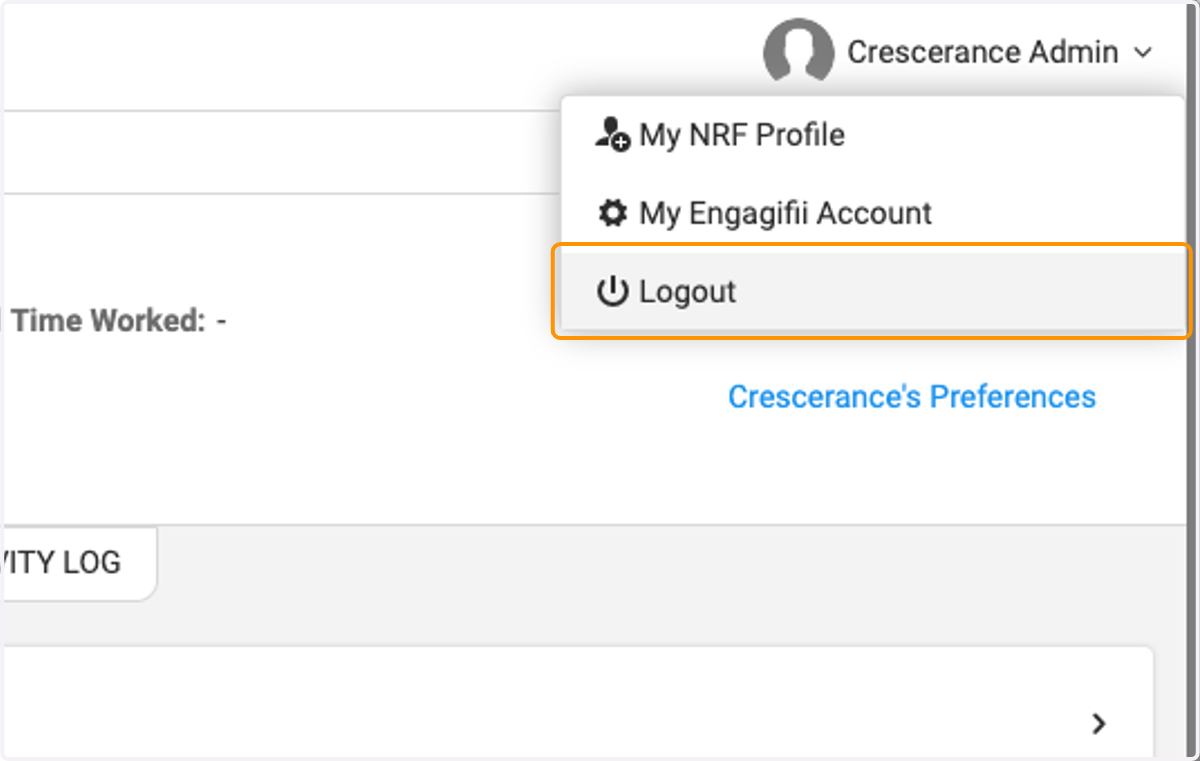
10. Click on Logout
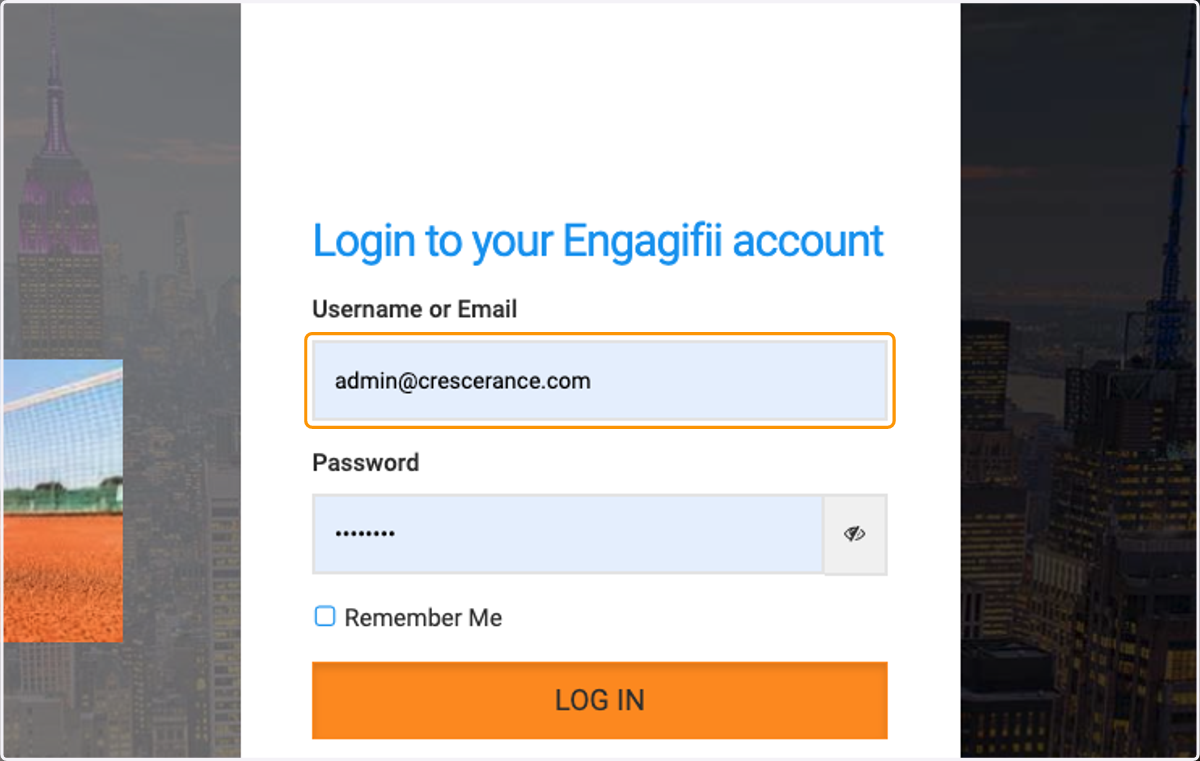
11. The next time you login, you will be taken directly to that page.
12. You are brought directly to preferred page.