1.4 How to process a credit note

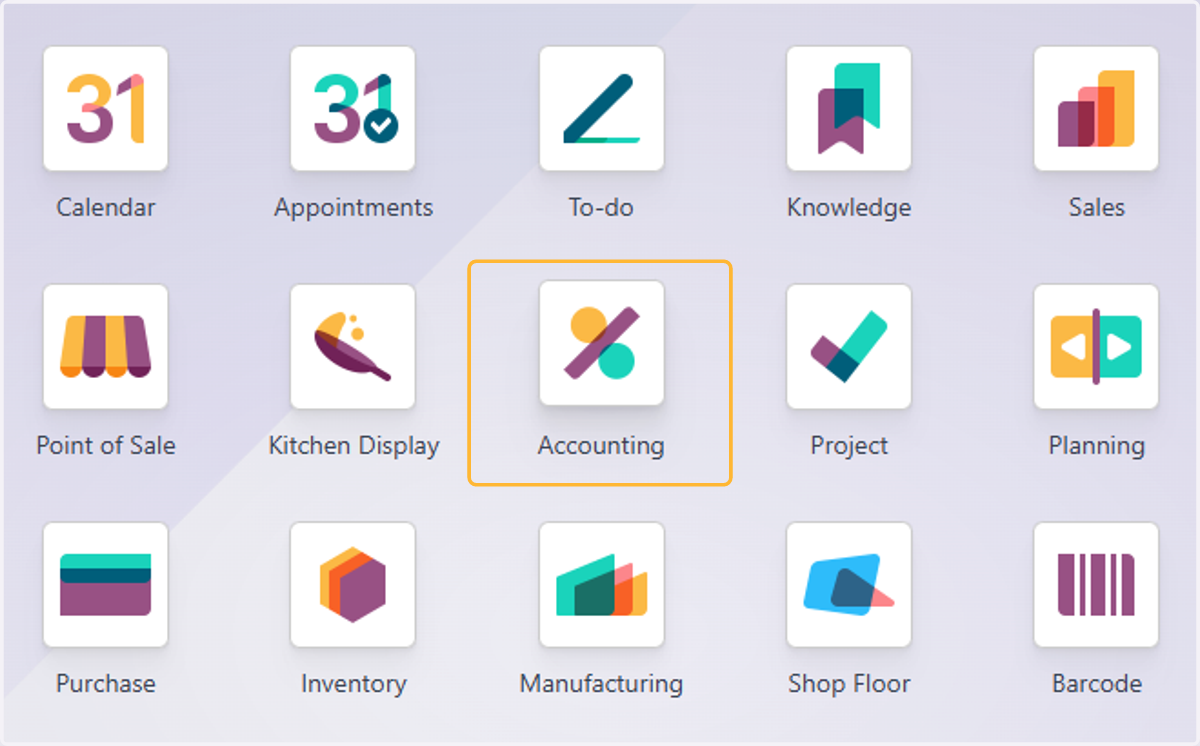
  1. 1. Click on Accounting

    Click on Accounting
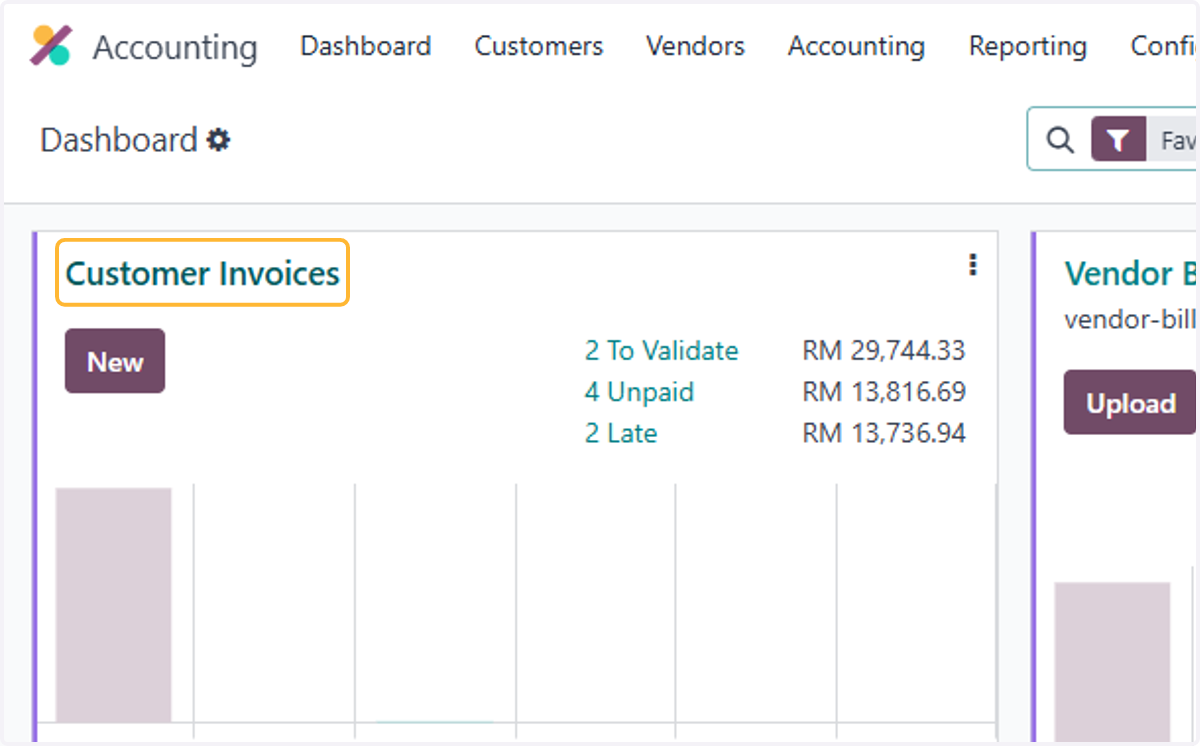
  2. 2. Click on Customer Invoices

    Click on Customer Invoices
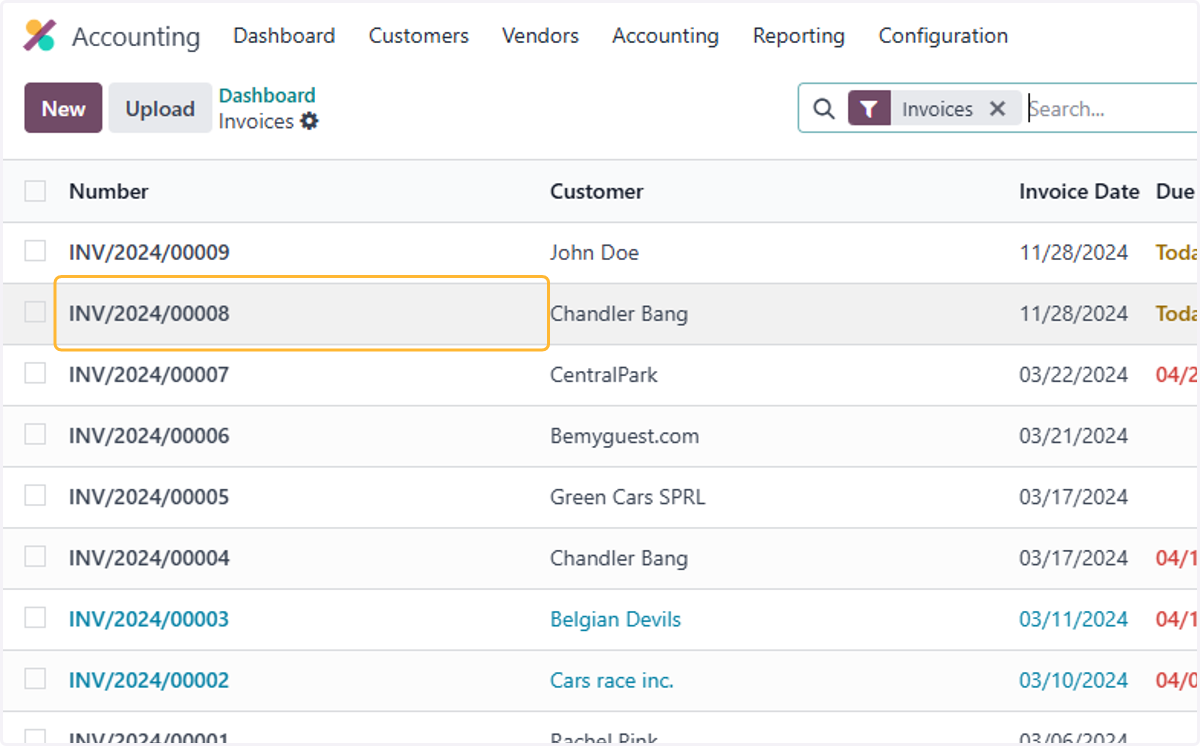
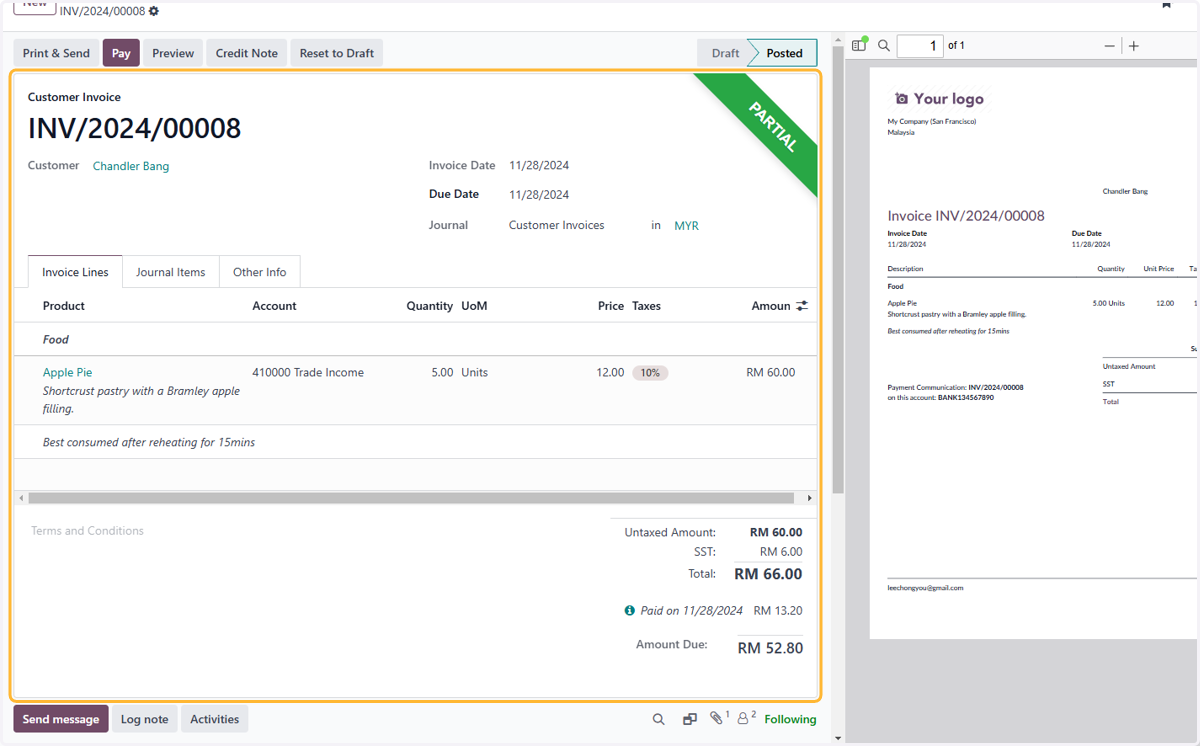
  3. 3. Select the desired invoice

    Select the desired invoice
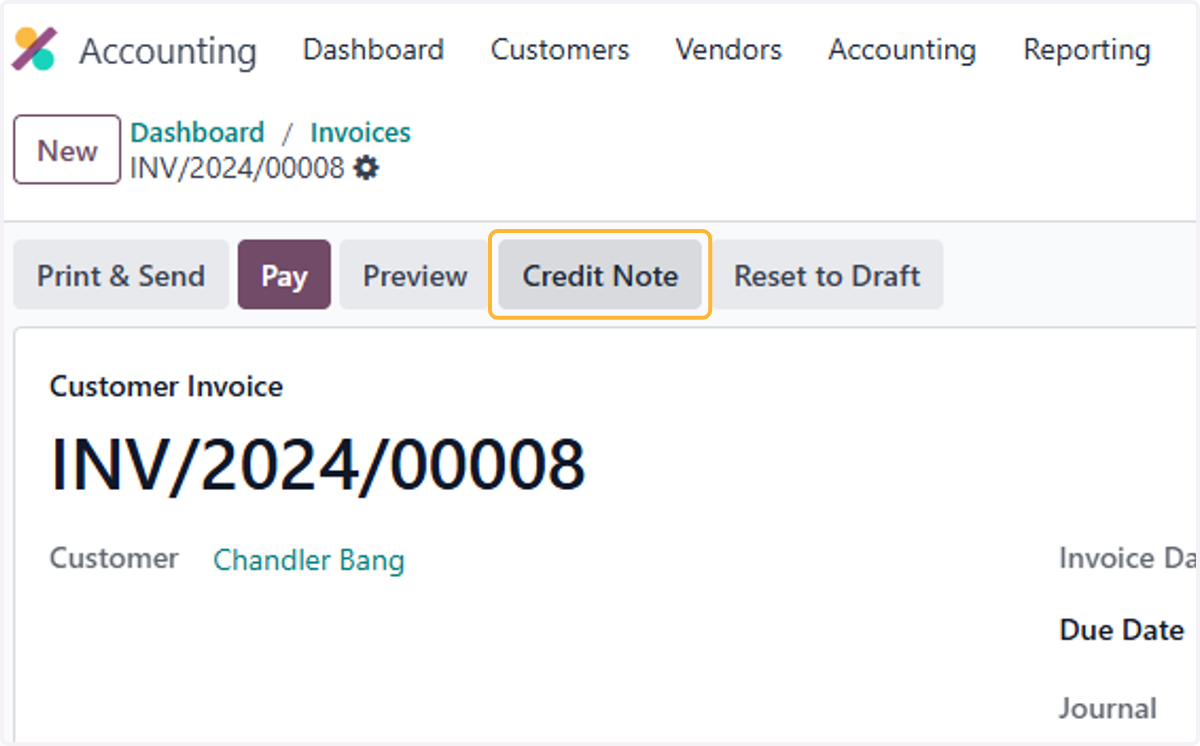
  4. 4. Click on Credit Note

    Click on Credit Note
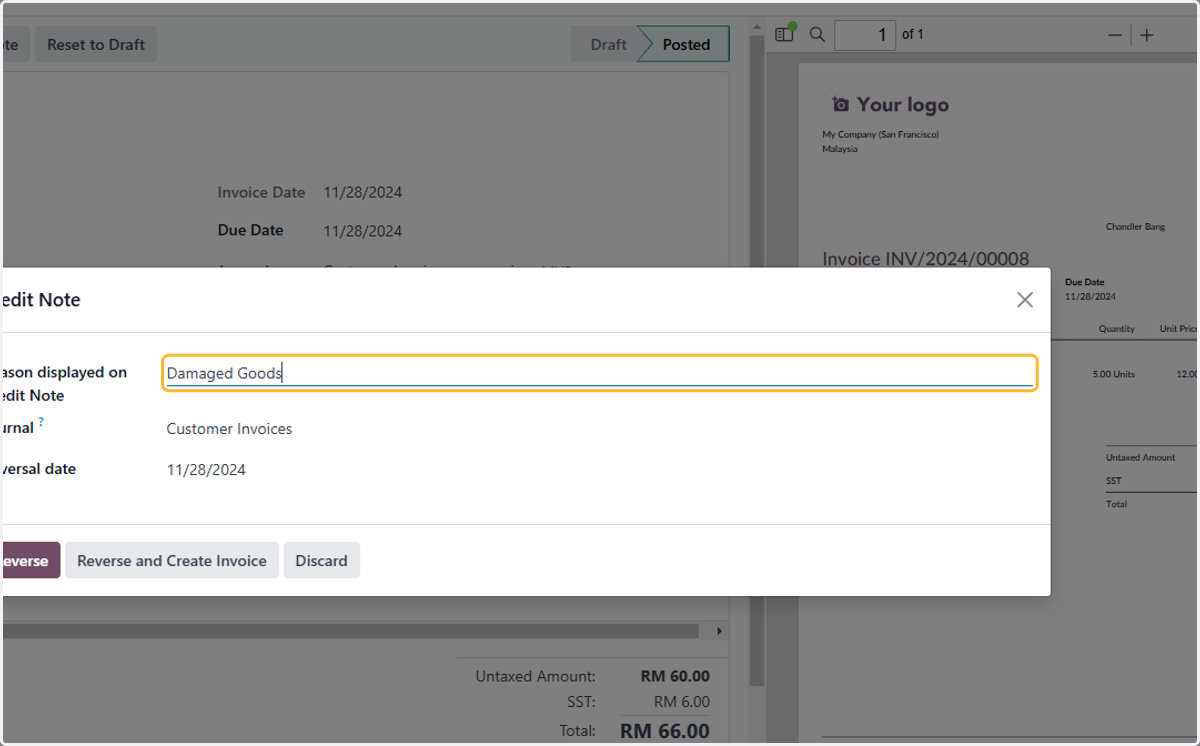
  5. 5. Give a reason for credit note

    Give a reason for credit note
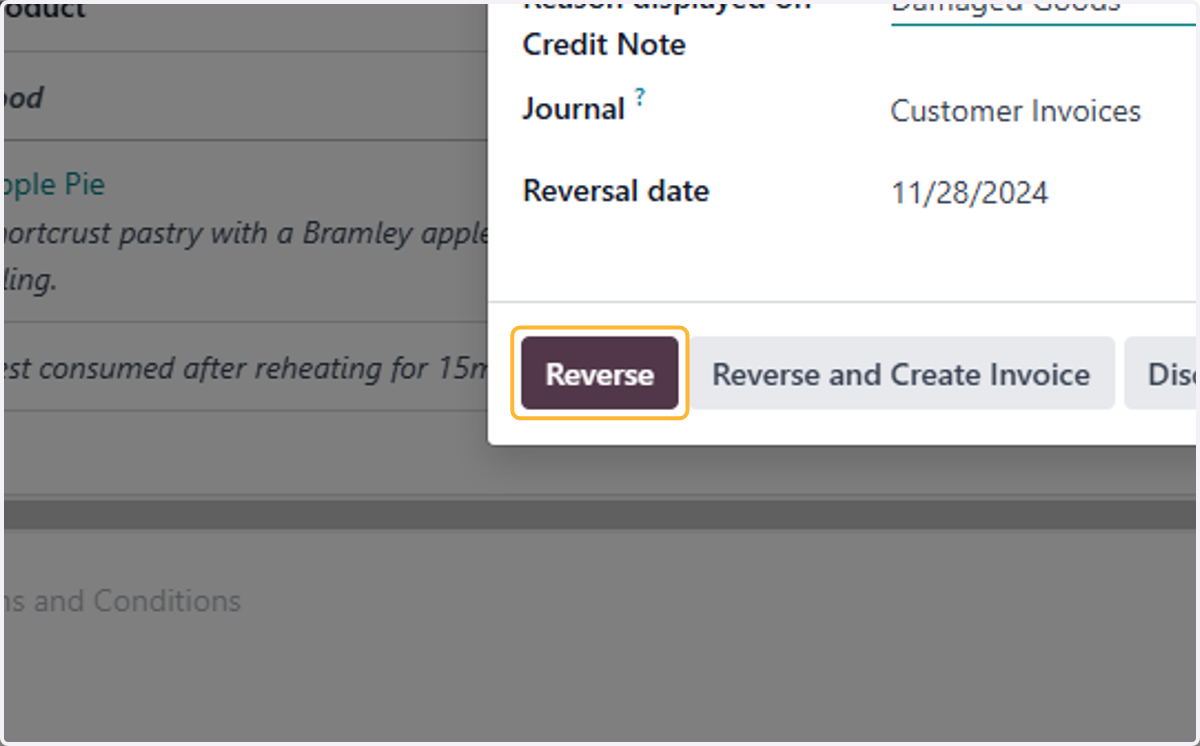
  6. 6. Click on Reverse

    Click on Reverse
  7. 7. Ensure the quantity to be reversed is correct
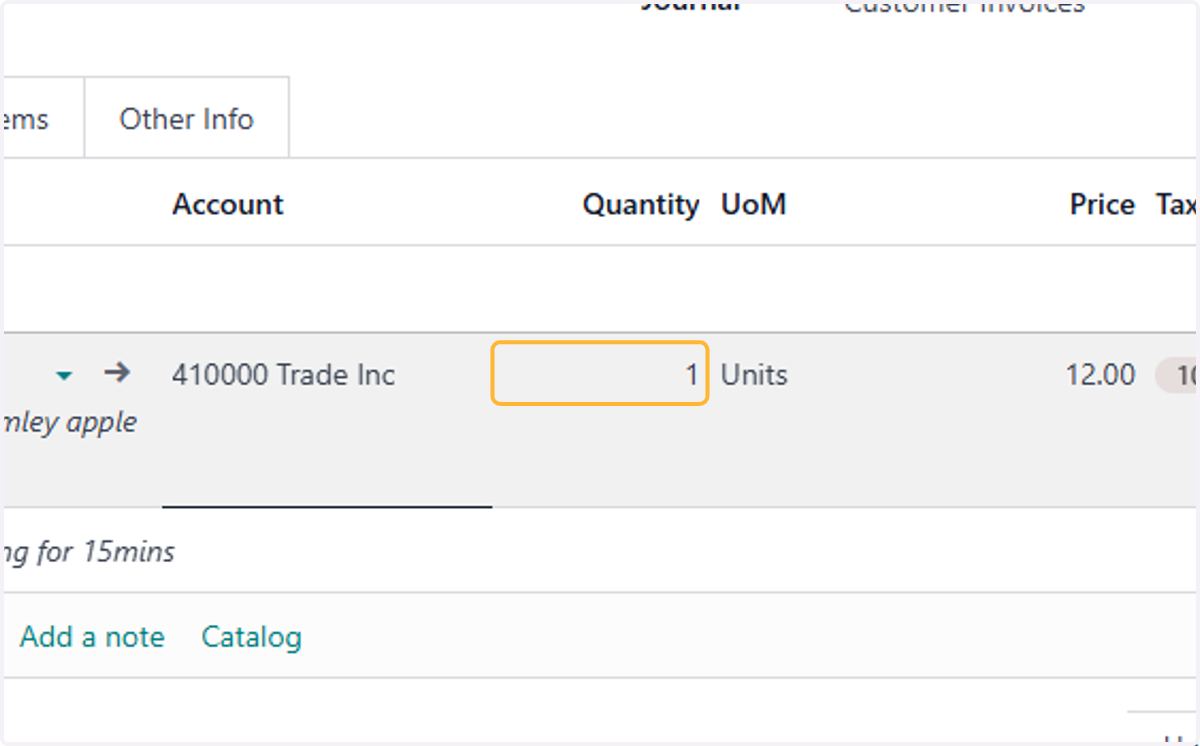
    Ensure the quantity to be reversed is correct
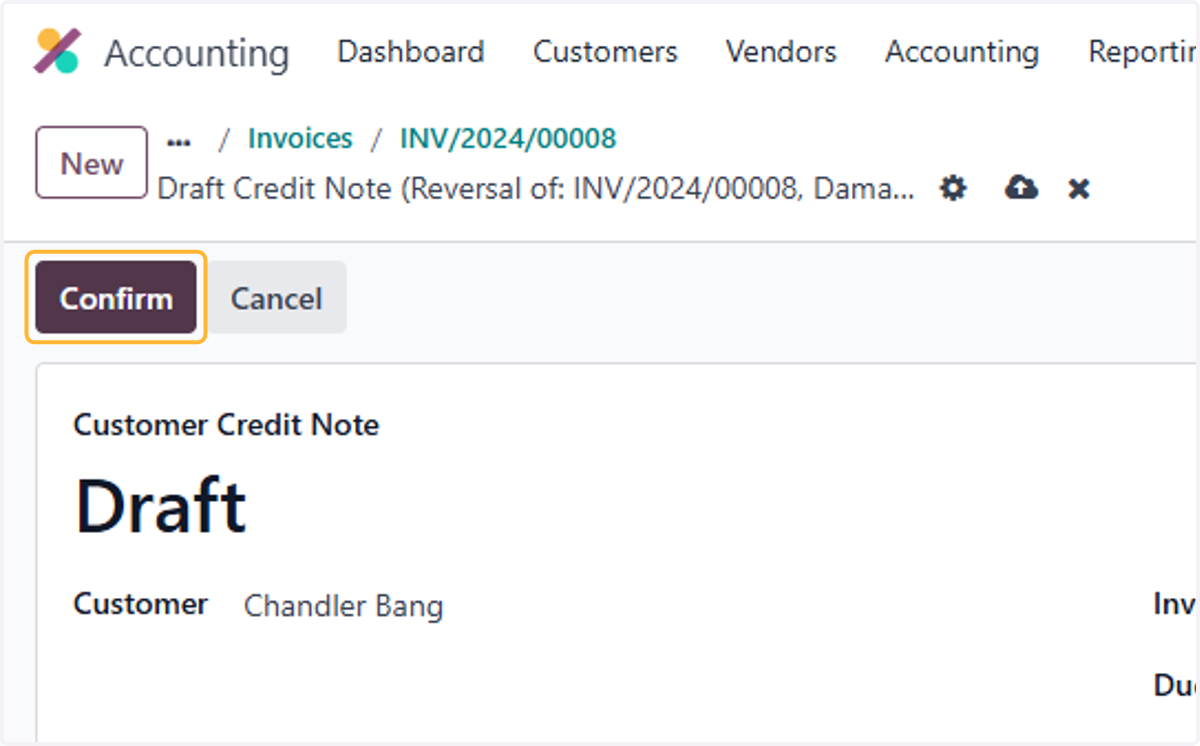
  8. 8. Click on Confirm

    Click on Confirm
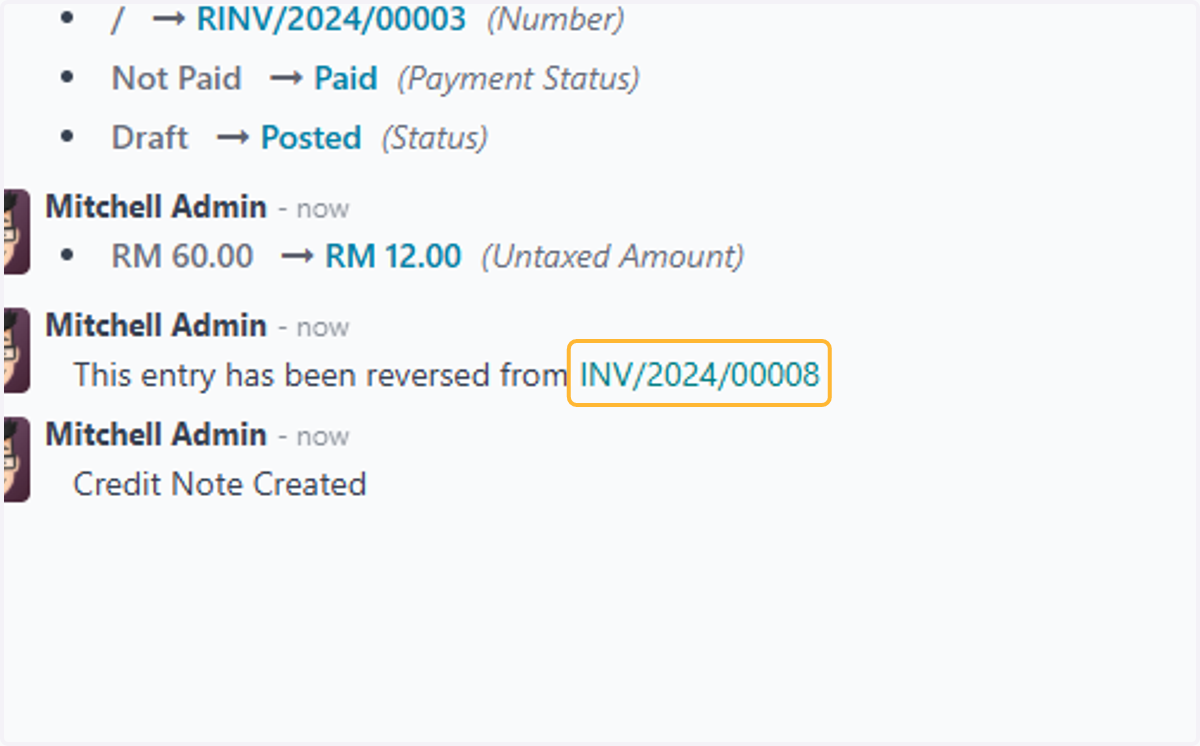
  9. 9. Click on INV/2024/00008

    Click on INV/2024/00008
  10. 10. Review invoice with credit note

    Review invoice with credit note
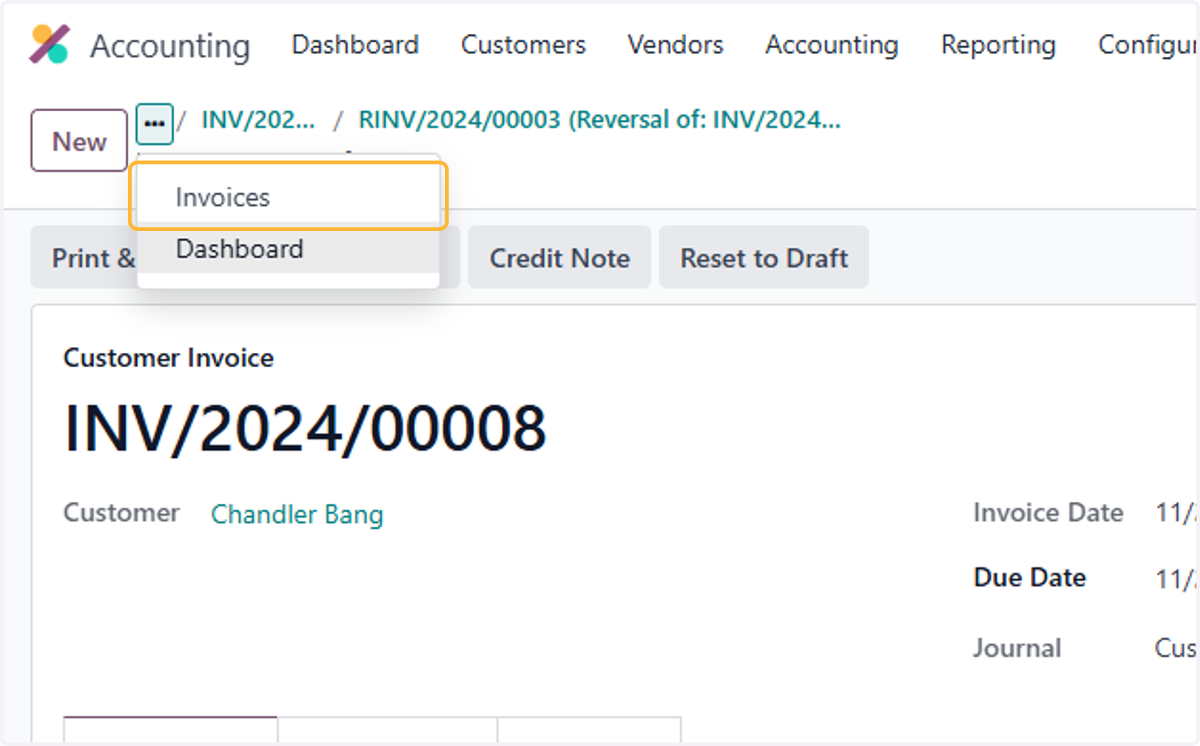
  11. 11. Click on Invoices

    Click on Invoices
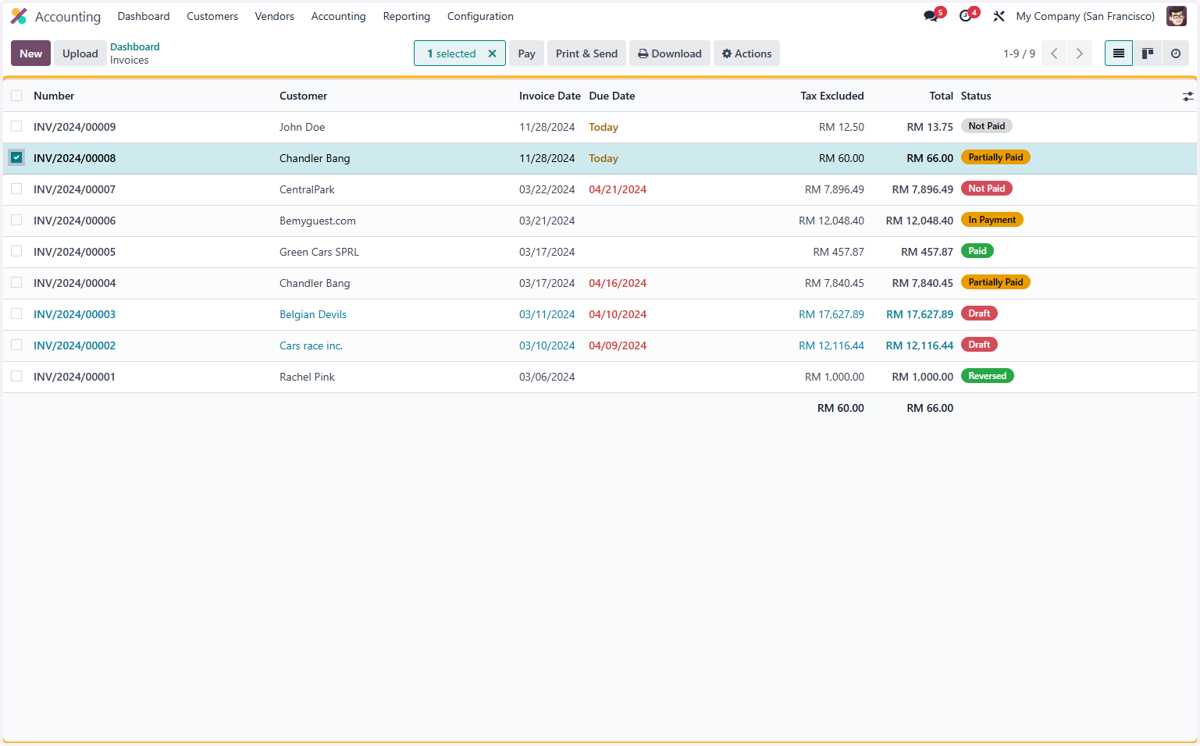
  12. 12. Click on Number…

    Click on Number…