Converting a Batch of Time into Employee Time Cards
CMIS
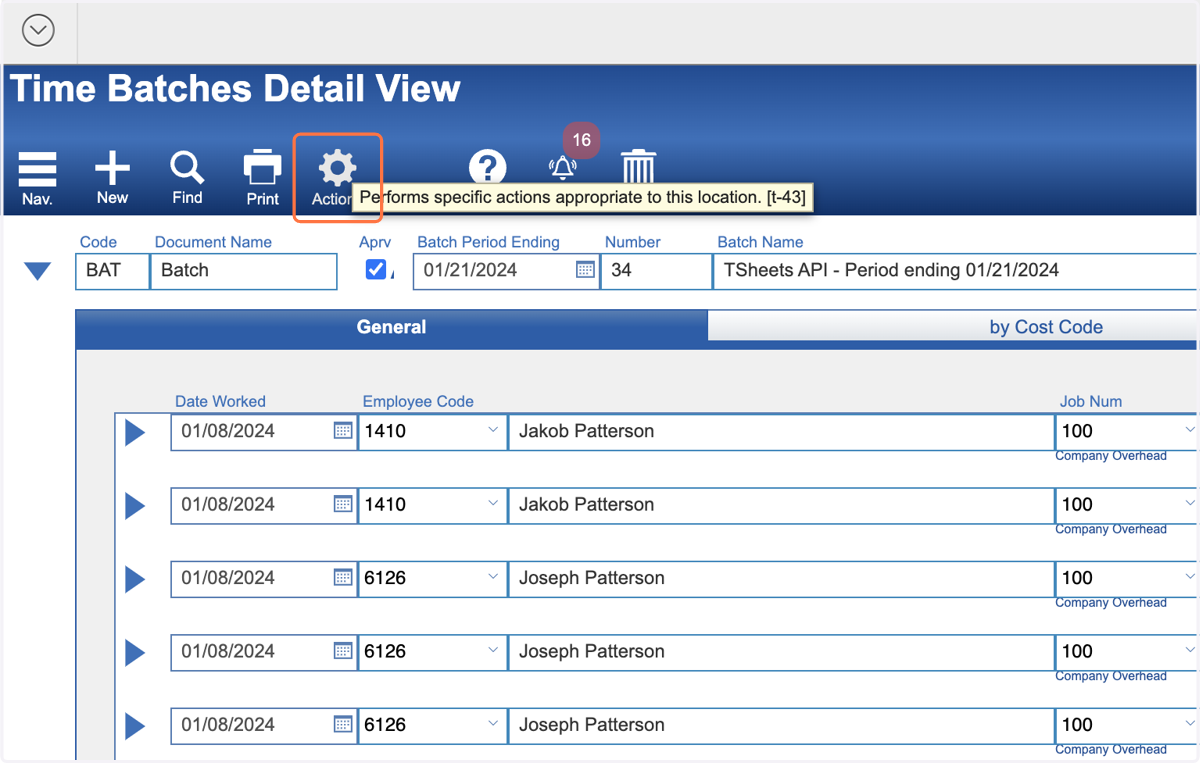
1. Click on Actions
Find the Time Batch that you would like to convert into Time Cards.
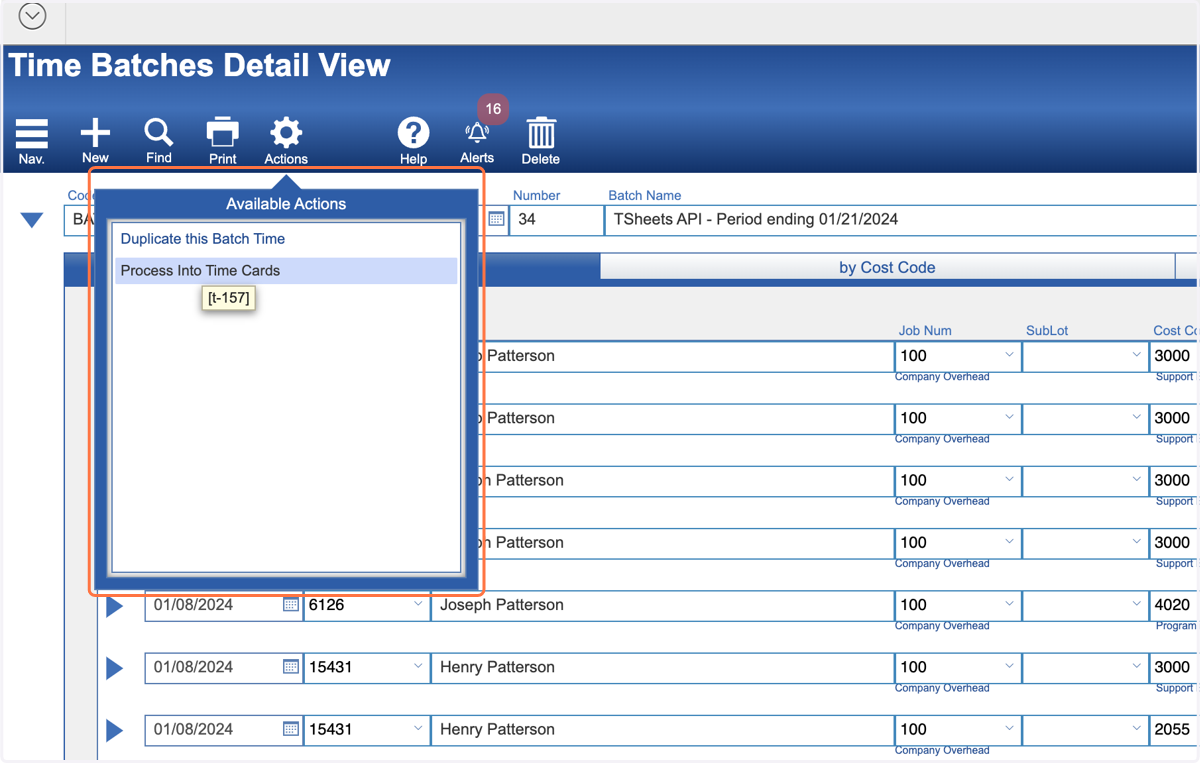
2. Select Process Into Time Cards
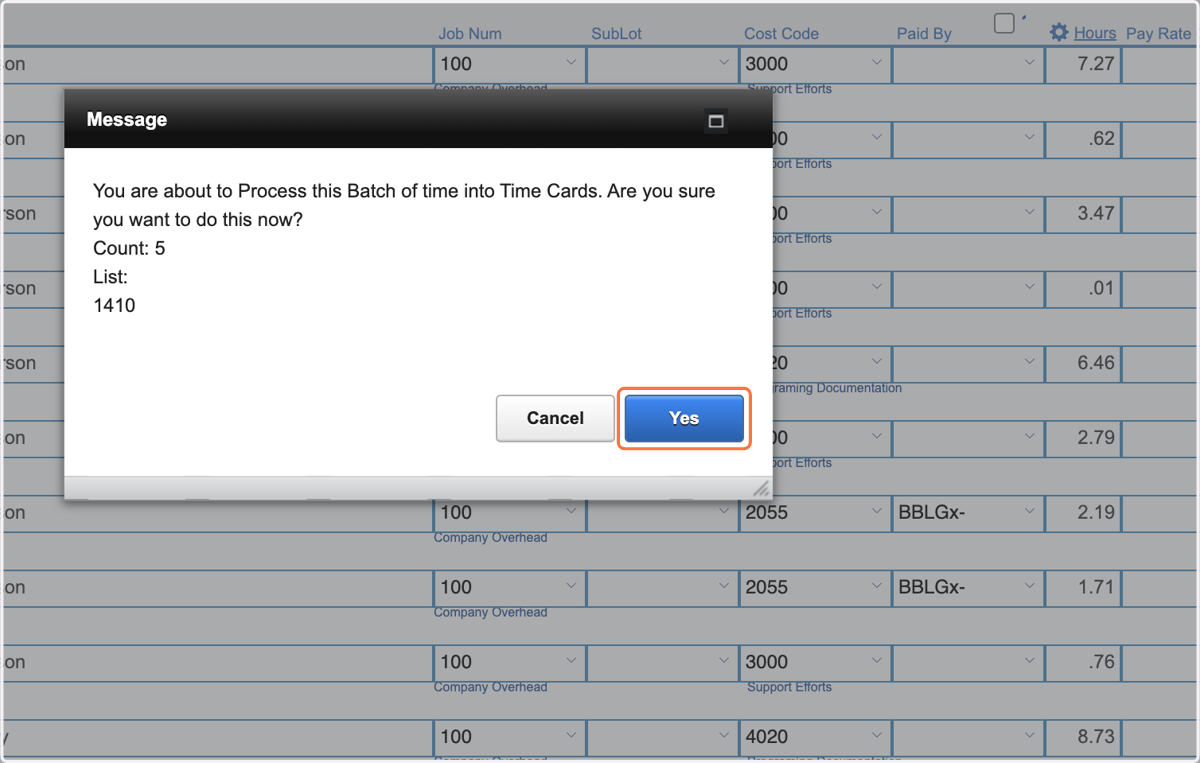
3. Click on Yes
4. An Action is Running that is processing the individual Time Cards
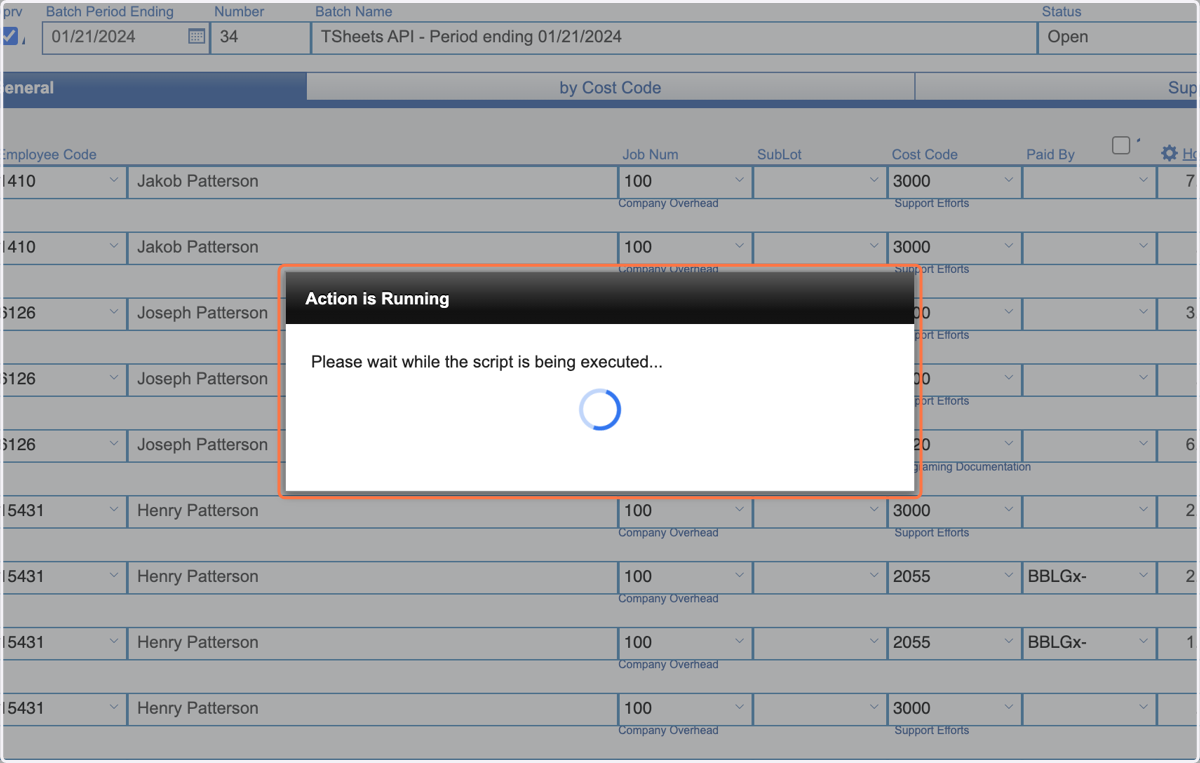
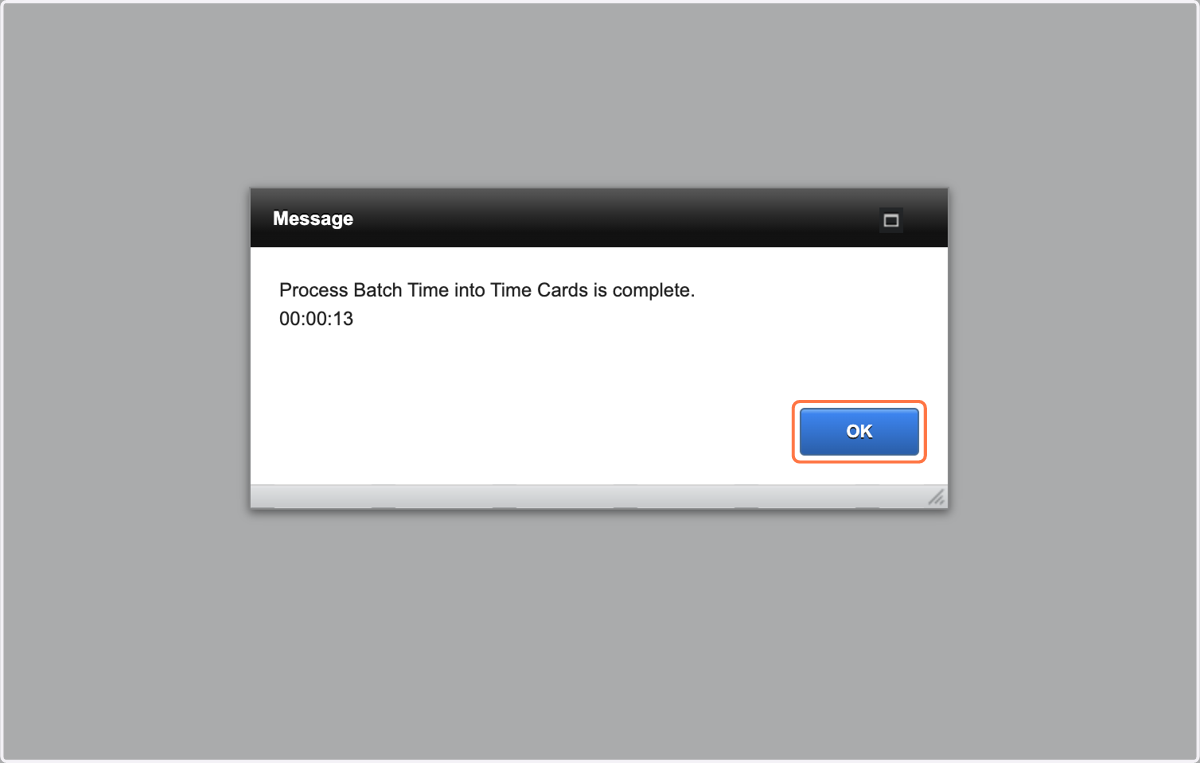
5. Click on OK
This message will confirm that the Tim Card process is completed and will indicate how long this process took.
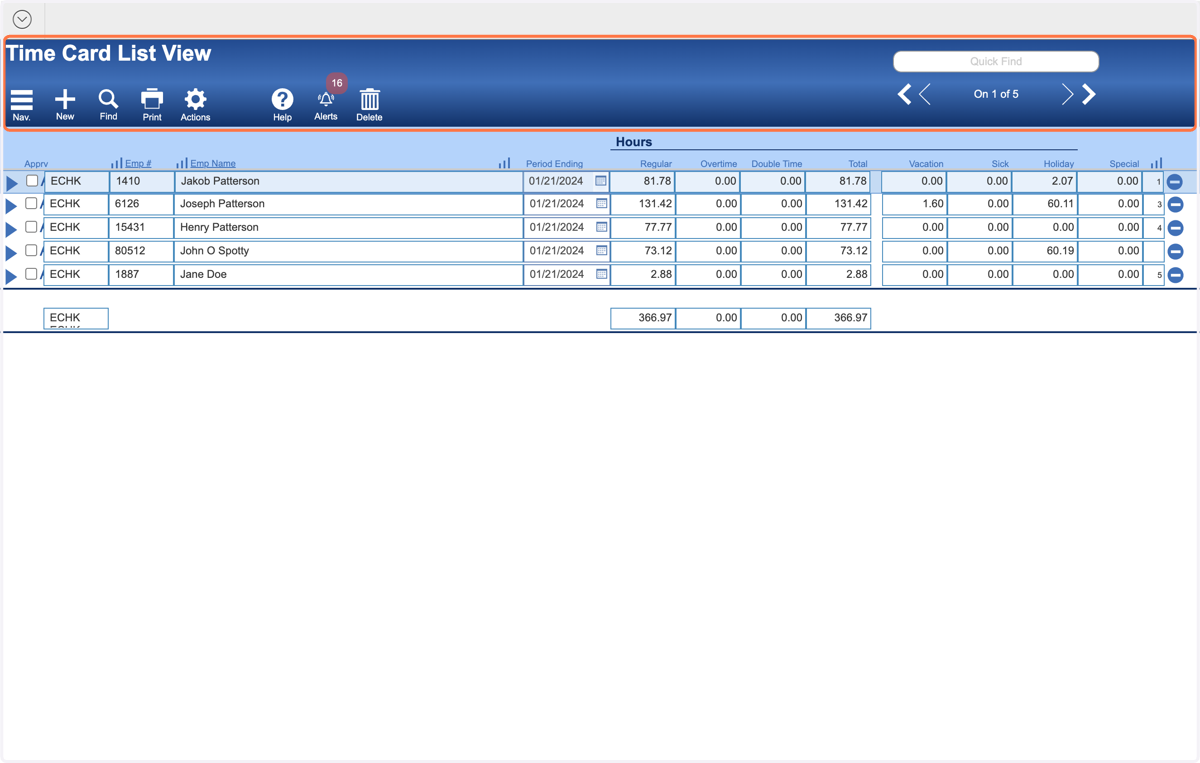
6. Review these Time Card List View or in Detail view
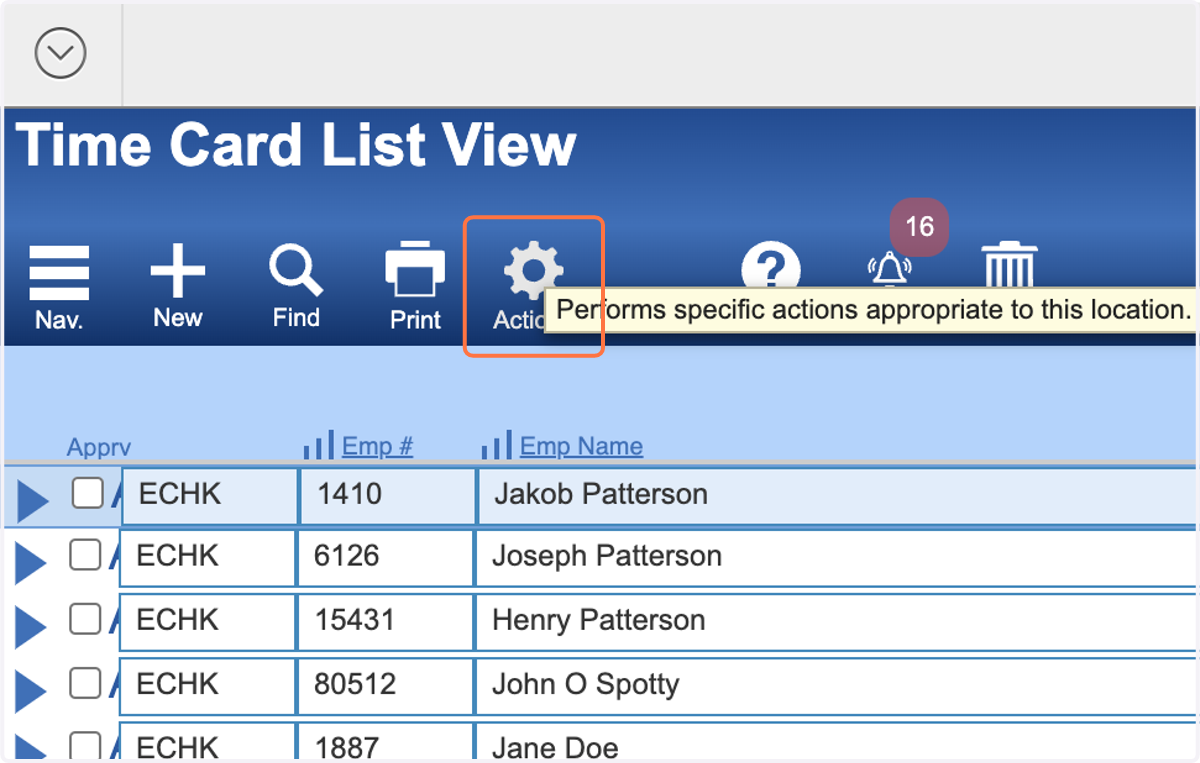
7. To approve these time cards Click on Actions
8. Select Approve These Time Cards
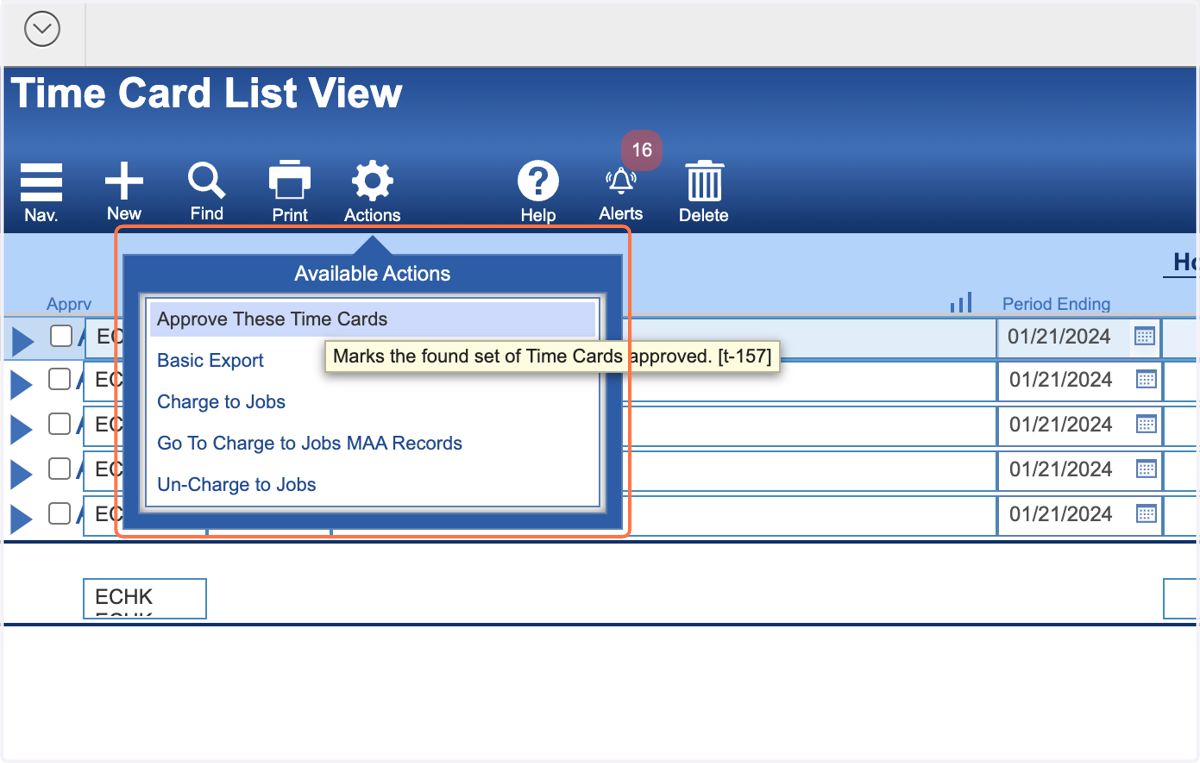
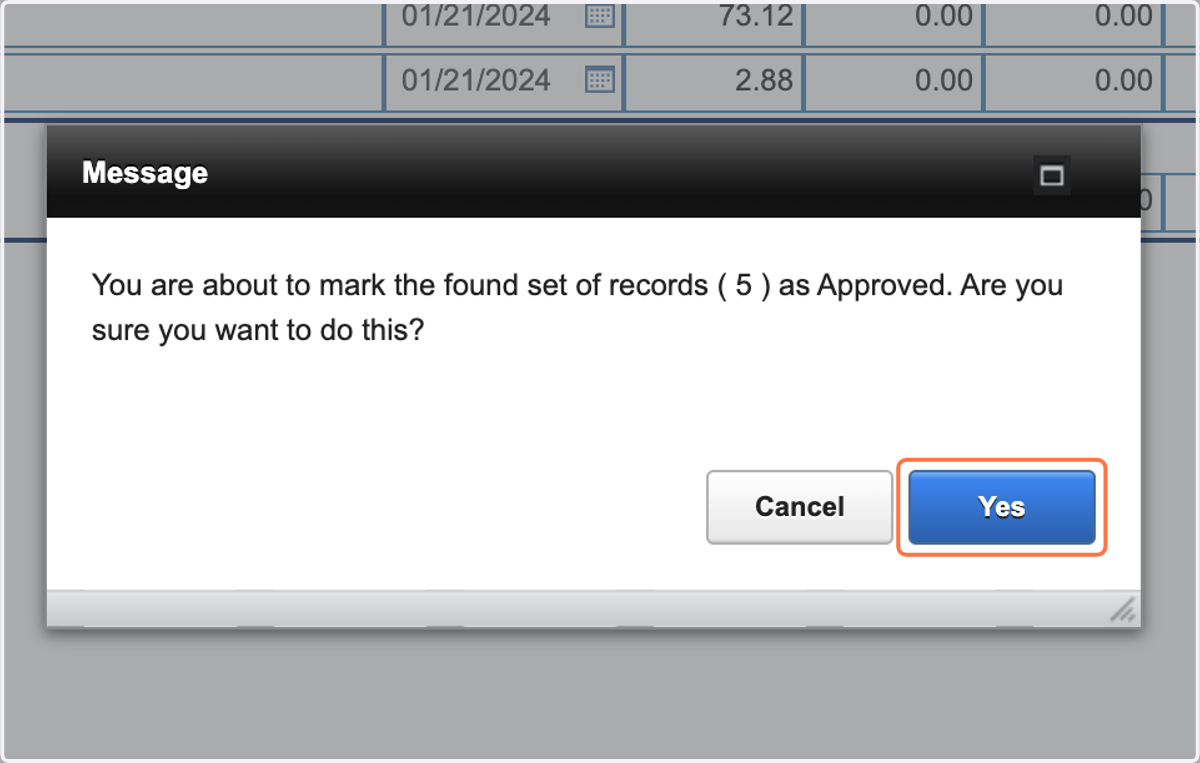
9. Click on Yes to Approve these time cards.
This group of Time cards is now ready to be processed into Payroll Checks.