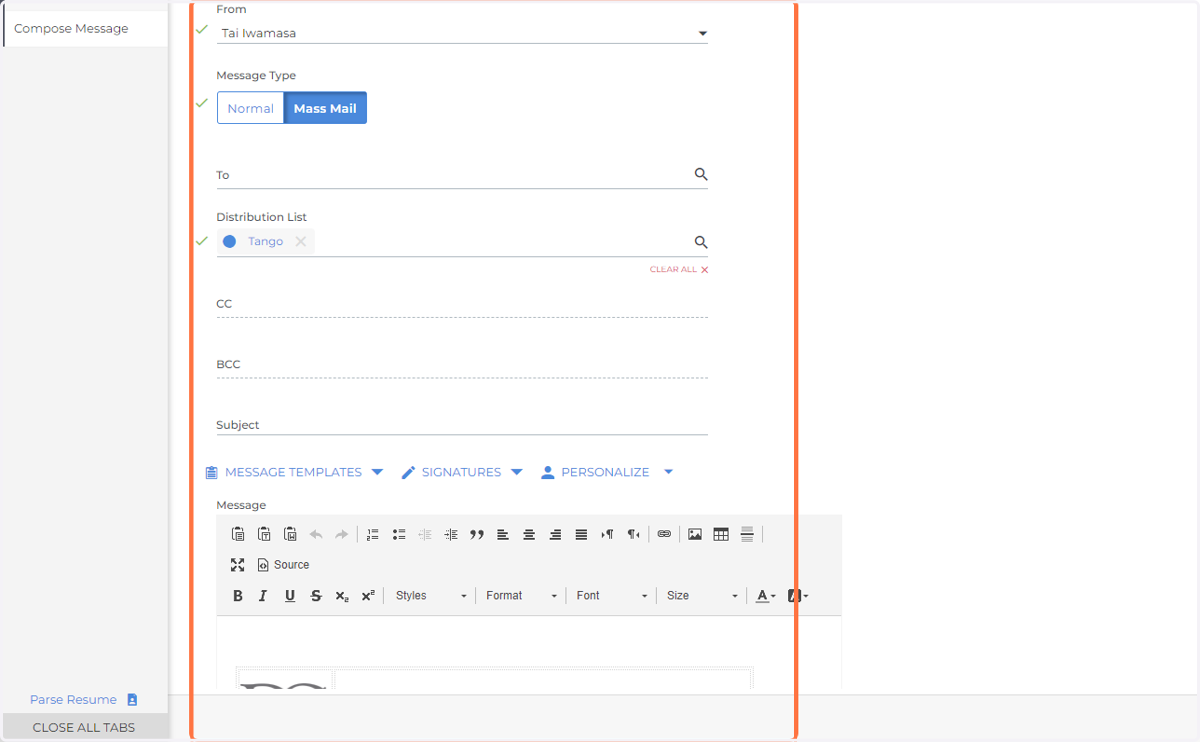
Sending Mass Emails using Distribution Lists
Bullhorn
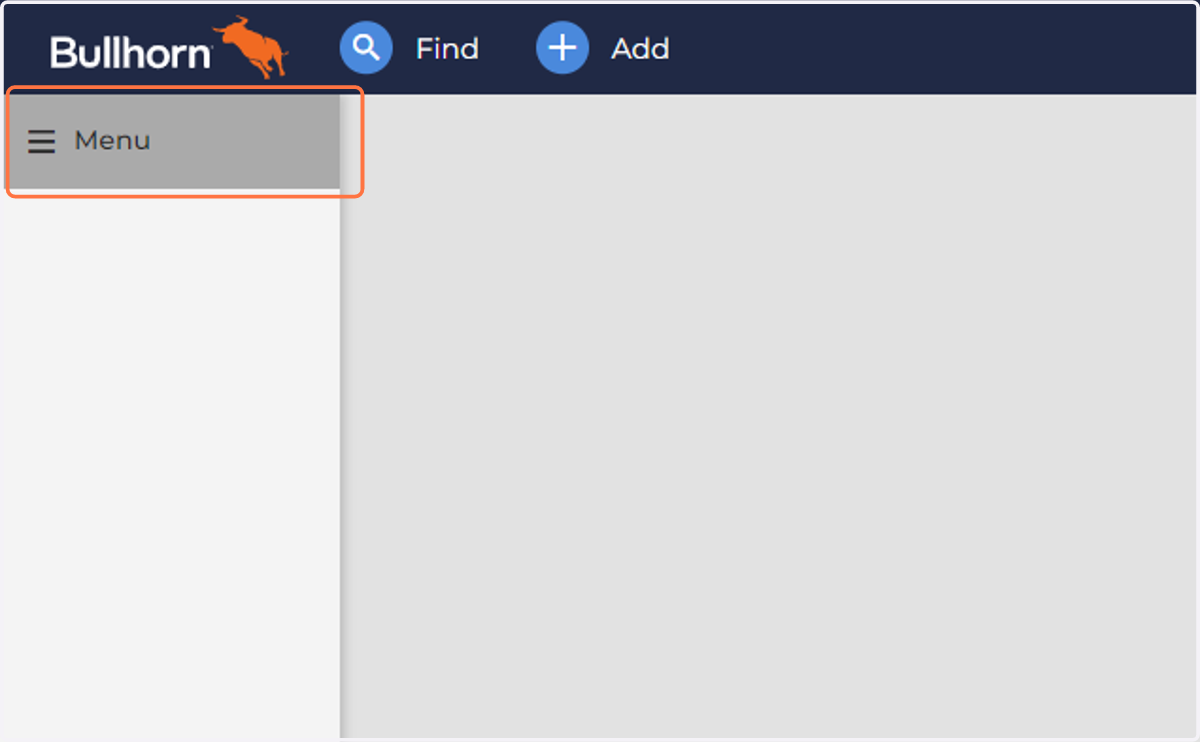
1. Click on Menu
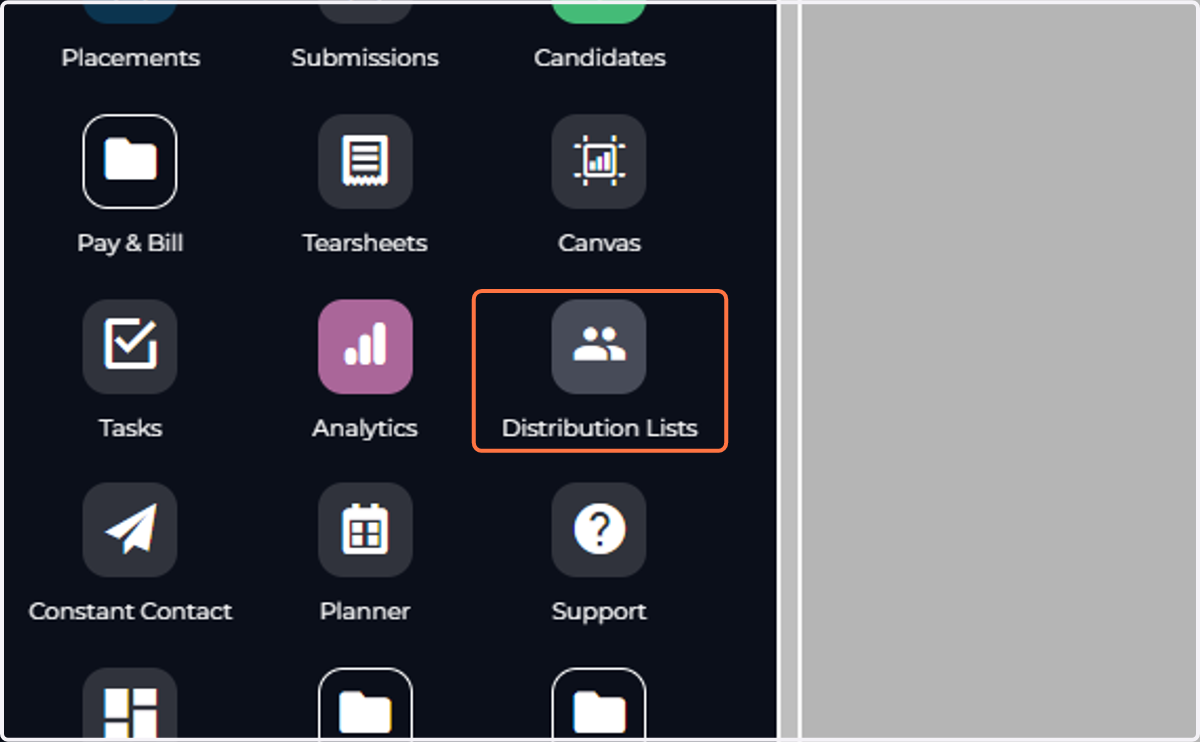
2. Click on Distribution Lists
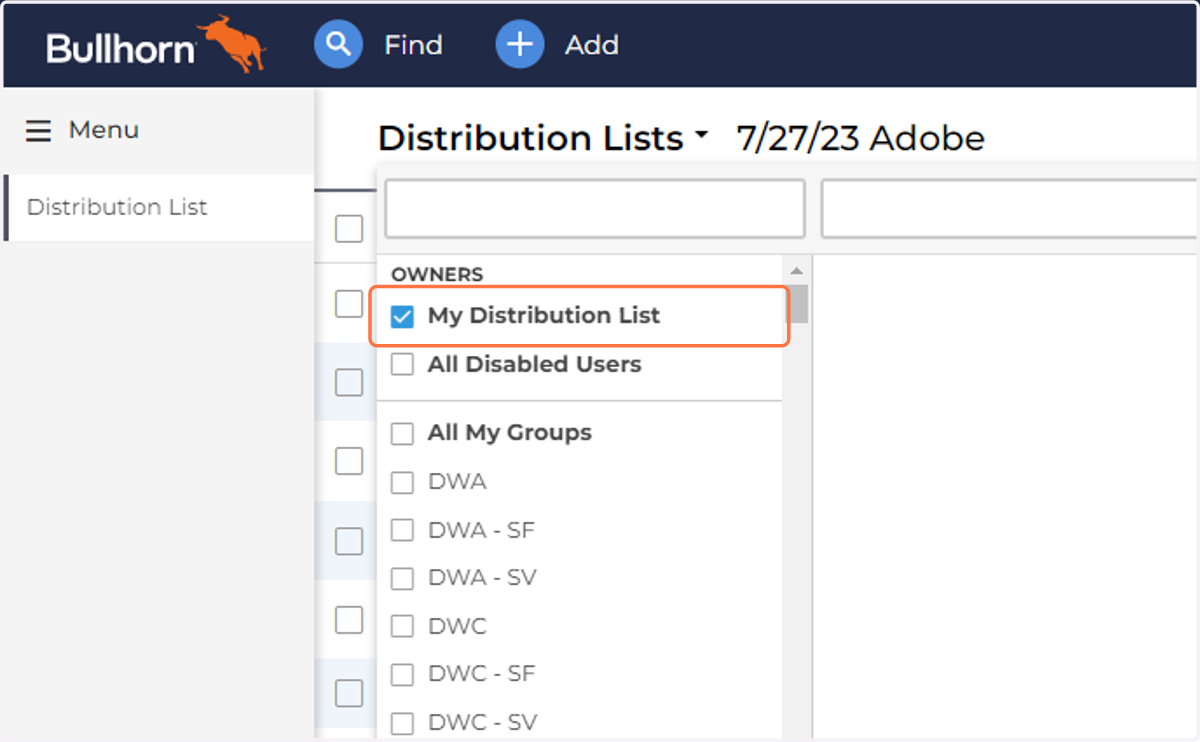
3. Click on My Distribution List
4. Select
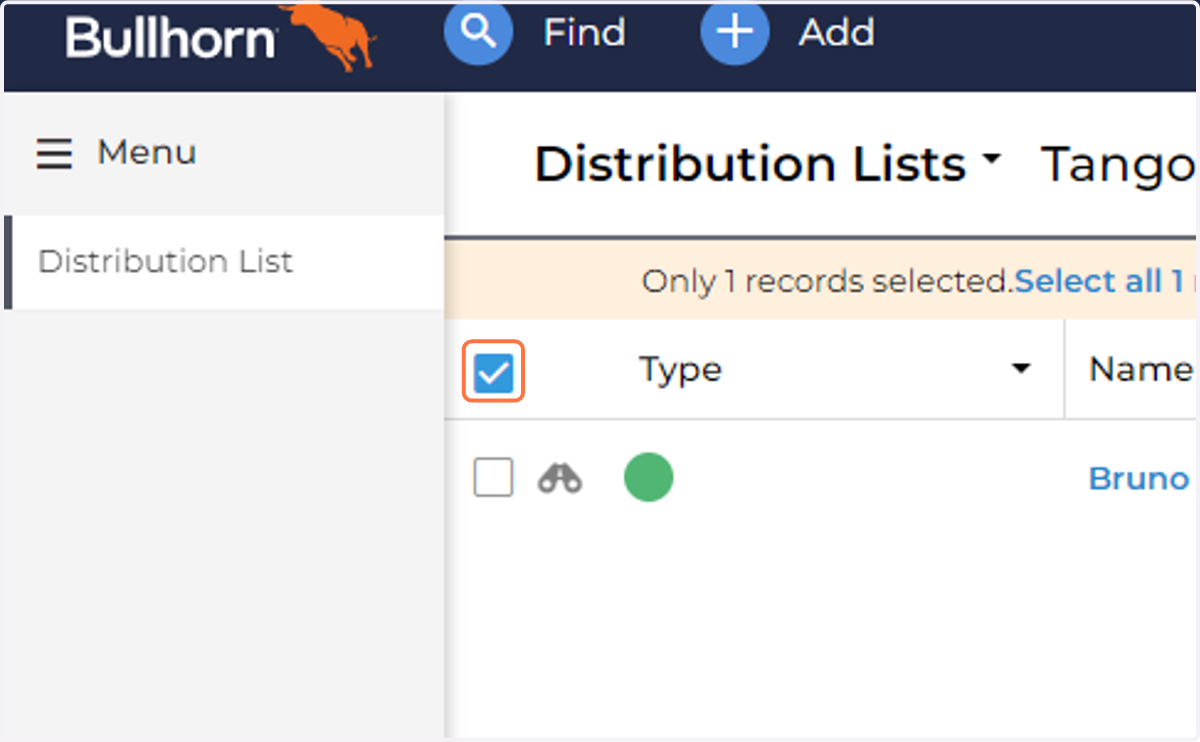
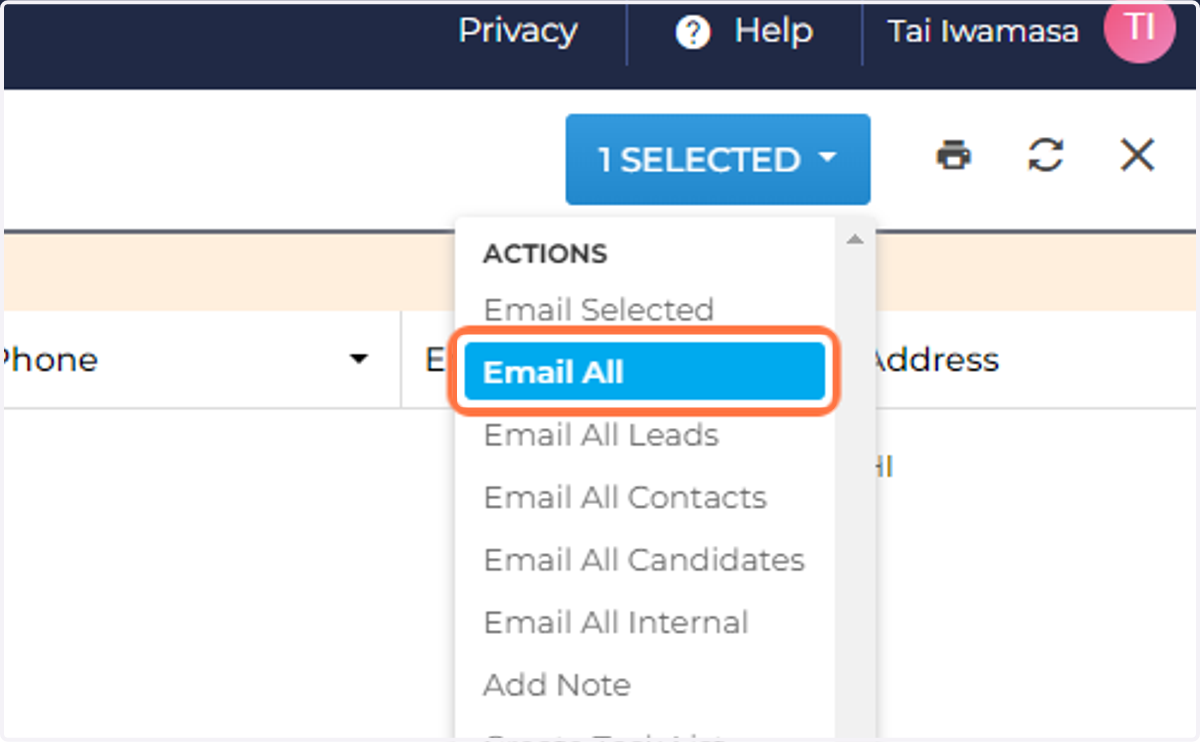
5. Click # Selected Click on Email All
6. The Compose a Message screen will open up. If any of the recipients do not have a valid email address, a toast at the top of the screen will appear When you have your email ready to send, select Send.