SyncroMSP - RMM
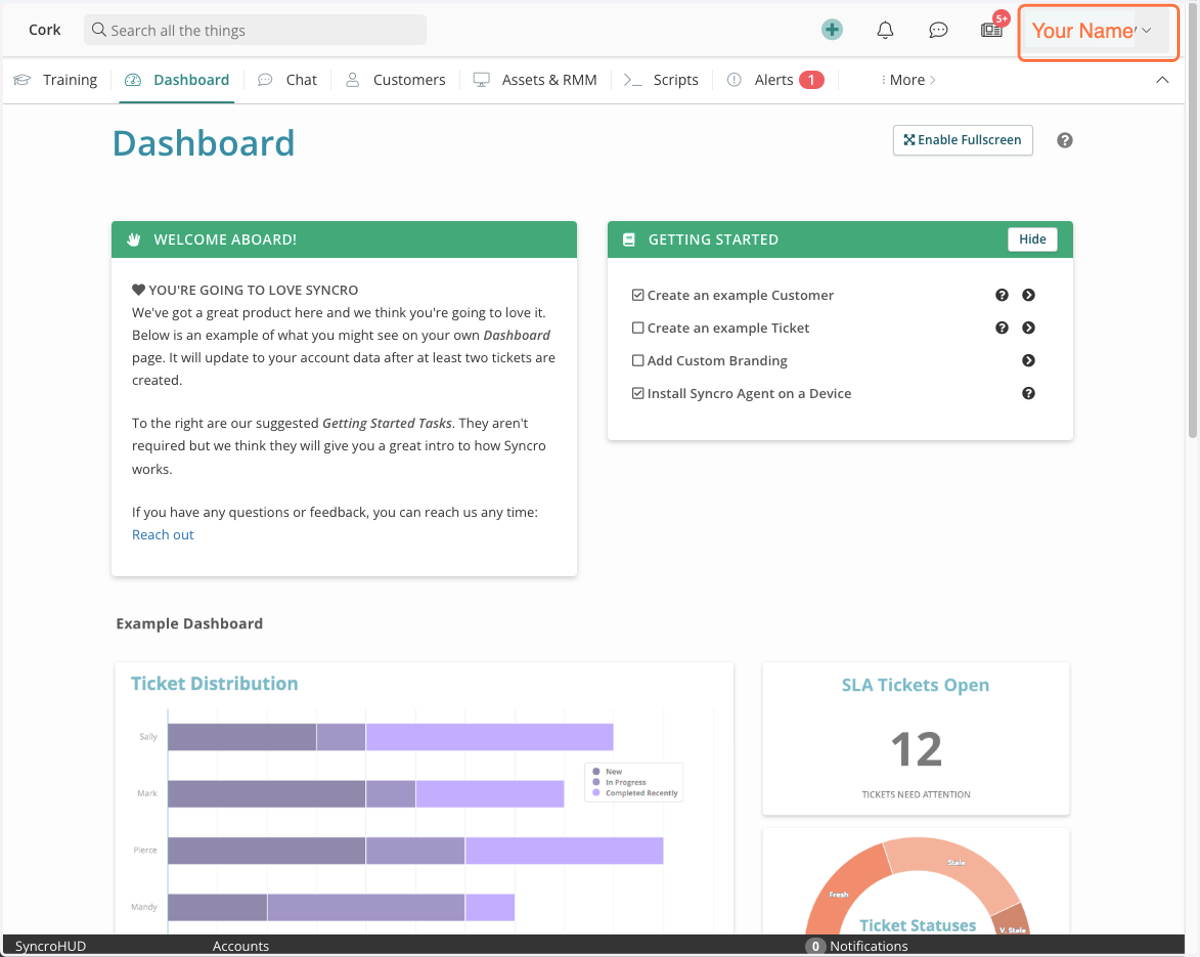
1. Click on user menu dropdown
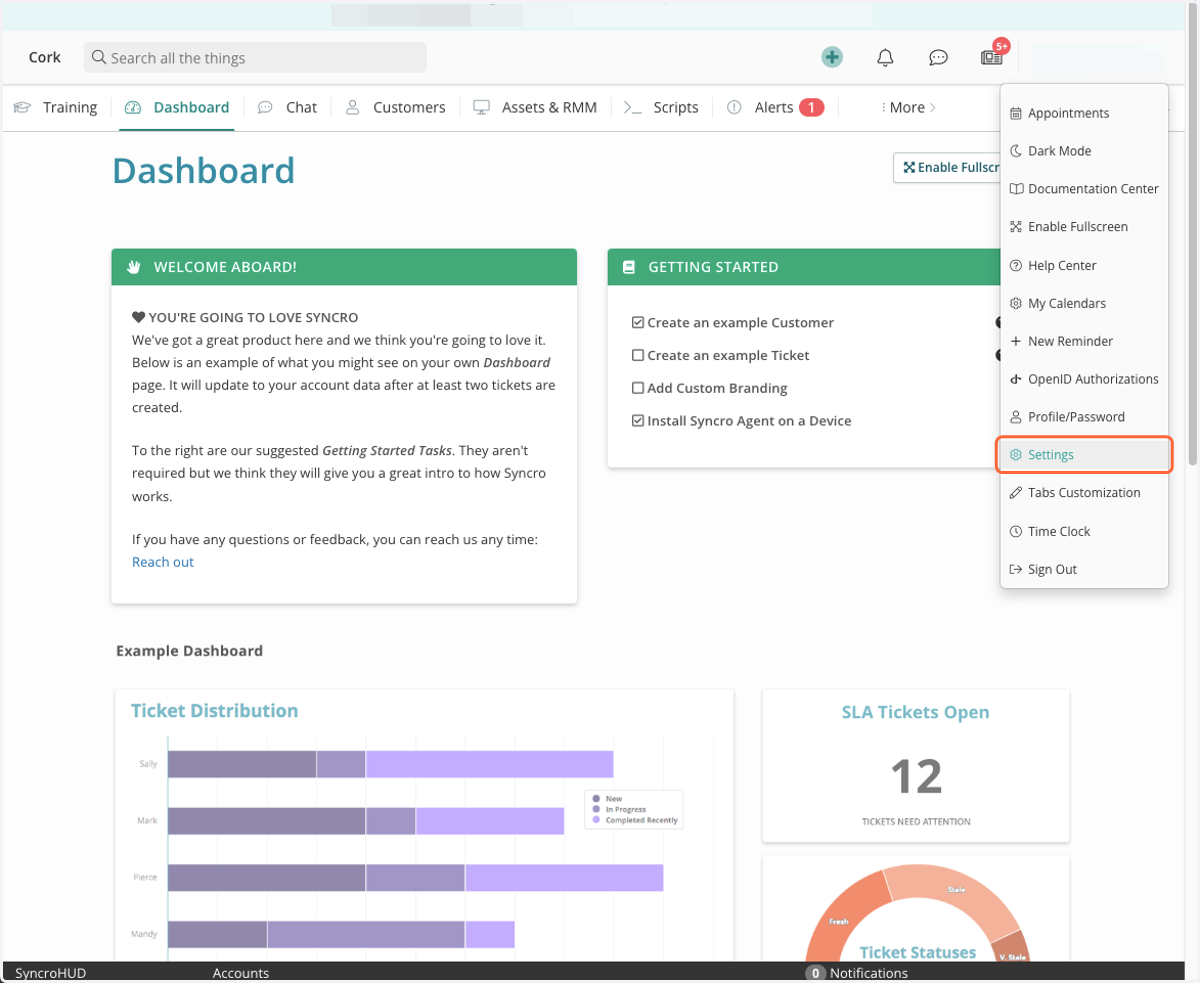
2. Click on Settings
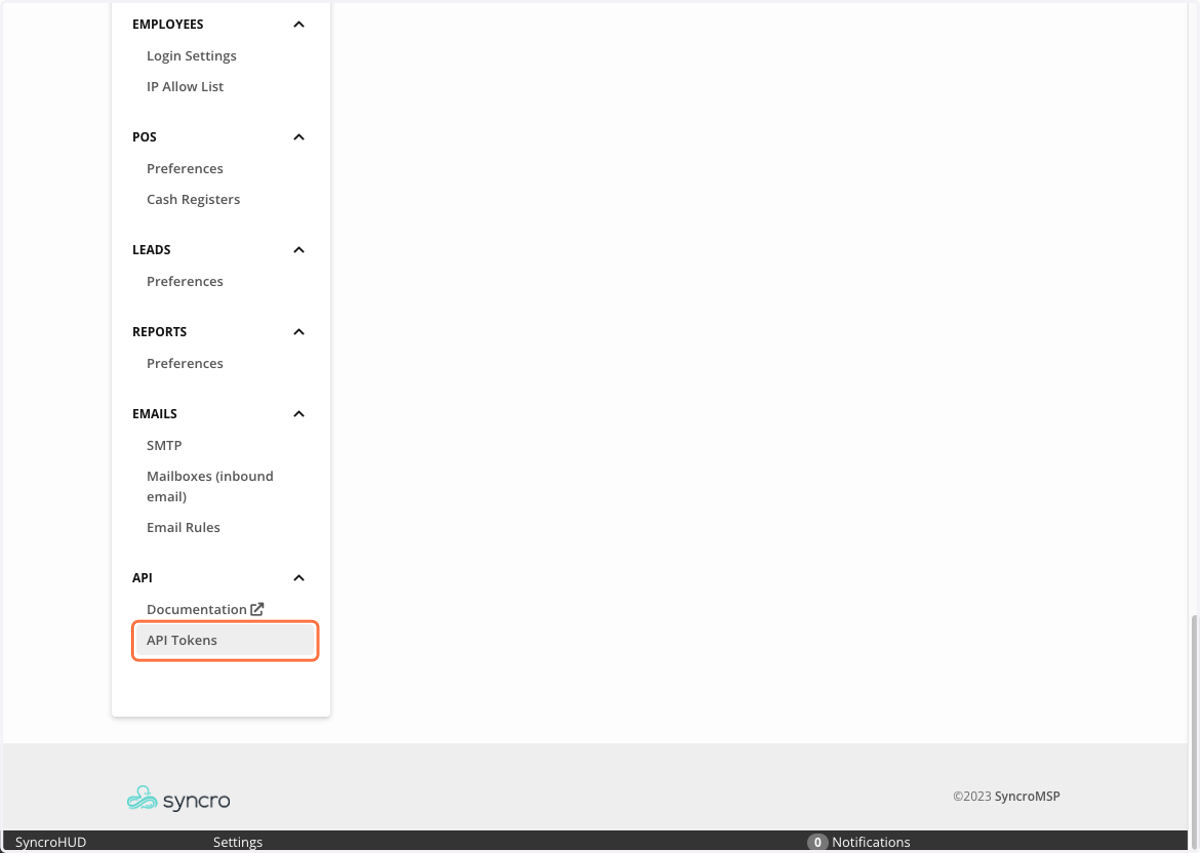
3. Click on API Tokens
4. Click on New Token
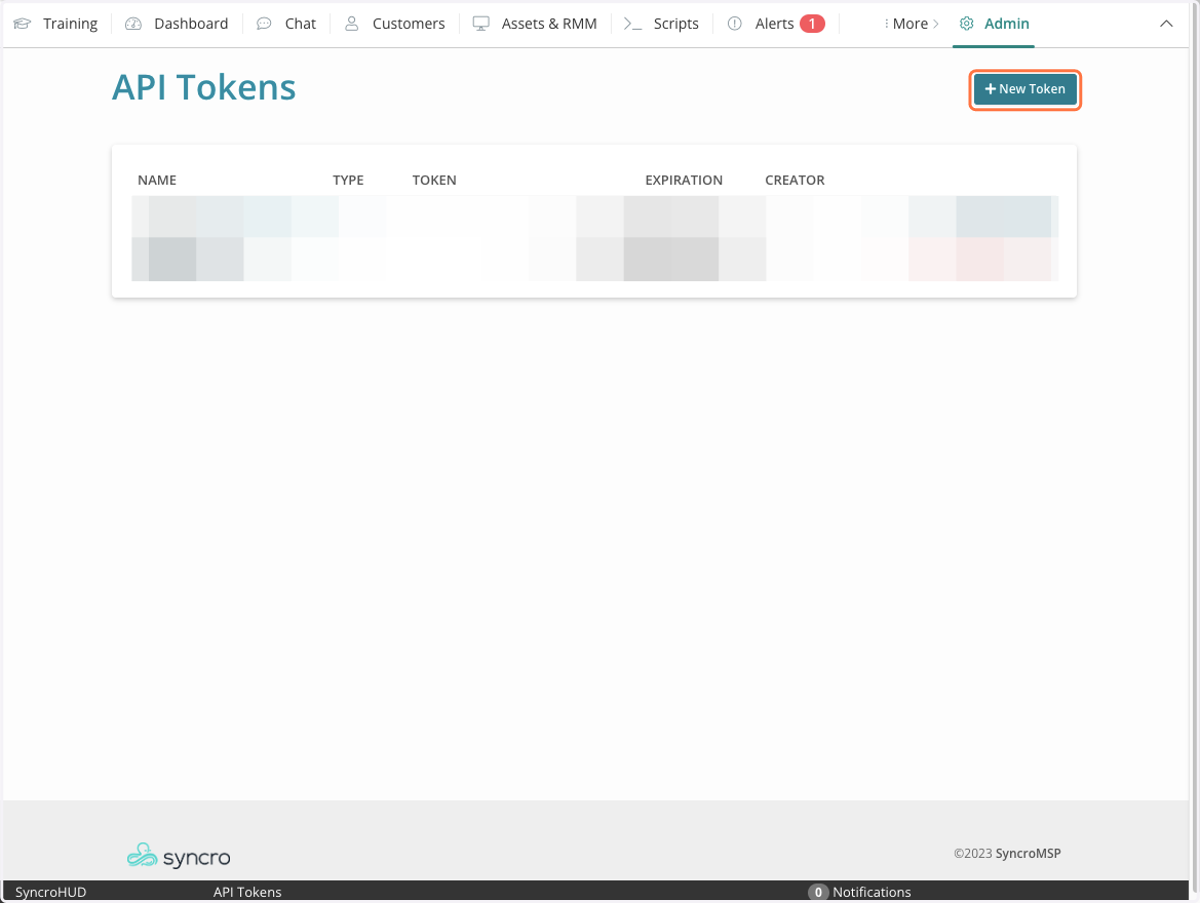
5. Click on Custom Permissions
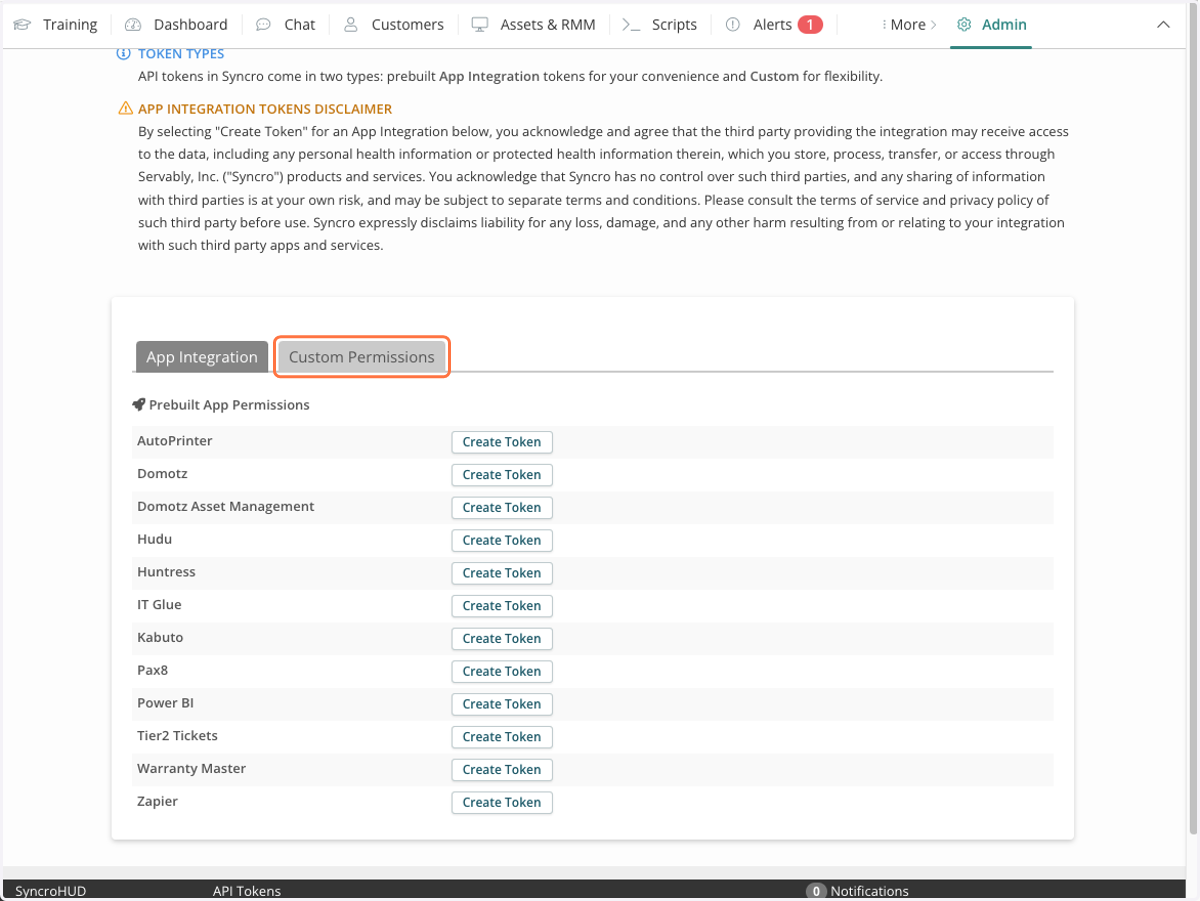
6. Type "Cork"
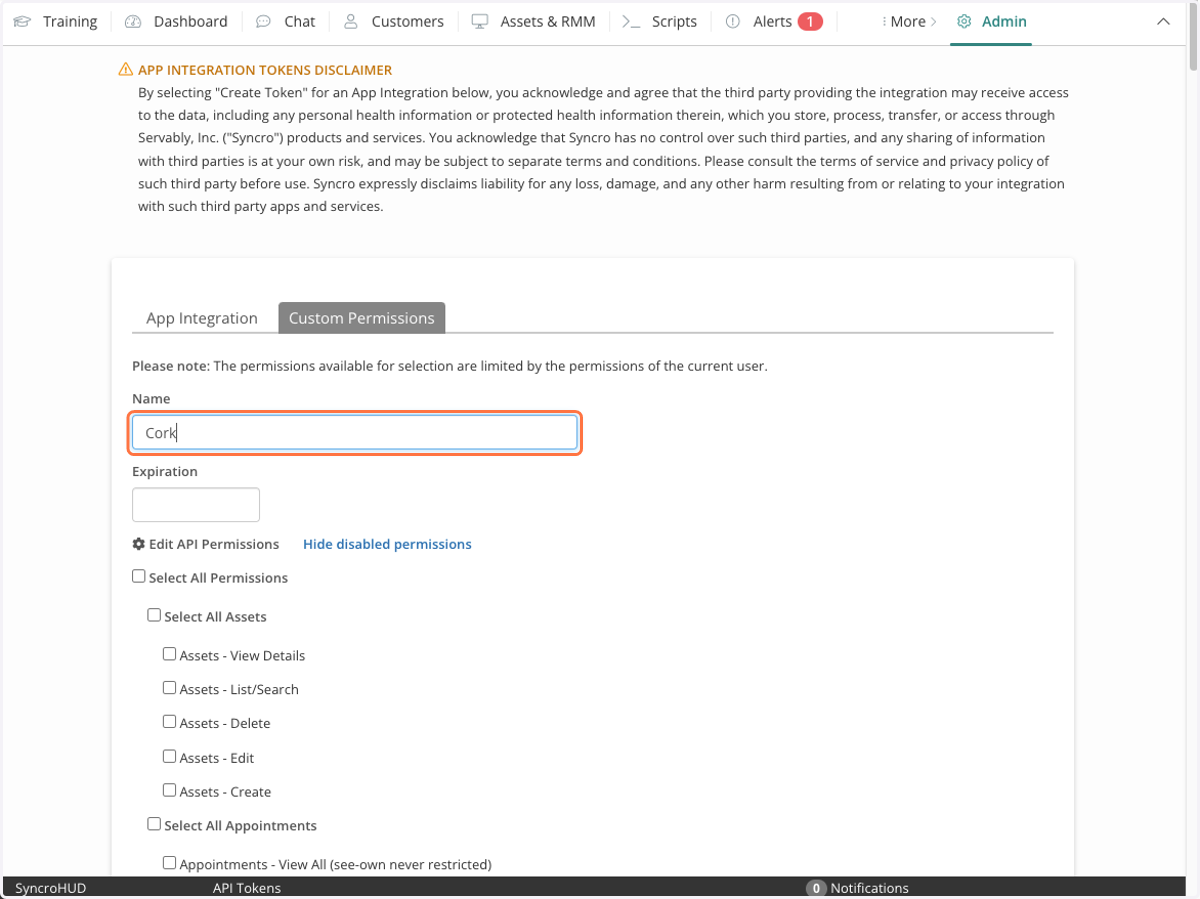
7. Select Assets - View Details
8. Select Assets - List/Search
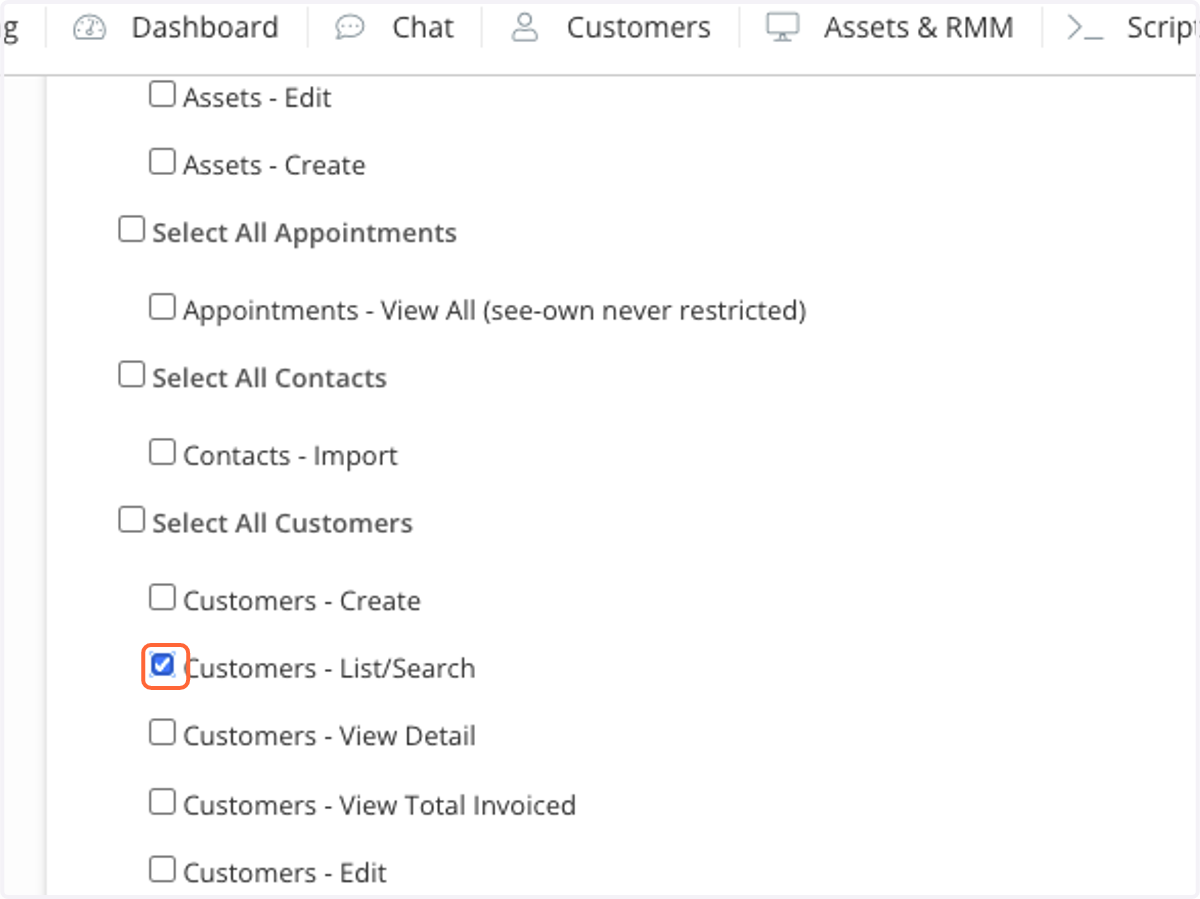
9. Select Customers - List/Search
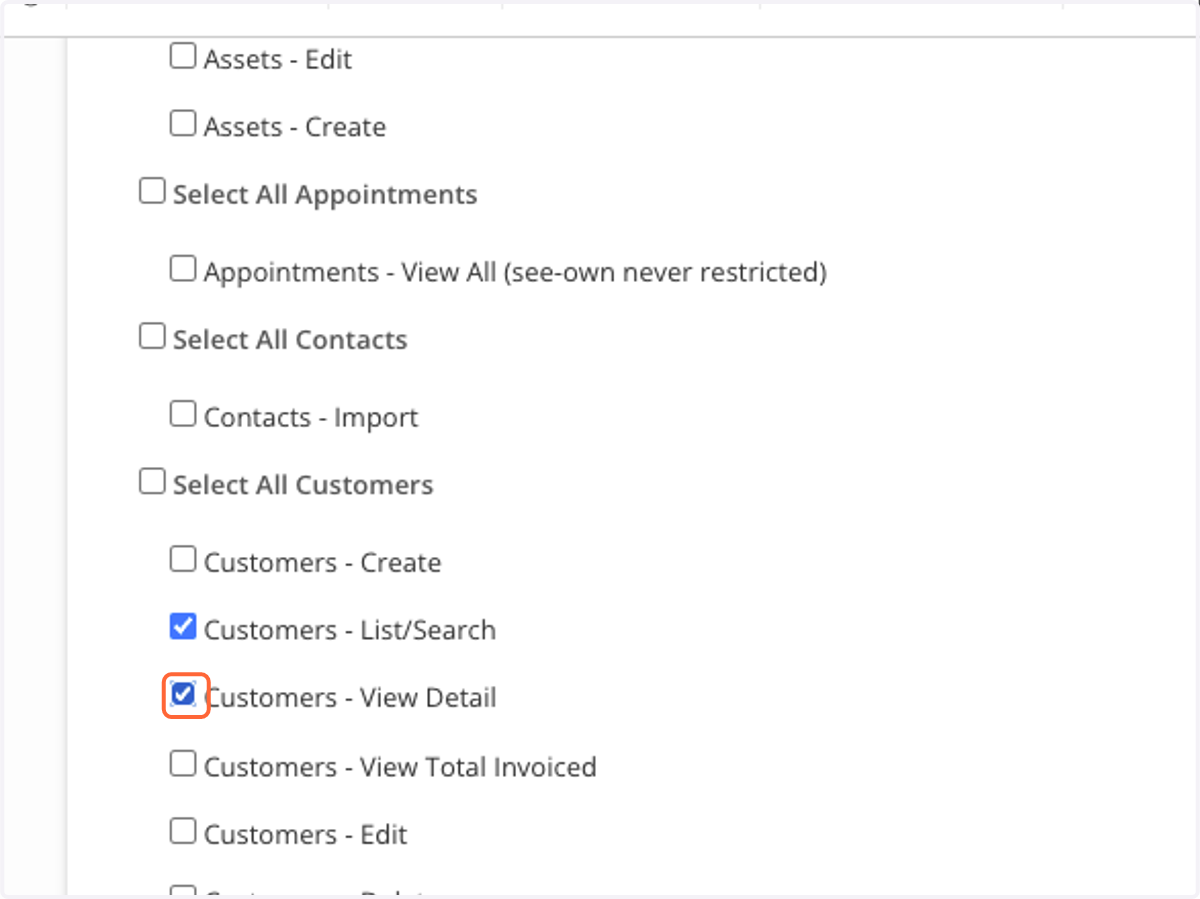
10. Select Customers - View Detail
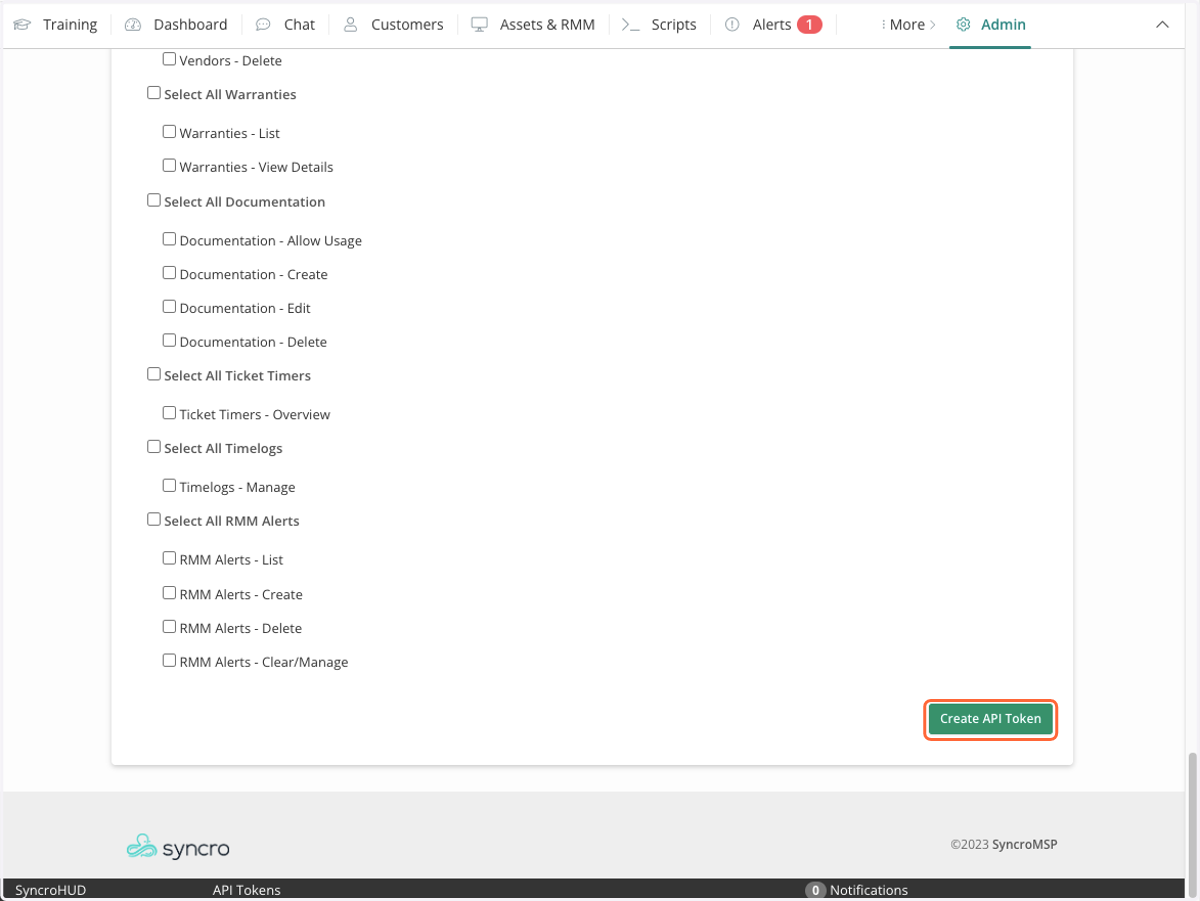
11. Click Create API Token
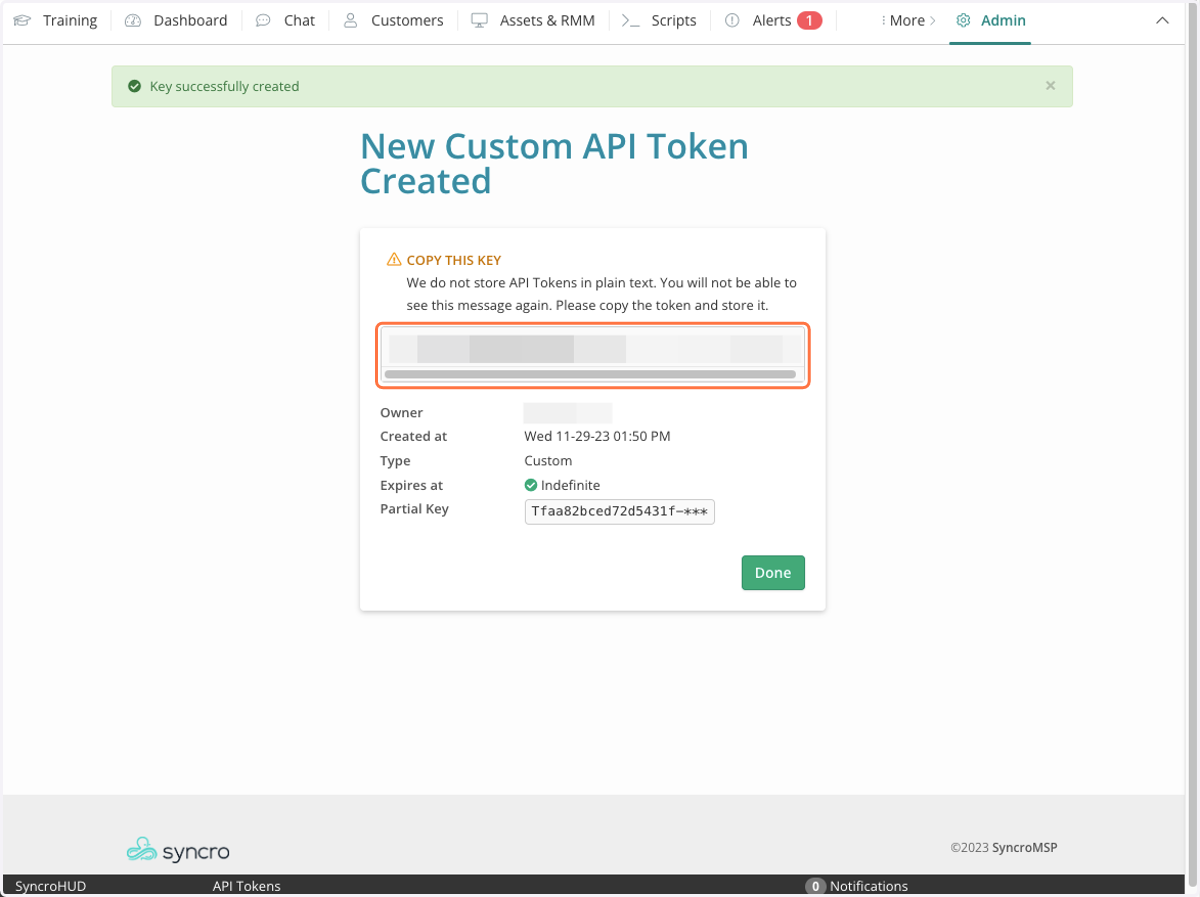
12. Copy API Key
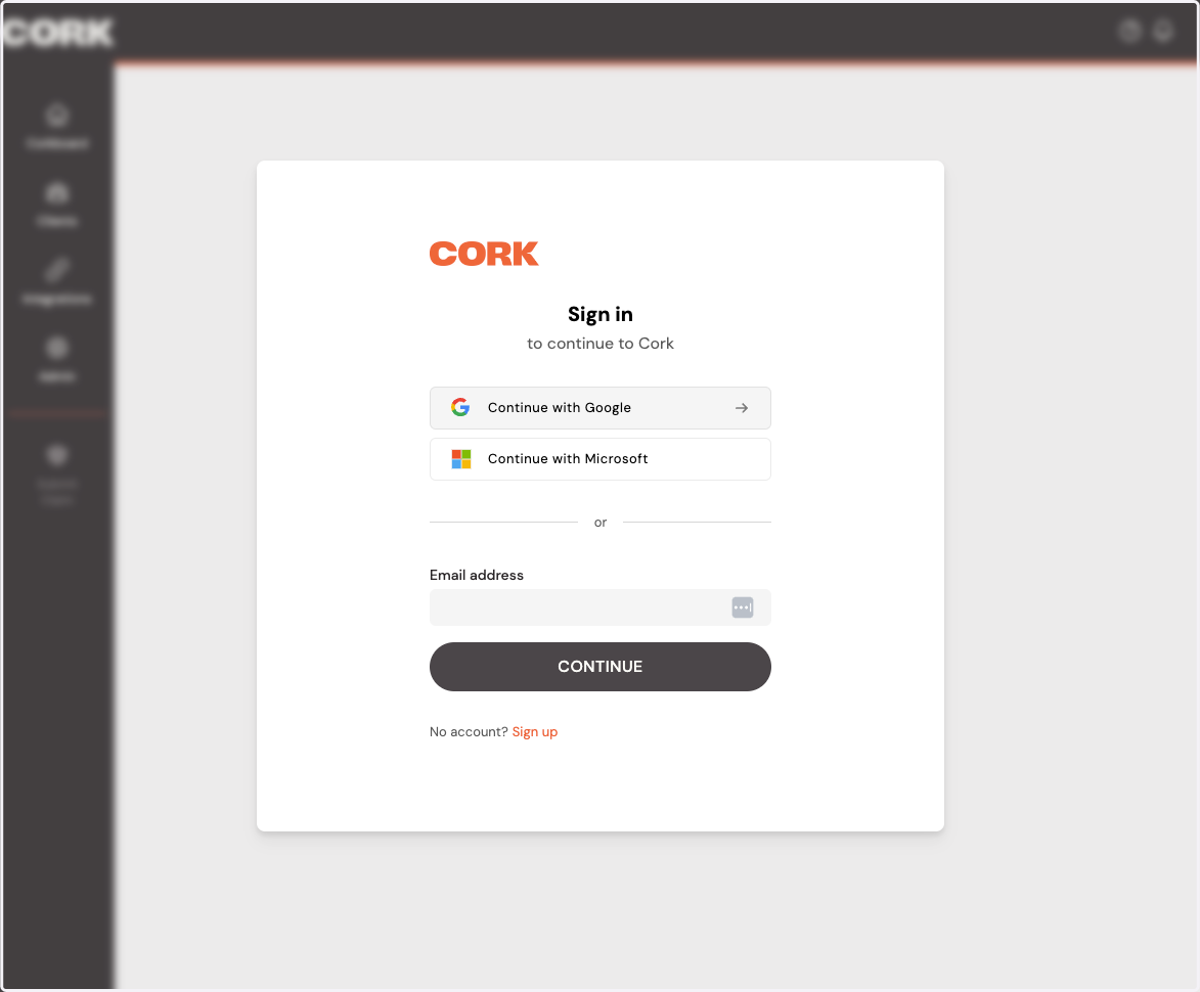
13. Sign into Cork
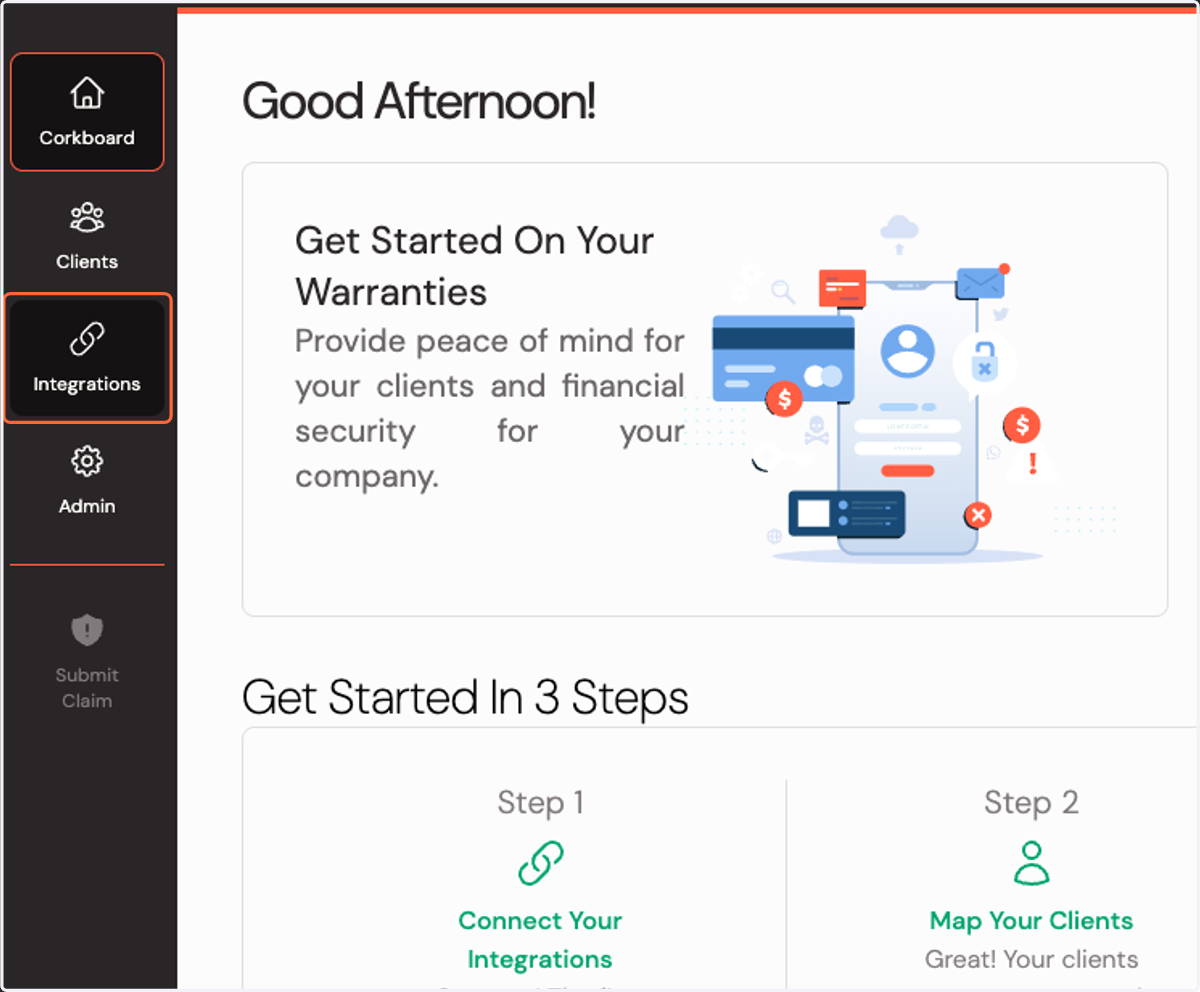
14. Click on Integrations
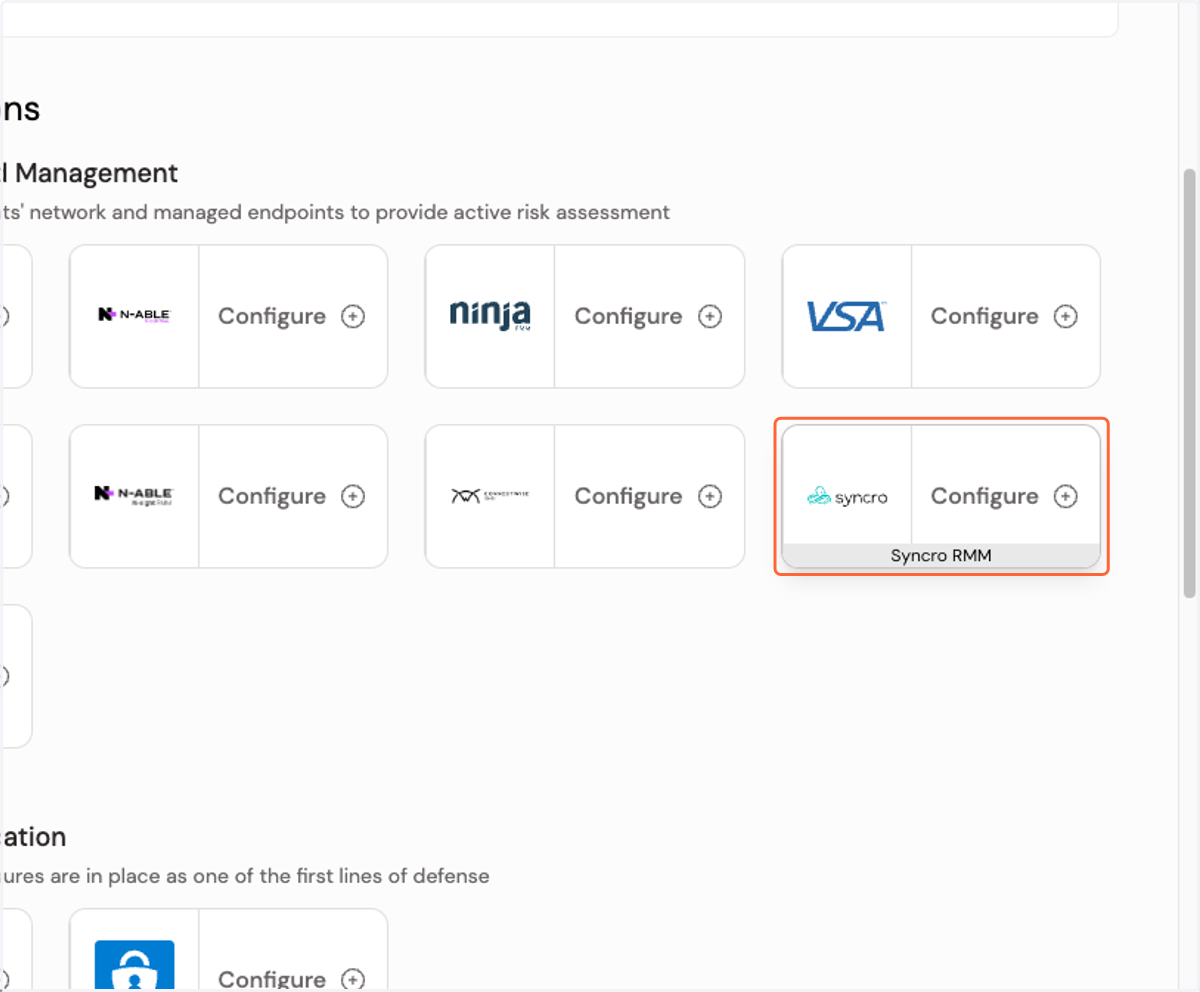
15. Click on Configure Syncro RMM integration
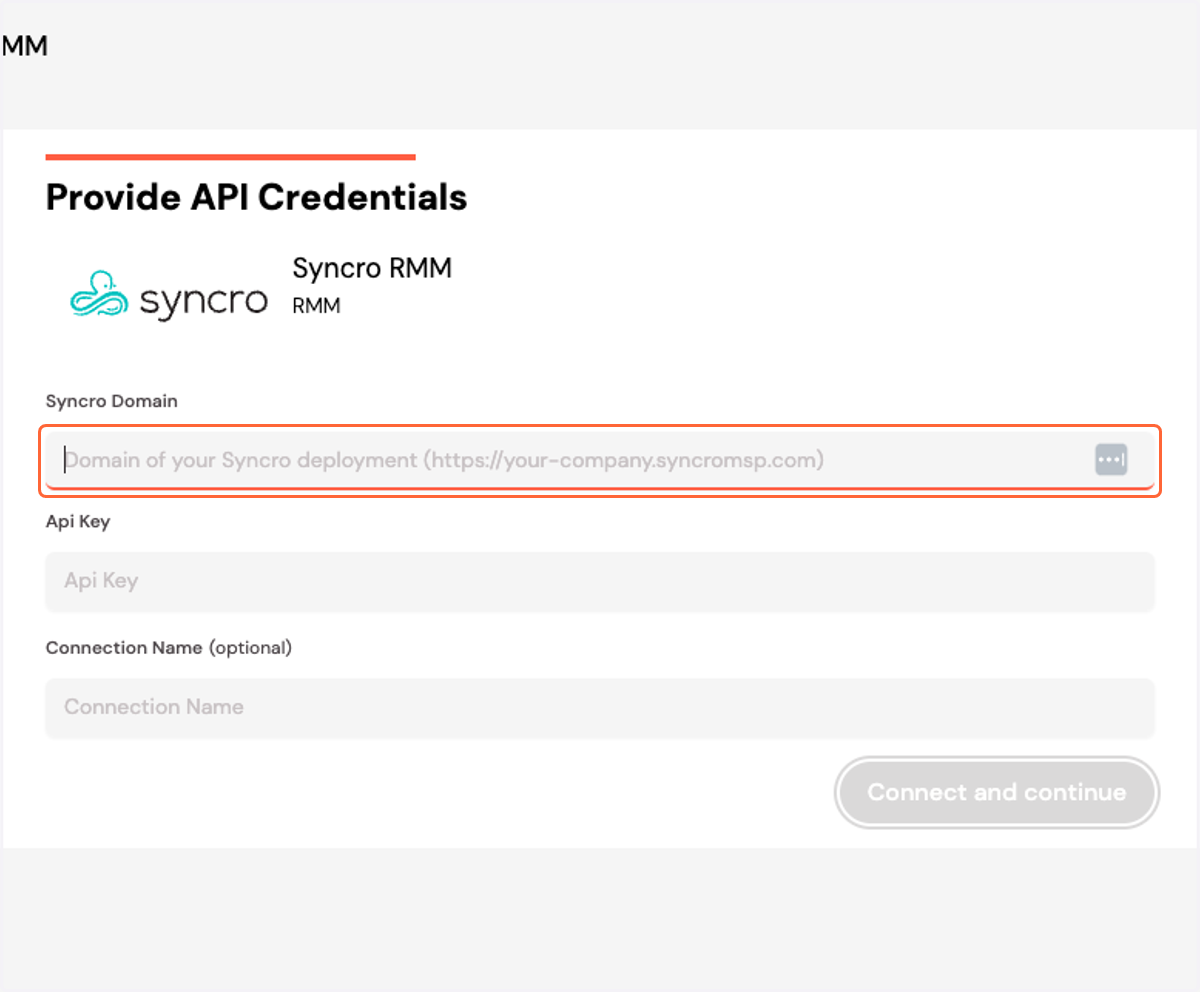
16. Add your Syncro domain (including HTTPS://)
17. Copy and paste your API key
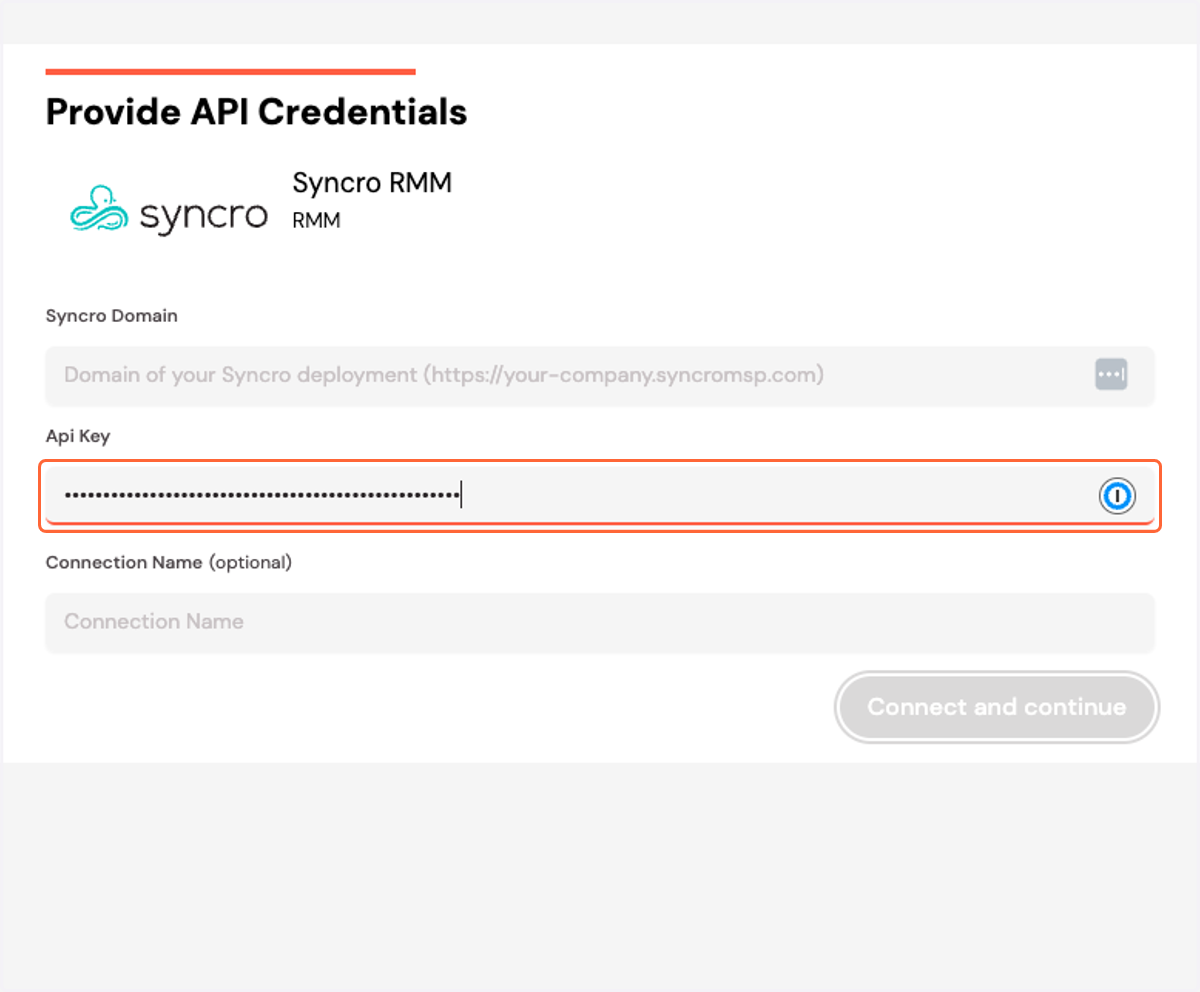
18. Click on Connect and continue