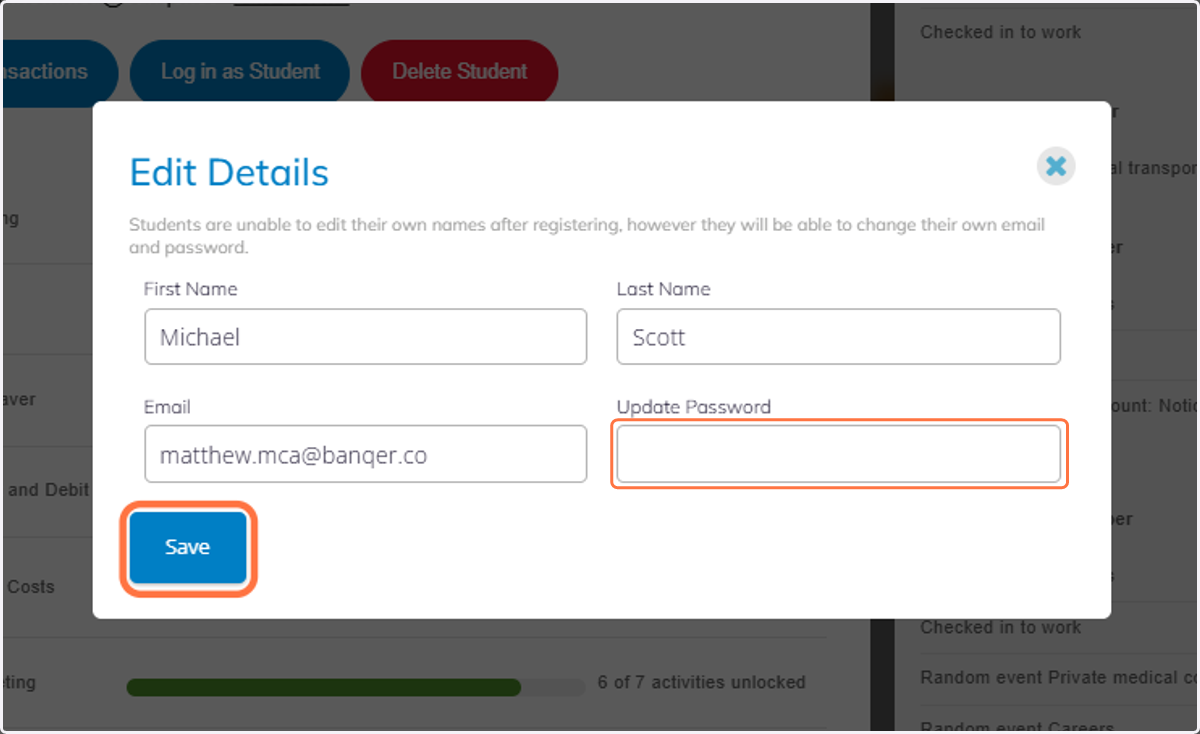
How to Edit Password in Banqer High
Banqer High
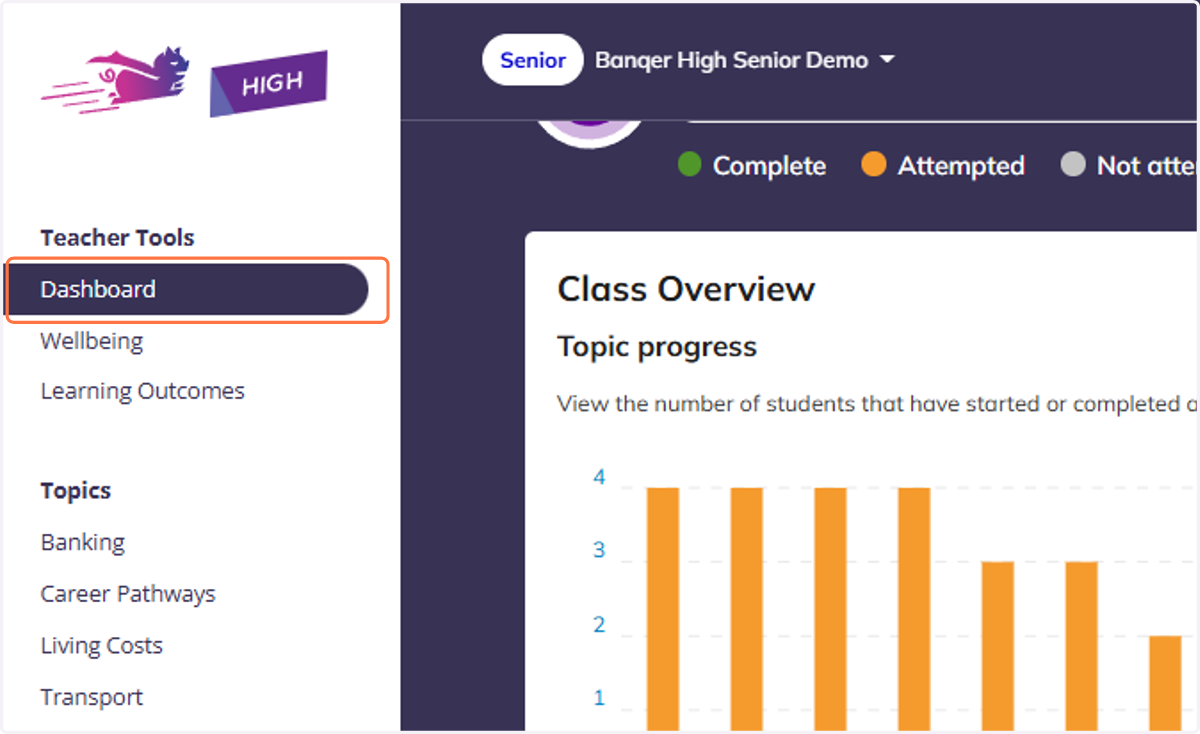
1. Navigate to your Dashboard view.
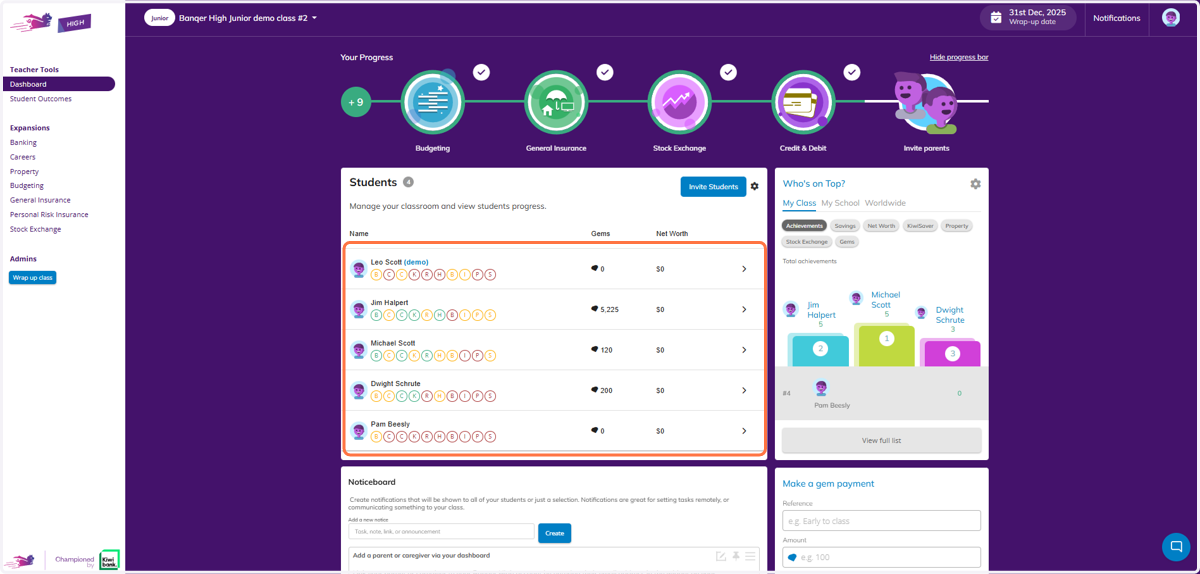
2. You will see your students in the Class Overview section
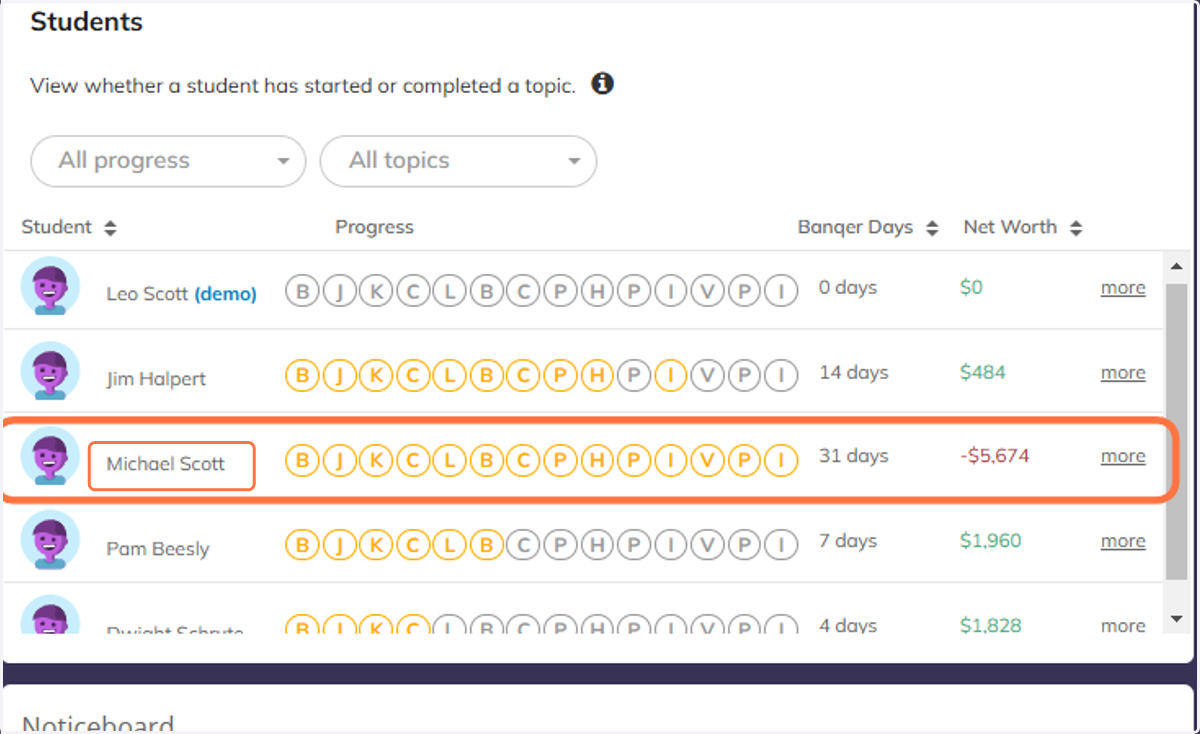
3. Find the relevant student and click their name
4. You will firstly see the Student Overview. Click the Edit Details button
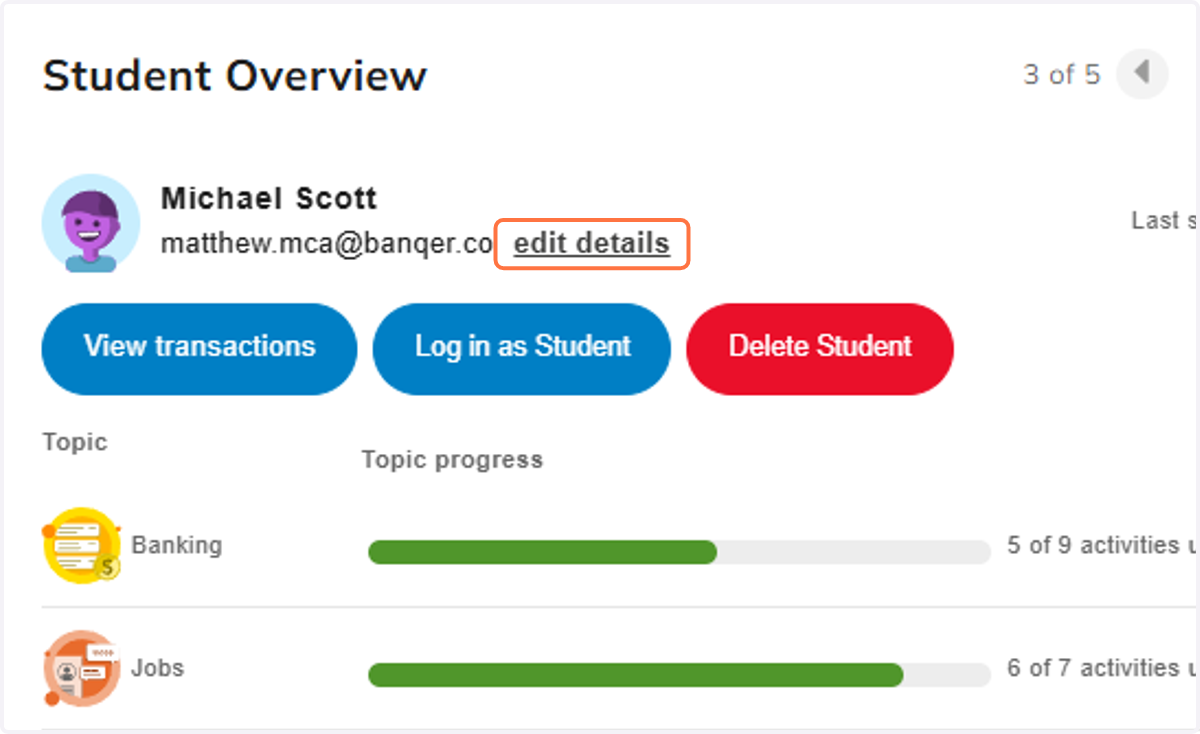
5. From here you can enter a new password for the student and then click Save.