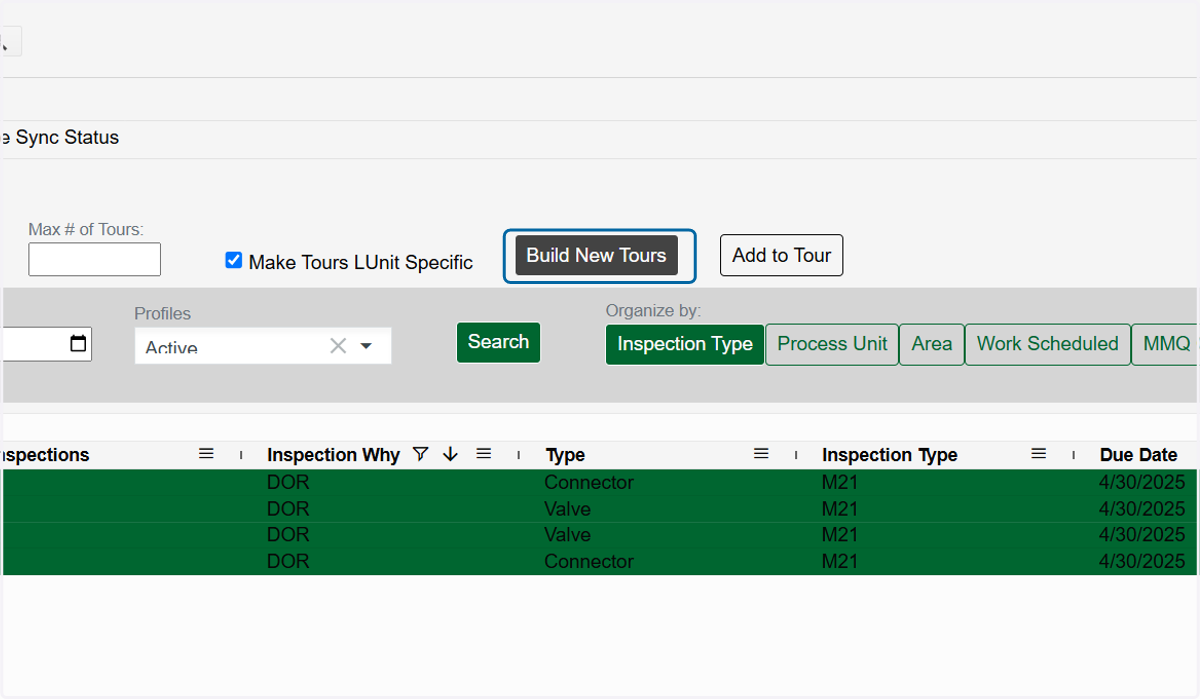
Build DOR Tours
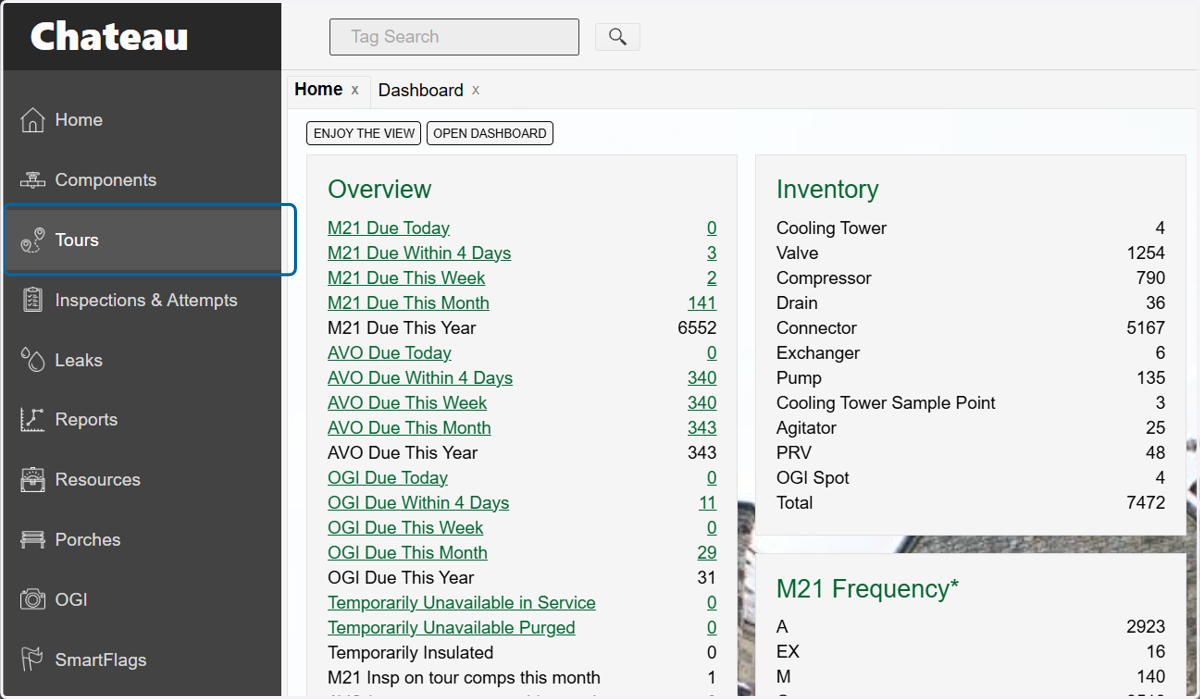
1. Click on Tours
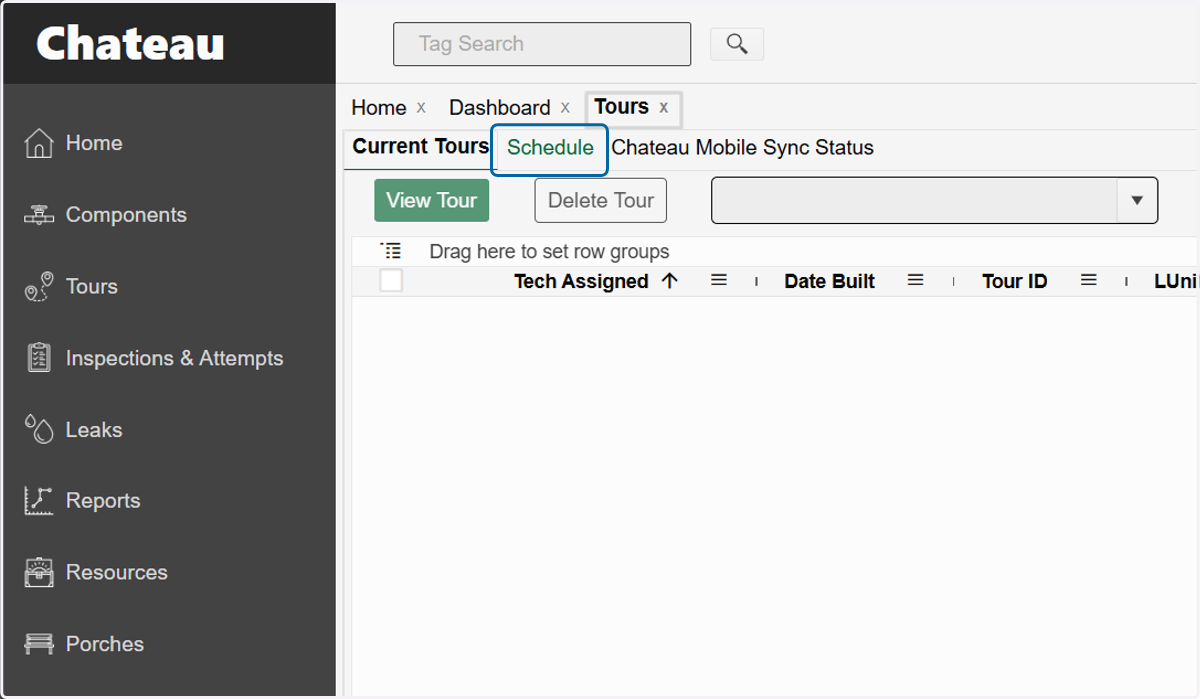
2. Click on Schedule
3. Choose the time period that best covers the period your DORs are due. You can use the 'Select End Of' dropdown or the 'End Date' filter.
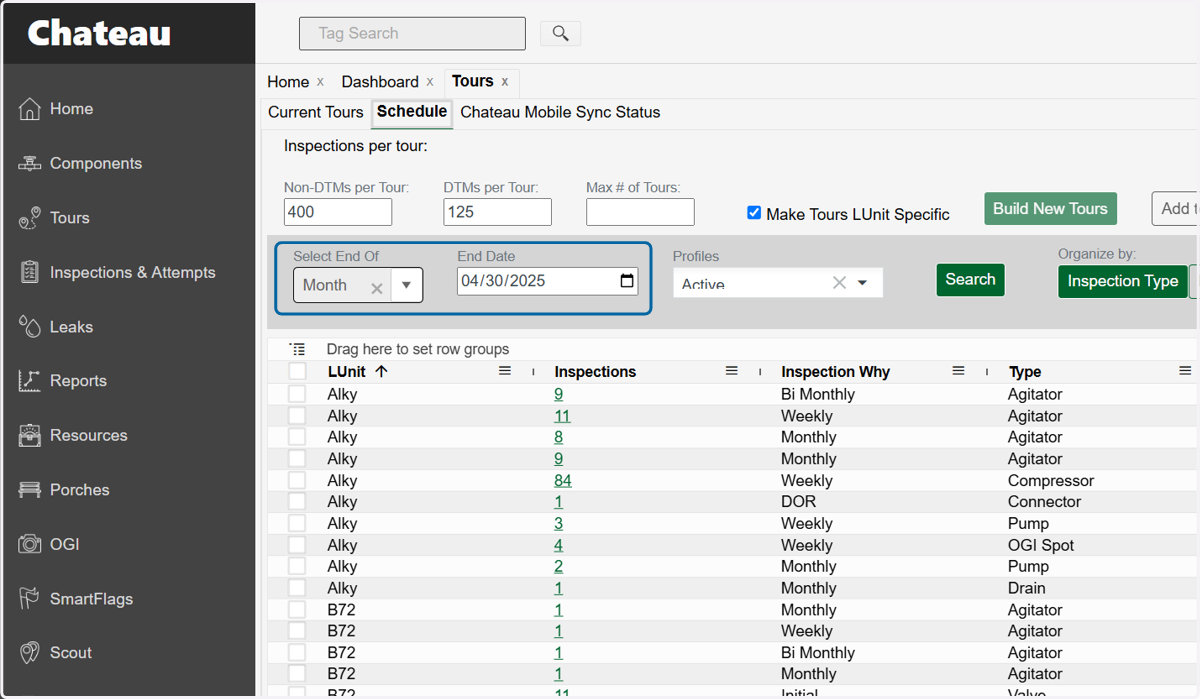
4. Click on Search
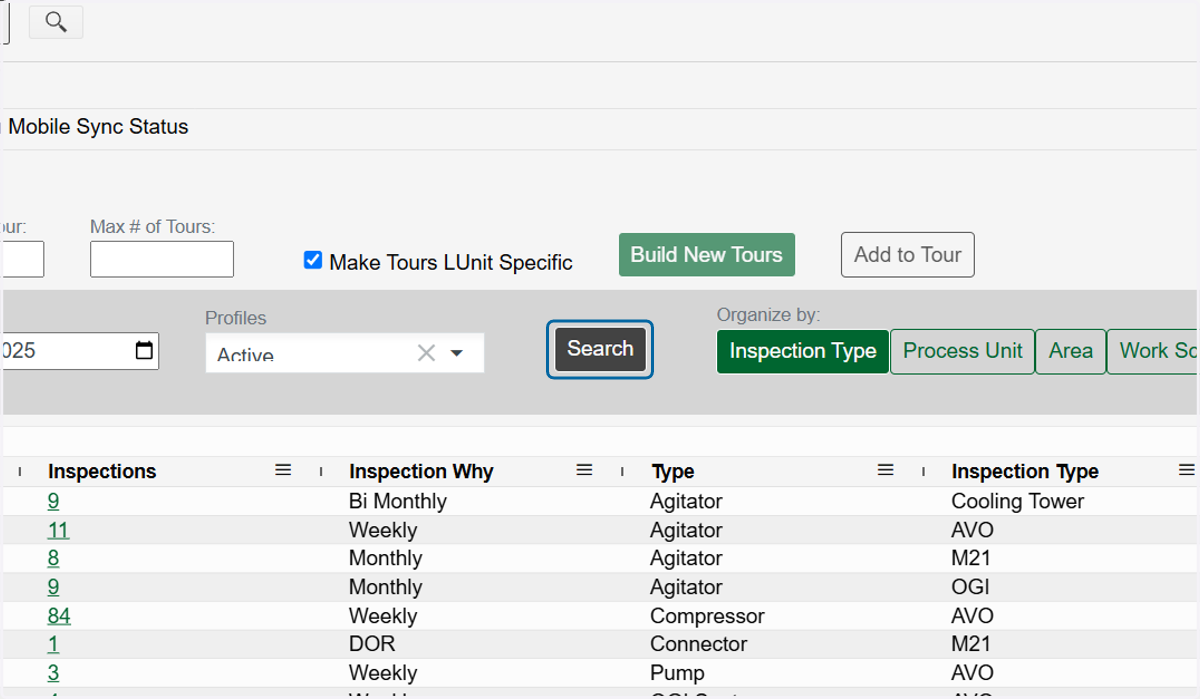
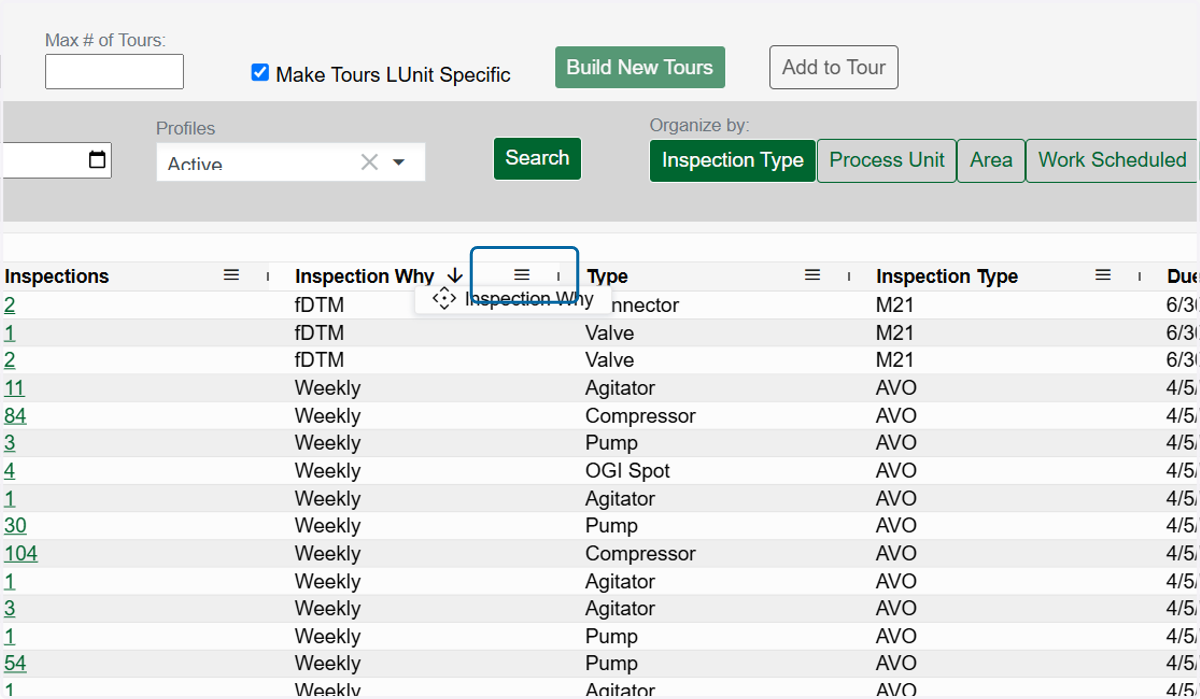
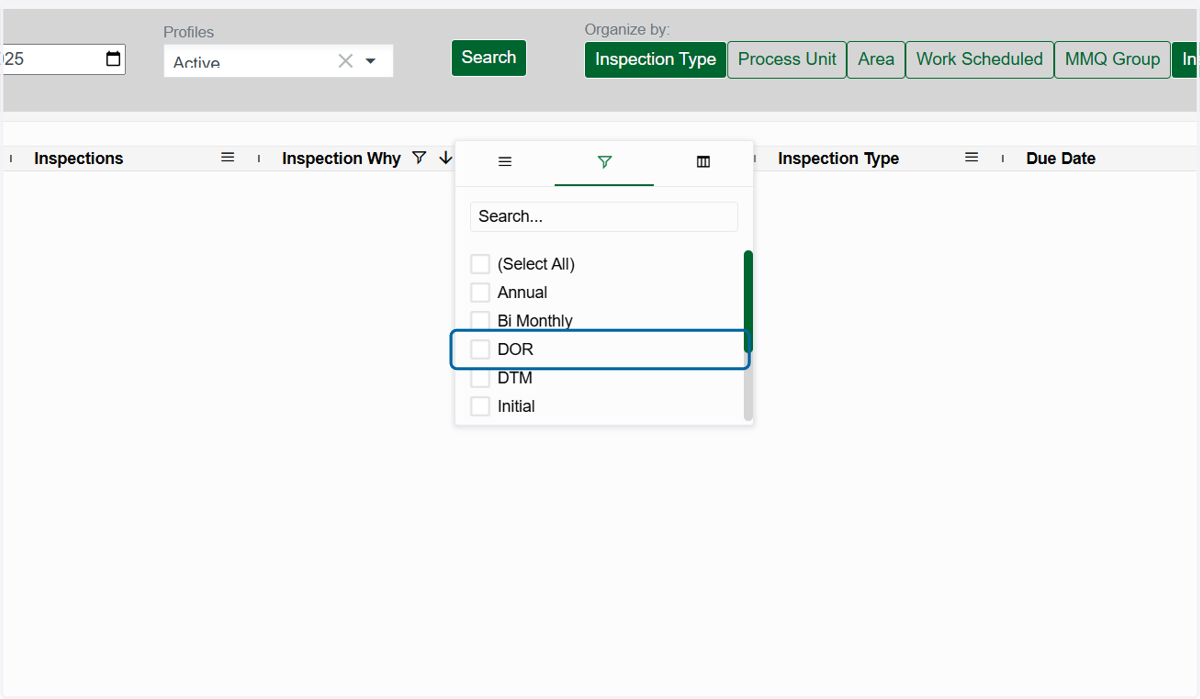
5. Click on the Inspection Why hamburger menu icon
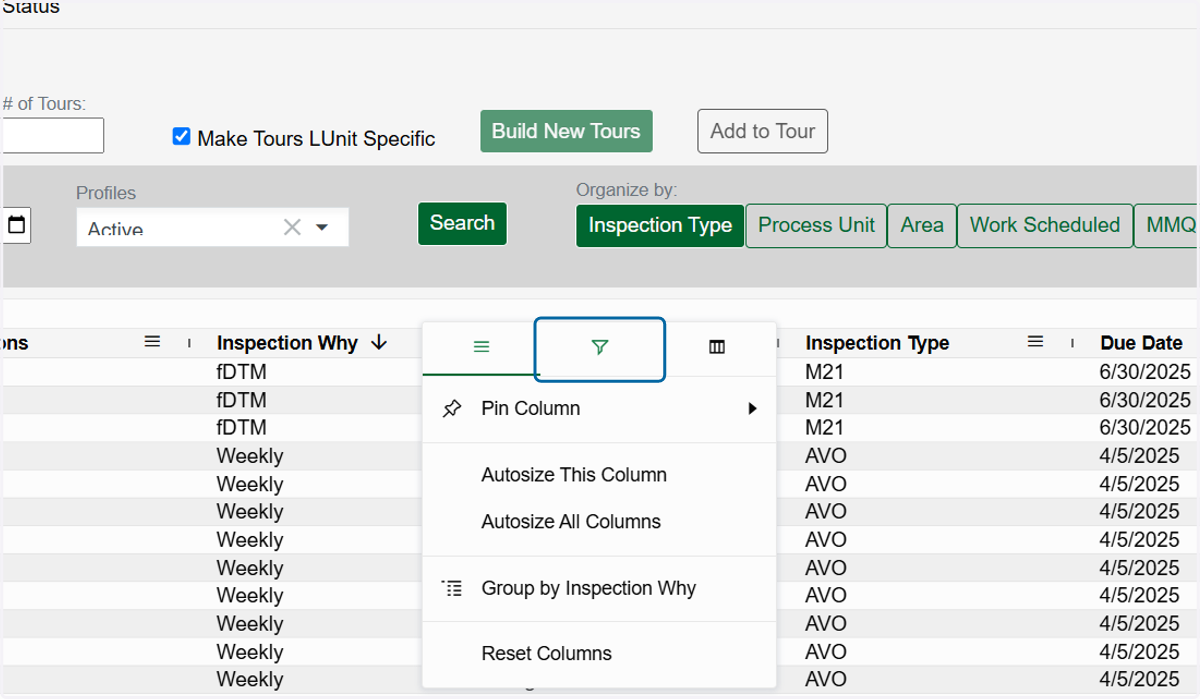
6. Click on filter
7. Click on (Select All)
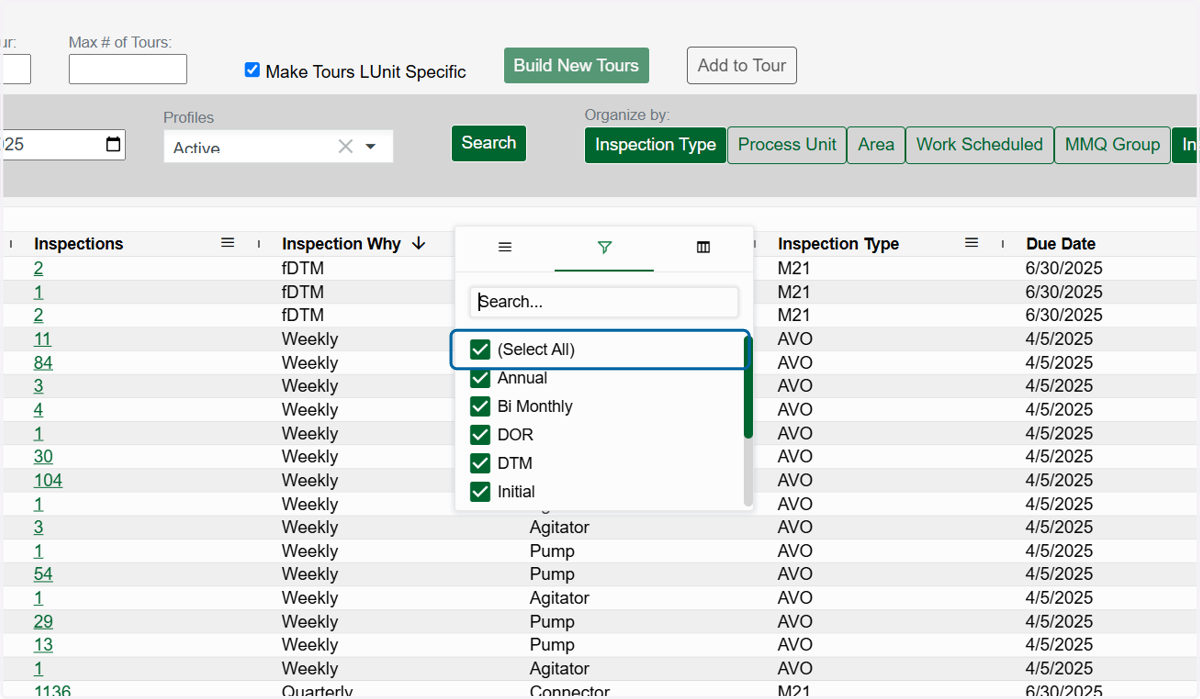
8. Click on DOR
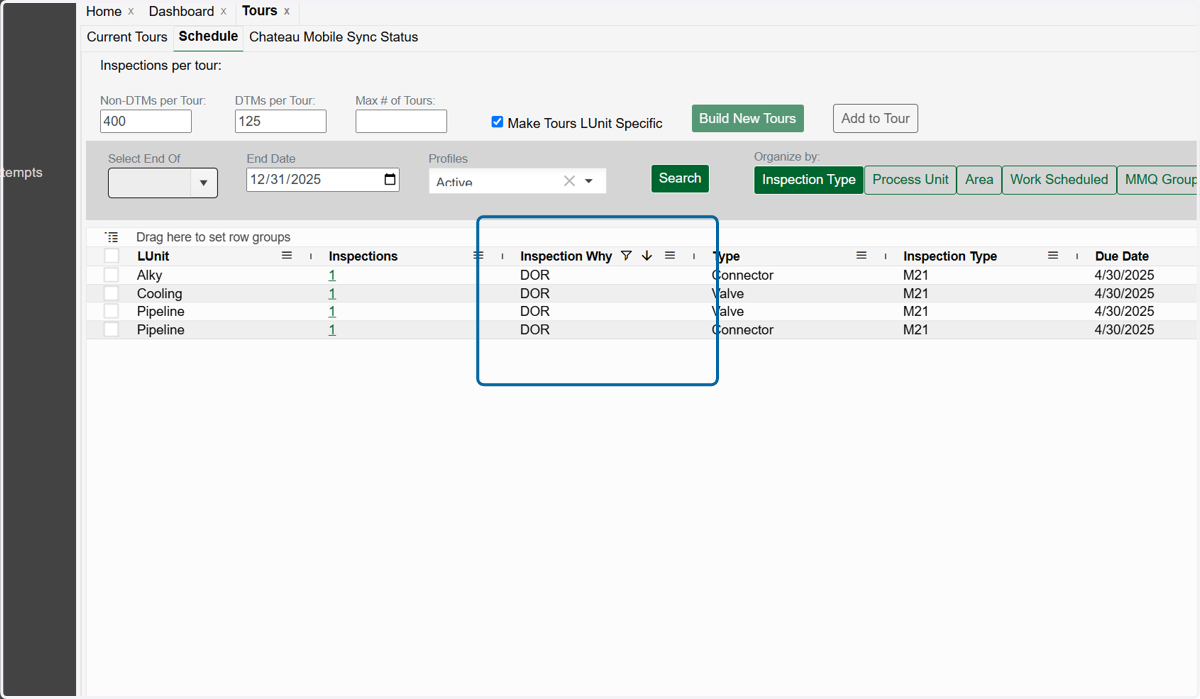
9. This will narrow down your list of inspections to just those due for DOR monitoring
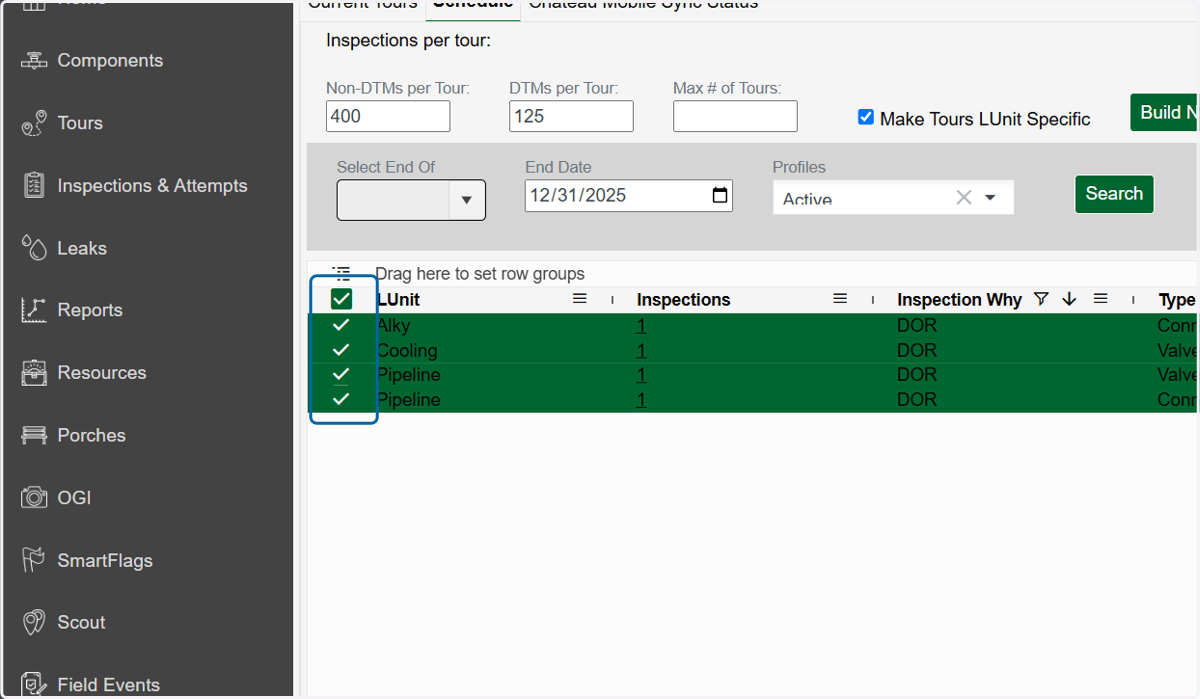
10. Select all the rows you want to place into tours
11. Choose if you want to put all the DOR's in one tour or separate them by Lunits
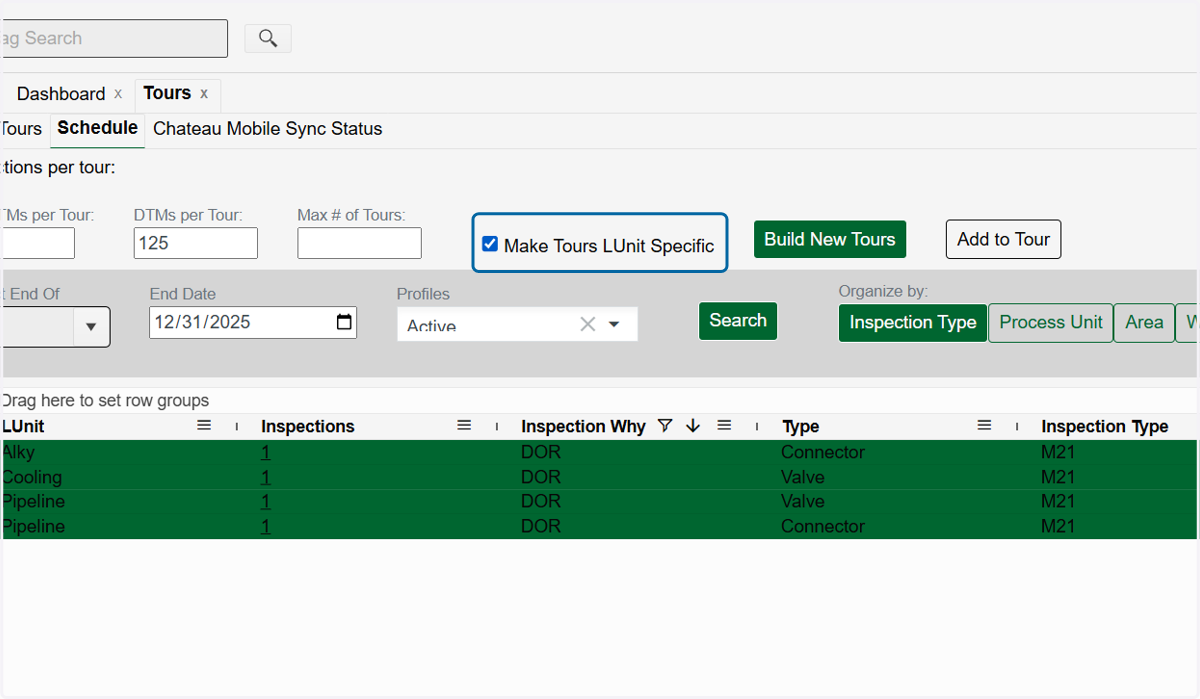
12. Click on Build New Tours