Fix Common LexisNexis Digital Library Error

  1. 1. Click on the My Account icon in LNDL
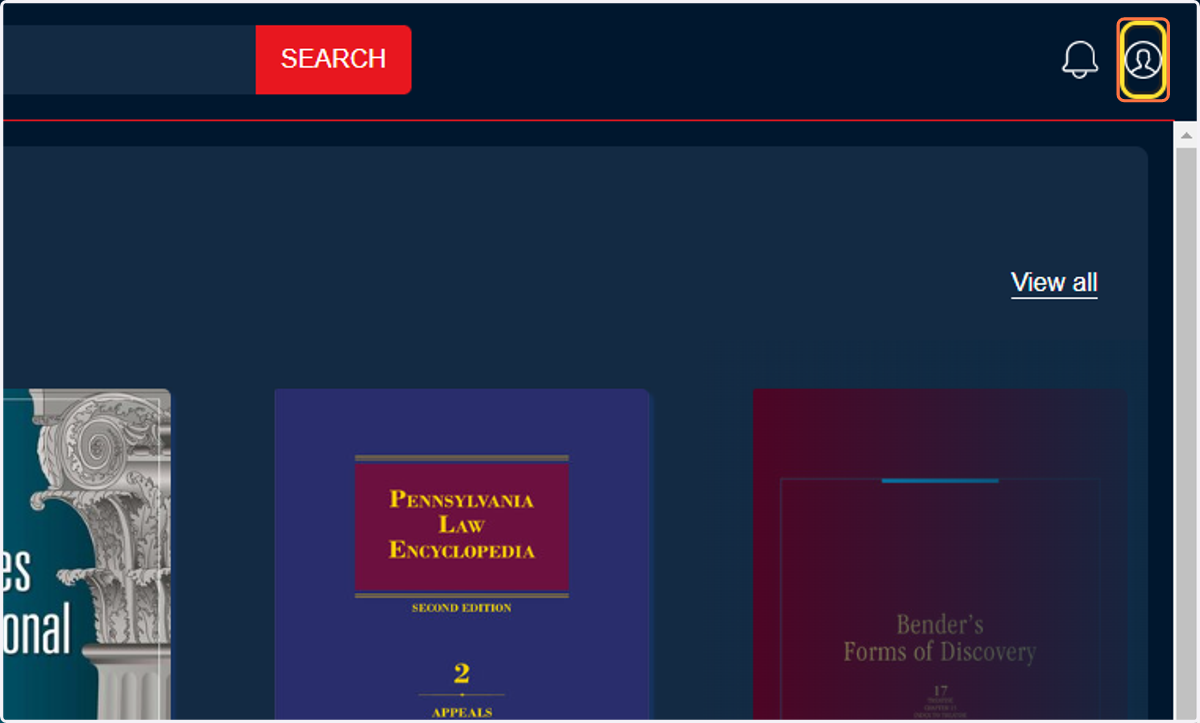
    Click on the "My account" icon in the top right corner of LexisNexis Digital Library.
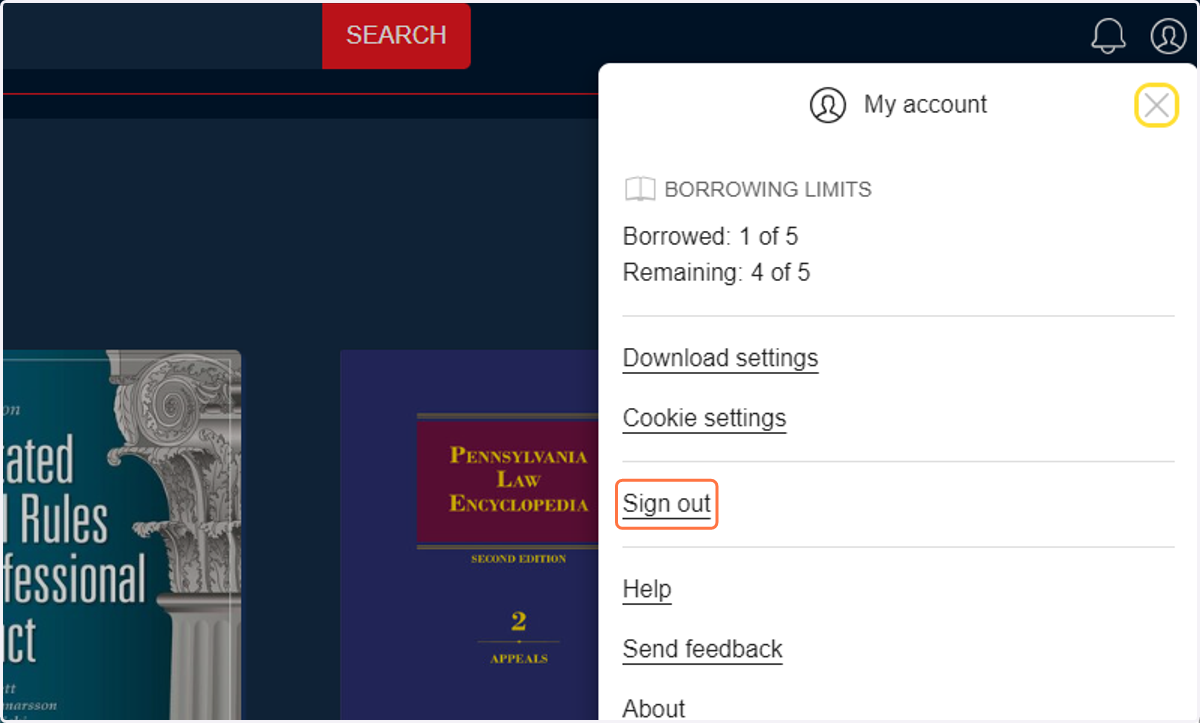
  2. 2. Click on Sign out

    Click on "Sign out" from the dropdown menu.
  3. 3. Click the "x" to CLOSE the BROWSER tab/window
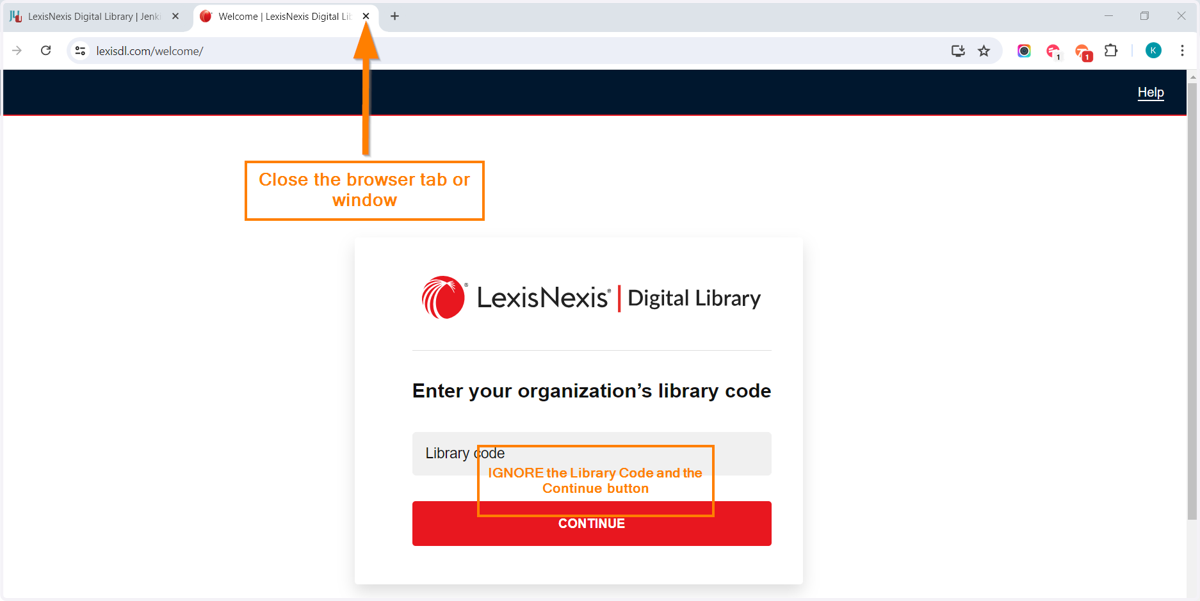
    Click the "x" to CLOSE the BROWSER tab/window that you are using to view LexisNexis Digital Library. You do not need a Library Code.
  4. 4. Return to Jenkins' launch page for LexisNexis Digital Library.
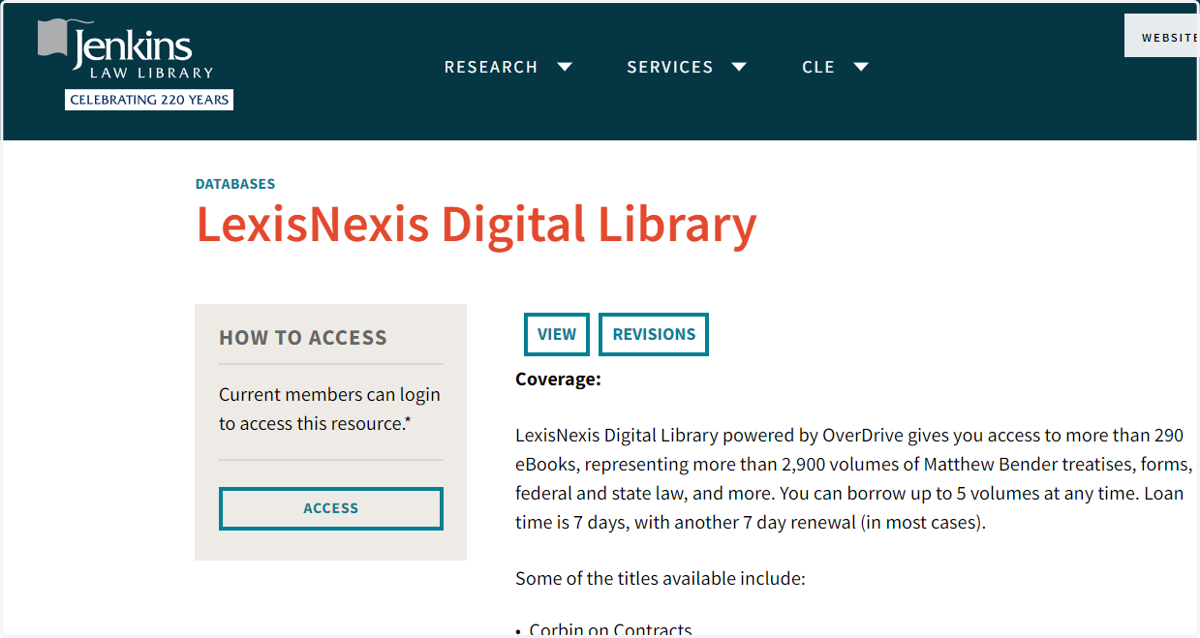
    Return to Jenkins' launch page for LexisNexis Digital Library. The URL is https://www.jenkinslaw.org/research/databases/lexisnexis-digital-library
  5. 5. Click on ACCESS to re-launch the database
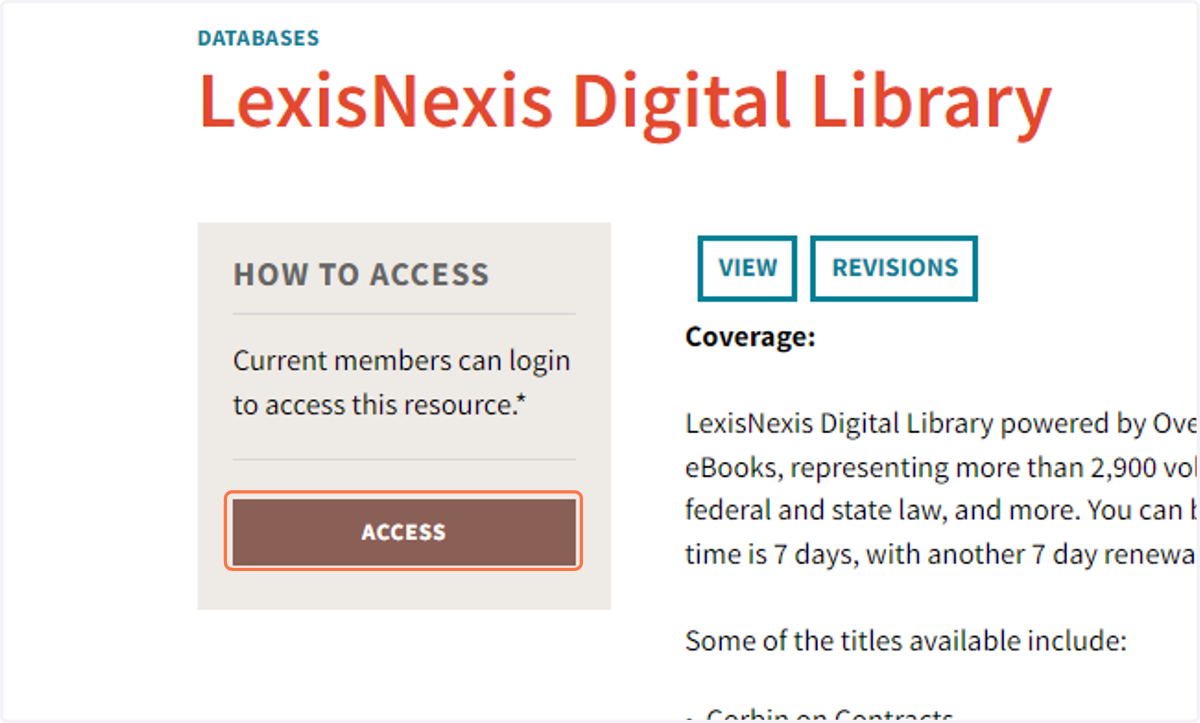
    Click on the "ACCESS" button to re-launch the LexisNexis Digital Library database.
  6. 6. Click on SIGN IN (you will not need further log-in information)
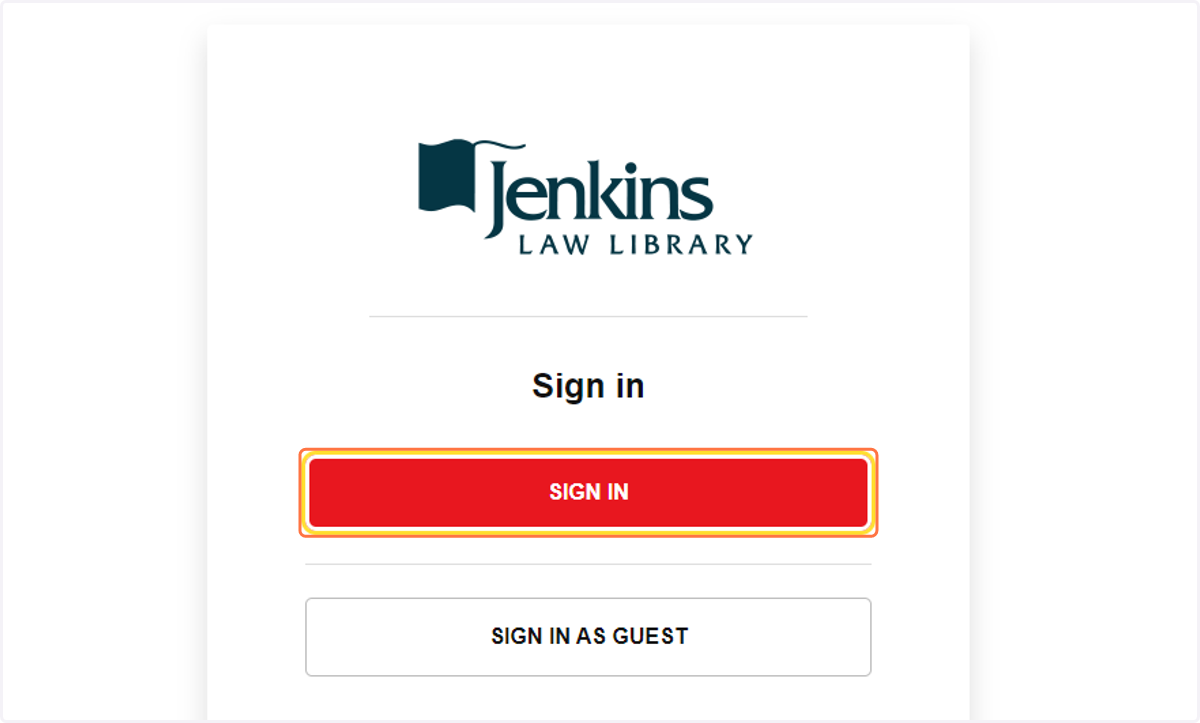
    Click on "SIGN IN". You will not need further log-in information.
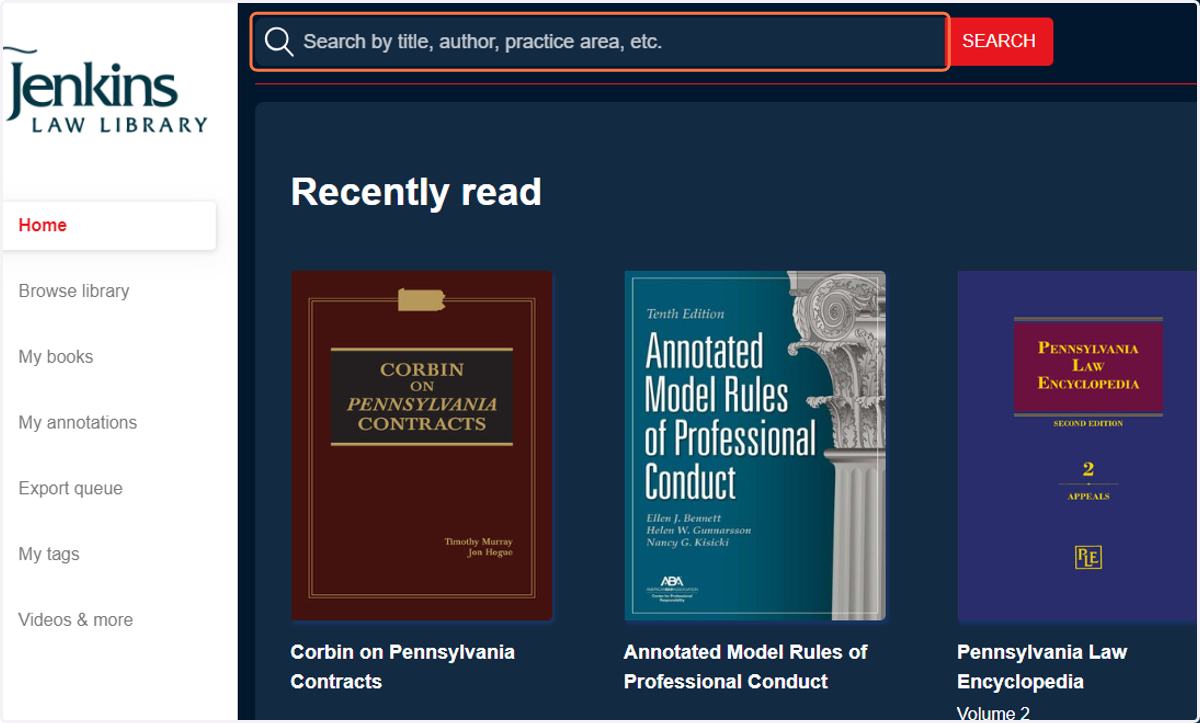
  7. 7. Search or browse for e-books!

    Search or browse for e-books on the LexisNexis Digital Library Home page.