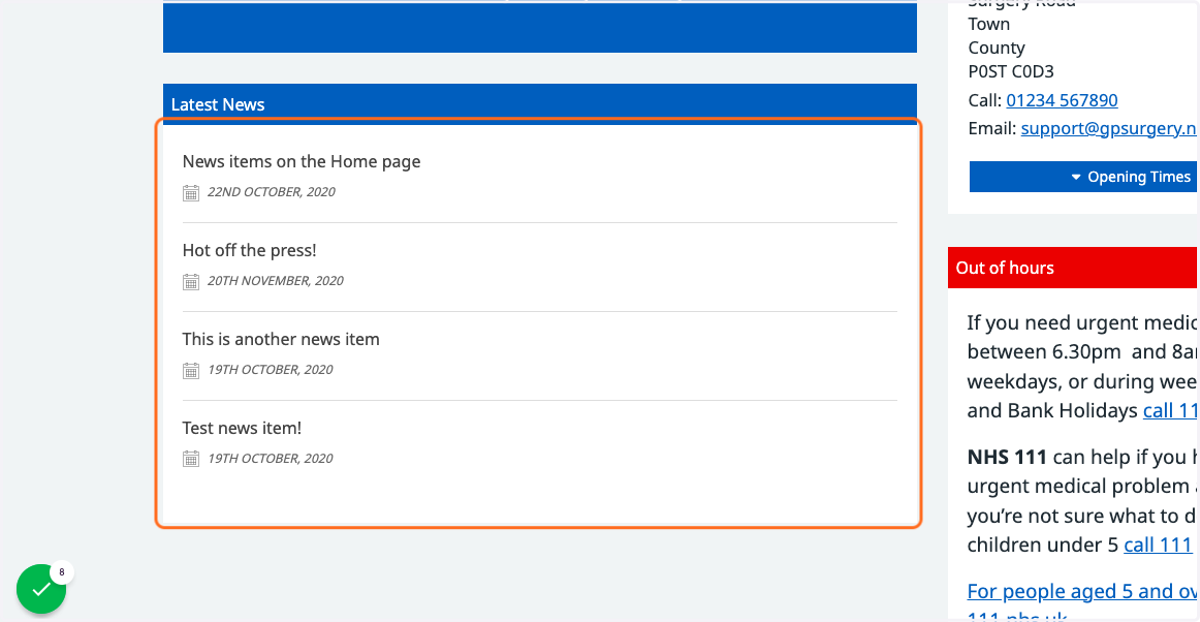
Making news 'sticky' on the Home page
This tutorial will show you how to ensure that your sticky news articles stay at the top of your Latest News box on the Home page. You can move through the tutorial at your own pace using the NEXT button below.
Gpsurgery
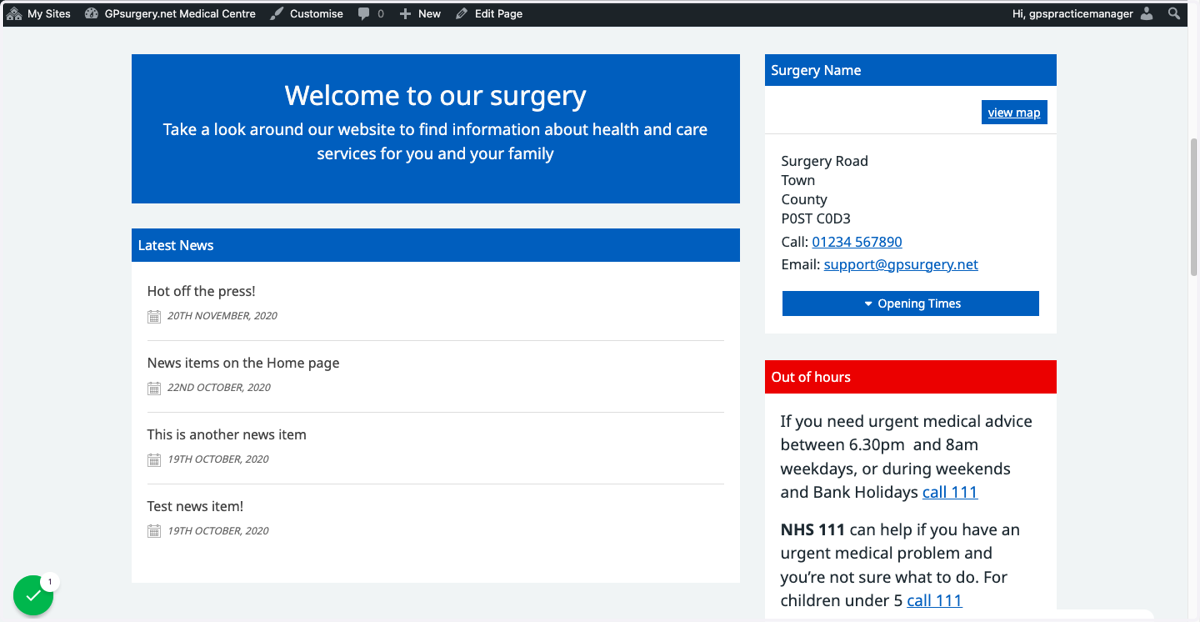
1. On the Home page, your Latest News box will not automatically register sticky news: you must turn it on manually. Ensure that you are logged into your website, and can see the black admin toolbar at the top of the screen.
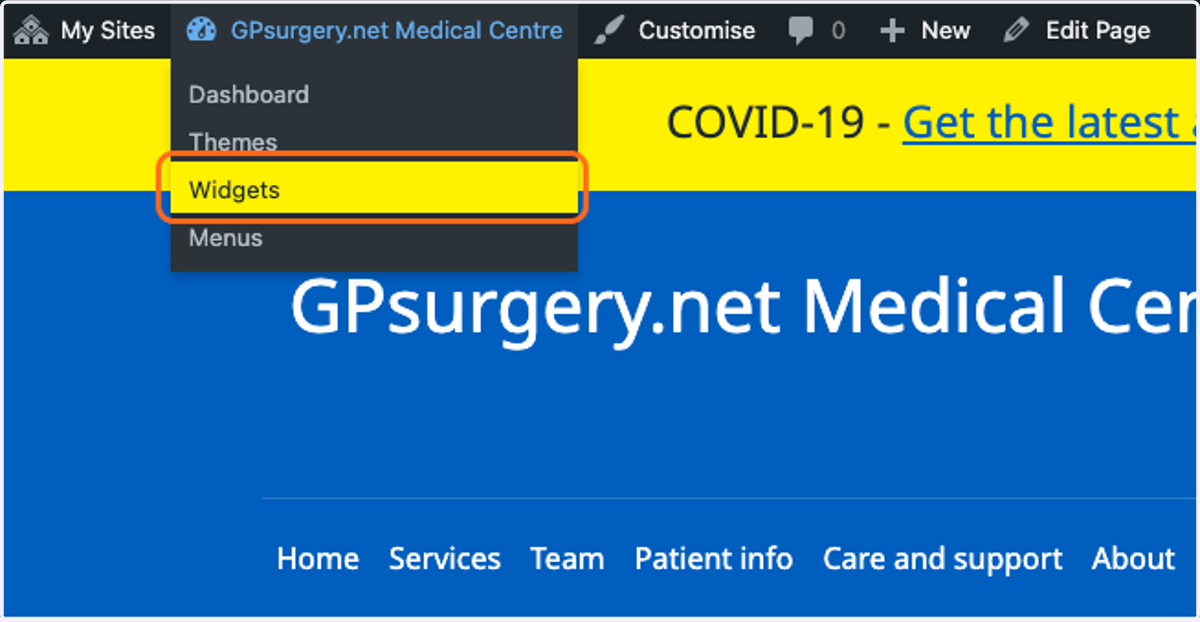
2. Hover your mouse over the name of your website, and click on Widgets in the drop-down menu.
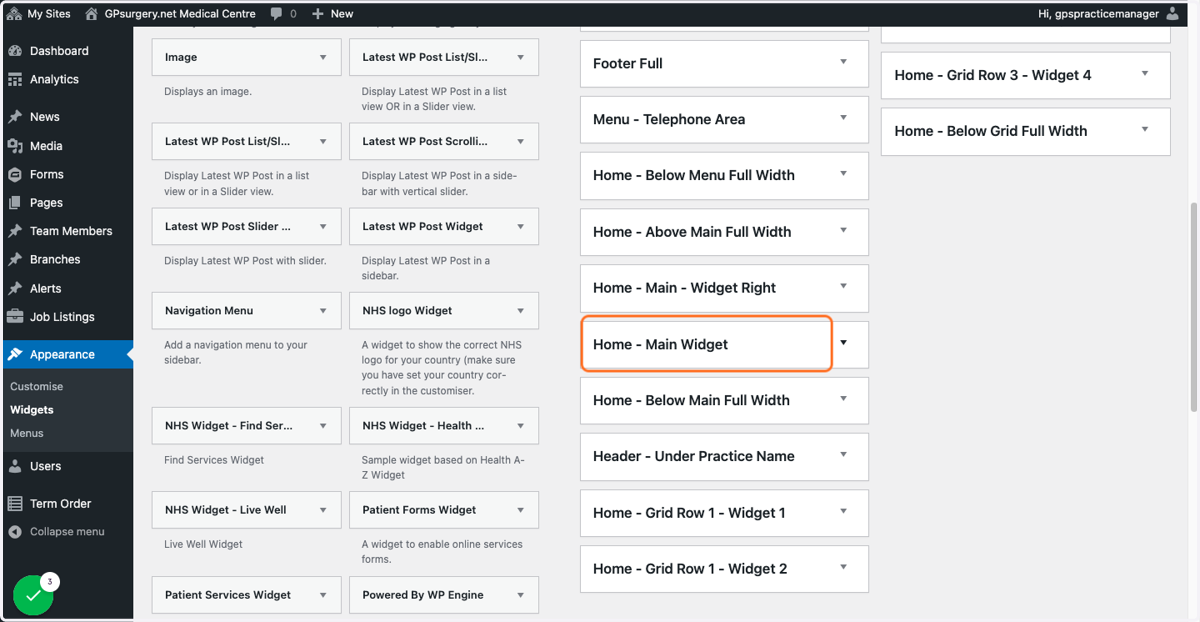
3. Click the box called Home - Main Widget.
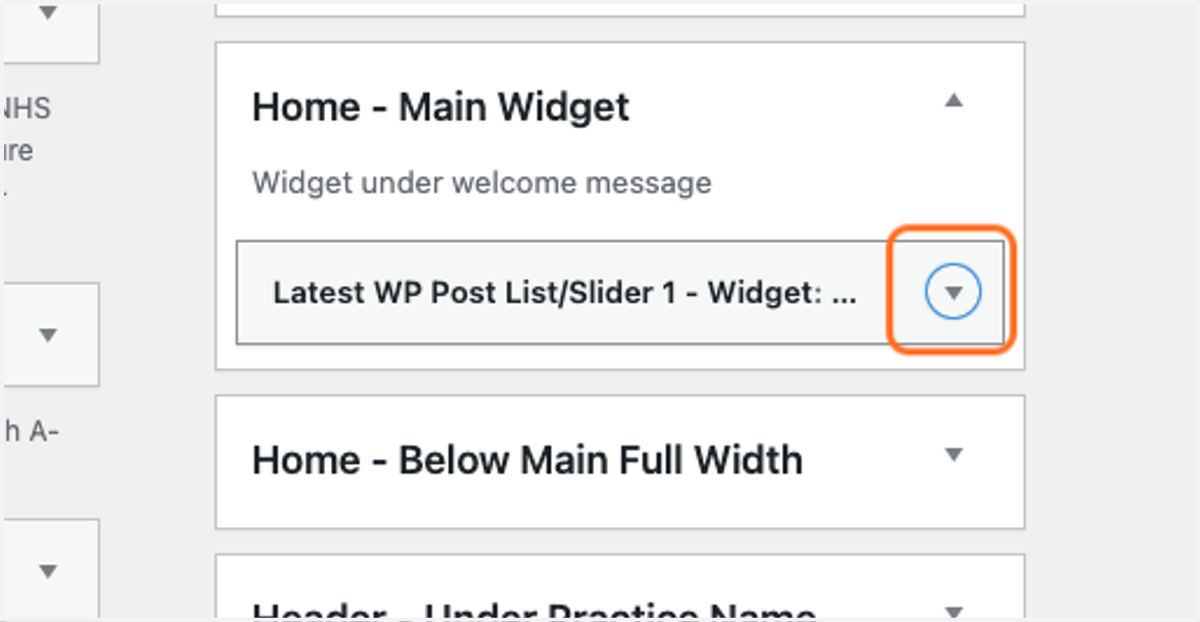
4. This should open up the box to show a widget called Latest WP Post List/Slider 1. Click the arrow on the right-hand side of the box to expand the widget.
If you cannot see the widget, it may be in a different box in the Widgets section. Check the Home - Below Main Full Width box. If you still cannot see it, contact us for support.
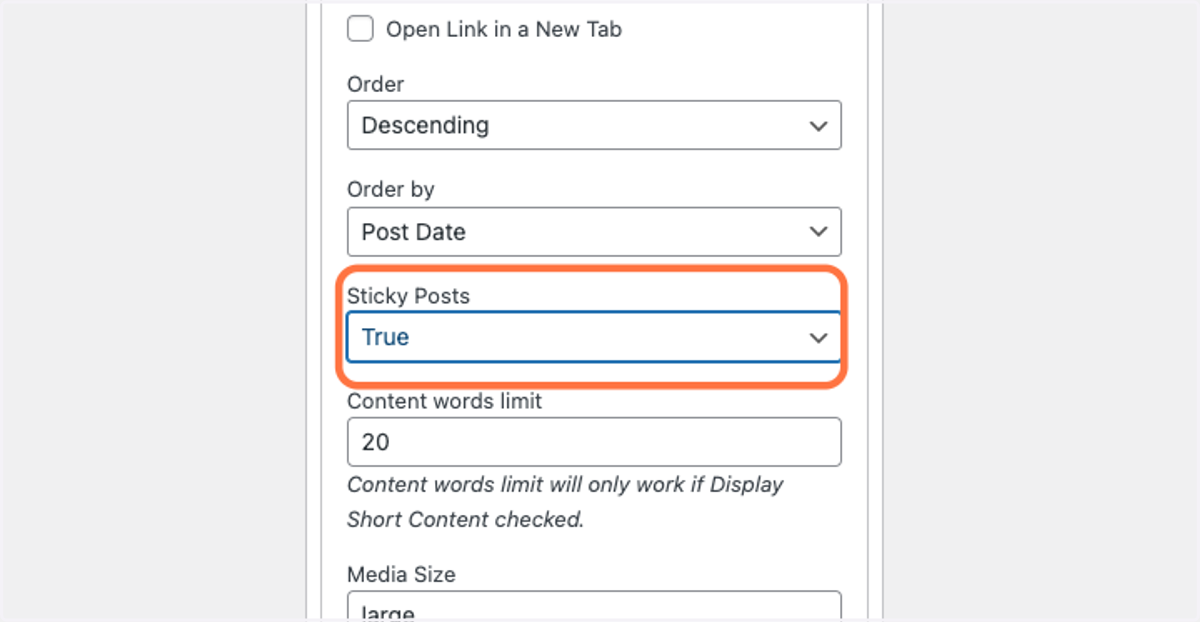
5. Scroll down to the Sticky Posts box, and choose True from the drop-down.
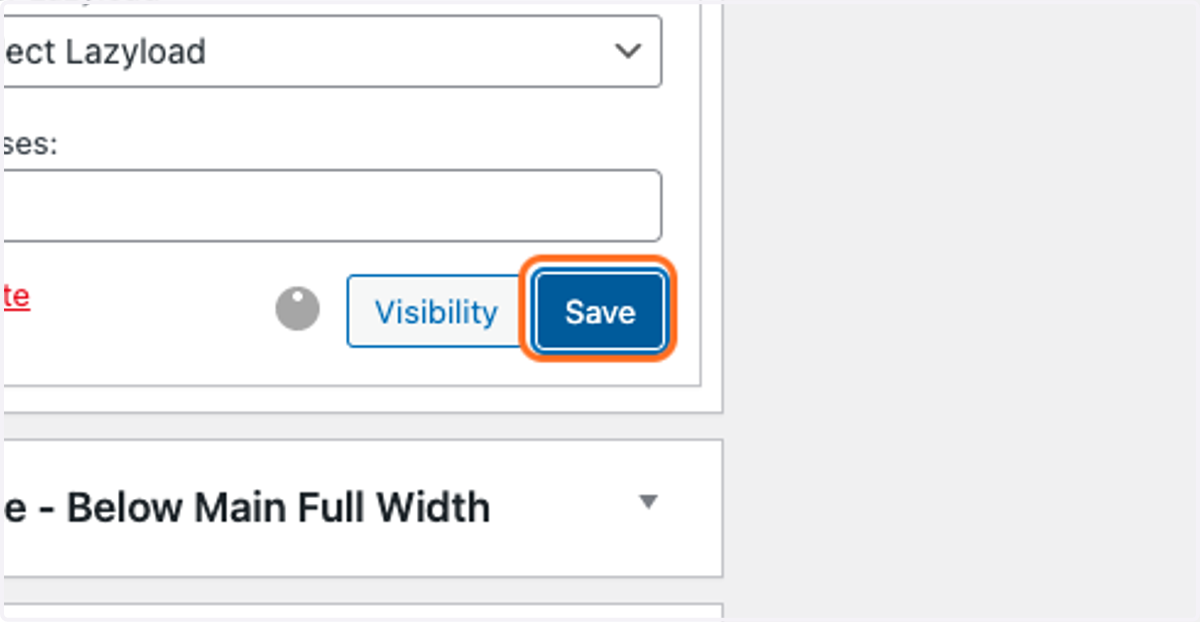
6. Click the blue Save button, otherwise your changes will not be saved.
7. Your Latest News box will now display with the sticky news item at the top.