Making Gem Payments

Banqer High

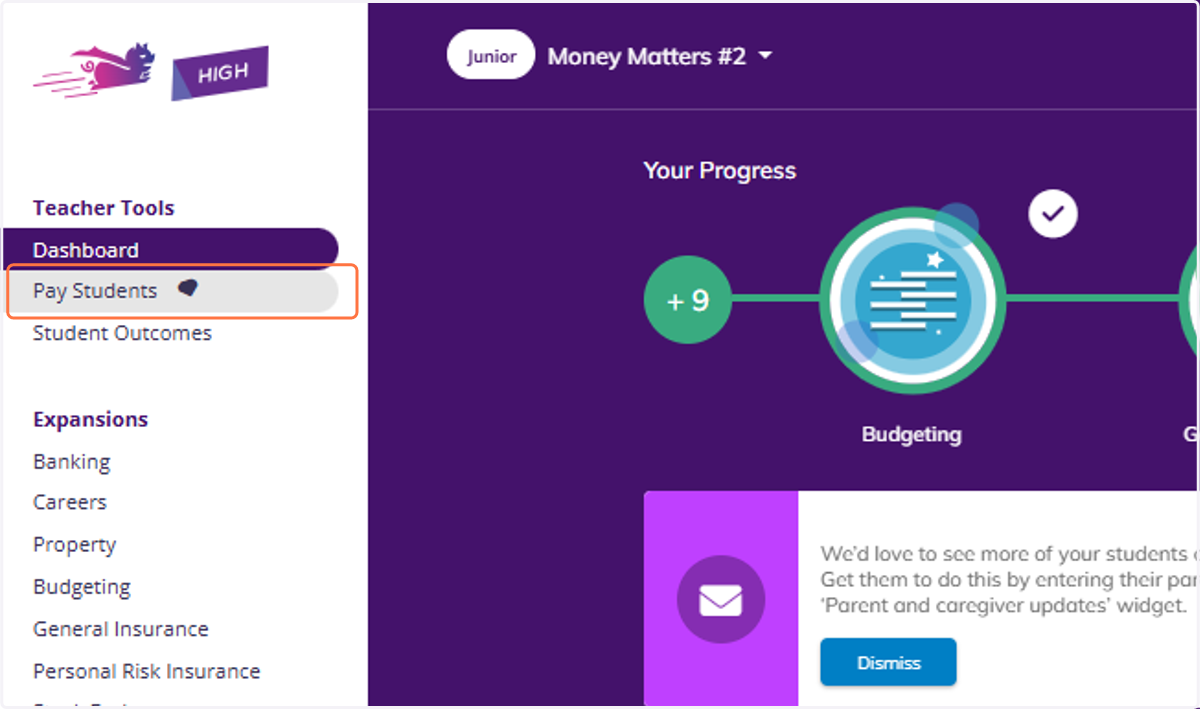
  1. 1. Click on Pay Students.

    Click on Pay Students.
  2. 2. You will see the Make a gem payment box.
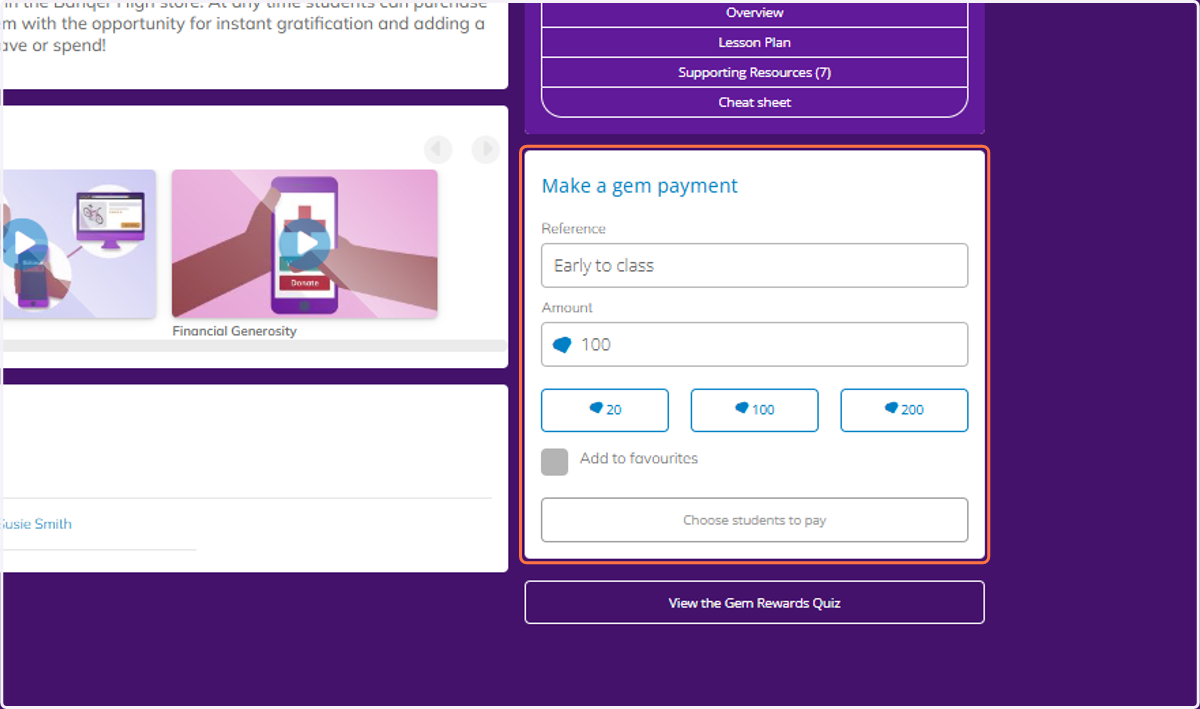
    You will see the Make a gem payment box.
  3. 3. Type in a reference and the amount of gems.
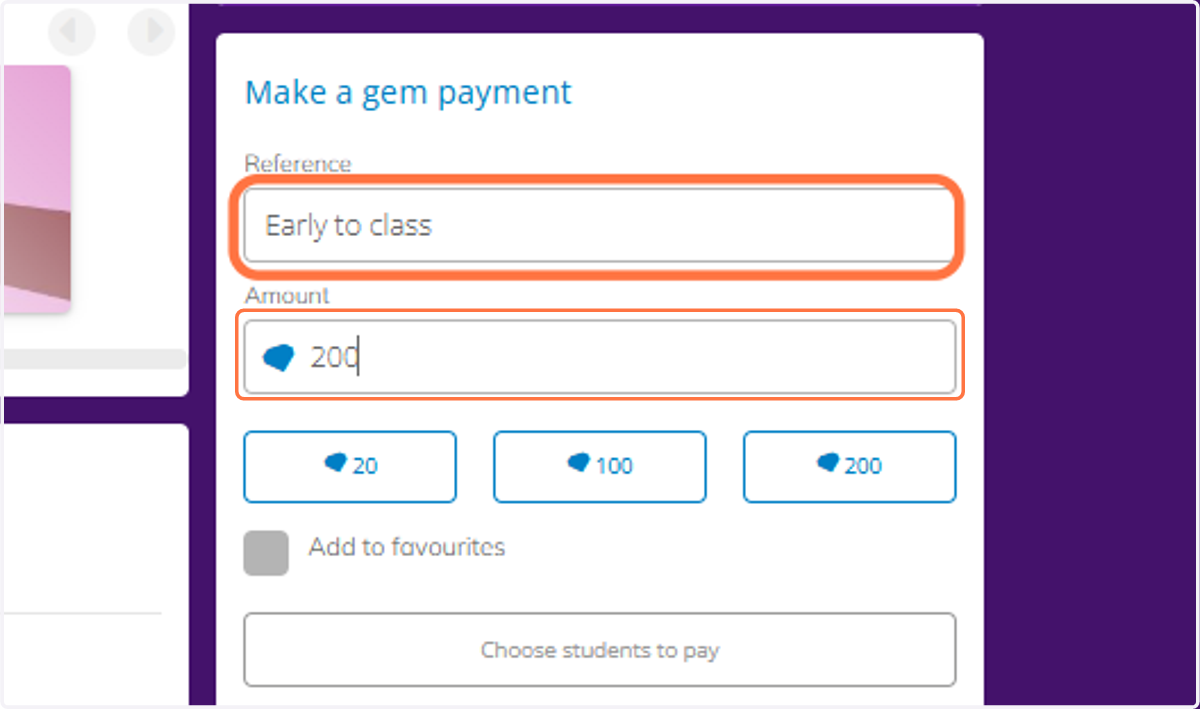
    Type in a reference and the amount of gems.
  4. 4. Then select the students you want to pay these gems to.
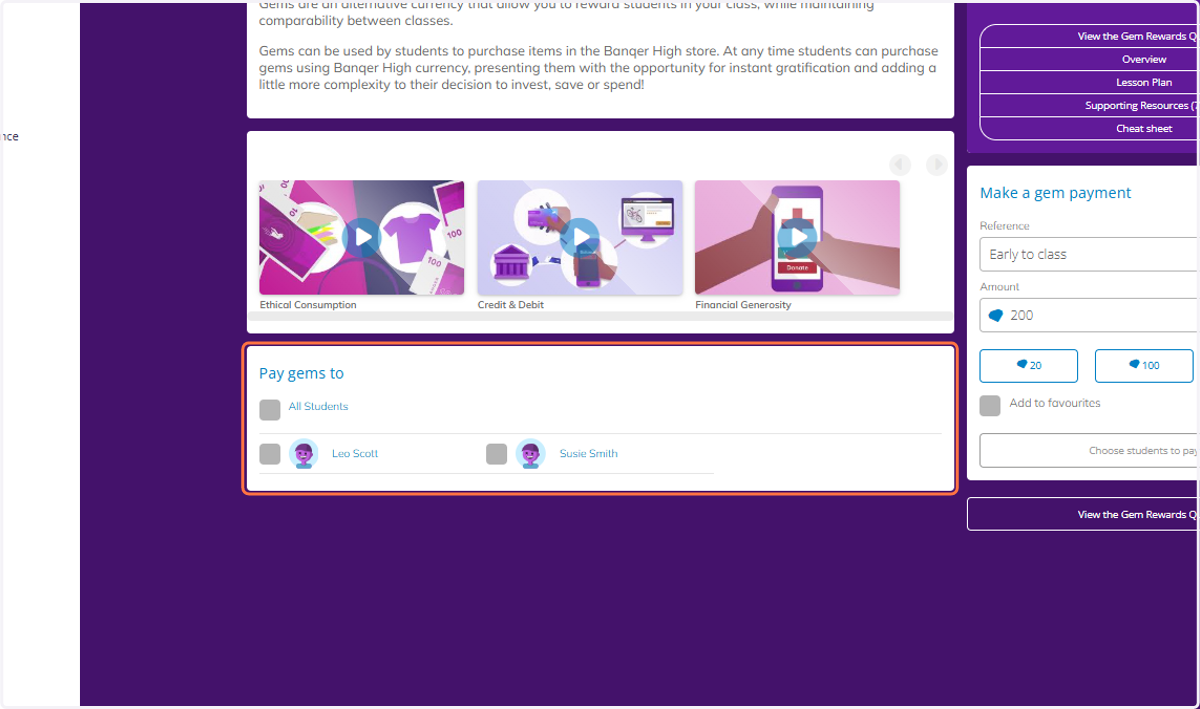
    Then select the students you want to pay these gems to.
  5. 5. You can select all students, or select students individually.
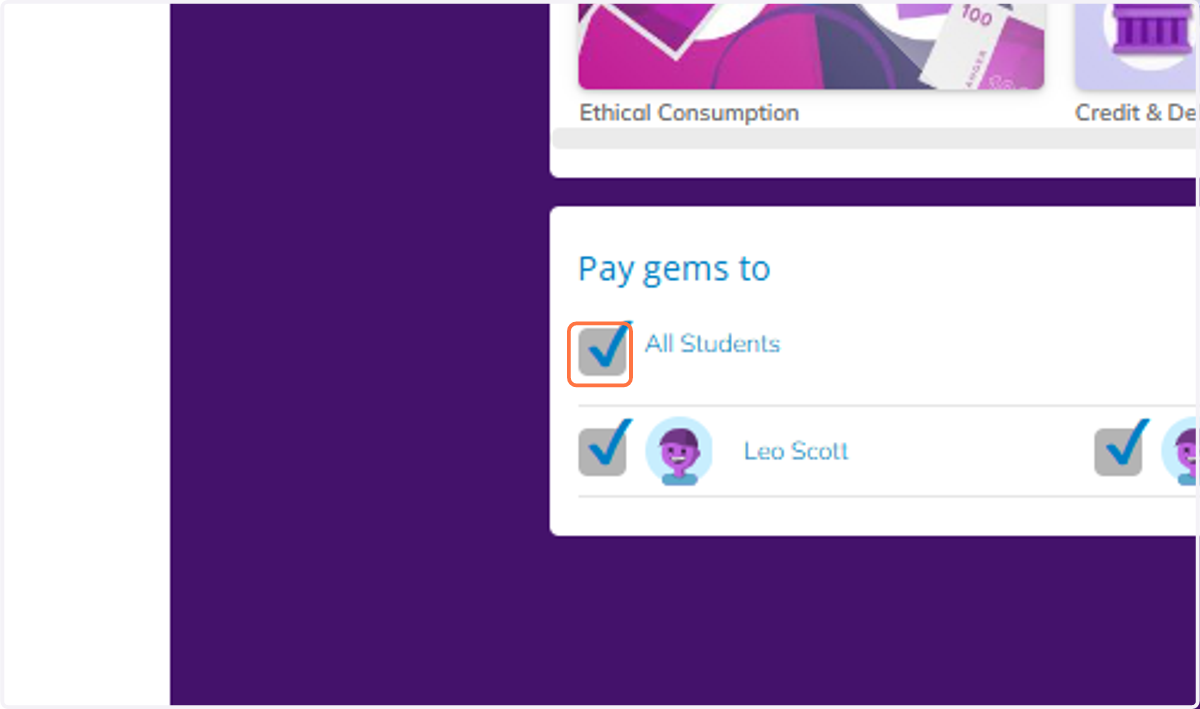
    You can select all students, or select students individually.
  6. 6. Click on Pay students - your students will now receive these gems.
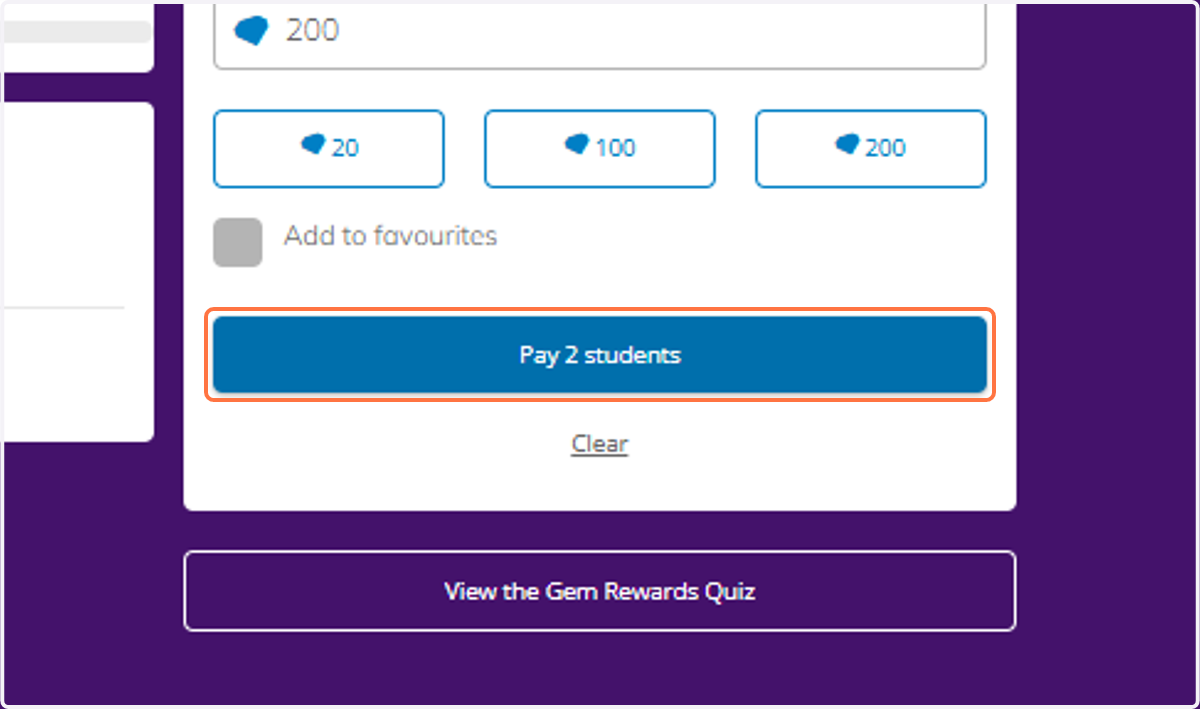
    Click on Pay students - your students will now receive these gems.