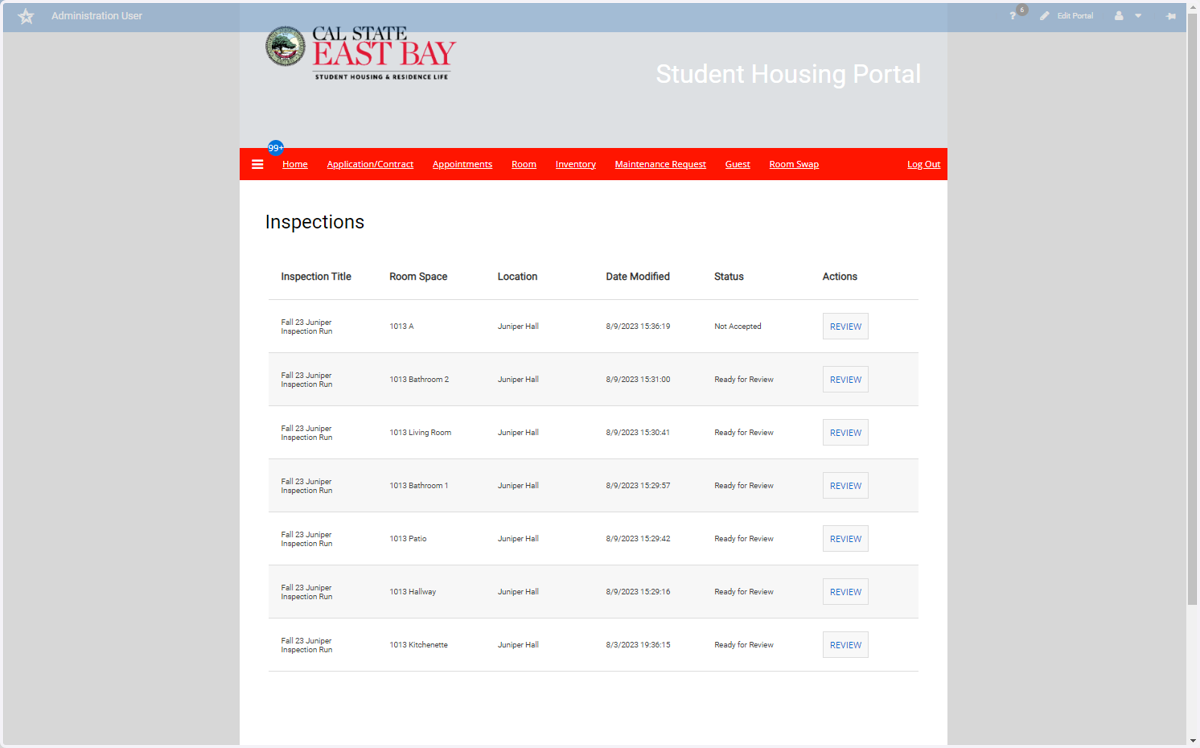
Room Inventory
Home | Student Housing Portal
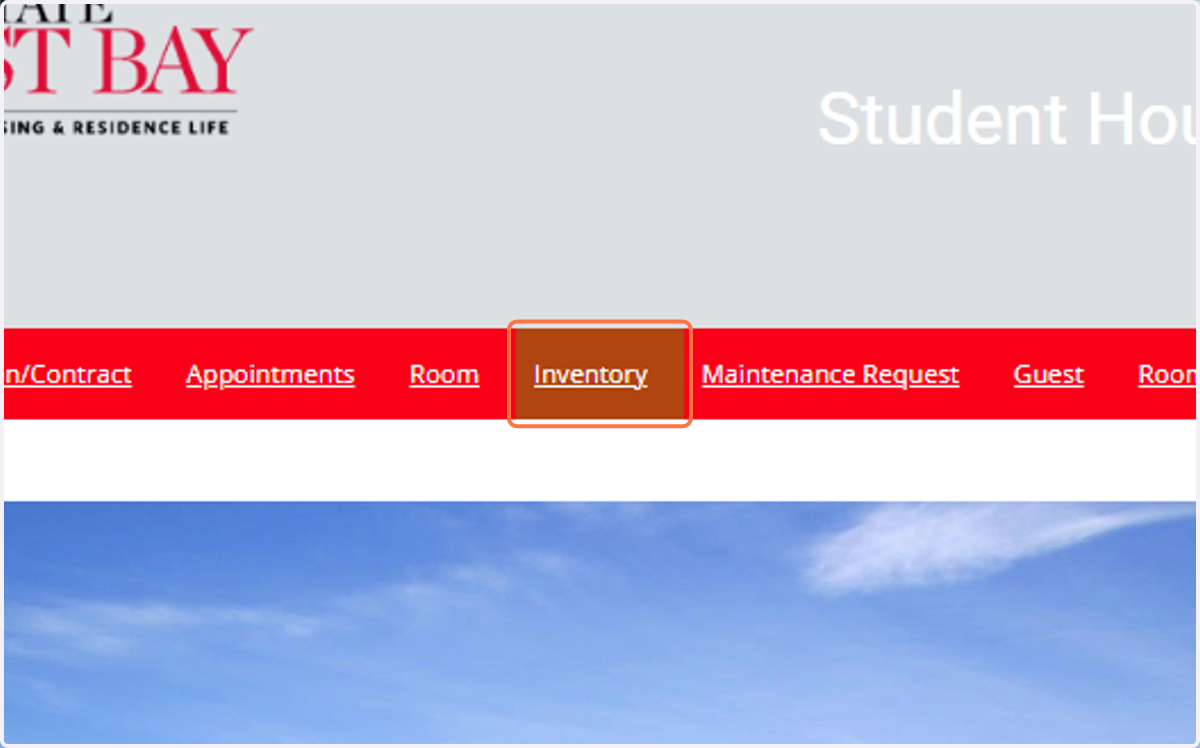
1. Click on Inventory
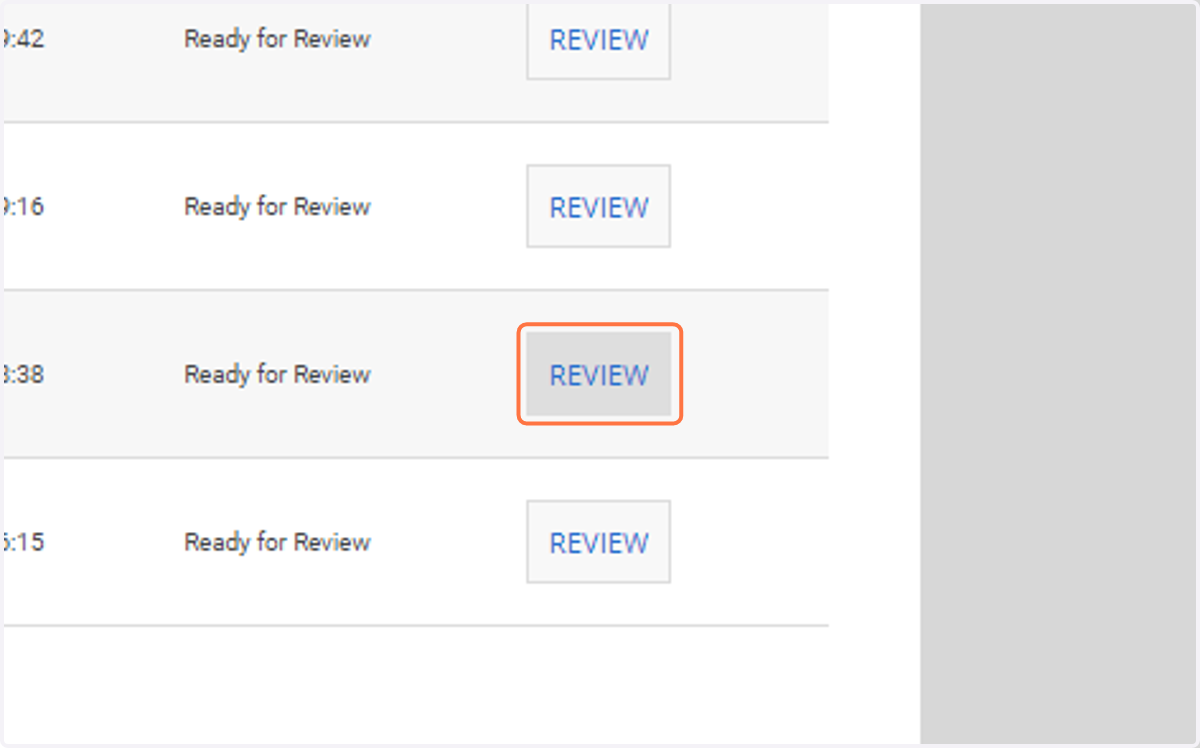
2. Click on Show inspection details for 1013 A
3. If you agree to the condition, then click on Accept
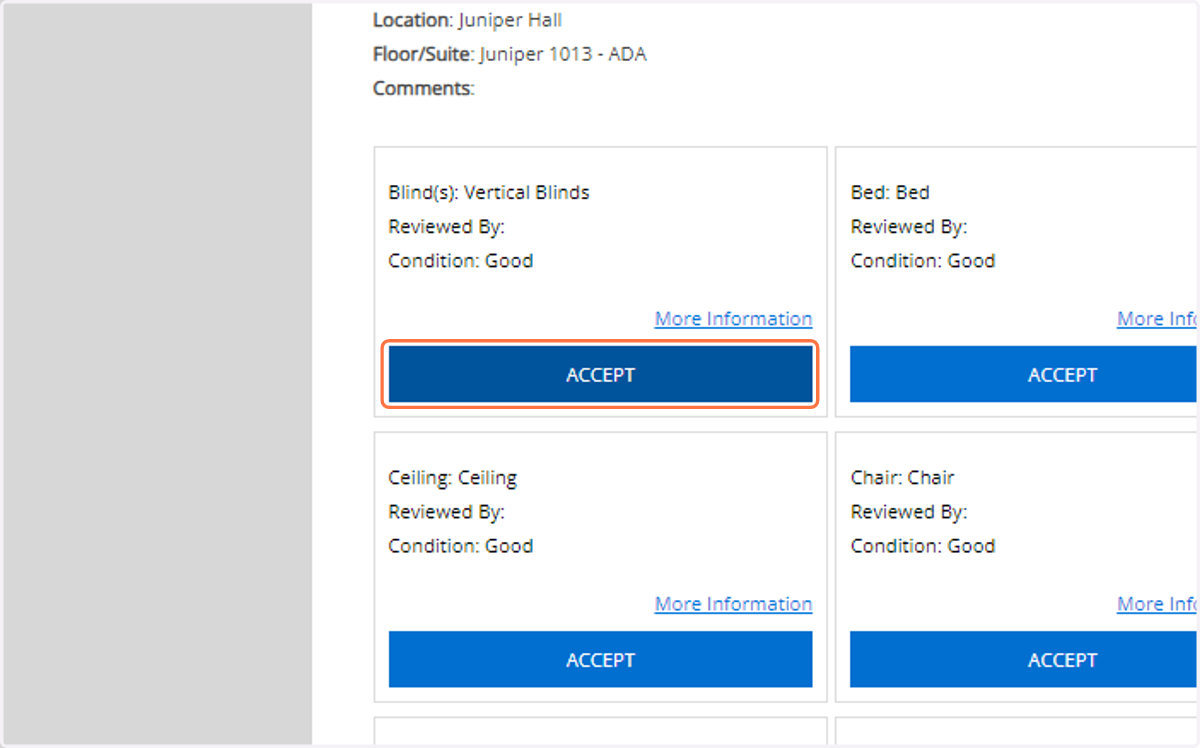
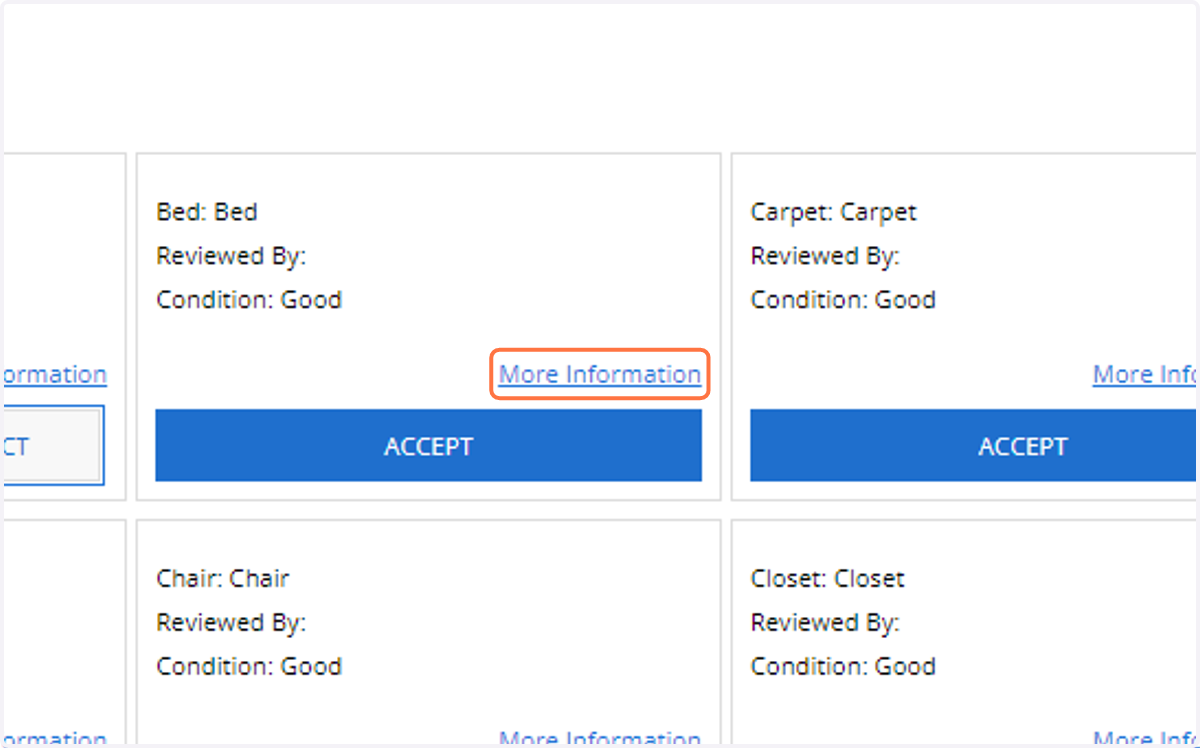
4. If you do not agree with the condition, click More Information
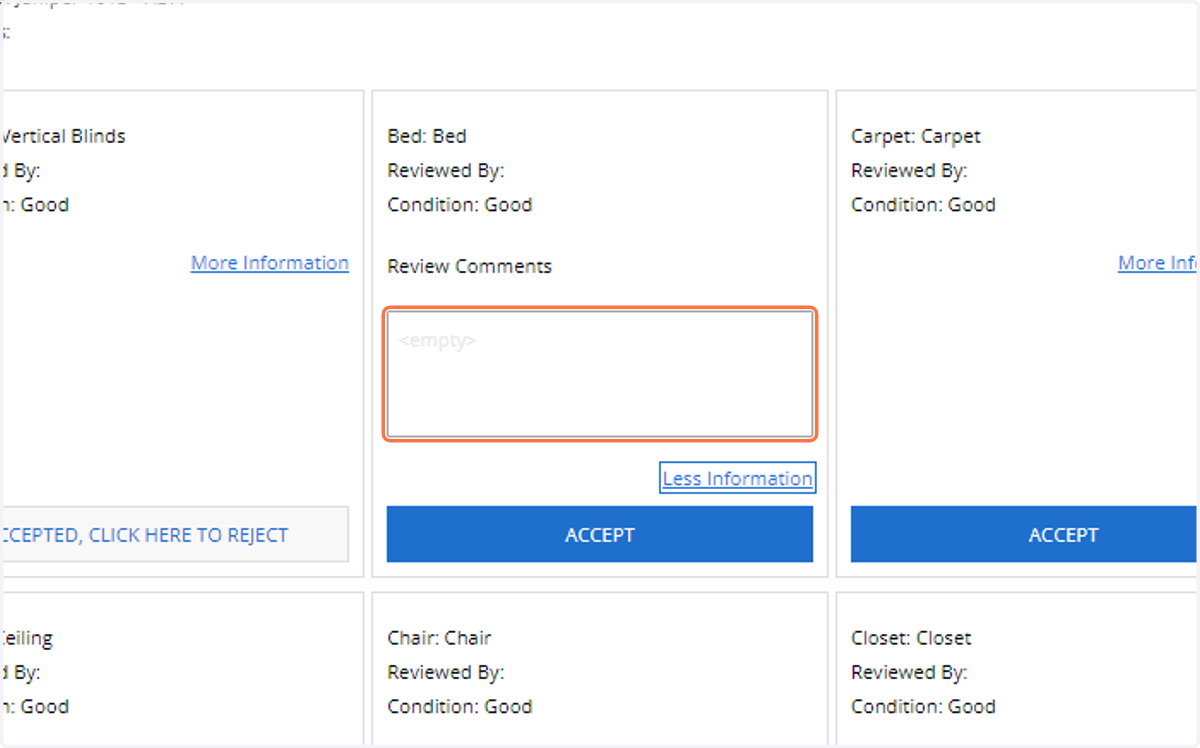
5. Click on ReviewComments
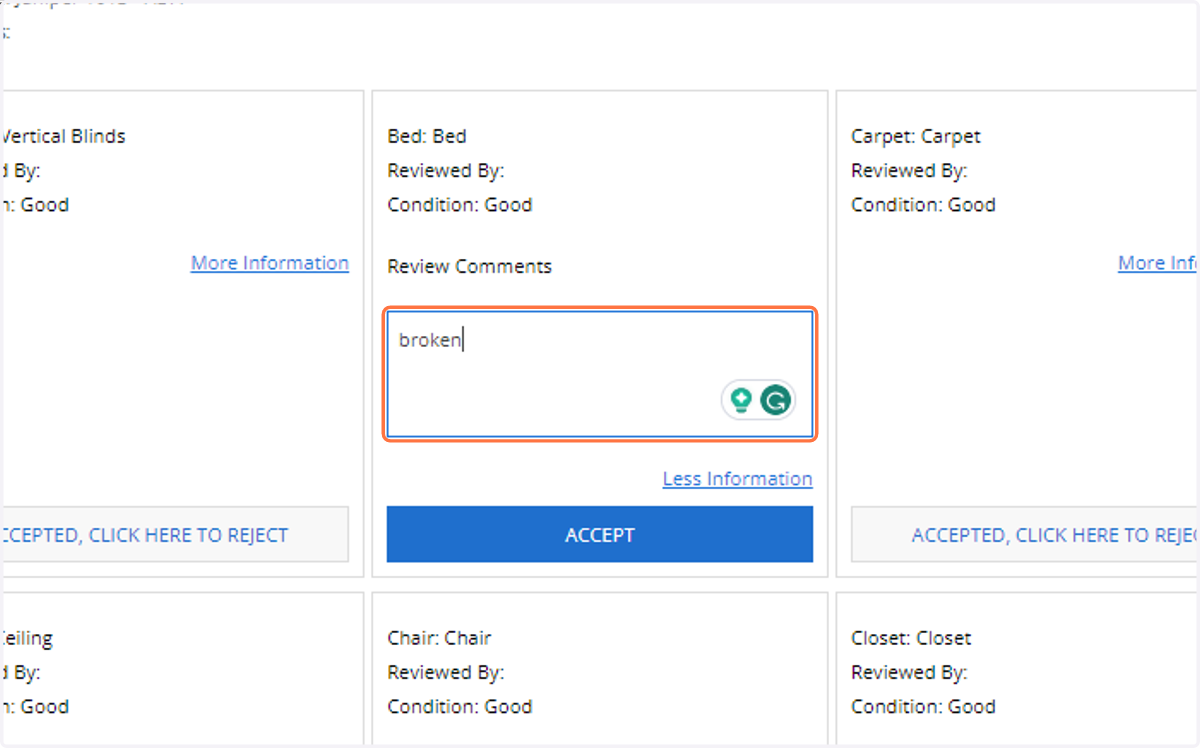
6. Type your concern
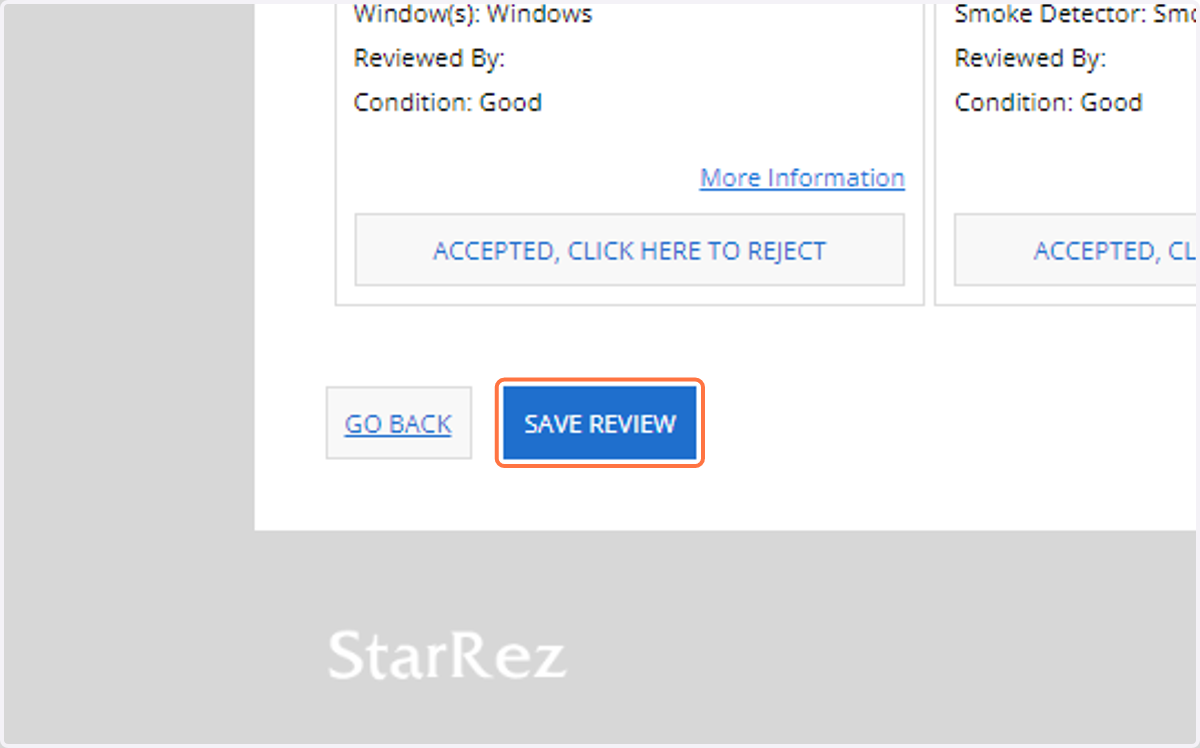
7. Click on Save Review
8. Please repeat the process for all apartment spaces.