Remove minimum and maximum adjustments for several days
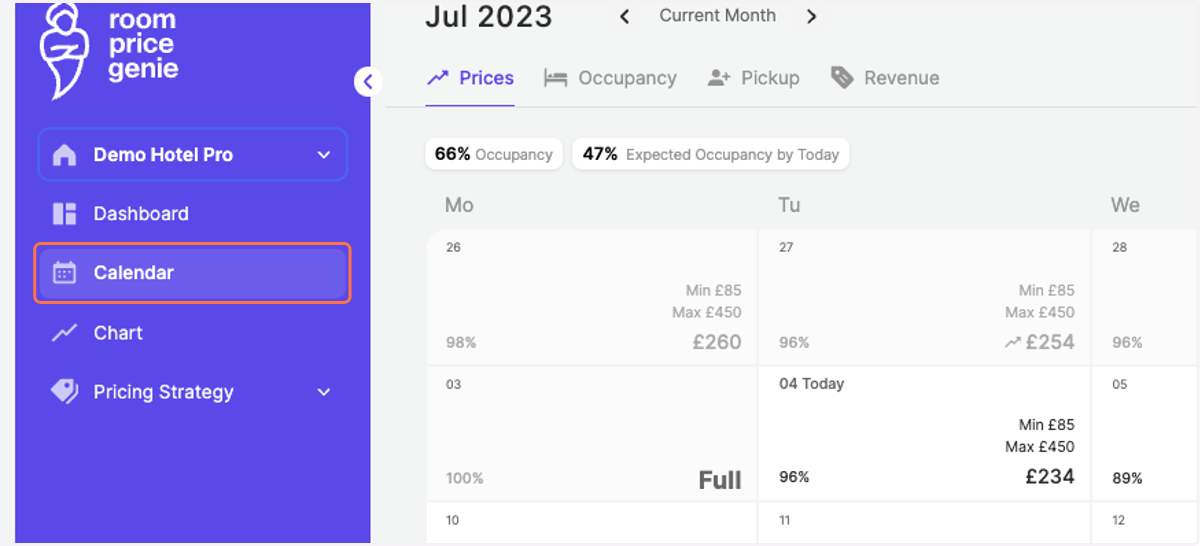
1. Click on "Calendar" in the navigation bar
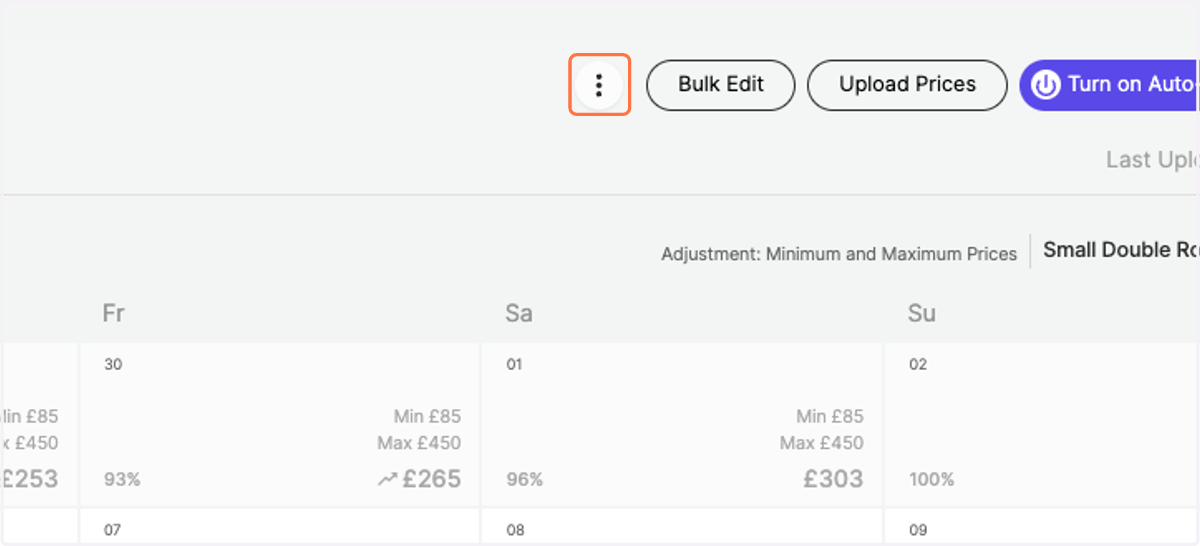
2. Click on options next to Bulk Edit
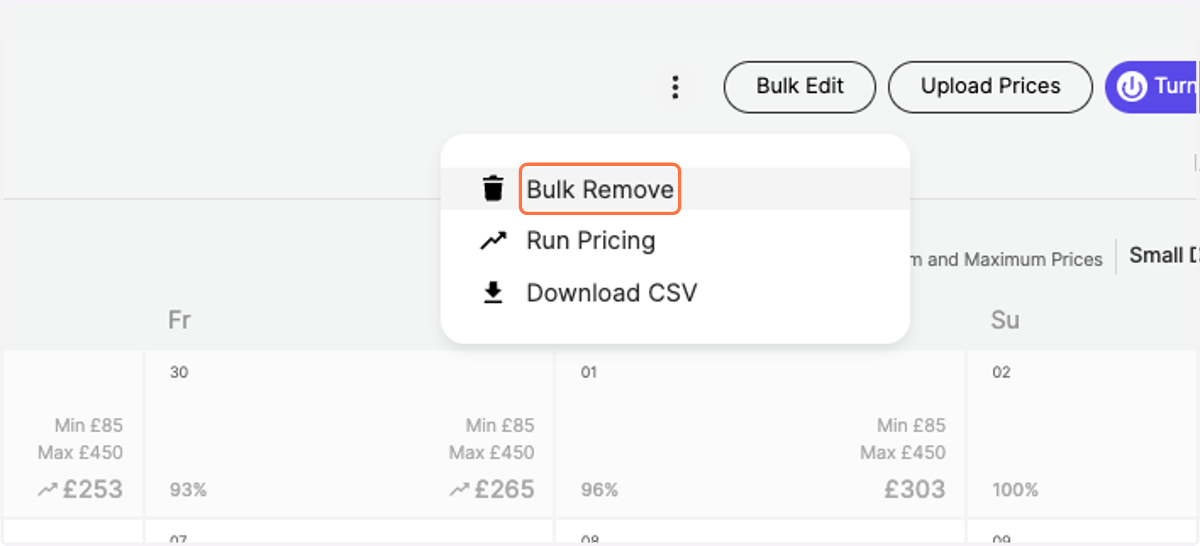
3. Click on "Bulk Remove"
4. Define the Start Date when you would like to remove your individual minimum and maximum prices
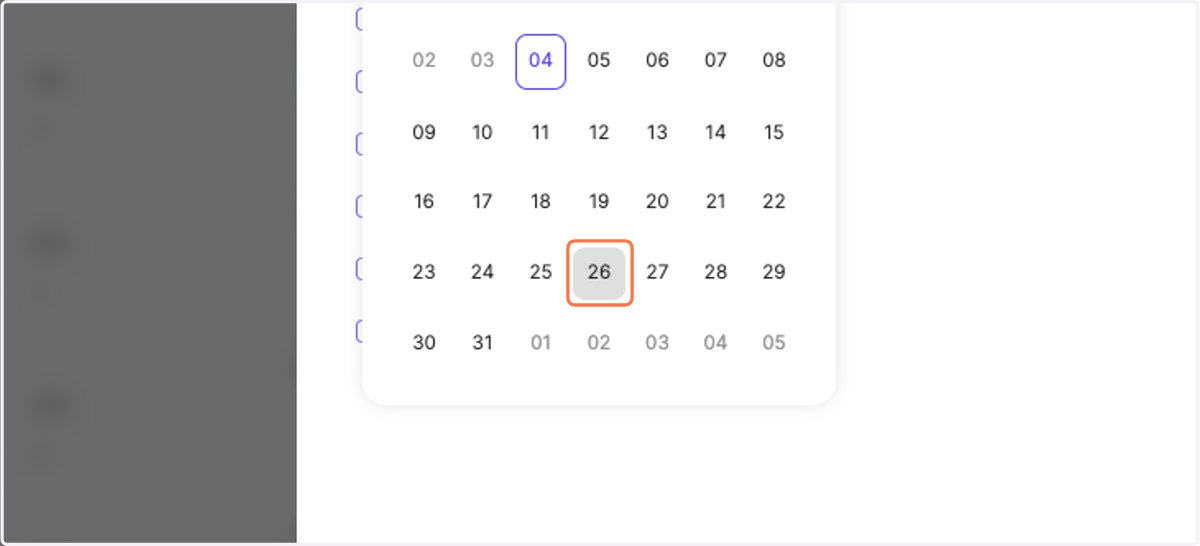
5. ... and the End Date
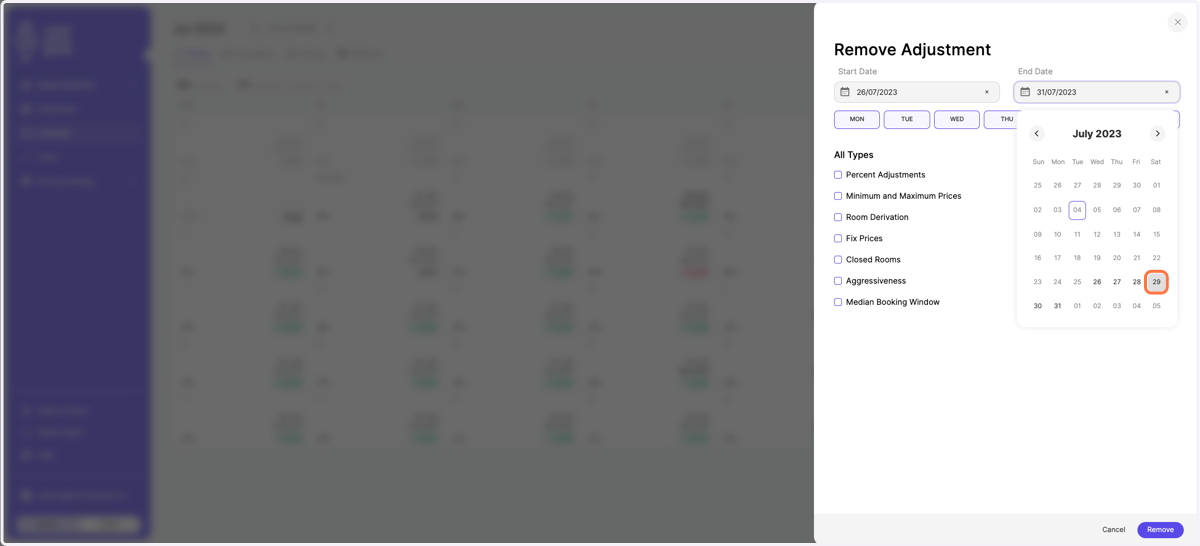
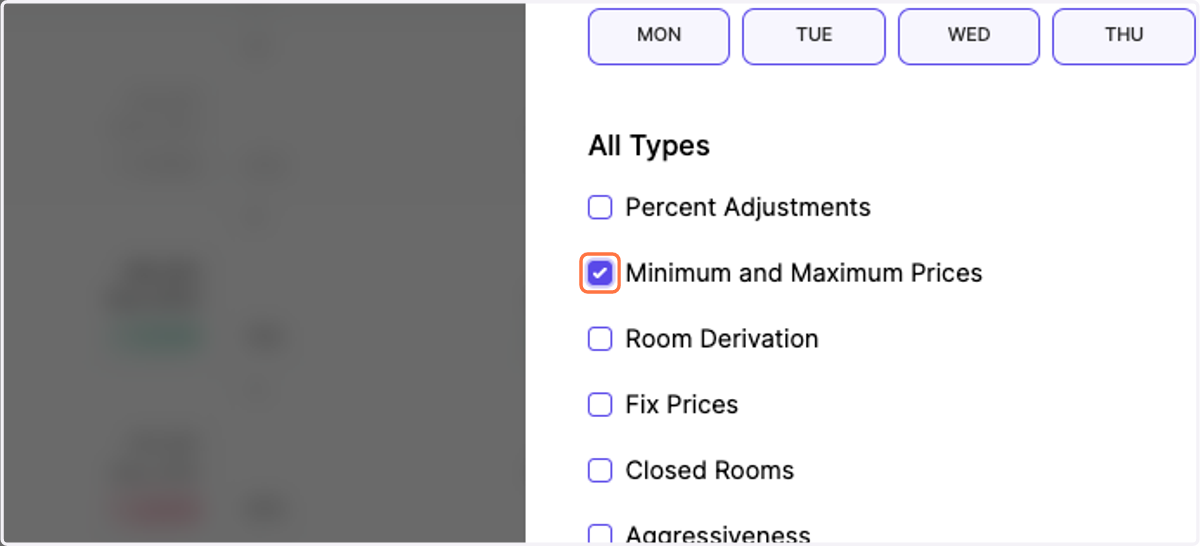
6. Tick the box on the adjustment type "Minimum and Maximum Prices"
7. Click on "Remove"
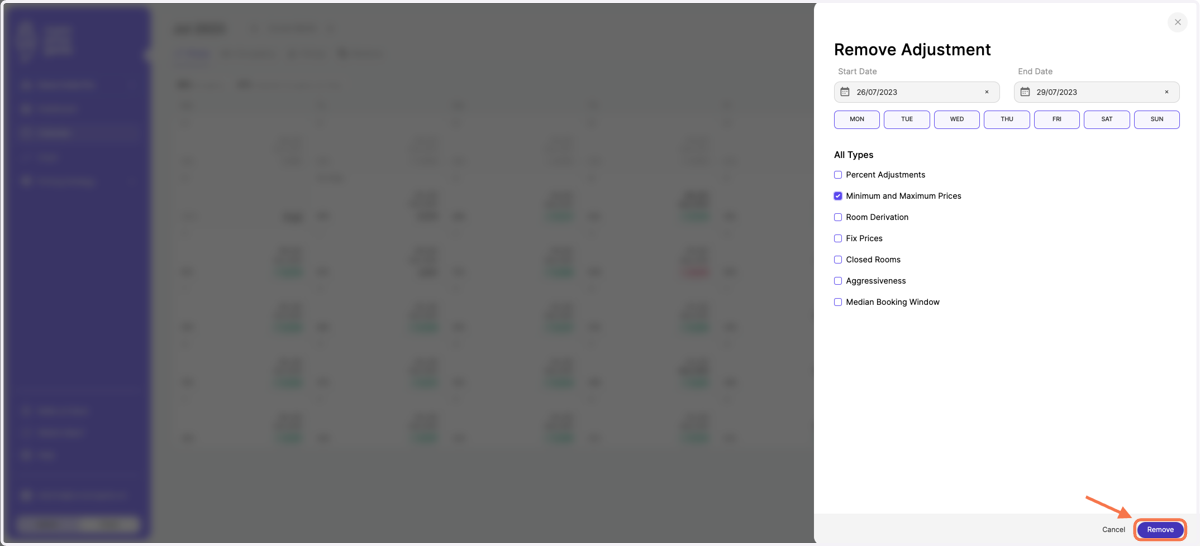
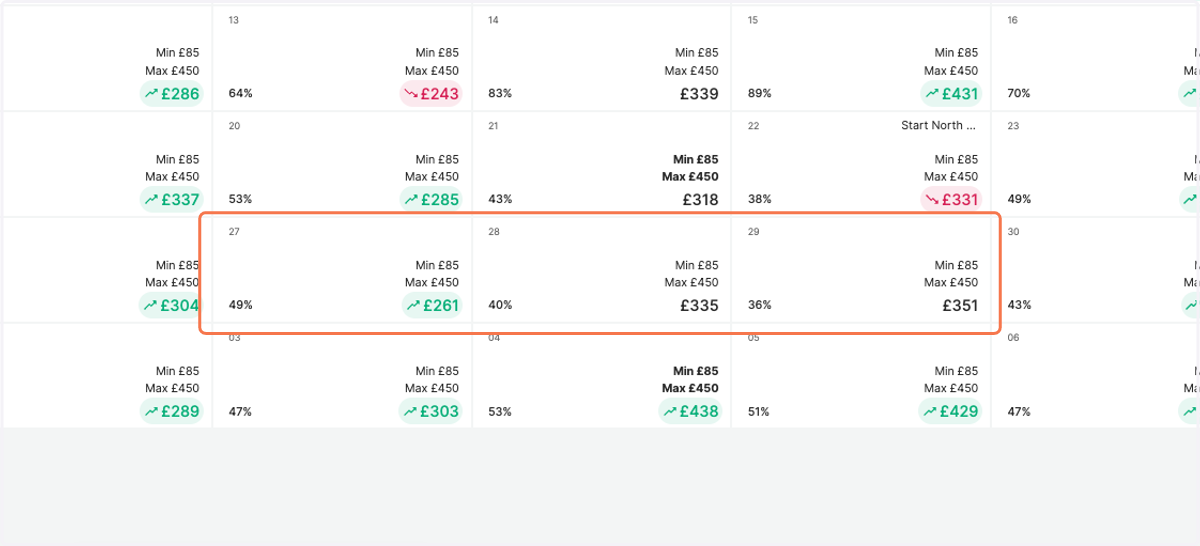
8. Notice how your previous min and max adjustments (previously highlighted in bold) were removed. The system is now set back to your default values.