Submitting Your Packet
The steps below will show you how to submit your review packet in Interfolio.
Your packet is your dossier, or portfolio. Interfolio calls these "packets."
Your case in Interfolio is your packet, plus documents and forms that other people (your department chair, external evaluators, etc.) add at subsequent steps of the process.
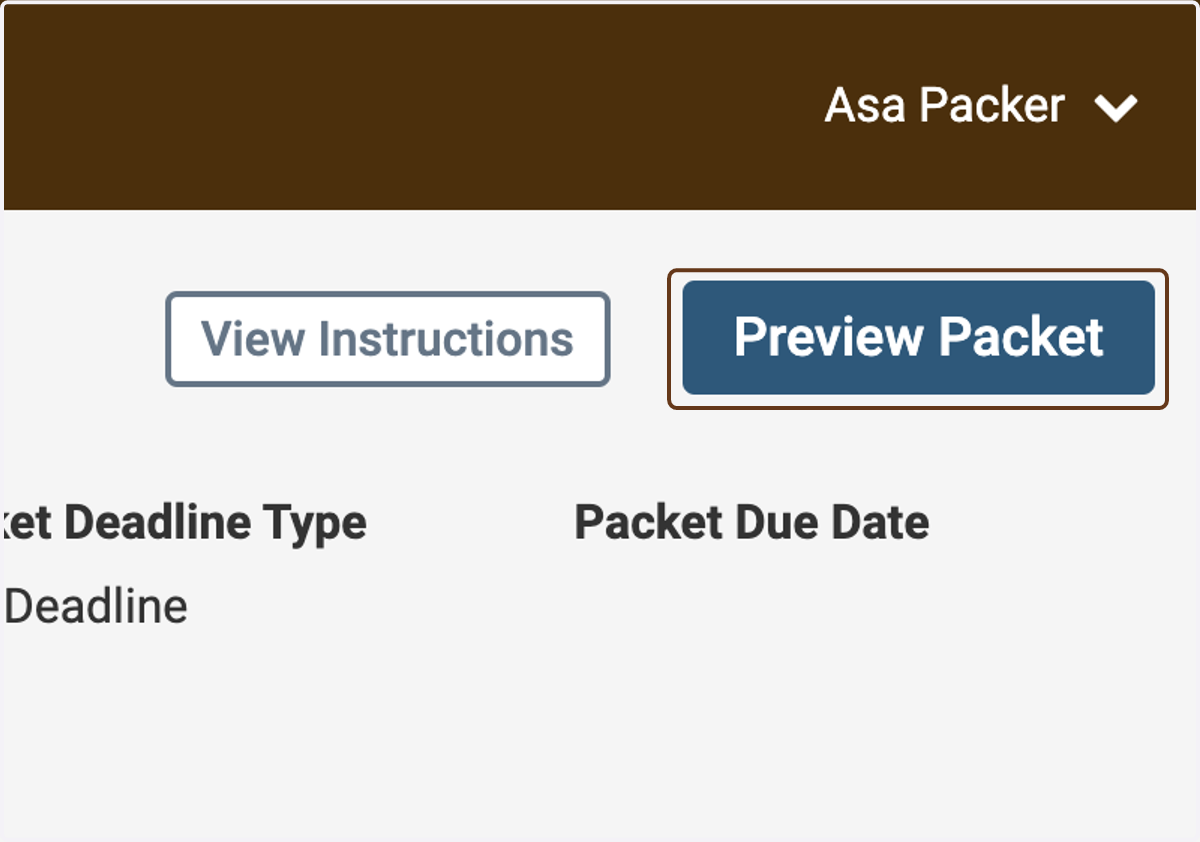
1. Click on Preview Packet
Before submitting your packet, it's best to preview it to make sure it looks the way you expect it to.
Interfolio
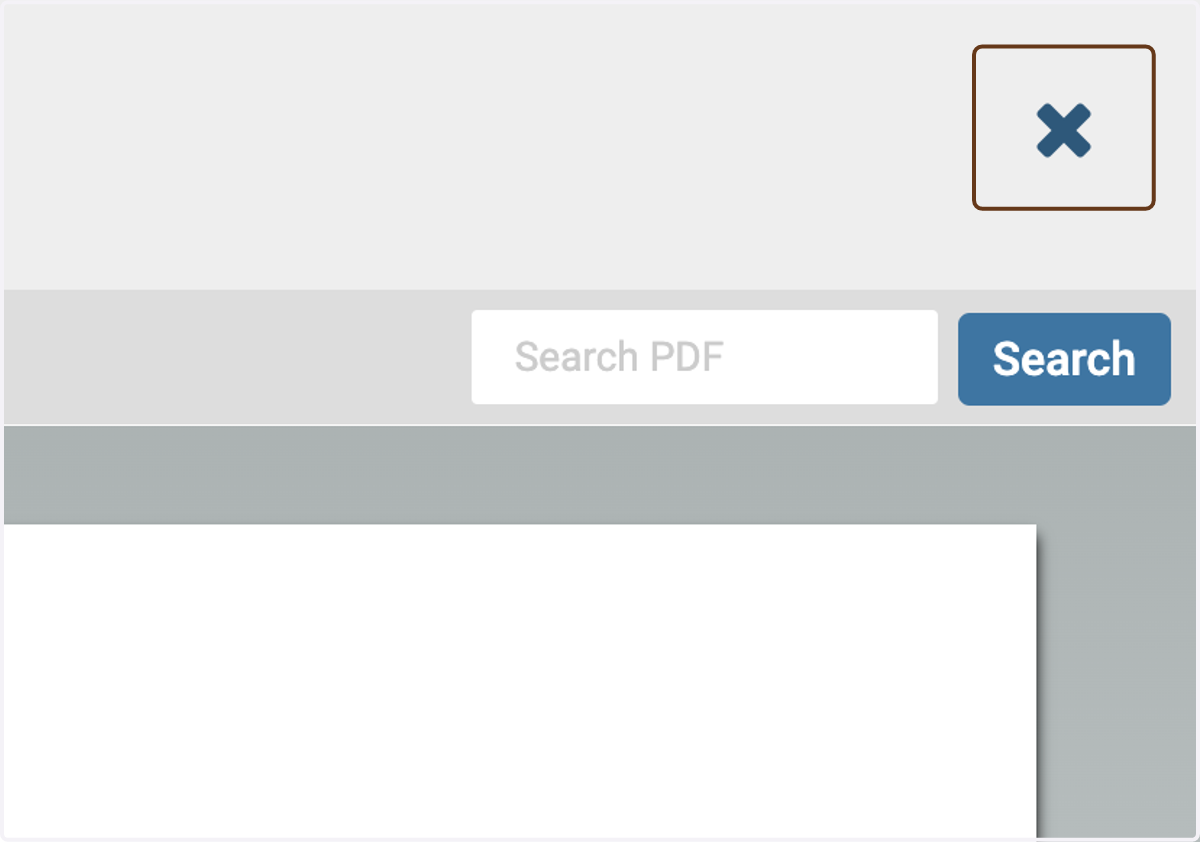
2. Close the preview
When you're finished viewing the preview, use the Close button at the top-right to close it.
3. Look through the preview
Use the navigation tools at the bottom of the preview, or the navigation menu on the left, to explore your packet.

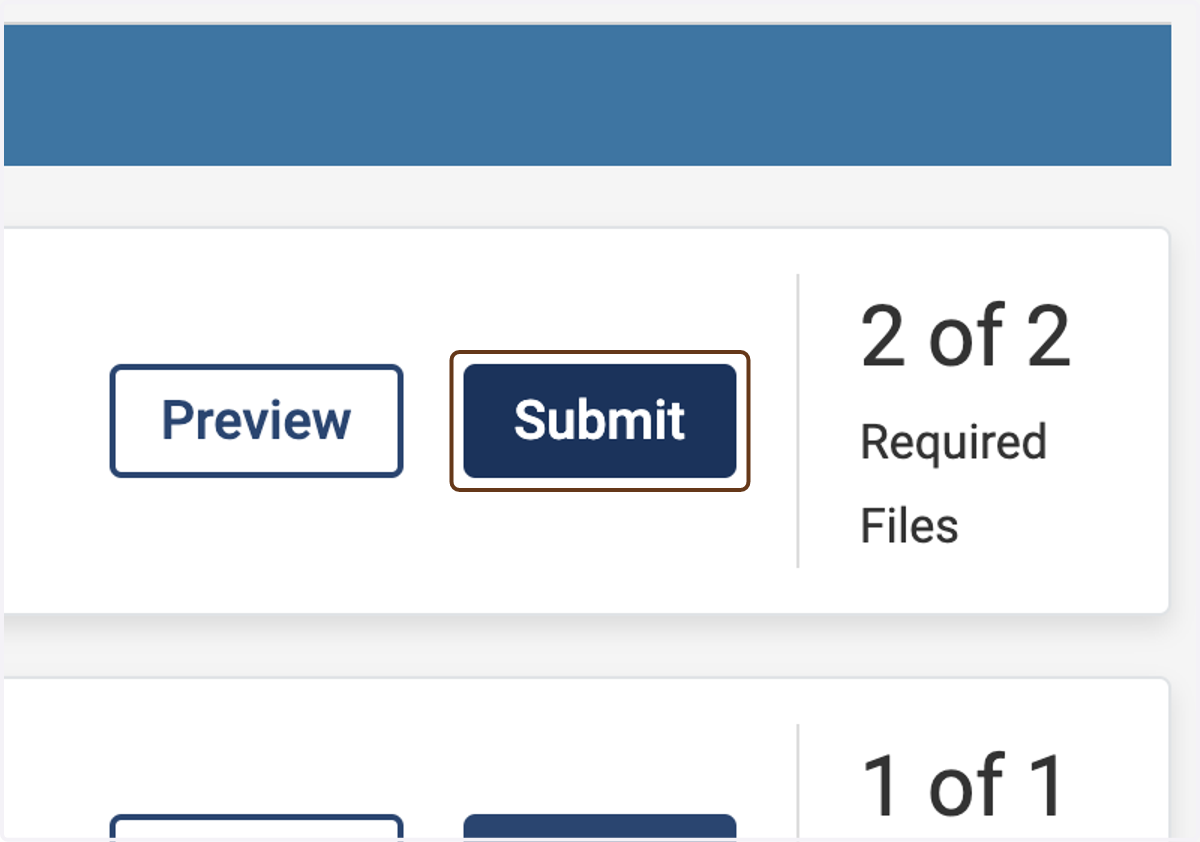
4. When you're ready to submit, either click Submit in each section individually...
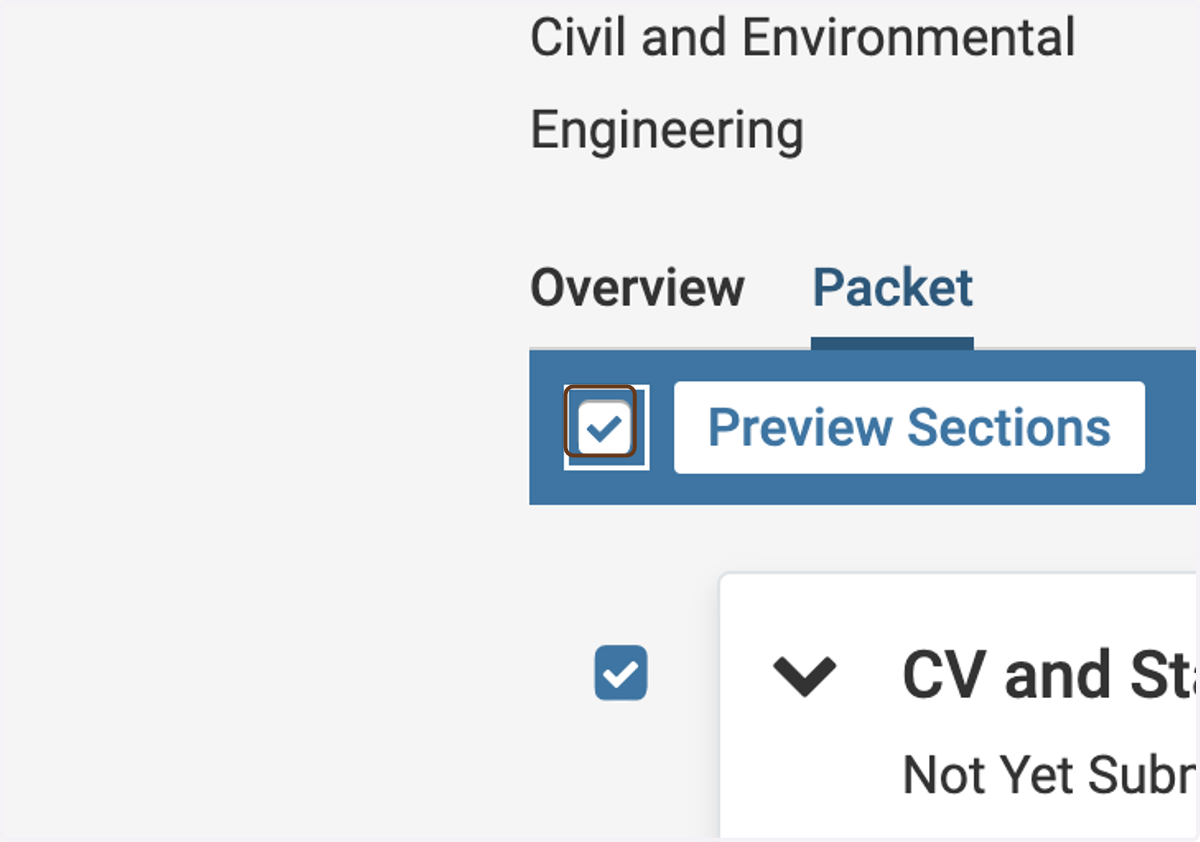
5. ...or check the checkbox at the top of the list...
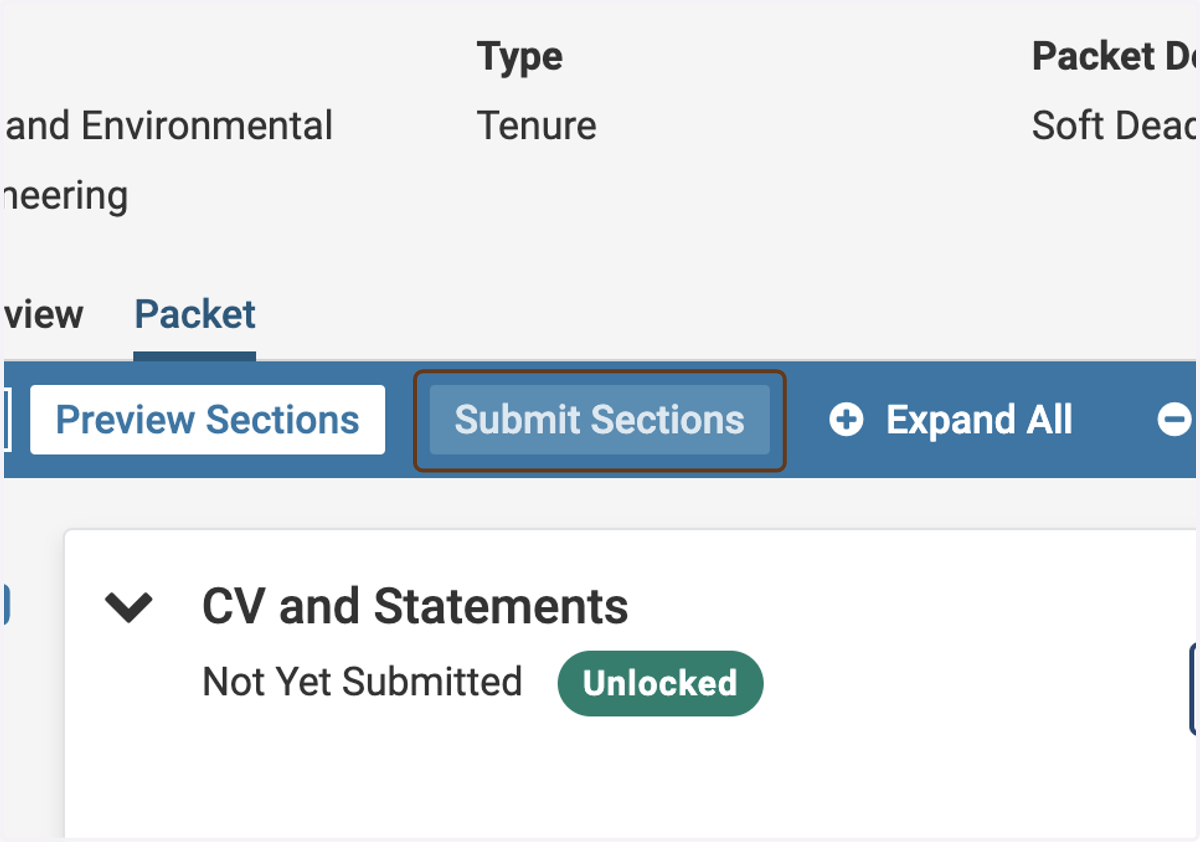
6. ...and click on Submit Sections to submit your whole packet at once
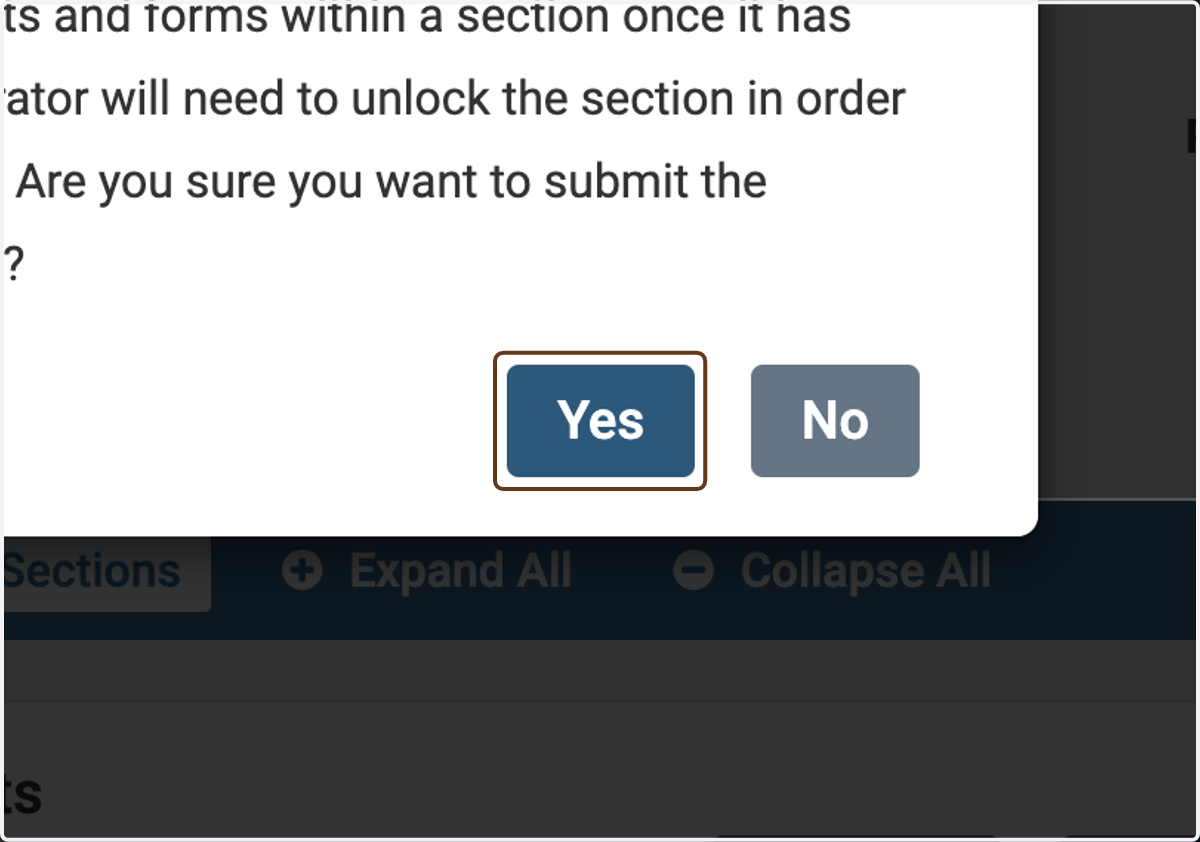
7. Click on Yes
If you're sure you want to submit, click Yes.