View, Download and Print an Invoice
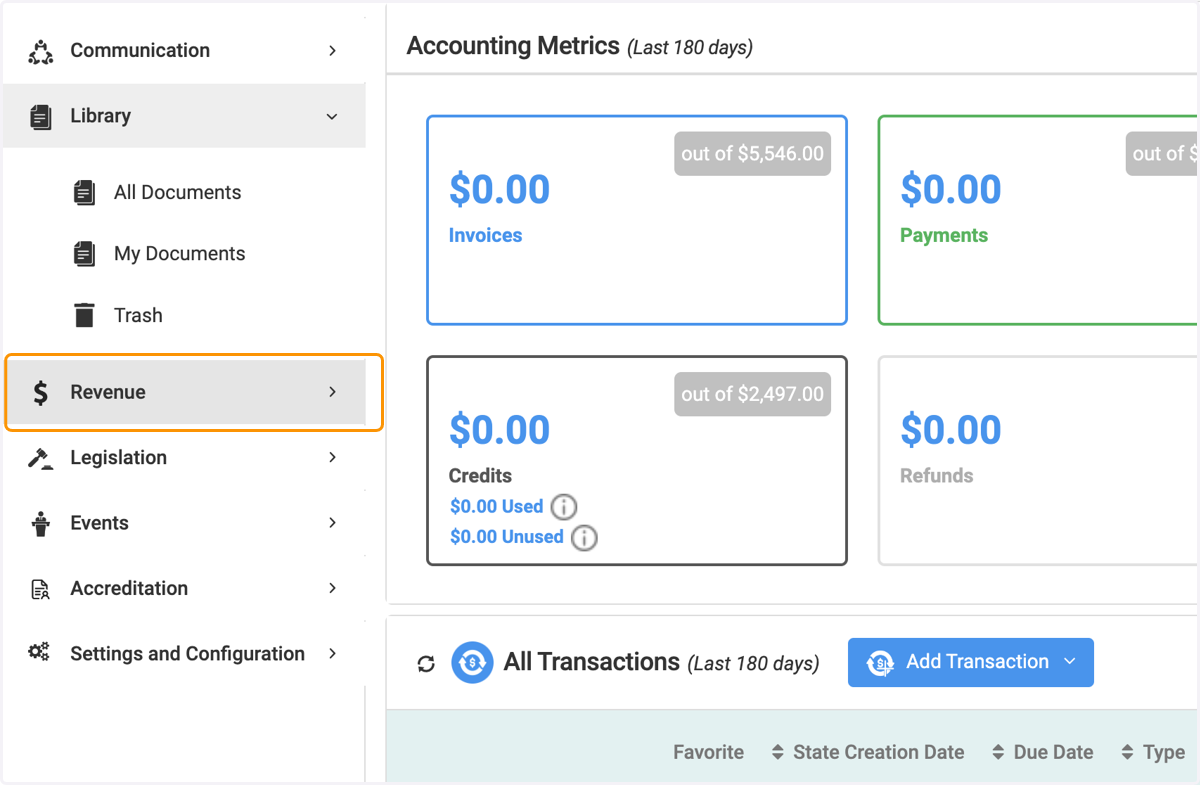
1. Click on Revenue
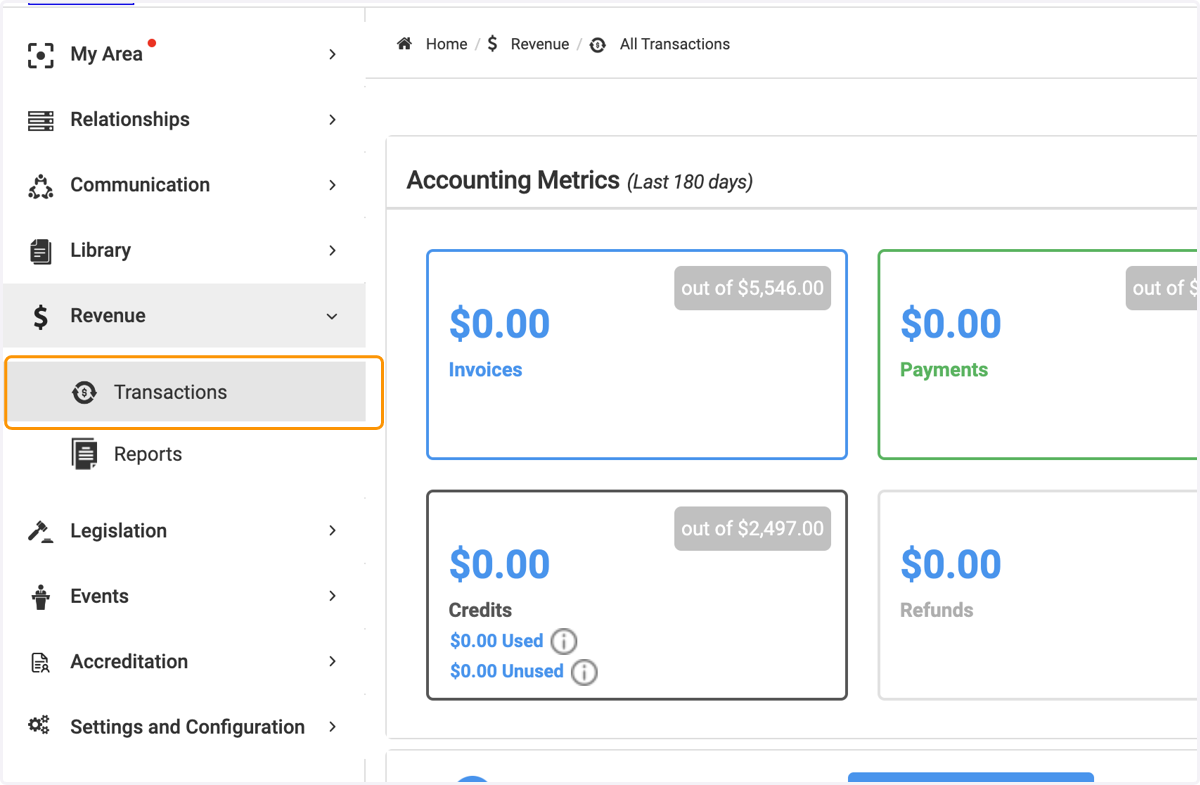
2. Click on Transactions
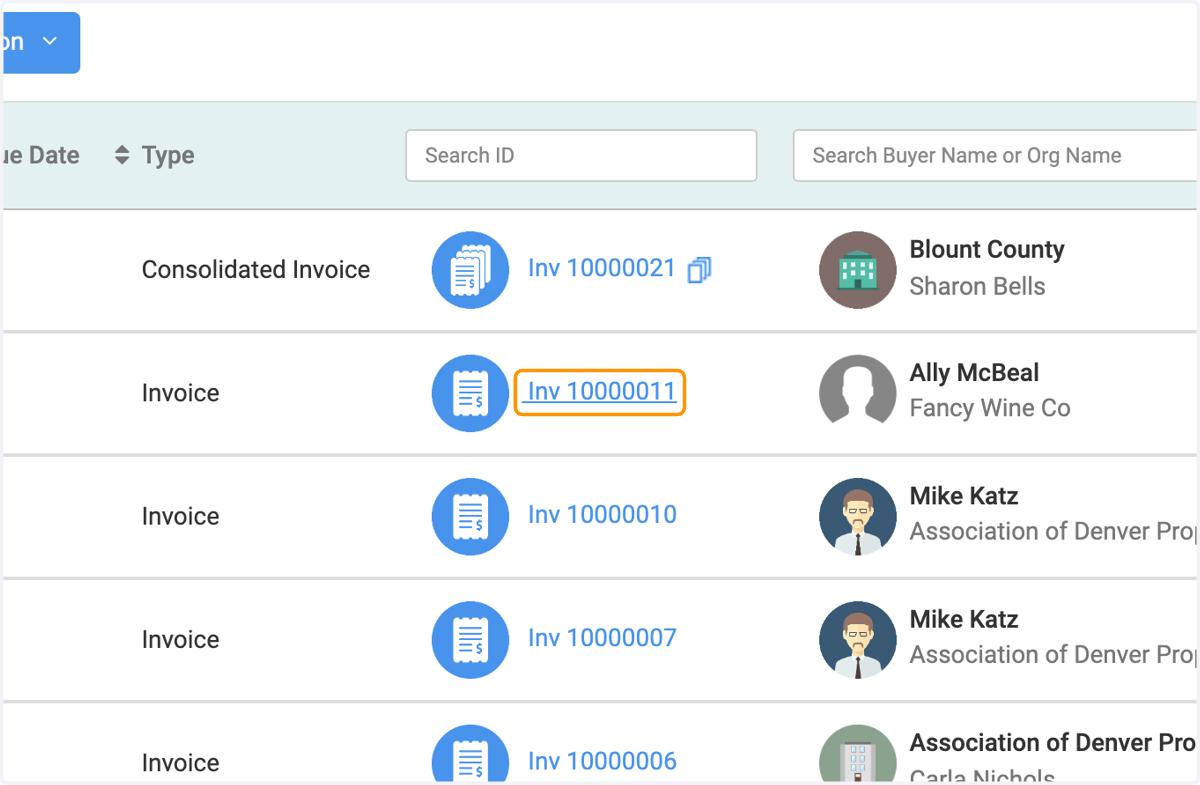
3. Click on the specific invoice you wish to view,
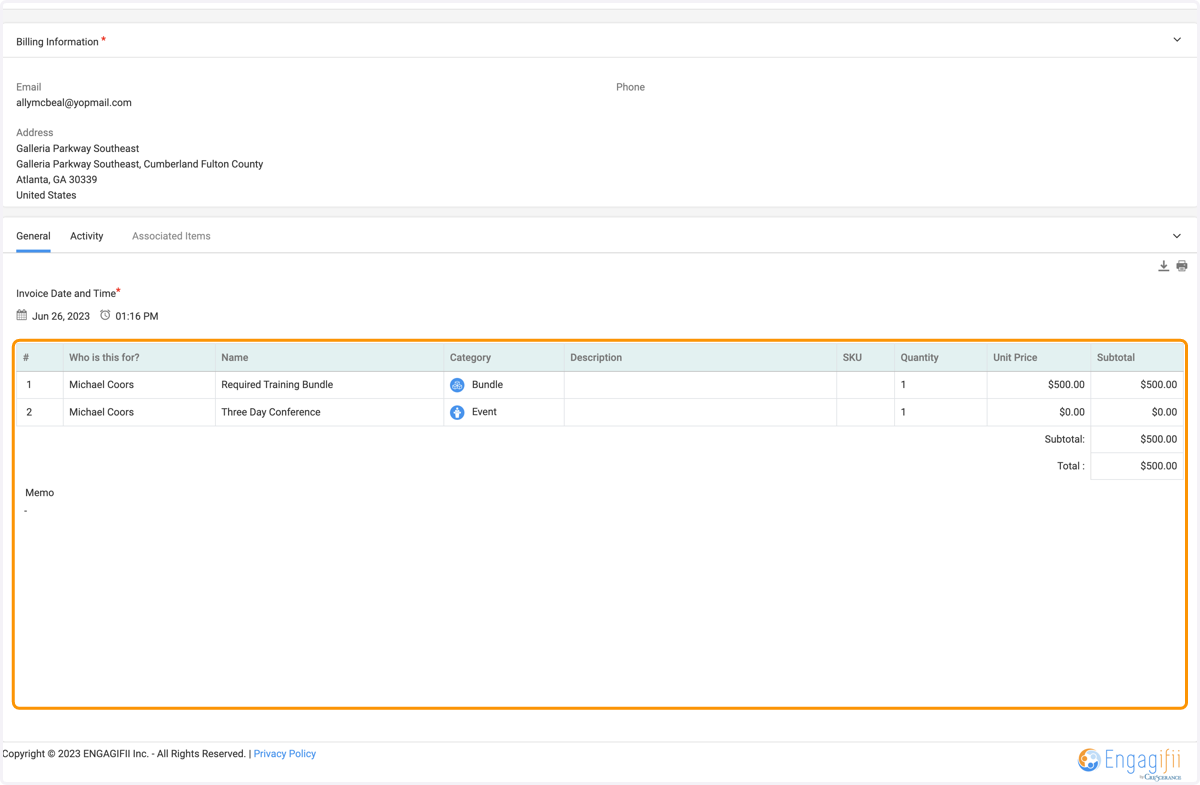
4. You will be routed to a page where you will see the context of the invoice.
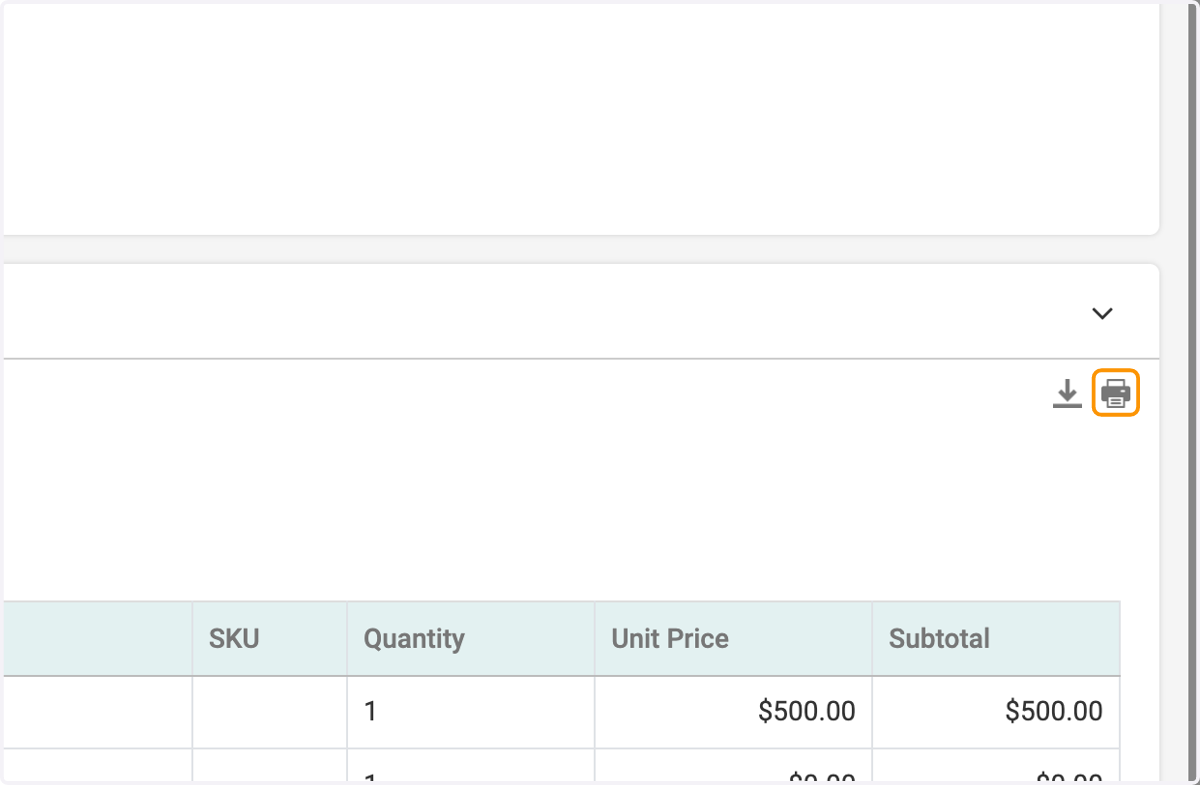
5. Click on the download button to get a soft copy of the invoice
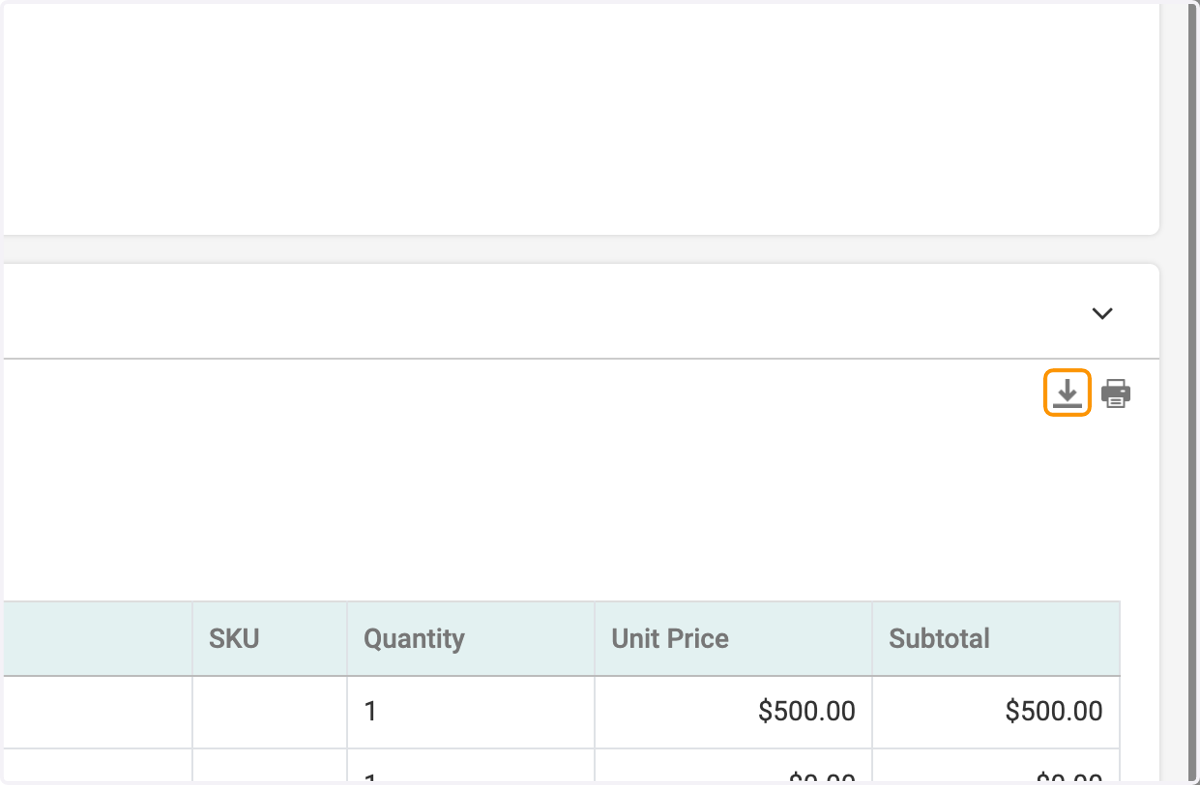
6. Click on printer button to get a hard copy of it.