How to Add a New Resident to the Directory
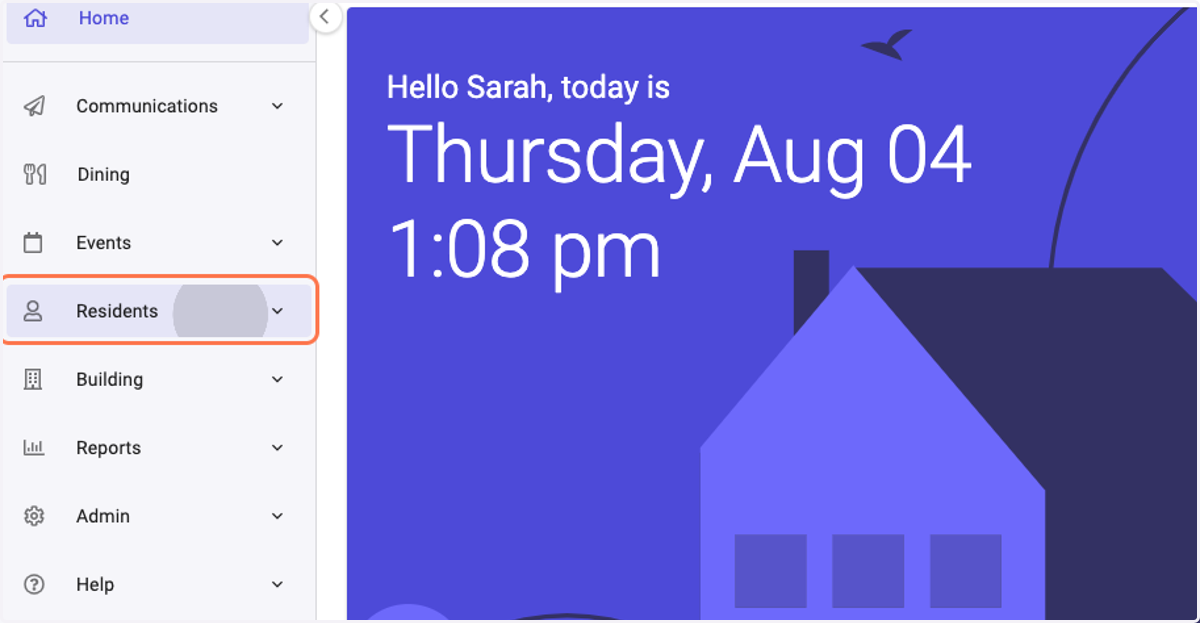
1. Click on Residents
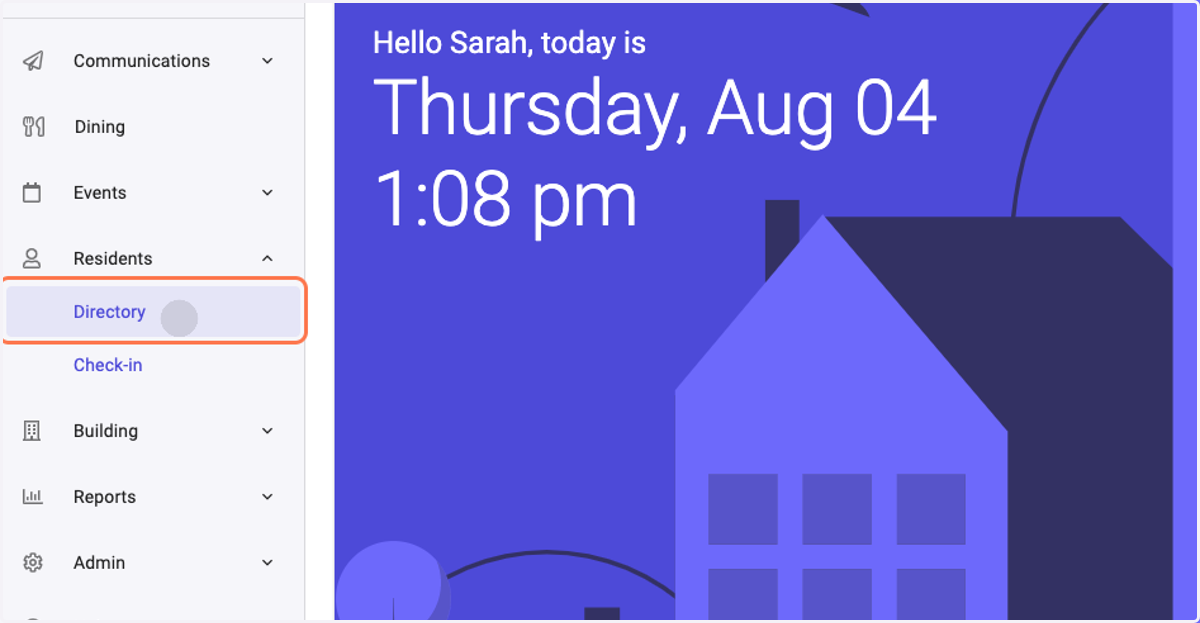
2. Click on Directory
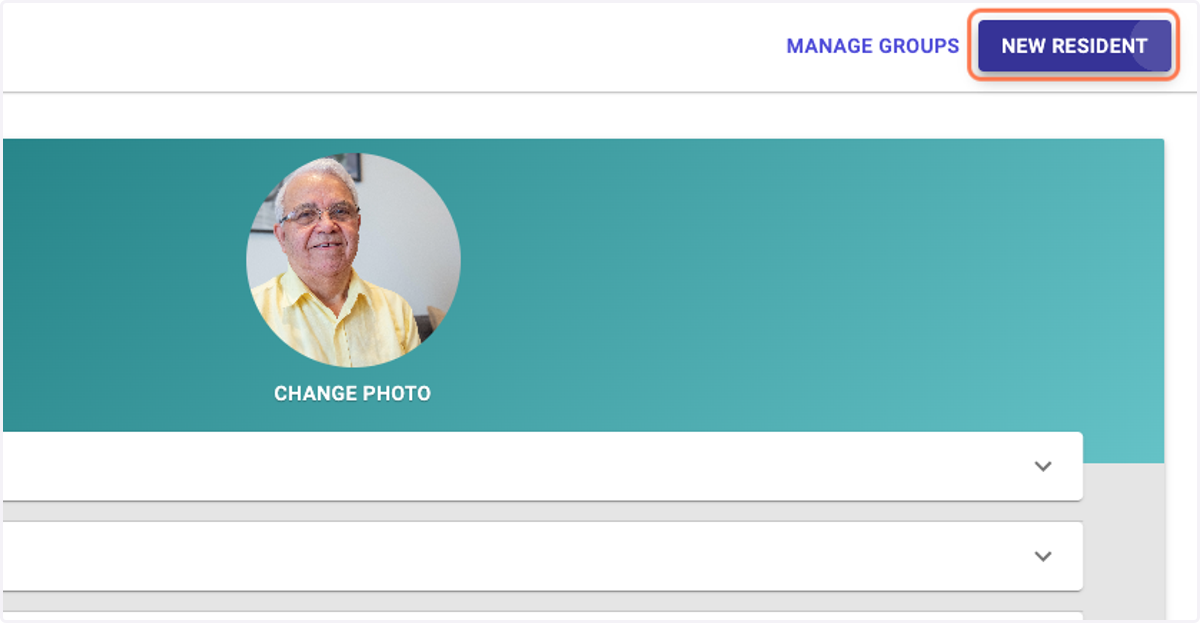
3. Click on NEW RESIDENT
4. Fill in all necessary personal information in the profile
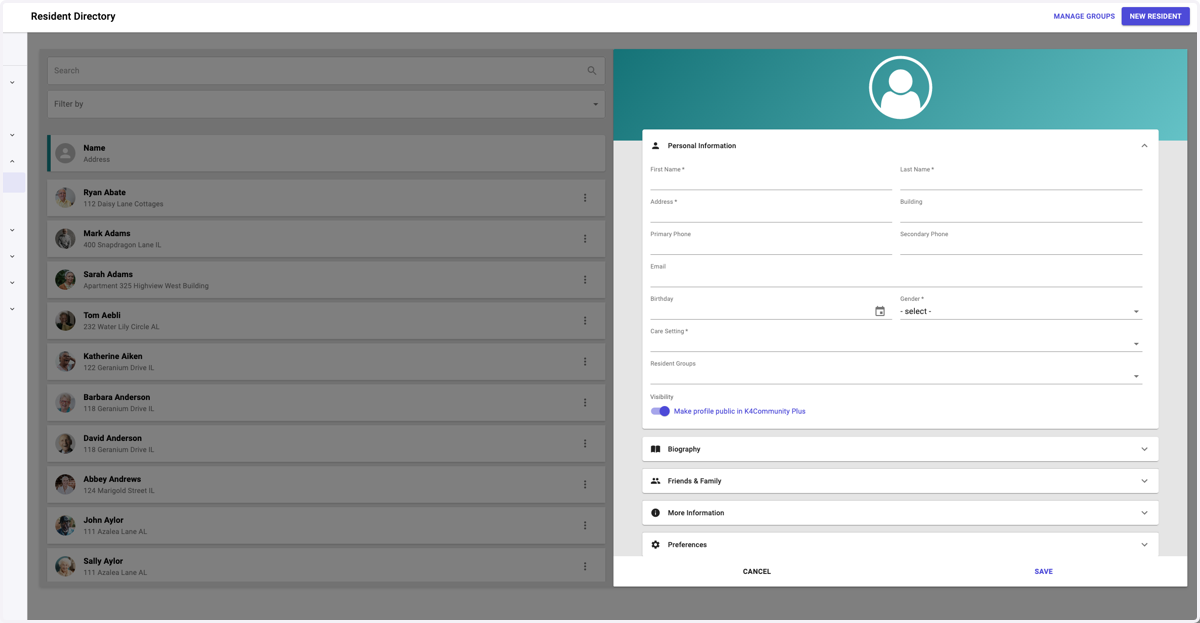
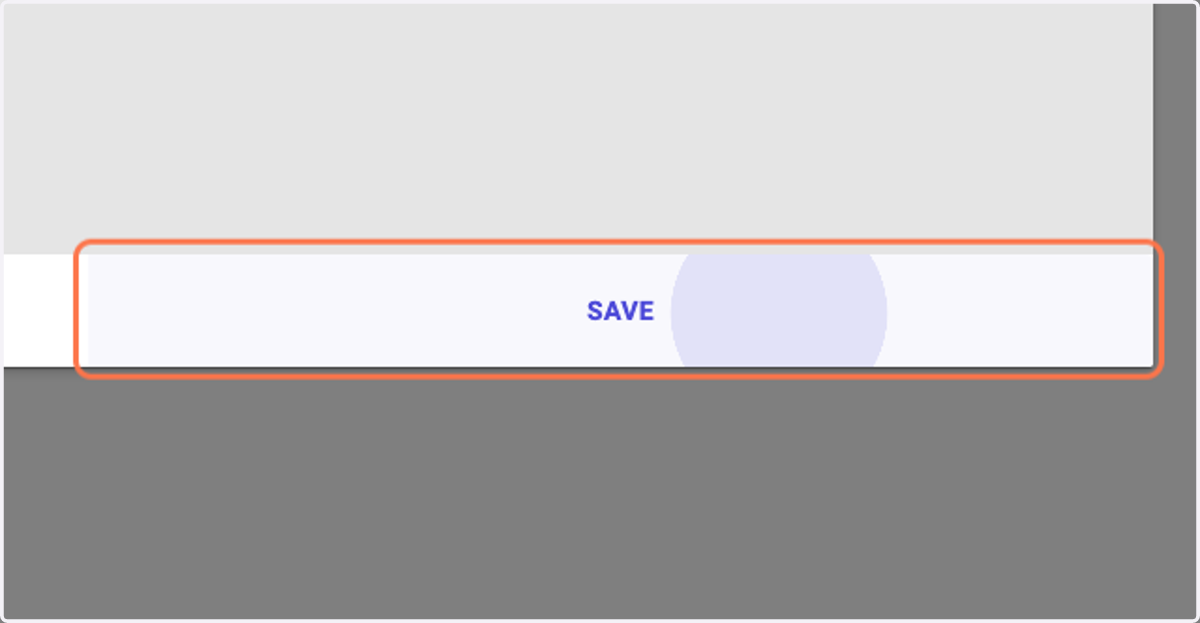
5. Click on SAVE
Once saved, the resident will appear in the Resident Directory with a "move pending" flag. When the move has been completed on the backend by the K4Connect team, the flag will be removed. Click here to read more about our resident move SLA.