Deleting news items
This tutorial will teach you how to delete news items from your website. You can move through the tutorial at your own pace using the NEXT button below.
Gpsurgery
1. Ensure that you are logged into your website. You should be able to see the black admin toolbar at the top of your screen.
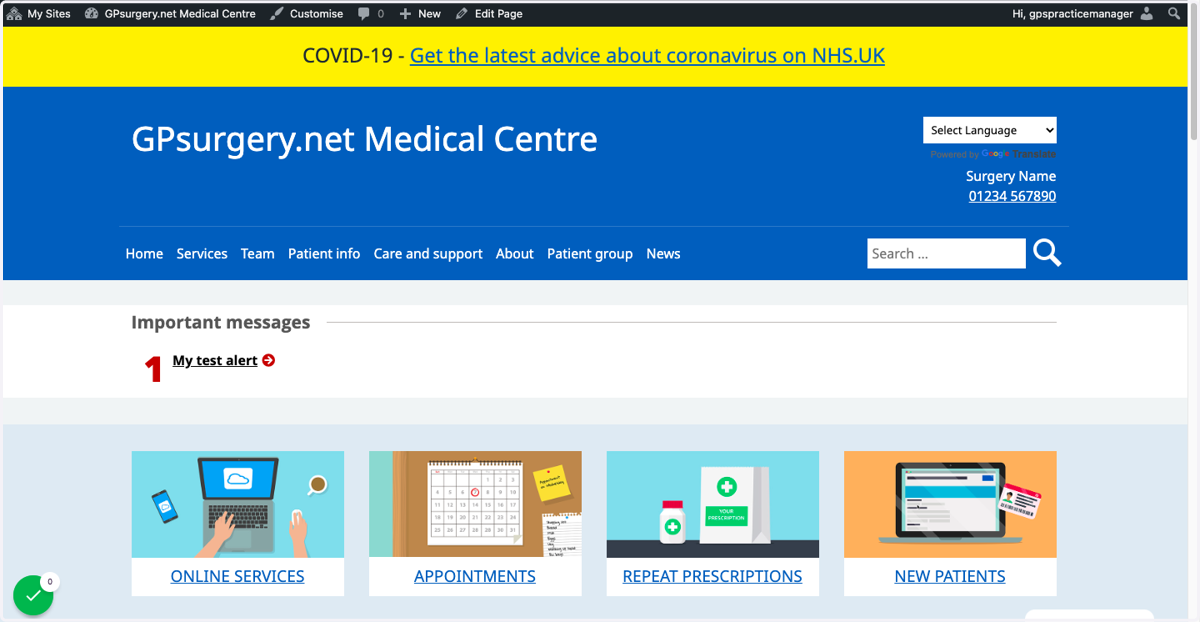
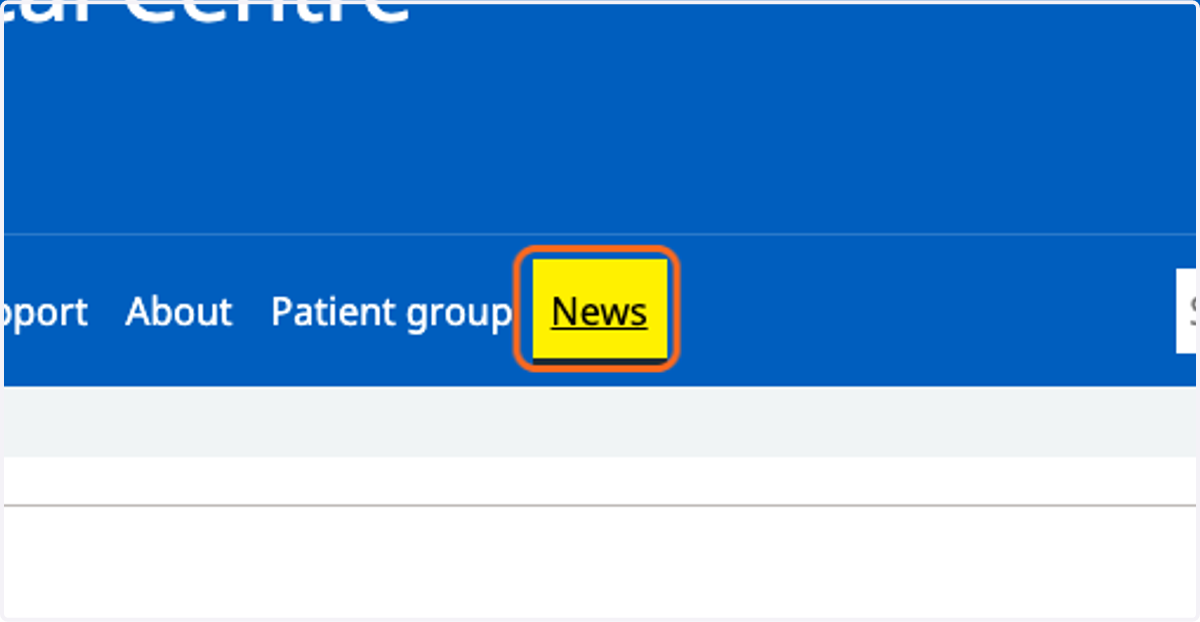
2. Go to the News page.
3. Click on the article you would like to delete.
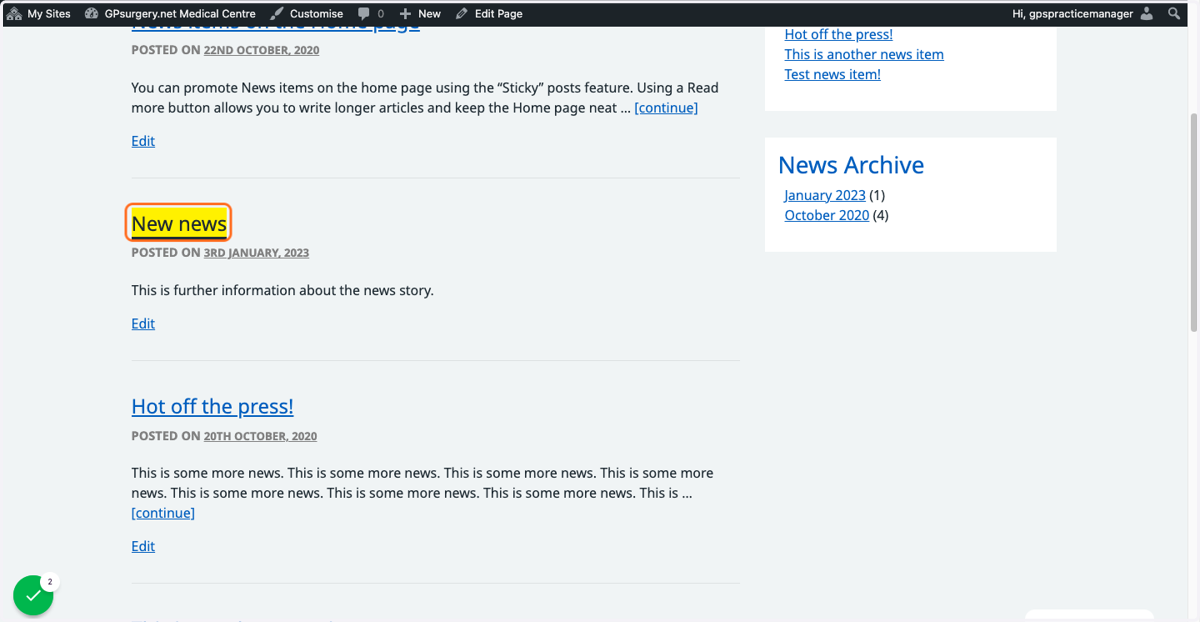
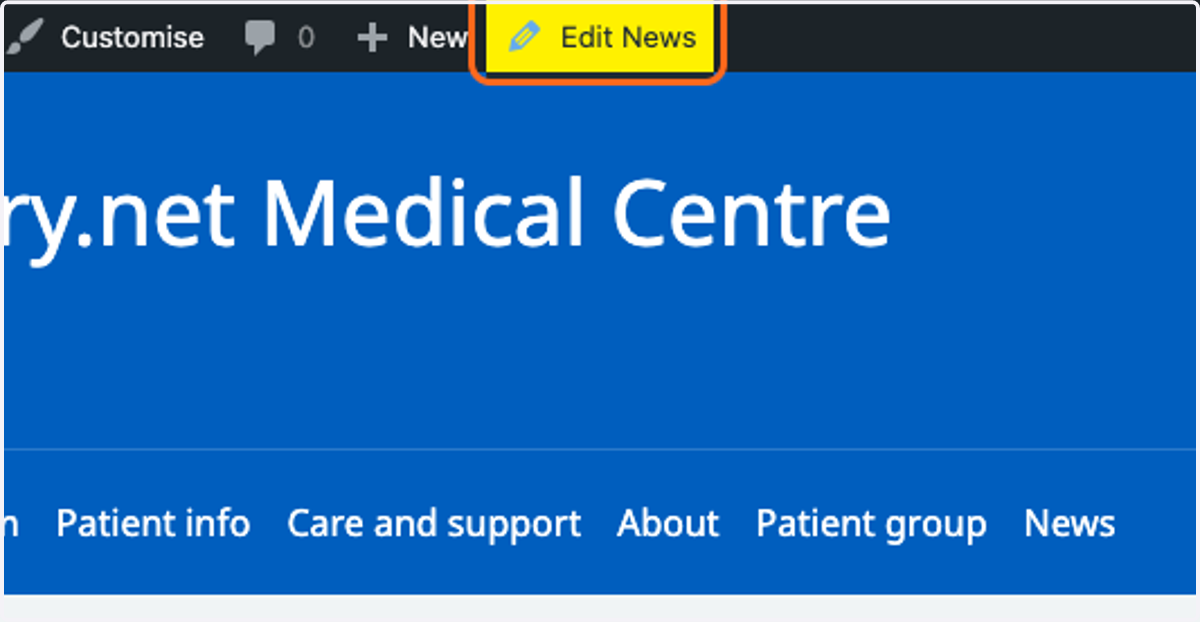
4. Click the Edit News button in the admin toolbar.
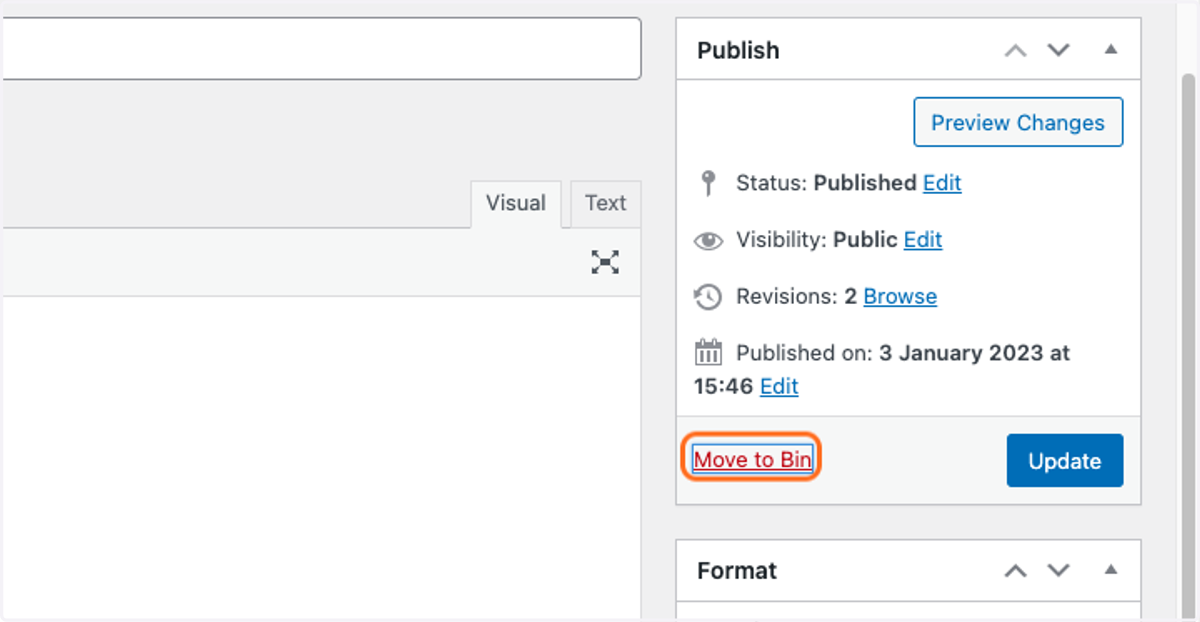
5. In the white publish box on the edit page, click the Move to Bin link.
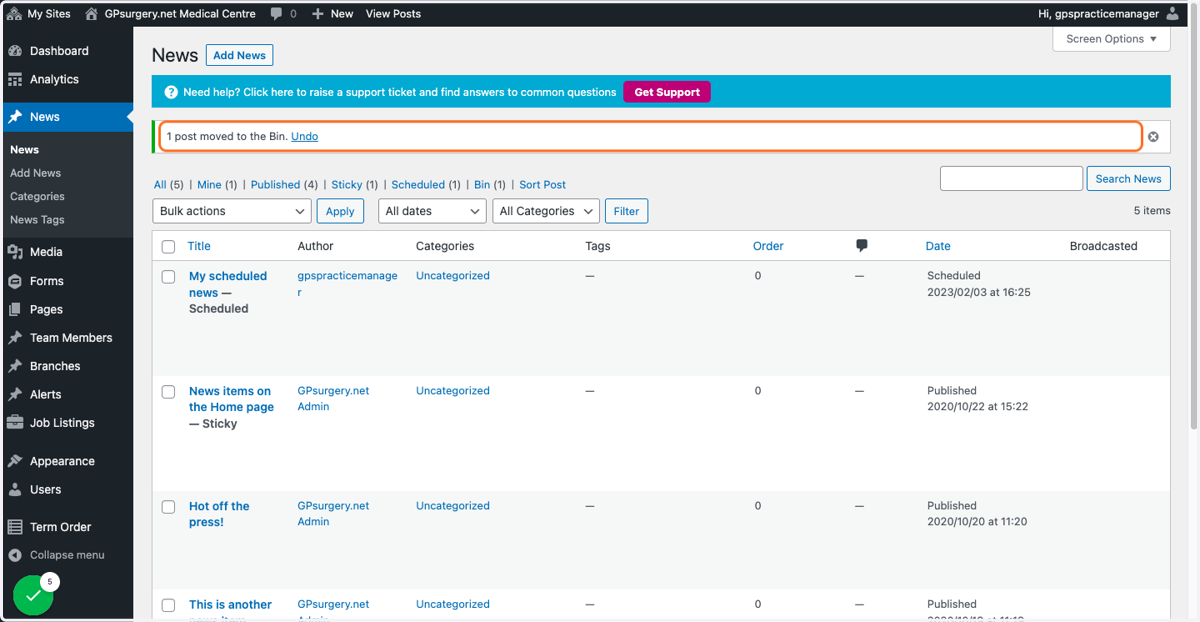
6. You have now moved an item to the bin. You can undo this action by clicking the link which appears at the top of the screen immediately.
Gpsurgery
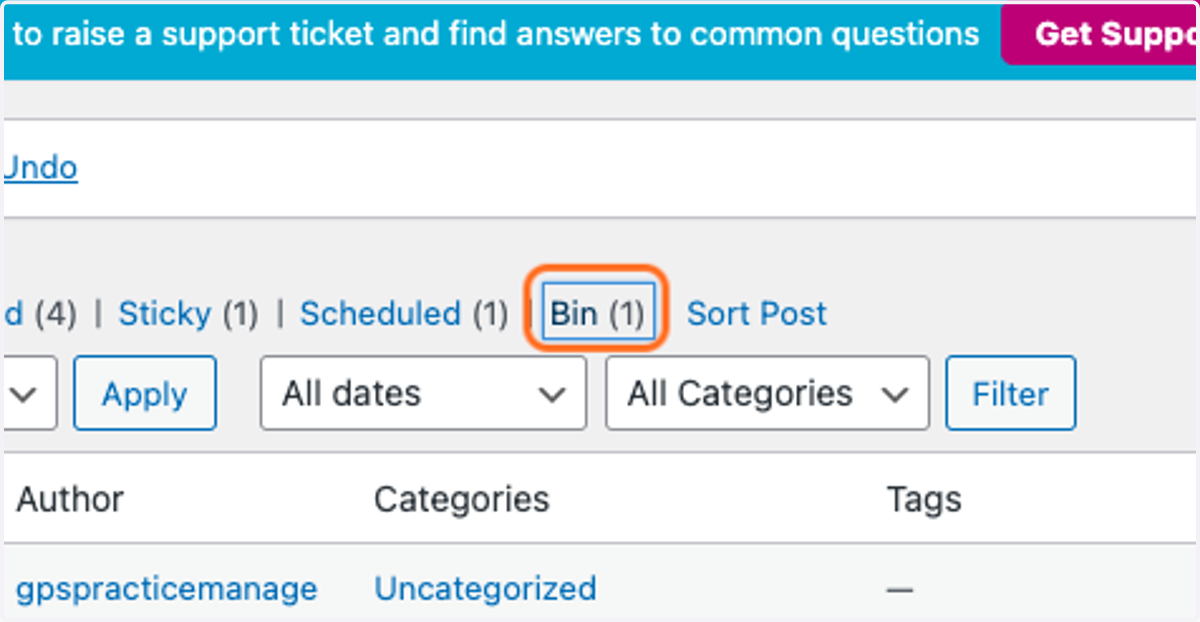
7. If you would like to permanently delete the news item, click the Bin link.
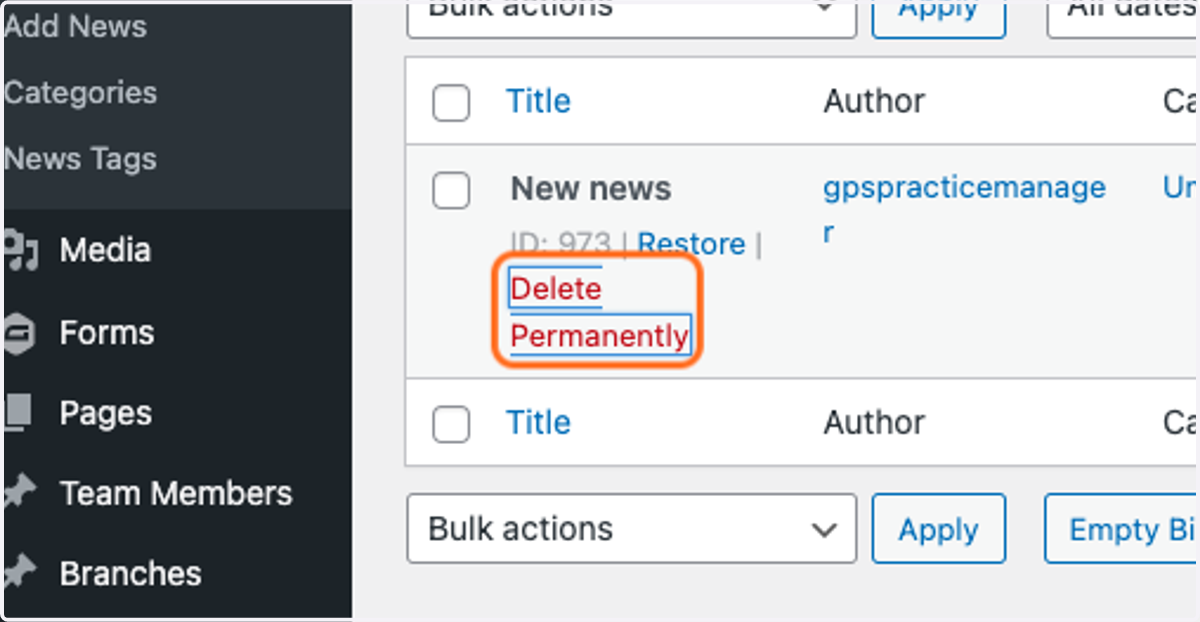
8. Click on Delete Permanently. This cannot be undone, so make sure that you definitely want to delete this article.