Adding a New User
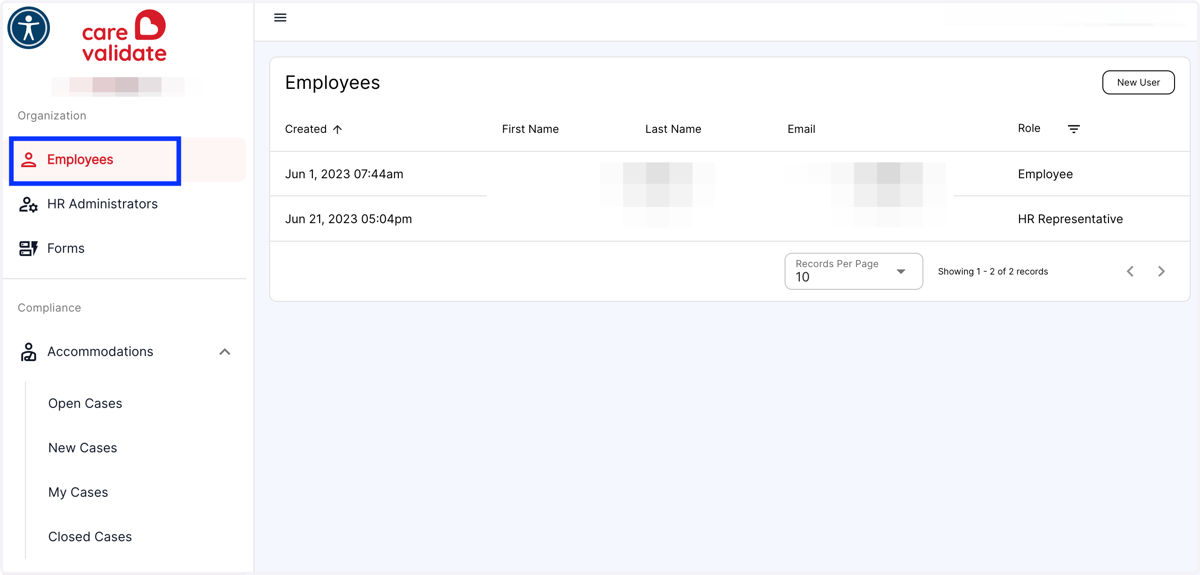
1. Click on Employees…(*Note - Only HR Admins and CVA can Add a New User)
Carevalidate
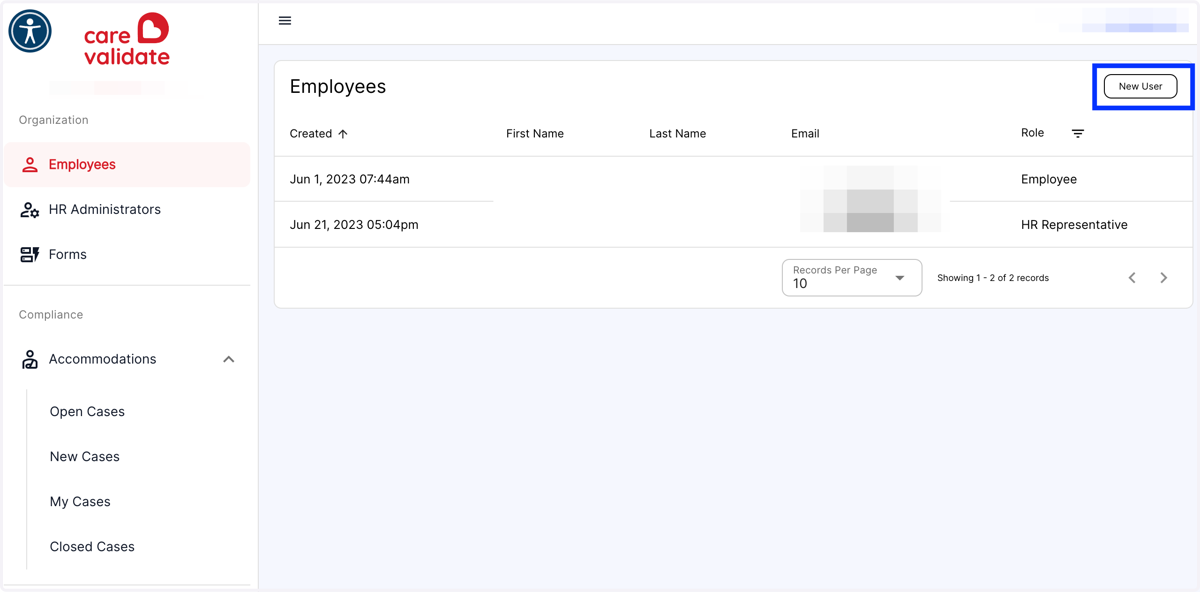
2. From the Employees Menu, click the New User button in the top right-hand corner
3. Fill out the New User information
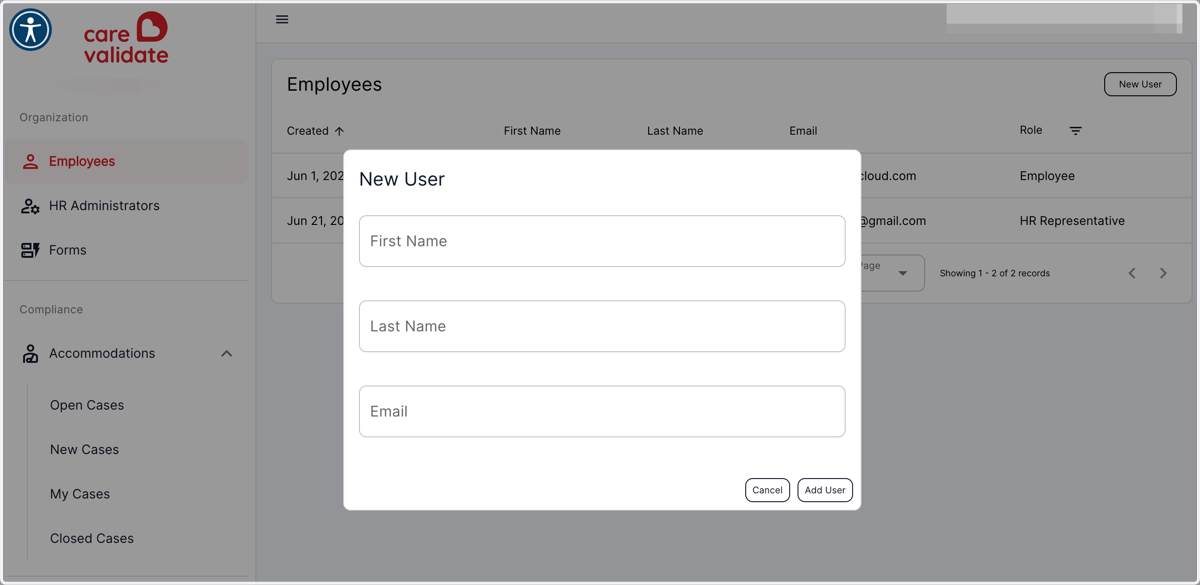
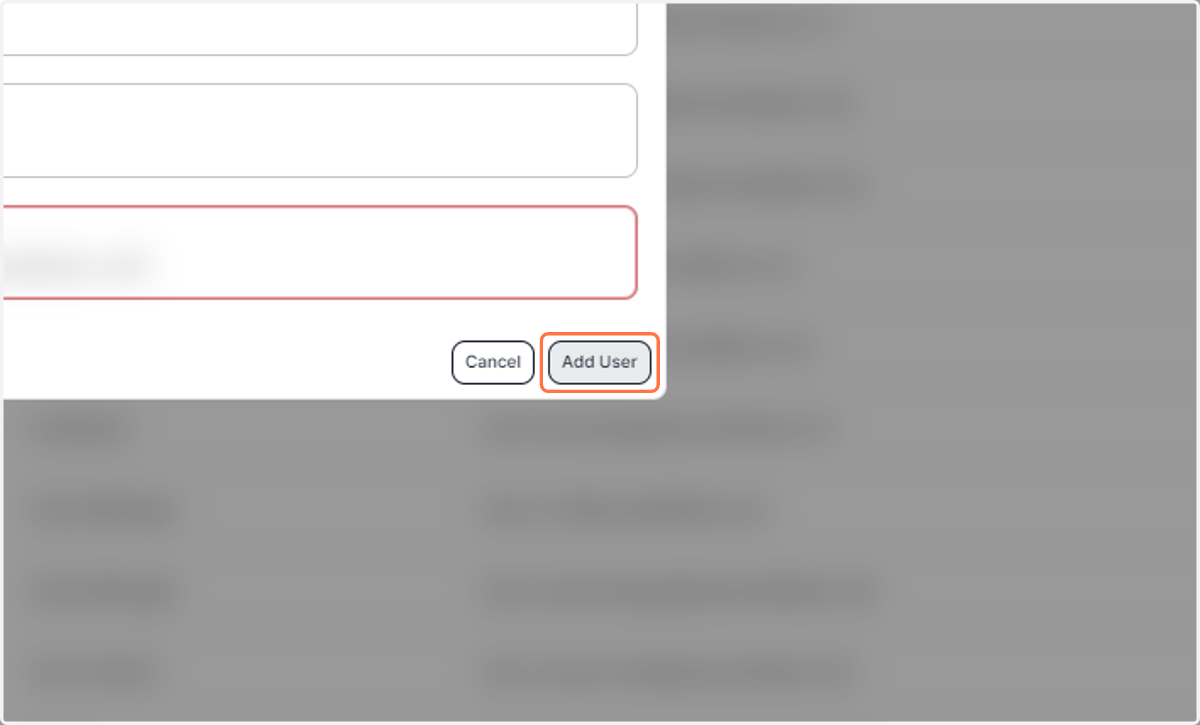
4. Click on Add User
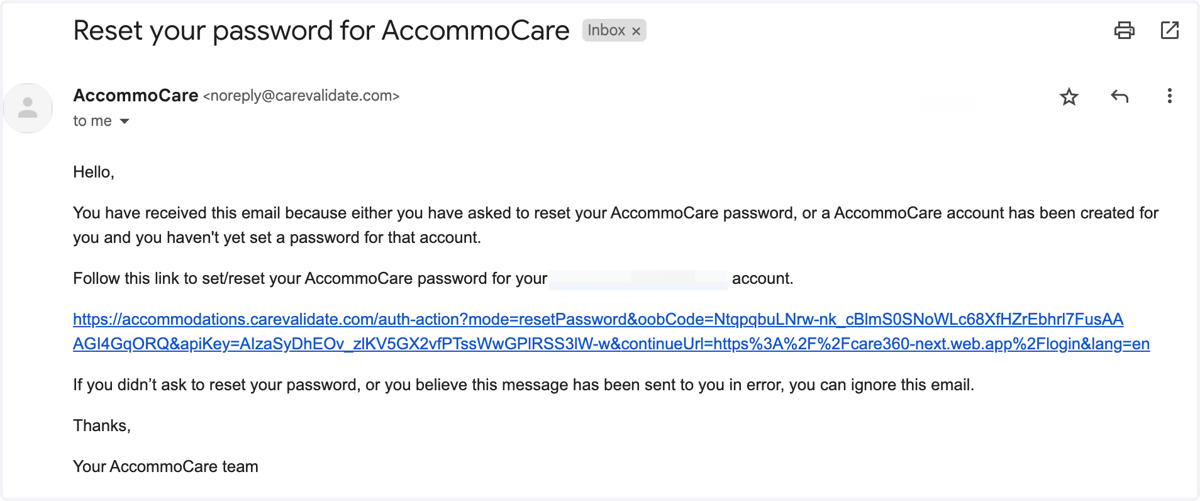
5. The new user will receive an invitation email with a link to set up their password